

An exit intent popup holds back until a visitor is about to leave, then shows your offer in the last second before they go. It watches the mouse heading toward the browser’s close button or the address bar, and fires right then. The Master Addons Popup Builder handles this with the On Exit Intent trigger and one Show Again Delay setting. No code.
Here you’ll set a popup to open when a visitor tries to close the tab, and decide how long before it can show again. It’s the same Popup Builder that ships free with Master Addons for Elementor.
Before You Start #
- A popup already built in the Master Addons Popup Builder (see the popup settings guide to create one)
- Elementor installed and active
- Master Addons for Elementor installed and active (installation guide)
Step 1: Open Your Popup in Elementor #
Go to Master Addons → Popup Builder. Find the popup you want to trigger on exit, hover over its name, and click Edit with Elementor. The popup opens in the Elementor editor with the MA Popup Settings panel on the left.
Step 2: Set the Popup to Open On Exit Intent #
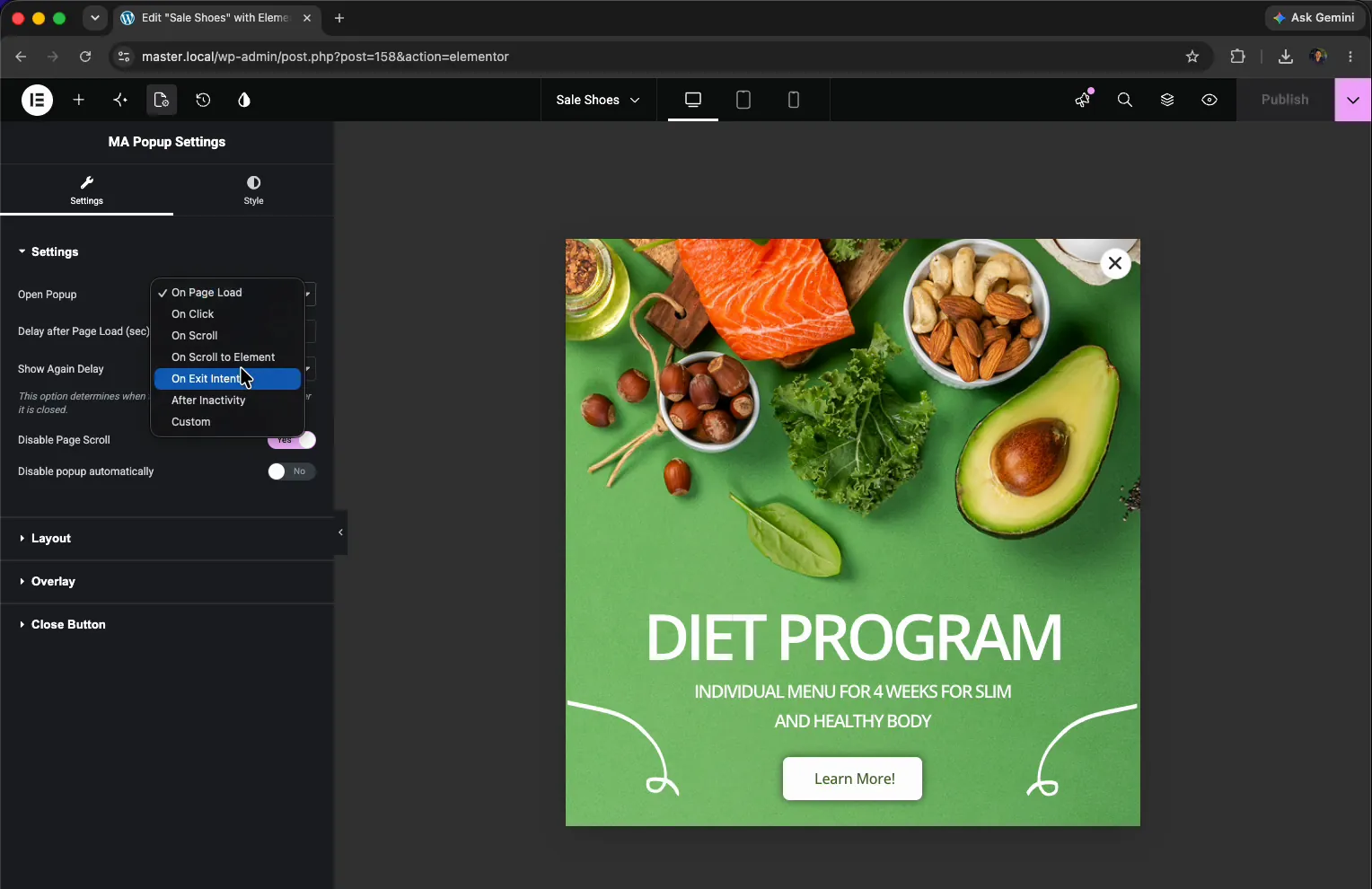
In the MA Popup Settings panel, open the Settings section and find the Open Popup dropdown. It starts on On Page Load. Switch it to On Exit Intent.
The same dropdown holds the other triggers too: On Click, On Scroll, On Scroll to Element, After Inactivity, and Custom. So if exit intent isn’t pulling its weight later, you can change the behaviour here without rebuilding the popup.
Step 3: Set the Show Again Delay #
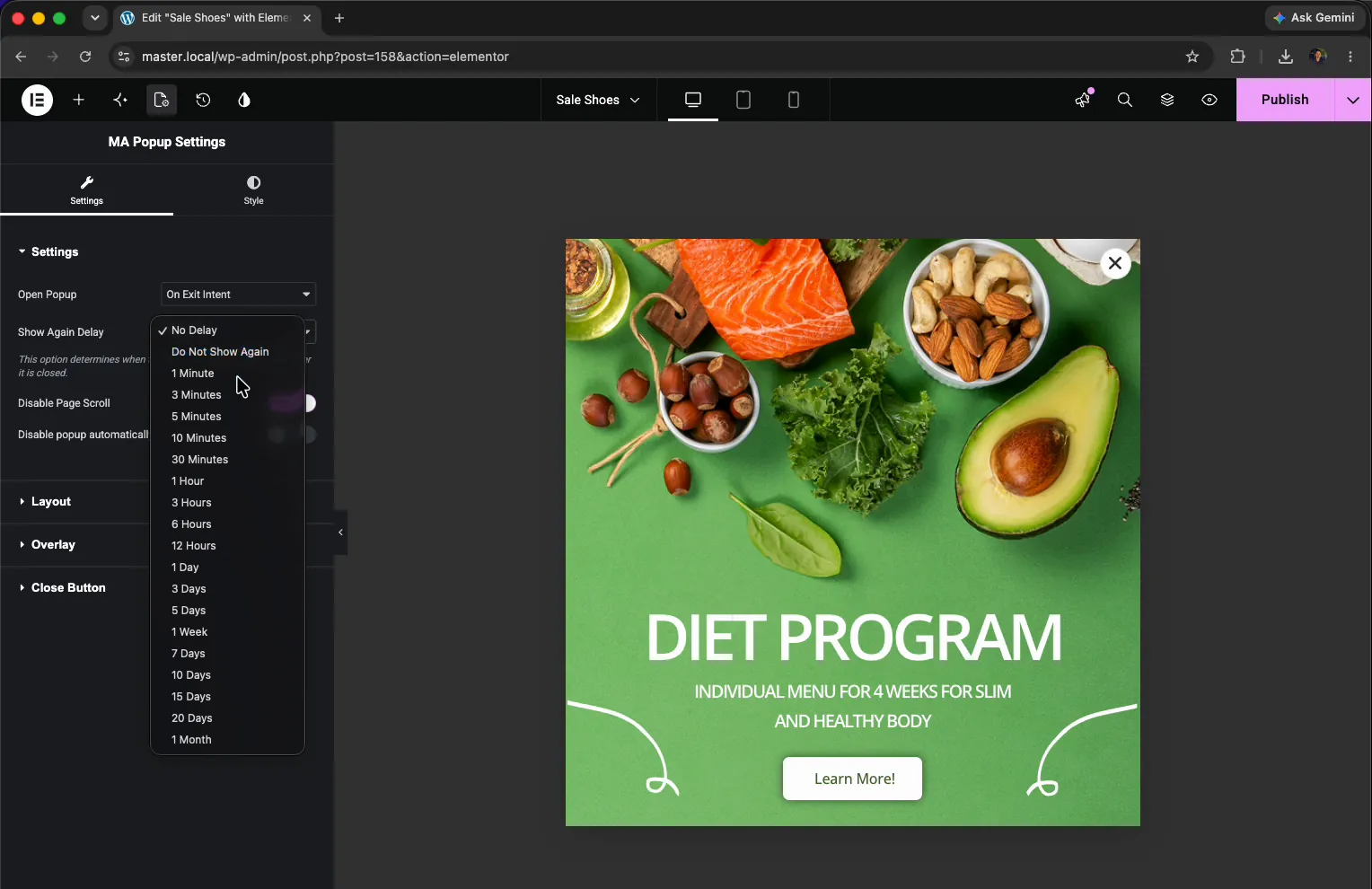
With On Exit Intent selected, open the Show Again Delay dropdown. This is how long before the popup can come back after a visitor has already seen it, so it isn’t popping up every time someone drifts toward the close button.
The list runs from No Delay through 1 Minute, 5 Minutes, and the longer hourly options. Set it to 1 Minute while you’re testing so you don’t have to wait around between tries. For a live site, bump it up to a few hours so returning visitors aren’t shown the same popup over and over.
Two related options sit in the same panel:
- Disable Page Scroll locks the background page while the popup is open.
- Disable popup automatically lets you set an end date so the popup stops showing on its own.
Once the trigger is On Exit Intent and you’ve picked a Show Again Delay, your settings look like this:
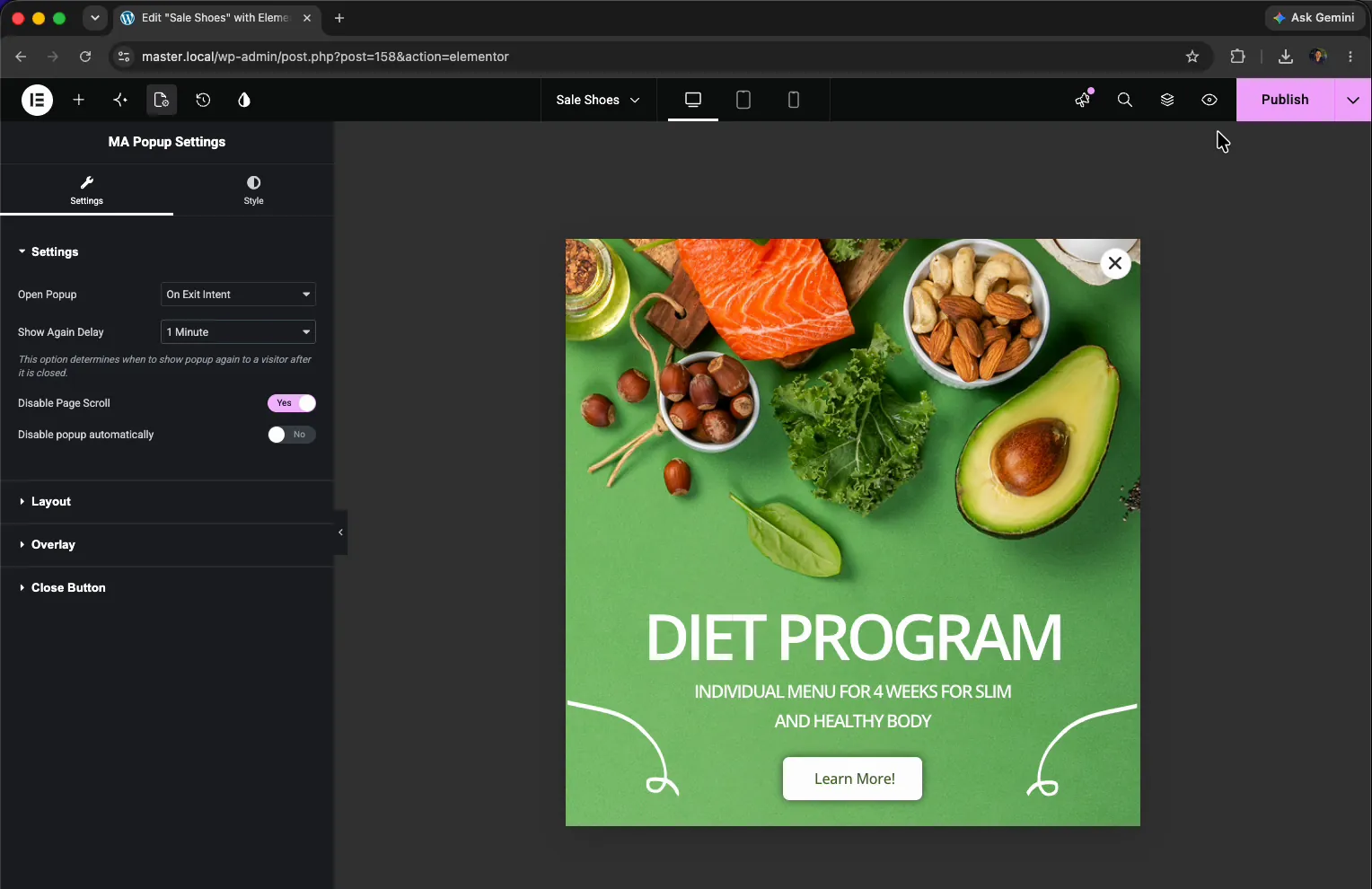
Click Publish (or Update) to save the popup.
Step 4: Test It on the Front End #
Open any page that’s covered by the popup’s display conditions and view it on the front end. While the visitor reads, nothing happens, they just see your normal content.
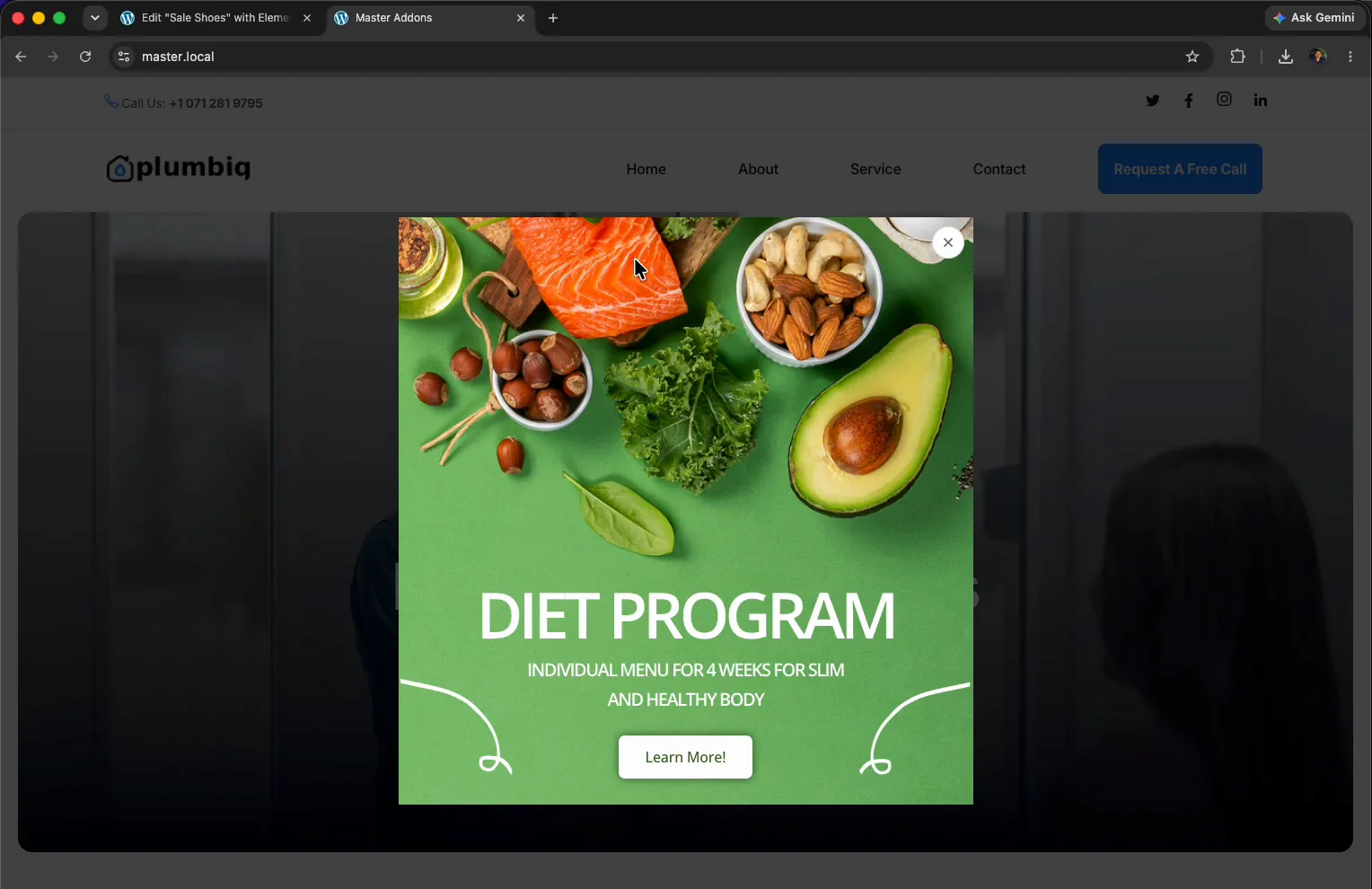
Now move the mouse up toward the tab or the address bar, like you’re about to close the page. The moment the cursor heads for the top, the popup slides in over the page. It does the same thing on every page included in its display conditions.
Troubleshooting #
- Popup never appears? Exit intent only fires on desktop, where there’s a mouse to track. Move the cursor all the way up into the browser bar, not just to the top of the page content.
- Fires once, then never again? That’s the Show Again Delay doing its job. Drop it to No Delay while testing so it reopens on every attempt.
- Not showing on the page at all? Check that the popup’s Activation is on and its display conditions actually include the page you’re testing.
- Nothing on mobile? There’s no cursor to track on a touch screen, so exit intent is desktop only. Reach phone visitors with On Scroll or After Inactivity instead.
Frequently Asked Questions #
How do I show an exit intent popup in Elementor?
Edit the popup in Elementor, open the MA Popup Settings panel, and set Open Popup to On Exit Intent. Pick a Show Again Delay and publish. The popup fires when a visitor moves the mouse to close the browser tab.
What is an exit intent popup?
An exit intent popup shows up when a visitor is about to leave a page. It tracks the mouse moving toward the close button or address bar and opens the popup in that moment, giving you one last shot at keeping them.
What does Show Again Delay do?
Show Again Delay sets how long before the popup can appear again after someone has seen it. A delay of a few hours stops the same popup from firing every time a visitor moves to leave, so it doesn’t feel pushy.
Does the exit intent popup work on mobile?
No. Exit intent relies on tracking a mouse cursor moving off the page, and touch screens don’t have one. On mobile, use a different trigger like On Scroll or After Inactivity to reach those visitors.
Do I need Elementor Pro for an exit intent popup?
No. The Master Addons Popup Builder works with the free version of Elementor, so the On Exit Intent trigger and Show Again Delay setting work without Elementor Pro. The On Exit Intent trigger itself needs Master Addons Pro, since the free plugin opens every popup on page load.


