Updated - September 21, 2026
Elementor Page Templates for Every Page on Your Site
Browse 211 Elementor page templates from the Master Addons library, sorted by the page you need to build: homepages, about and contact pages, blogs, pricing tables, 404 pages and more. Open any preview to see the full page, then import it from the Template Library inside WordPress. 100+ of these Elementor templates are free, and the others are Pro templates included with Master Addons Pro.
Rated 4.5 out of 5 by 212 WordPress.org reviewers, active on 30,000+ sites
Elementor Home Page Templates
One homepage from each of 26 kits. You'll find SaaS products, dental and therapy clinics, cleaning and plumbing companies, a restaurant, a travel agency and a fundraising site. Start with the one closest to your business and replace the demo text and photos.
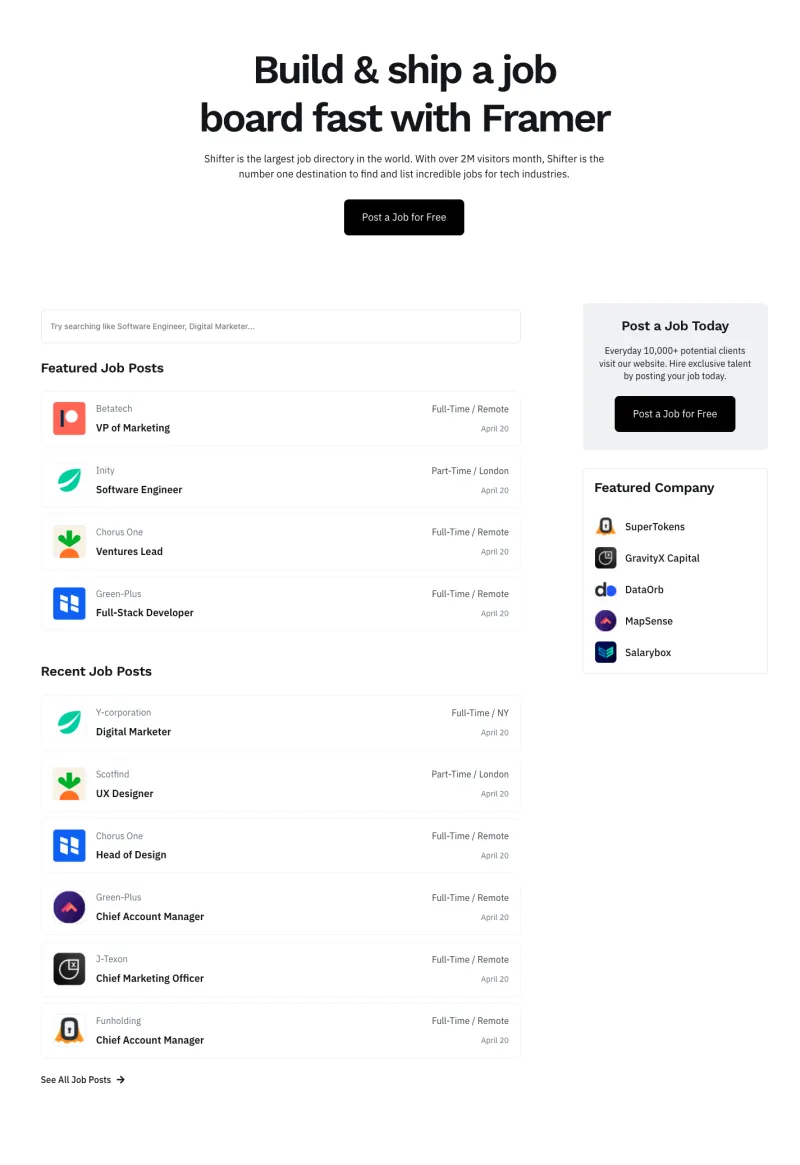
Shiftflow Homepage
Free

Techbyte Homepage
Free
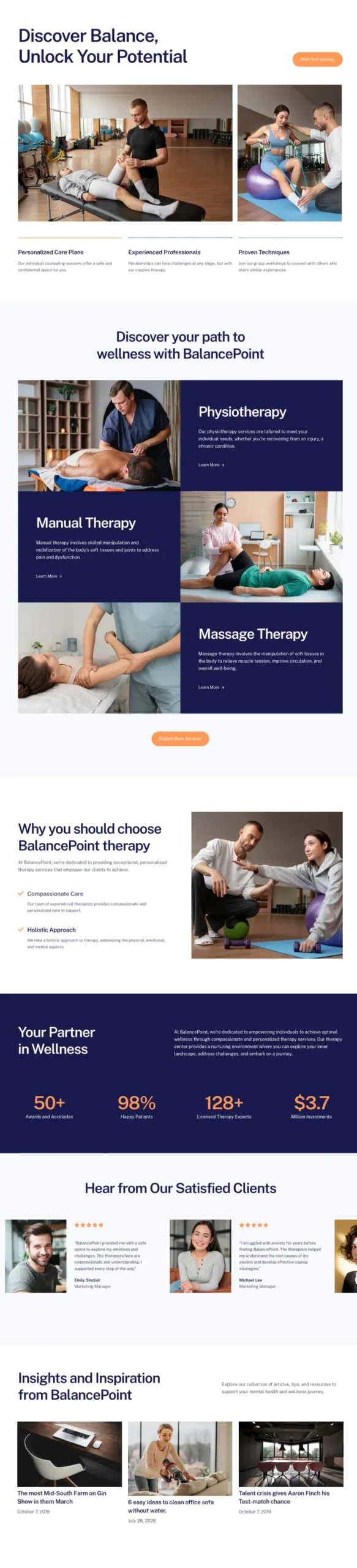
Balanciq Homepage
Pro
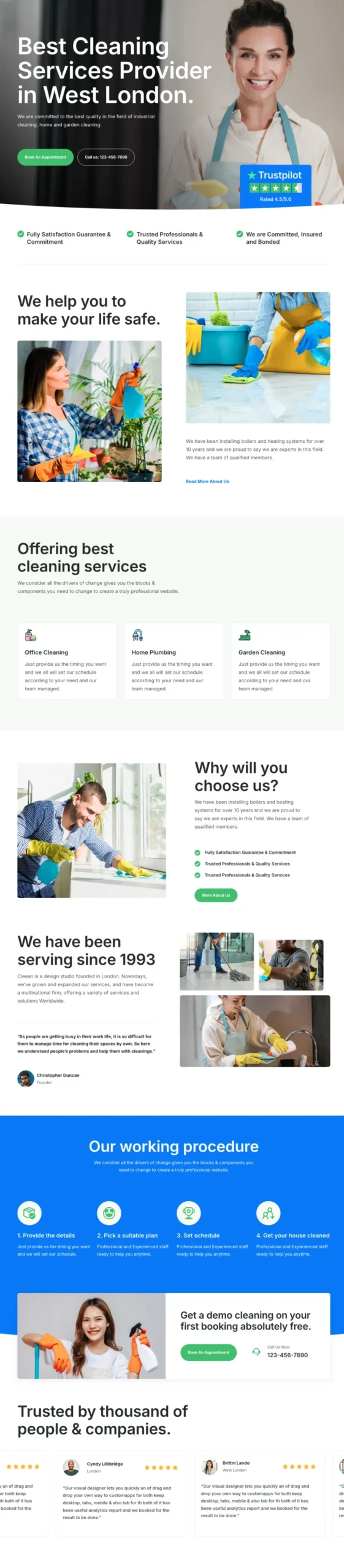
Cleaner Homepage
Pro
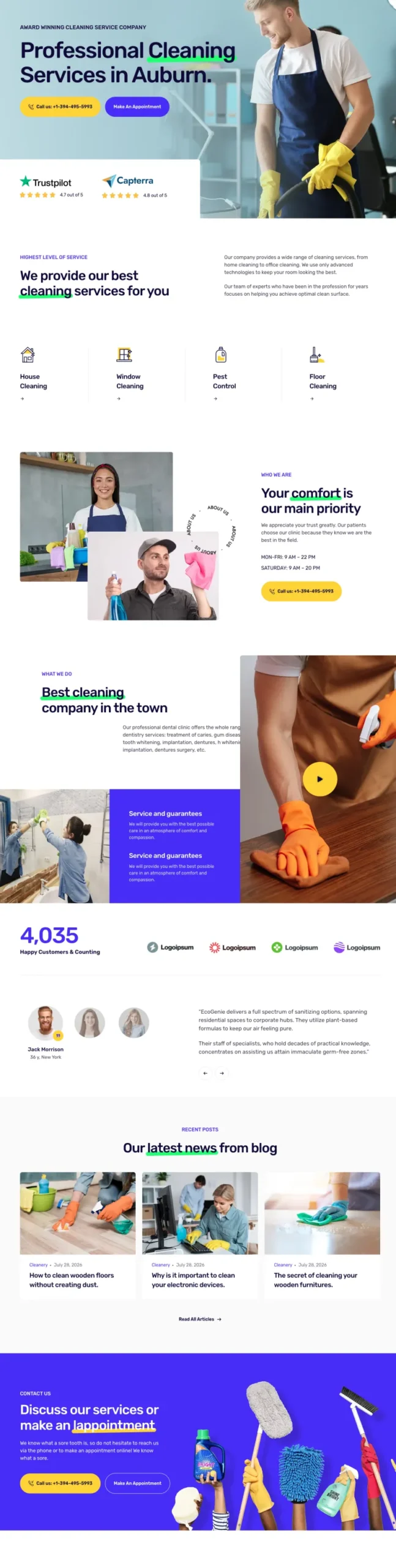
Cleanery Homepage
Pro
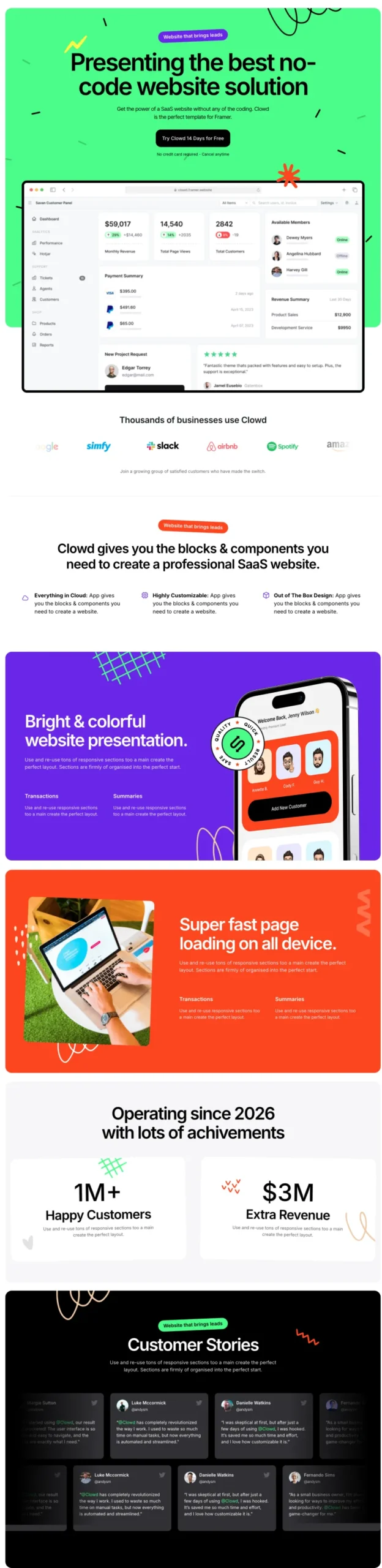
Clowdify Homepage
Pro
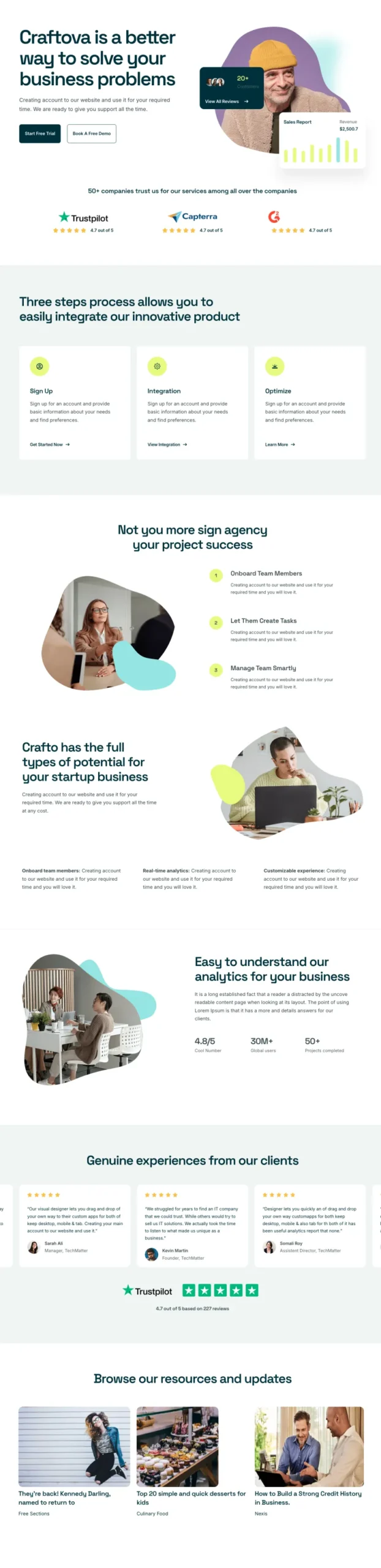
Craftova Homepage
Pro
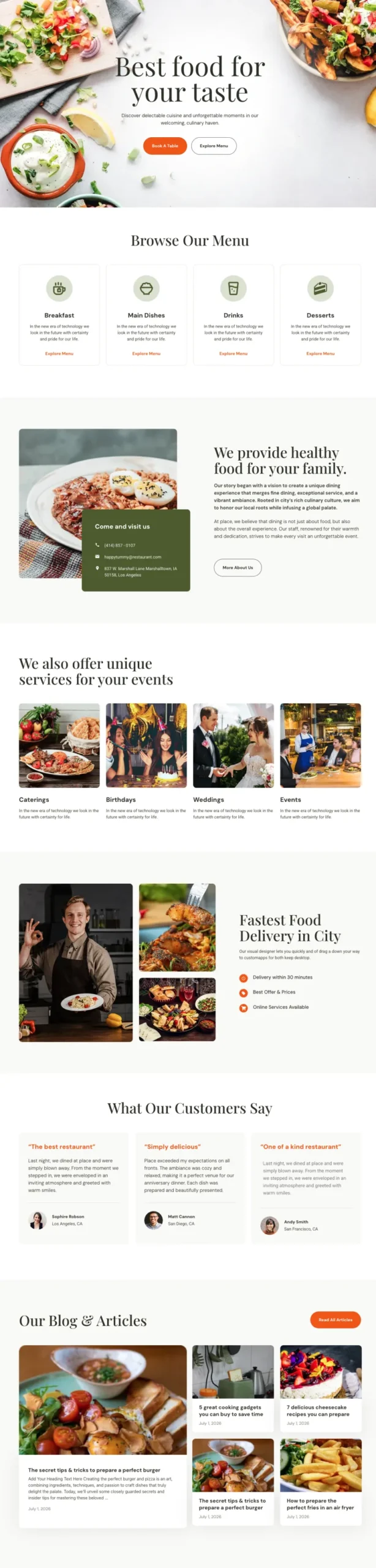
Culinary Homepage
Pro
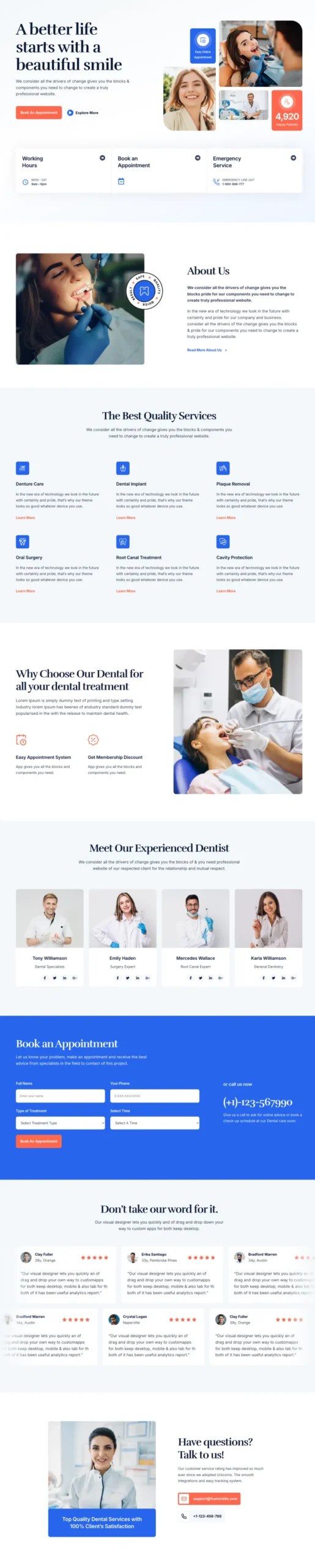
Dental Homepage
Pro
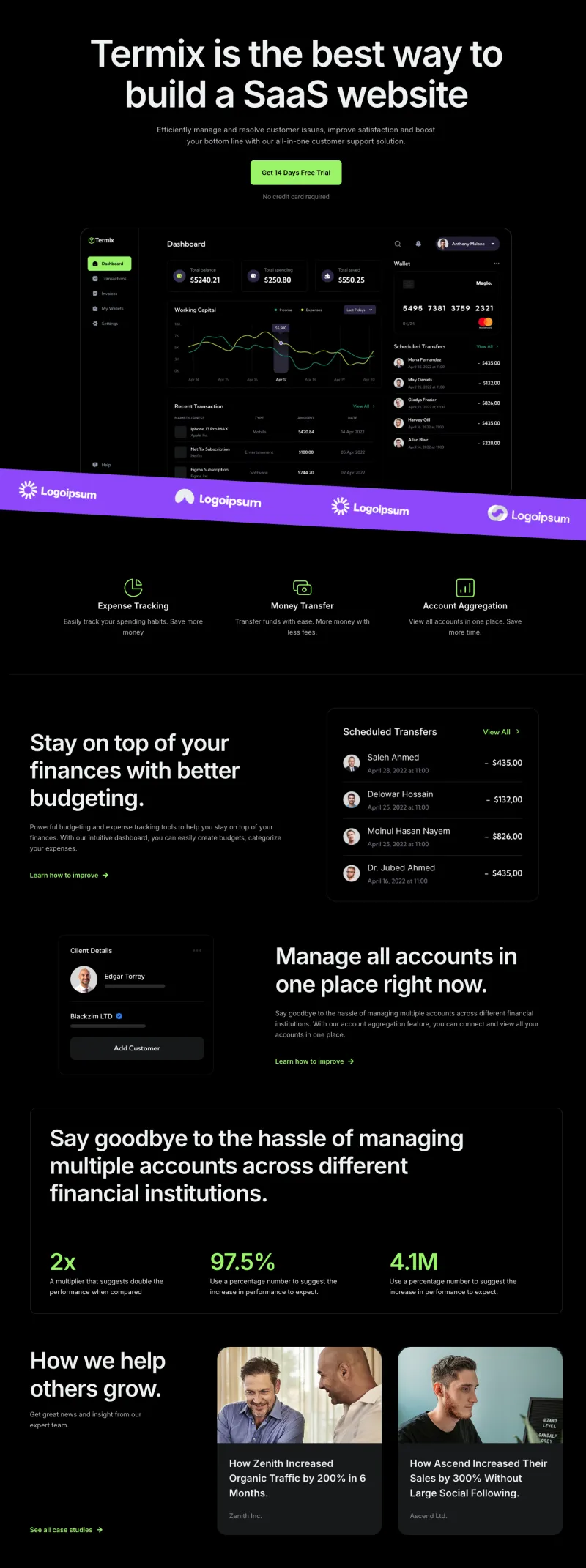
Finix Homepage
Pro

FlowDesk Homepage
Pro

Fundora Homepage
Pro

Grip Homepage
Pro

Klyro Homepage
Pro
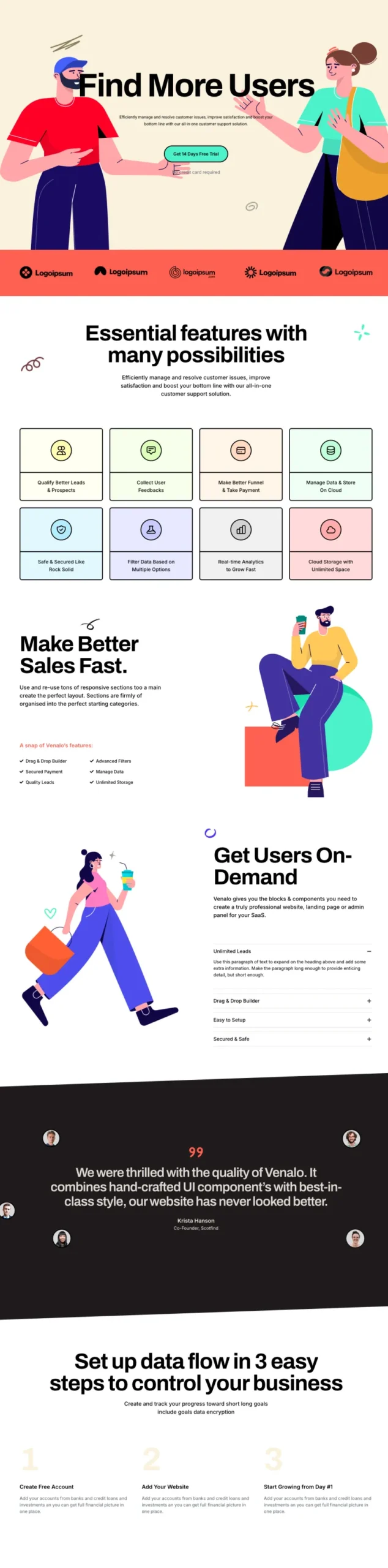
Lead Lift Homepage
Pro
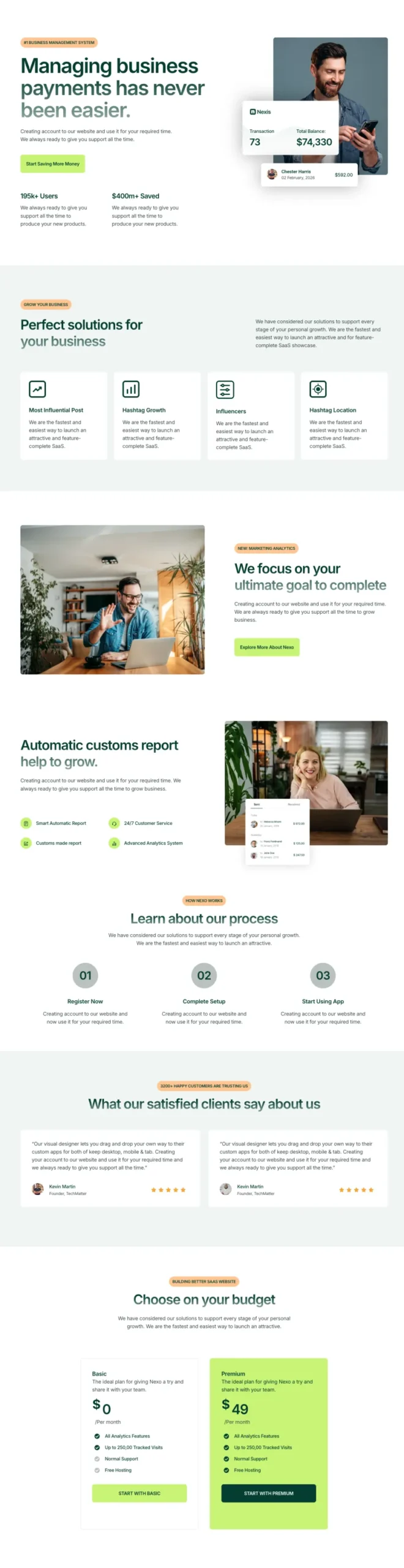
Nexis Homepage
Pro
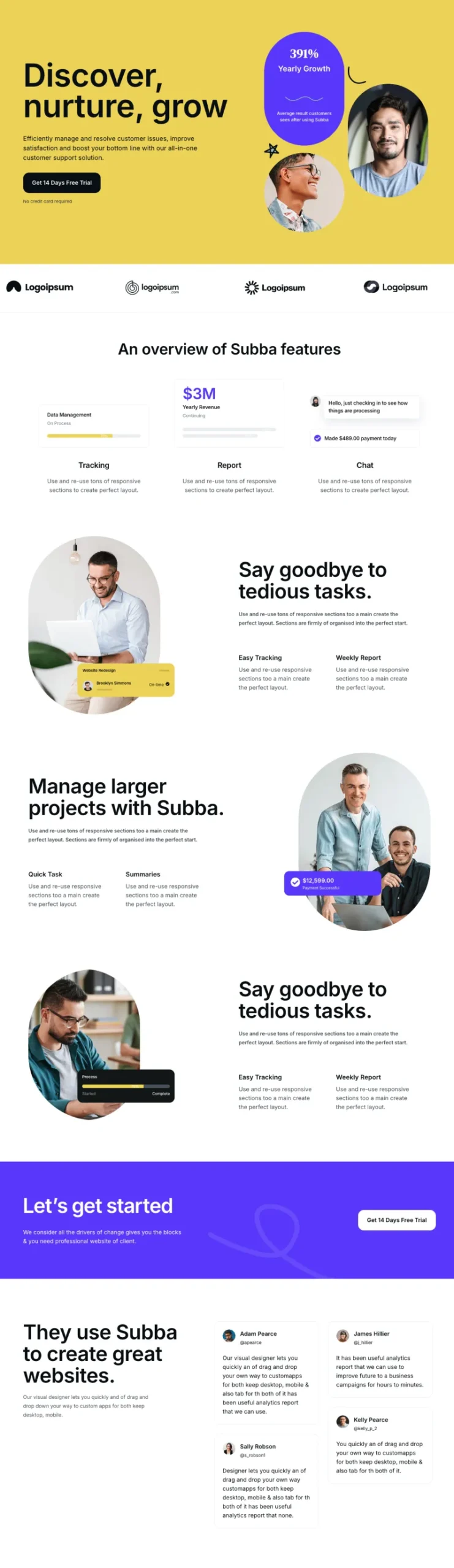
Optivue Homepage
Pro
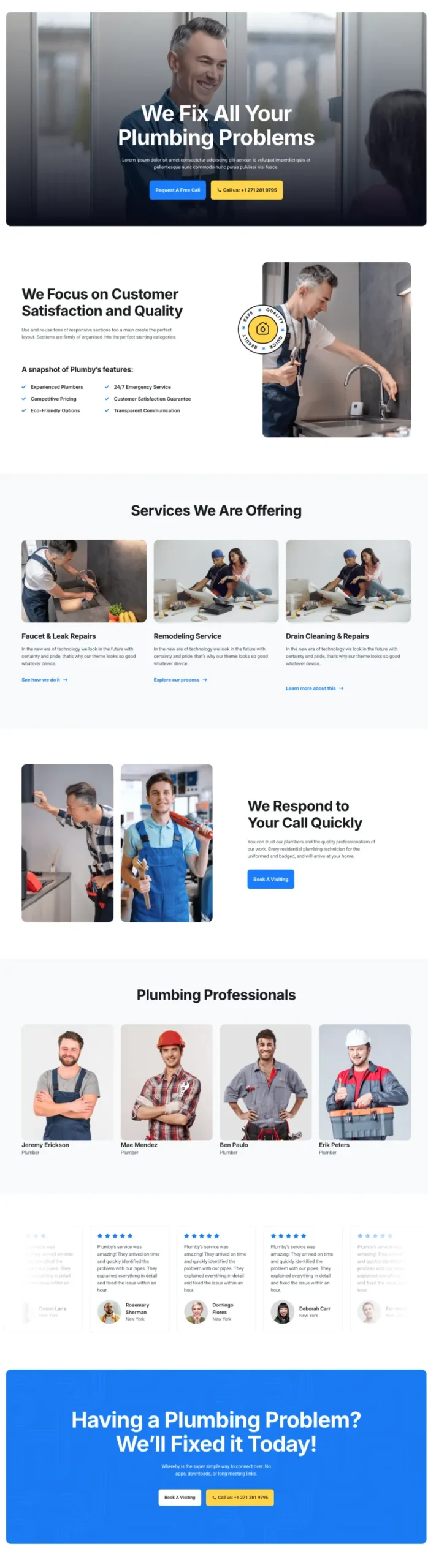
Plumbiq Homepage
Pro
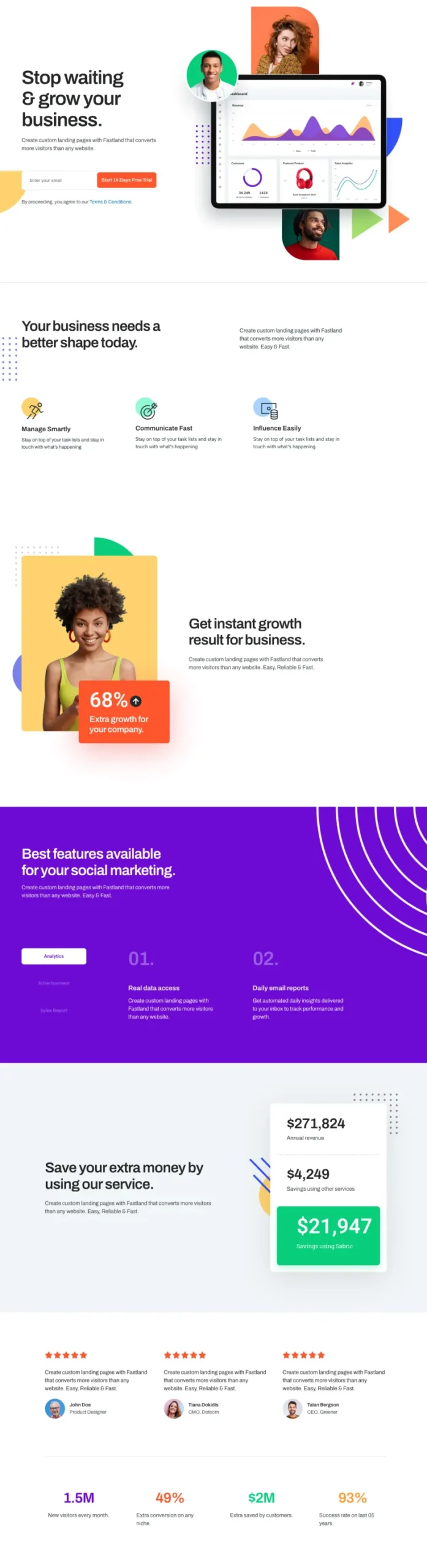
Sabrion Homepage
Pro
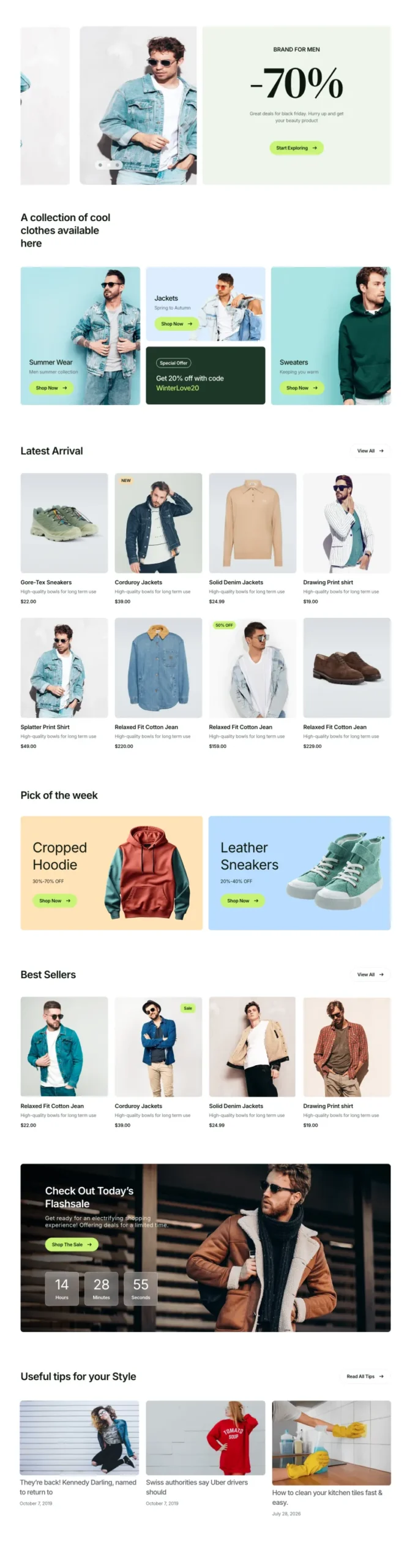
Sartivo Homepage
Pro
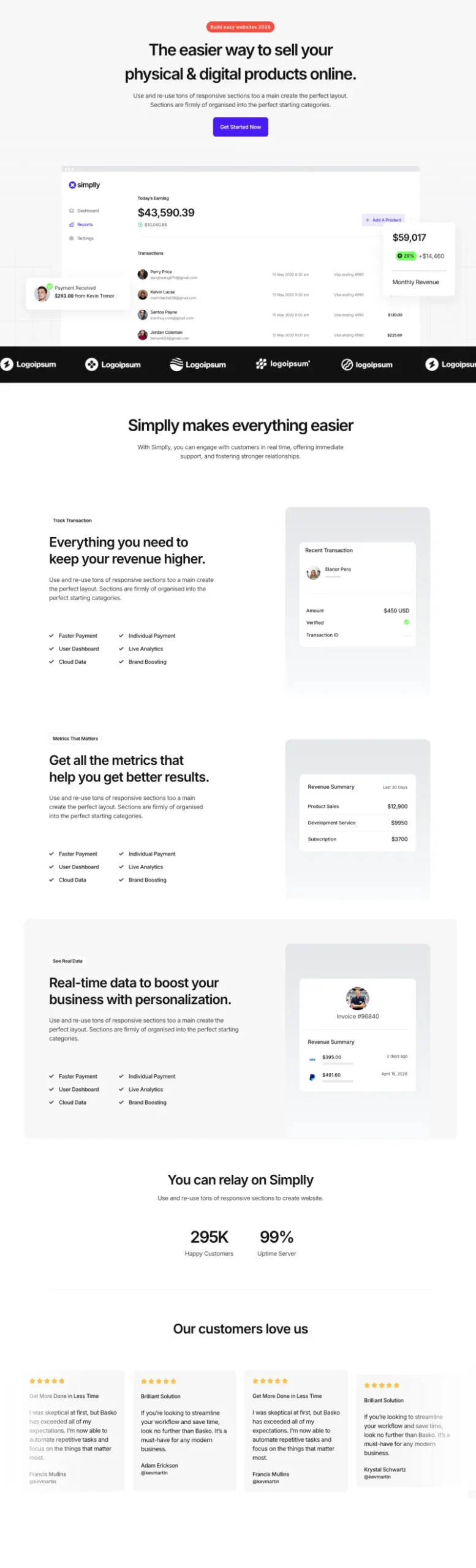
Sempla Homepage
Pro

Tecpart Homepage
Pro

Token Aid Homepage
Pro
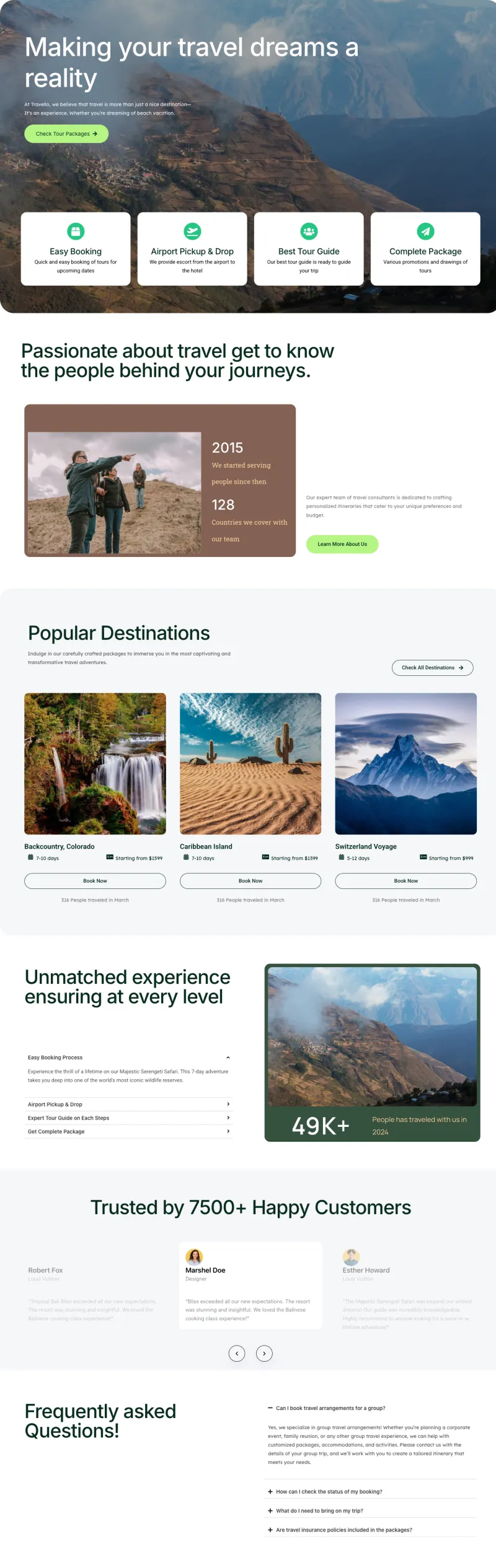
Travello Homepage
Pro

VibeSpace Homepage
Pro
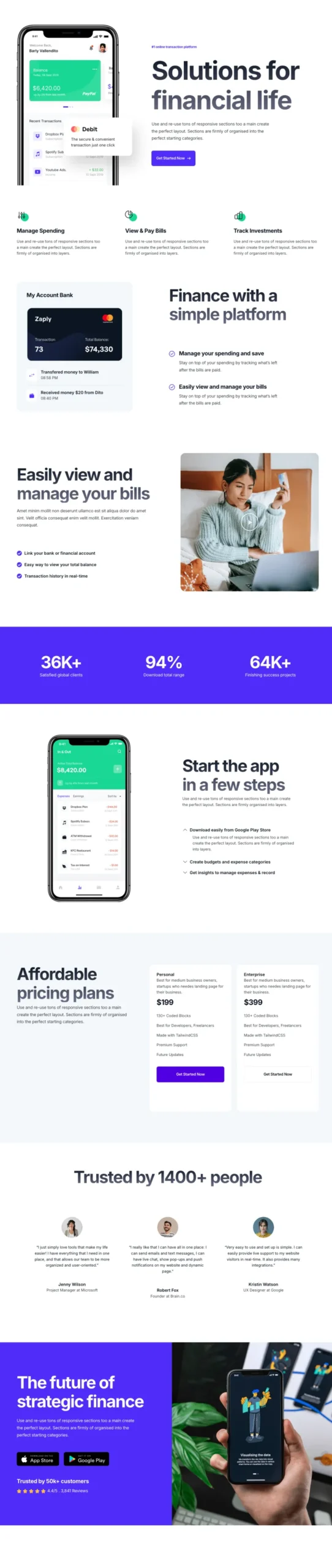
Zaplyte Homepage
ProElementor About Us Page Templates
About pages with a company story, stats, team photos and client logos. Team, therapist and careers pages sit here too, because visitors usually go looking for them right after reading who you are.
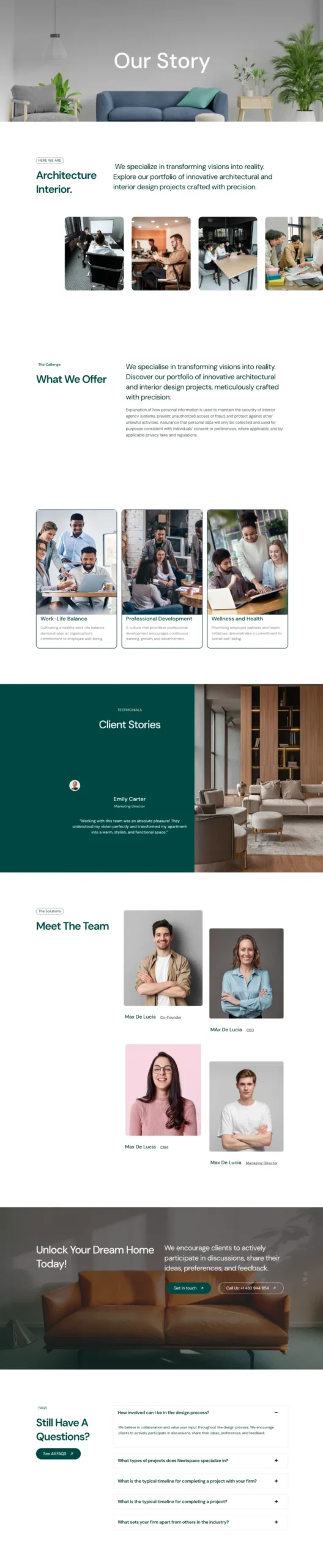
VibeSpace About Page
Free
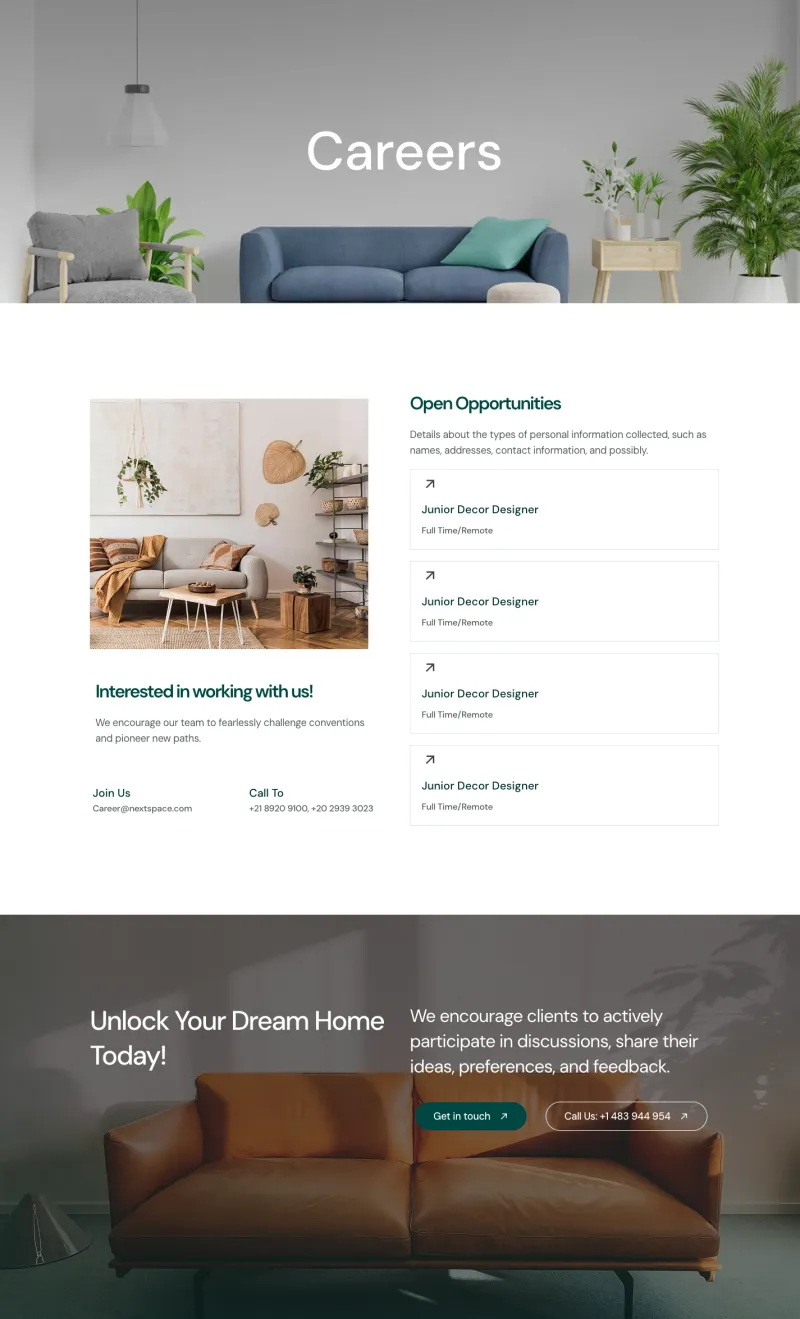
VibeSpace Careers Page
Free

Balanciq About Page
Pro

Balanciq Therapists Page
Pro
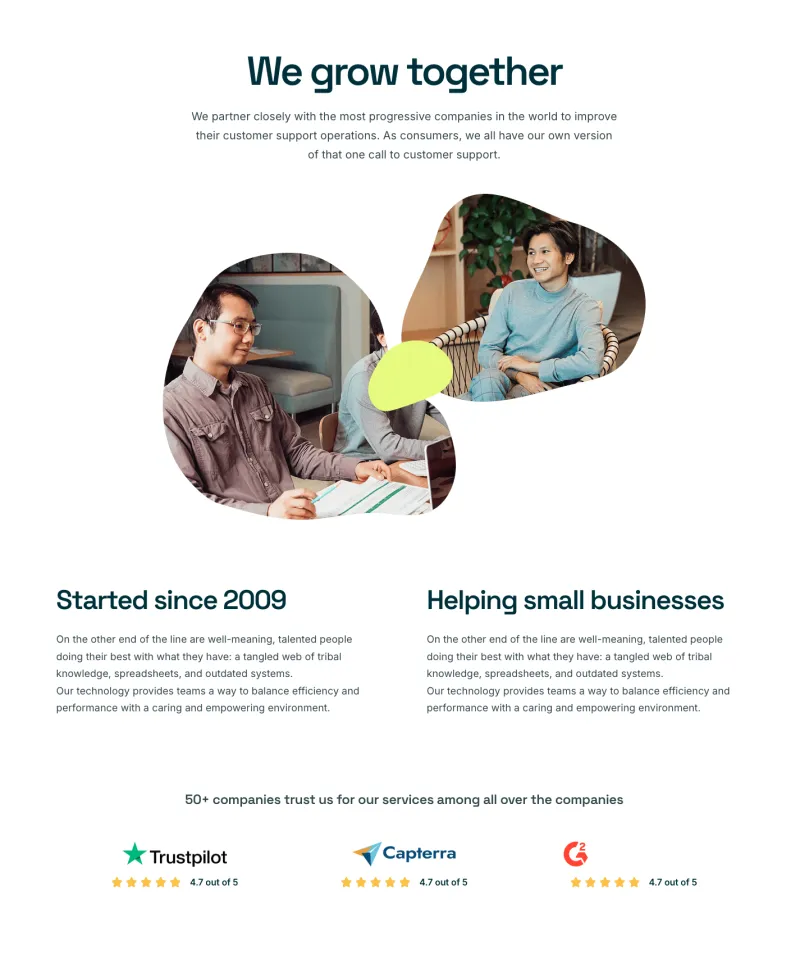
Classic About Page
Pro
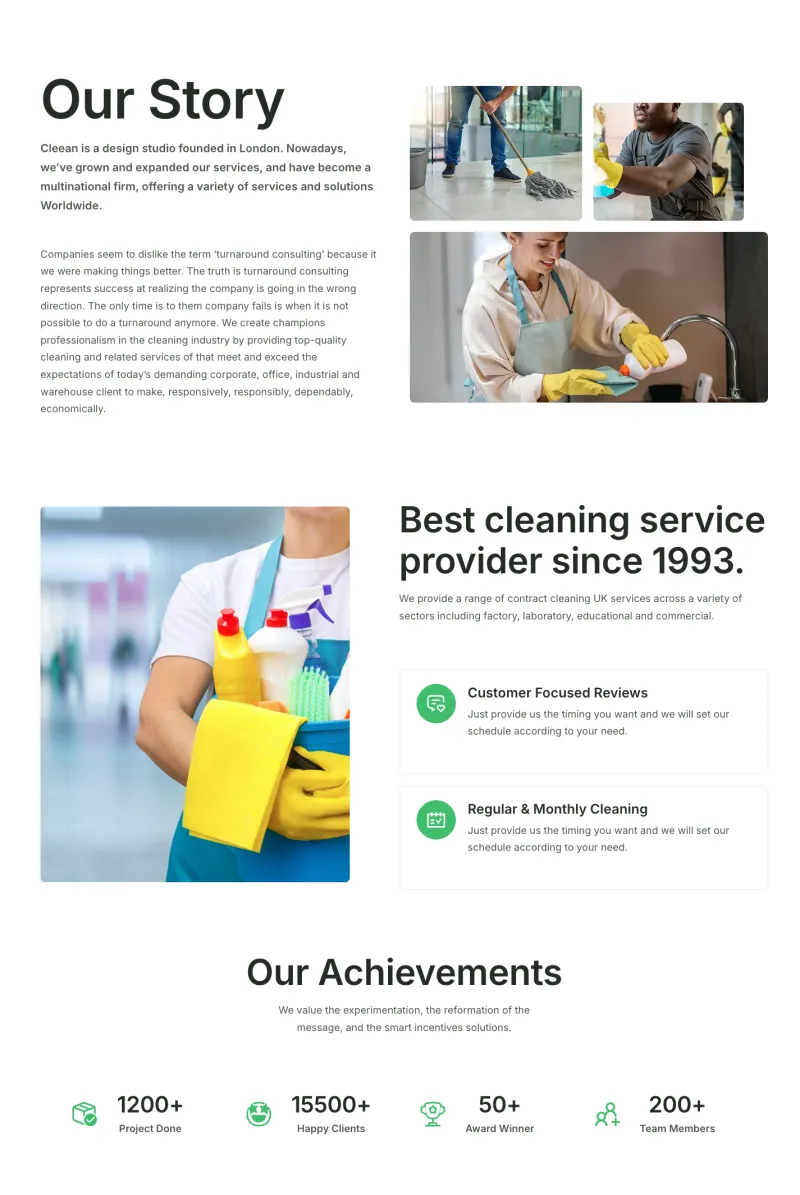
Cleaner About Page
Pro
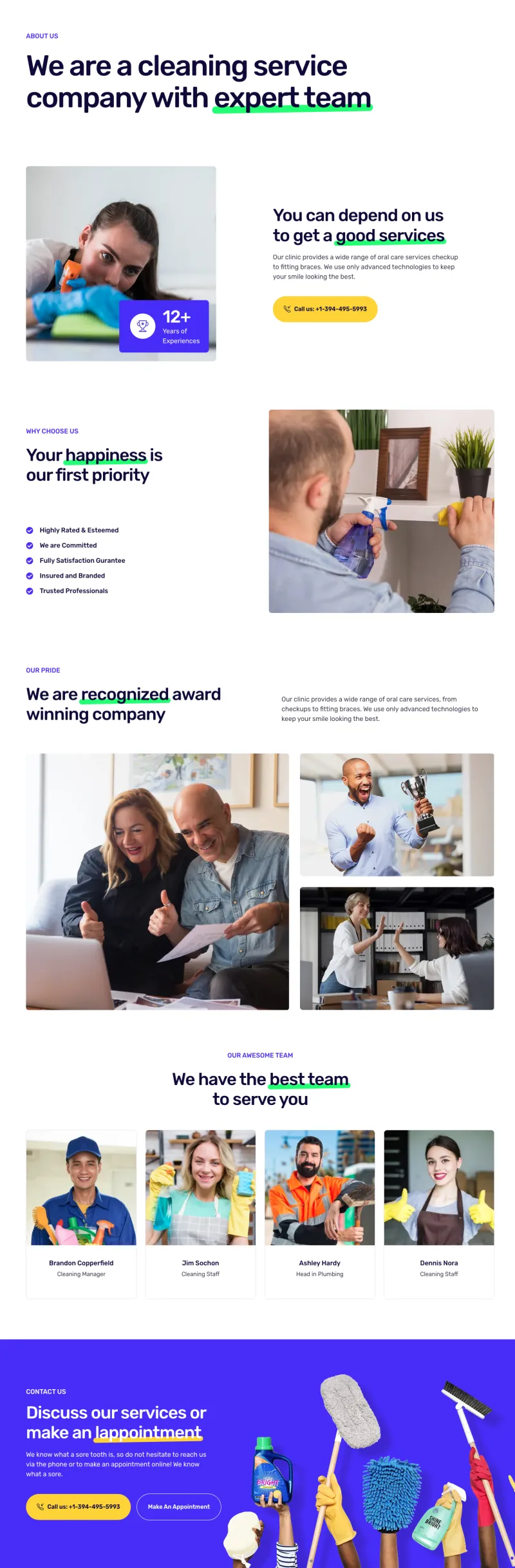
Cleanery About Page
Pro
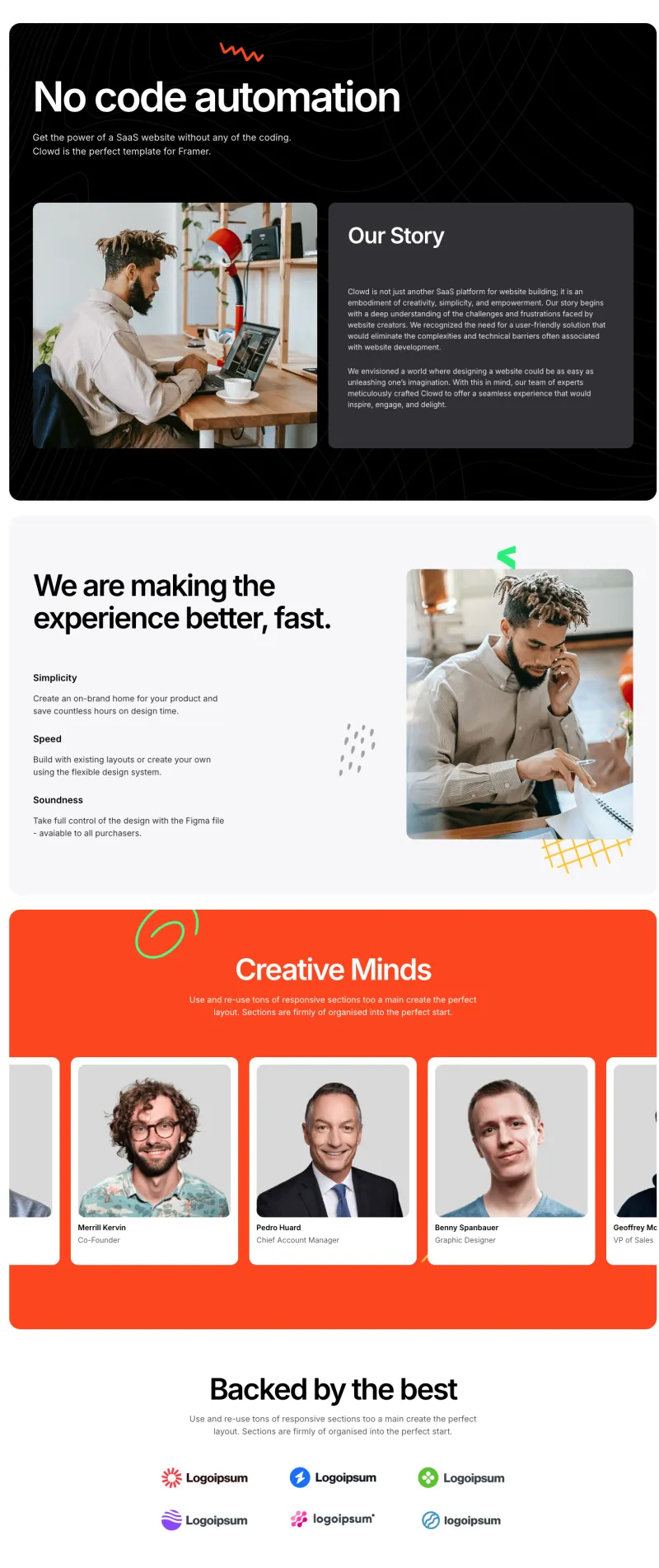
Clowdify About Page
Pro
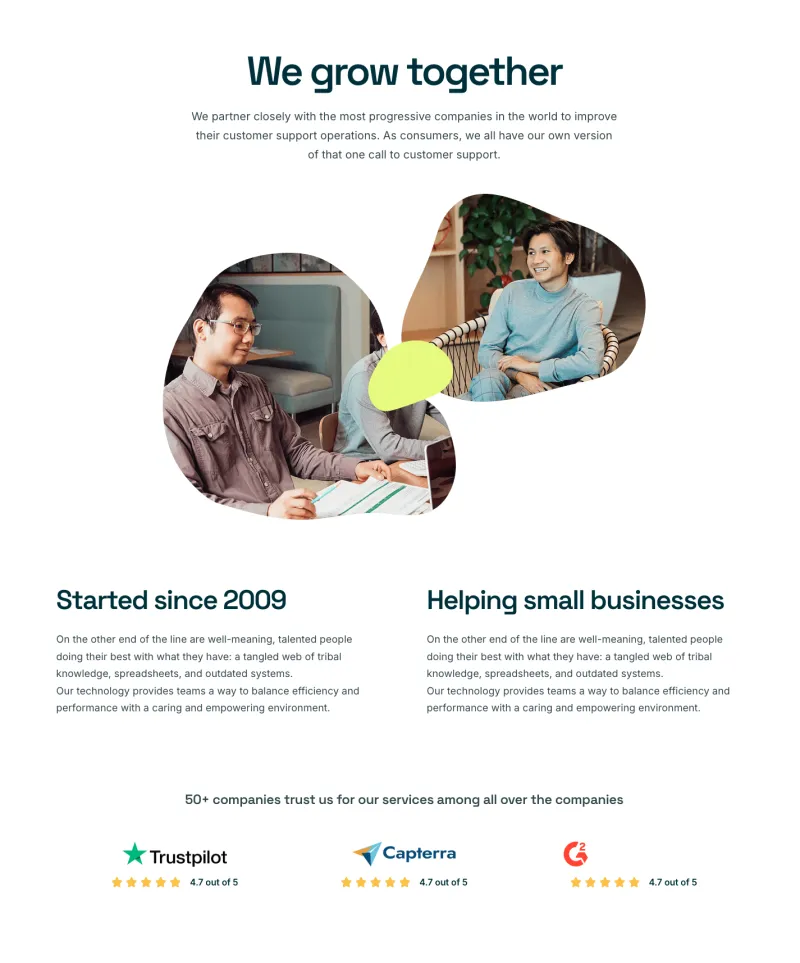
Craftova About Page
Pro
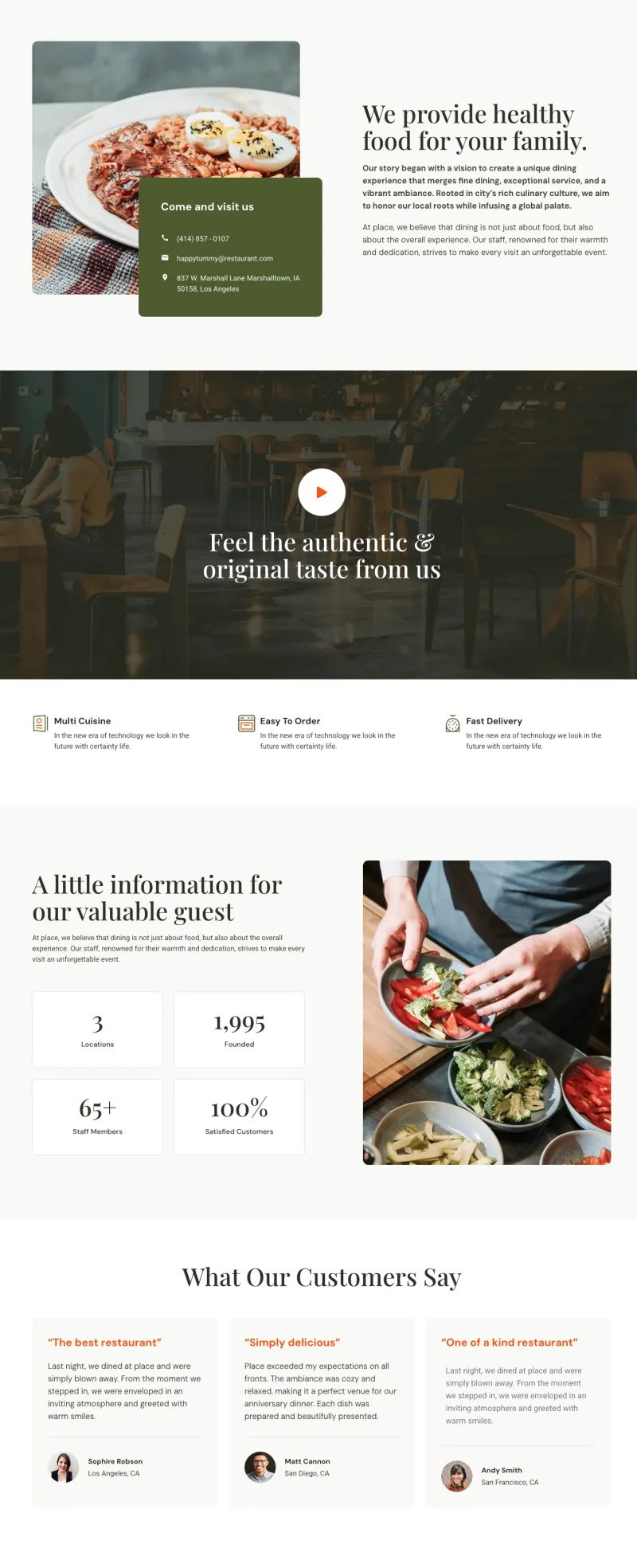
Culinary About Page
Pro
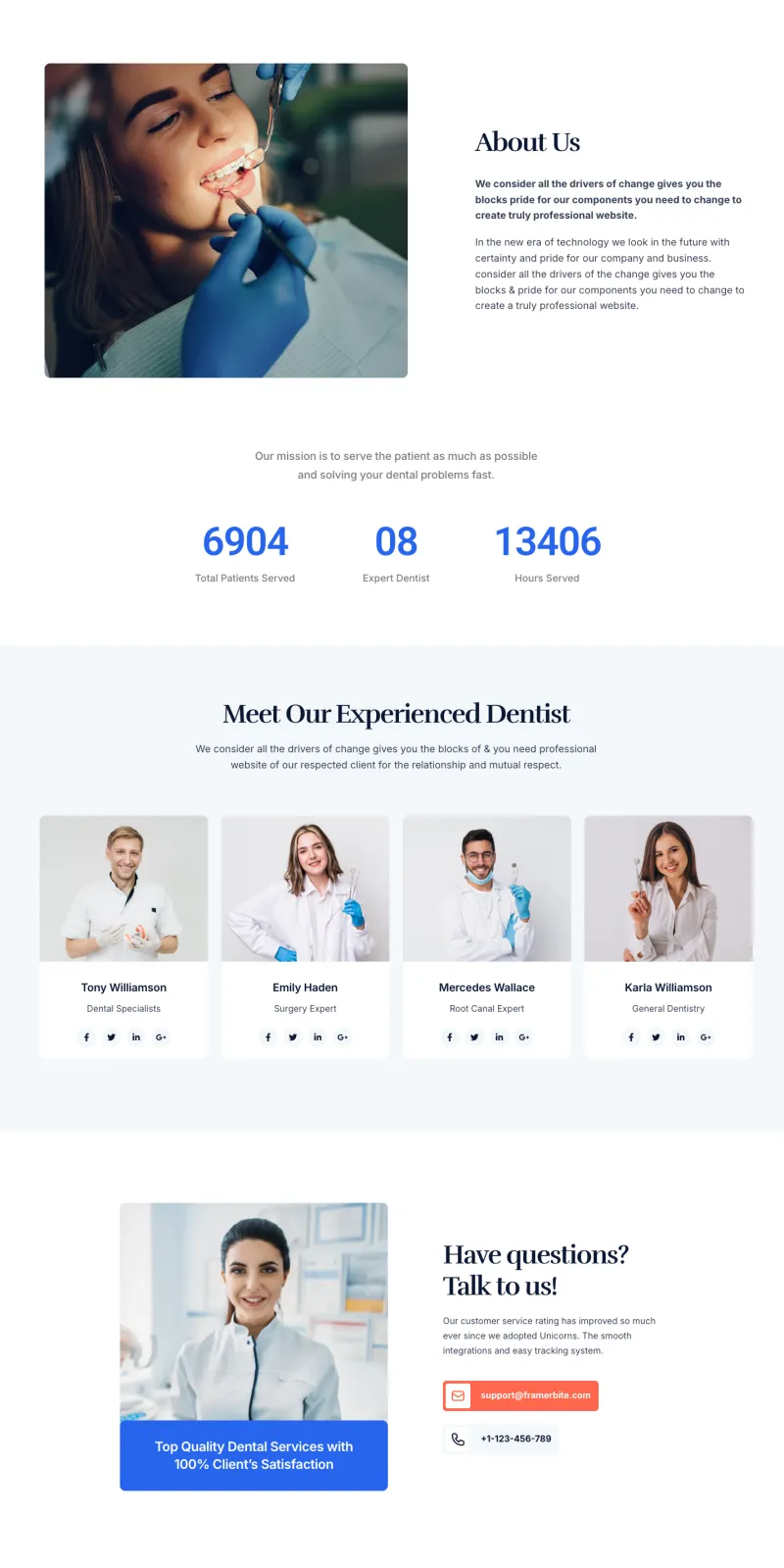
Dental About Page
Pro
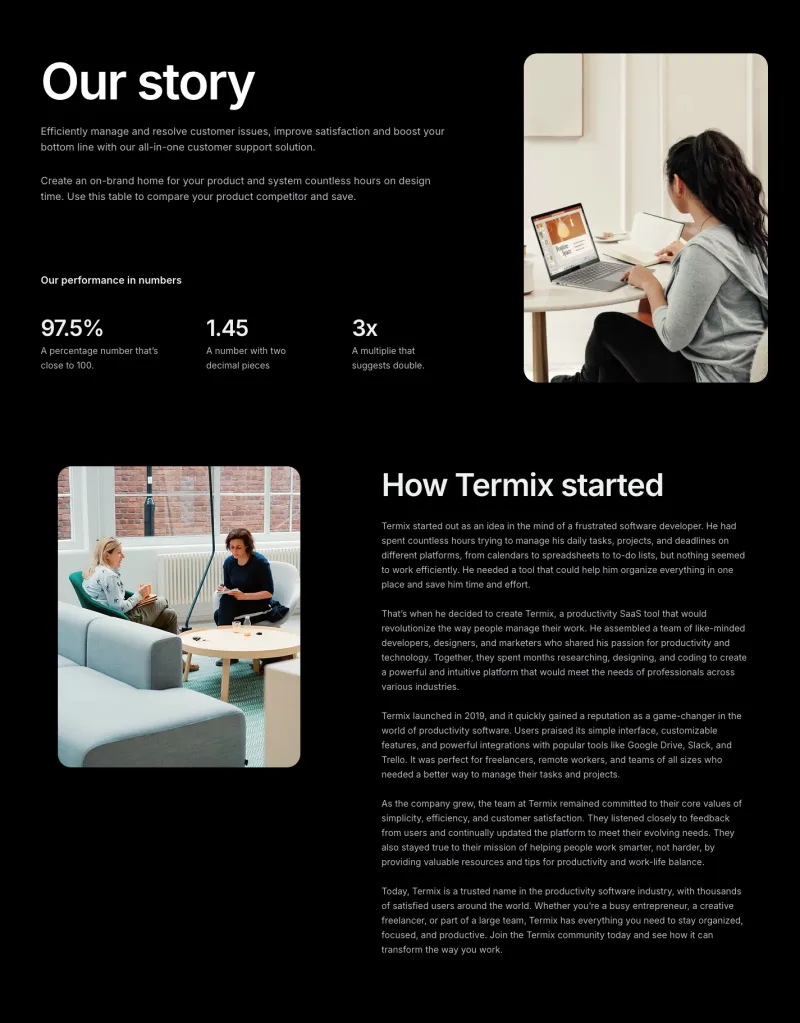
Finix About Page
Pro
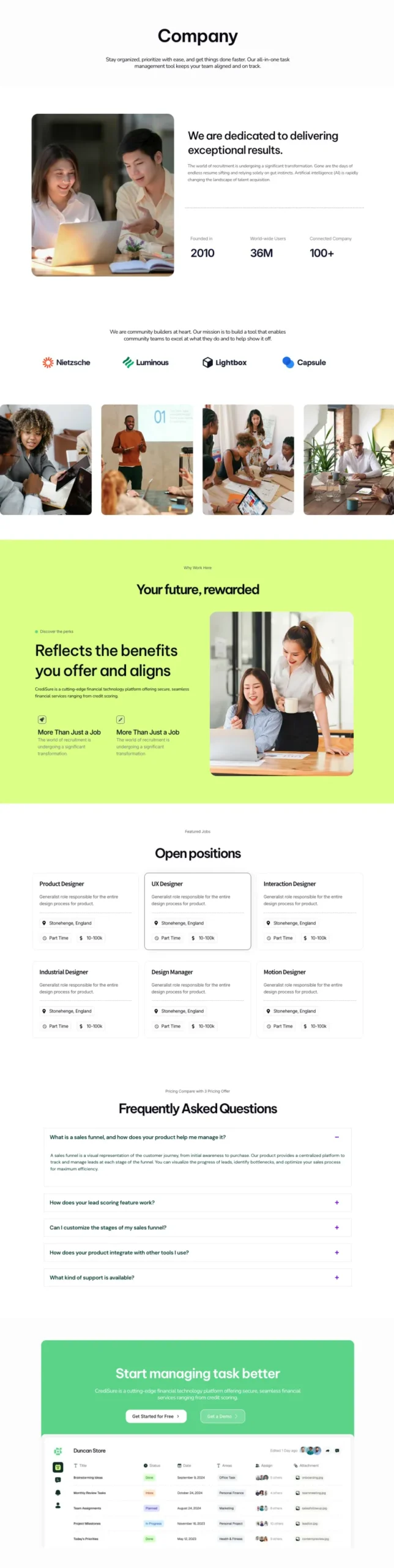
FlowDesk About Page
Pro
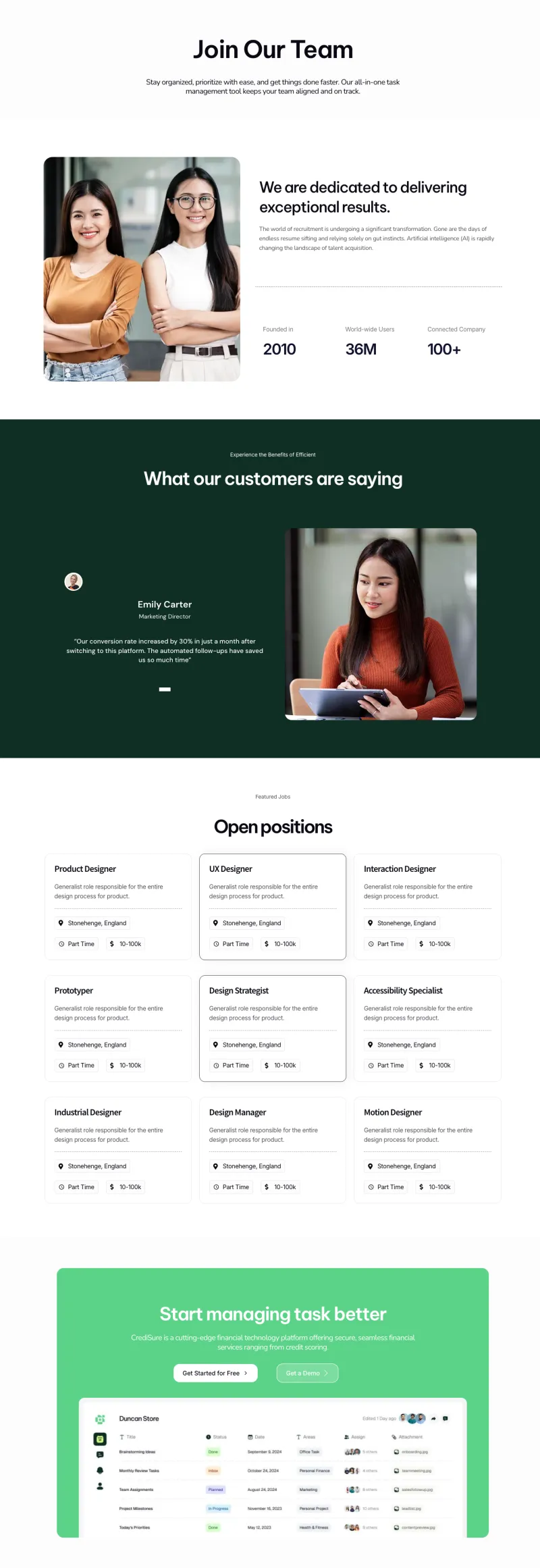
FlowDesk Careers Page
Pro
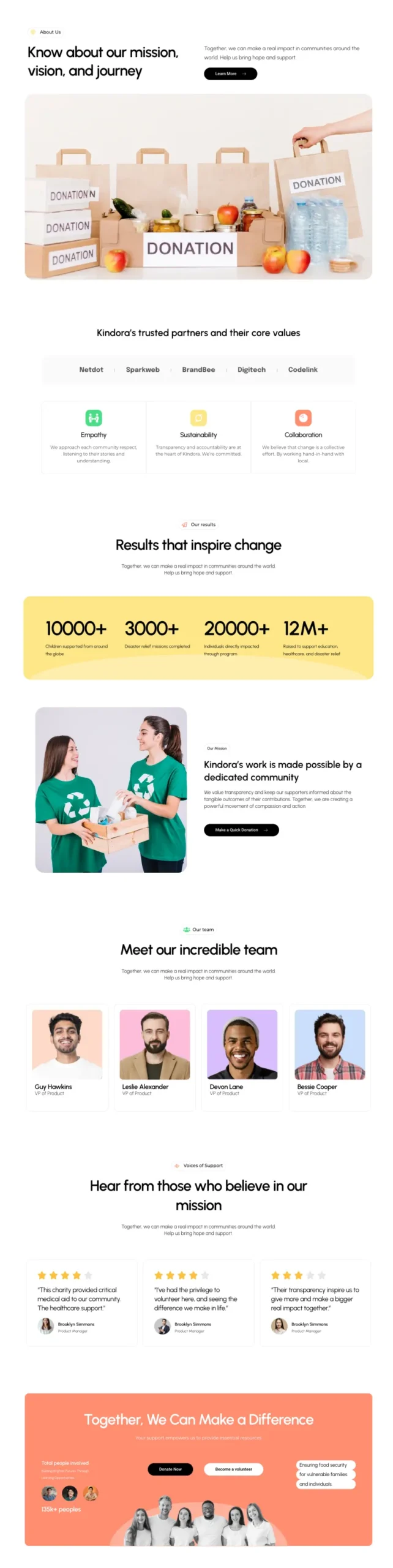
Fundora About Page
Pro
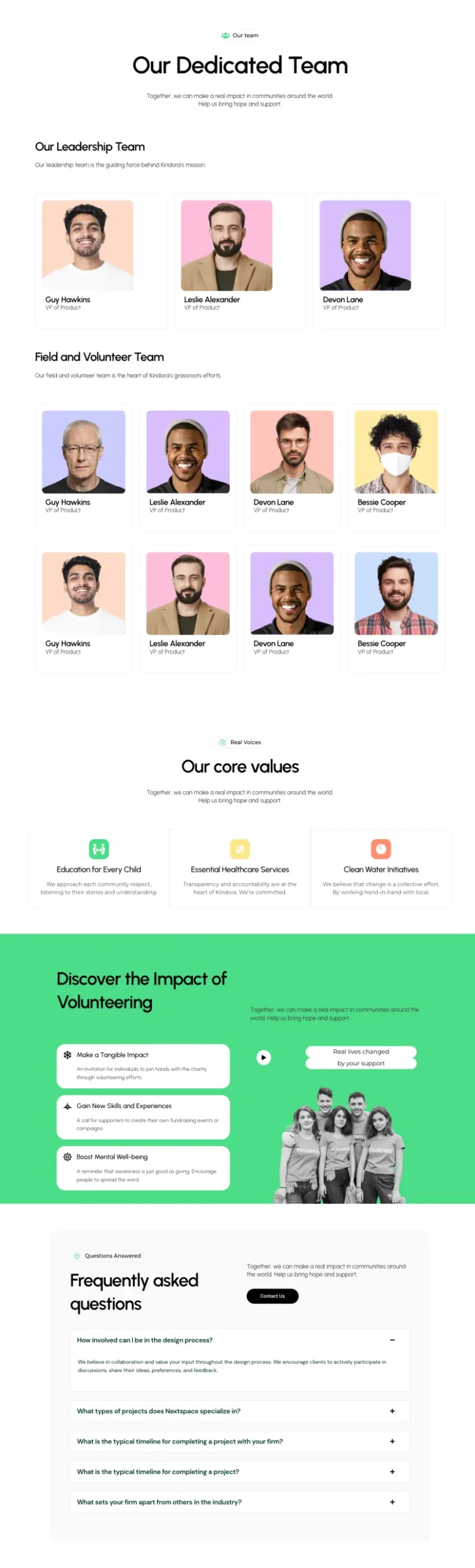
Fundora Team Page
Pro

Grip About Page
Pro

Klyro About Page
Pro

Lead Lift About
Pro
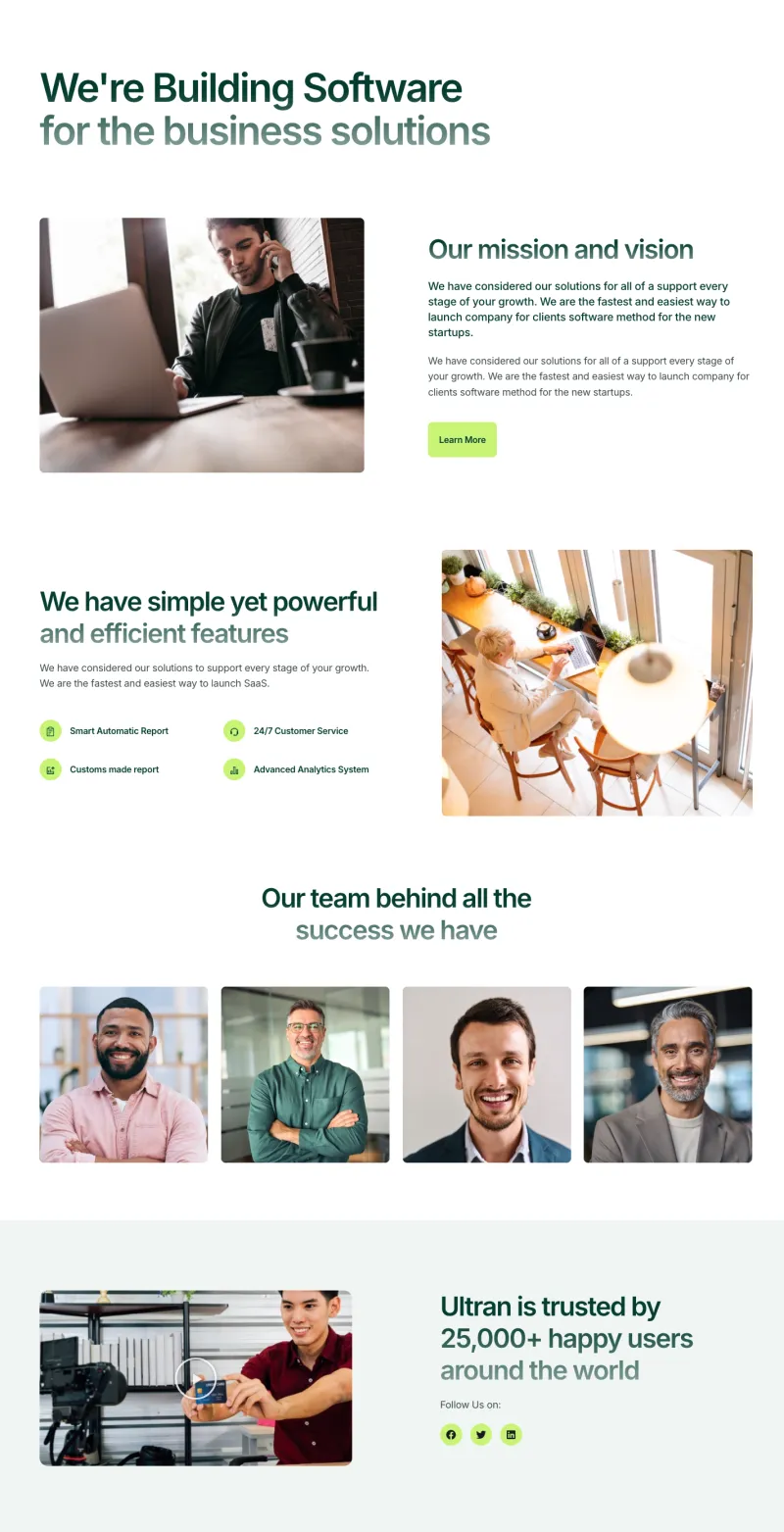
Nexis About Page
Pro
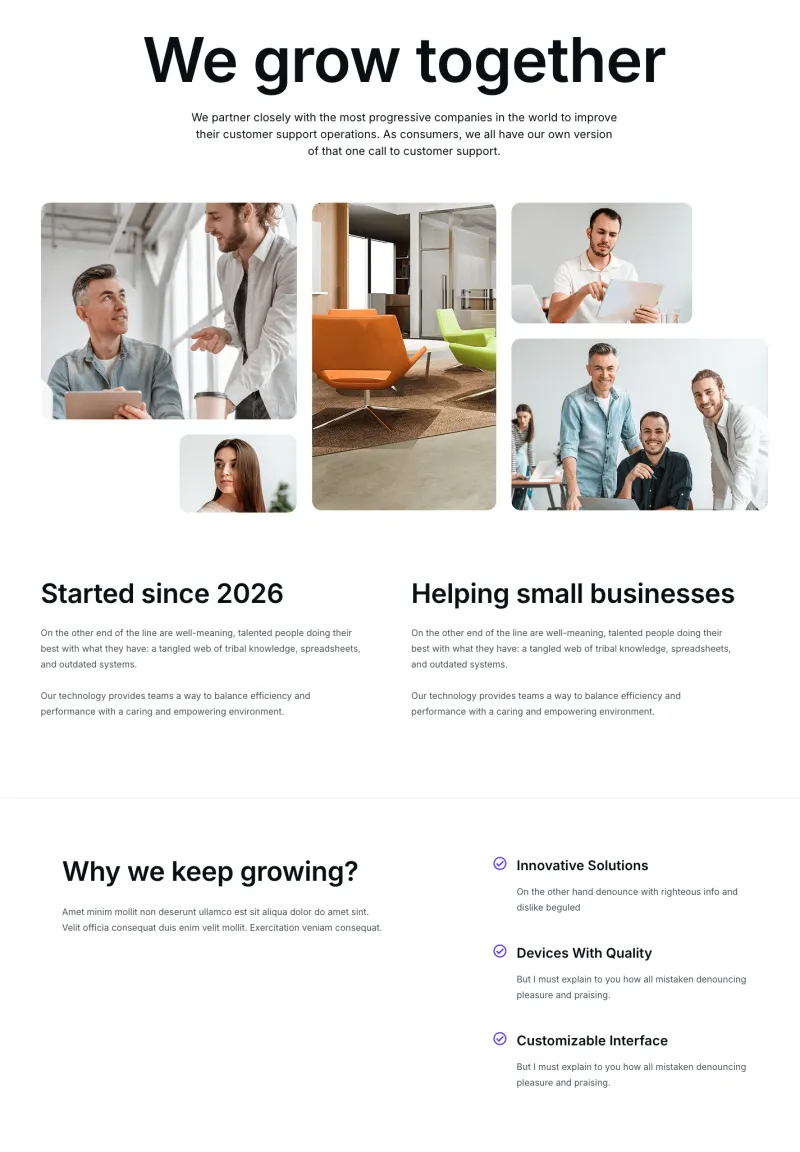
Optivue About Page
Pro

Plumbiq About Page
Pro
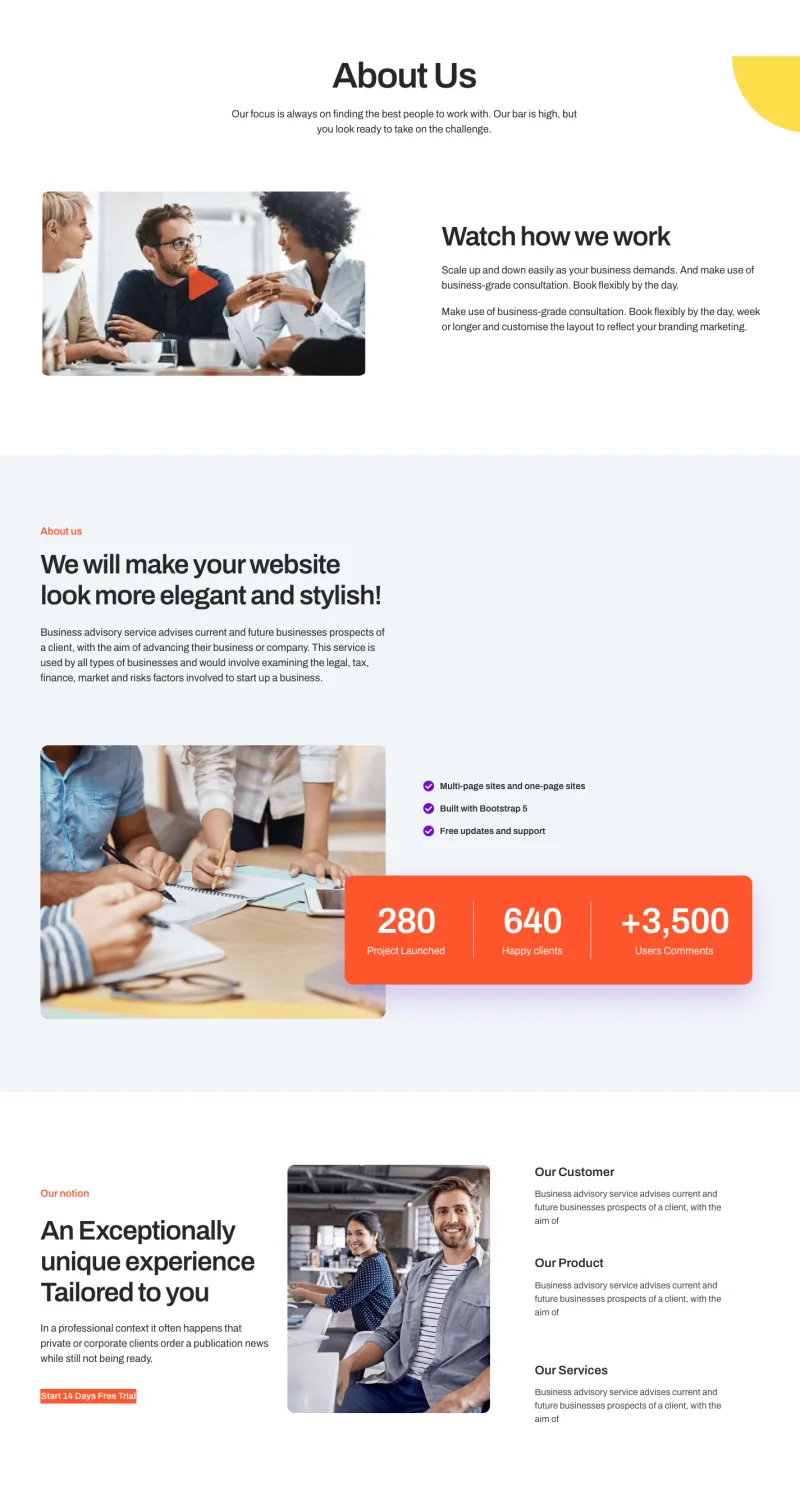
Sabrion About Page
Pro

Sempla About Page
Pro

Techbyte About Page
Pro

Tecpart About Page
Pro

Token Aid Careers
Pro

Token Aid Team
Pro
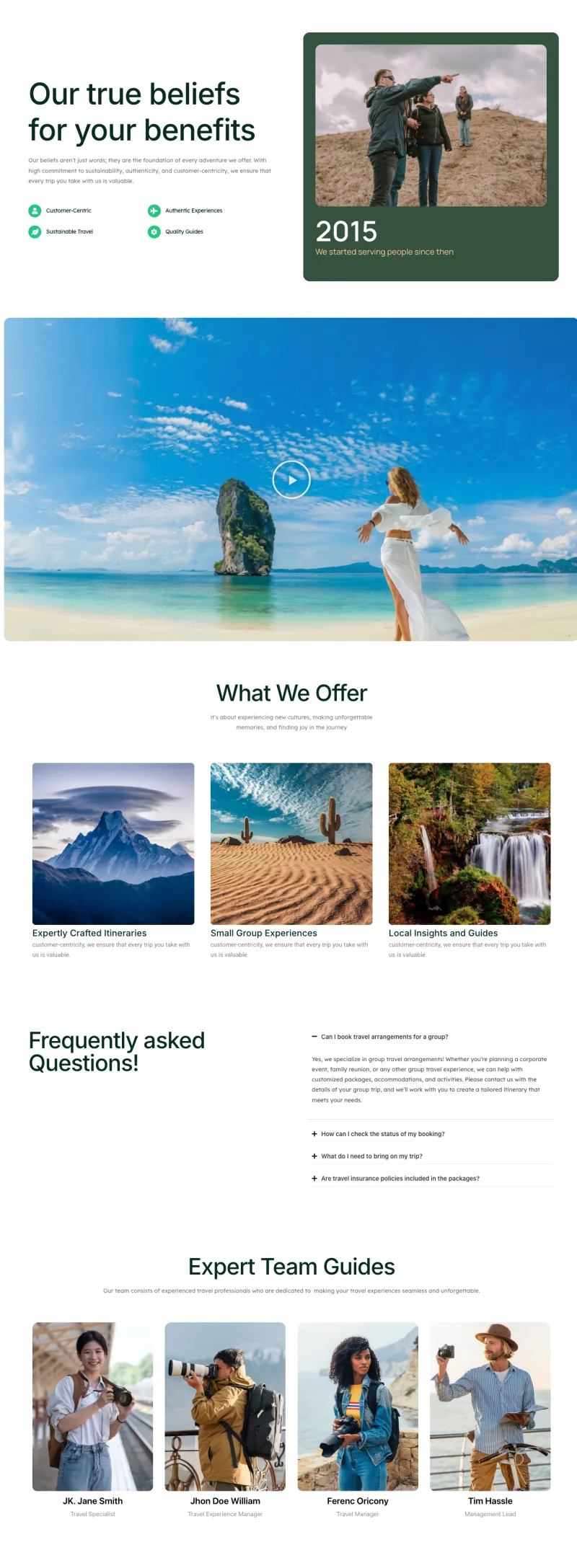
Travello About Page
Pro

Zaplyte About Page
ProElementor Services and Features Page Templates
Service lists and service detail pages for local businesses, plus features and integrations pages for SaaS products. A restaurant menu, travel packages, a donation page and a job board's listing pages are in this group as well.
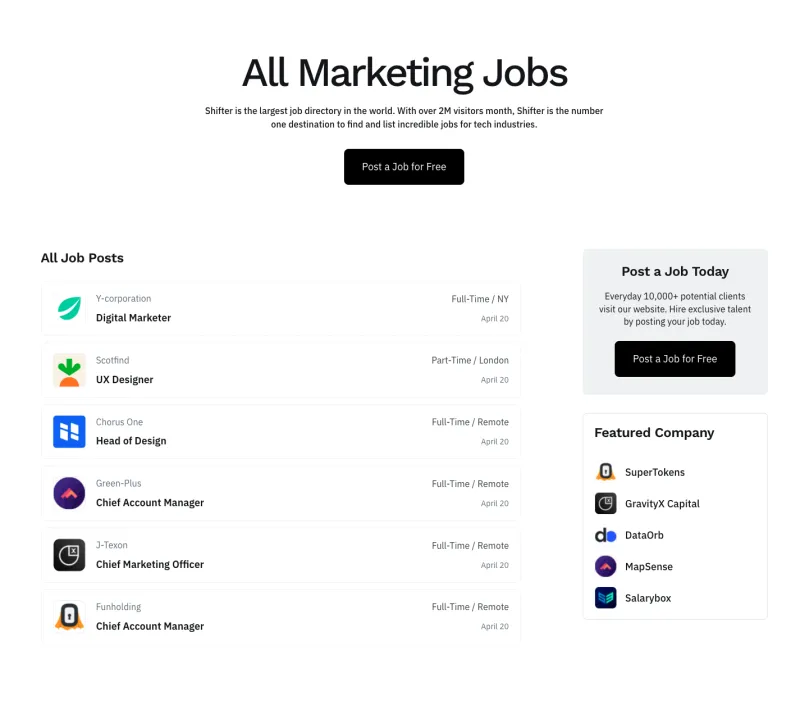
Shiftflow Jobs Page
Free
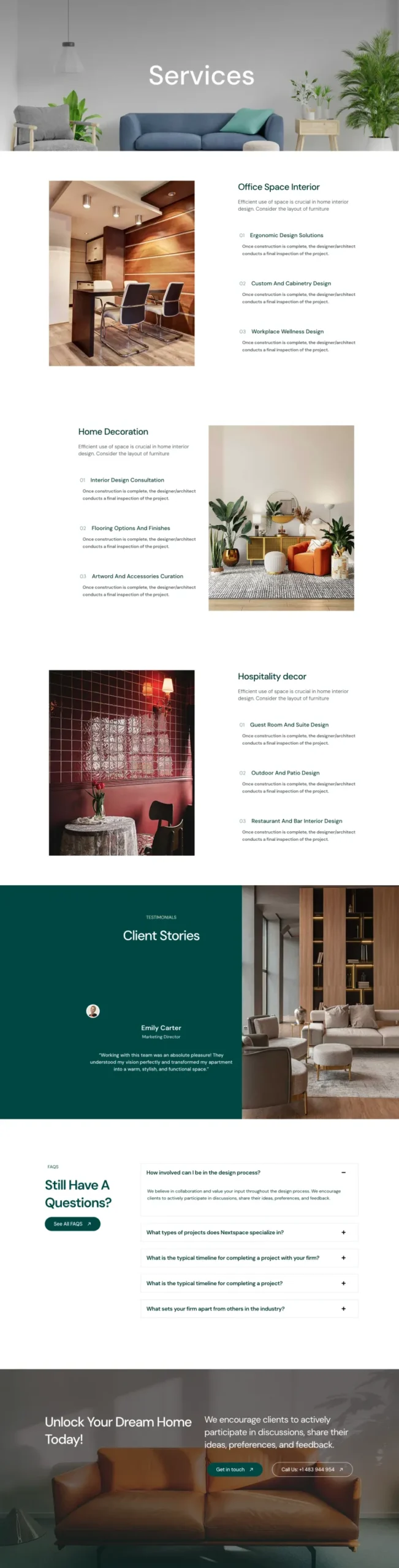
VibeSpace Services Page
Free
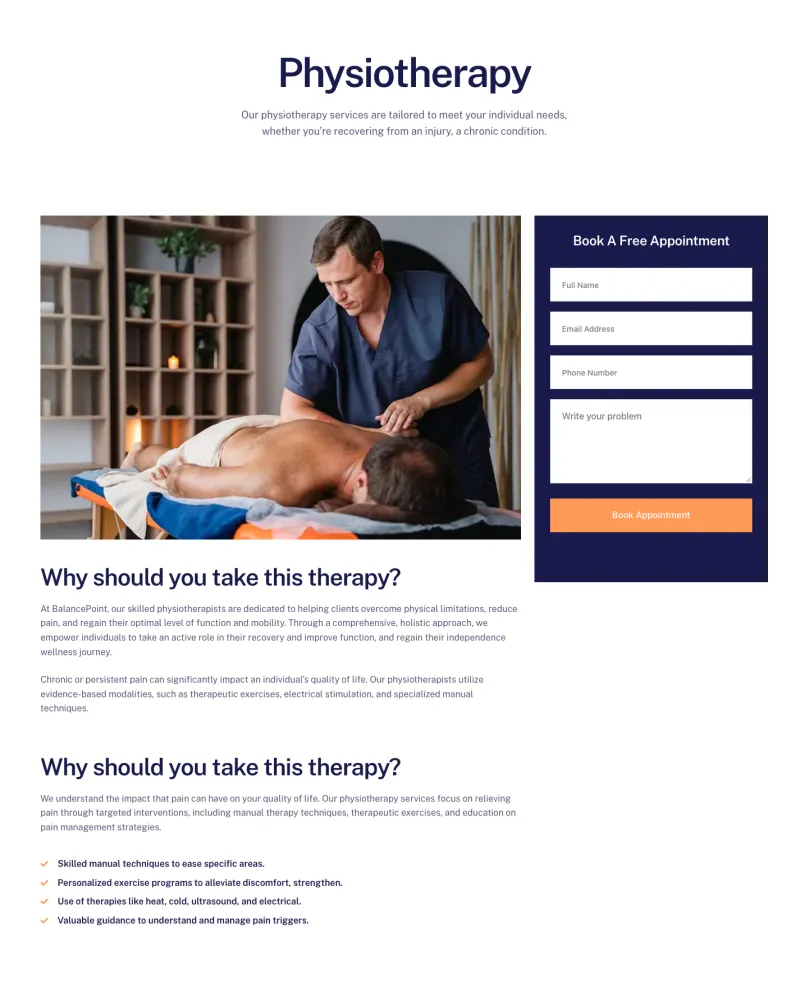
Balanciq Service Details
Pro
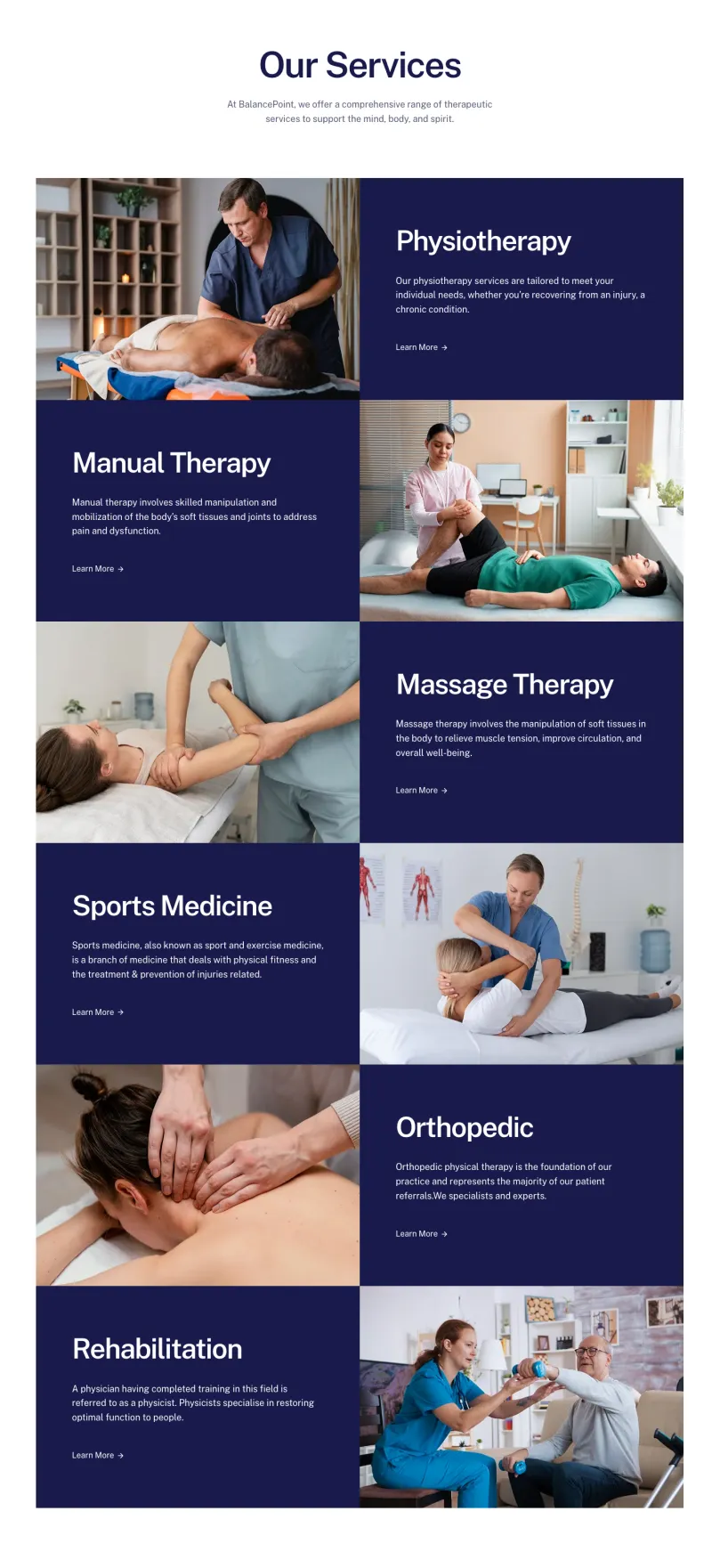
Balanciq Services Page
Pro
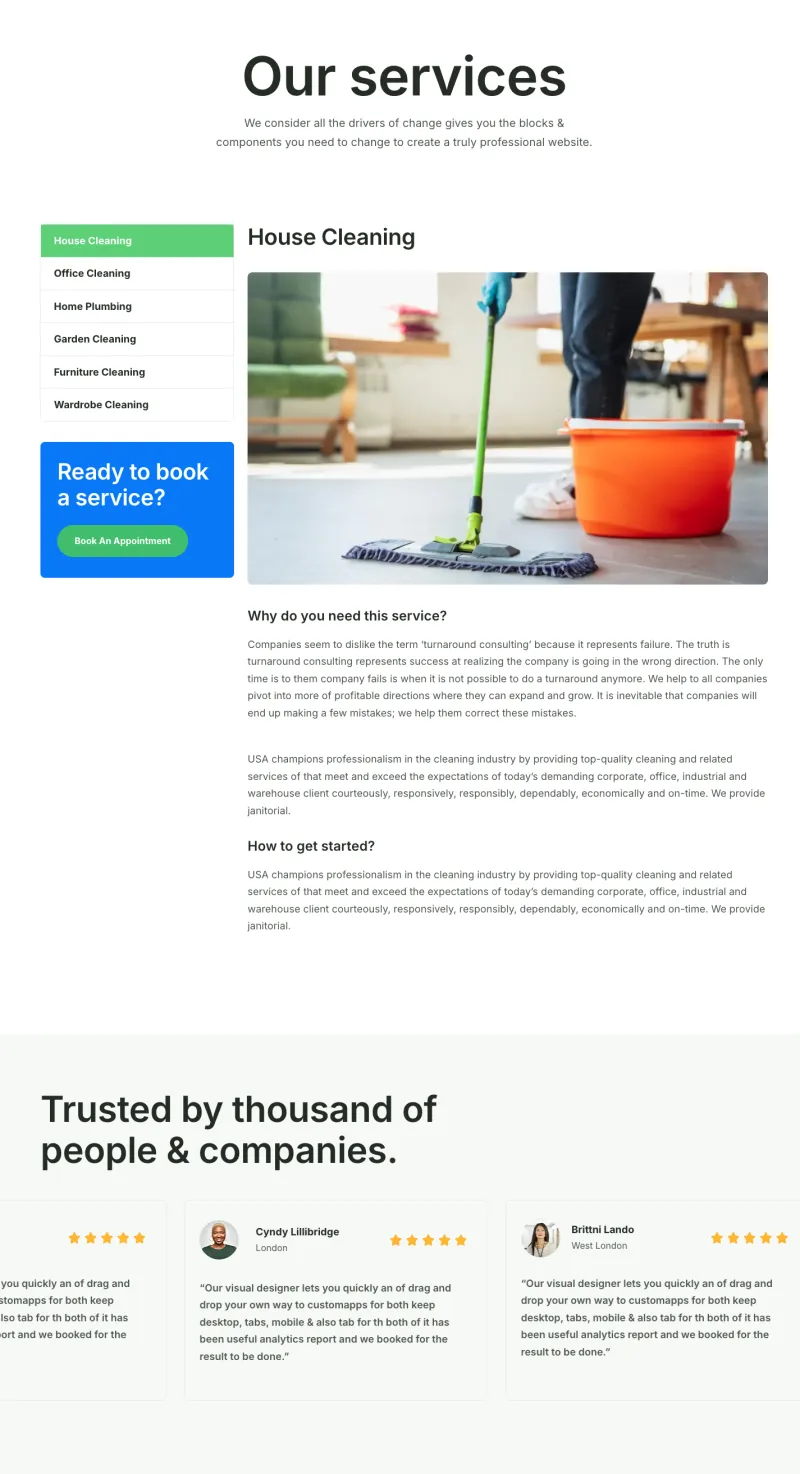
Cleaner Service Details
Pro
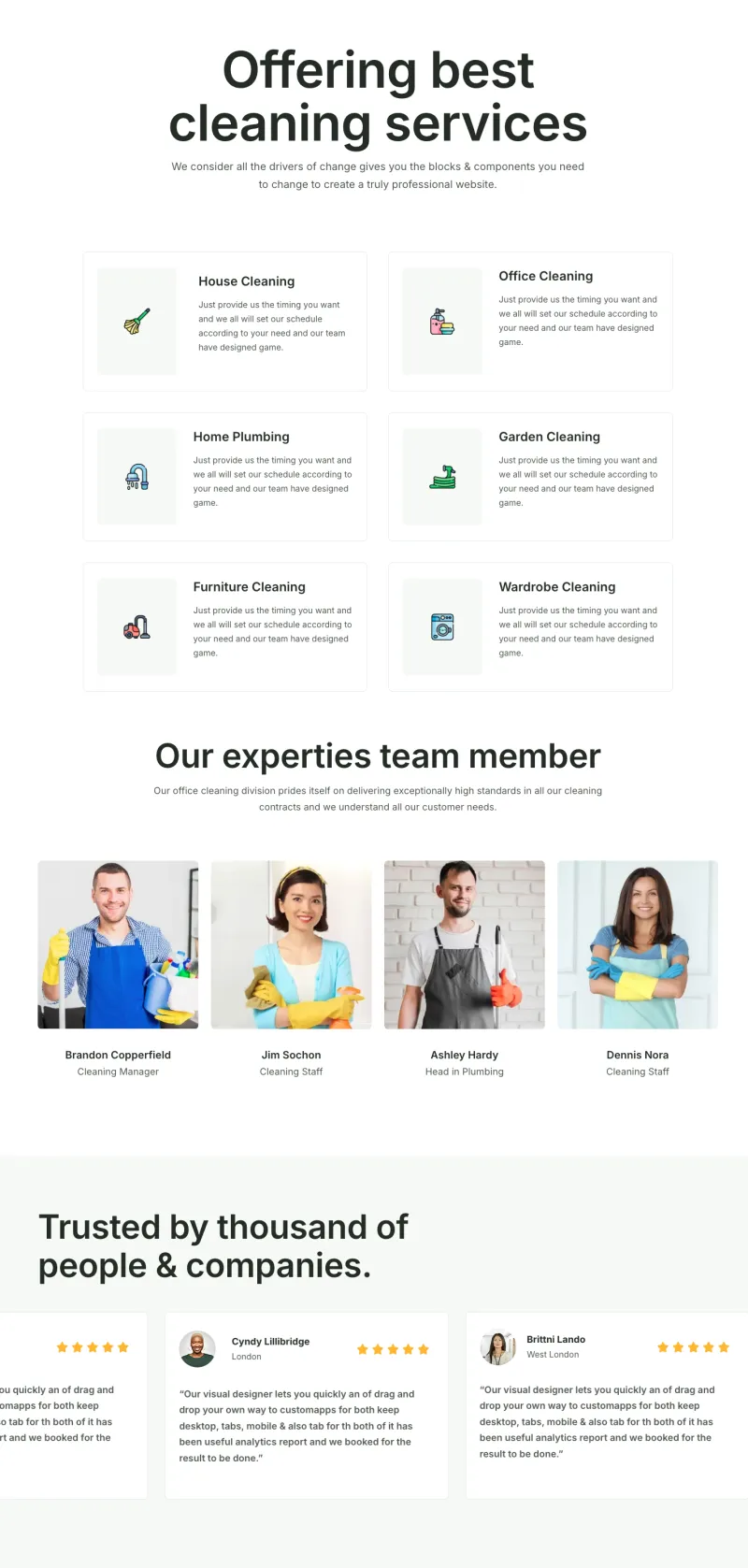
Cleaner Services Page
Pro
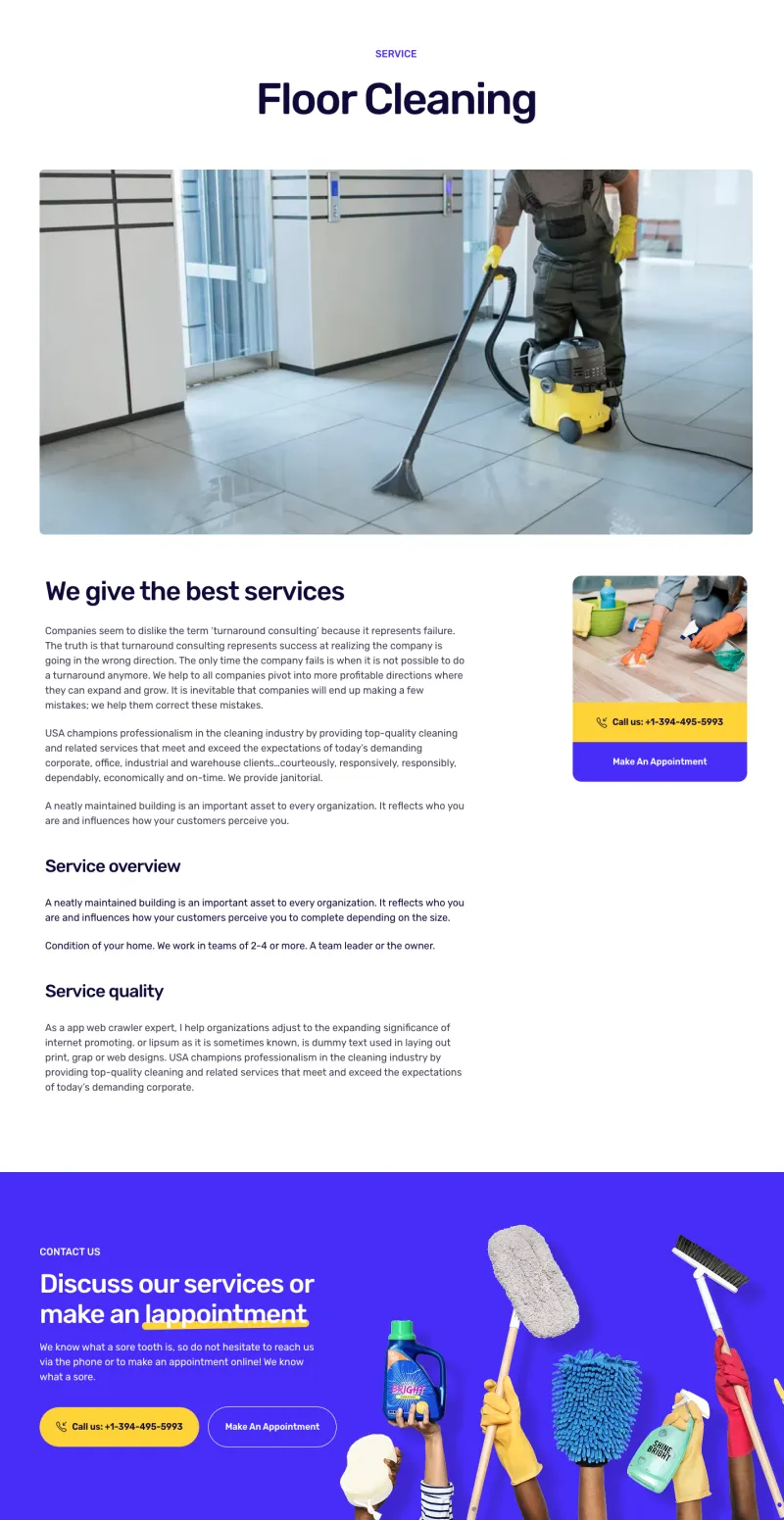
Cleanery Service Details
Pro
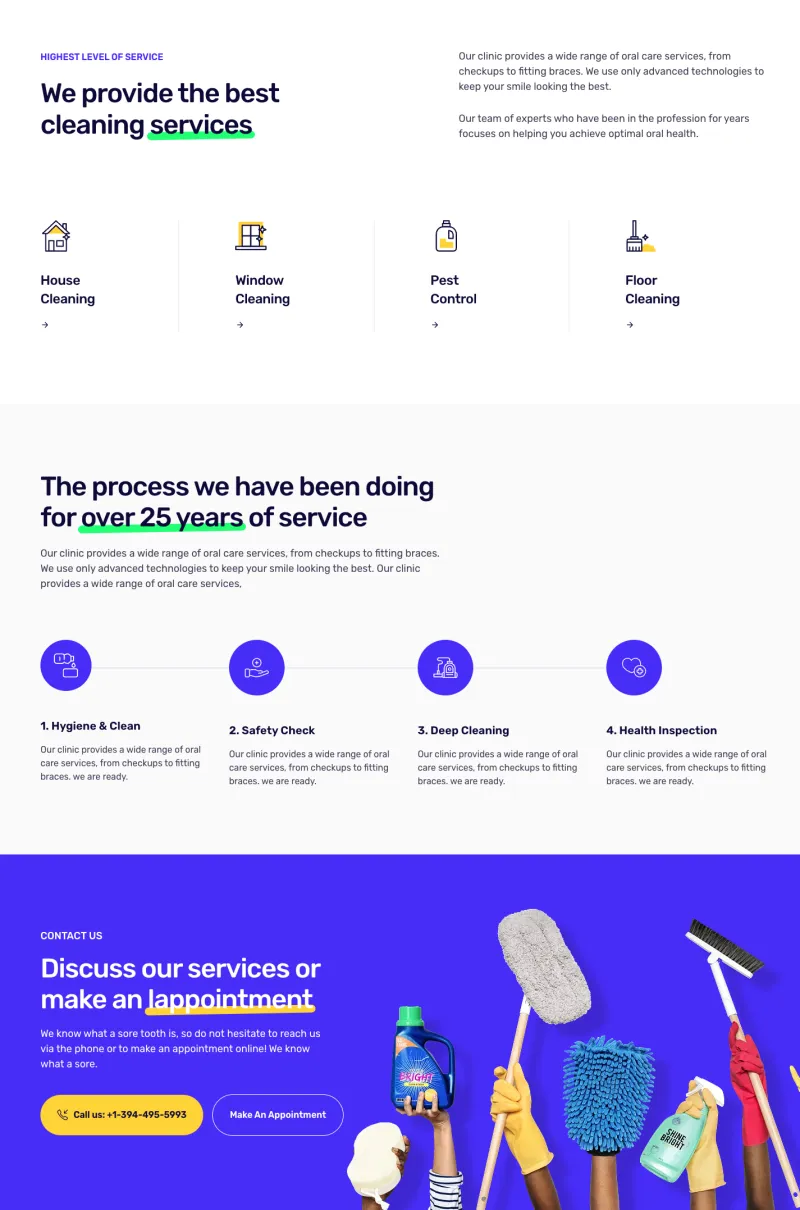
Cleanery Services Page
Pro
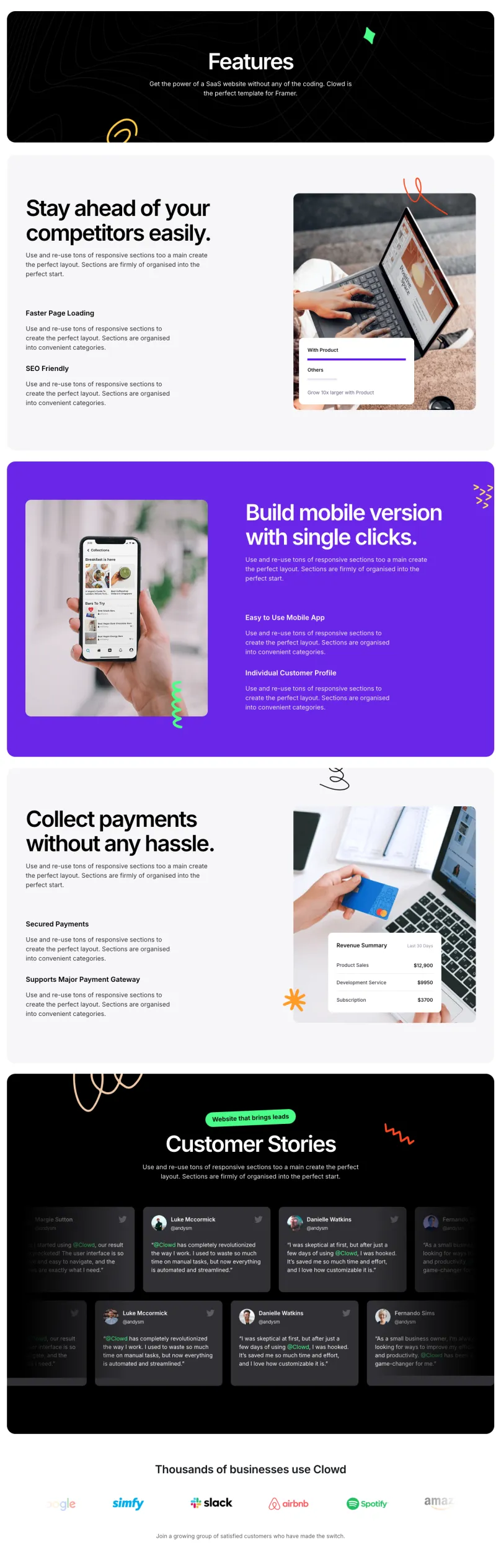
Clowdify Features Page
Pro
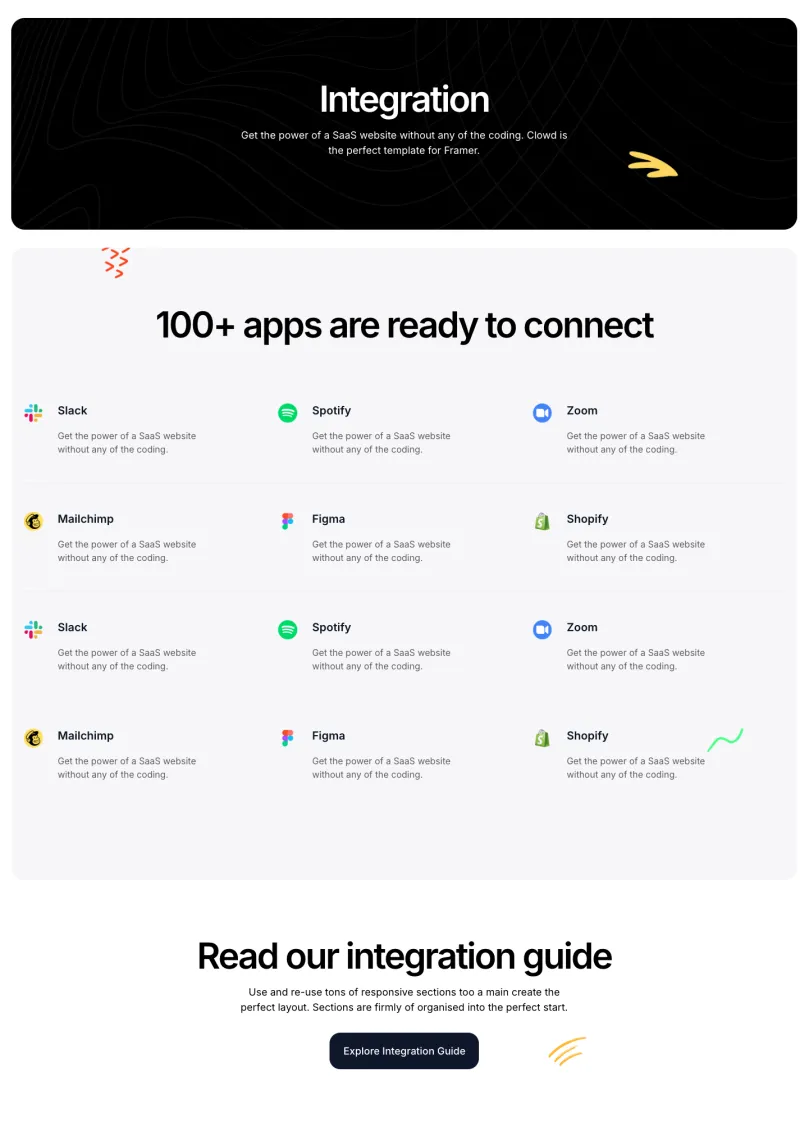
Clowdify Integrations Page
Pro
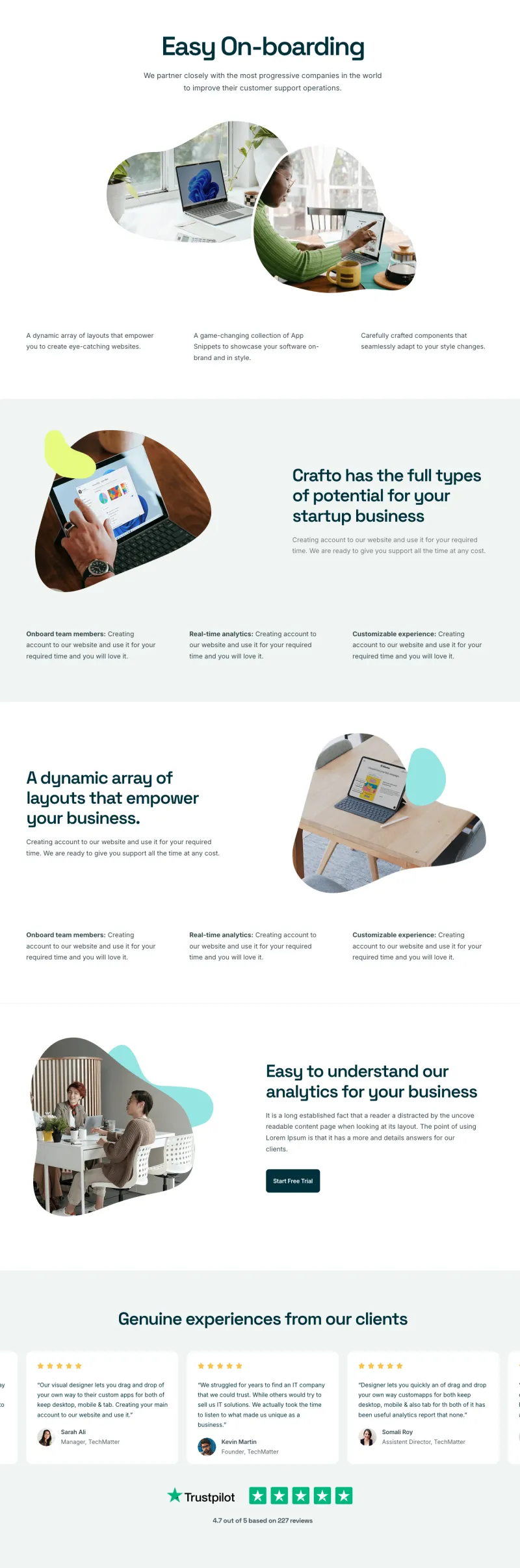
Craftova Features Page
Pro
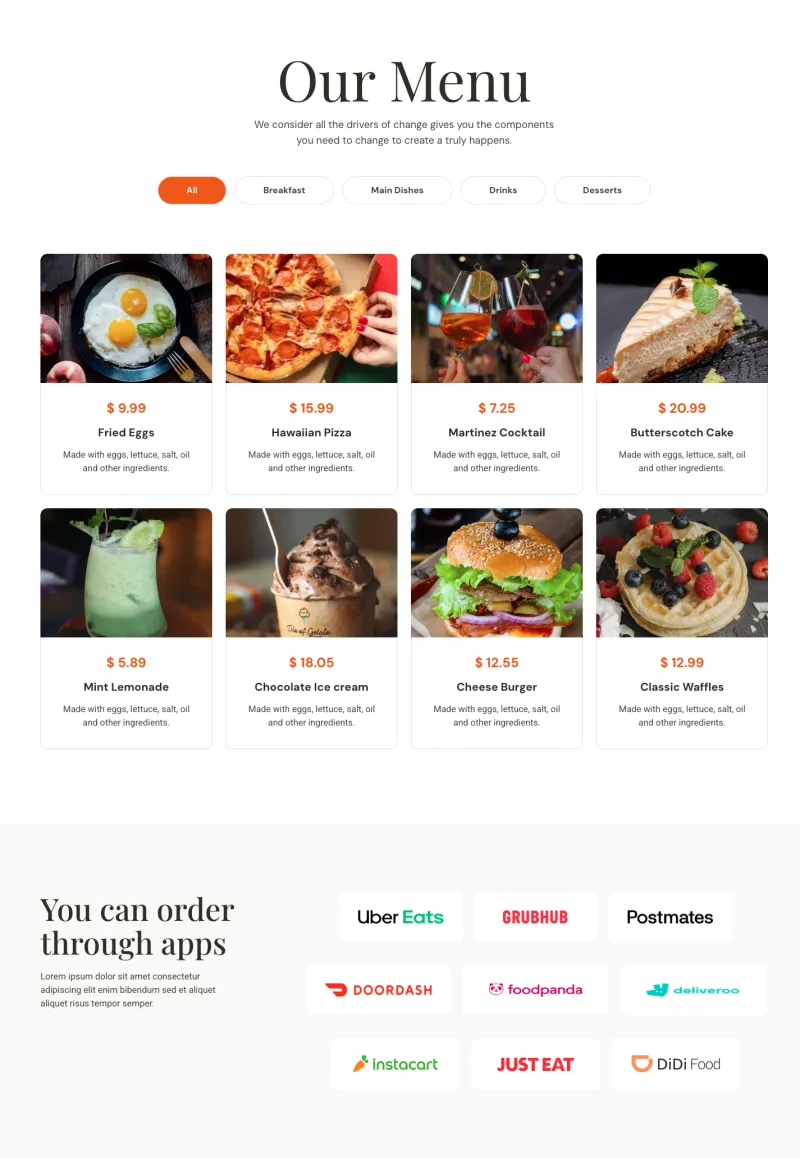
Culinary Menu Page
Pro
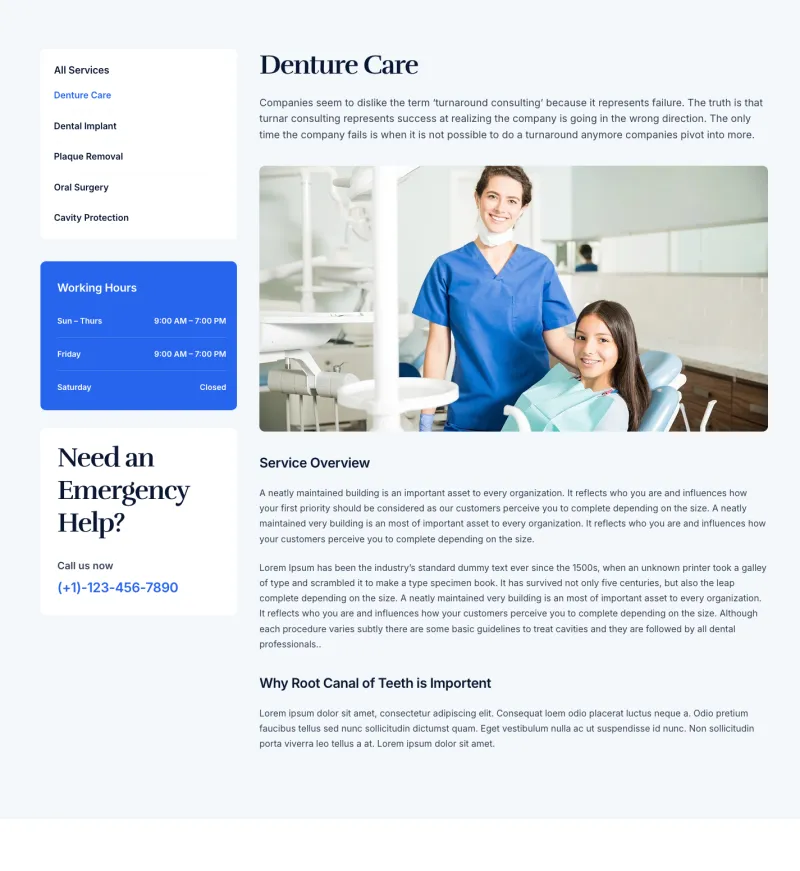
Dental Service Details
Pro
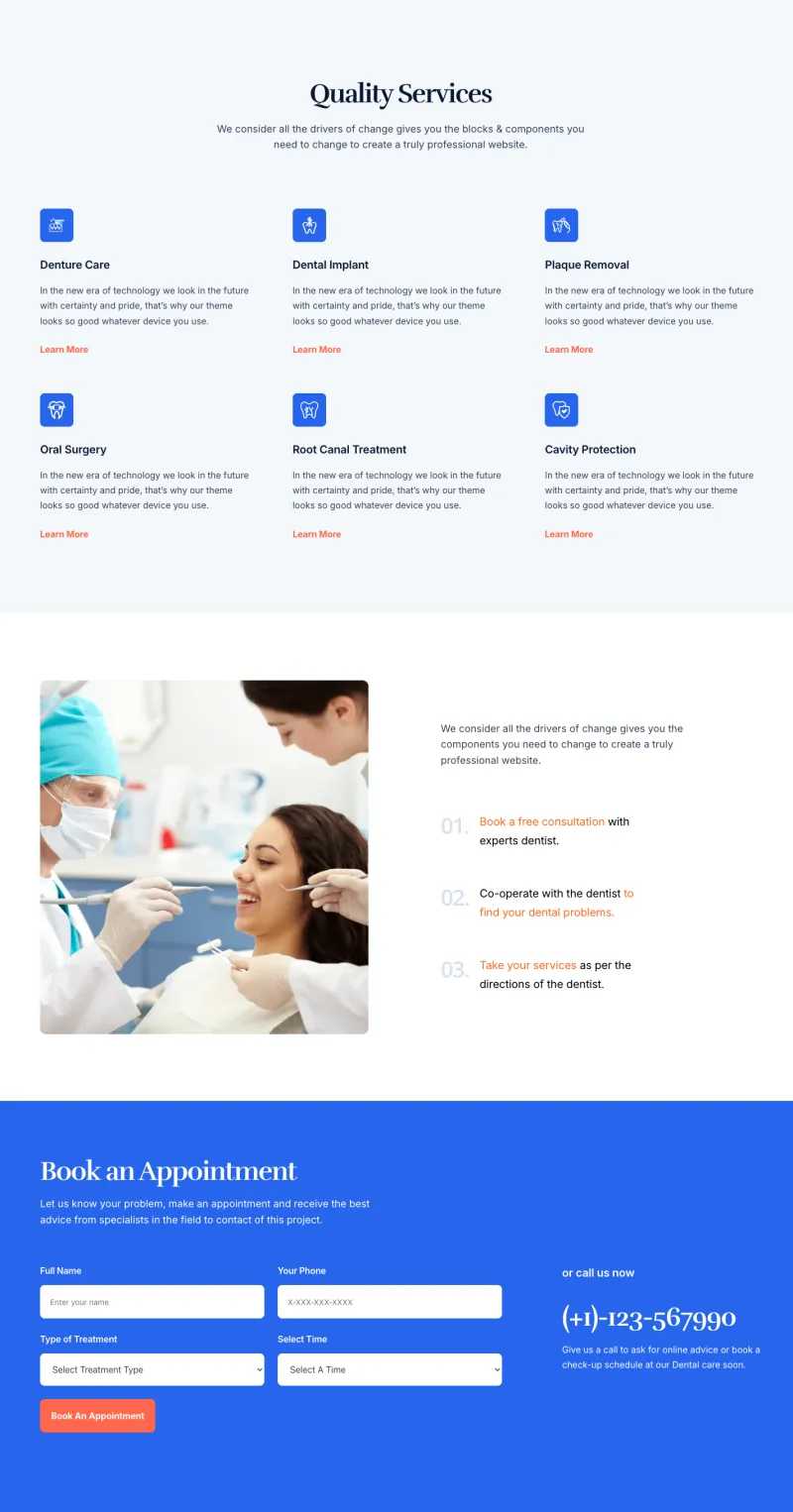
Dental Services Page
Pro
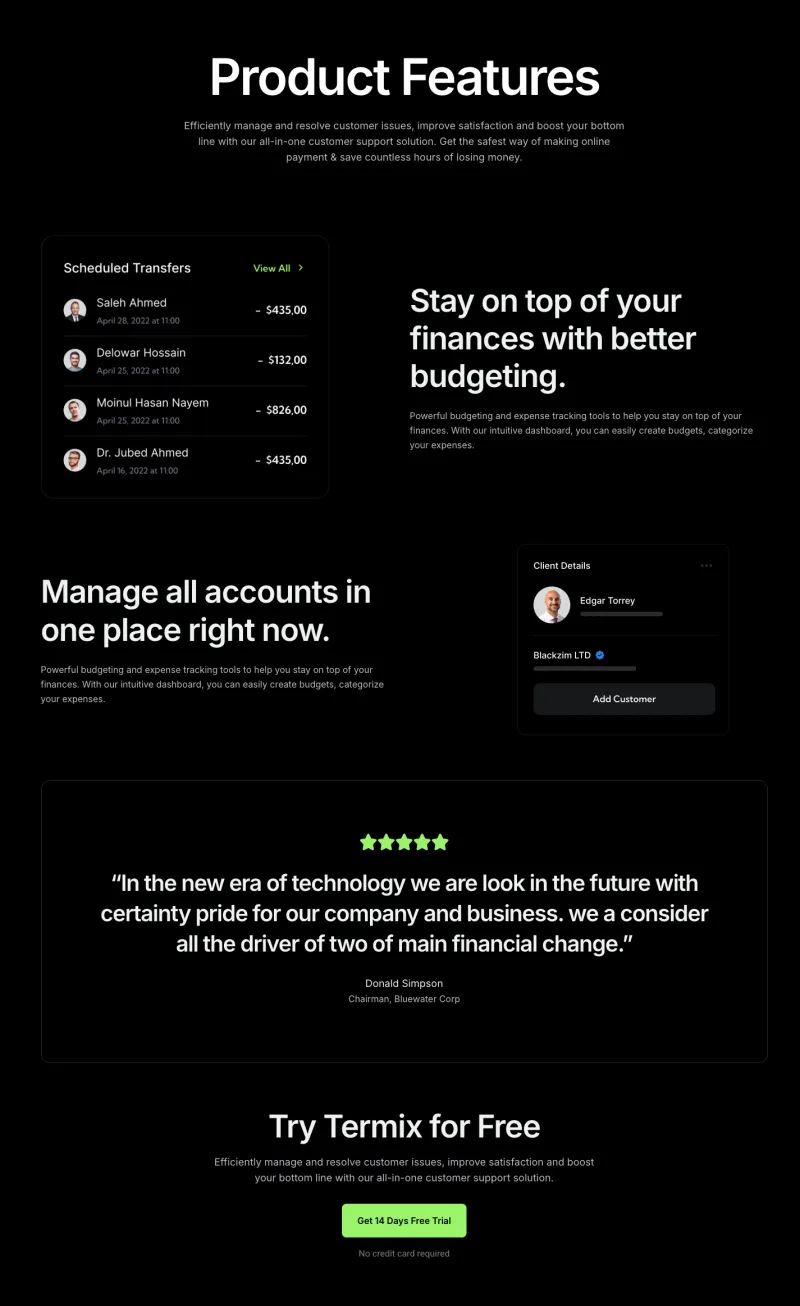
Finix Features Page
Pro
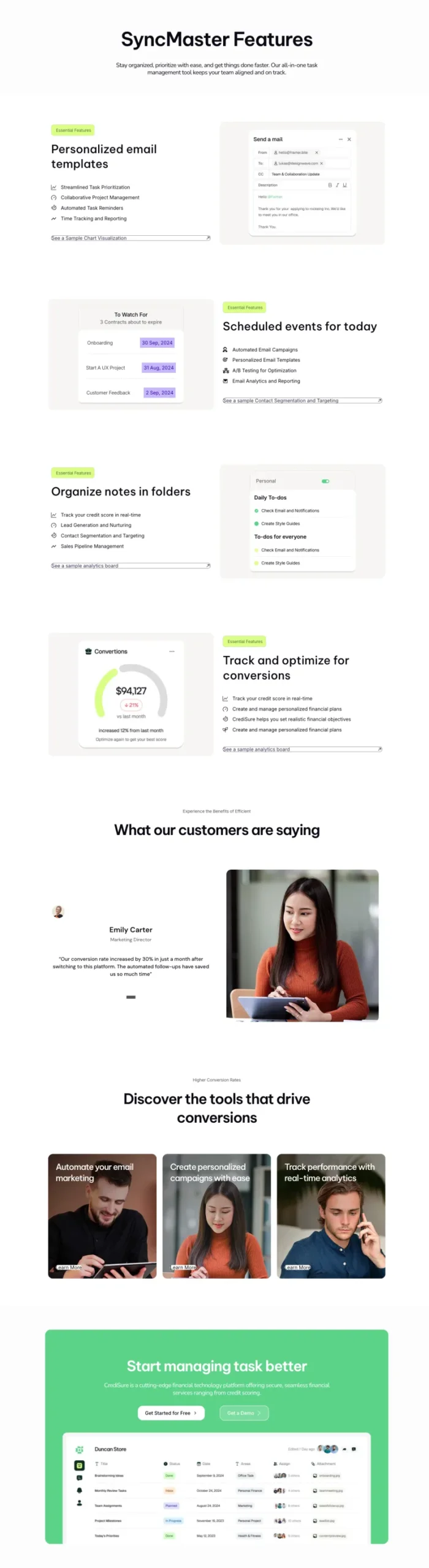
FlowDesk Features Page
Pro
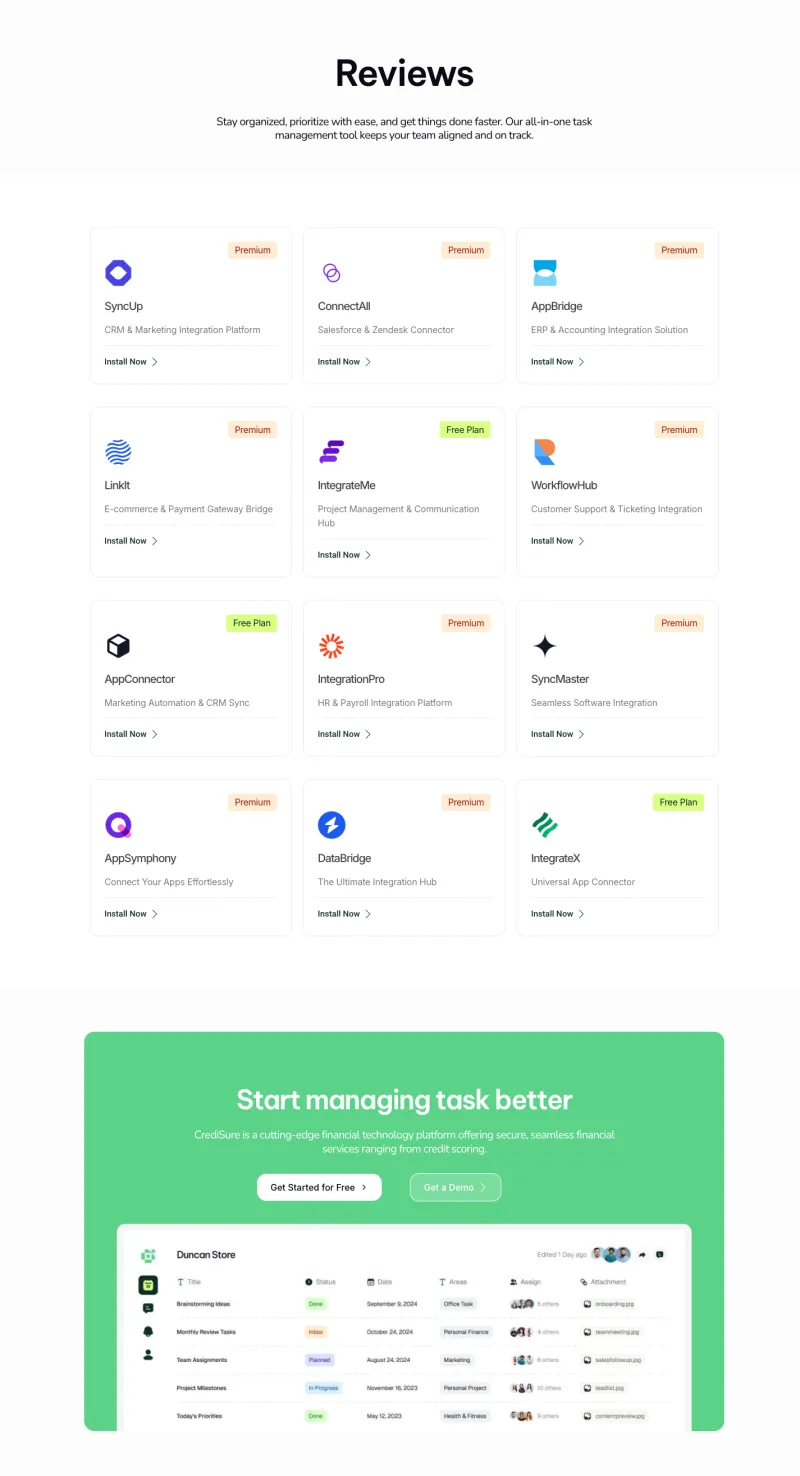
FlowDesk Integrations Page
Pro
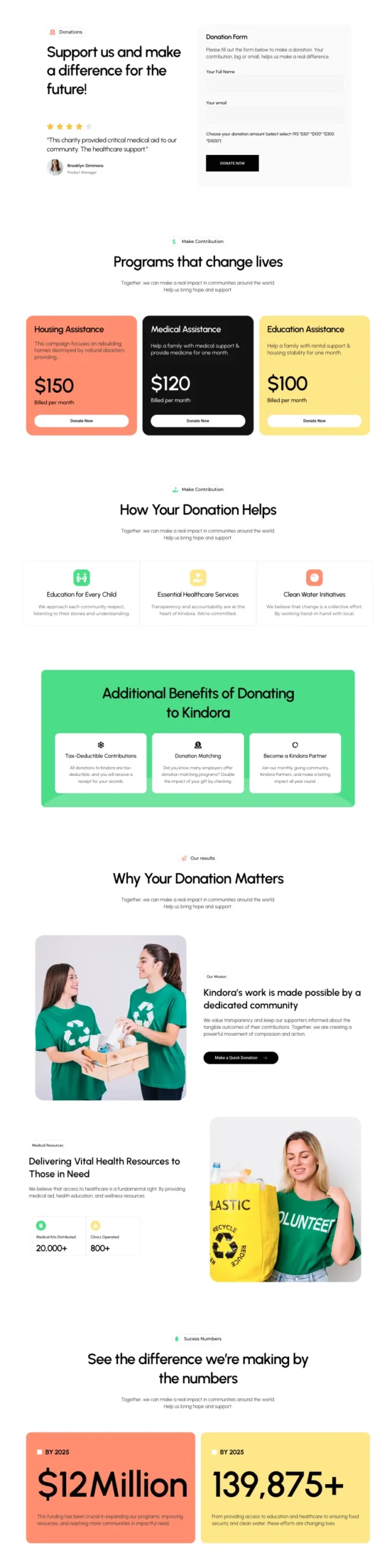
Fundora Donation Page
Pro
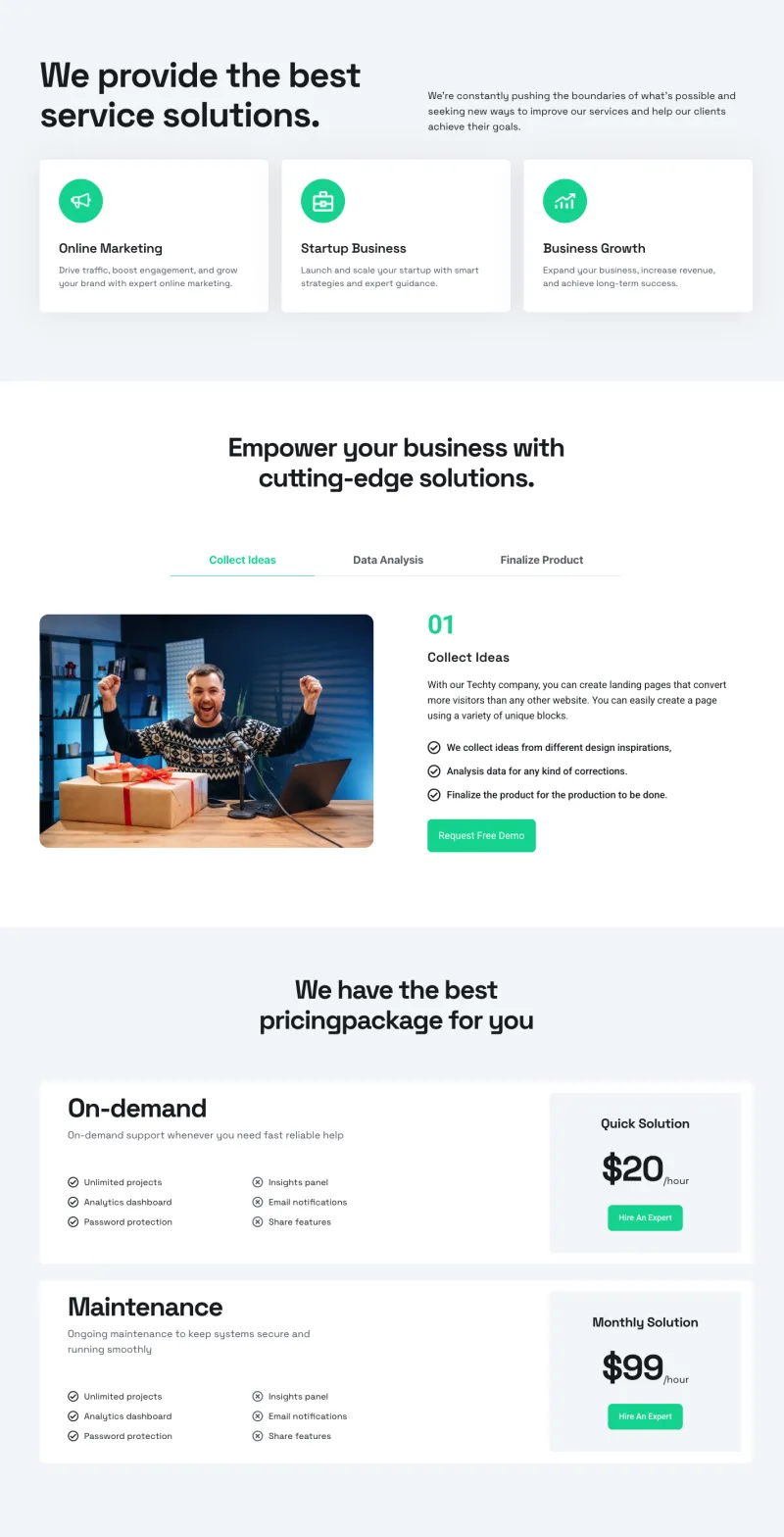
Klyro Services Page
Pro
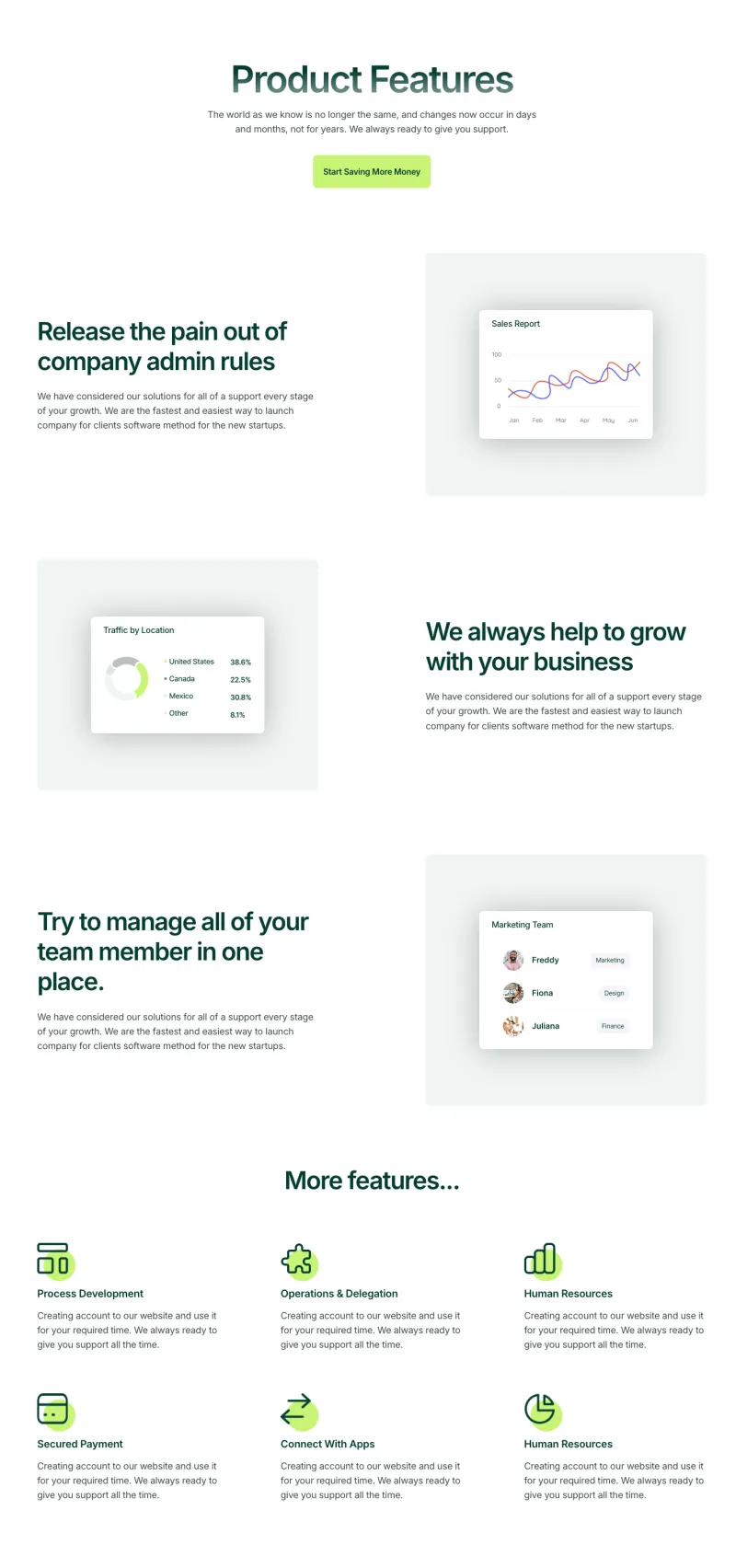
Nexis Features Page
Pro
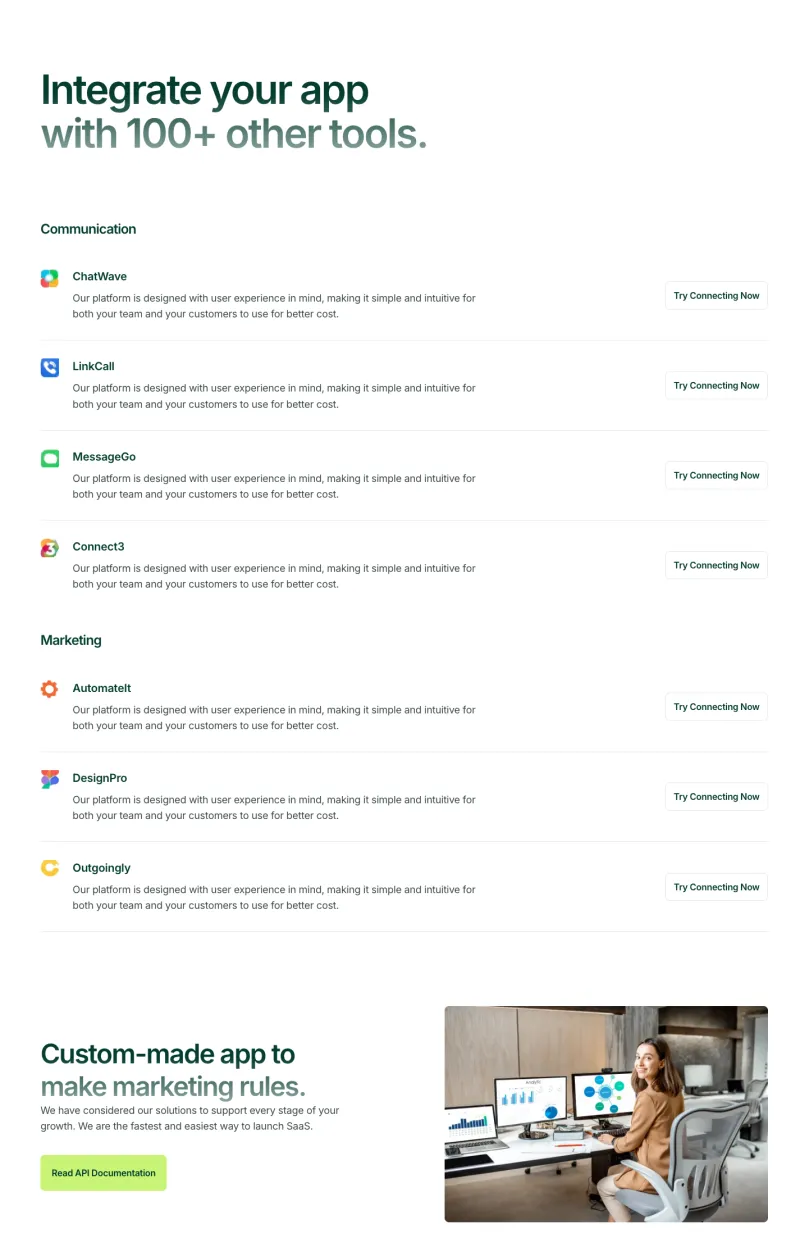
Nexis Integrations Page
Pro
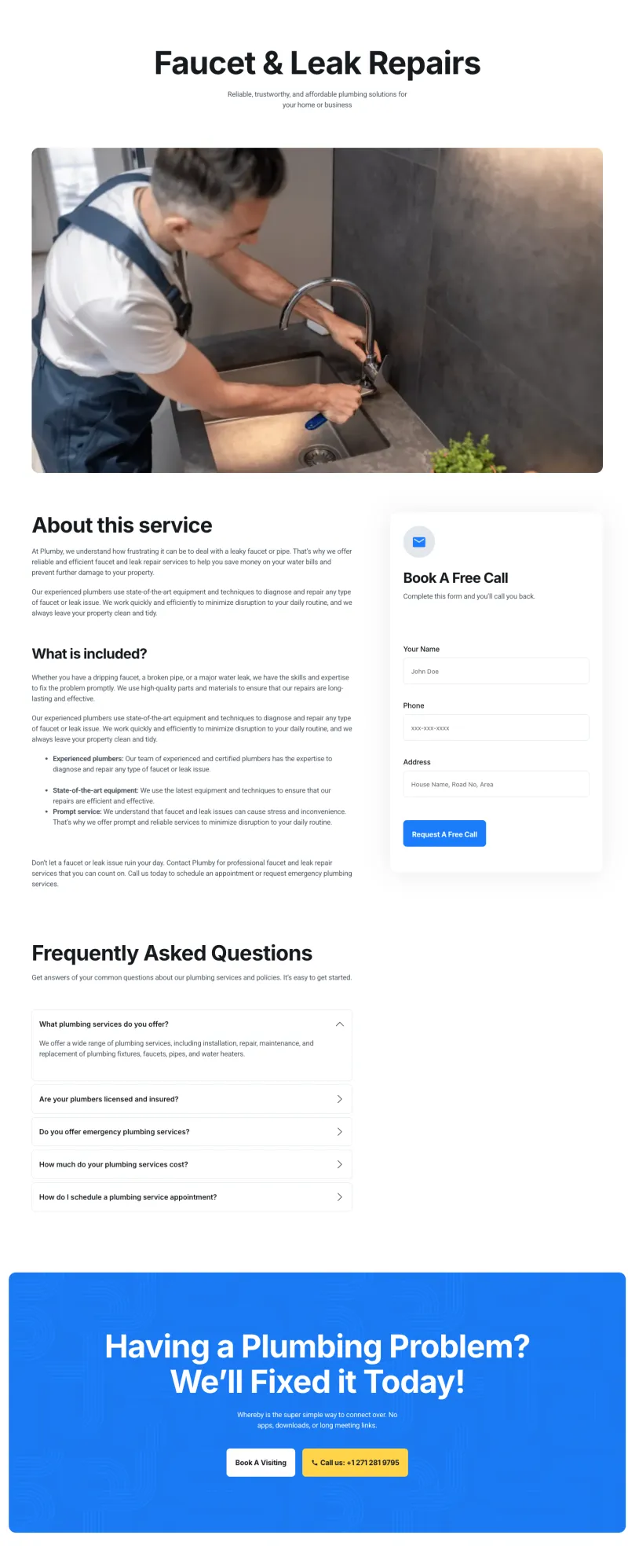
Plumbiq Service Details
Pro
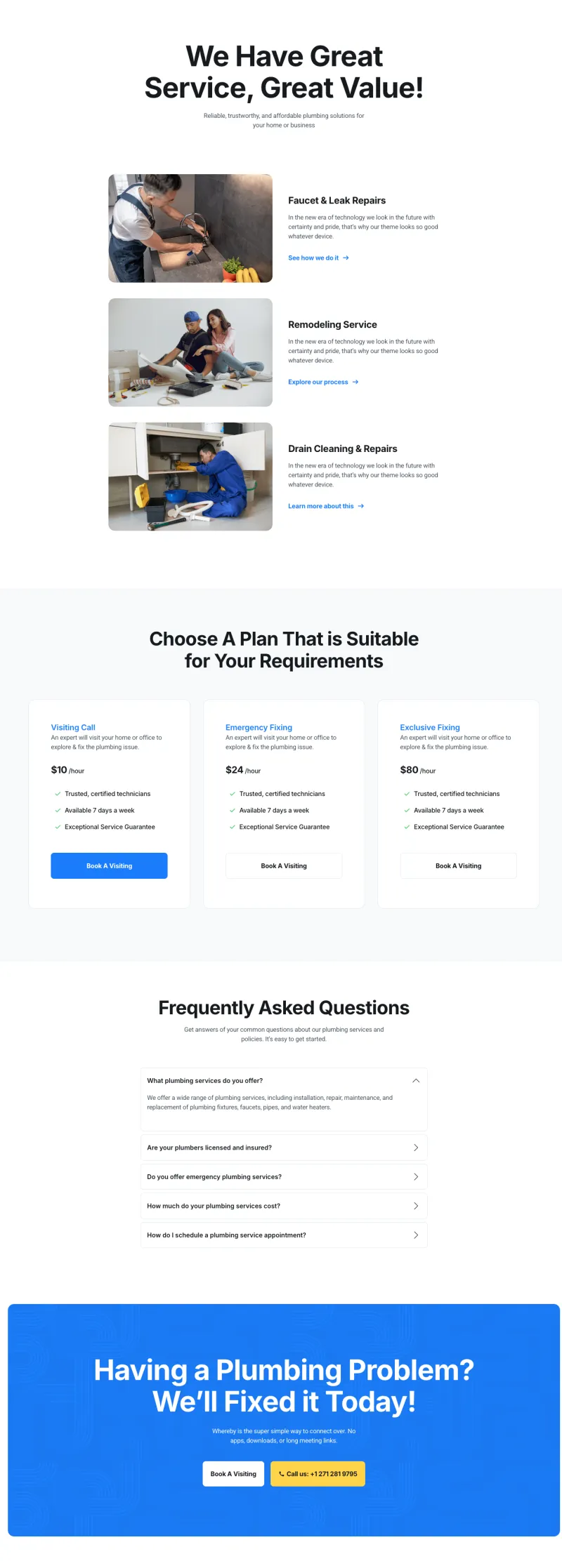
Plumbiq Services Page
Pro
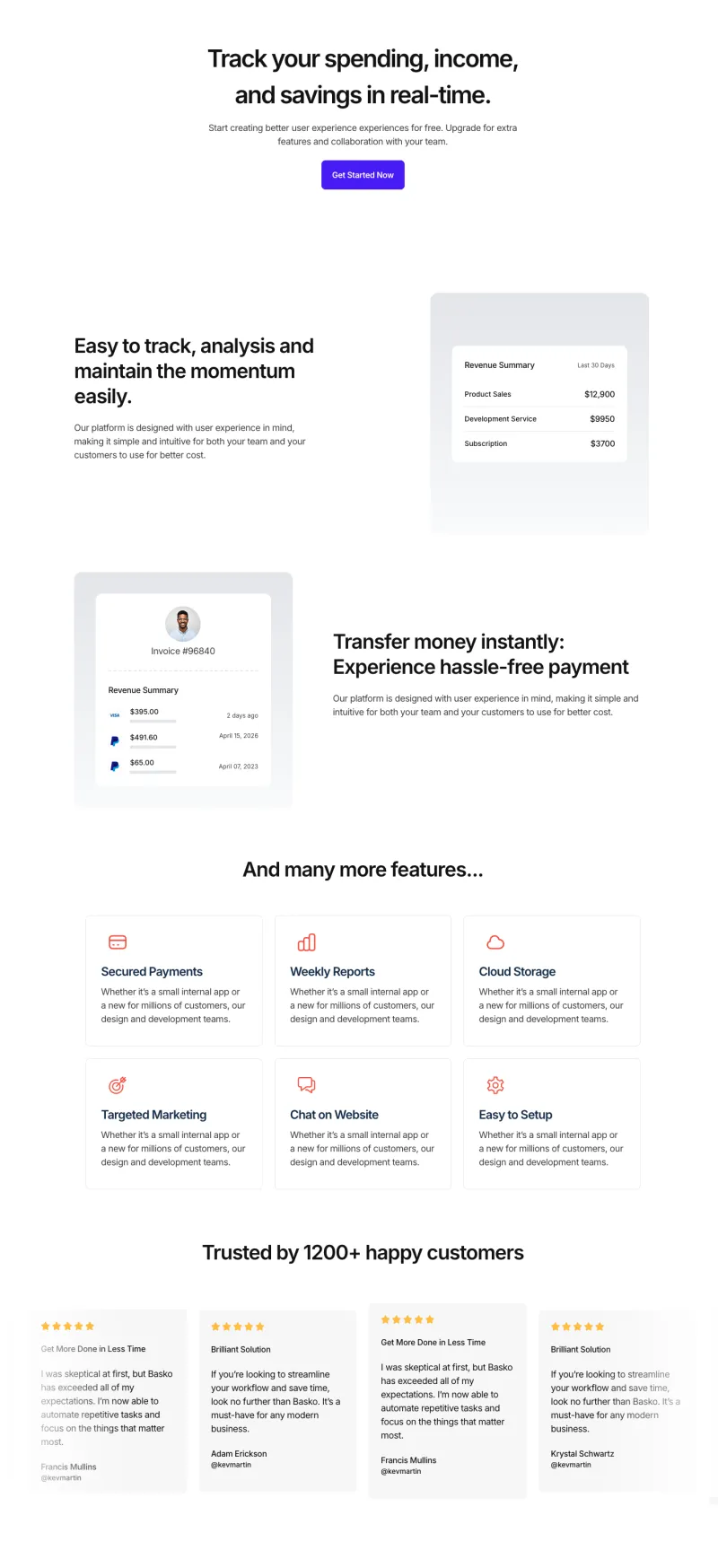
Sempla Features Page
Pro
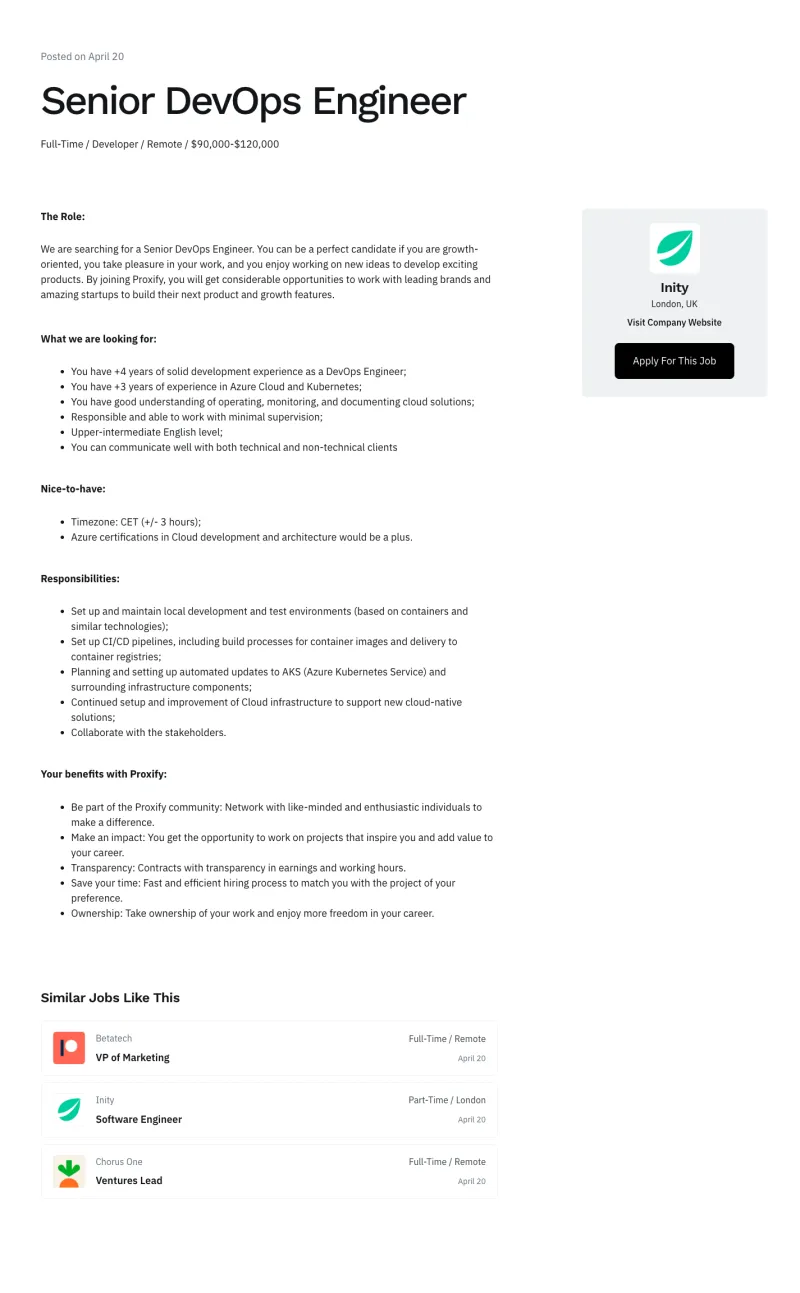
Shiftflow Job Details
Pro
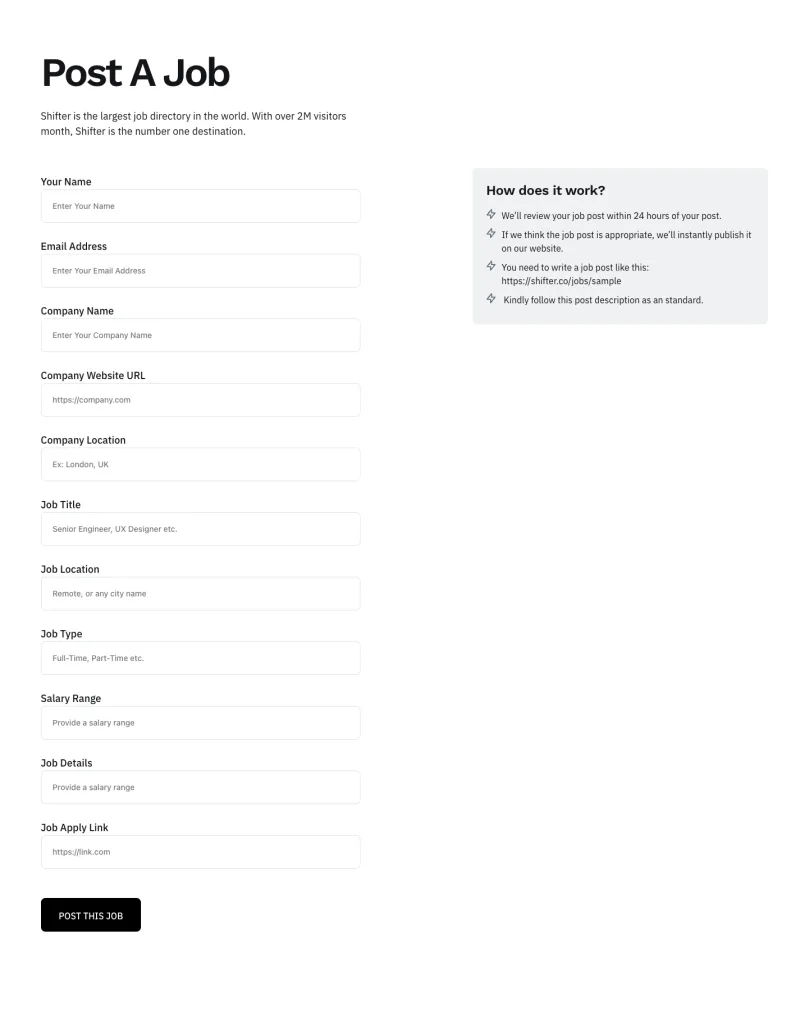
Shiftflow Post Job
Pro

Tecpart Service Details
Pro
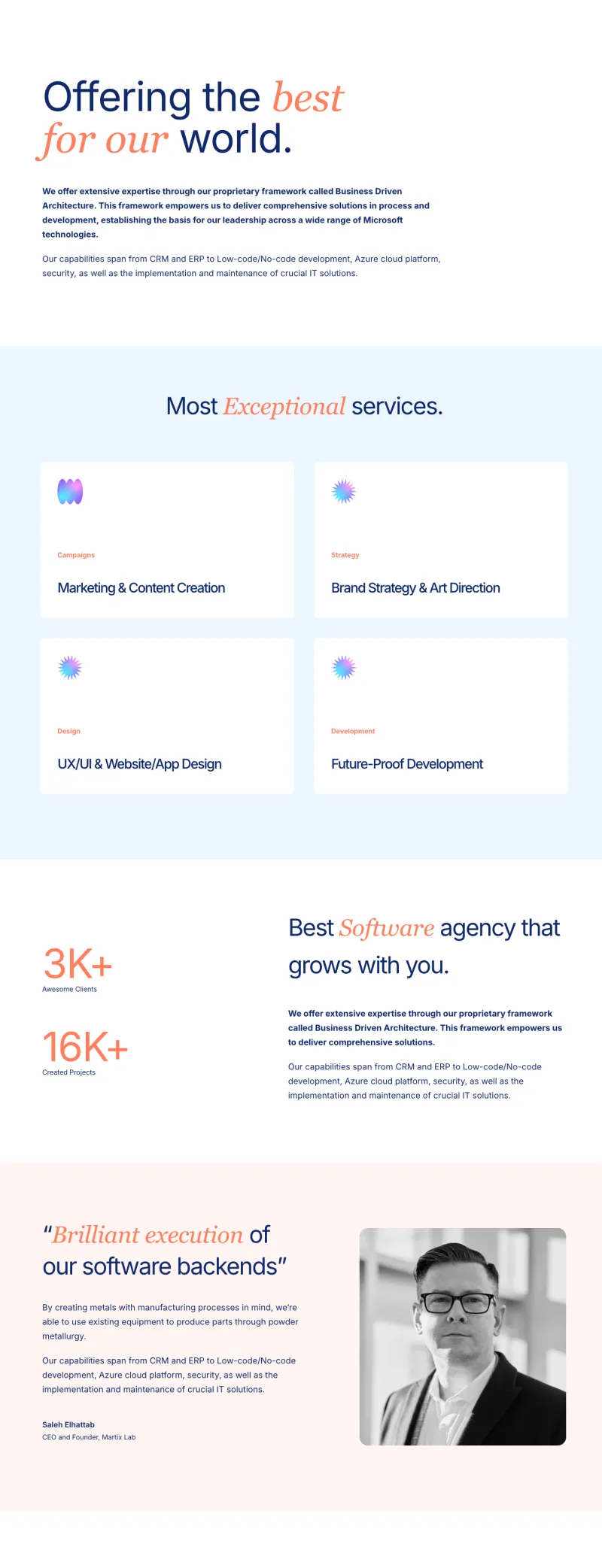
Tecpart Services Page
Pro

Token Aid Features
Pro
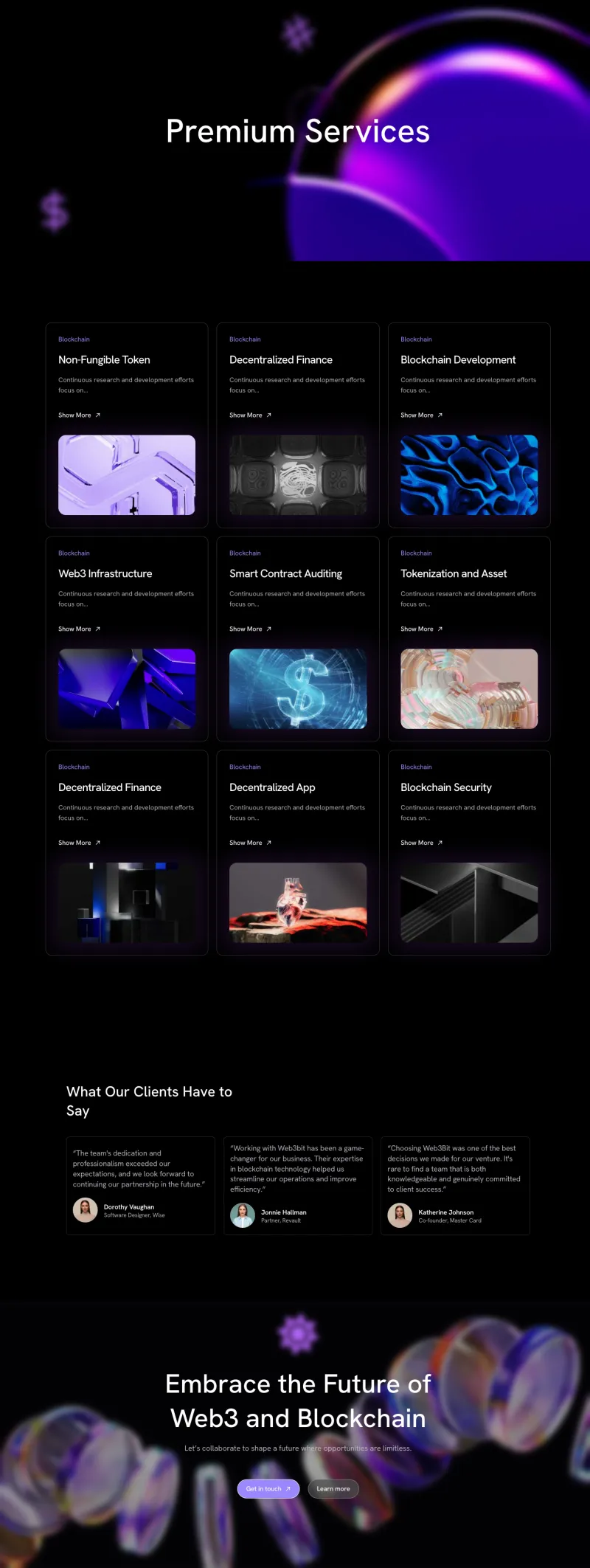
Token Aid Services
Pro
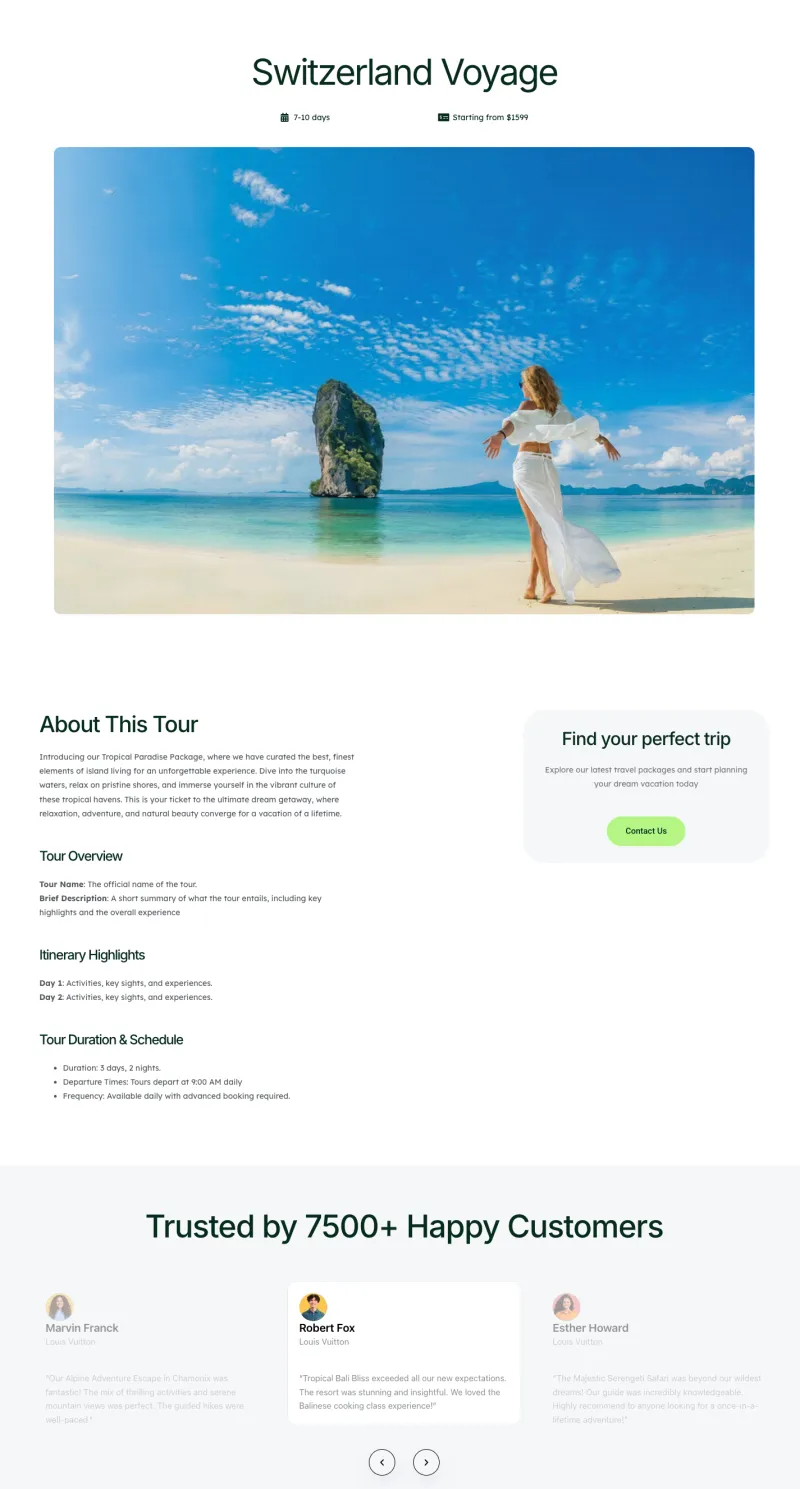
Travello Package Details
Pro
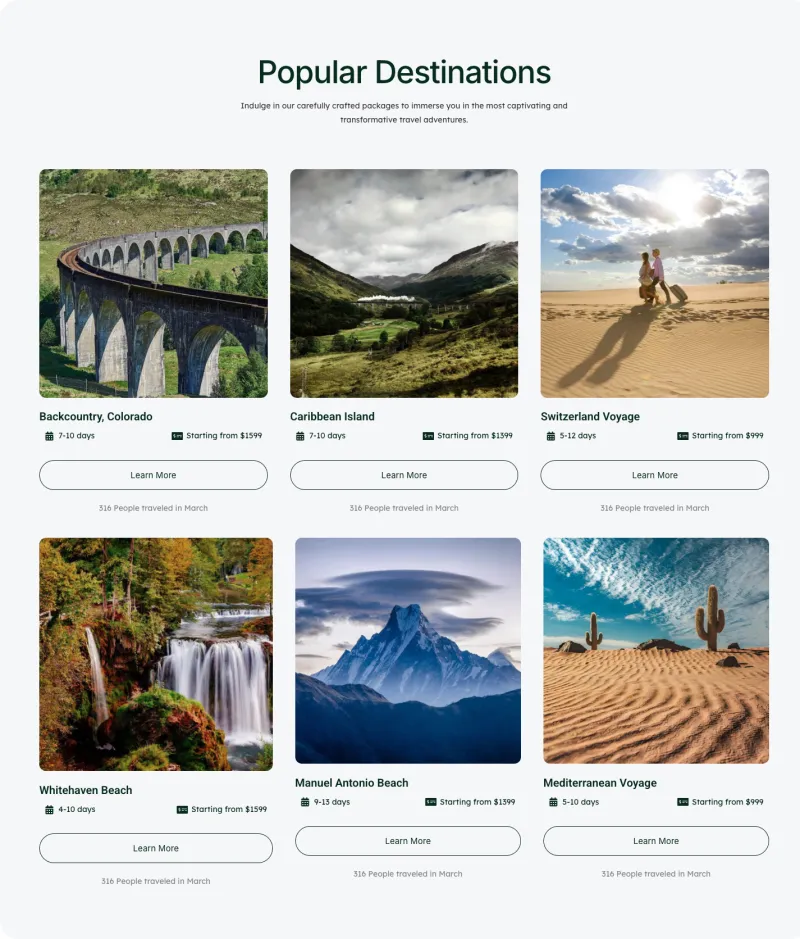
Travello Packages Page
Pro
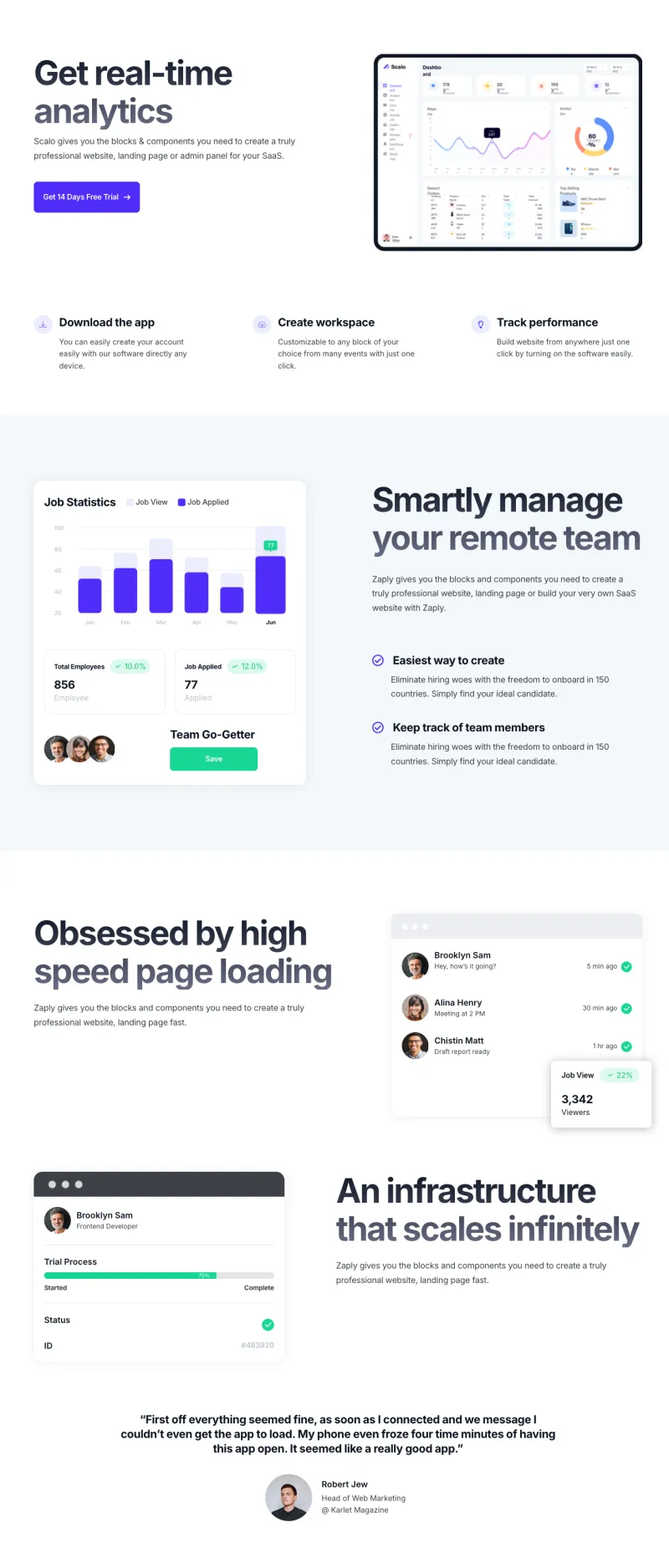
Zaplyte Features Page
Pro
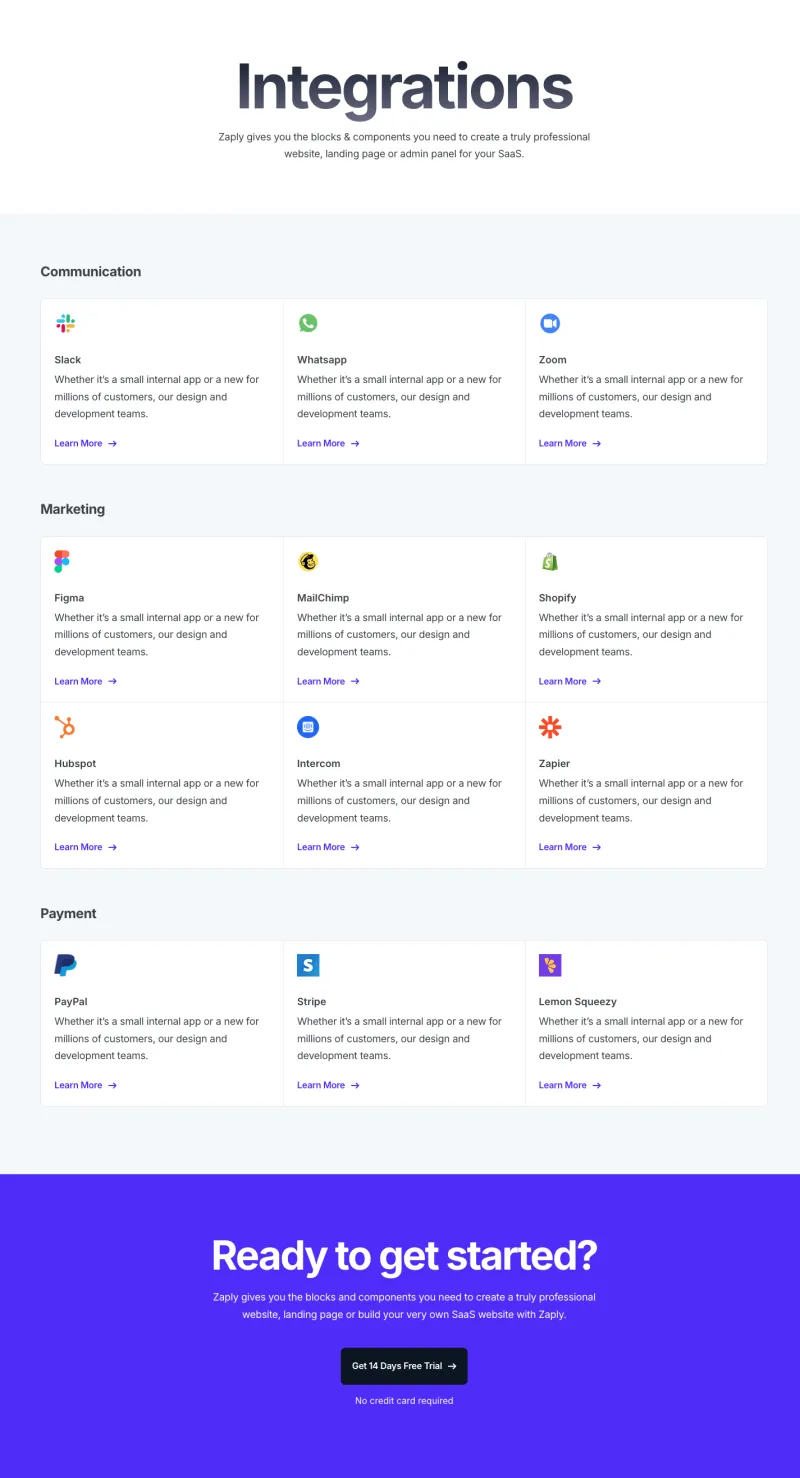
Zaplyte Integrations Page
ProElementor Pricing Page Templates
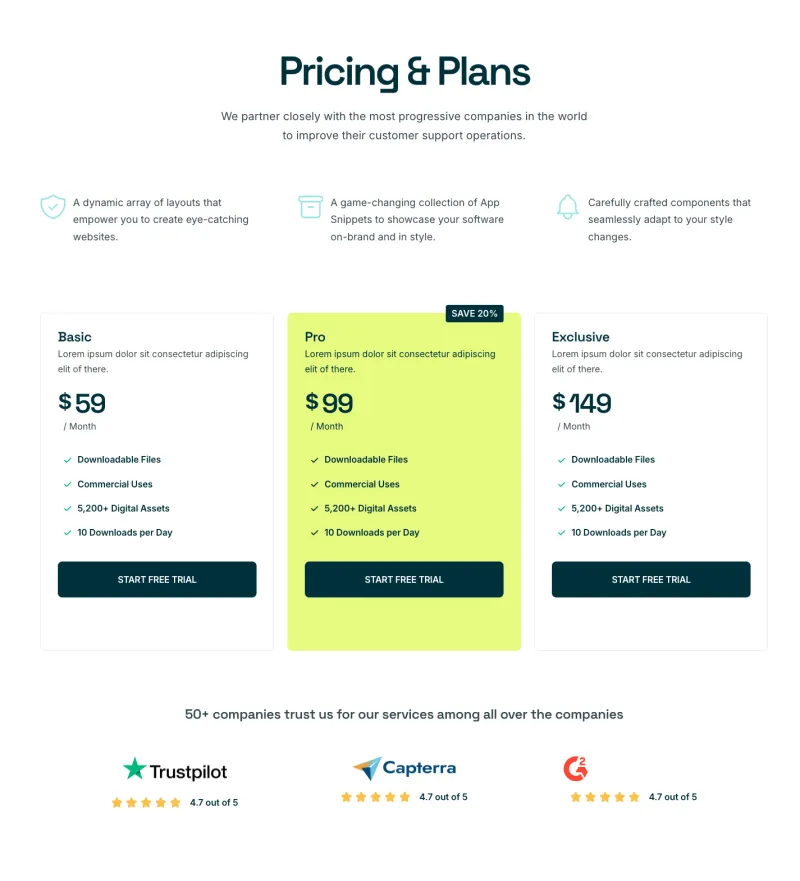
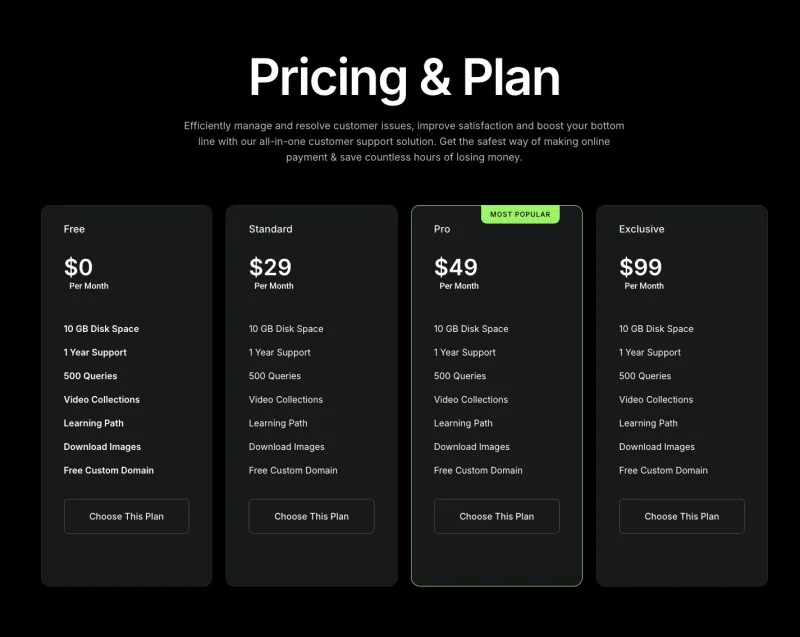
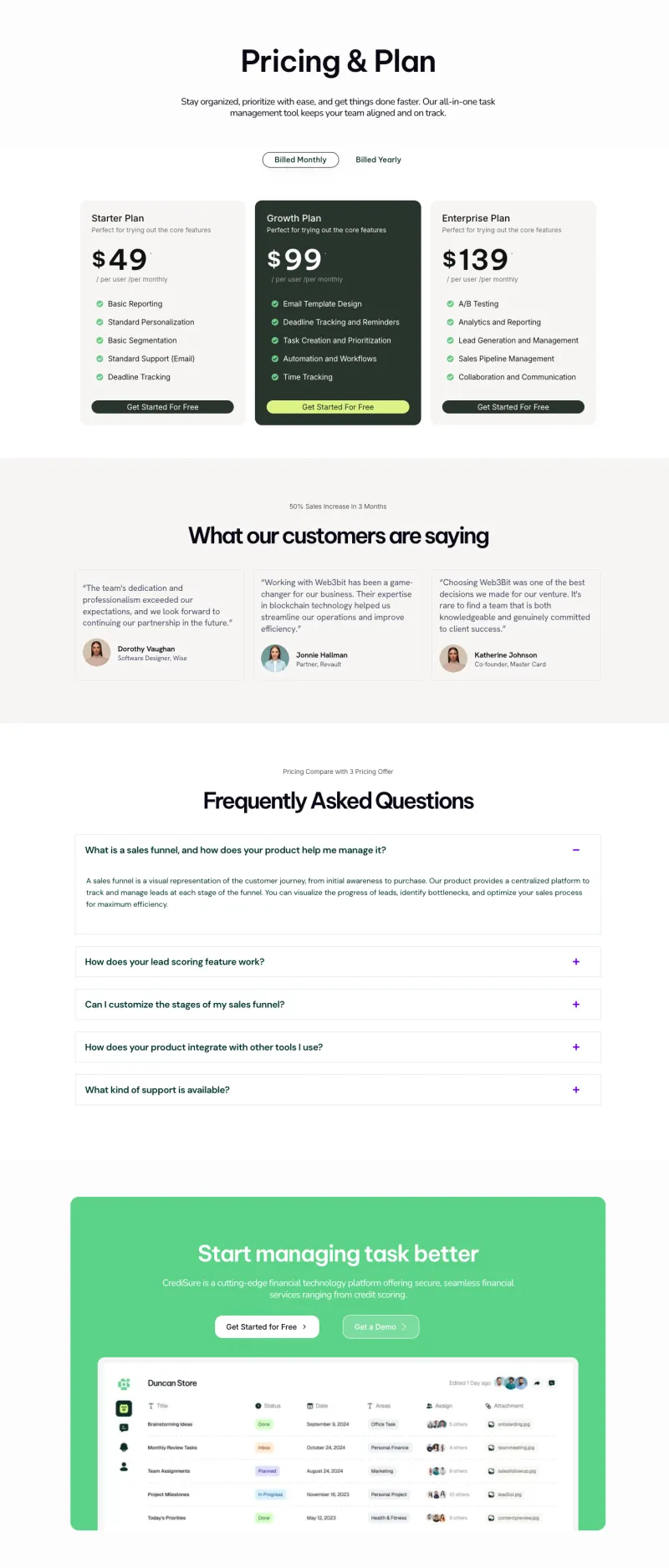
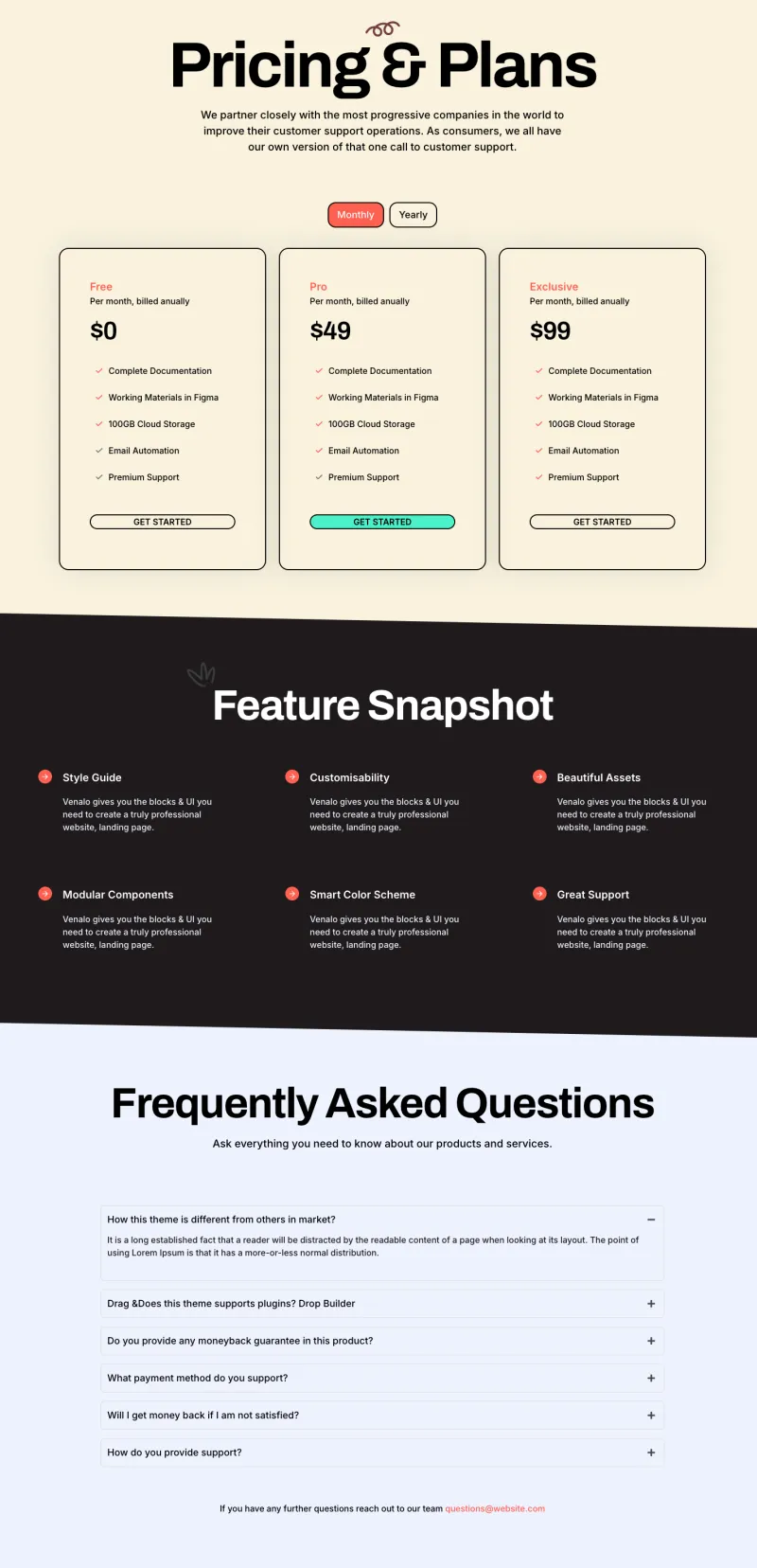
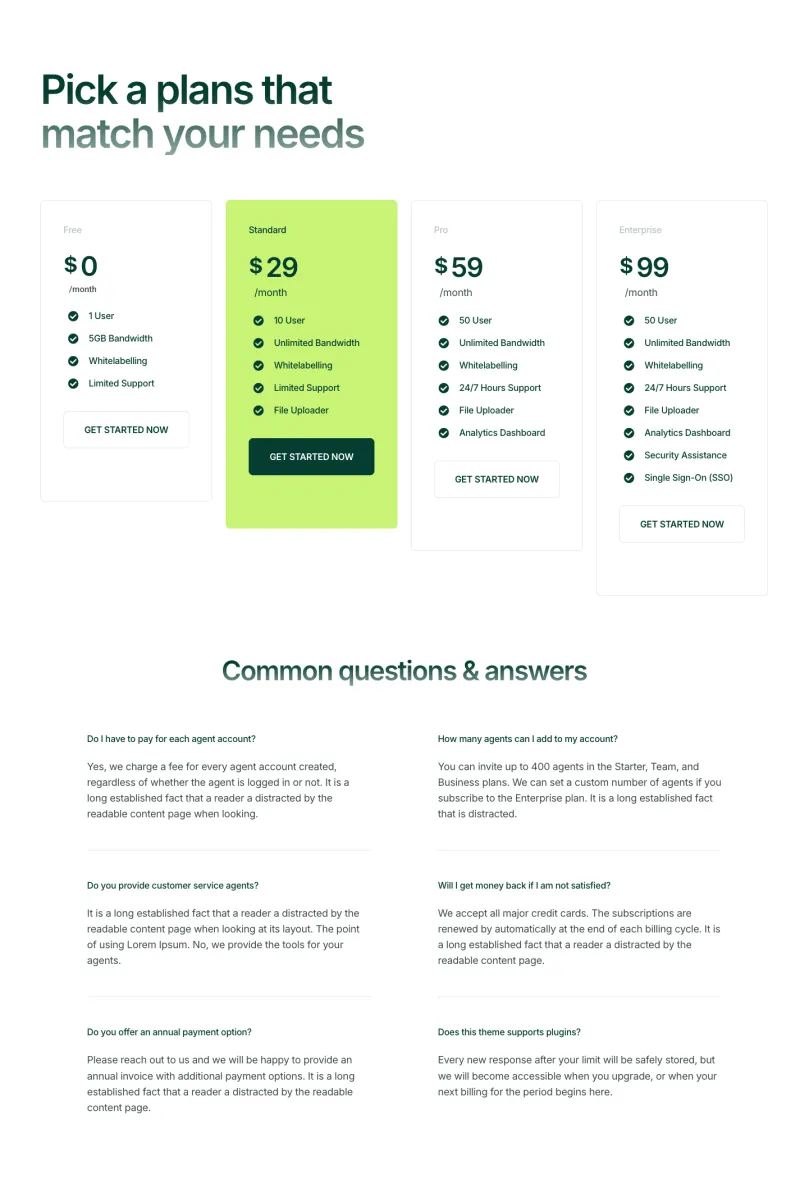
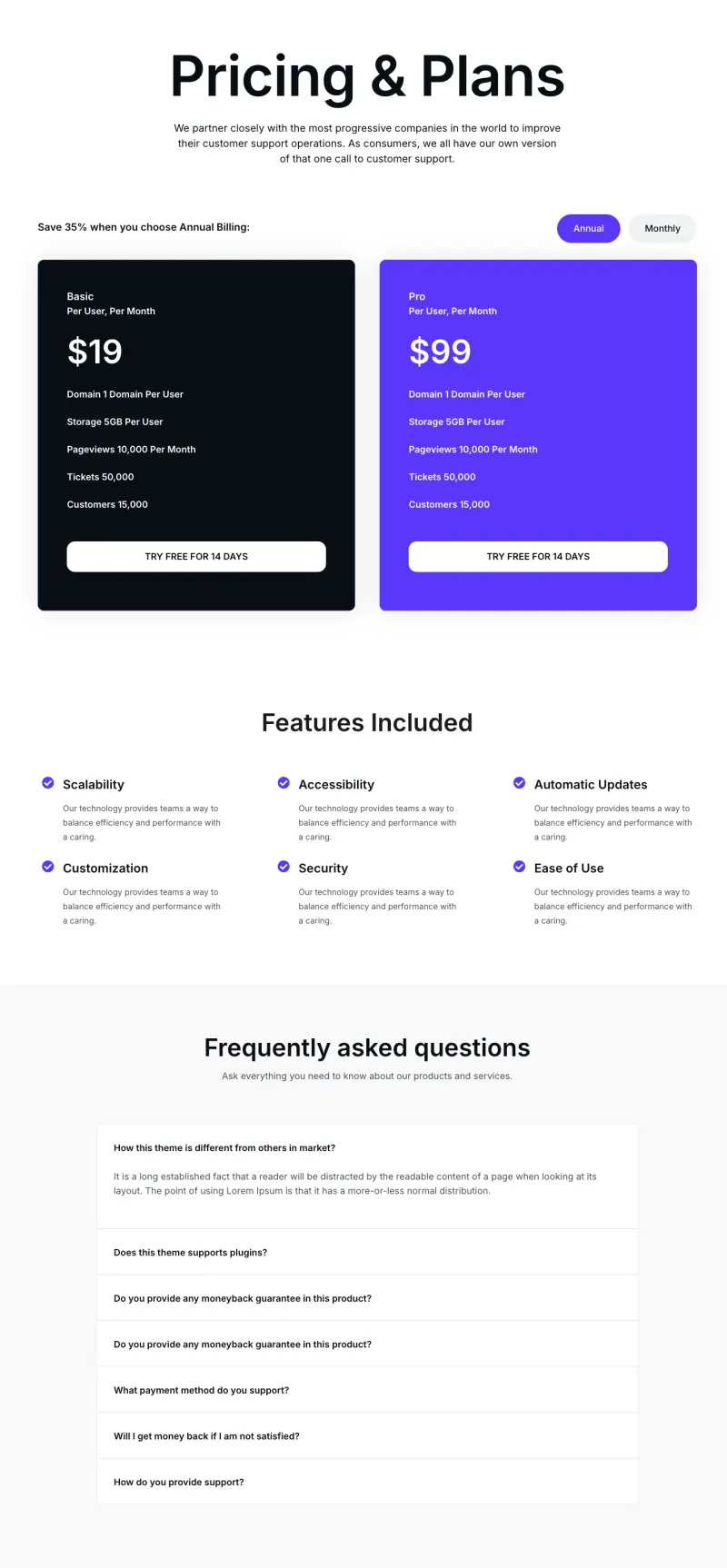
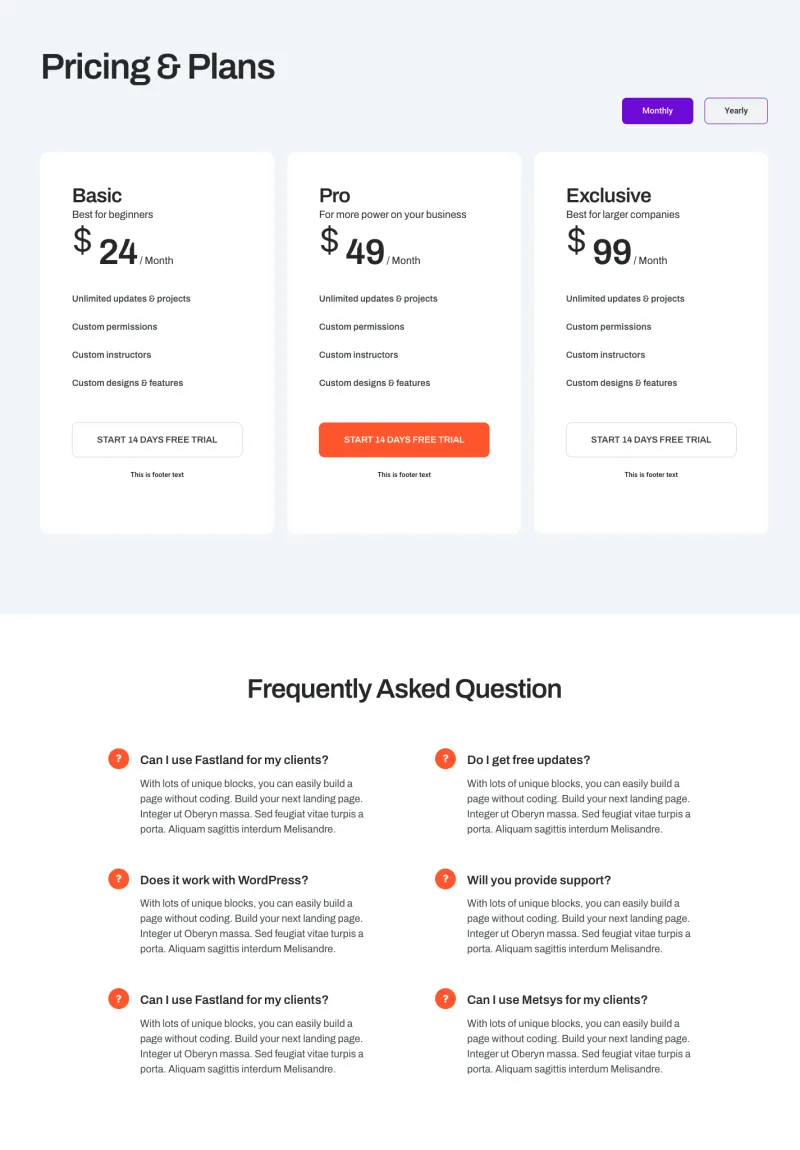
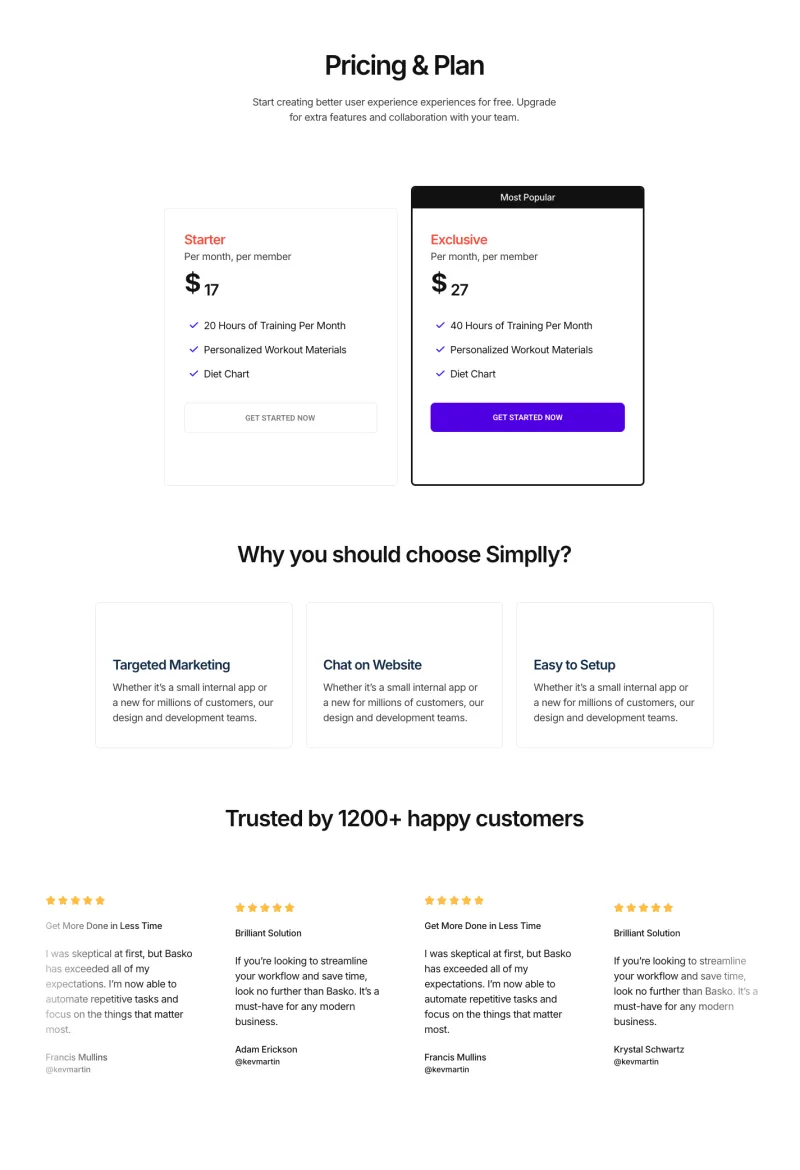
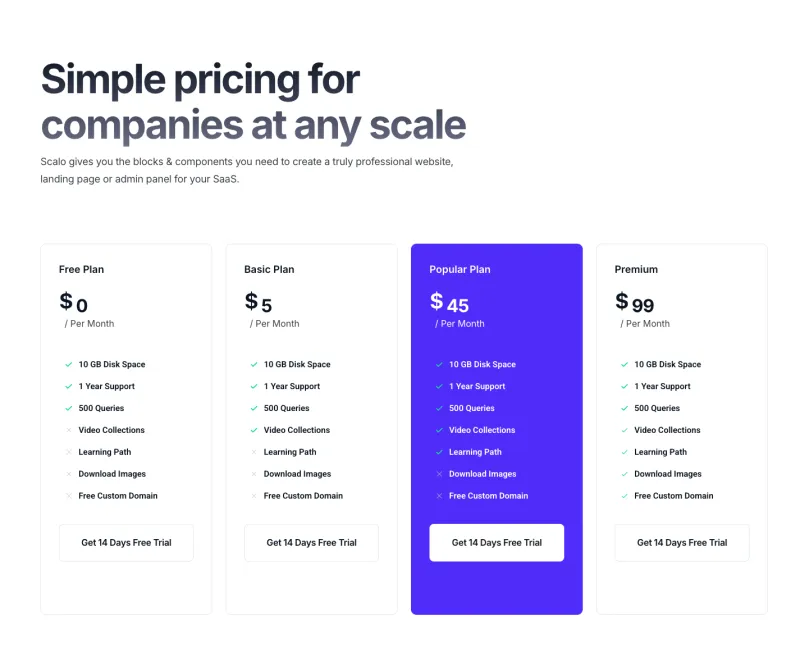
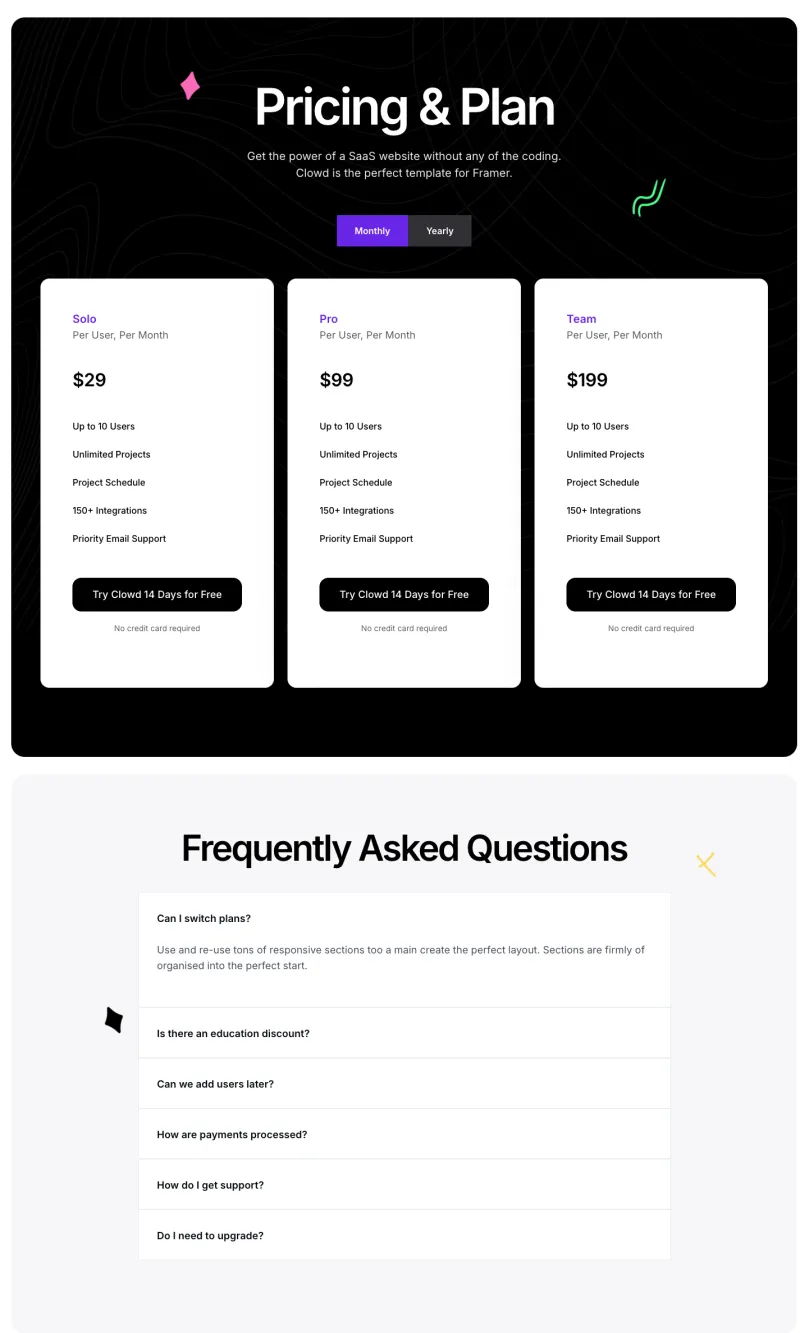
Ten pricing pages, mostly for SaaS products. Each one sets out two to four plans side by side, half of them include a monthly and yearly switch, and most finish with an FAQ that answers billing questions.
Elementor Contact Page Templates
Contact pages built around a form, with office details, maps or a short FAQ depending on the design. Appointment and table booking pages for clinics, cleaners and restaurants are included.
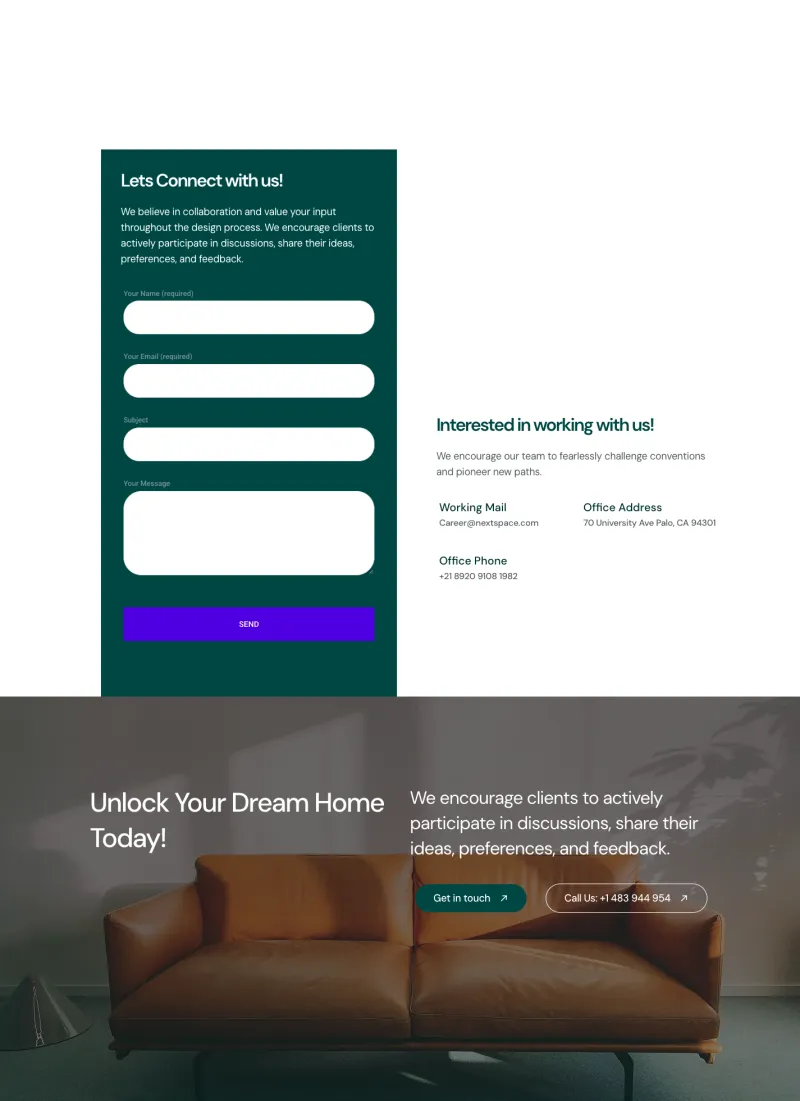
VibeSpace Contact Page
Free
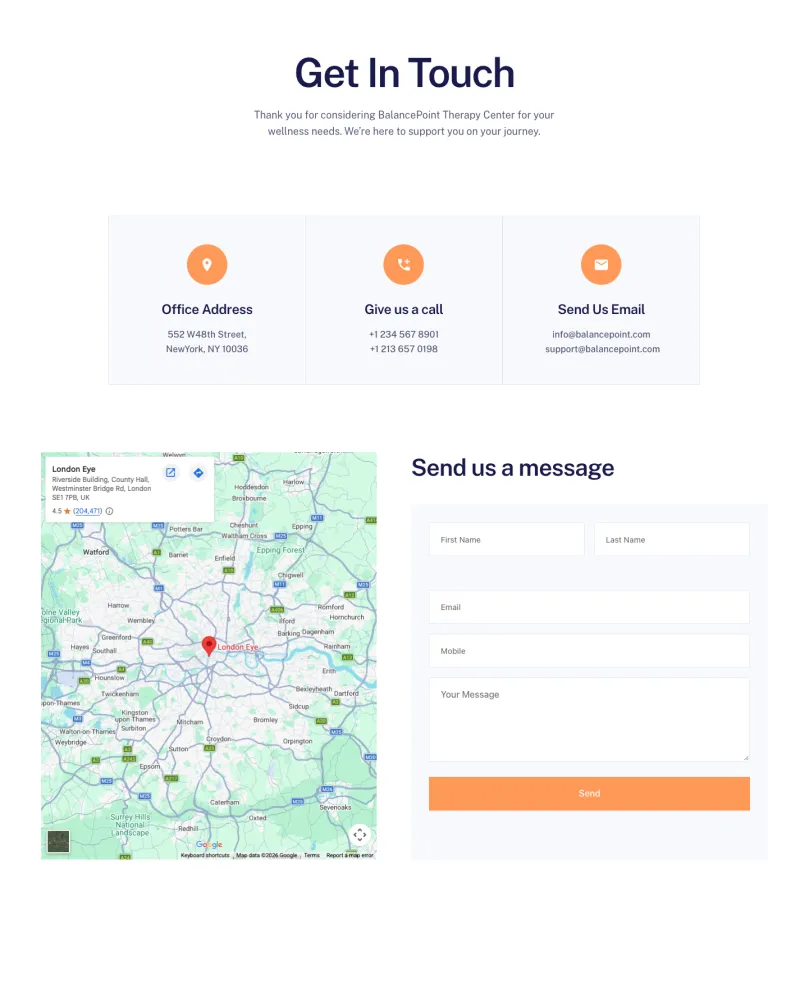
Balanciq Contact Page
Pro
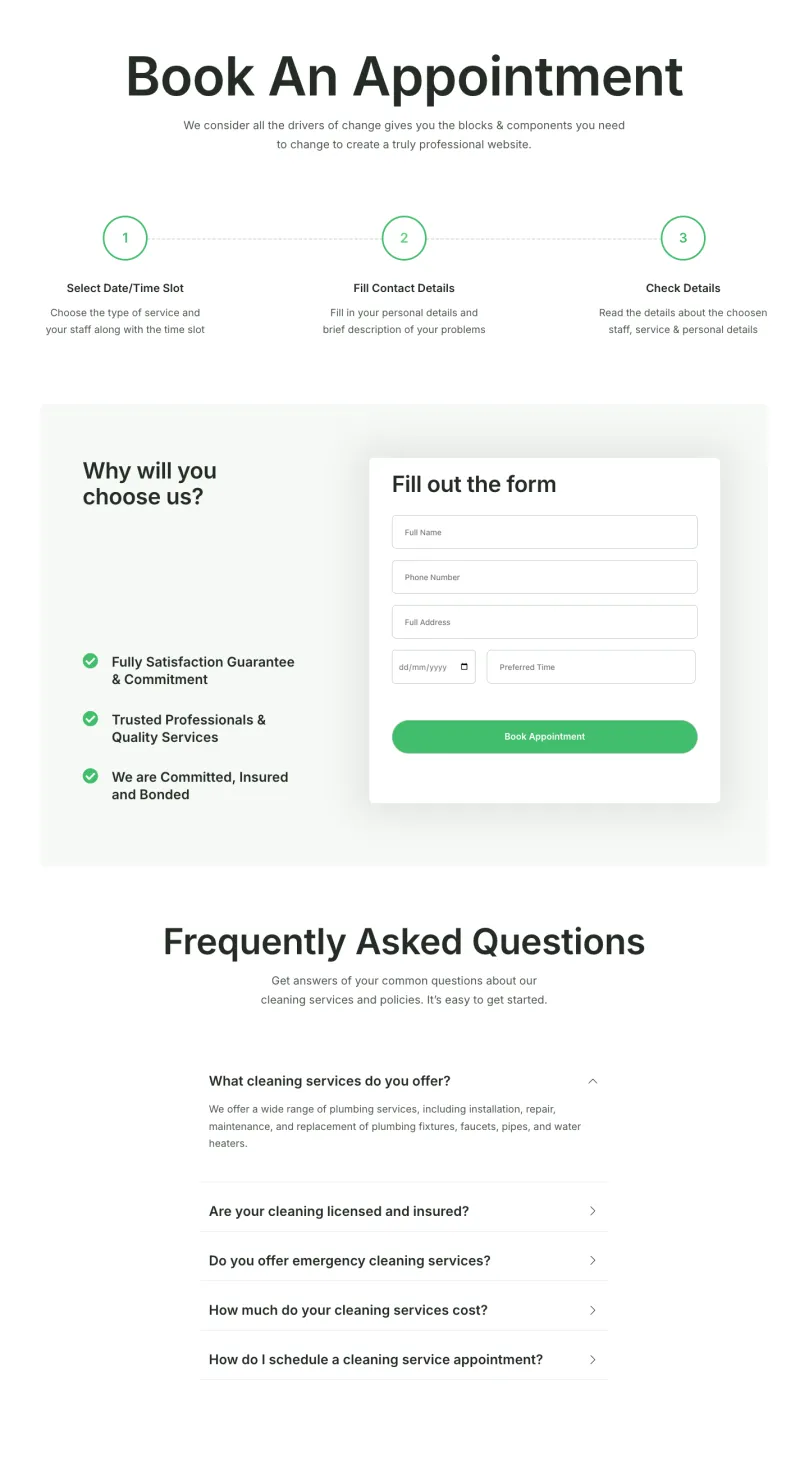
Cleaner Appointment Page
Pro
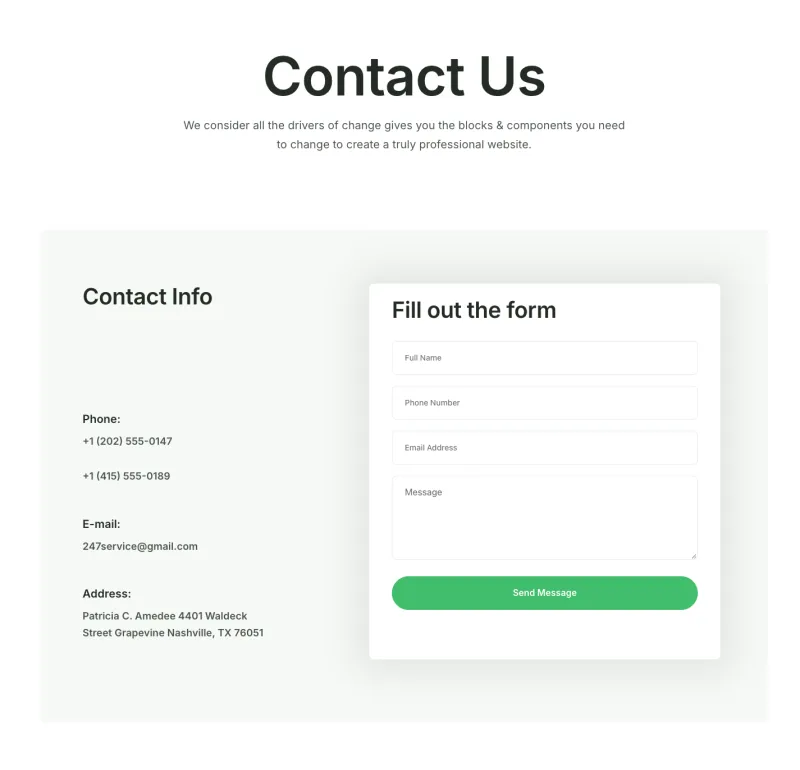
Cleaner Contact Page
Pro
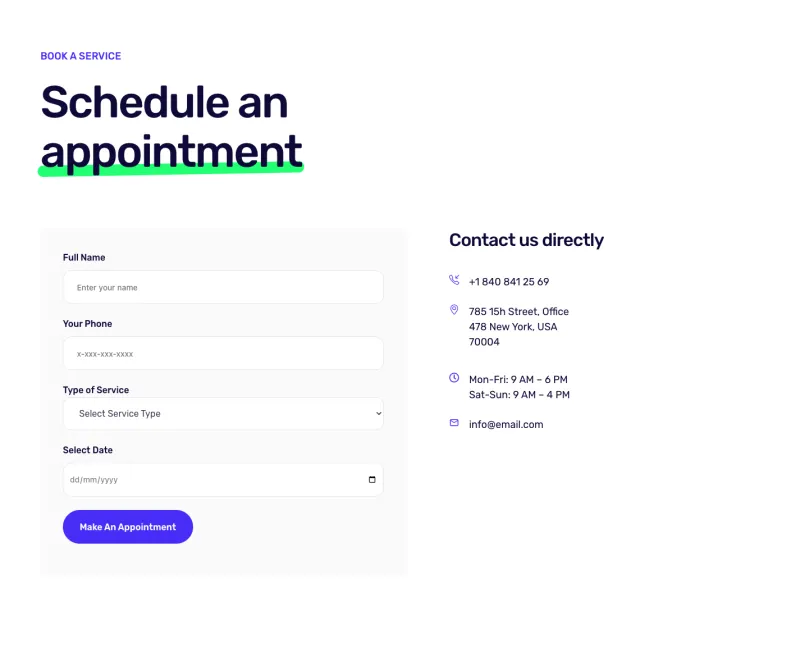
Cleanery Appointment Page
Pro
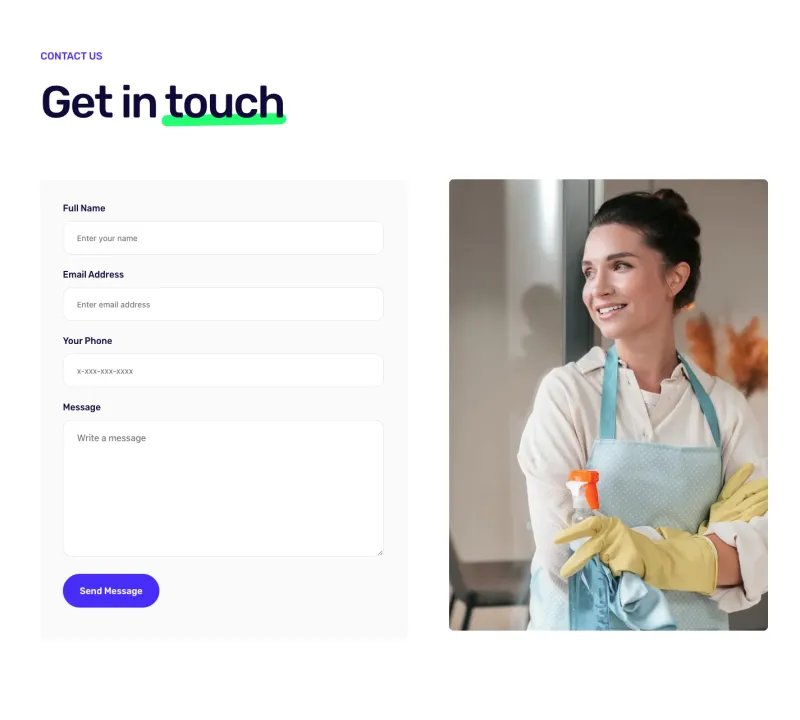
Cleanery Contact Page
Pro
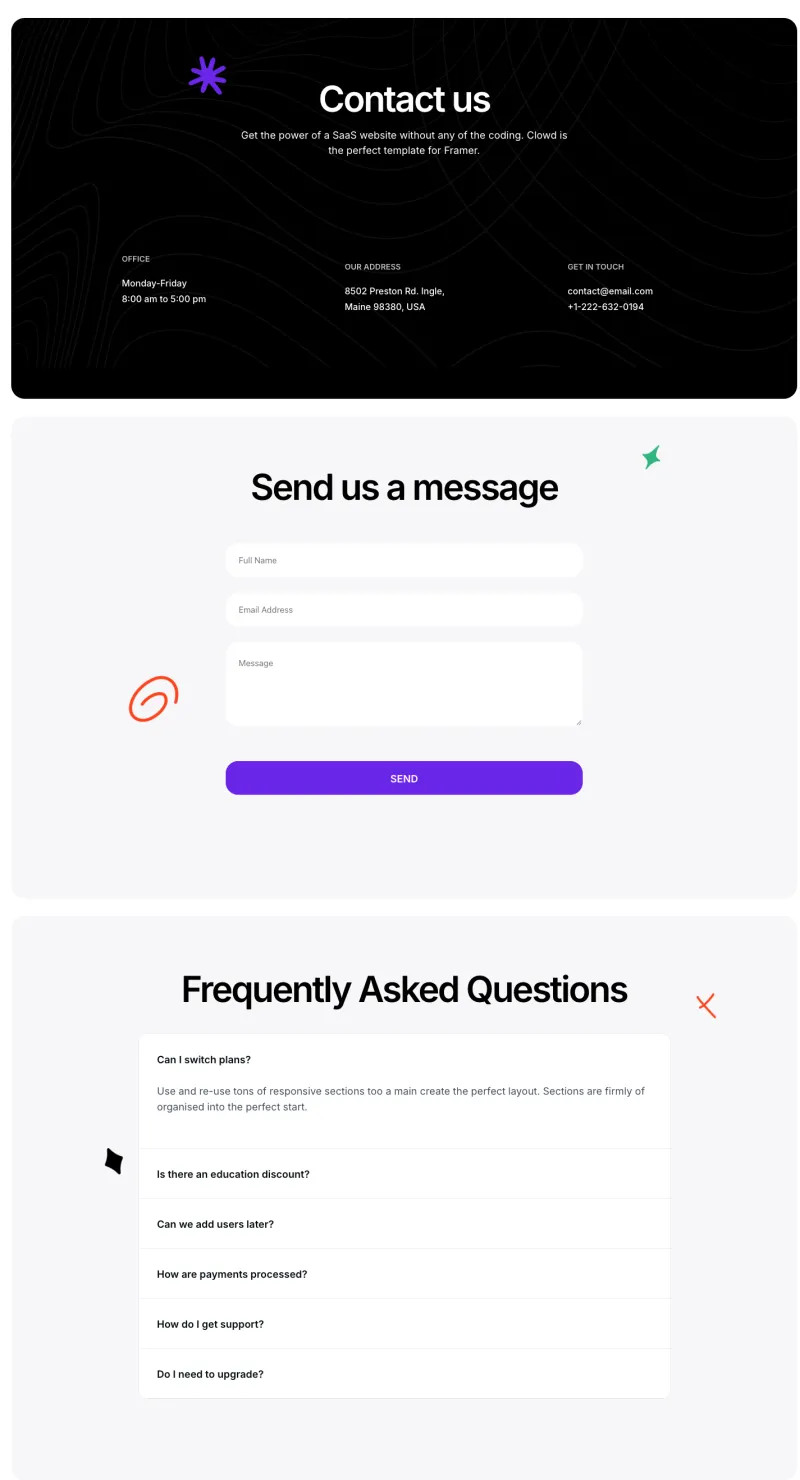
Clowdify Contact Page
Pro
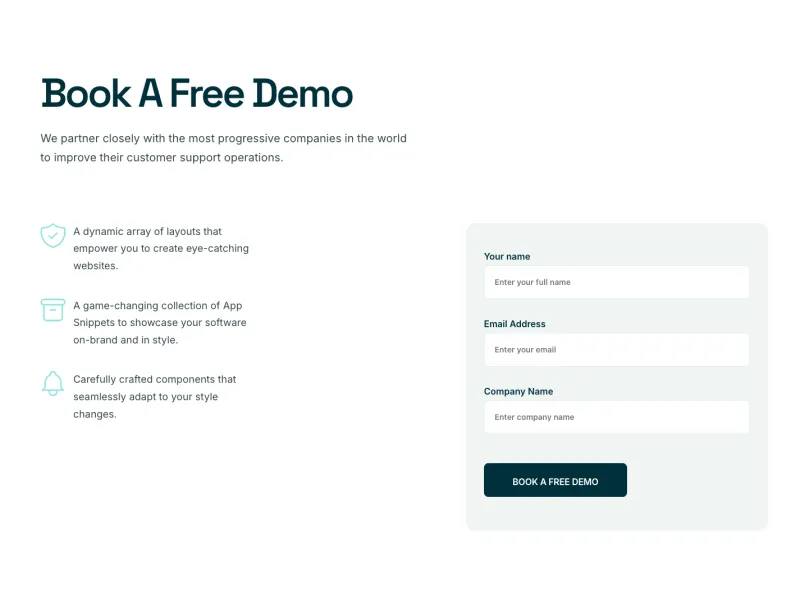
Craftova Booking Page
Pro
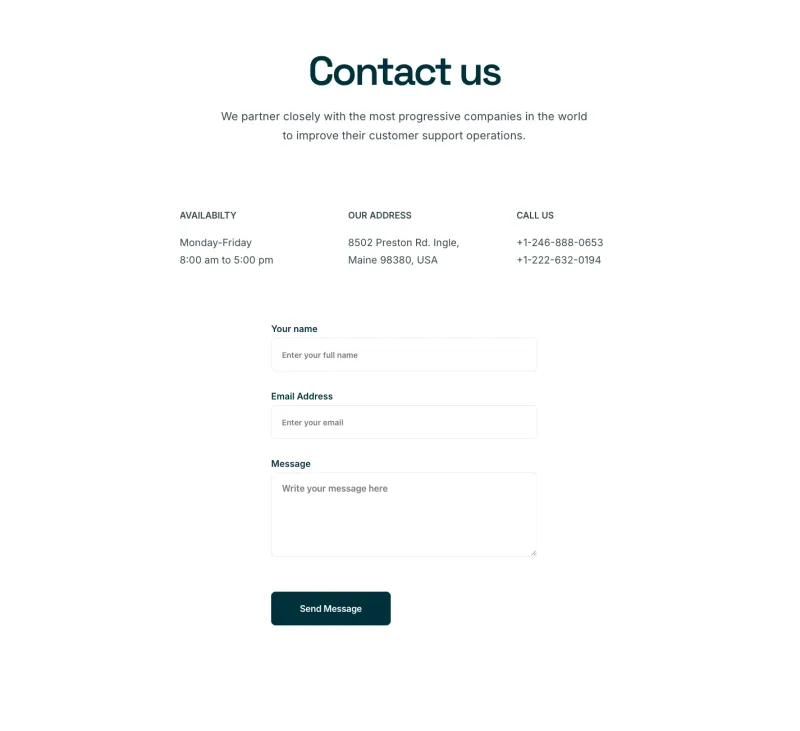
Craftova Contact Page
Pro
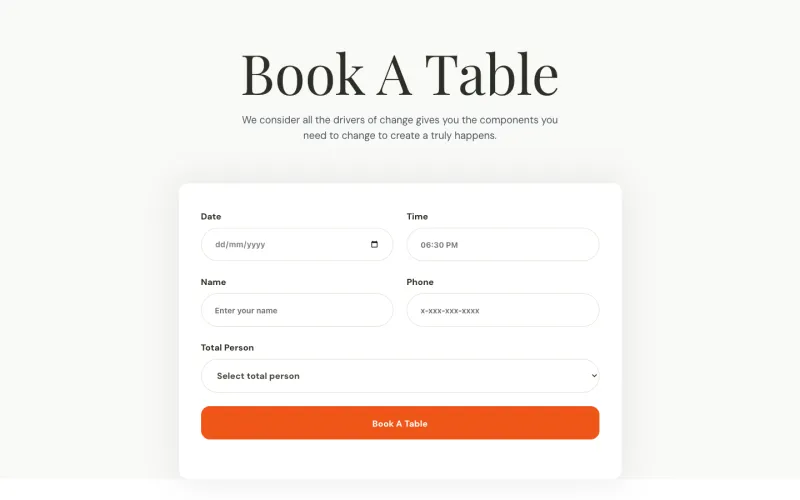
Culinary Booking Page
Pro
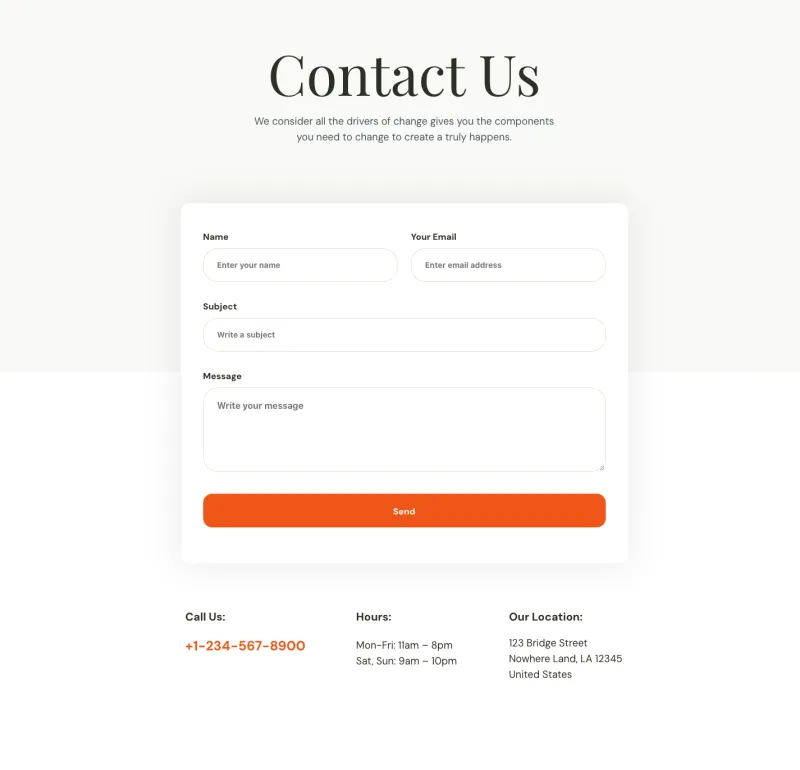
Culinary Contact Page
Pro
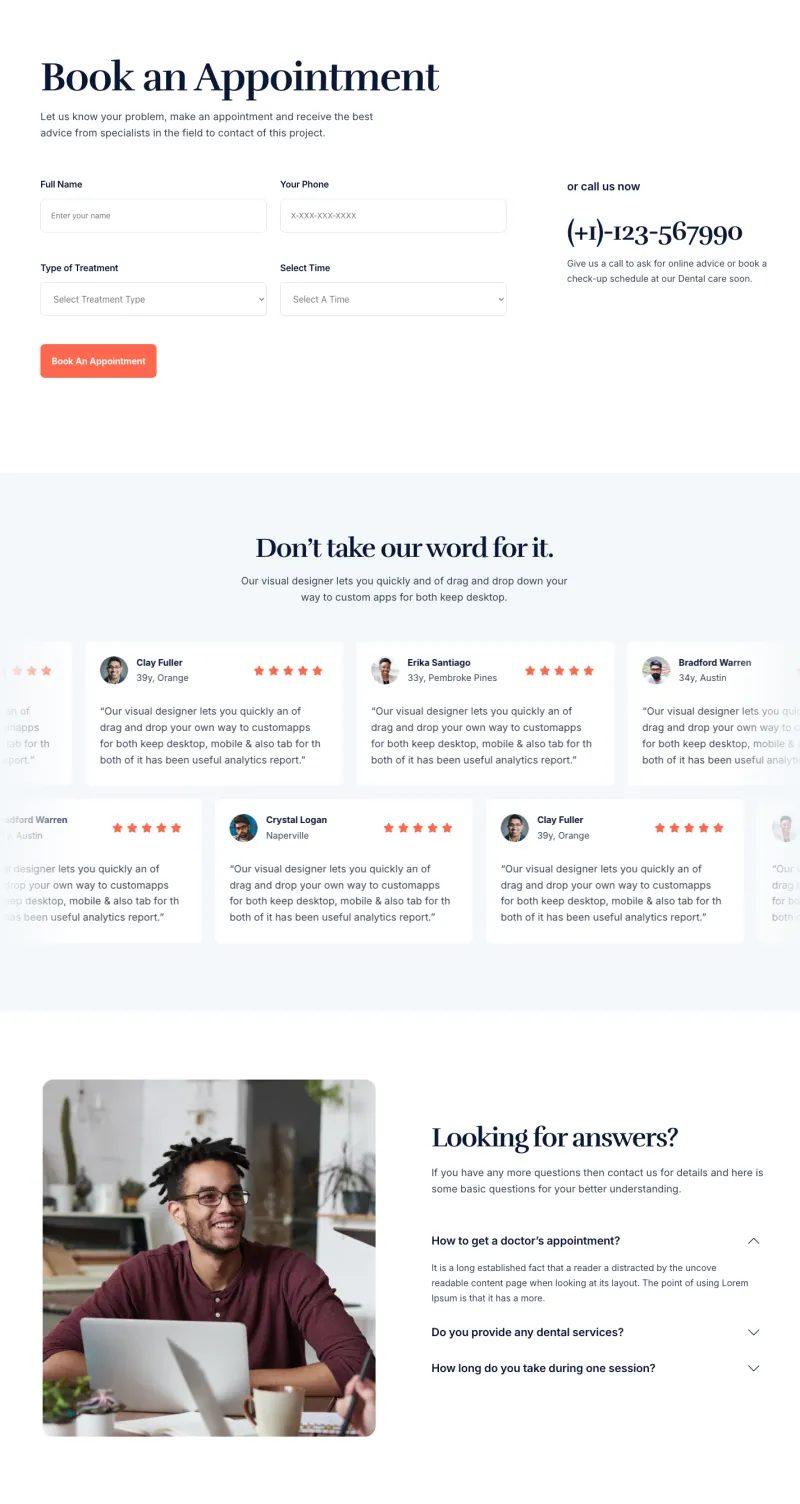
Dental Appointment Page
Pro
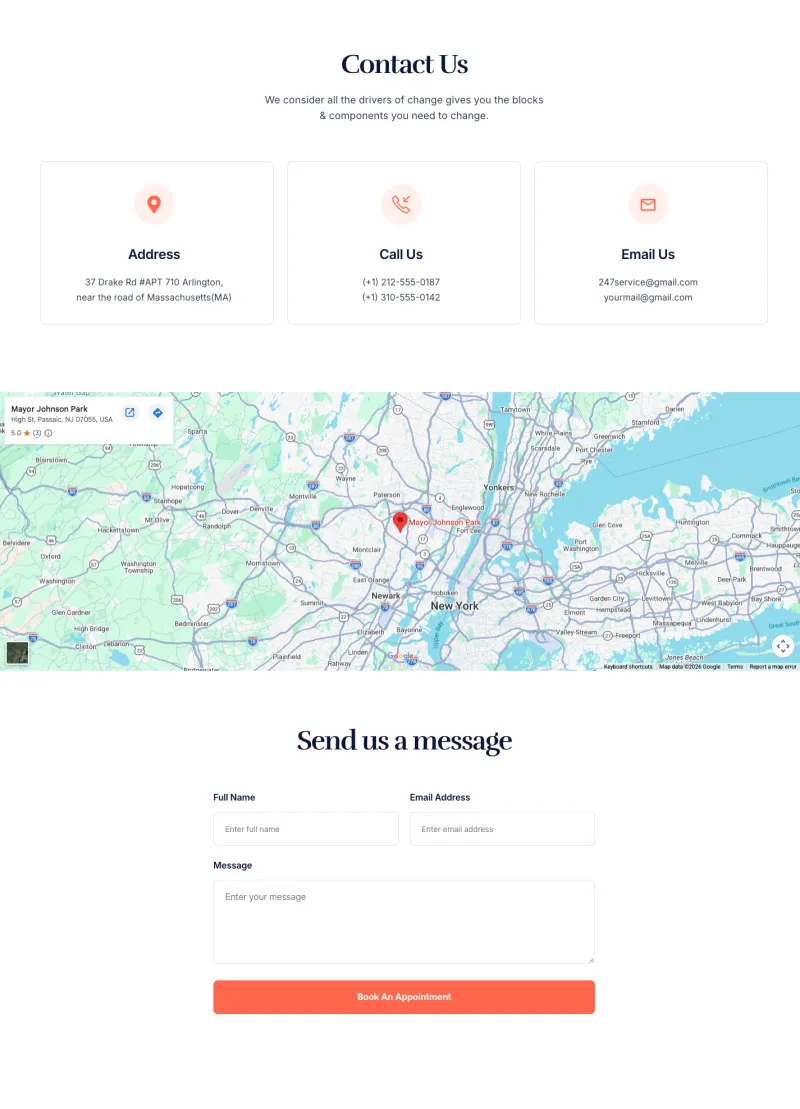
Dental Contact Page
Pro
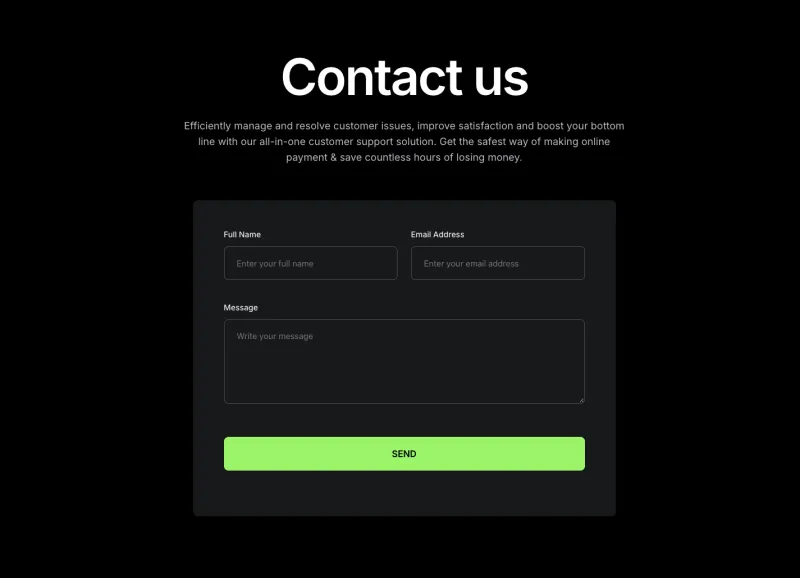
Finix Contact Page
Pro
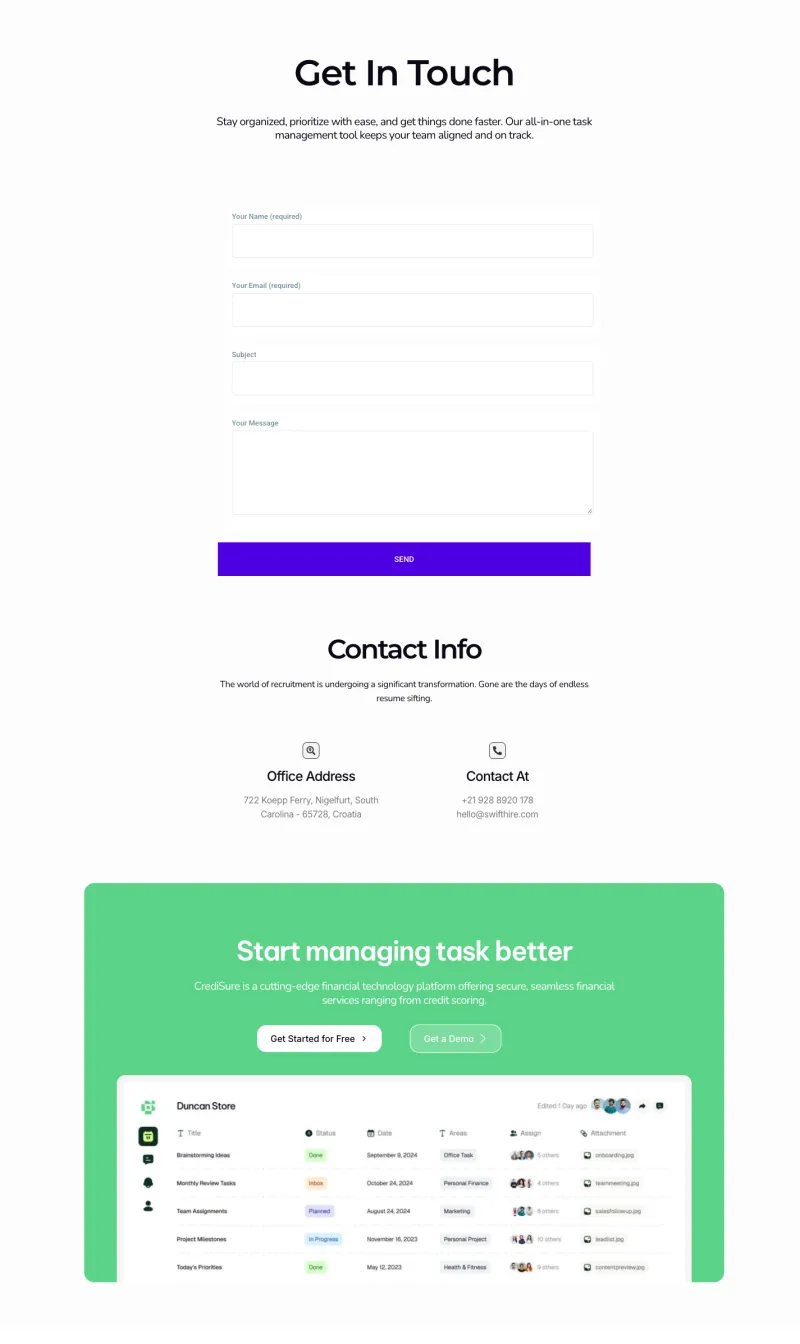
FlowDesk Contact Page
Pro
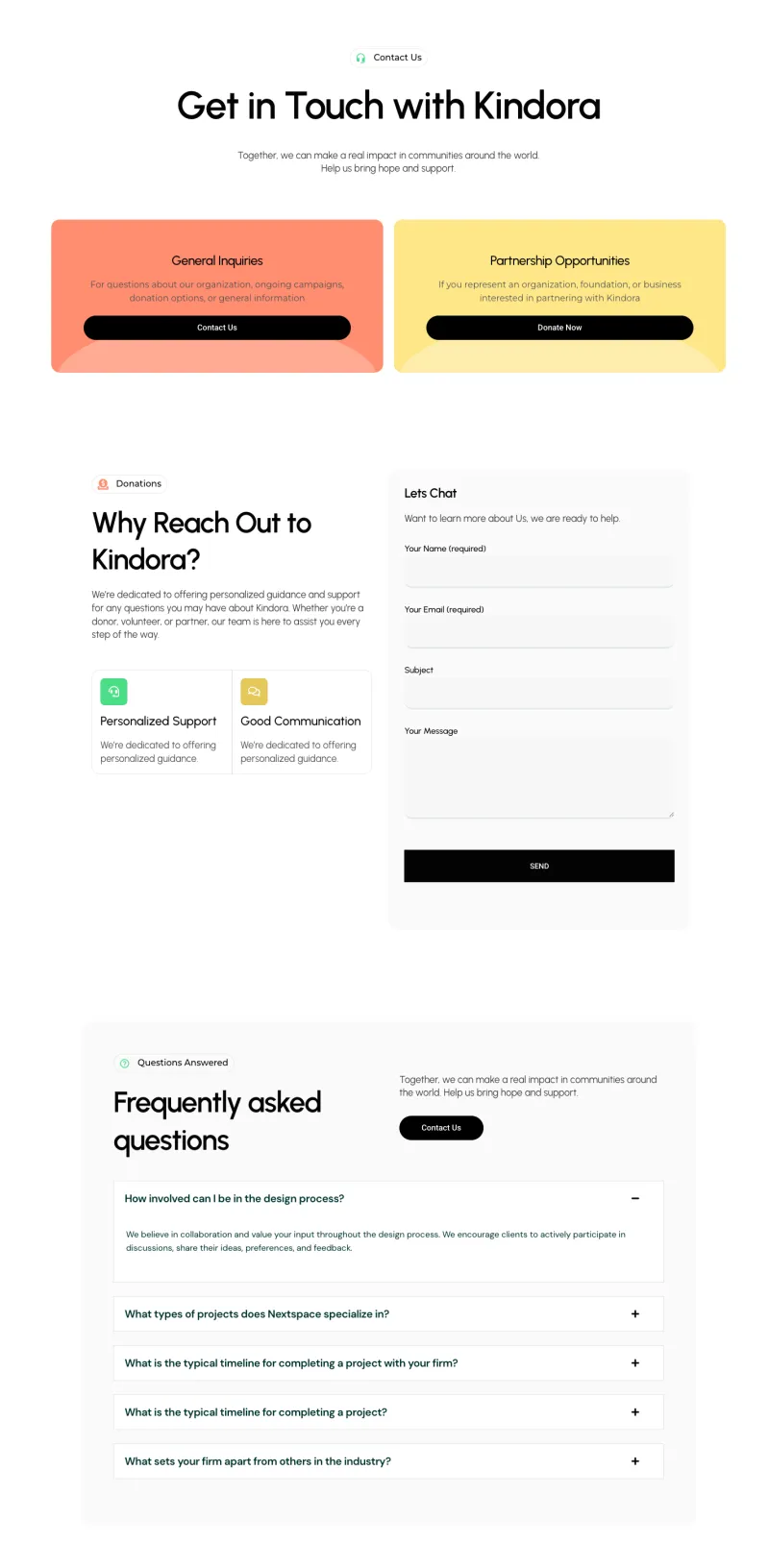
Fundora Contact Page
Pro
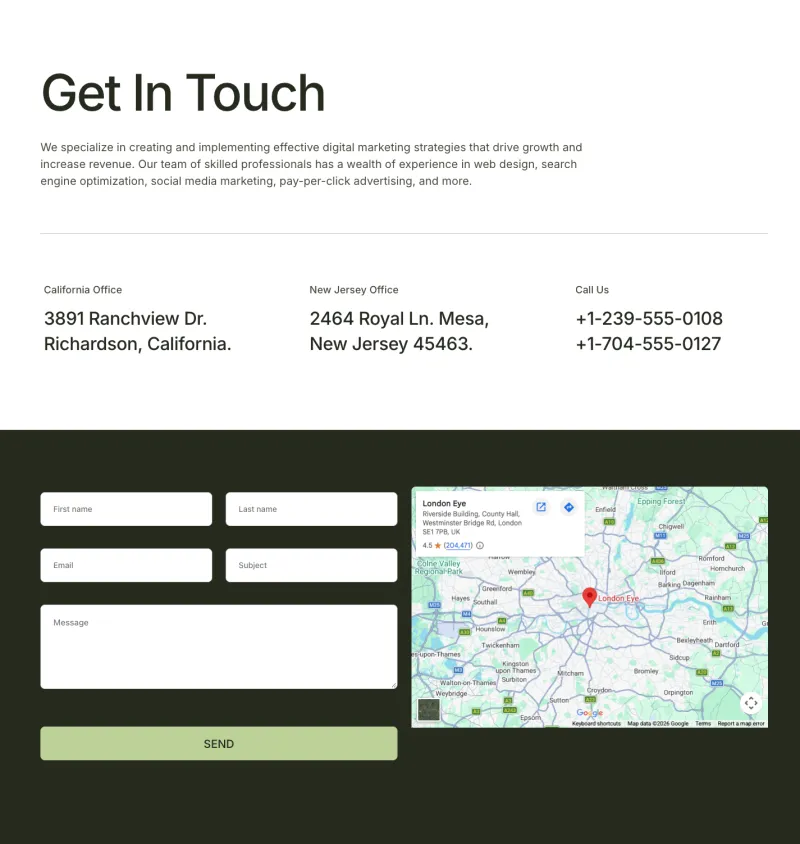
Grip Contact Page
Pro
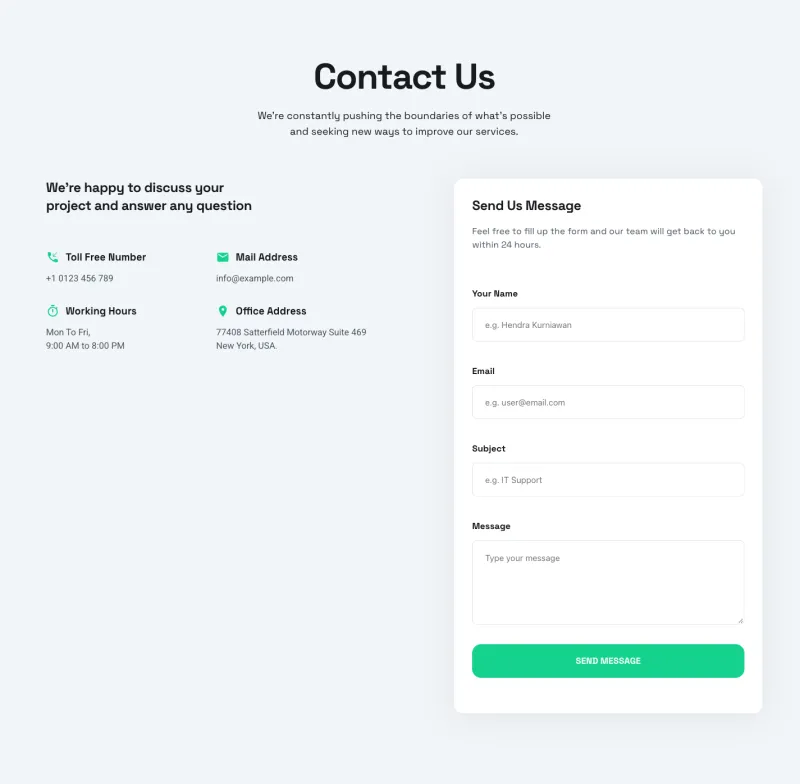
Klyro Contact Page
Pro
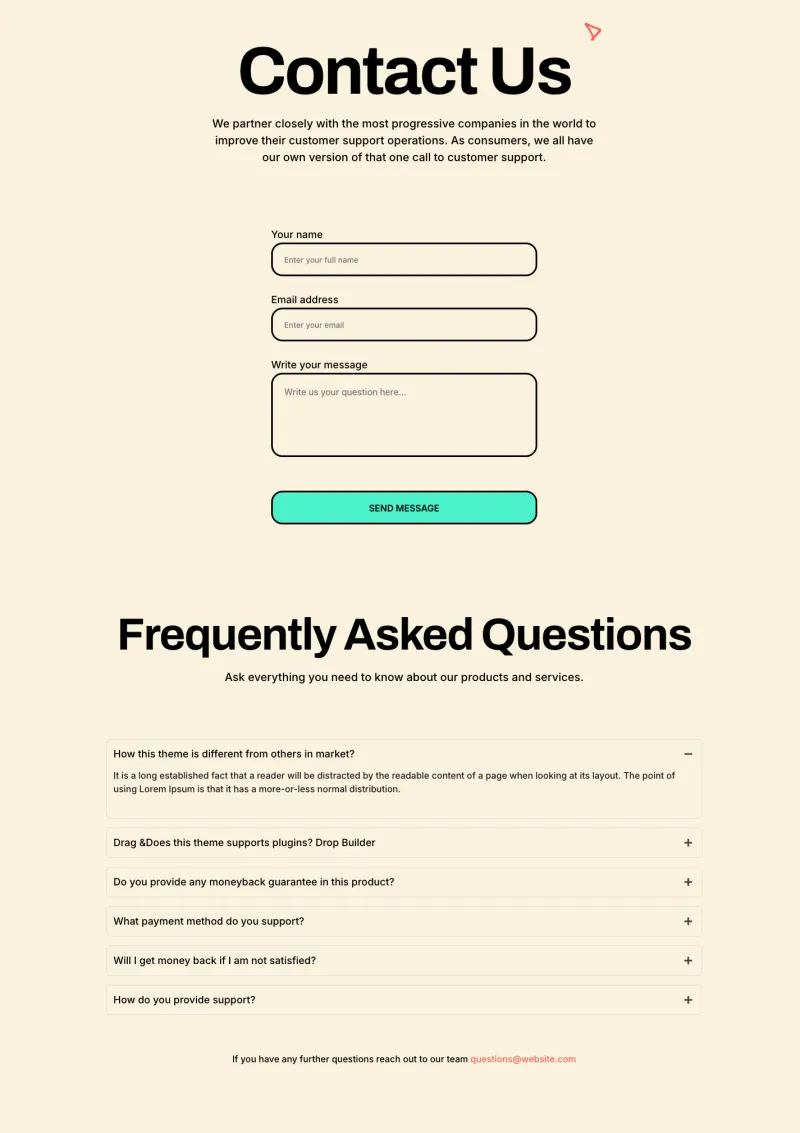
Lead Lift Contact
Pro
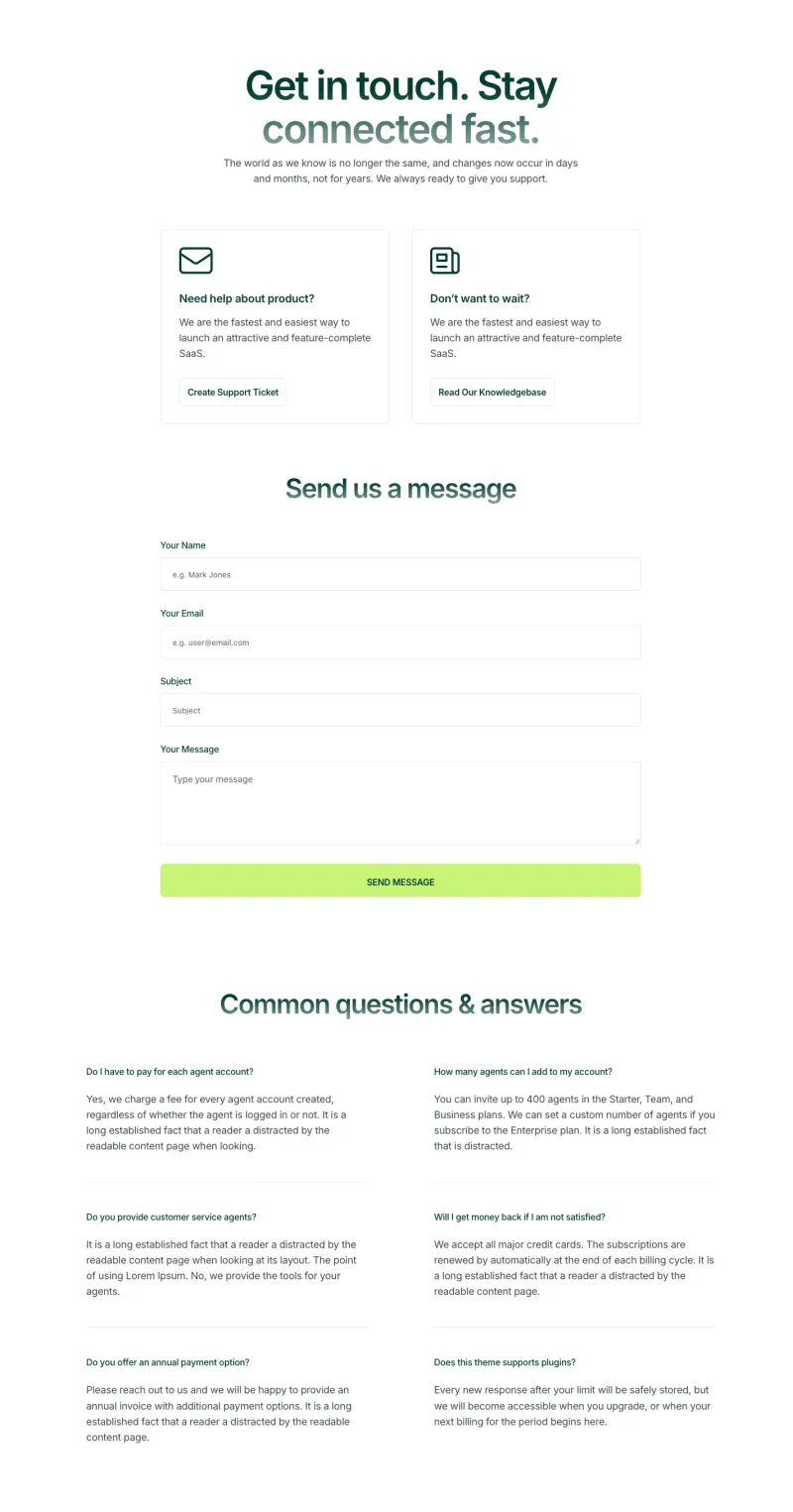
Nexis Contact Page
Pro
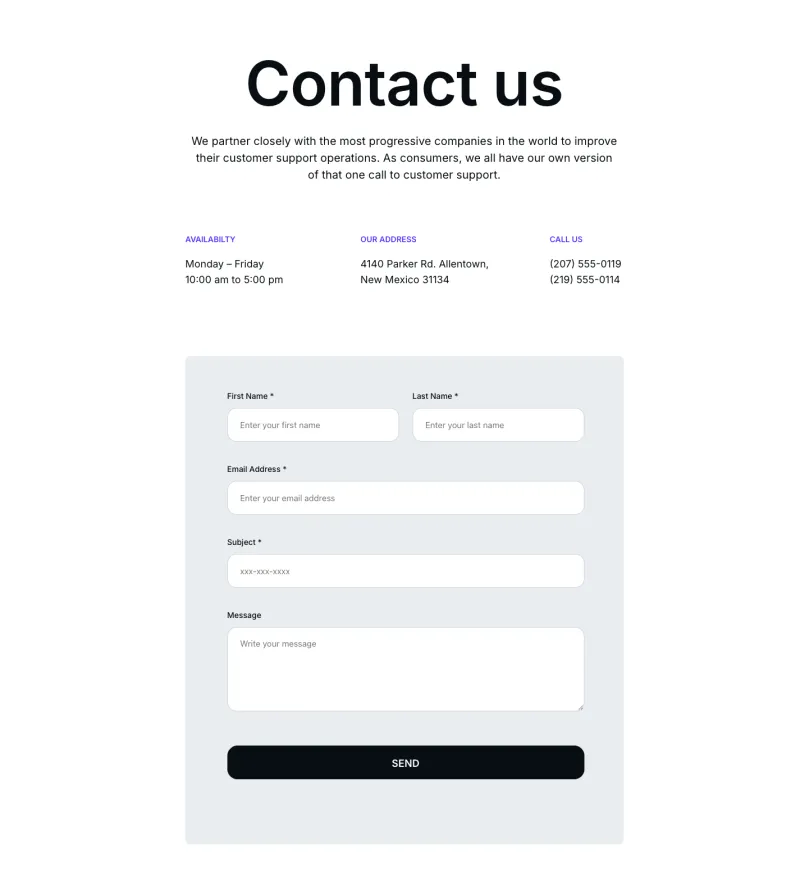
Optivue Contact Page
Pro
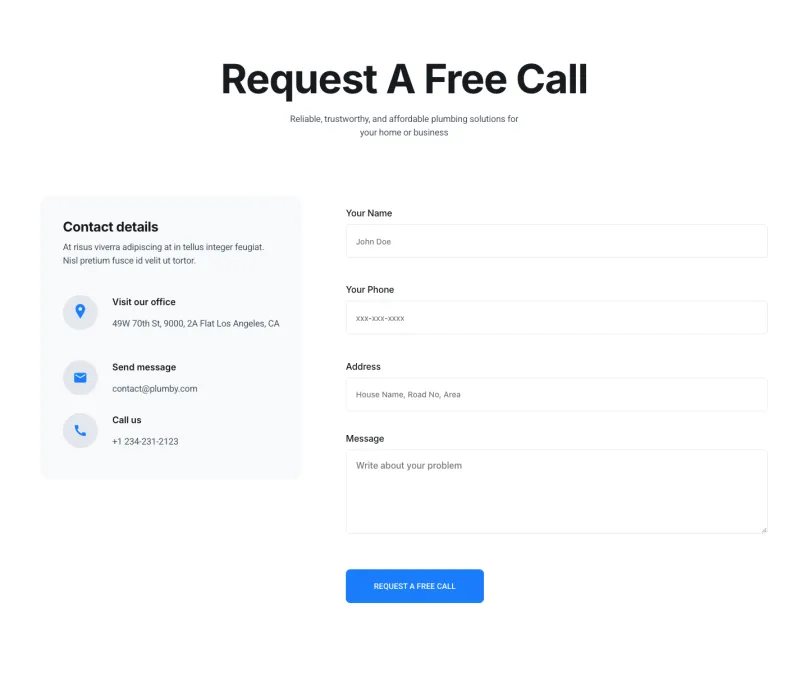
Plumbiq Contact Page
Pro
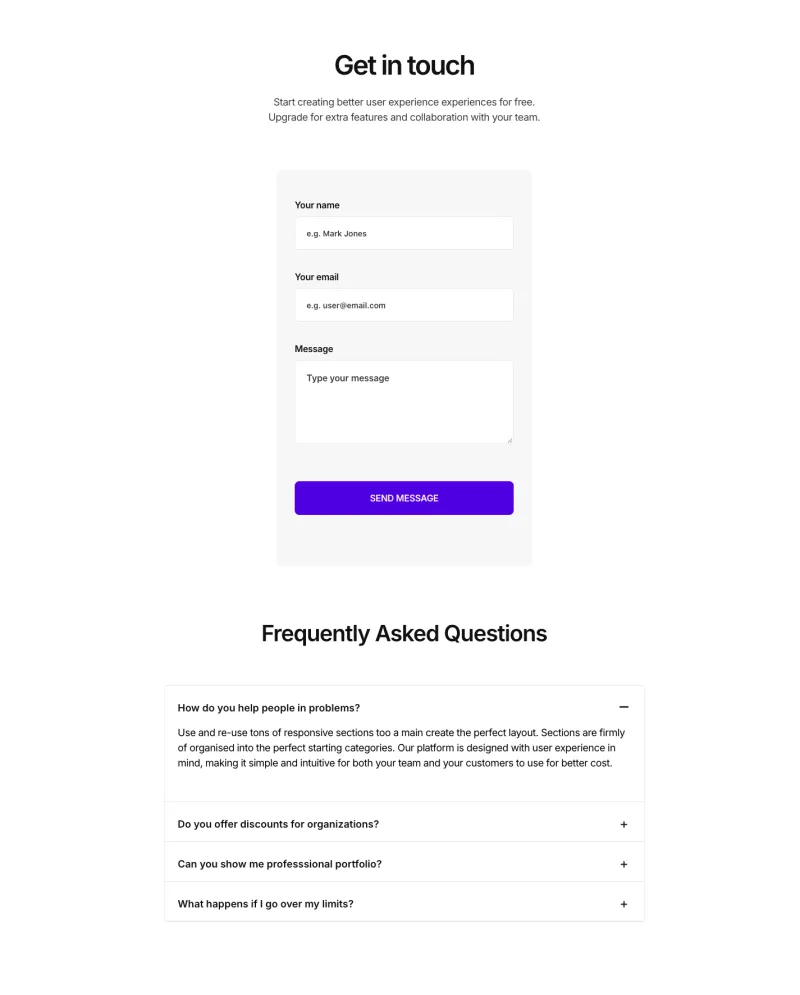
Sempla Contact Page
Pro
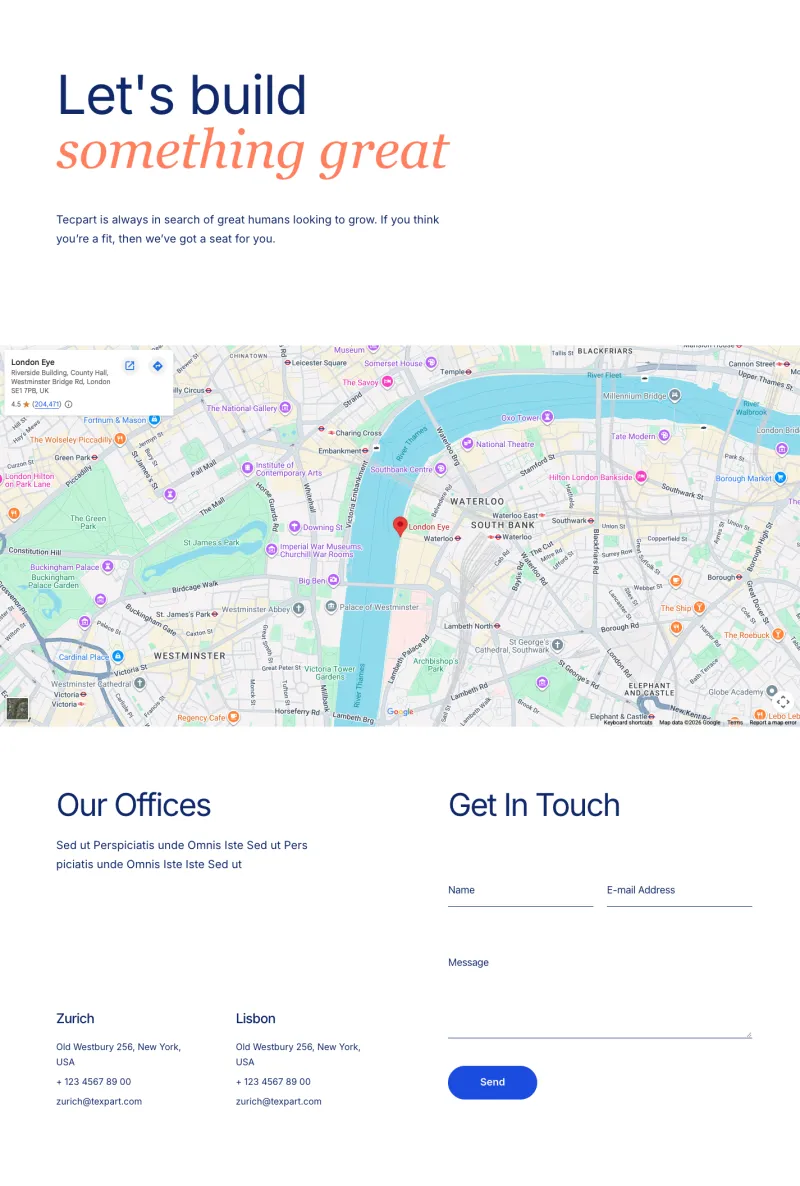
Tecpart Contact Page
Pro
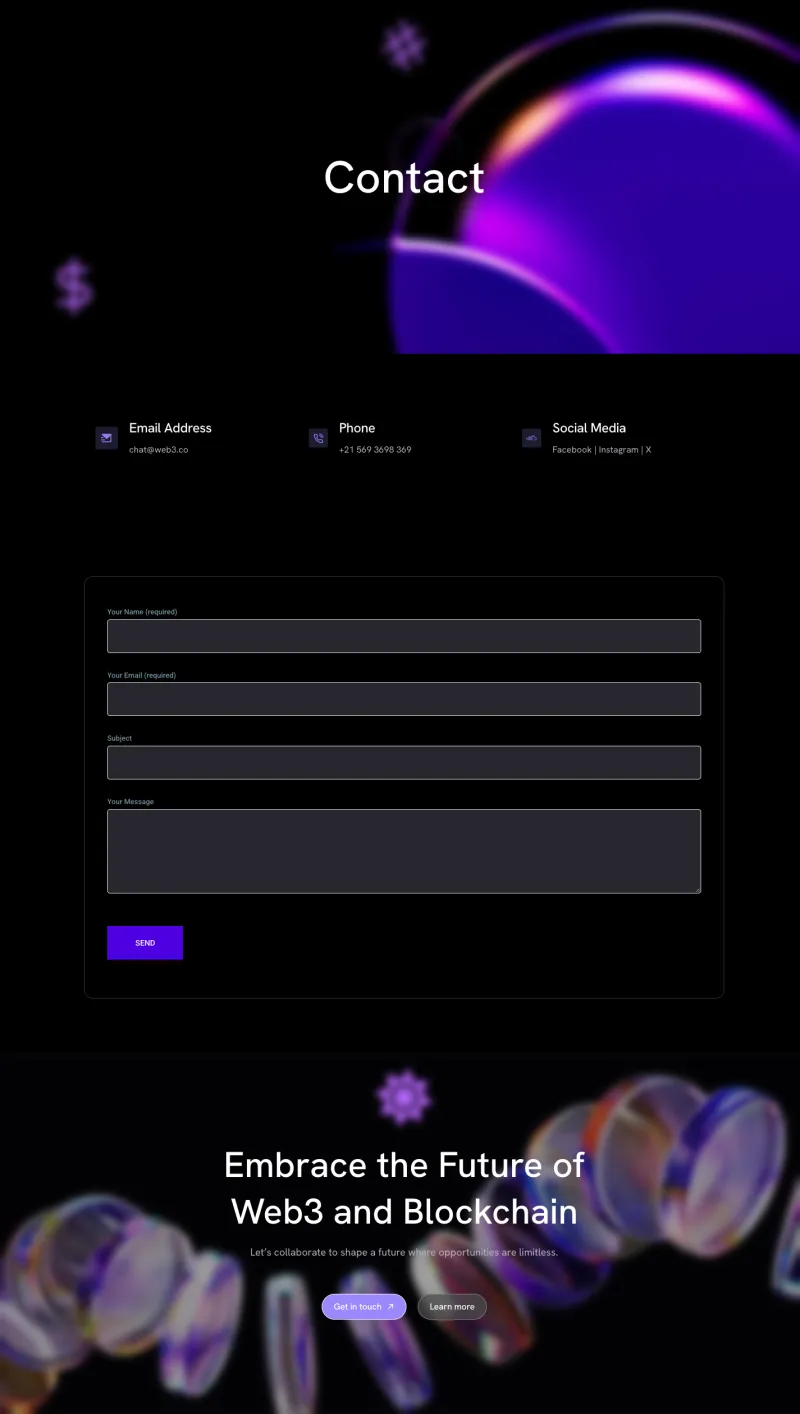
Token Aid Contact
Pro
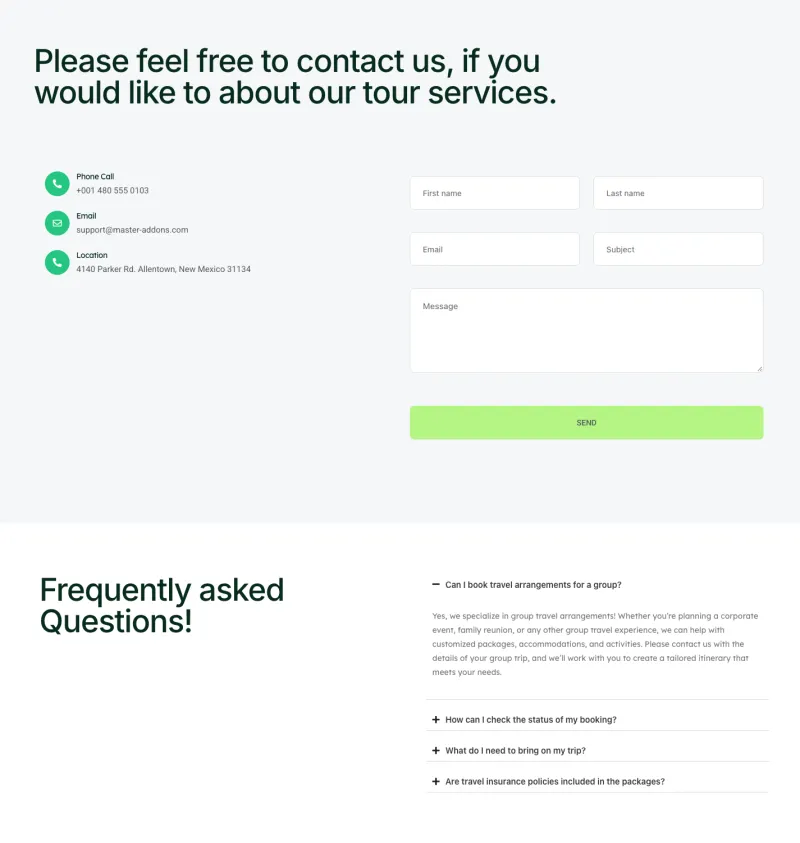
Travello Contact Page
Pro
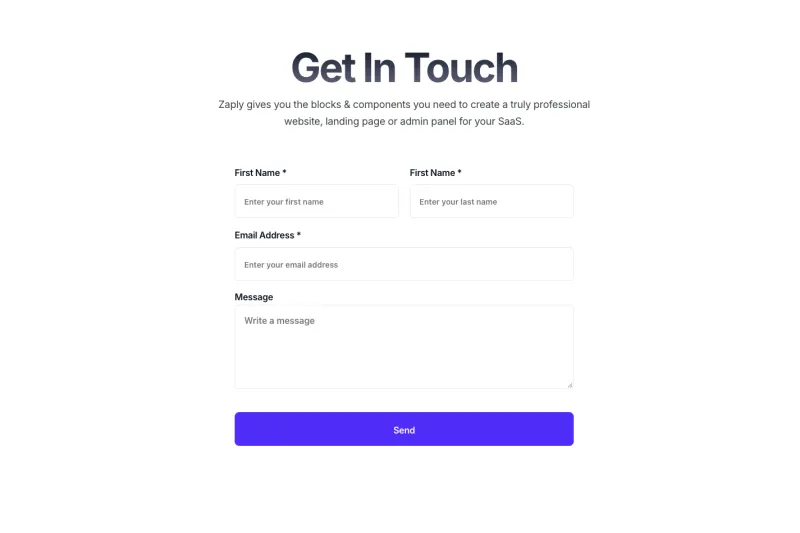
Zaplyte Contact Page
ProElementor Blog and Single Post Templates
Blog index layouts and single post pages. The index pages use the Master Addons Blog widget, so they show your real posts as soon as you import them, and most post layouts finish with a row of related articles.
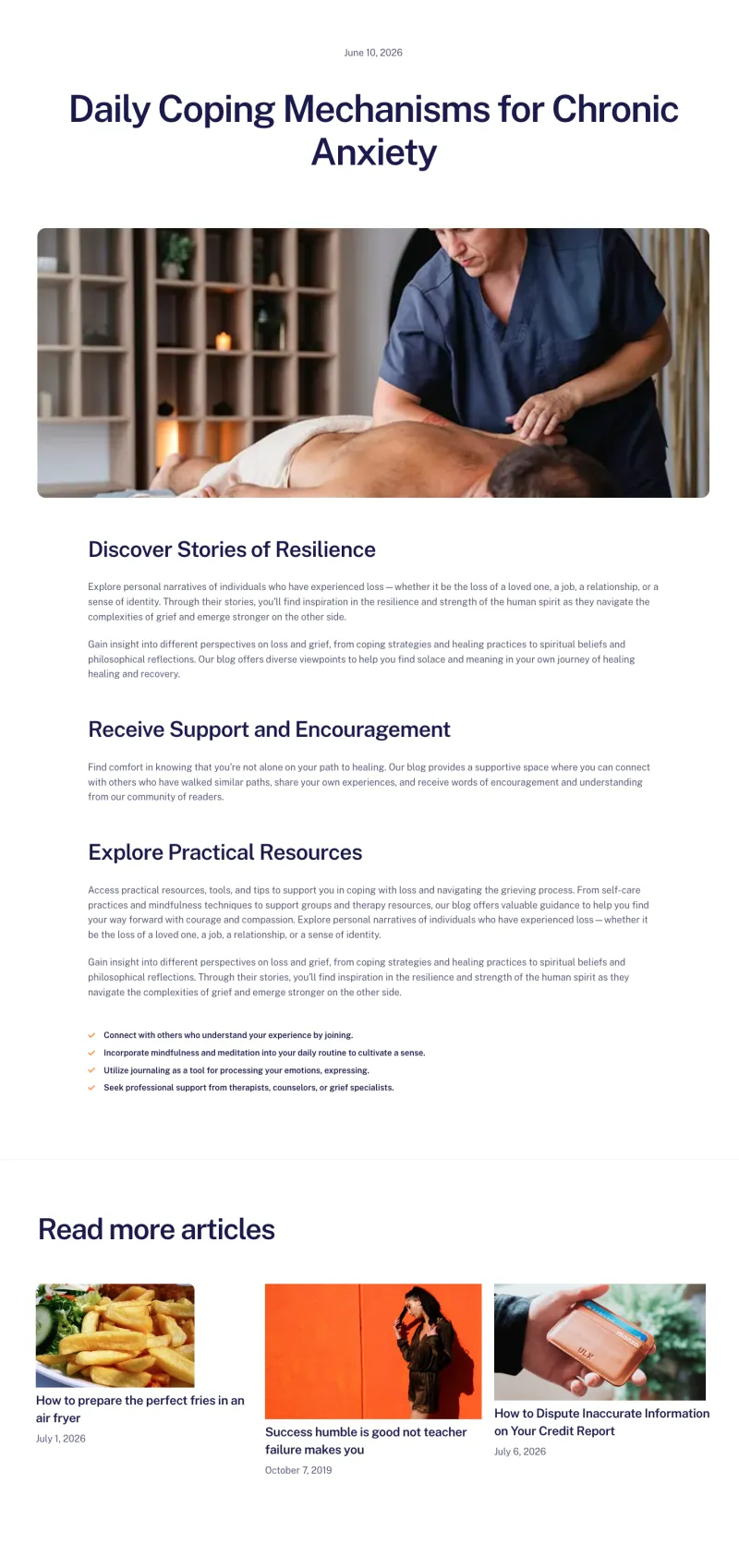
Balanciq Blog Details
Free
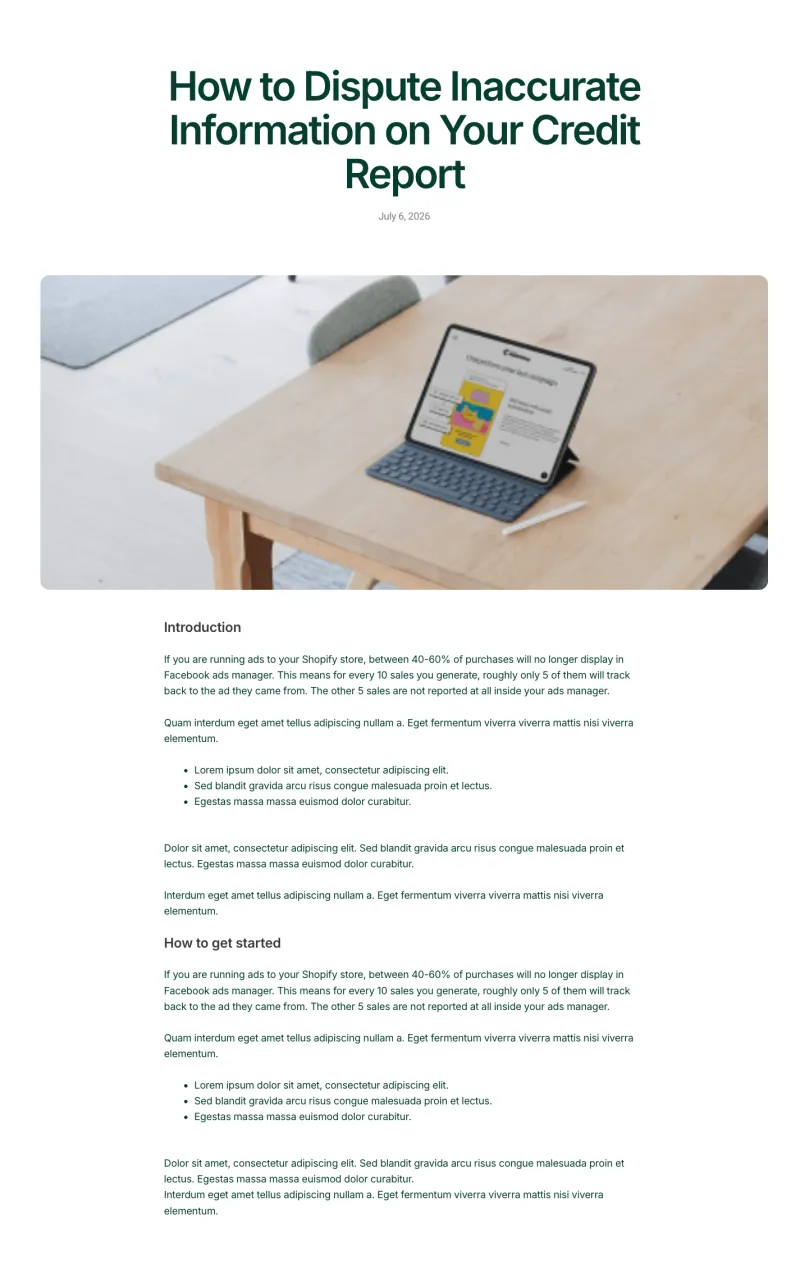
Nexis Blog Details
Free
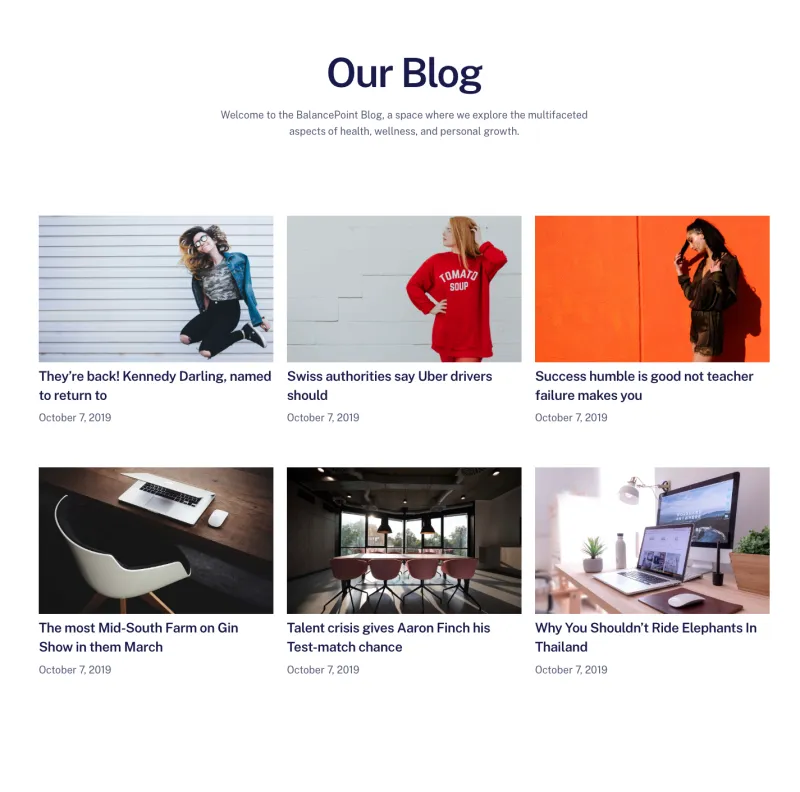
Balanciq Blog Page
Pro
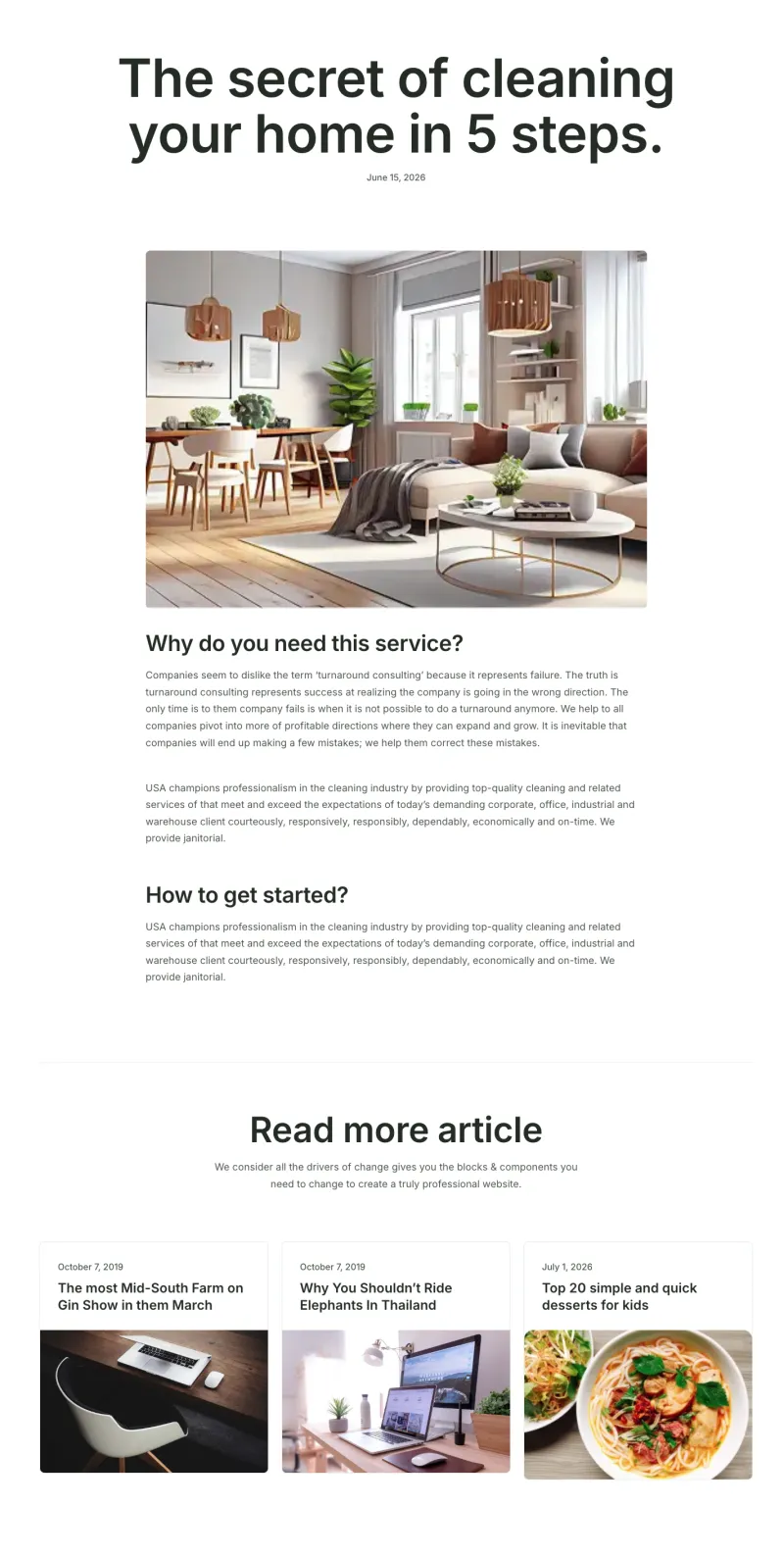
Cleaner Blog Details
Pro
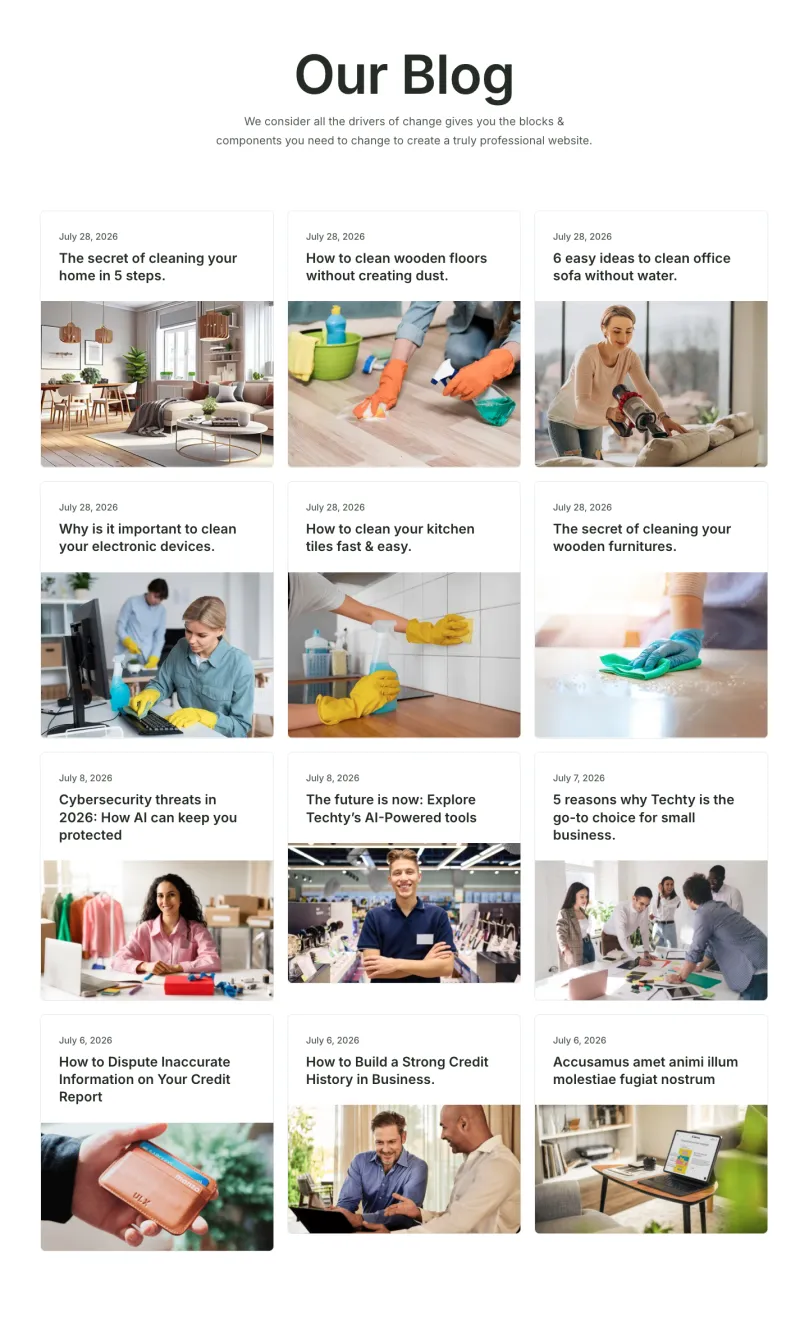
Cleaner Blog Page
Pro
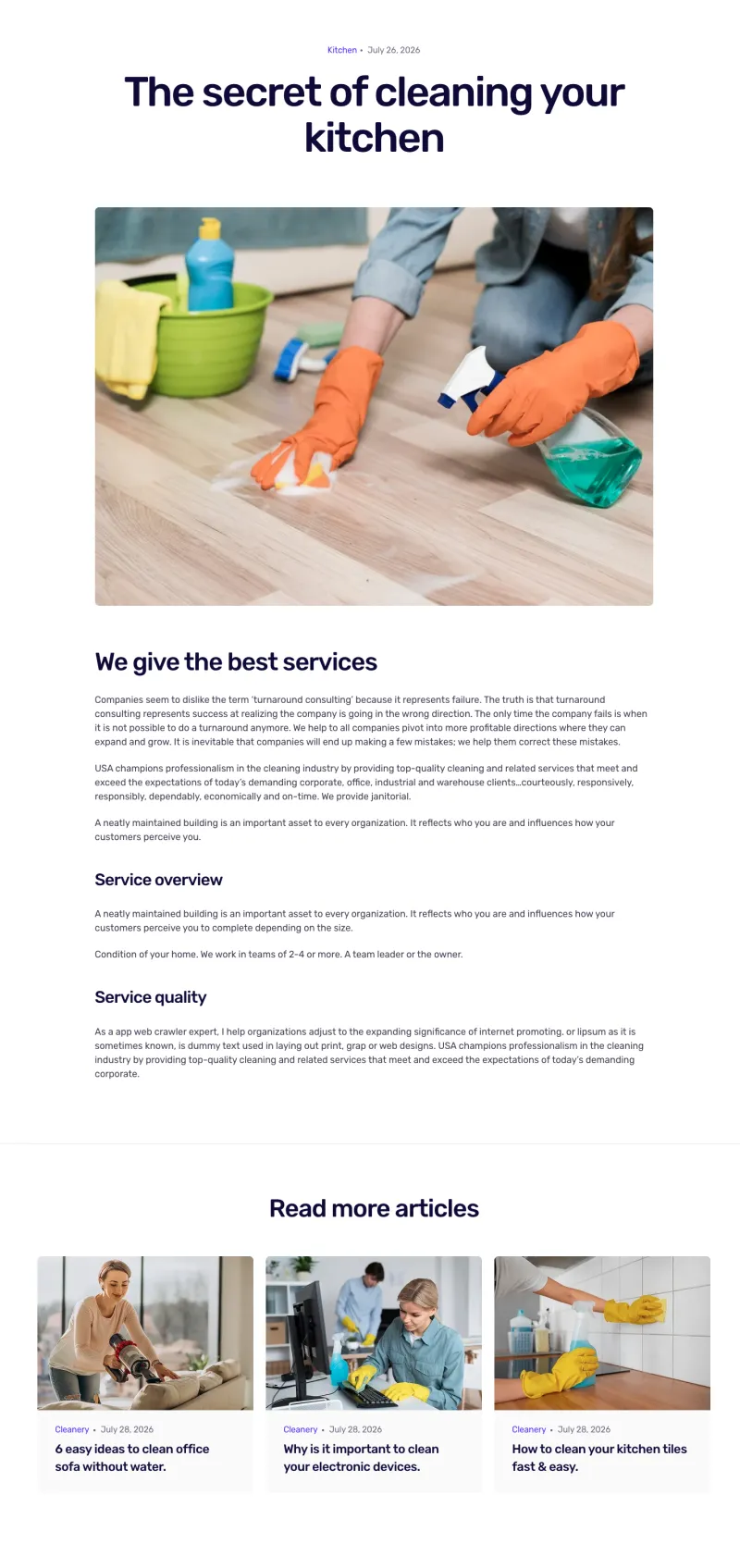
Cleanery Blog Details
Pro
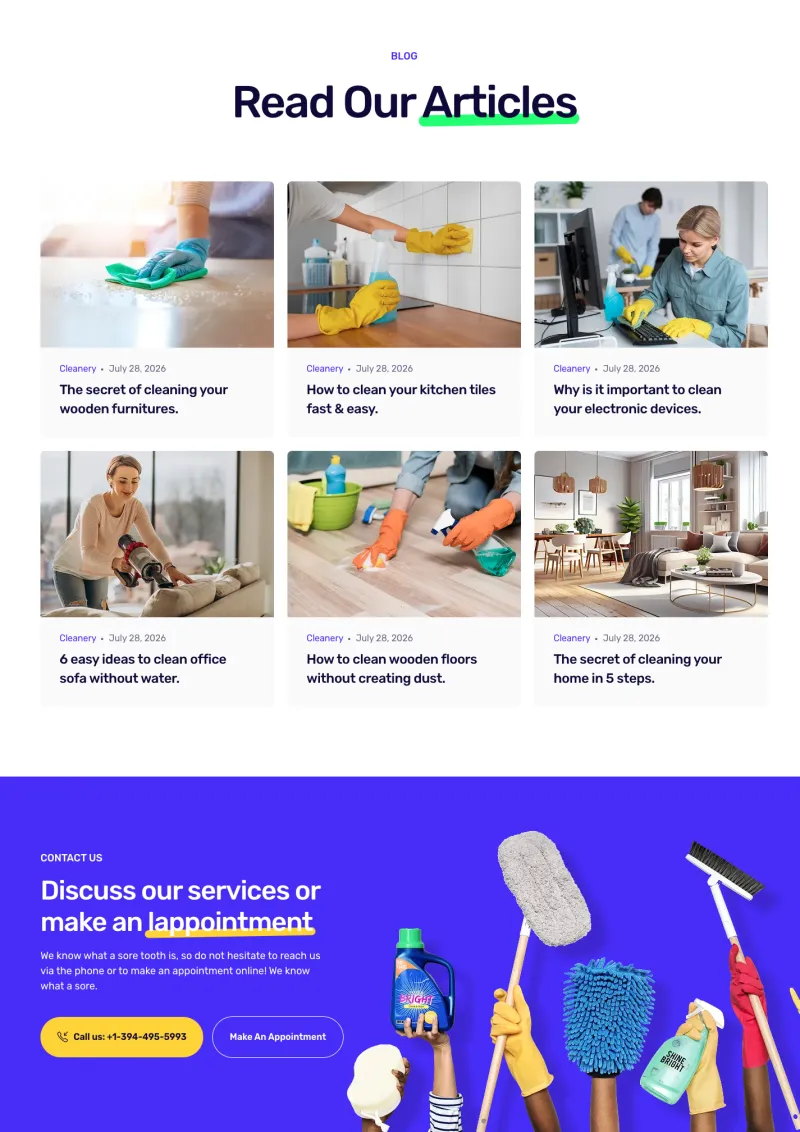
Cleanery Blog Page
Pro
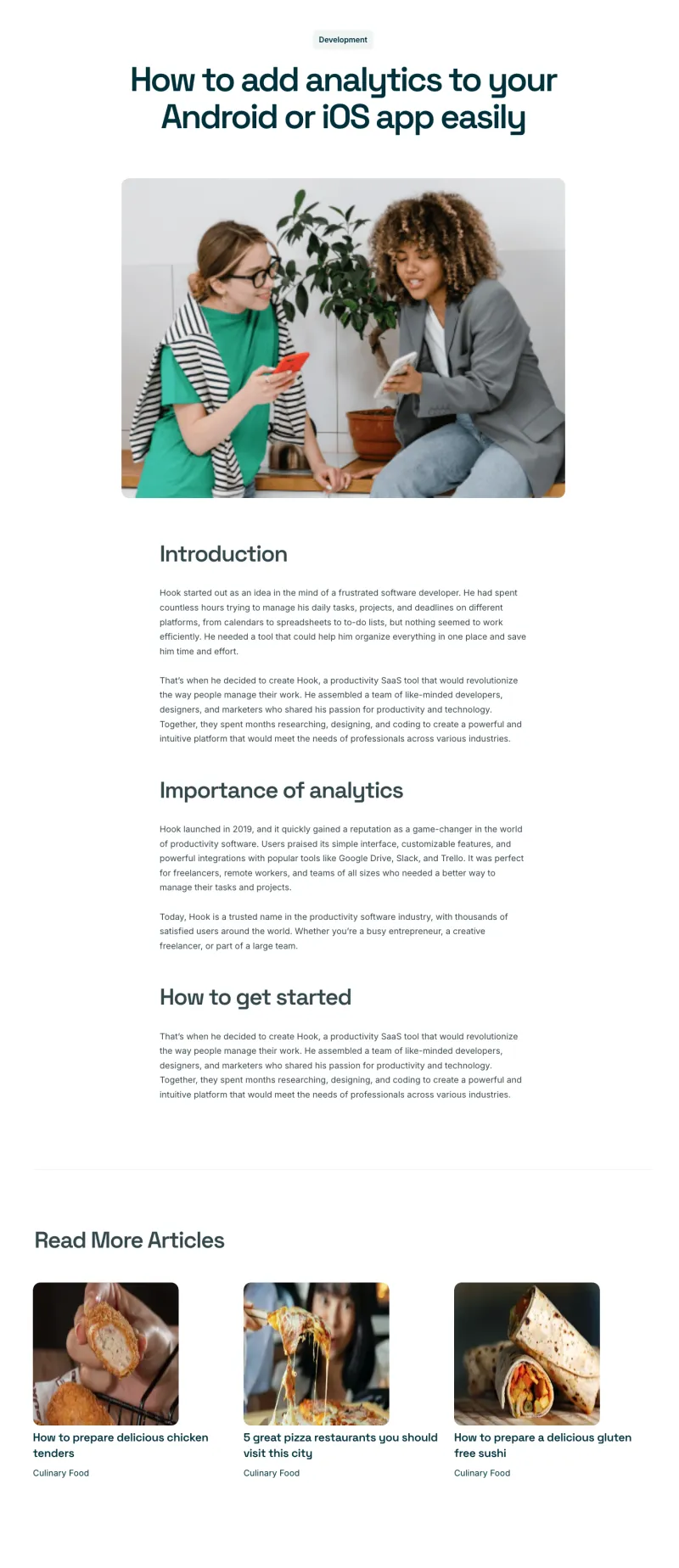
Craftova Blog Details
Pro
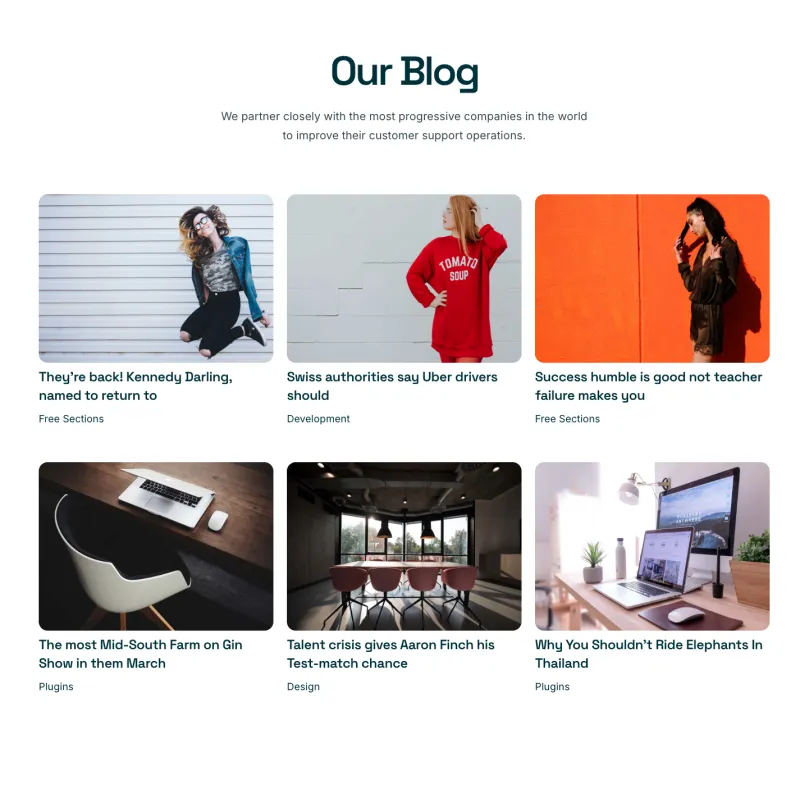
Craftova Blog Page
Pro
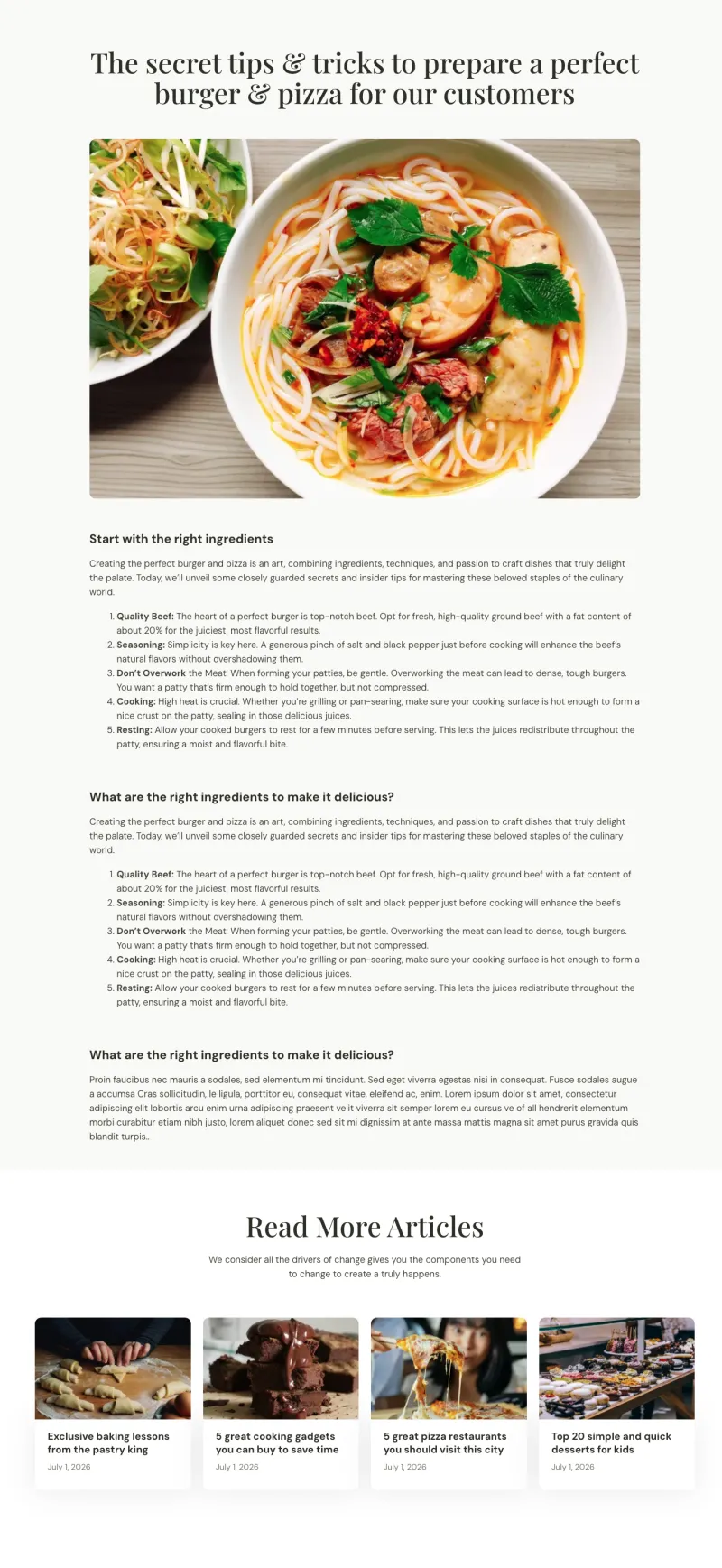
Culinary Blog Details
Pro
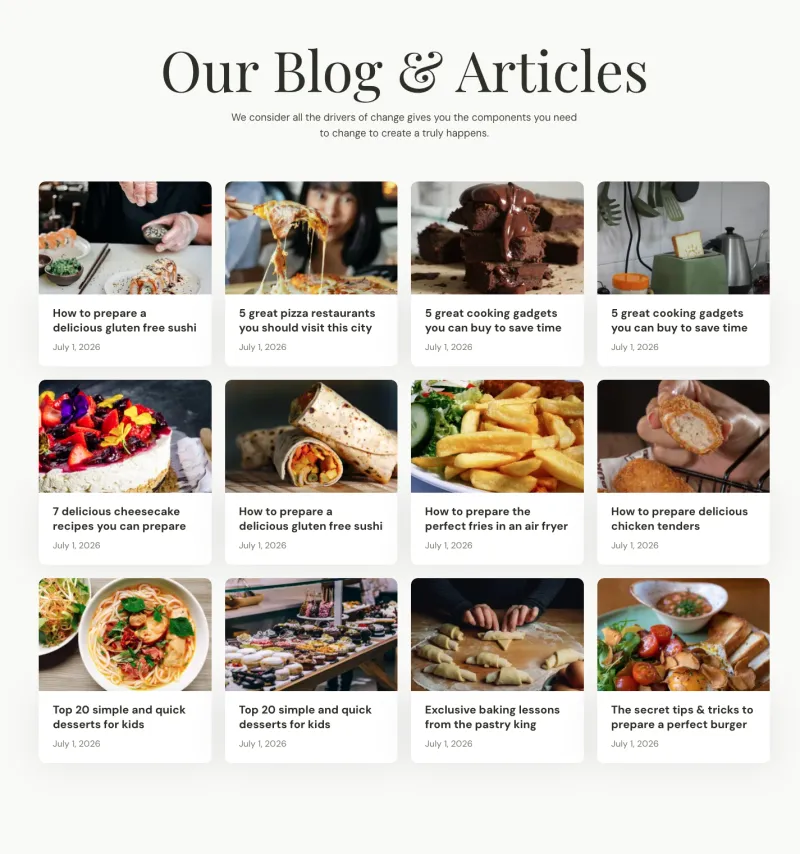
Culinary Blog Page
Pro

Fundora Blog Details
Pro
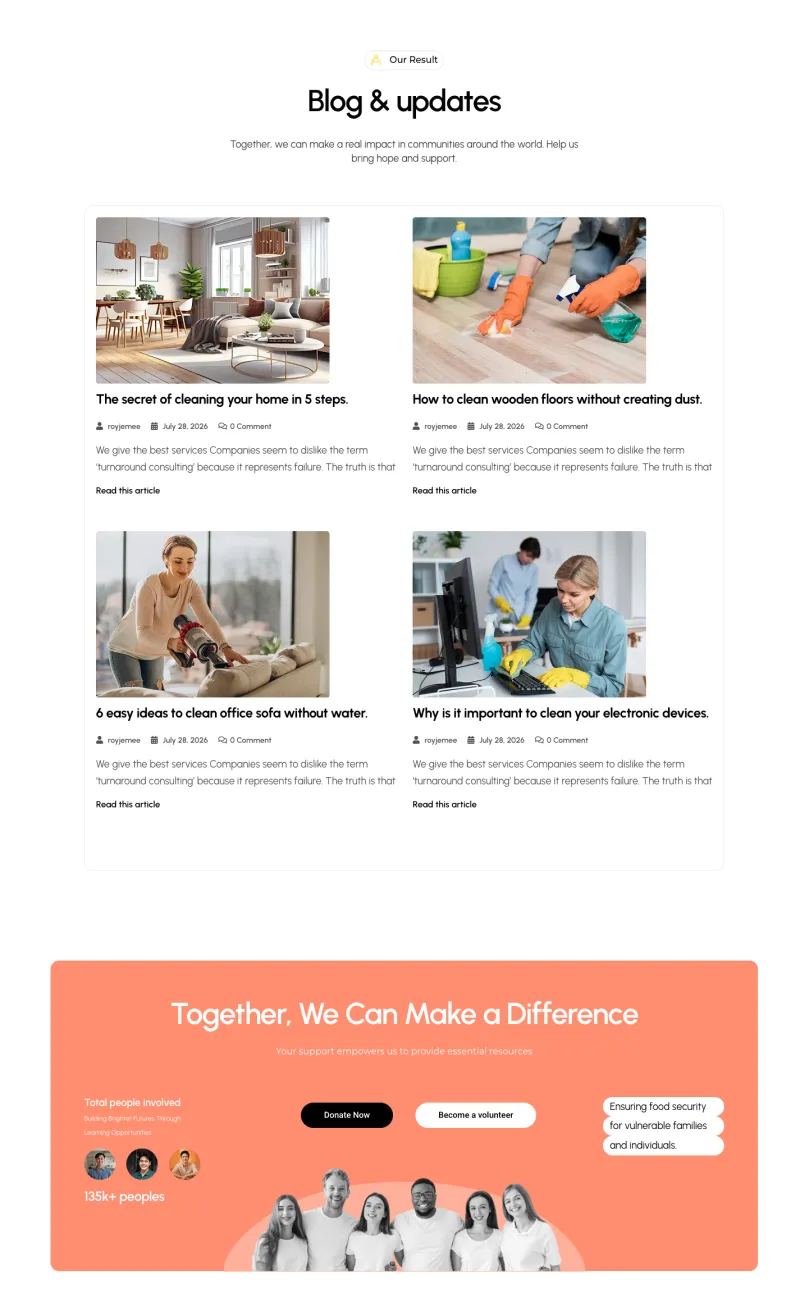
Fundora Blog Page
Pro

Klyro Blog Details
Pro
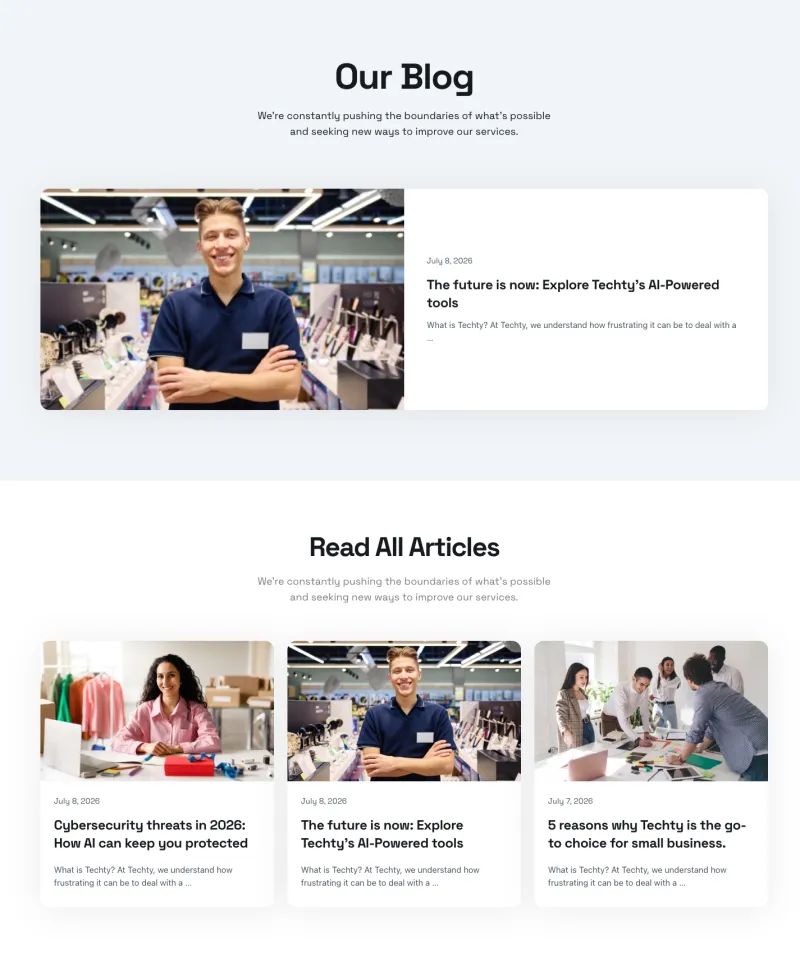
Klyro Blog Page
Pro
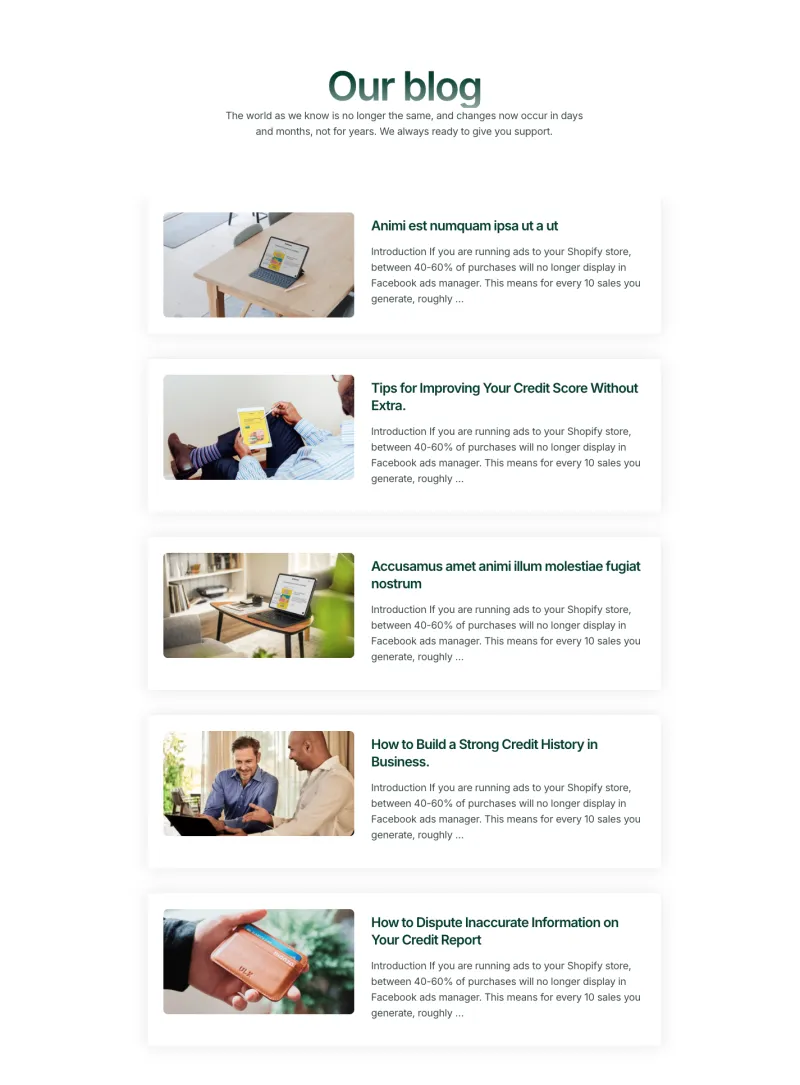
Nexis Blog Page
Pro
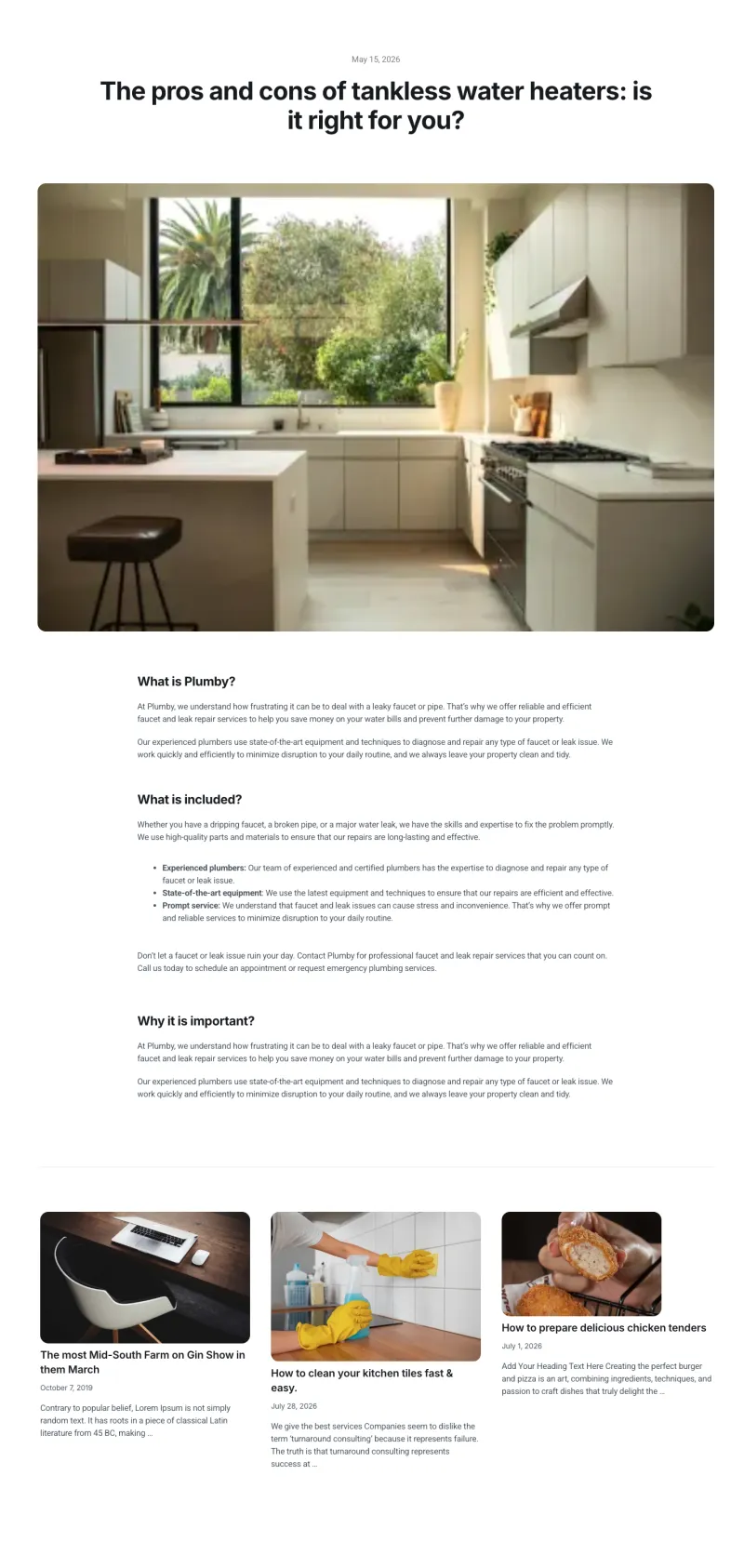
Plumbiq Blog Details
Pro
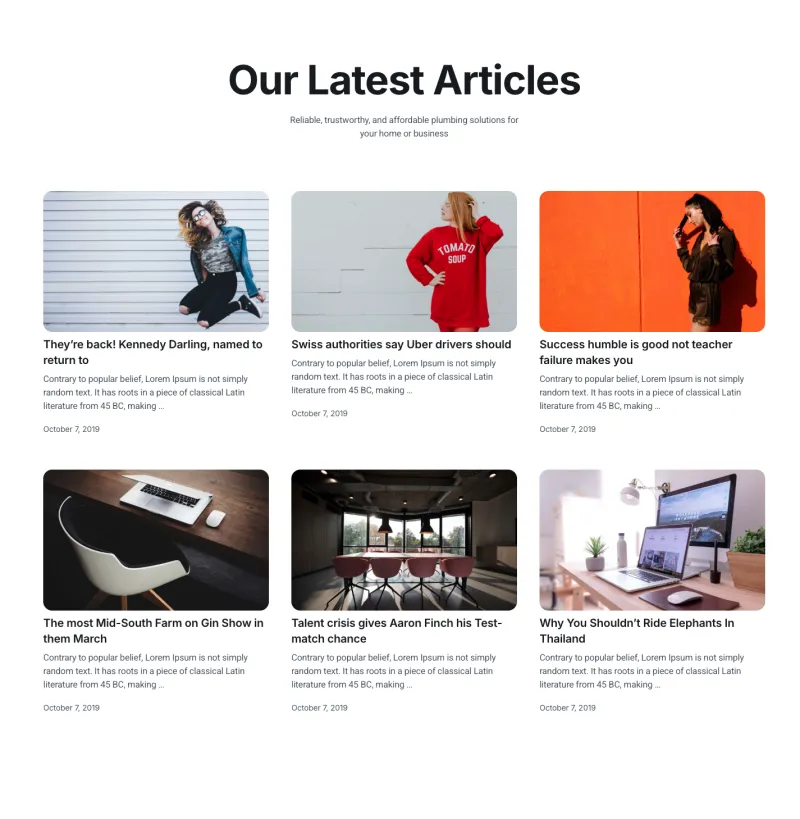
Plumbiq Blog Page
Pro
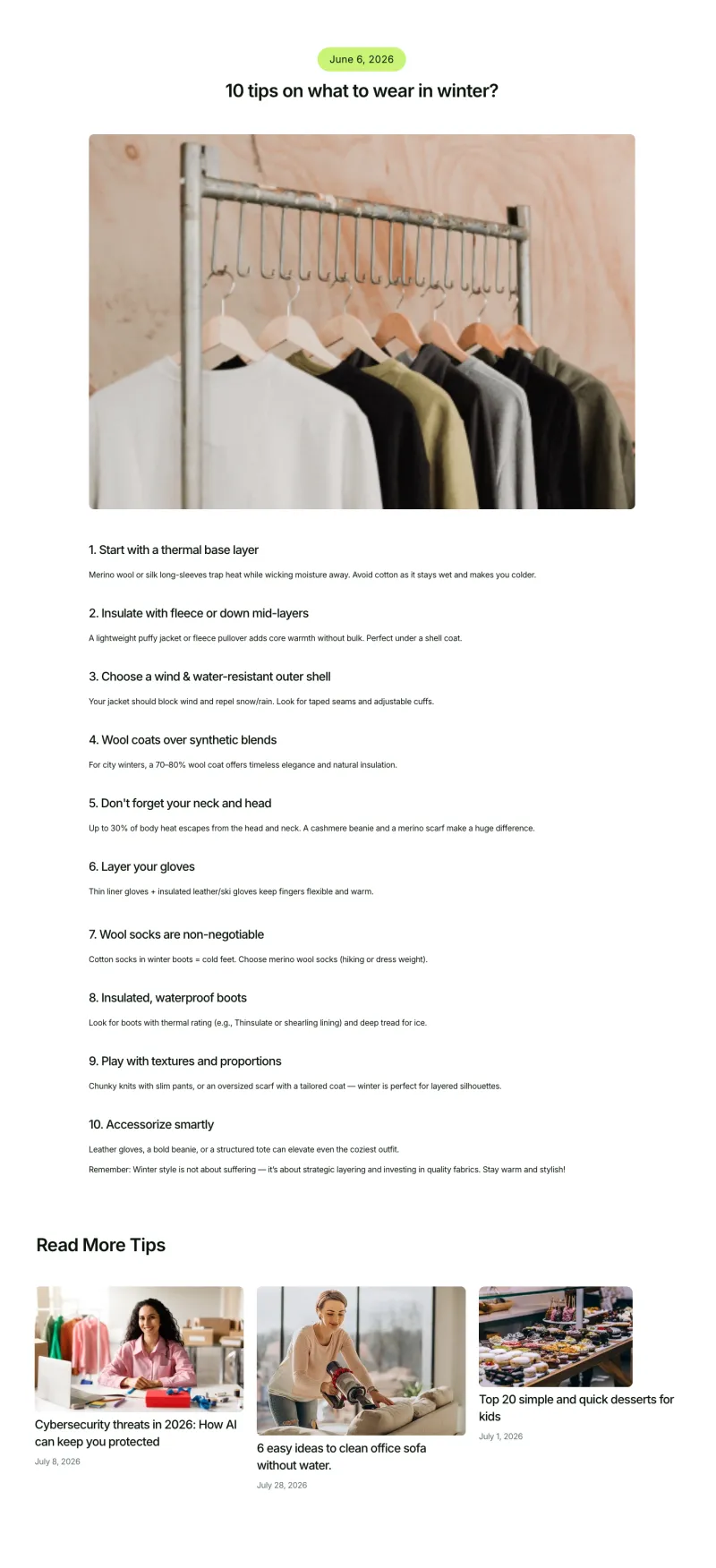
Sartivo Blog Details
Pro

Sartivo Blog Page
Pro
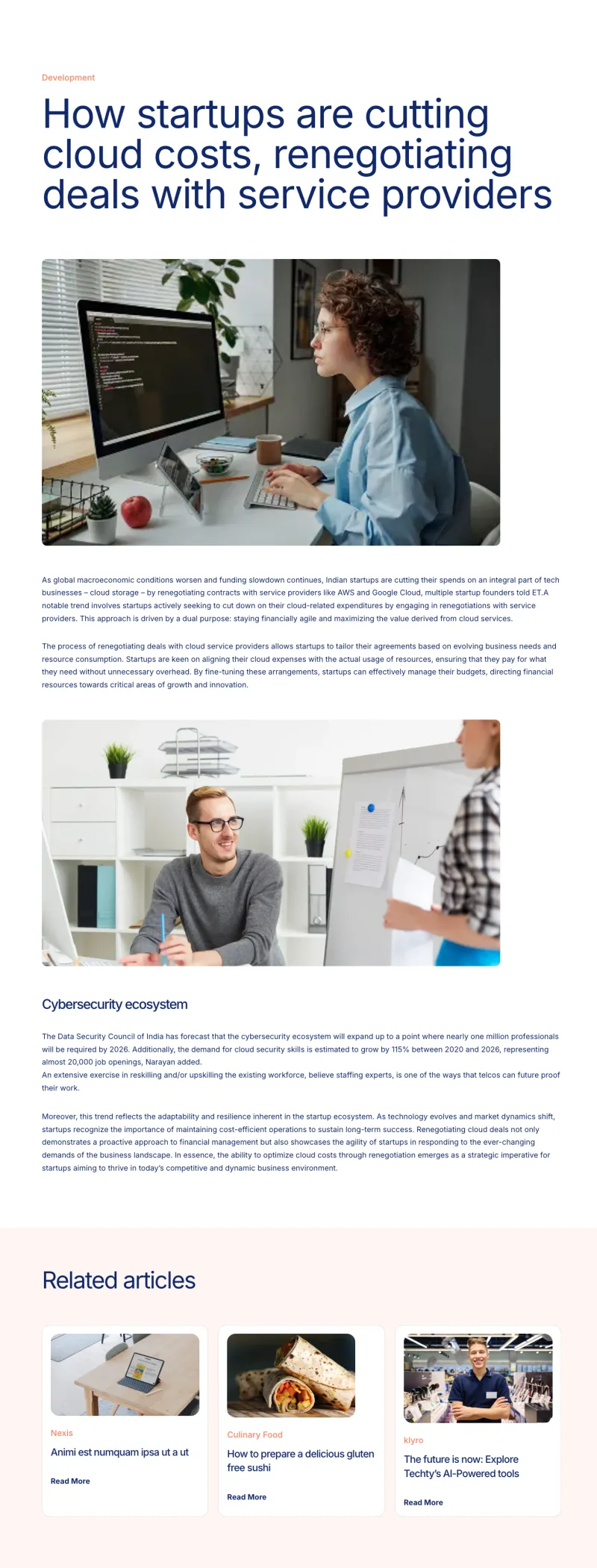
Tecpart Blog Details
Pro
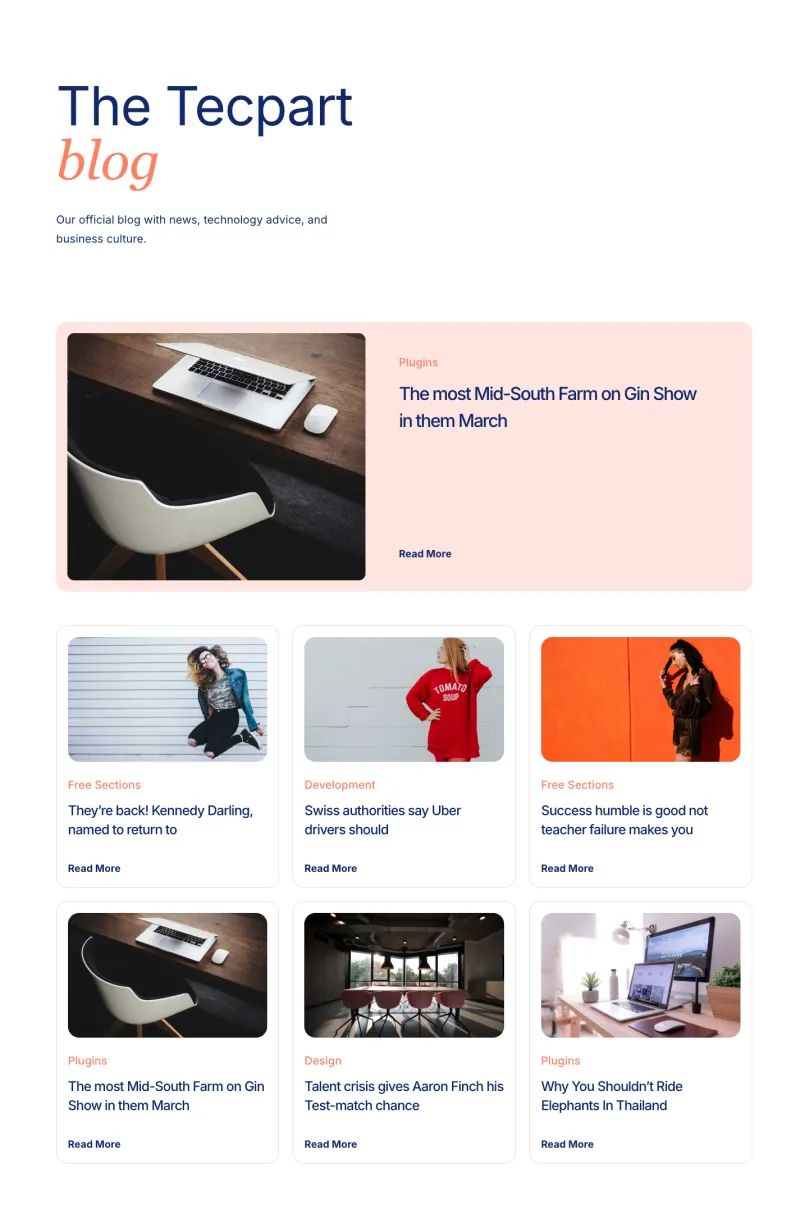
Tecpart Blog Page
ProElementor Portfolio and Case Study Templates
Case study listings and detail pages that walk through the problem, the work and the result, along with project pages and a photo gallery. Use them to show finished work before a visitor asks for a quote.

Cleanery Gallery Page
Free
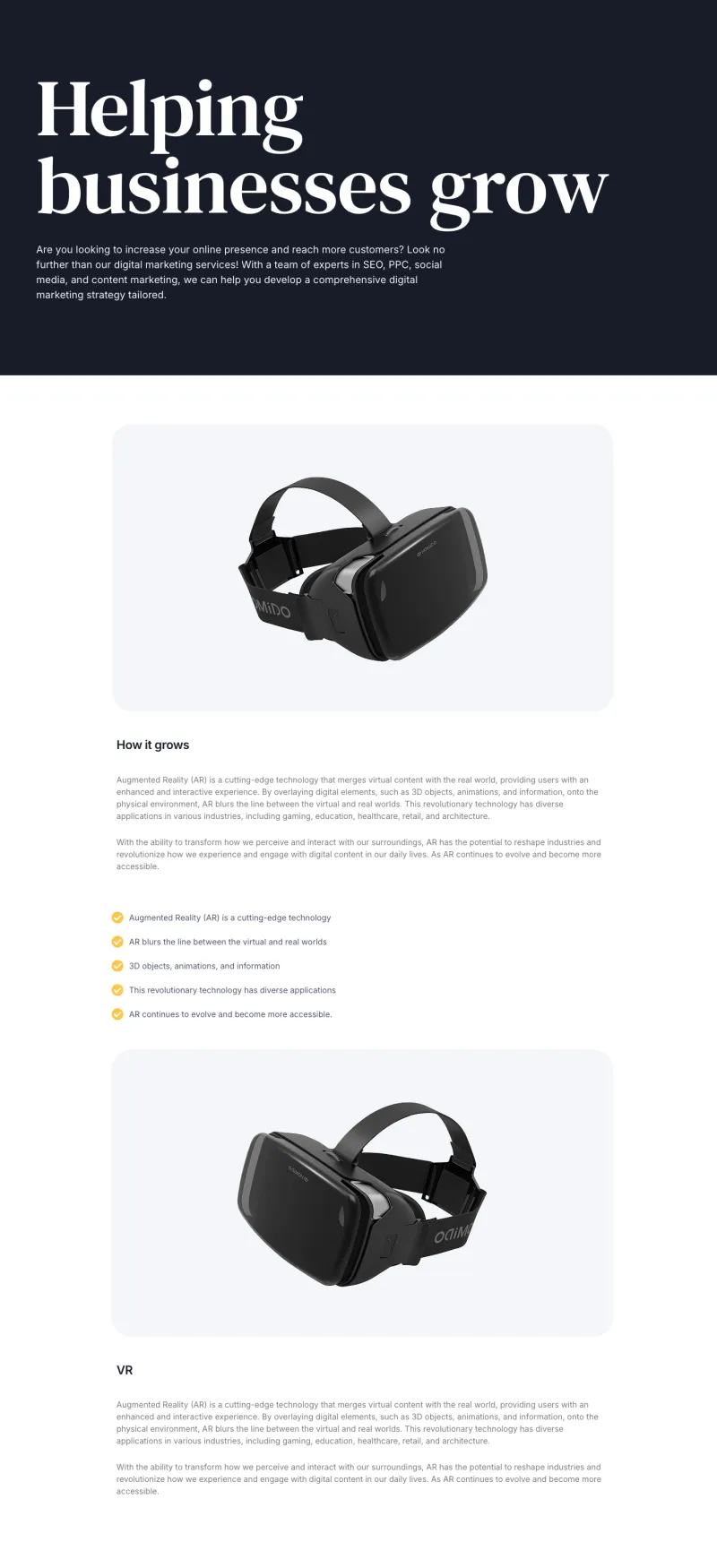
Techbyte Project Details
Free
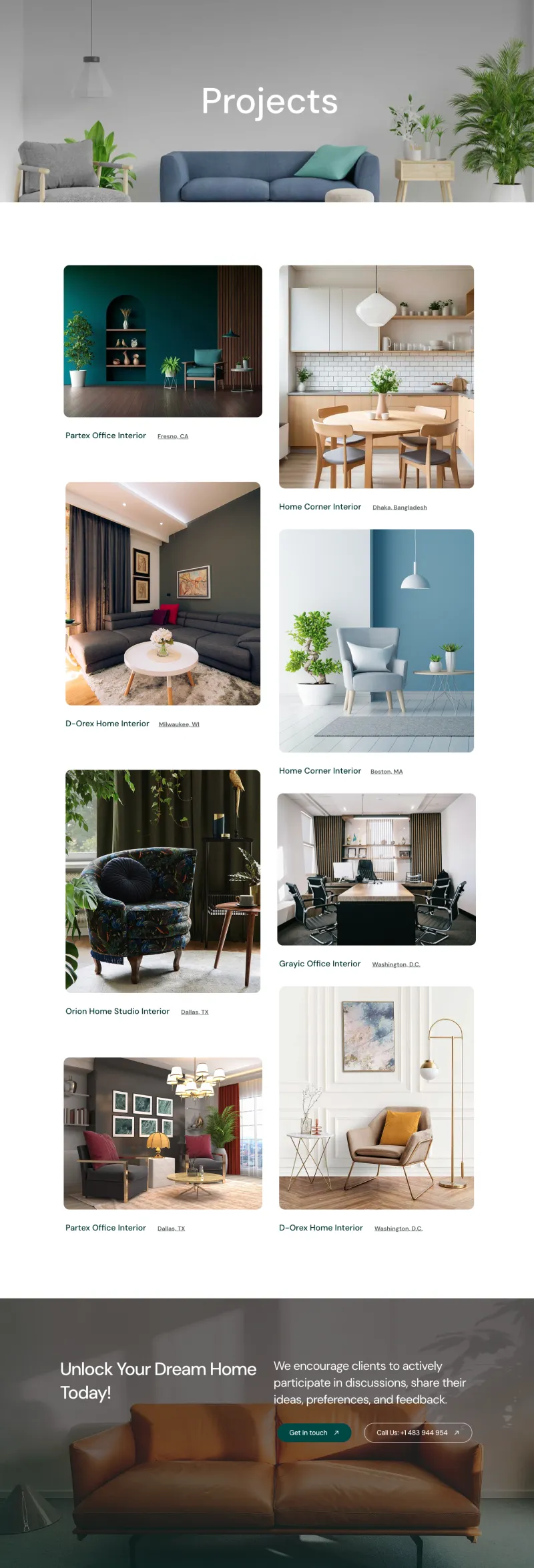
VibeSpace Projects Page
Free
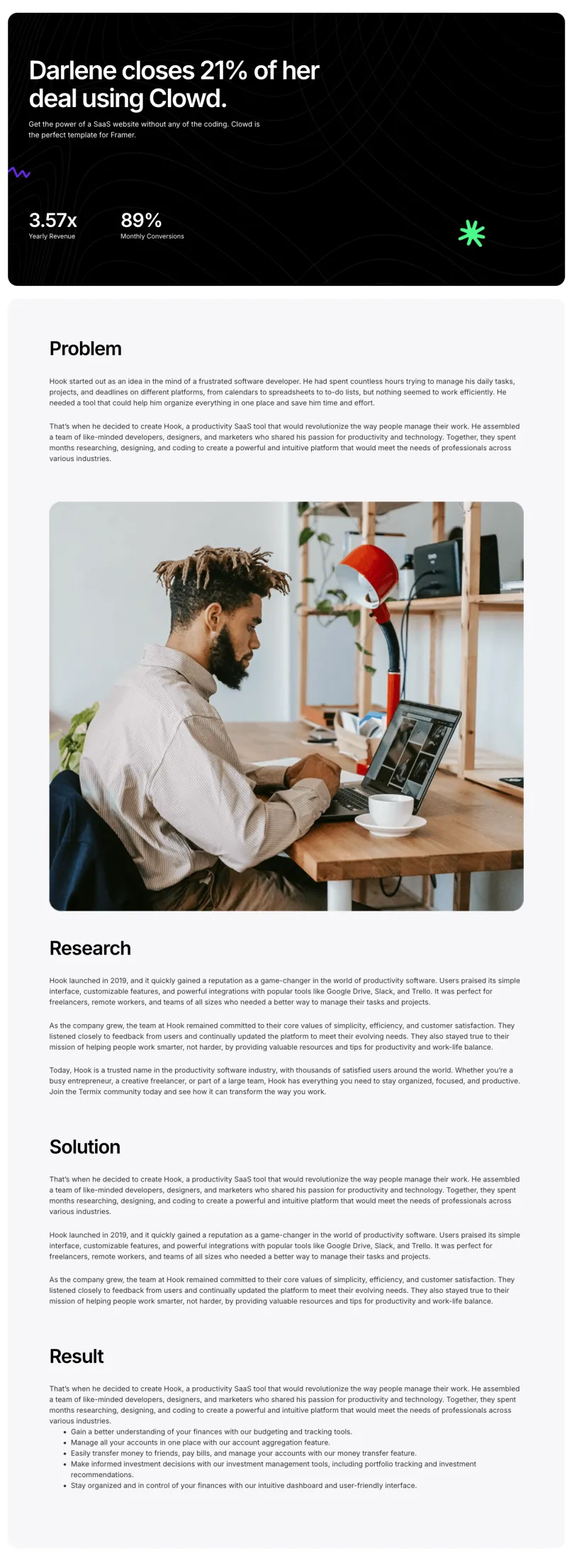
Clowdify Case Details
Pro

Clowdify Case Studies
Pro
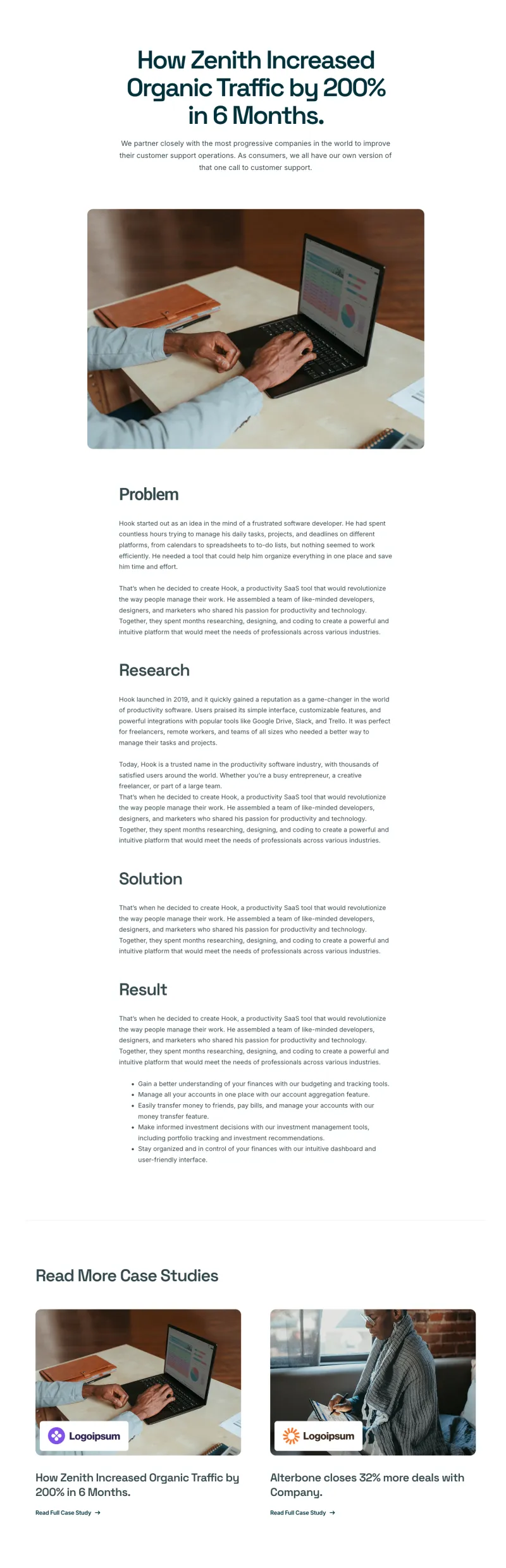
Craftova Case Details
Pro

Craftova Case Studies
Pro
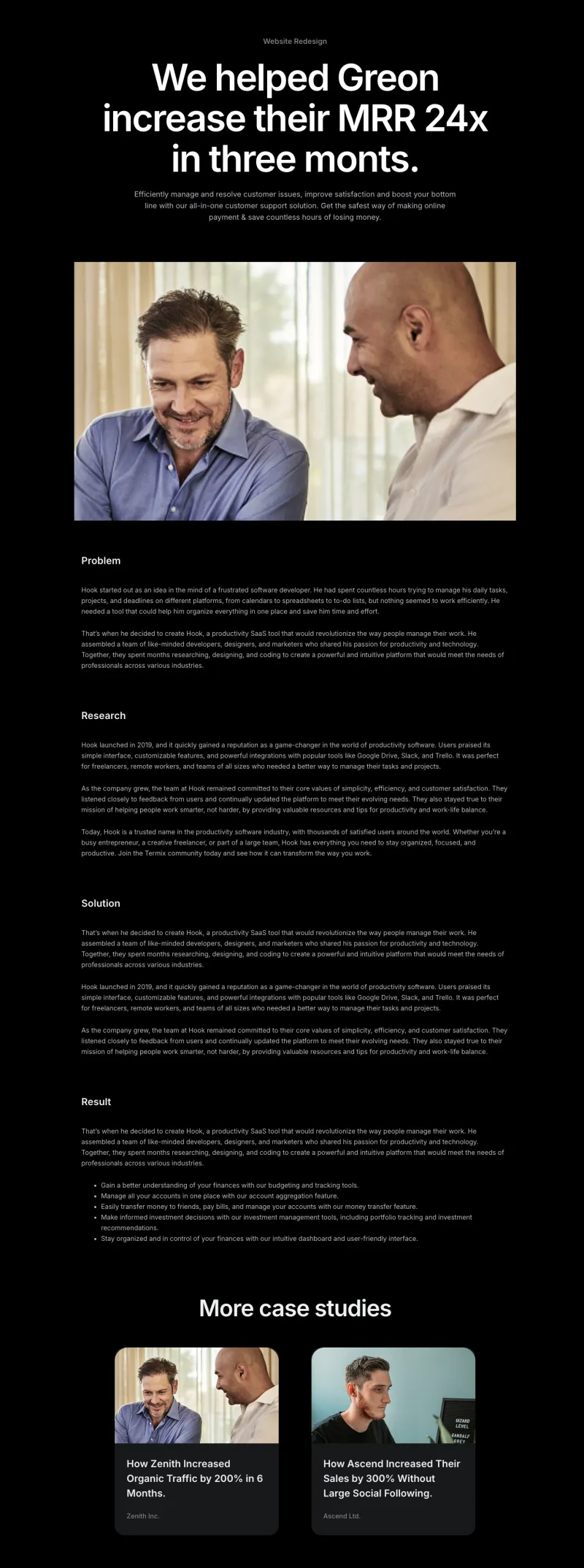
Finix Case Details
Pro
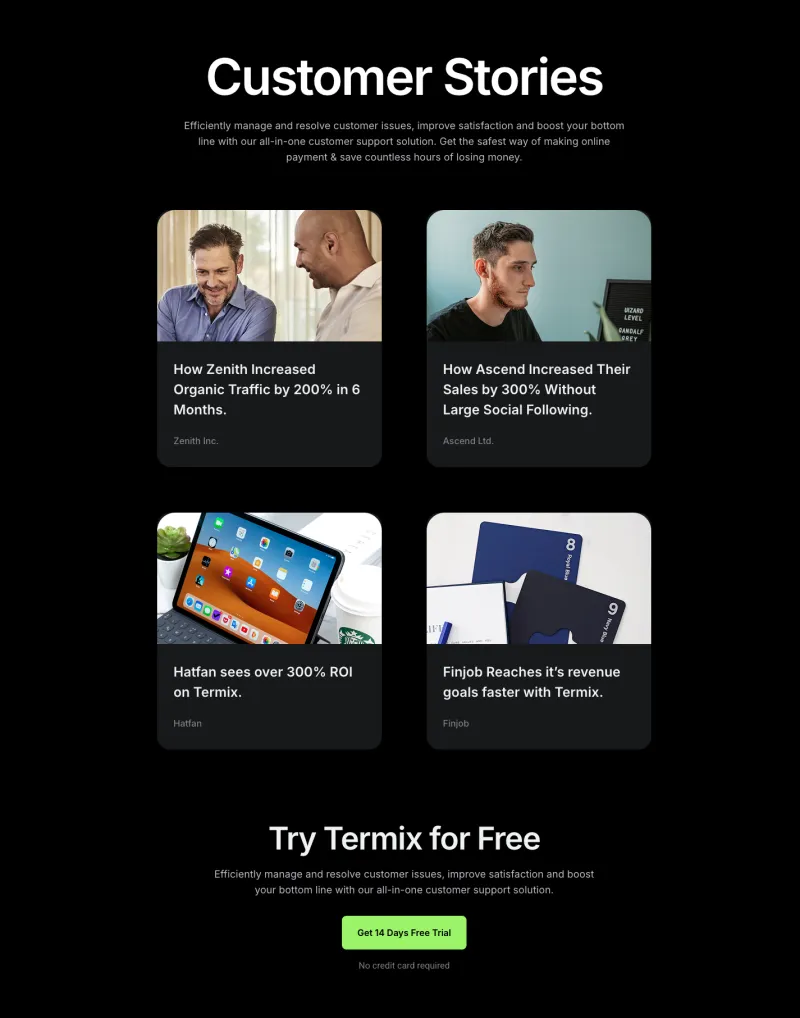
Finix Case Studies
Pro
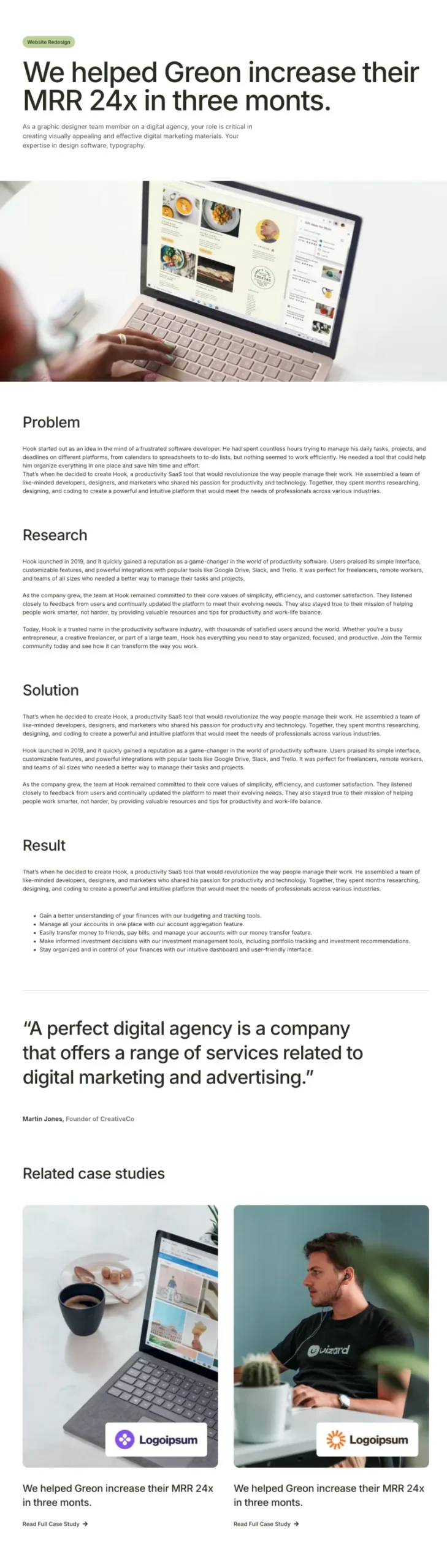
Grip Case Details
Pro

Grip Case Studies
Pro
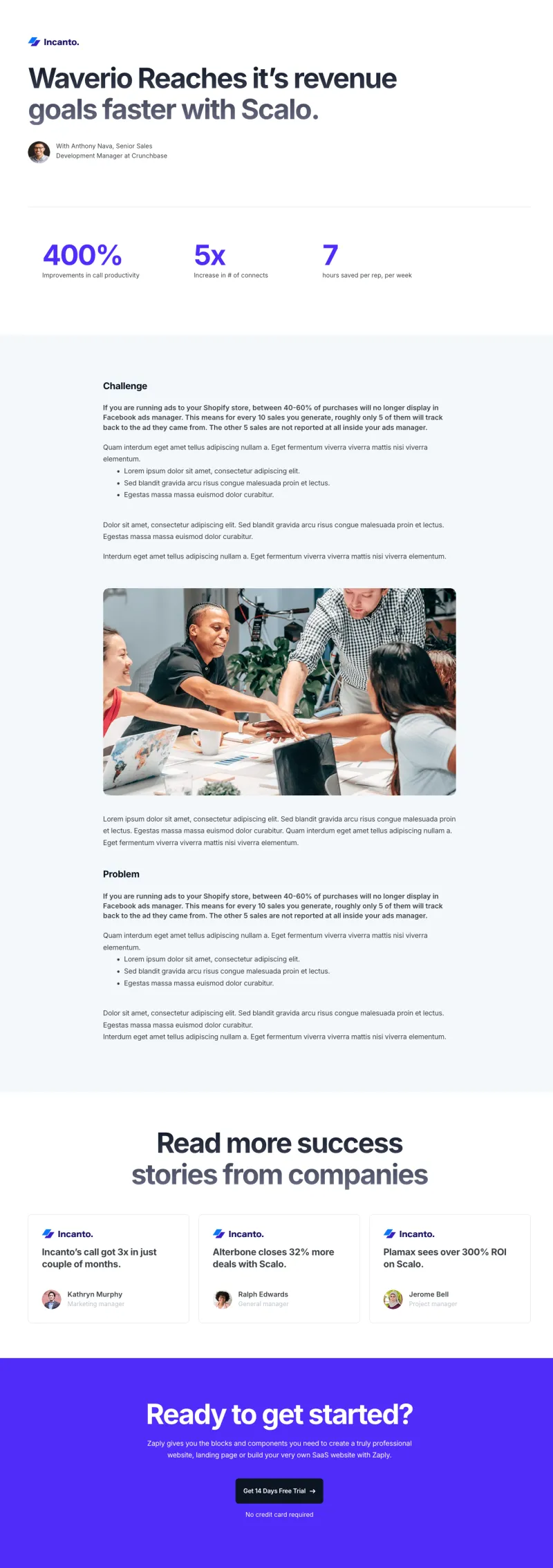
Zaplyte Case Details
Pro
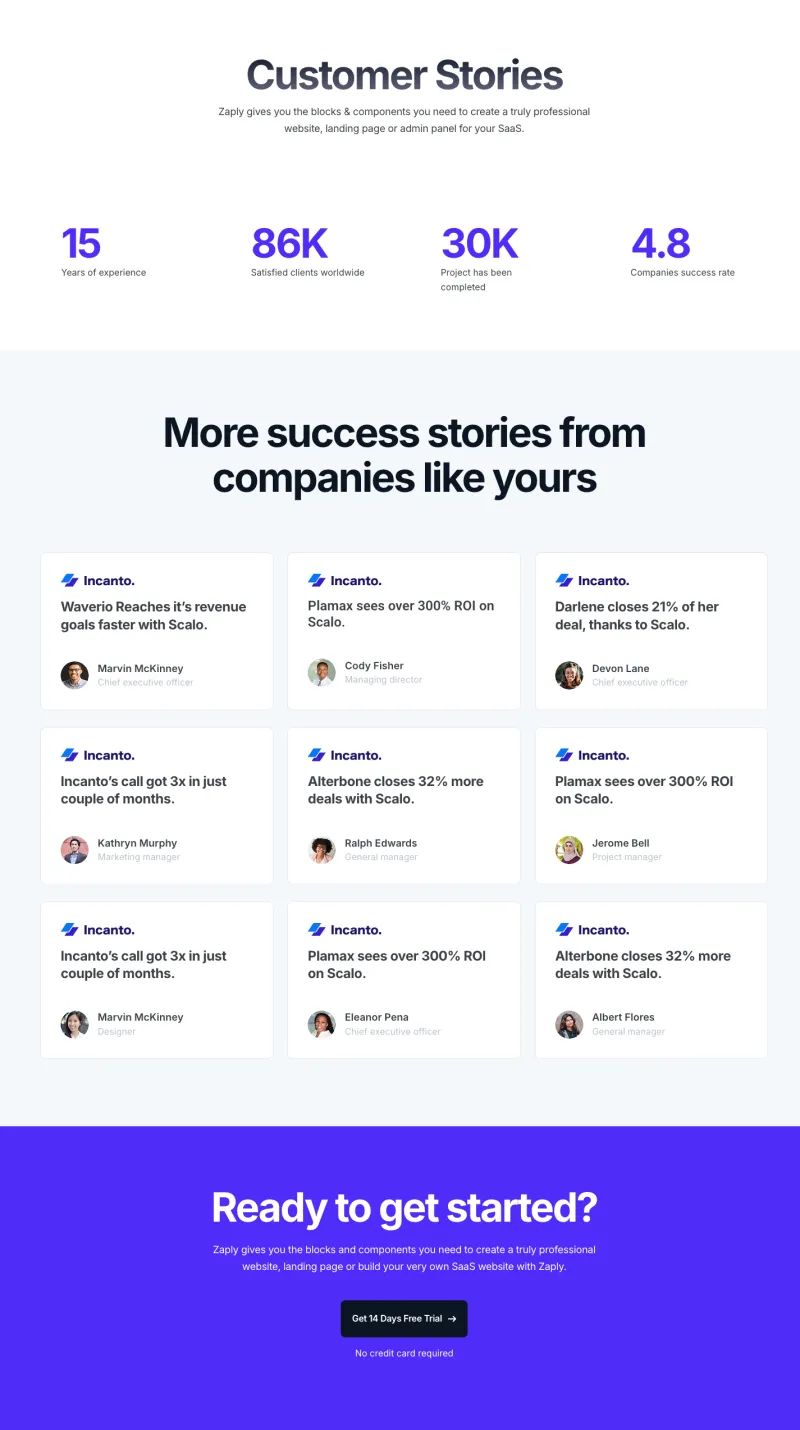
Zaplyte Case Studies
ProElementor Testimonial and FAQ Page Templates
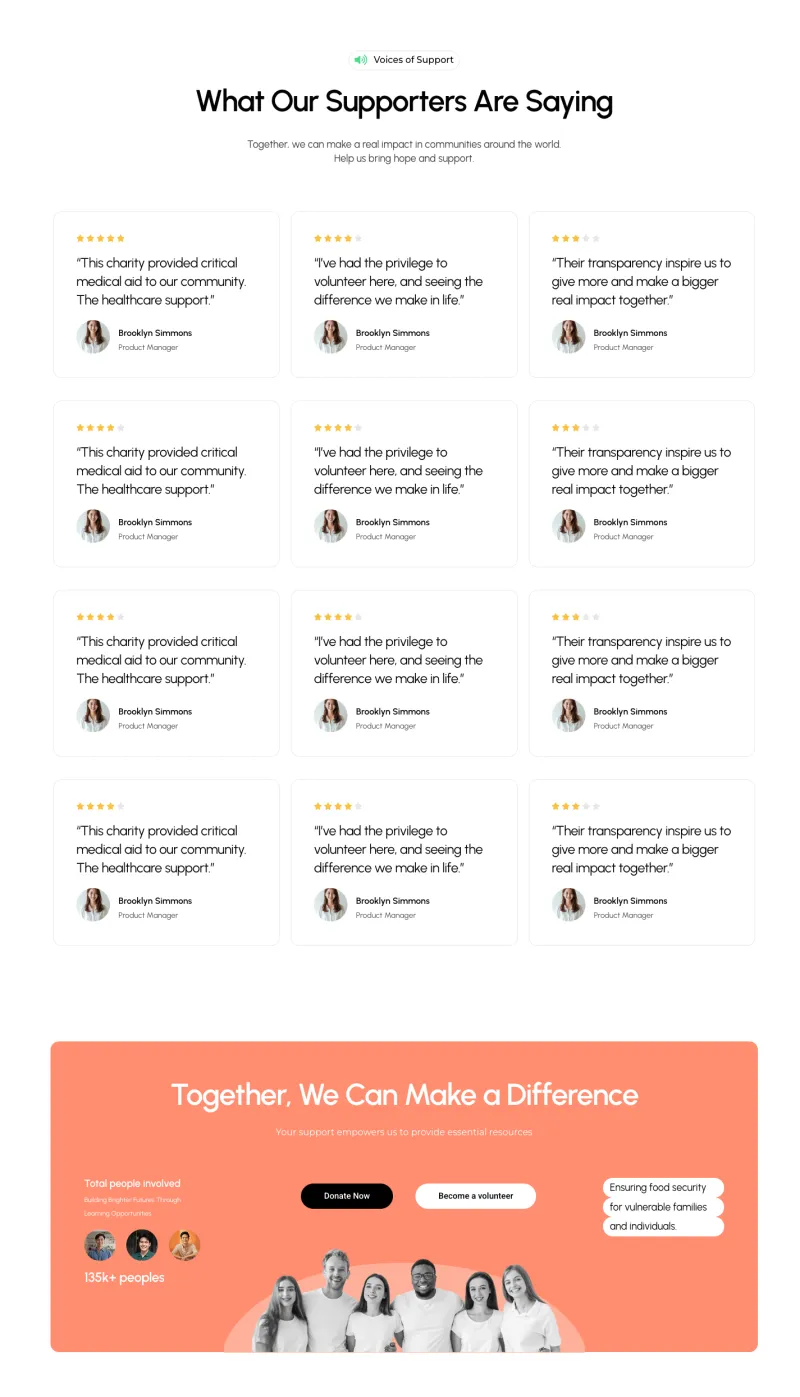
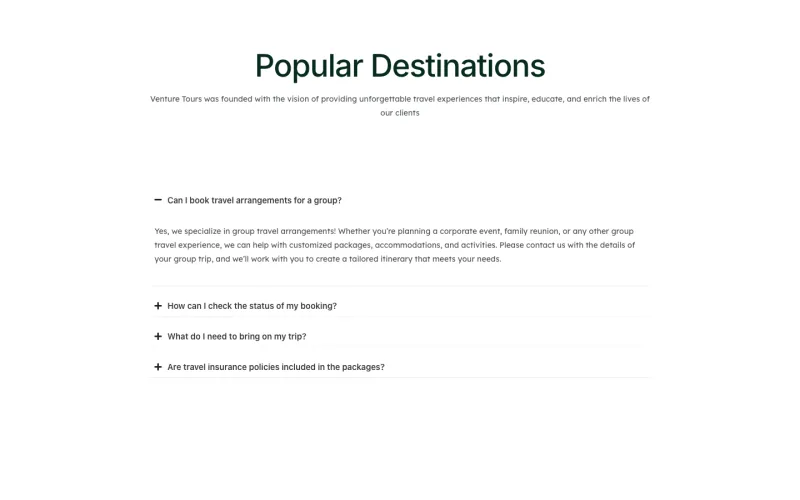
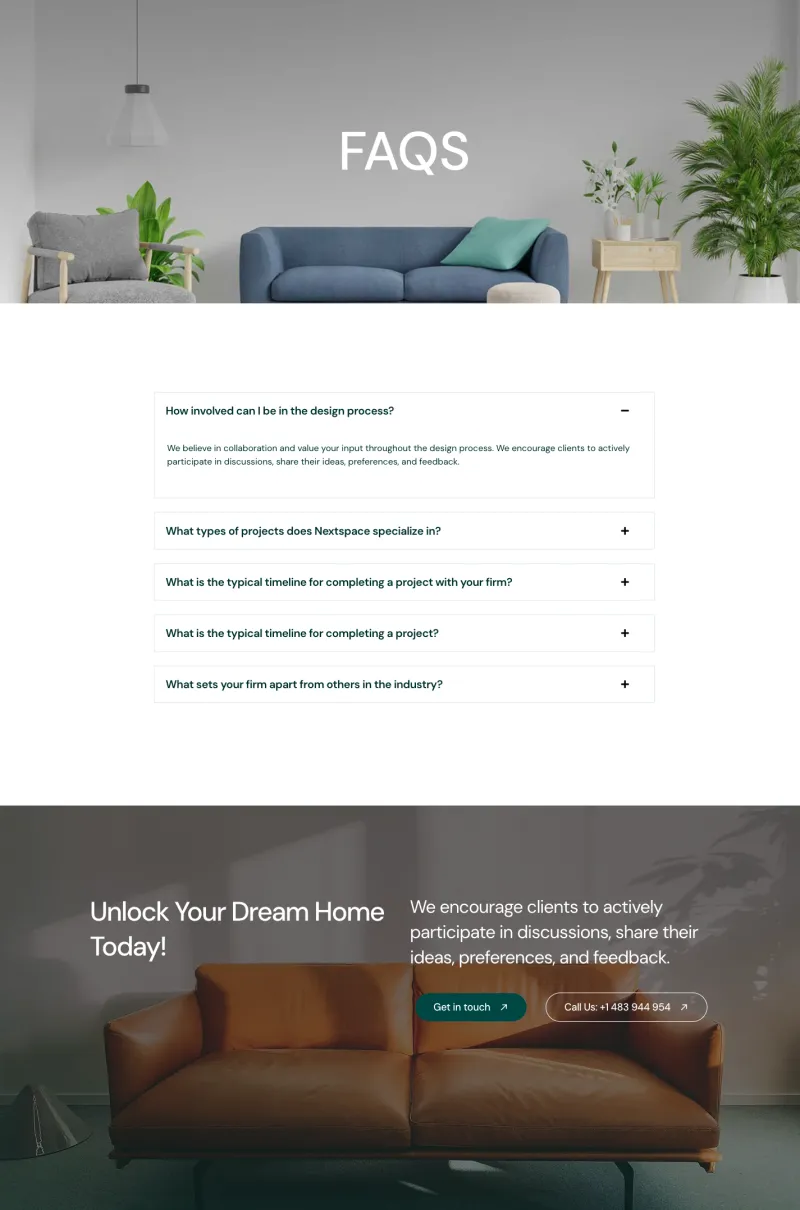
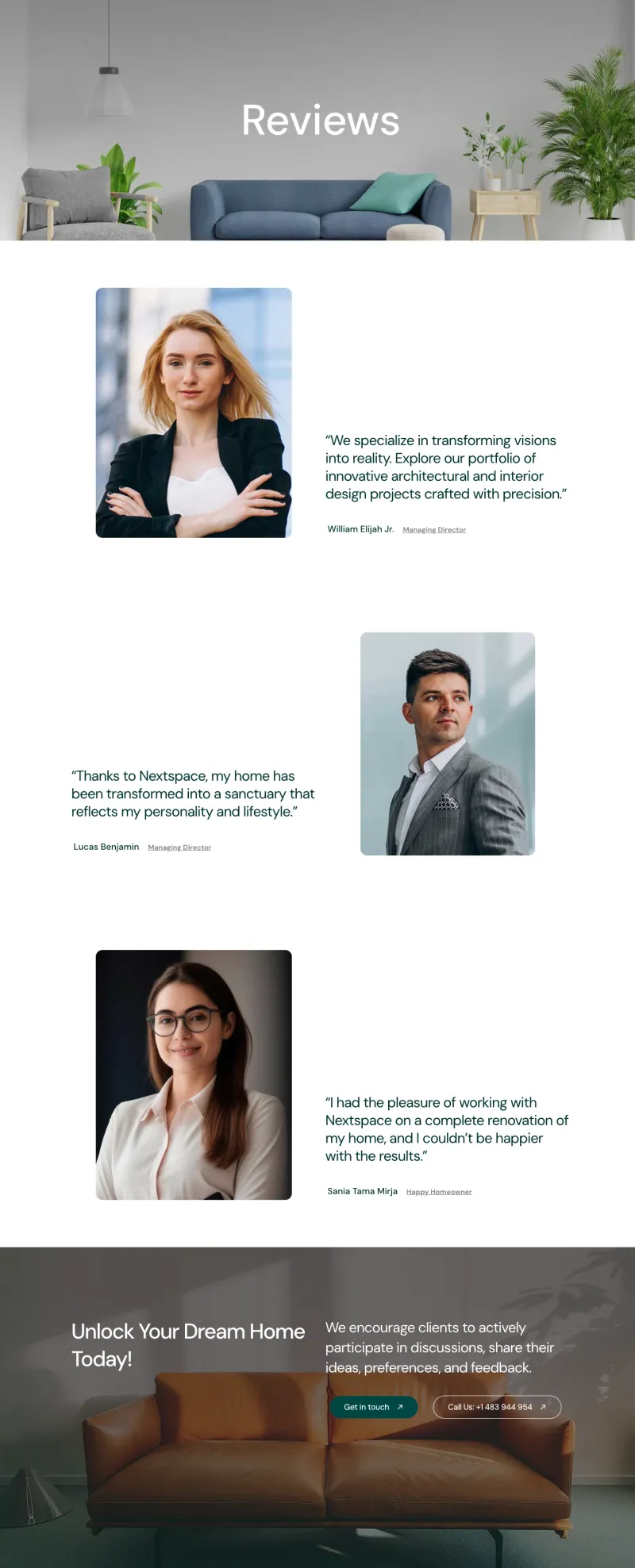
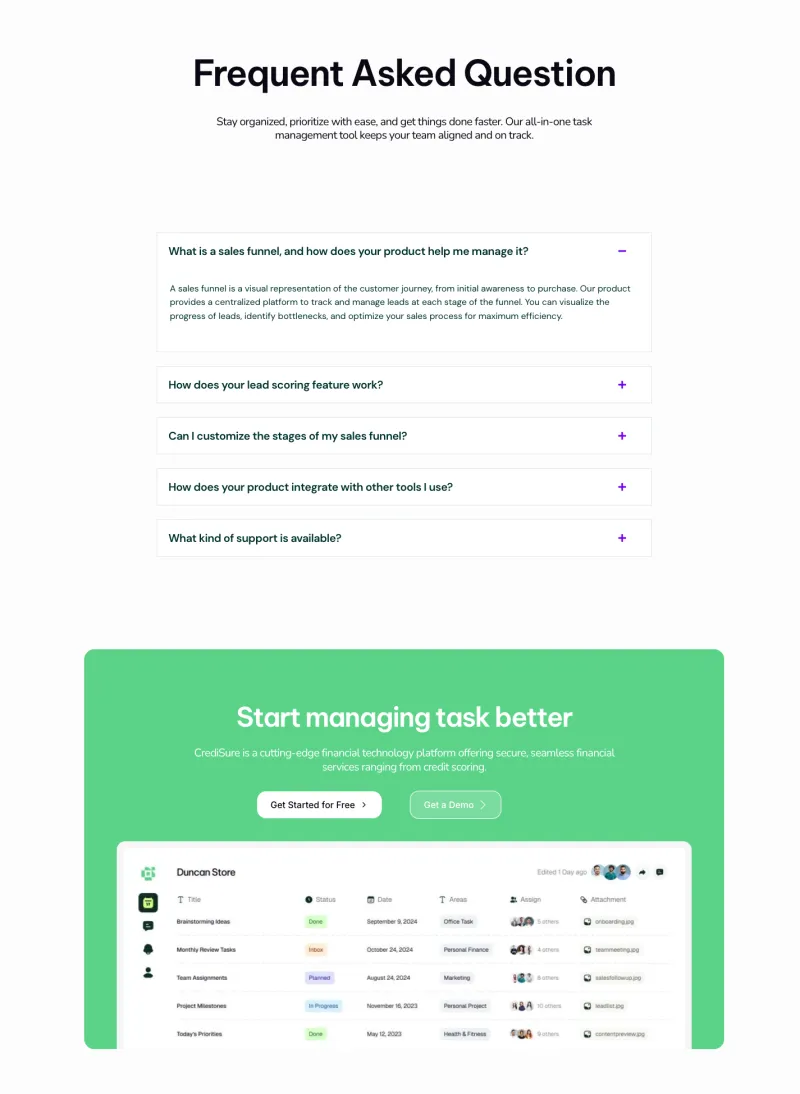
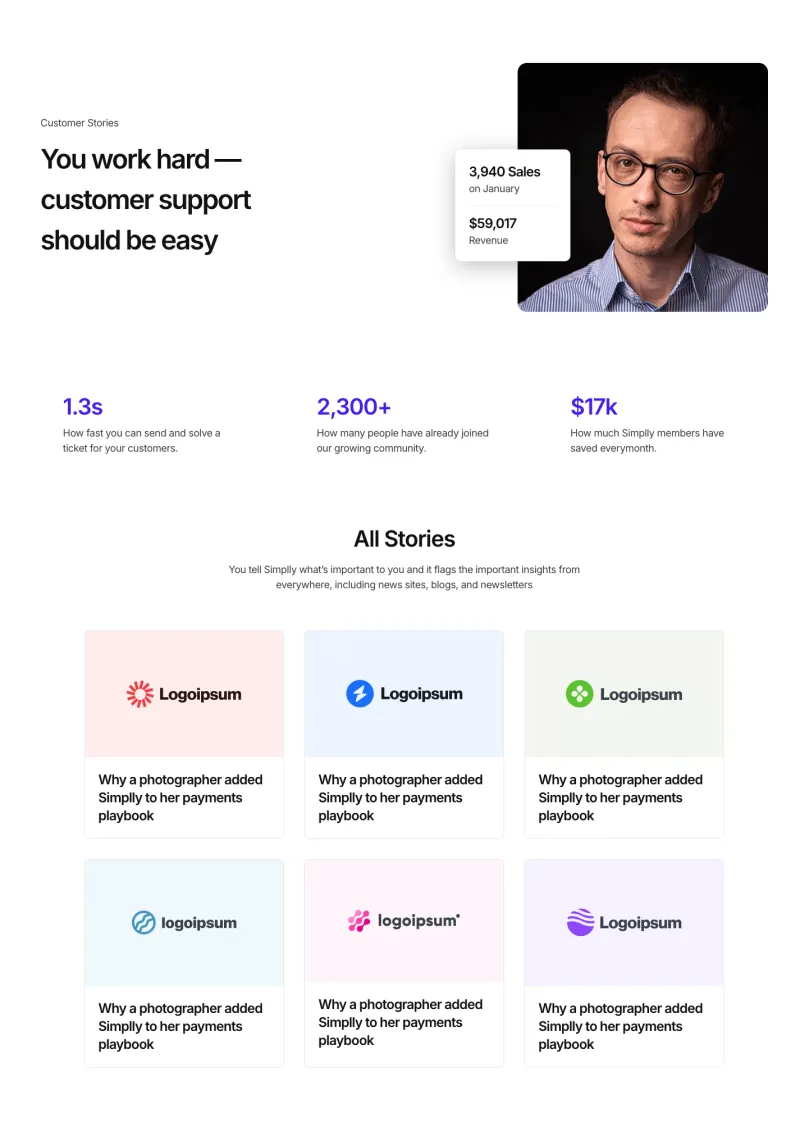
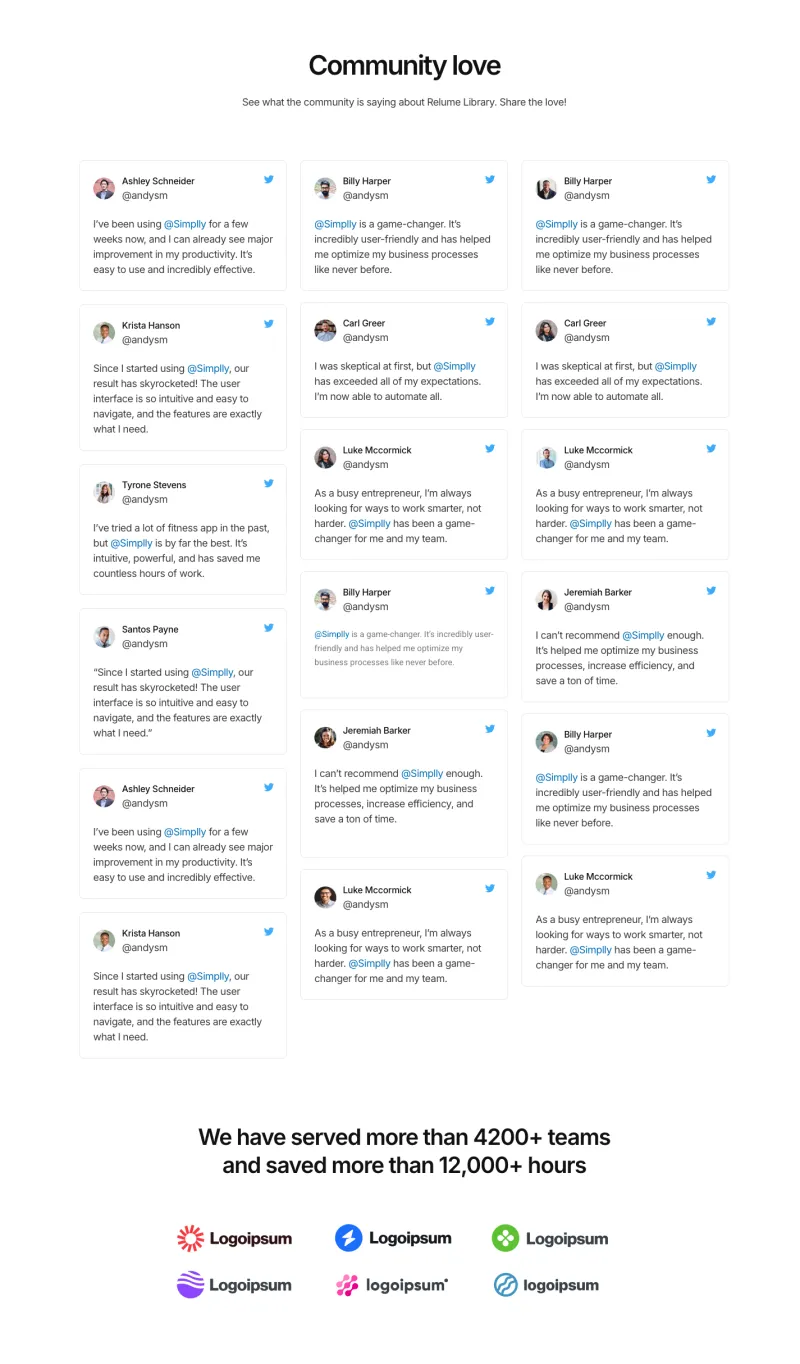
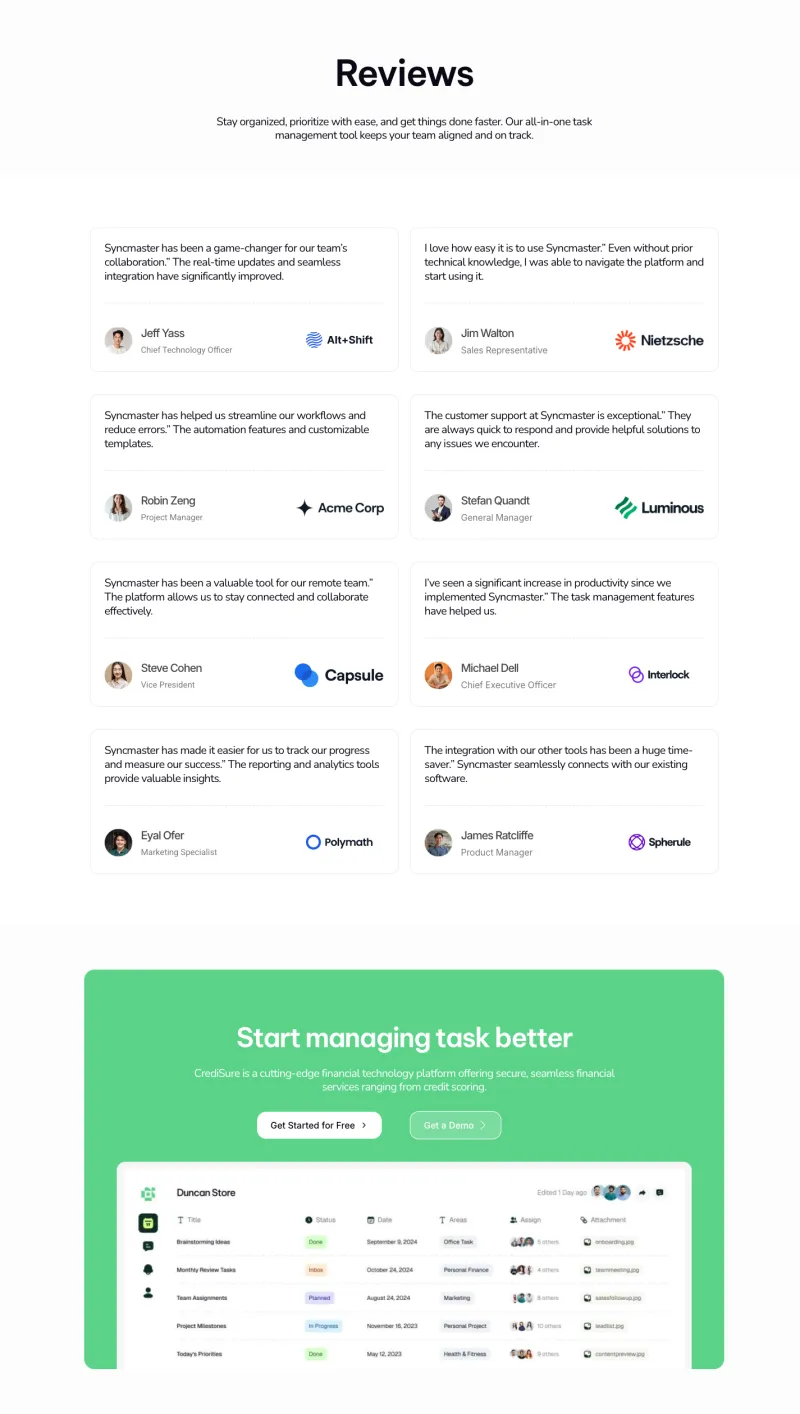
Review walls, testimonial pages, a customer stories page and standalone FAQ pages. They work as full pages, or you can copy a single section into a pricing or landing page.
Elementor 404 Page Templates
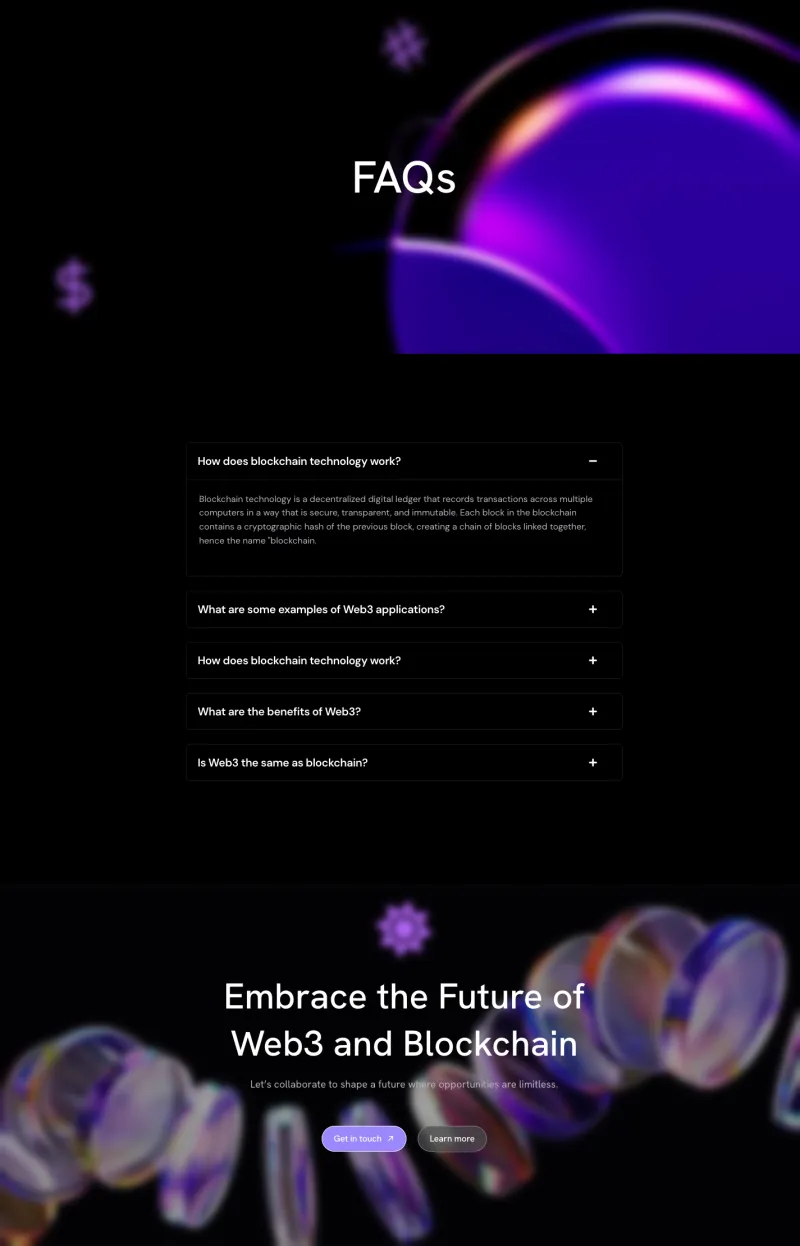
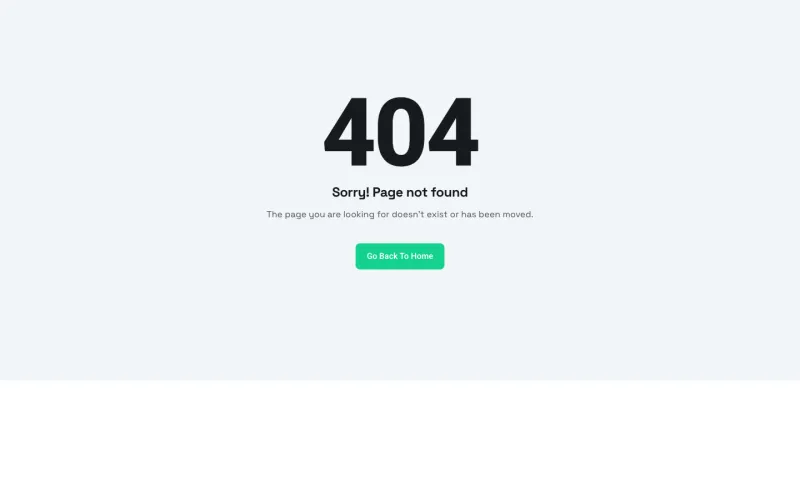
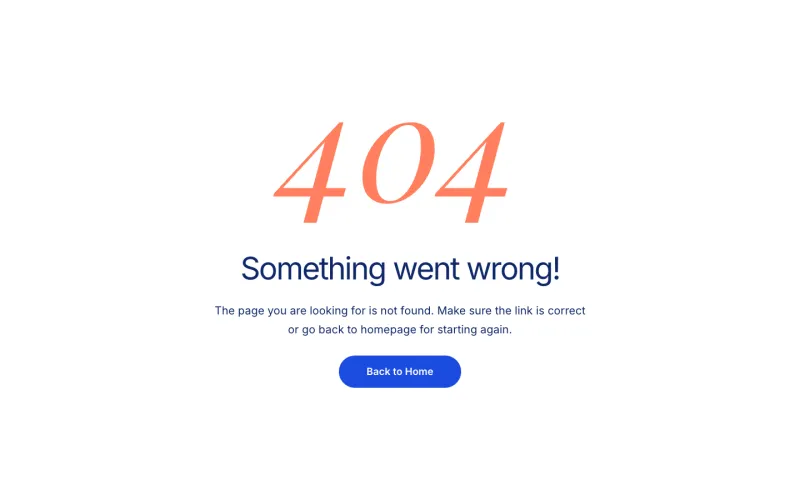
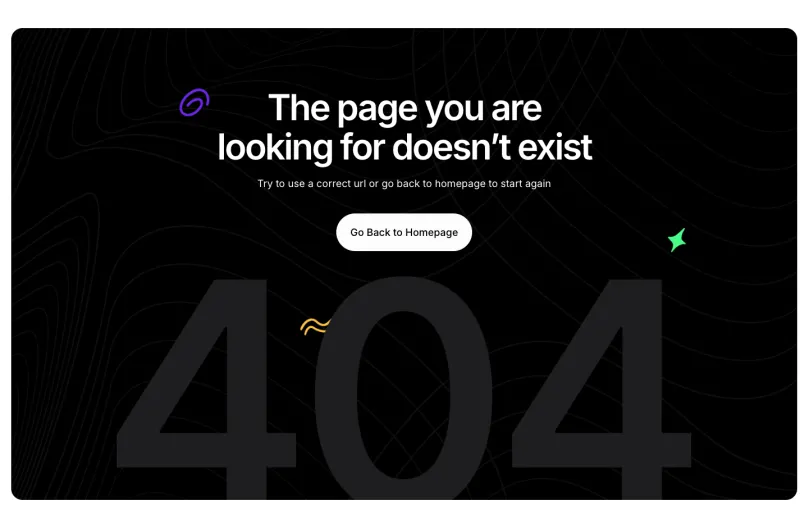
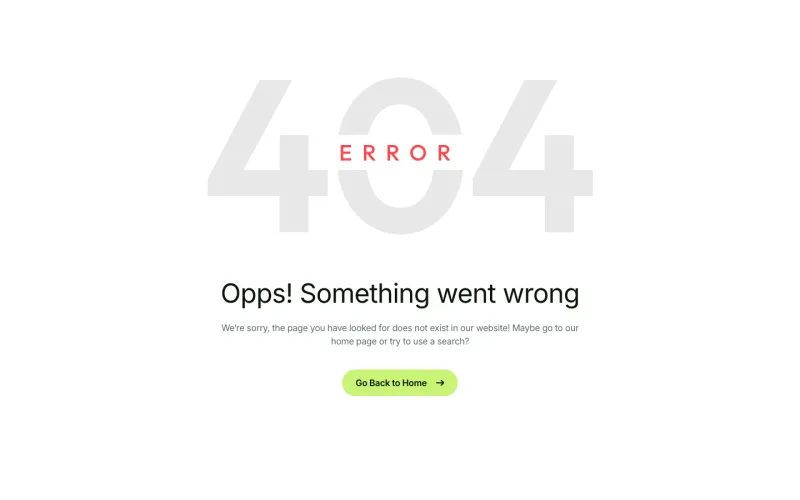
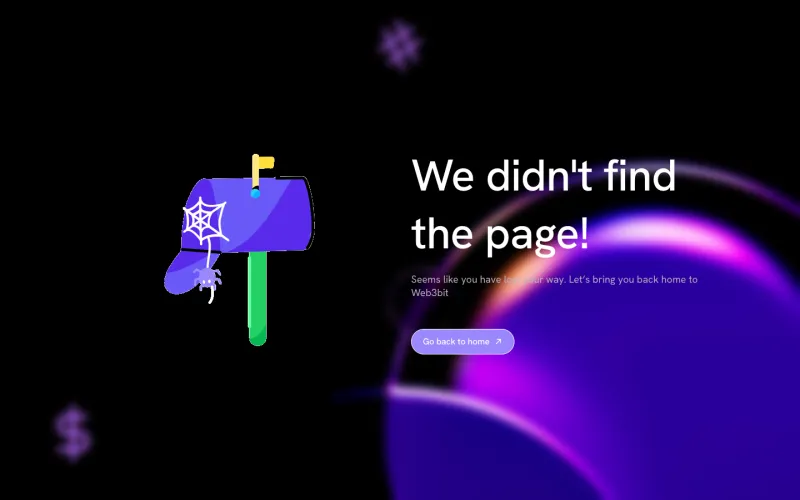
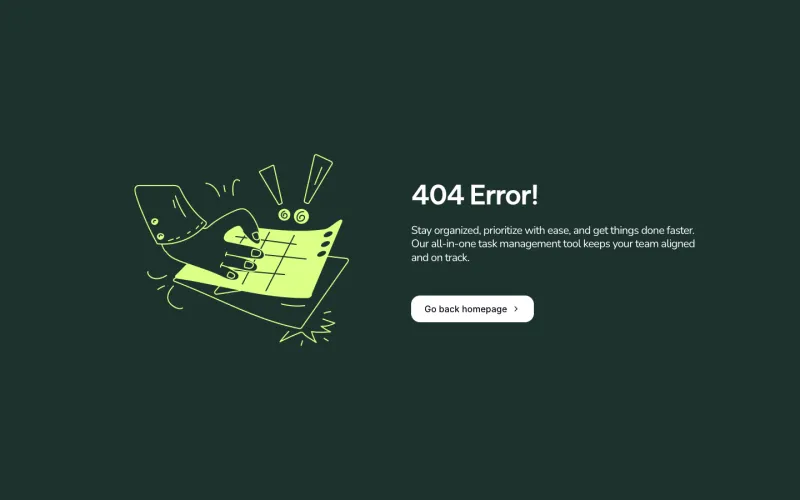
Fourteen error pages with a clear message and a button back to the homepage. Set one as your 404 template in the Master Addons Theme Builder so a broken link still lands on a page that looks like the rest of your site.
Elementor Login and Sign Up Page Templates
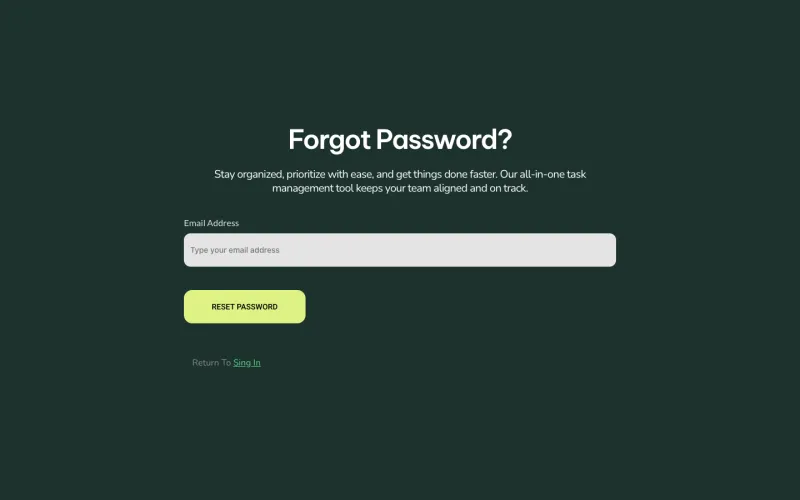
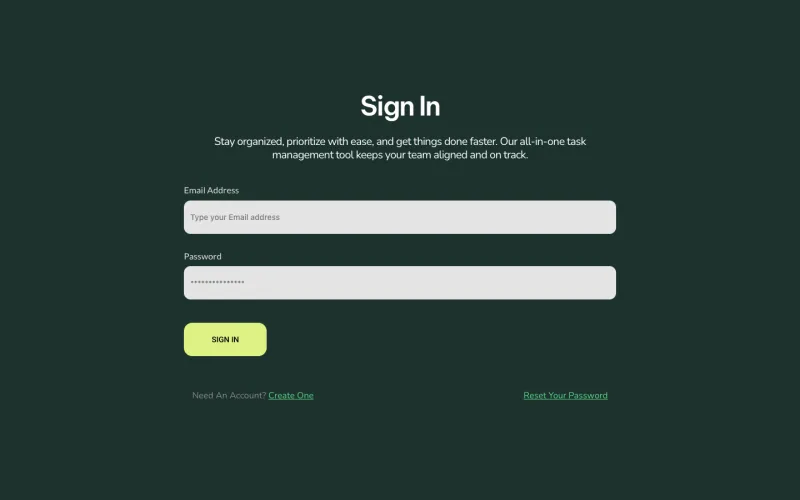
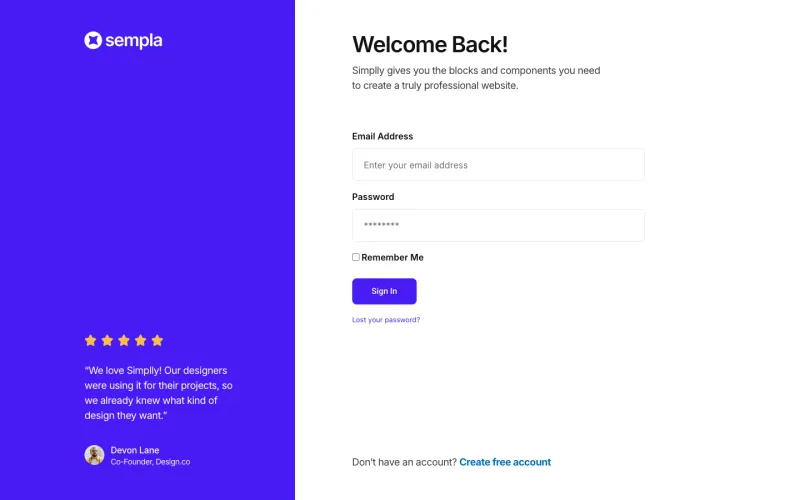
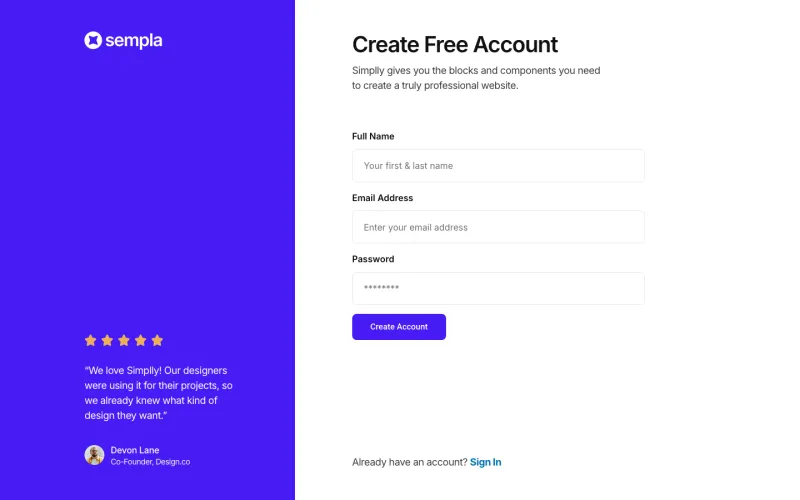
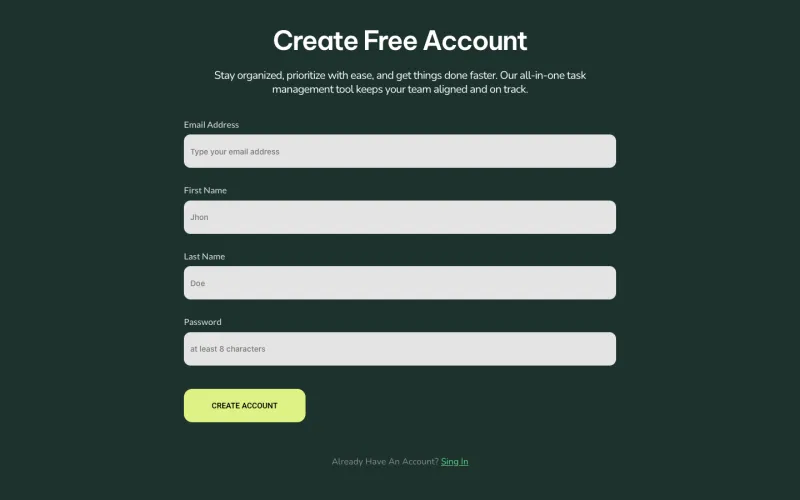
Sign in, sign up and reset password screens from the FlowDesk and Sempla SaaS kits. They are designed layouts, so connect them to your membership or login plugin to handle real accounts.
Elementor Privacy Policy and Terms Page Templates
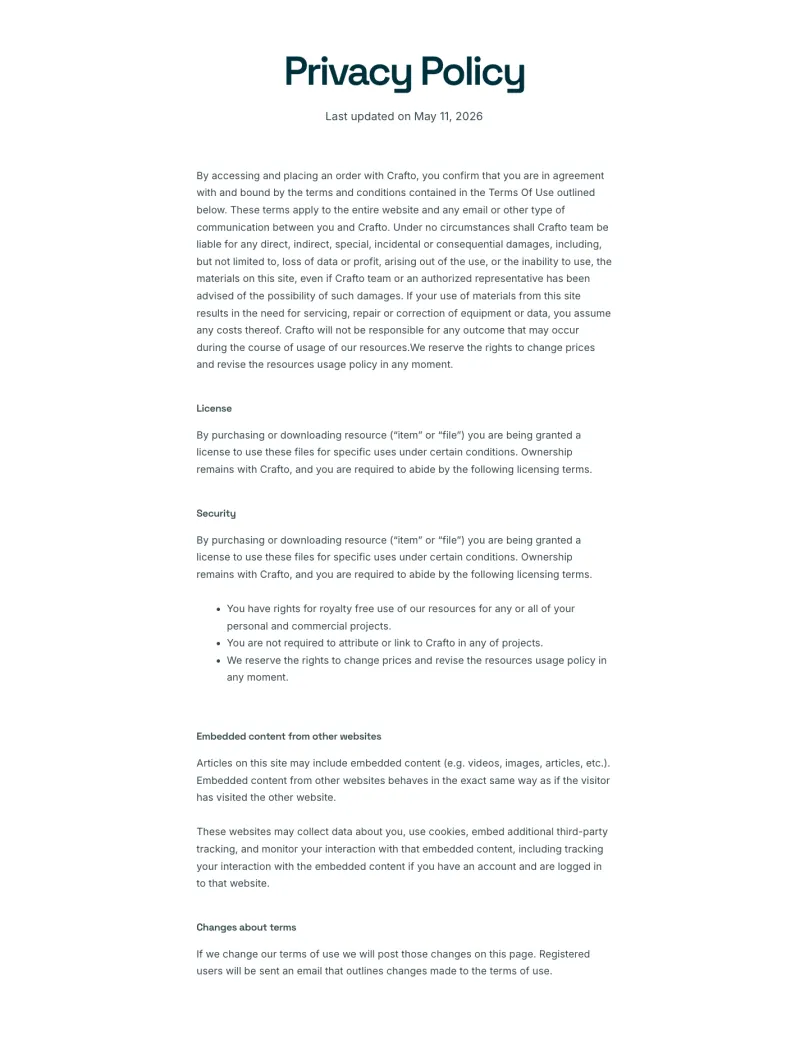
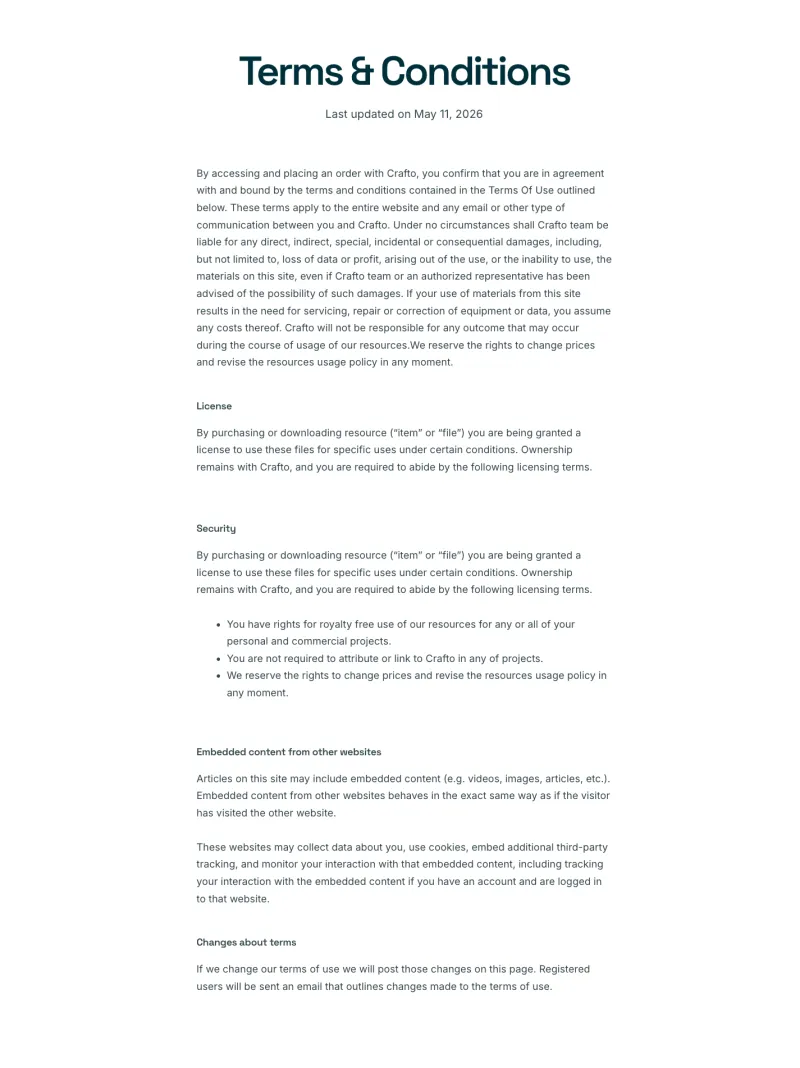
Privacy policy and terms and conditions pages laid out for long reading, with a clear heading for each section. The wording is sample text written for each demo brand, so replace it with a policy that fits your business before you publish. Twelve of the sixteen are free.
Craftova Privacy Policy
Free
Craftova Terms Page
Free
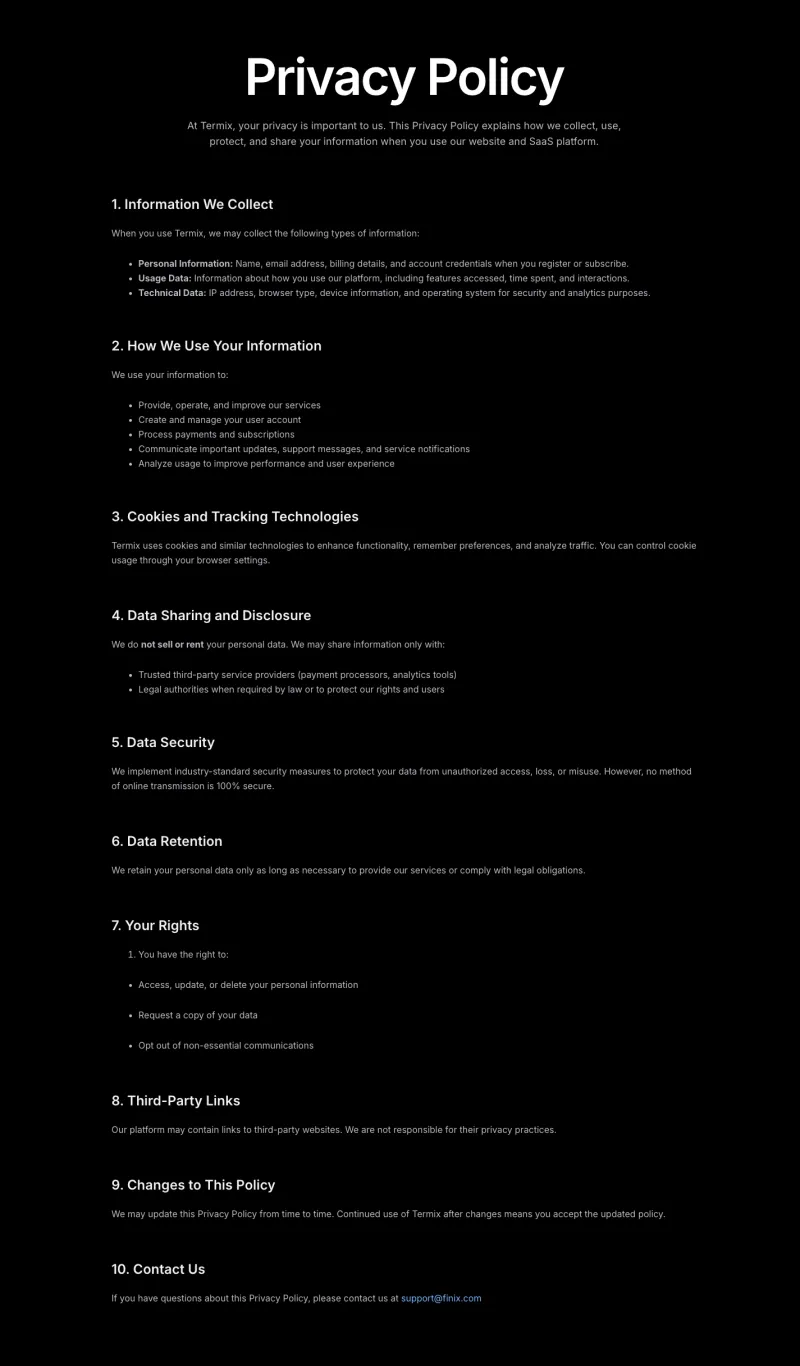
Finix Privacy Policy
Free
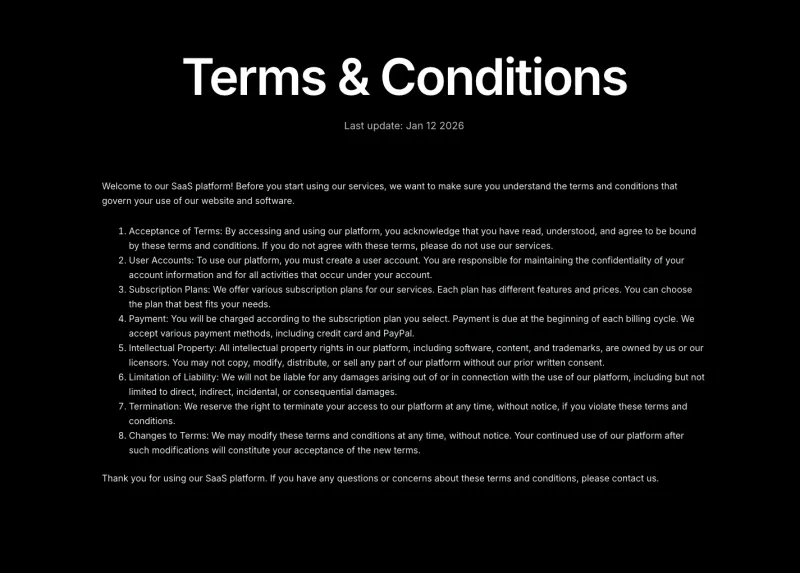
Finix Terms Page
Free
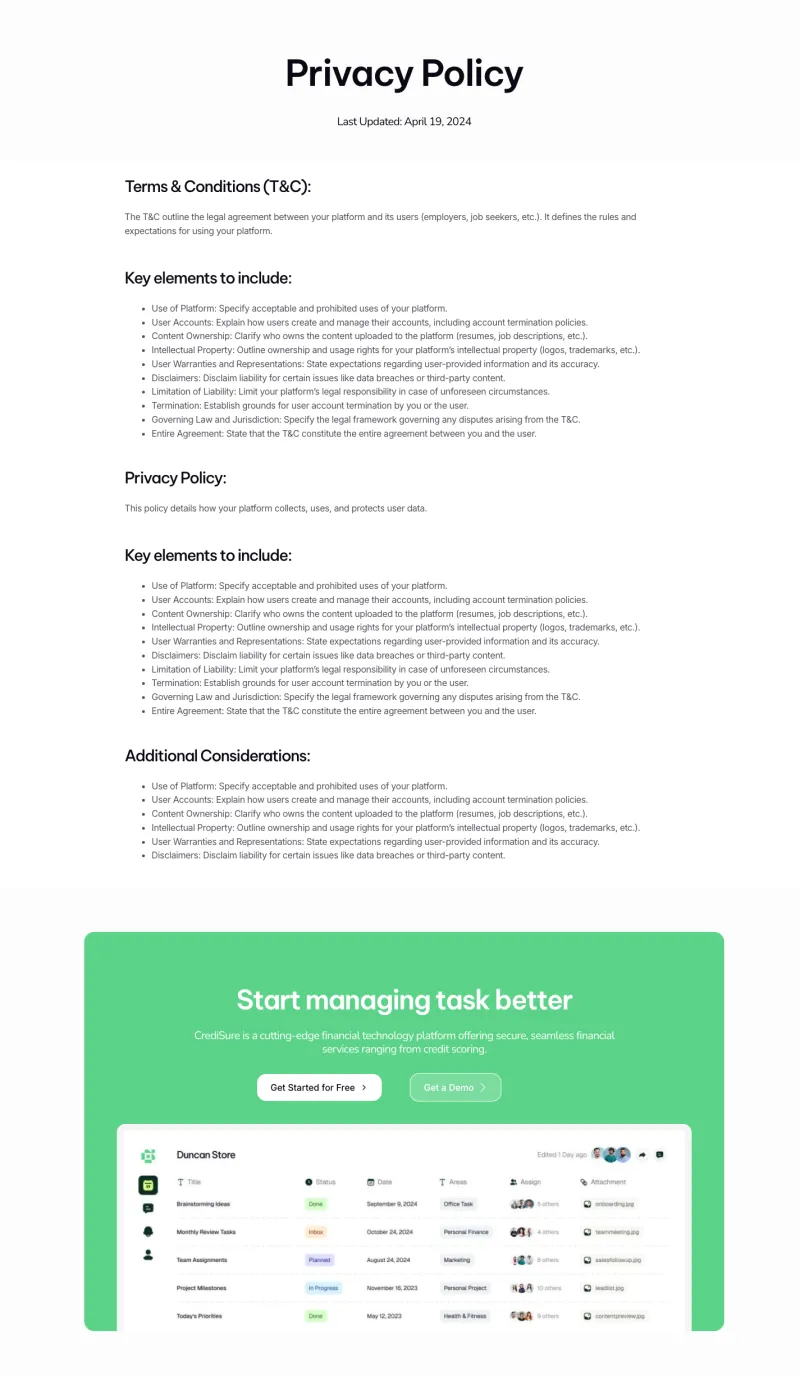
FlowDesk Privacy Policy
Free
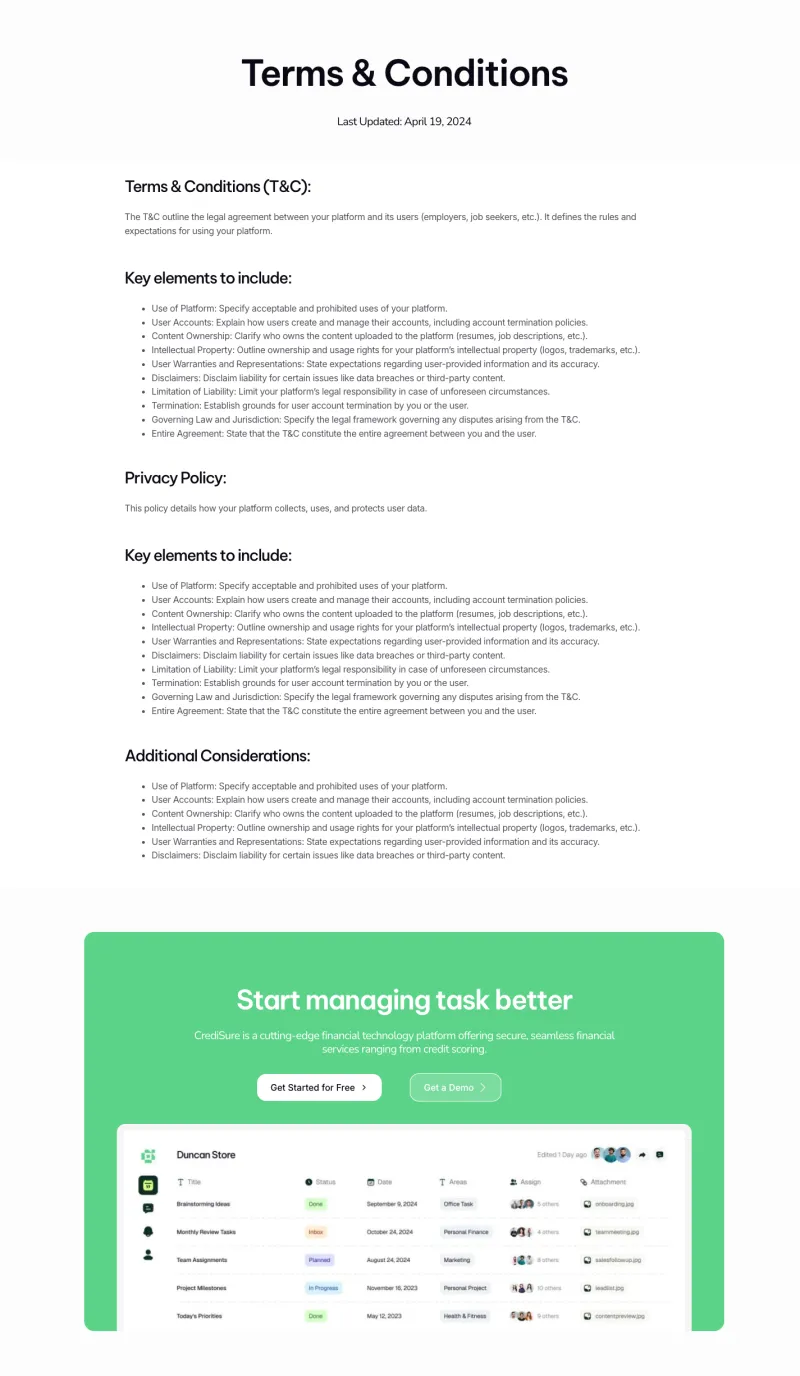
FlowDesk Terms Page
Free
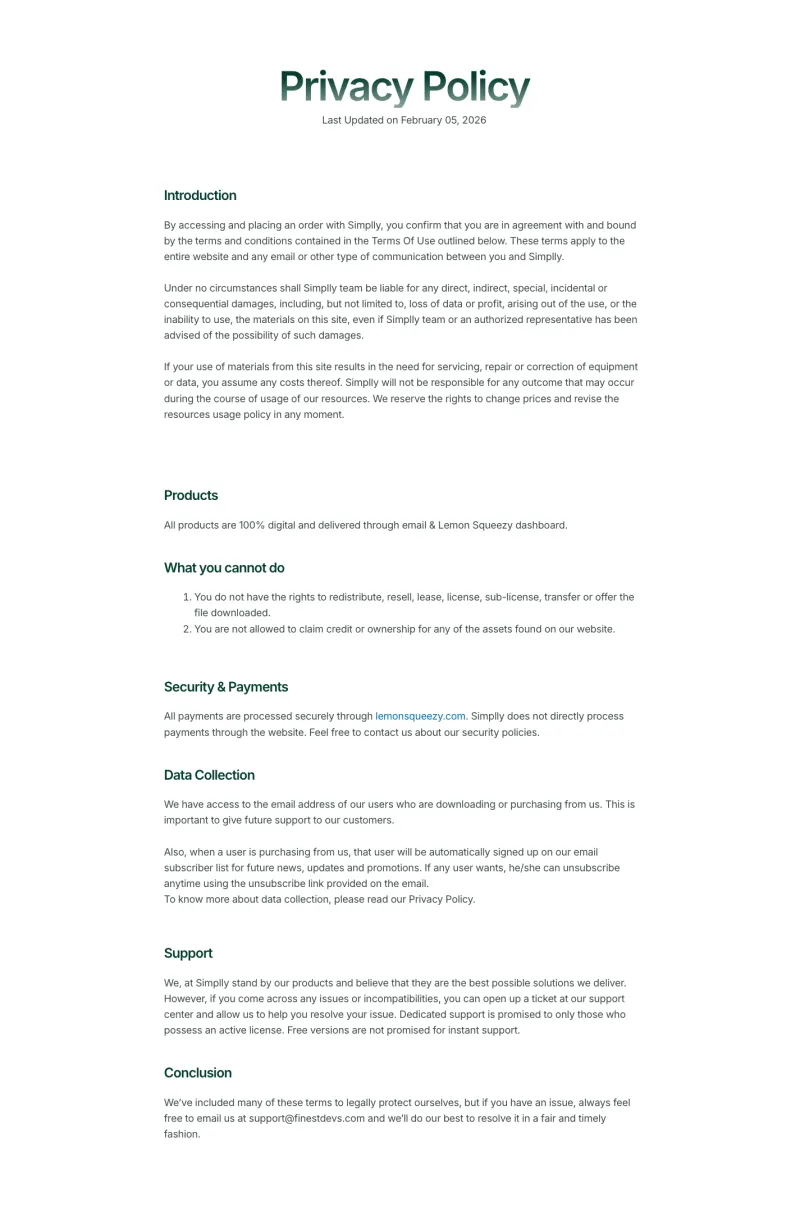
Nexis Privacy Policy
Free
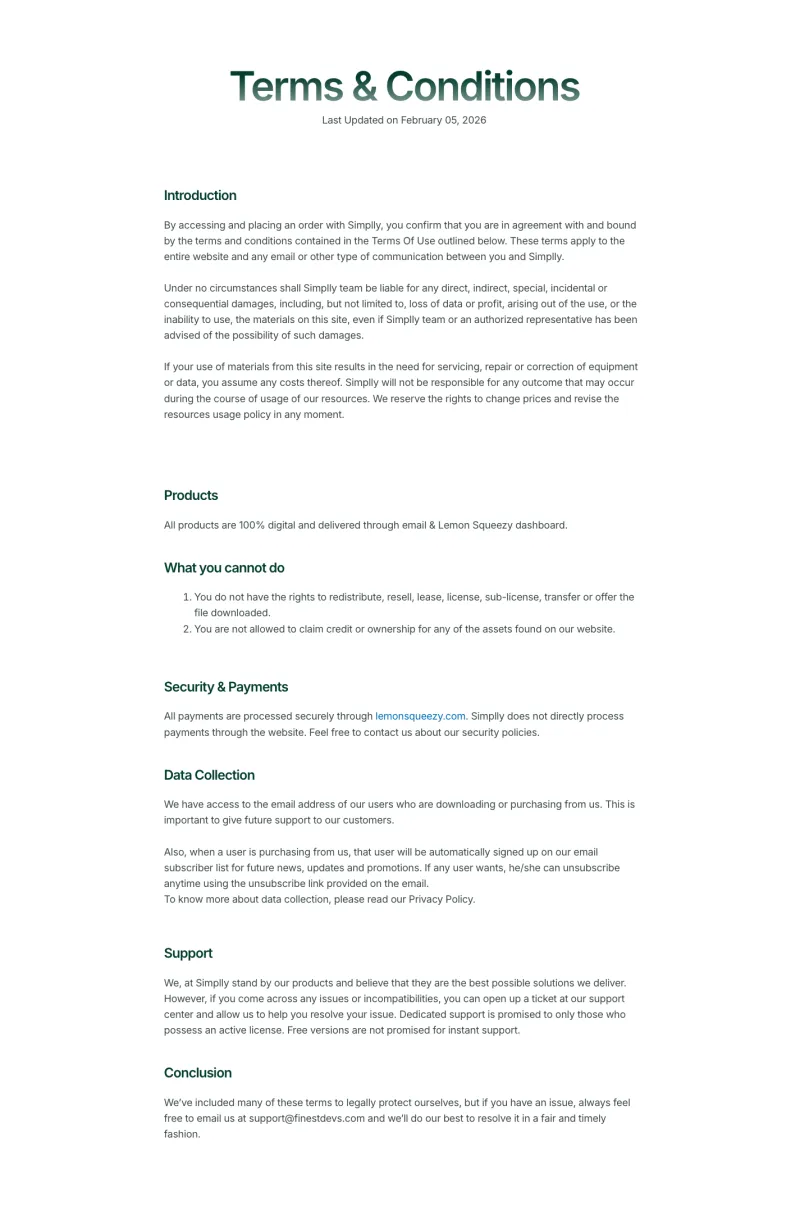
Nexis Terms Page
Free
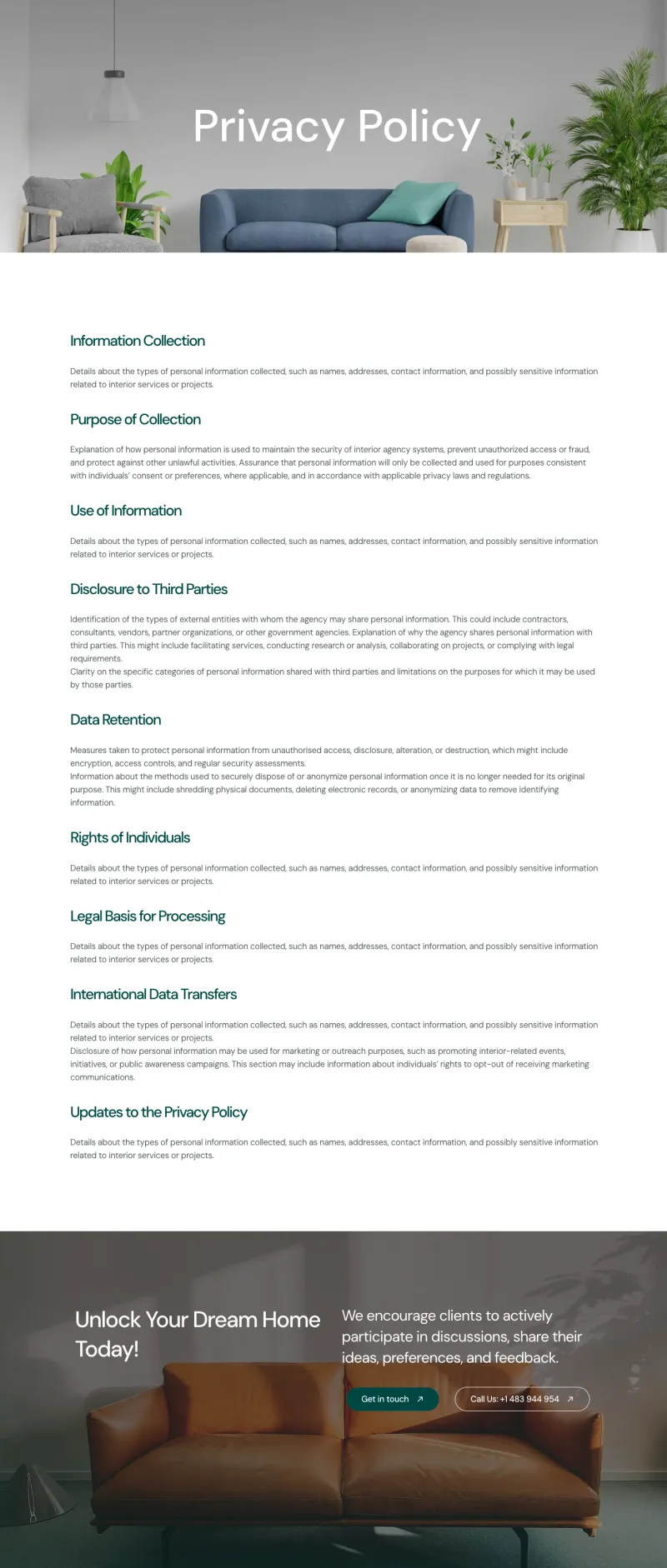
VibeSpace Privacy Policy
Free
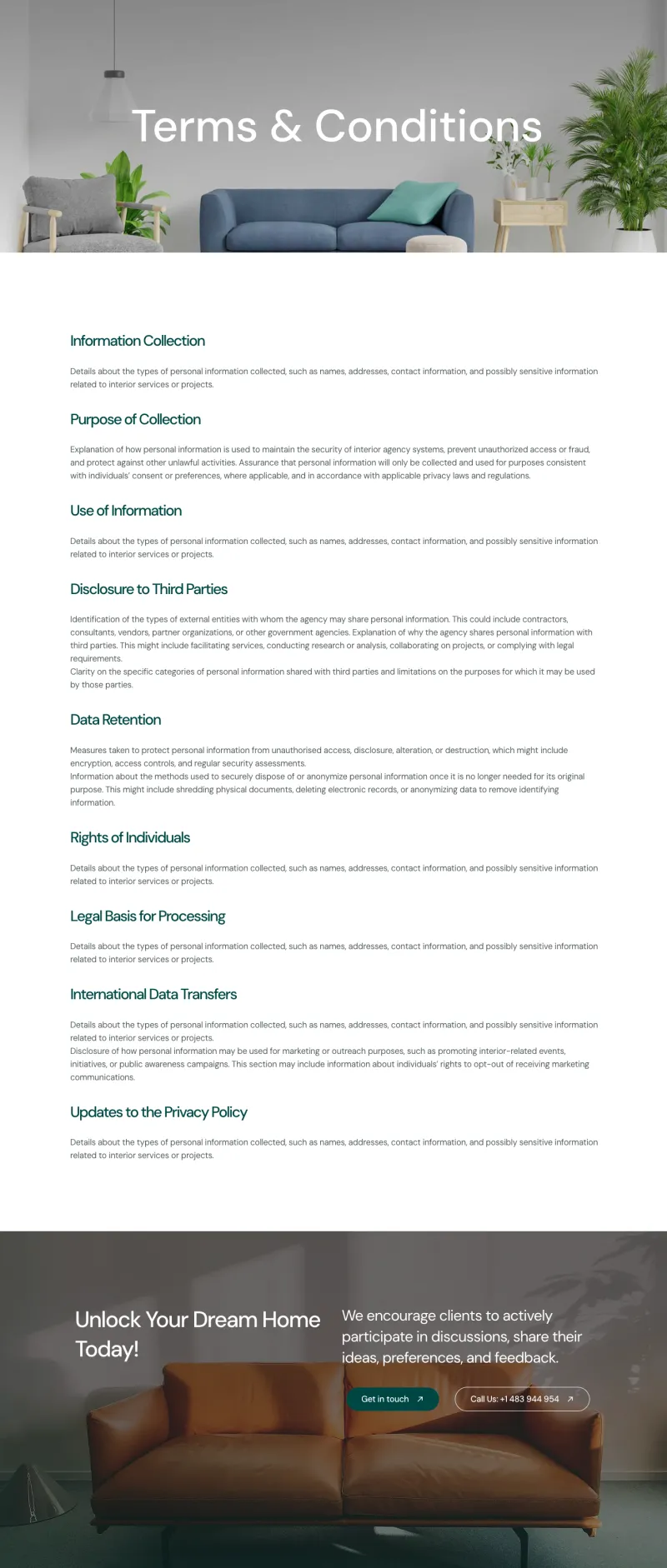
VibeSpace Terms Page
Free
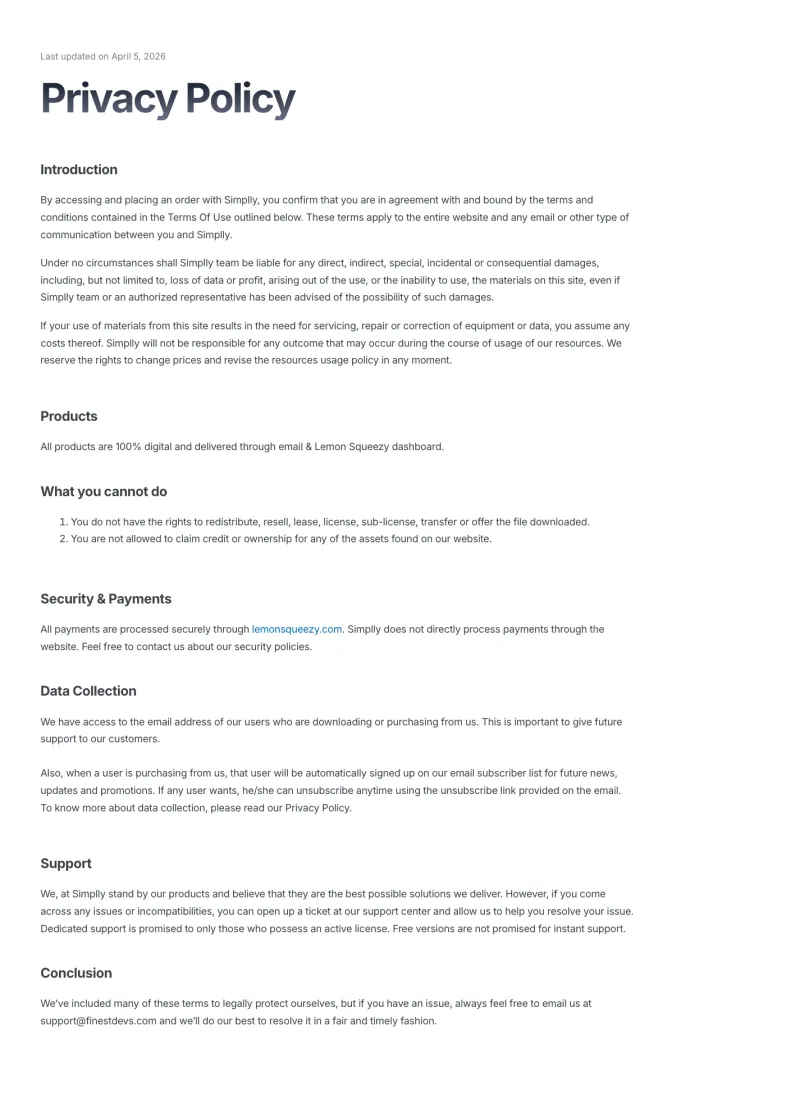
Zaplyte Privacy Policy
Free
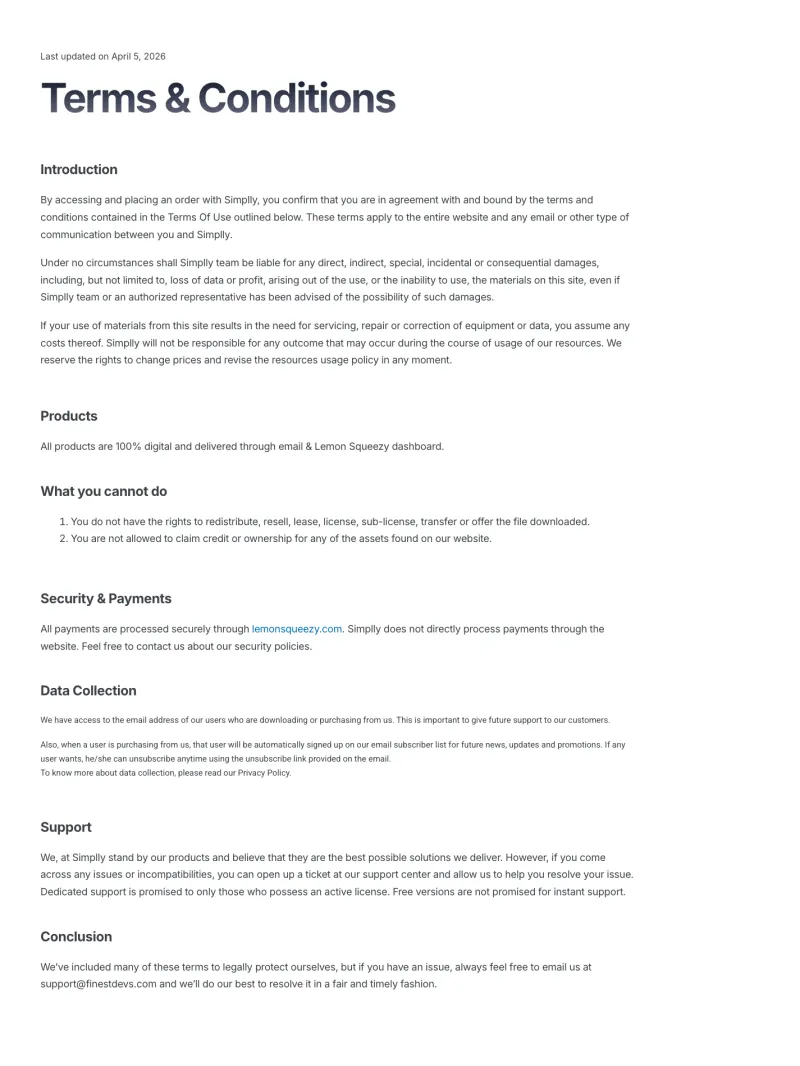
Zaplyte Terms Page
Free
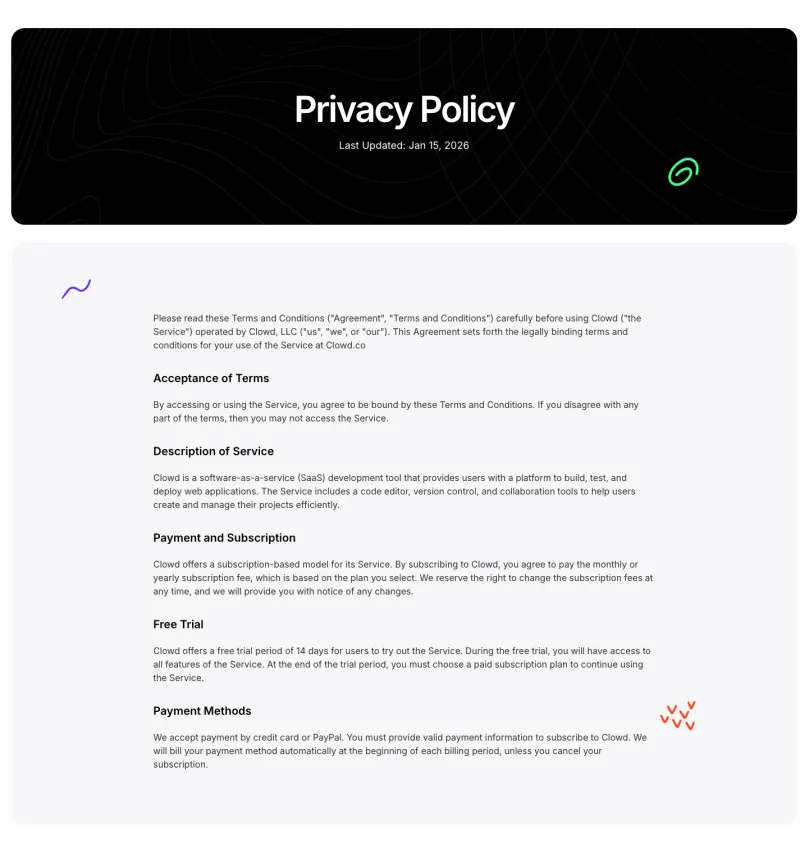
Clowdify Privacy Policy
Pro
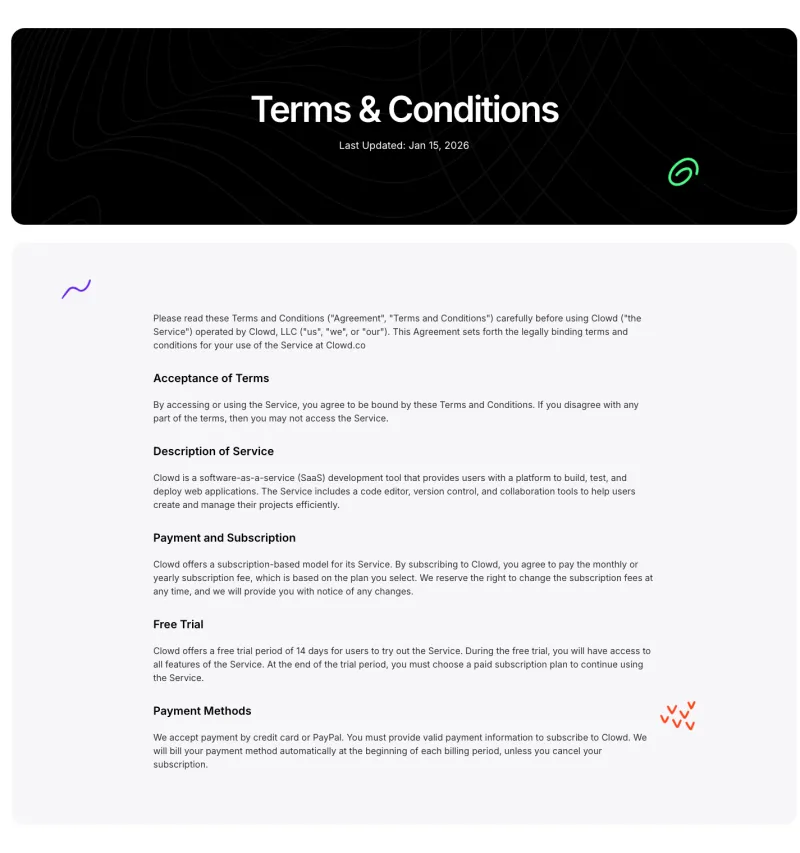
Clowdify Terms Page
Pro
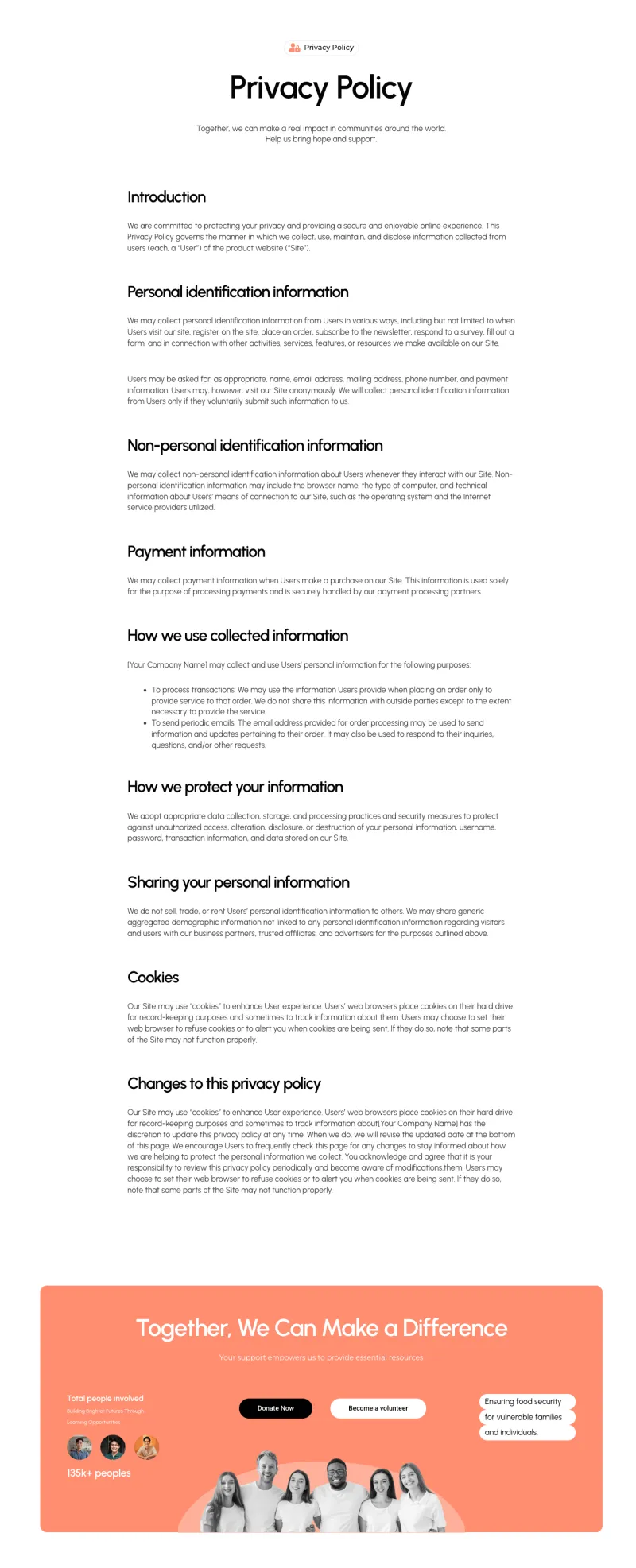
Fundora Privacy Policy
Pro
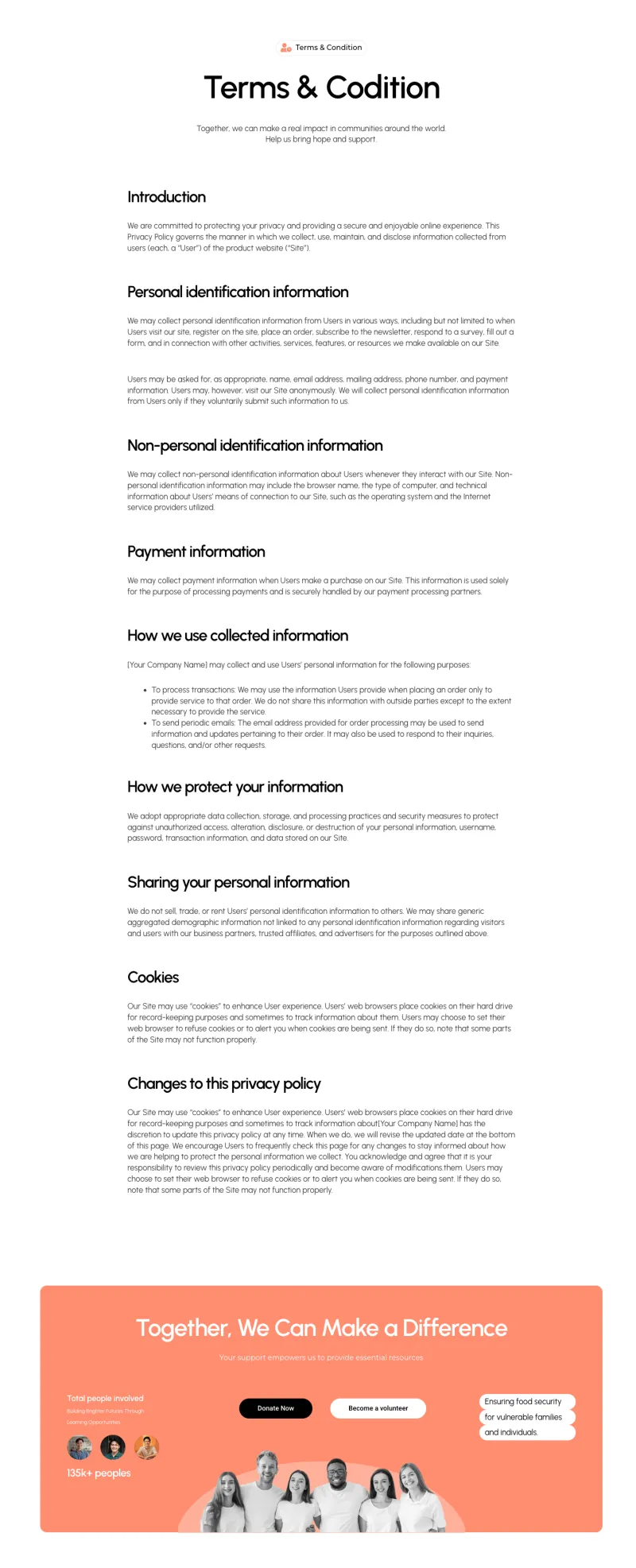
Fundora Terms Page
ProWhat Is an Elementor Page Template?
An Elementor page template is a complete, pre-designed page that you import into WordPress and edit in Elementor. It arrives with its layout, text, images and styling in place, so you change the words and photos instead of building every section by hand.
Every template on this page belongs to a page type. A homepage template gives you a hero, service blocks and a call to action. A contact template gives you the form and the office details. You can import one page on its own, or several from the same design family so the pages match each other.
Page template, section or full kit?
| What you import | What you get | Best for |
|---|---|---|
| Page template | One finished page, such as About, Pricing or a 404 page | Adding or redesigning a single page |
| Section or block | One part of a page, such as a testimonial row or a CTA | Filling a gap in a page you already built |
| Template kit | A whole website: pages, header, footer and global styles | Launching a new site in one style |
| Theme Builder template | A layout WordPress applies site-wide, like a header, footer or 404 | Parts that repeat on every page |
If you need every page of a site at once, start from the Elementor template kits instead. Most templates here come from those kits, so a page you import today will match the rest of the kit later.
How to Import an Elementor Page Template
You can bring a template in from the WordPress Pages screen or from inside the Elementor editor. Both use the same Master Addons Template Library.
- Install Elementor and Master Addons. Both are free on WordPress.org.
- Open the Template Library. Go to Pages in your dashboard and click Import Pages, or open Master Addons → Template Library. The library opens on the Pages tab.
- Filter by category and preview. Pick a page type, open the preview and check the layout on the live demo before you import anything.
- Import the page. Free templates import straight away. Pro templates carry a Pro label and need an active Master Addons Pro license.
- Edit it in Elementor. Replace the text, images and links, then publish. Imported pages are easy to find later with the imported pages filter on the Pages screen.
Already editing a page? Open the Master Addons template library inside the Elementor editor and click Insert to drop a template into the current page.
Free vs Pro Elementor Page Templates
Each card above has a FREE or PRO badge. Of the 211 templates, 35 are free and 176 need Master Addons Pro. You can preview any of them without a license.
| Category | Free | Pro |
|---|---|---|
| Home Page | 2 | 24 |
| About Us | 2 | 28 |
| Services and Features | 2 | 32 |
| Pricing | 0 | 10 |
| Contact | 1 | 26 |
| Blog and Single Post | 2 | 20 |
| Portfolio and Case Study | 3 | 10 |
| Testimonials and FAQ | 5 | 6 |
| 404 Page | 5 | 9 |
| Login and Sign Up | 1 | 4 |
| Privacy Policy and Terms | 12 | 4 |
| Shop and Product | 0 | 3 |
If you try to import a Pro template without a license, the library offers the upgrade before anything is imported, so you never end up with half a page. Plans, lifetime options and the 14-day money-back guarantee are on the pricing page.
Which Pages Does Your Website Need?
Most small business sites share the same core set of pages. Build these first and add the rest when you have content for them.
- Homepage: says what you do and where to click next.
- About Us: the people and the story behind the business.
- Services: one overview page, plus a detail page for each main service if you sell more than one.
- Contact: a short form, your phone number and your address or service area.
- Privacy policy and terms: needed as soon as you collect form entries or run analytics.
SaaS products usually add pricing, sign up and login and a features page. Agencies lean on case studies and testimonials. Anyone publishing articles needs a blog index and a single post layout. A custom 404 page is quick to add and catches visitors who follow an old link.
Why an Imported Page Doesn't Look Like the Preview
A freshly imported page can look slightly off compared with the live demo. These are the usual causes.
Fonts or colors are different
Elementor’s default fonts and colors are overriding the template. Go to Elementor → Settings, turn on Disable Default Colors and Disable Default Fonts, save and reload. The step-by-step guide shows where both options are.
Your theme’s header and footer appear around the page
The page is still using your theme’s default layout. In the page settings, switch the layout to Elementor Canvas for a standalone page or Elementor Full Width if you want your site header and footer kept.
The blog section looks empty
Blog layouts use the Master Addons Blog widget, which shows your own posts. On a new site with nothing published yet that area stays empty, so publish a few posts and reload the page.
Pick a Page, Import It, Make It Yours
Choose the page type you need from the categories above, open the preview, and import the template from the Master Addons Template Library. Replace the demo content and publish. Building a whole site? The template kits bring every page in one style, and the Theme Builder handles headers, footers and your 404 page.
Elementor Page Templates: Frequently Asked Questions
What is an Elementor page template?
It is a ready-made page you import into WordPress and edit in Elementor. The layout, text, images and styling come with it, so you replace the content instead of designing the page from a blank canvas.
Are these Elementor page templates free?
35 of the 211 templates are free and import with the free Master Addons plugin. The other 176 carry a PRO badge and need a Master Addons Pro license. Every template has a live preview you can open without a license.
How do I import an Elementor page template?
Install Elementor and Master Addons, then click Import Pages on the WordPress Pages screen or open Master Addons → Template Library. Choose a category, preview the template and import it. Inside the Elementor editor you can also insert a template into the page you are working on.
Do I need Elementor Pro to use these templates?
For almost all of them, no. They are built with free Elementor and Master Addons widgets. The two Sempla sign in and sign up screens are the exception, because they use the Login and Form widgets from Elementor Pro.
What is the difference between a page template and a template kit?
A page template is one page, such as a pricing or contact page. A template kit is a full website with matching pages, a header, a footer and global styles. Most page templates here come from the Master Addons template kits, so they match the rest of their kit.
Can I use a 404 template as my site's error page?
Yes. Import the 404 template, then assign it in the Master Addons Theme Builder so WordPress shows it whenever a visitor hits a missing page.
Why does my imported template look different from the preview?
Usually Elementor’s default fonts and colors are overriding the design, or the page is still wrapped in your theme’s layout. Disable the default fonts and colors in Elementor settings and set the page layout to Elementor Canvas or Full Width.
How many page templates are in the Master Addons library?
This page lists 211 page templates in 12 categories, from homepages and about pages to pricing, blog, 404, login and shop pages.