
Featured Product
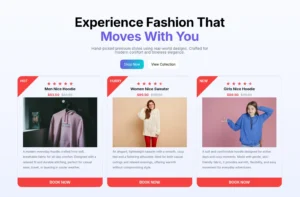
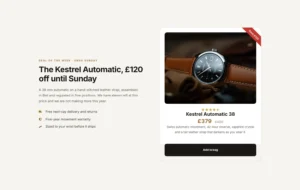
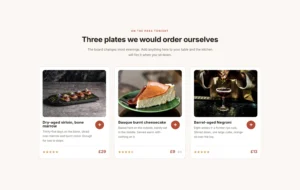
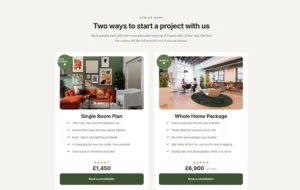
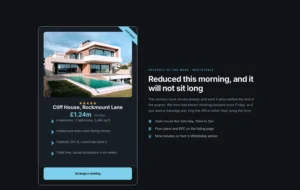
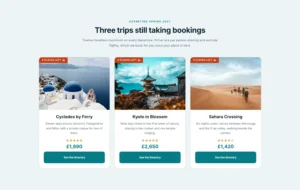
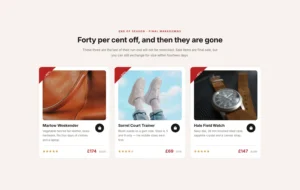
Selling a digital download, a consulting package, or an affiliate product? Don’t install a heavy online store just to showcase one item. The Featured Product element gives you everything you need to present any product beautifully. Add an image, set a title and description, show pricing with a discount strikethrough, and link your “Buy Now” button directly to PayPal, Stripe, or any payment link. Style every part to match your brand, add a “NEW” or “SALE” ribbon, and make it look perfectly professional in minutes. It’s the smart, lightweight way to sell anything, anywhere on your site.

Complete Product Presentation
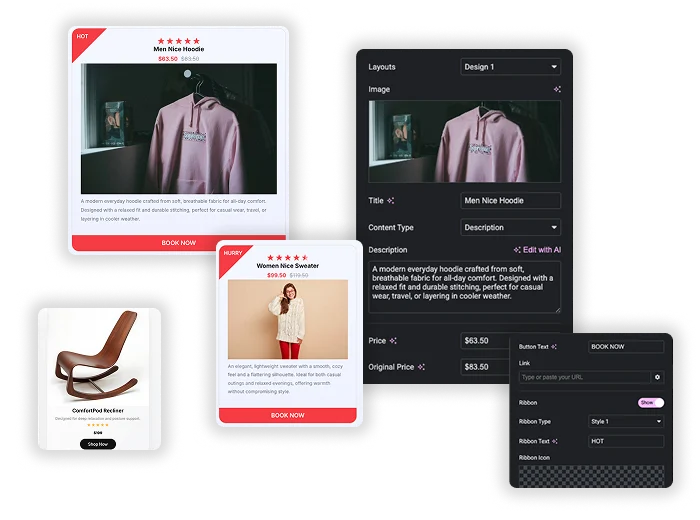
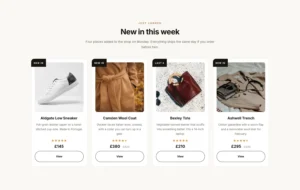
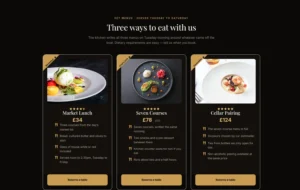
This isn’t just an image with a button. It’s a complete product card. Start by choosing from multiple Layouts (Design 1, Design 2, Design 3.). Add your product Image, a compelling Title, and a Description. Display the Price and the Original Price to show discounts. Finish with a customizable Button linked to your checkout, and optional Rating stars and attention-grabbing Ribbons. Every component is included and fully controllable.
- Multiple Layouts: Choose from different pre-designed arrangements of image, text, and button to suit your style.
- Ribbon: Write proper ribbon text to highlight to engage your visitors.
- Clear Pricing: Show current and original prices with automatic strikethrough to highlight value.
Pixel-Perfect Styling
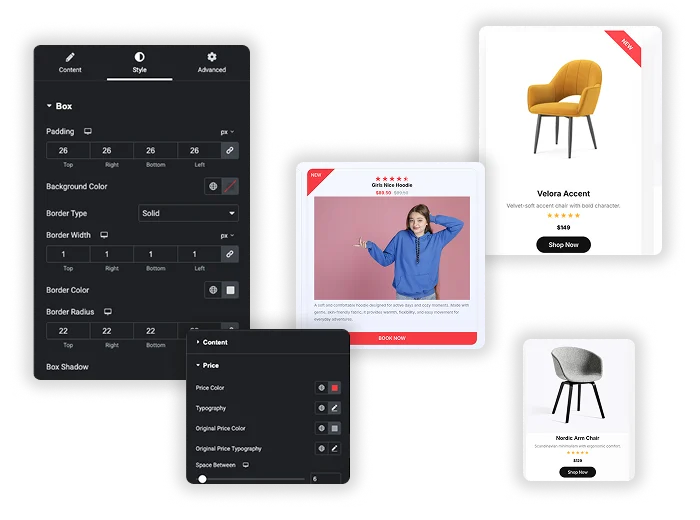
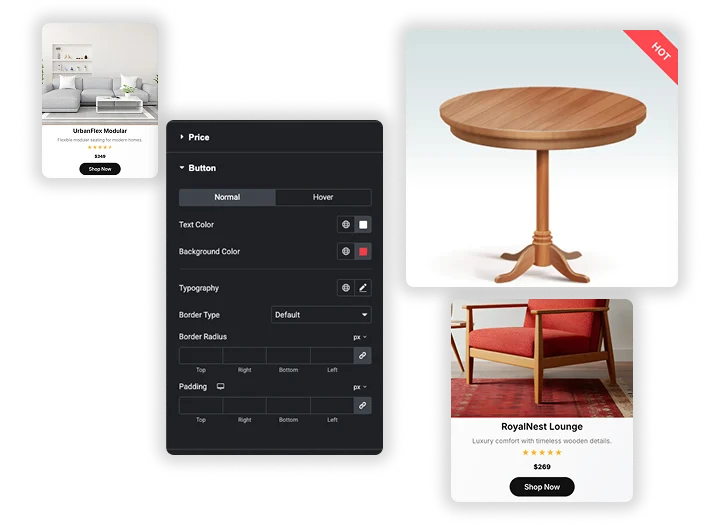
Match your brand perfectly. Style the main Box with background colors, borders, shadows, and padding. Customize the Title and Description typography separately. Give your Price a distinct color and font. Design your Button and even style the Ribbon (like “NEW” or “SALE”) with different shapes and colors. You have independent control over the look of every single piece, ensuring a cohesive and polished final product card.
- Individual Styling Controls: Change colors, fonts, and spacing for the Title, Price, Button, and Ribbon independently.
- Visual Polish: Add Box Shadows, Border Radius, and custom Border styles to make the product card pop off the page.
- Highlight Key Info: Use the Ribbon feature to visually tag products as “Featured,” “Limited,” or “Sold Out.”

Simple, Direct Sales Integration
Skip the complex e-commerce setup. Simply paste your direct payment link (from PayPal, Gumroad, Stripe Payment Links, etc.) into the Button Link field. When customers click “BUY NOW,” they go straight to checkout. This makes it perfect for selling single items, digital products, event tickets, service packages, or promoting affiliate products without any extra plugins or complicated configurations.
- Universal Link Support: Works with any payment gateway that provides a direct “Buy Now” URL.
- Ideal for Affiliates: Perfect for beautifully showcasing and linking to affiliate products from Amazon, shareasale, or any network.
- Lightweight Selling: Add a sellable product to any page – your homepage, a blog post sidebar, or a dedicated sales landing page.


Frequently Asked Questions For Featured Product
Can I use this if I already have WooCommerce installed?
Absolutely! It works completely independently. You can use it alongside WooCommerce for special one-off promotions, to highlight a “Product of the Month” in a sidebar, or to create a more stylized product card than your theme provides. Just manually enter the product info and link to the WooCommerce product page.
How do I collect customer details or inventory with this?
This element is for directing customers to an external payment processor. The payment processor (like PayPal or Stripe) will handle collecting customer info, payment, and inventory if you set it up there. This element is the beautiful “front-end” that leads to your secure payment page.
Can I show multiple featured products in a grid?
Yes! Just add multiple Featured Product widgets inside an Elementor Container or Section and set the container to display as a grid. You can create a whole gallery of products, affiliate items, or service packages, each with its own unique design and direct buy link.
What’s the best use for the Ribbon?
Ribbons are perfect for creating urgency and drawing attention. Use them to label products as “NEW,” “SALE,” “BESTSELLER,” “LIMITED,” or “SOLD OUT.” Choose different ribbon Styles (like a folded corner or a flag) and customize the color to make sure the label fits your design and message.
Trending Elementor Widgets & Extensions
Build sophisticated websites in less time.

Glassmorphism

Container Extras

Patterns

Post/Page Duplicator




