


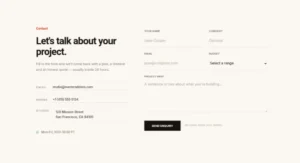


Caldera Forms Styler for Elementor (Plugin Discontinued)
Please note: the Caldera Forms plugin was discontinued by its developers and permanently closed on WordPress.org on April 5, 2022, so it can no longer be downloaded or updated. This Master Addons widget still styles Caldera forms on sites that already run the plugin, with Style One to Five free and Style Six to Eleven in Pro. For new sites, use the free Contact Form 7 or WPForms widgets, which share the same style presets.

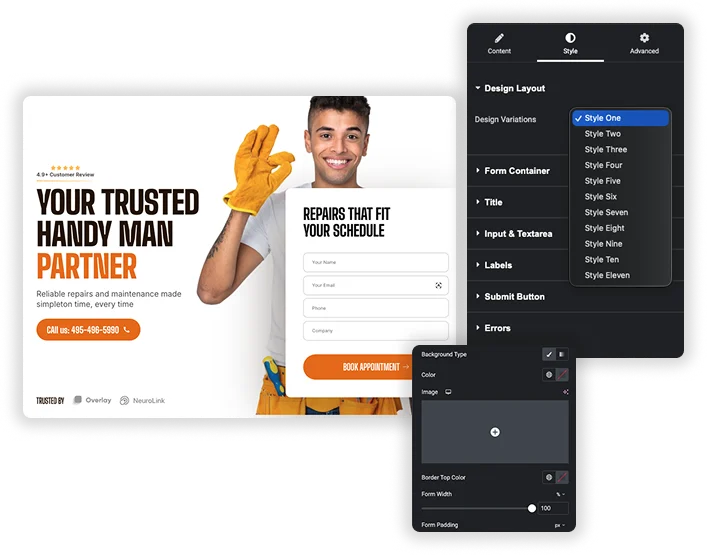
Instant Design Layouts
Start your customization from a range of pre-built style kits. With one click, you can apply a cohesive, professional design that ensures your form looks great and matches the tone of your page instantly.
- Apply a complete visual style to your Caldera Form in a single step.
- Perfect for quickly maintaining a consistent look across multiple forms or pages.
- Use a styled layout as a foundation and customize it further to match your brand.
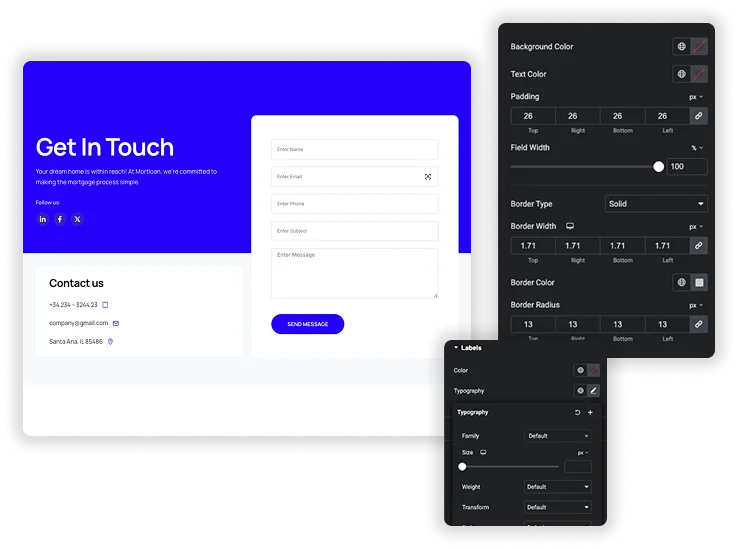
Detailed Field & Input Customization
Take precise control over the look of every form element. Adjust background colors, text colors, border styles, and corner rounding for input fields and text areas, and manage their width, height, and internal padding for perfect alignment and readability.
- Style the normal and focused states of fields independently for better user experience.
- Create unique sizing for different field types, like regular inputs versus larger textareas.
- Use padding and border controls to design forms that are both attractive and easy to use.


Full Button & Feedback Styling
Design a compelling submit button and style all system messages. Customize the button’s colors, size, borders, and hover effects, and ensure success messages and error notices are visually clear and fit your site’s design language.
- Create custom button widths and engaging hover animations to encourage clicks.
- Make success confirmations and error warnings visually distinct and user-friendly.
- Add box shadows and typography controls for a polished, integrated button design.


Frequently Asked Questions For Caldera Forms
Is Caldera Forms still available?
No. Caldera Forms was closed permanently on WordPress.org on April 5, 2022 at the author’s request, so you cannot install it on a new site. If it is already installed, this widget can still style your existing forms. For new forms, use the Contact Form 7 or WPForms widget.
Can I make my Caldera Forms responsive on mobile?
Absolutely. Using Elementor’s built-in responsive editing modes, you can adjust settings like field padding, font sizes, and button width specifically for tablet and mobile views, ensuring your forms look and function perfectly on all devices.
Which form widget should I use instead?
Contact Form 7 is free and still maintained, and the Master Addons Contact Form 7 widget styles it with the same eleven presets. WPForms has a free Lite version, and the WPForms widget works the same way. Both keep your form logic in the form plugin and handle the styling in Elementor.
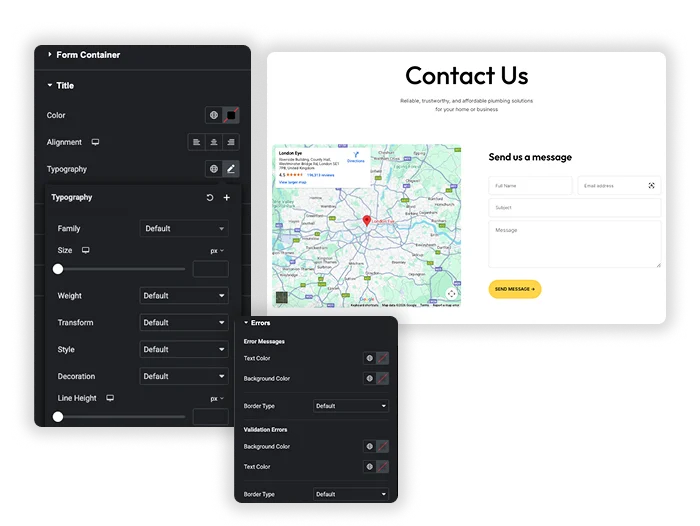
How do I change the text or color of error messages?
The styling options include dedicated sections for “Errors” and “Success Messages.” There, you can customize the text color, background, and typography to ensure these important notifications are clear and match your site’s design.
Trending Elementor Widgets & Extensions
Build sophisticated websites in less time.

Glassmorphism

Container Extras

Patterns
![Master Addons Post/Page Duplicator extension for Elementor: MA Duplicator row link in the WordPress Pages list creating a Landing Page - [Duplicated #128] draft](https://d1asvmc6qcowgk.cloudfront.net/wp-content/uploads/2026/09/15102930/post-page-duplicator-768x403.webp)
Post/Page Duplicator




