
Elementor Icon Library: 8 extra icon packs, 5,300+ icons
Master Addons adds eight icon packs to Elementor’s own icon picker: Elementor Icons (eicons), Google Material Icons, Remix Icon, Feather Icons, Linearicons, Simple Line Icons, iconmonstr’s Iconic Font and Teenyicons. That’s 5,344 icons you can pick in any widget with an icon field.
- 8 icon packs
- 5,300+ icons
- One switch per pack
- Works in every icon field
▶ Watch the 35-second setup video
Every Elementor icon pack in one picker
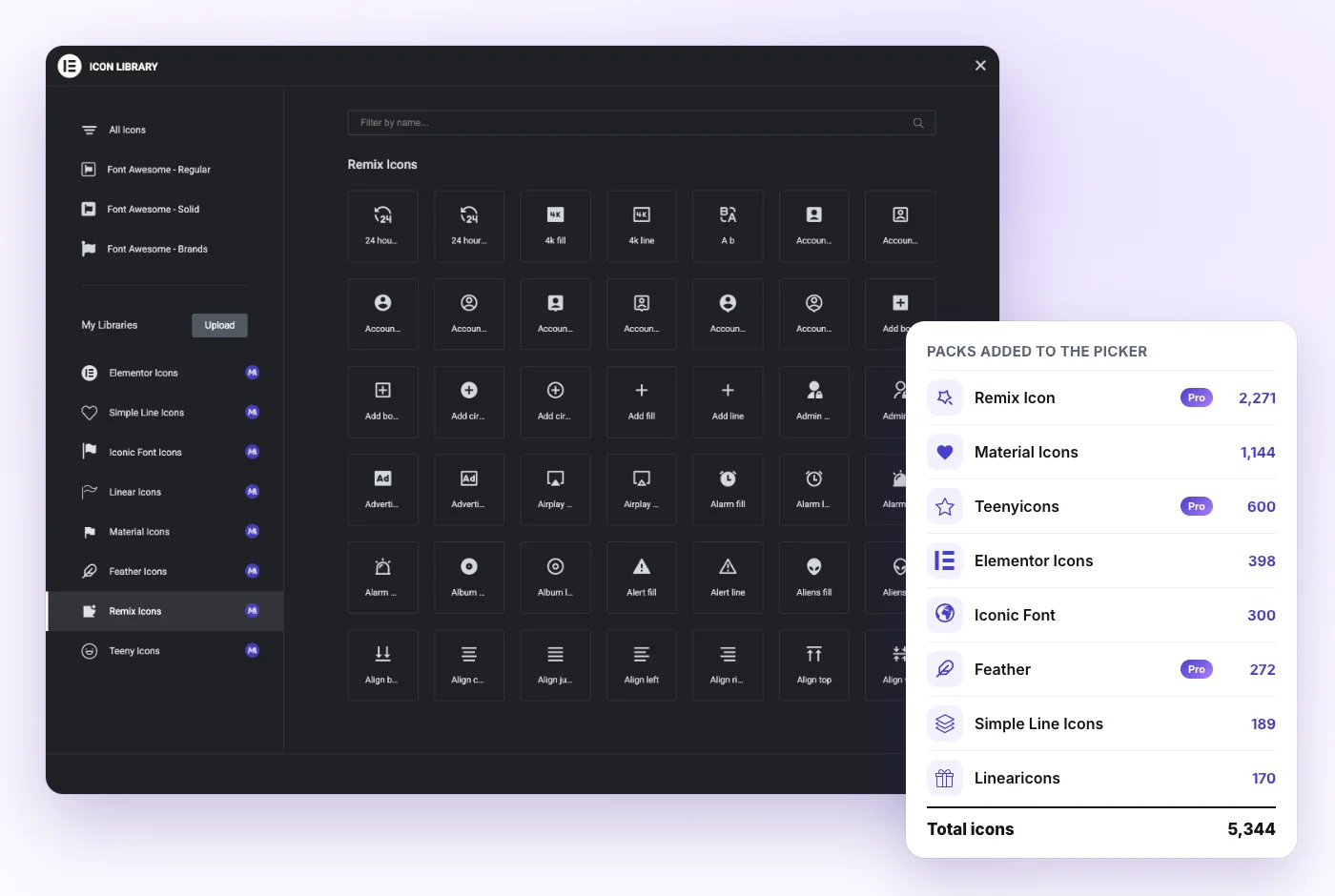
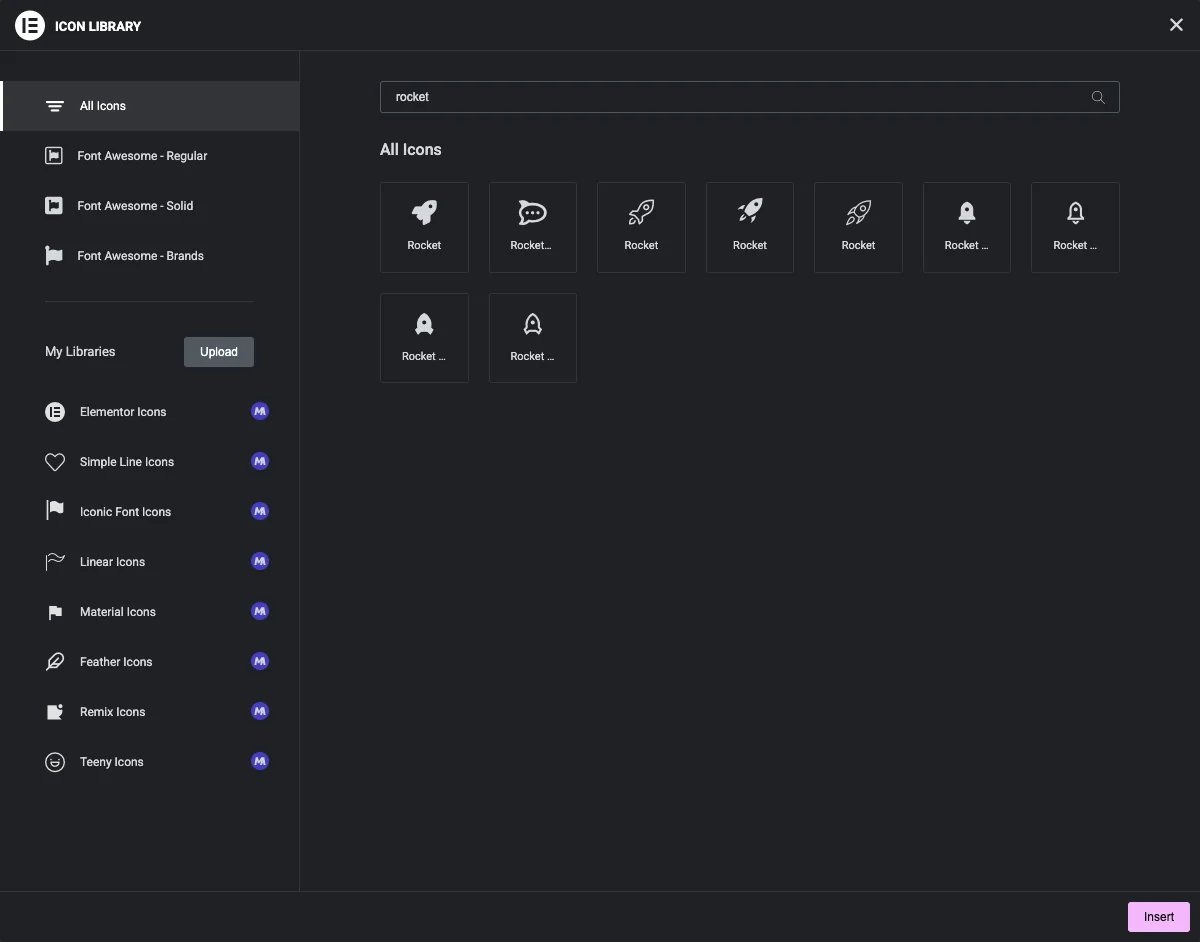
Elementor’s icon picker ships with Font Awesome in three sets: Regular, Solid and Brands. Master Addons adds eight more packs to the same popup. Each one gets its own tab under My Libraries, marked with a small “M” badge.
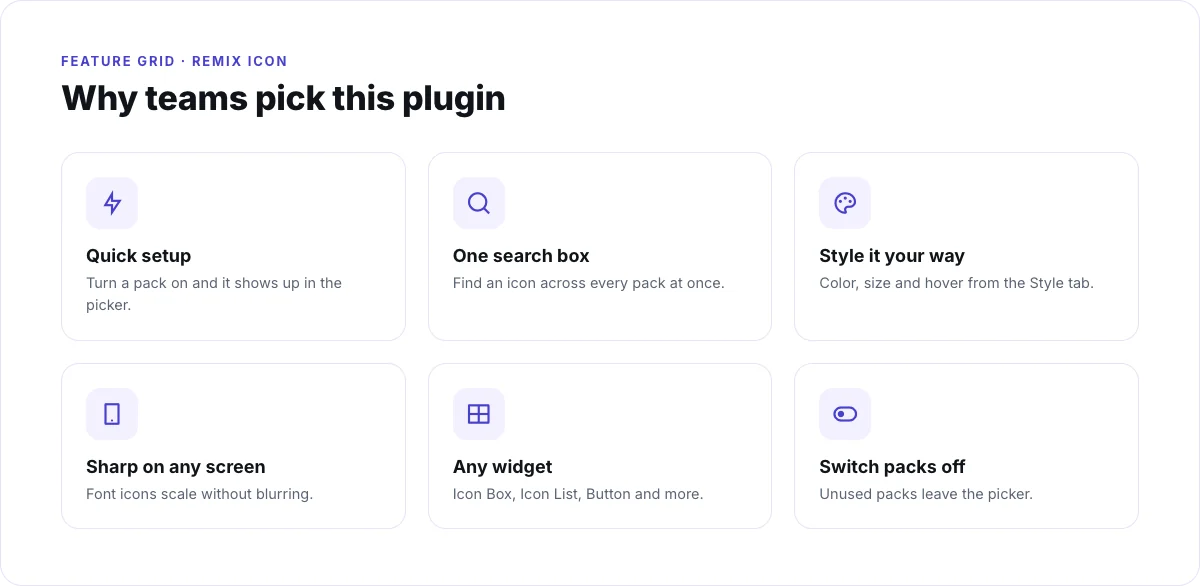
You don’t download anything or upload ZIP files, and there’s no separate icon widget to learn. Keep using Elementor’s Icon, Icon Box, Icon List, Button and Social Icons widgets as you do now. The popup’s search box looks through every pack you have switched on.
The 8 icon packs and how many icons each has
Numbers are the icons in each pack’s picker tab. Together they add 5,344 icons to Elementor.
| Pack | Icons | Style | Good for |
|---|---|---|---|
| Remix Icon (Pro) | 2,271 | Line and fill pairs | Menus, hover and active states, dashboards |
| Google Material Icons | 1,144 | Filled | Clear interface actions and app-style sites |
| Teenyicons (Pro) | 600 | Small, minimal outline | Compact menus, labels and dense layouts |
| Elementor Icons (eicons) | 398 | Elementor’s interface glyphs | Matching Elementor’s own look |
| Iconic Font (iconmonstr) | 300 | Solid | Arrows, carets and everyday symbols |
| Feather Icons (Pro) | 272 | Light line, rounded ends | Clean, modern interfaces |
| Simple Line Icons | 189 | Thin line | Minimal and portfolio sites |
| Linearicons | 170 | Line | Business and service sites |
| Total | 5,344 | Font Awesome stays available next to all eight packs |
Icon counts are from the pack files in Master Addons 3.2.
Explore each icon pack
A sample from each pack, rendered with the same color and size, so you can compare their styles side by side.
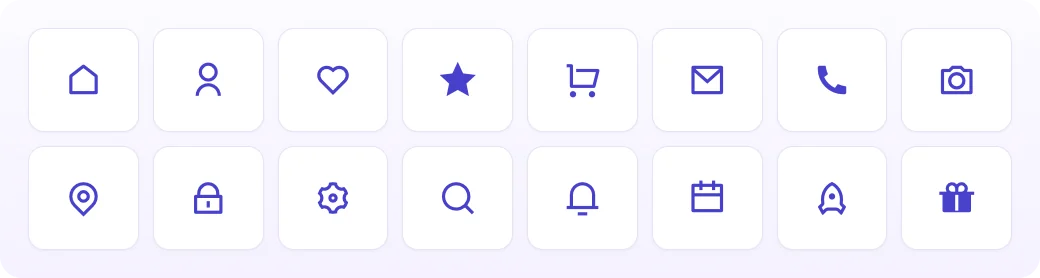
Remix Icon (Pro)
2,271 icons · Line + fill · Remixicon
The largest pack. Most shapes come twice: a -line version and a -fill version, so an icon can switch from outline to solid on hover or mark the active menu item.

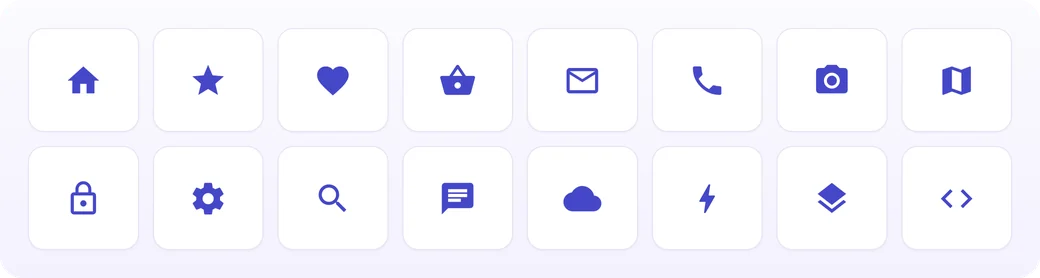
Google Material Icons
1,144 icons · Filled · Material Design
Google’s Material Icons in the filled Material Design style. The set covers alerts, media controls, commerce and the everyday actions people know from Android and Google apps.
A good match for app-like sites, where each icon has to read as an action at a glance.
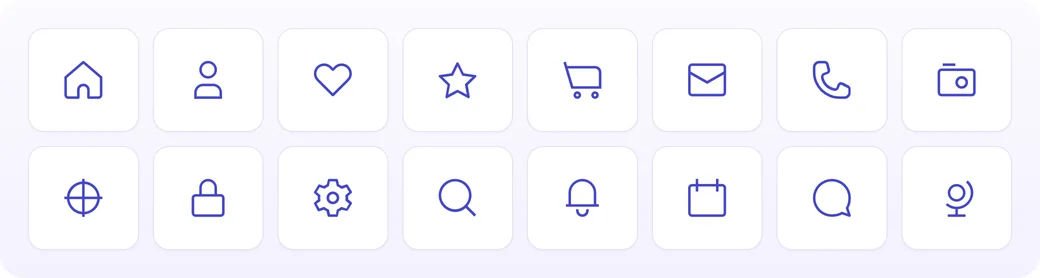
Teenyicons (Pro)
600 icons · Small outline
Small, minimal outline icons designed to stay clear at small sizes.
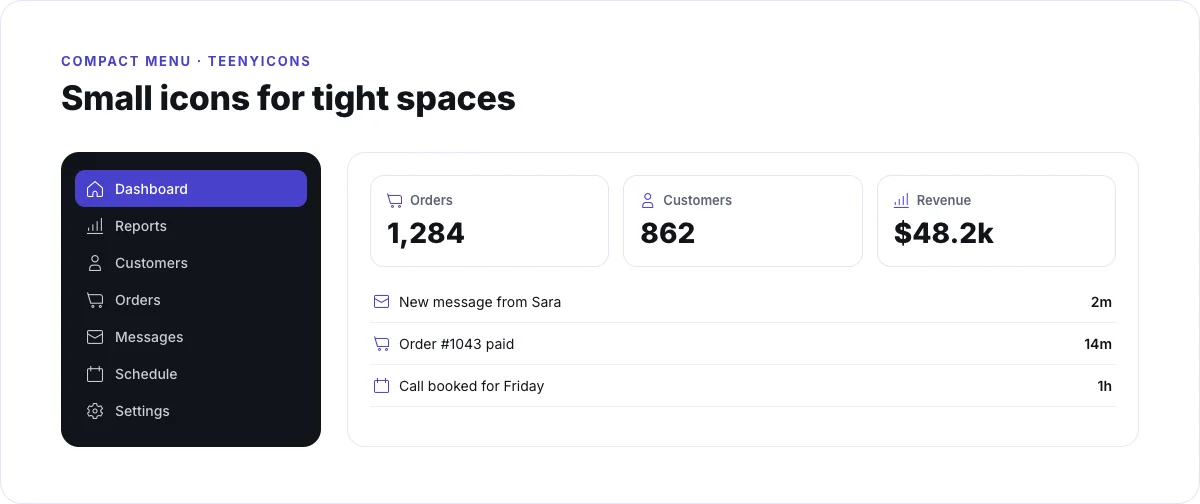
It fits sidebars, tables, badges and any spot where an icon sits next to 13 or 14 px text.
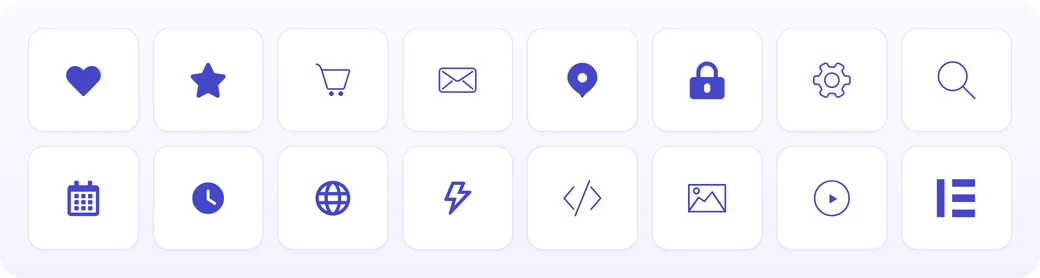
Elementor Icons (eicons)
398 icons · Elementor UI
Elementor’s own icon font, the glyphs the editor uses for text formatting, layout and widget symbols. Elementor’s default picker doesn’t list eicons. Master Addons adds all 398 as a tab you can pick from.
Handy on tutorial and agency sites that should match the Elementor interface.
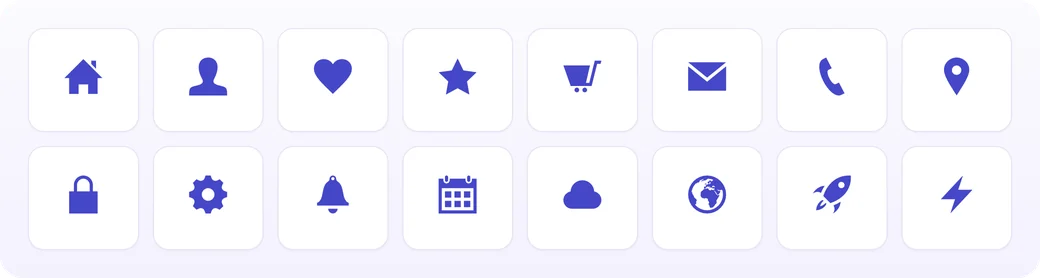
Iconic Font (iconmonstr)
300 icons · Solid · by iconmonstr
The Iconic Font set by iconmonstr. This is a different library from Ionicons. A large part of it is arrows, angles and carets in plain and circled versions.
Use it for buttons, sliders and navigation arrows that need a bold, solid shape.
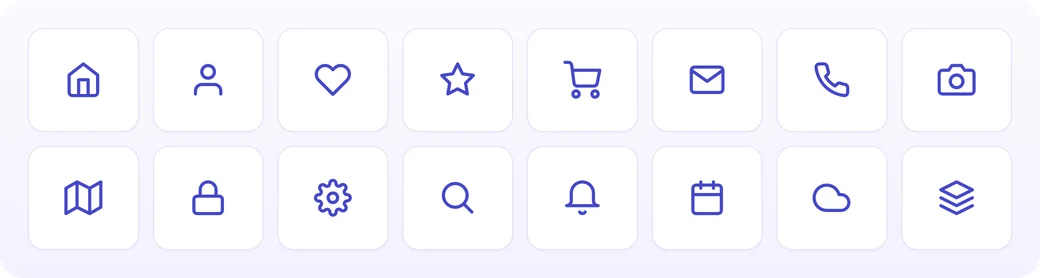
Feather Icons (Pro)
272 icons · 24 px grid · Light line
Icons drawn on a 24 px grid with a light, even stroke and rounded ends.
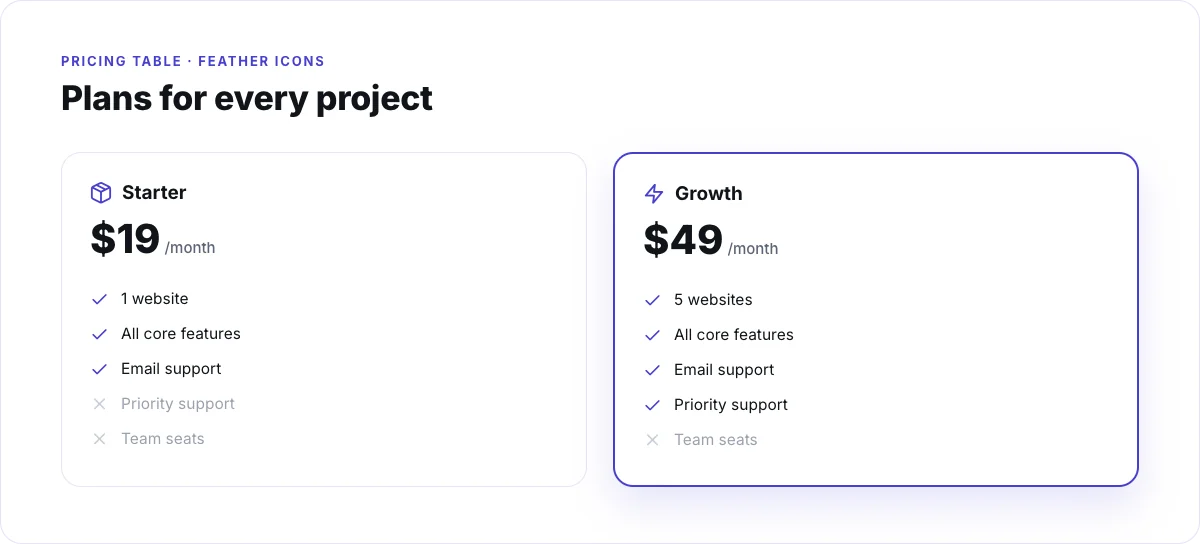
The light stroke suits feature lists, pricing tables and navigation menus.

Simple Line Icons
189 icons · Thin line
Thin outline icons for people, phones, maps, navigation and other everyday symbols.
Pick it for minimal and portfolio layouts, where a heavy icon would pull too much attention.

Linearicons
170 icons · Line
Line icons from Linearicons, such as home, cloud, lock, cog and heart.
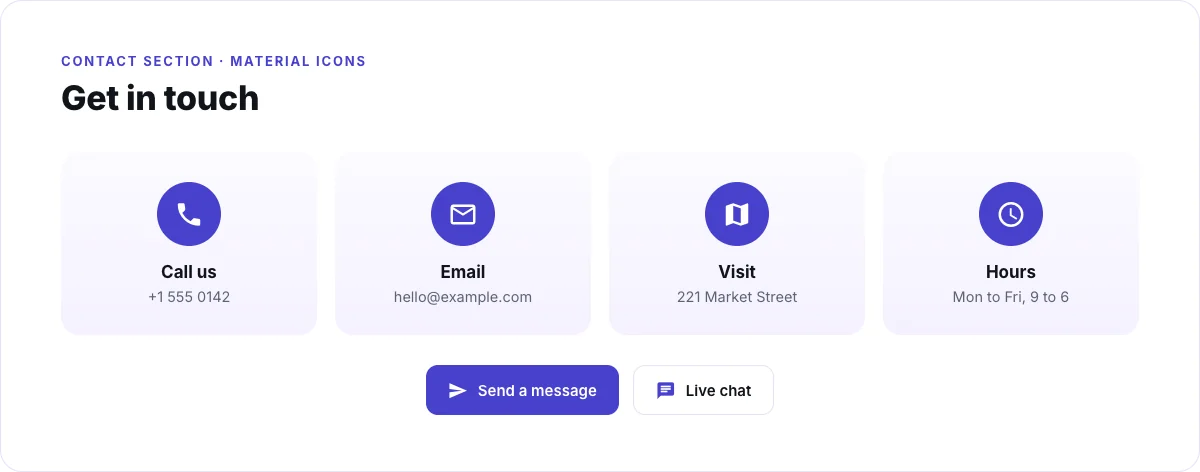
It works well for service lists and contact sections on business sites.
How to add more icons to Elementor (3 steps)
It takes about a minute. Full details are in the Icon Library docs.
Turn on the packs you want
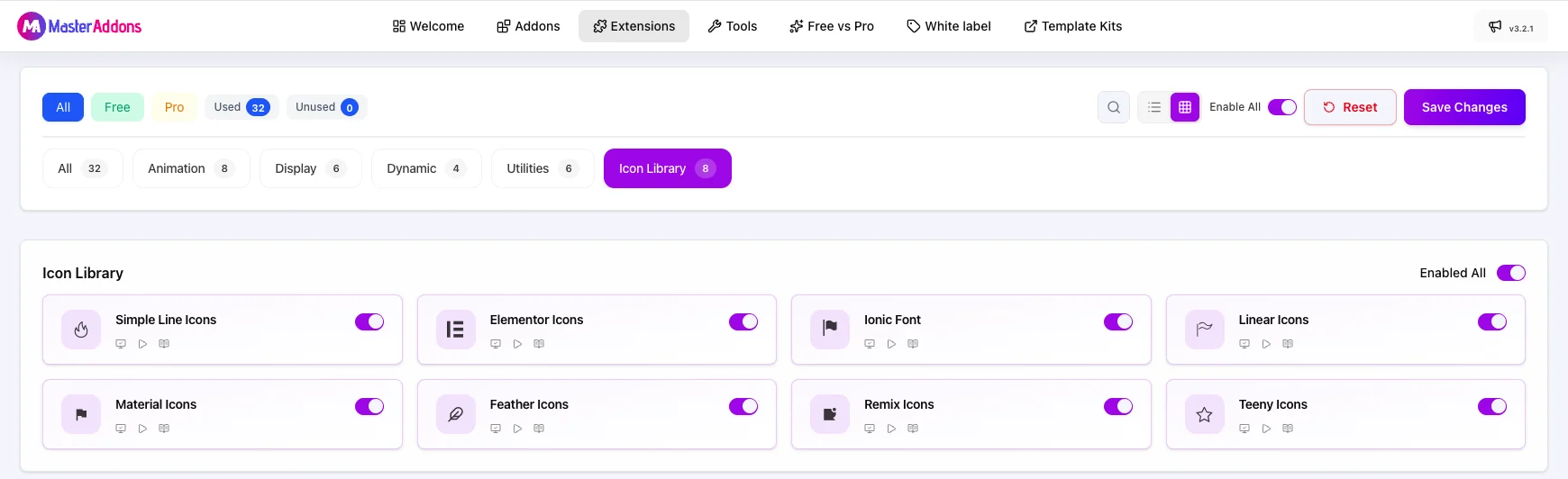
Go to Master Addons > Settings > Extensions and click the Icon Library filter. Each pack has its own switch, and Enabled All turns every pack on at once. Click Save Changes.
Open any icon field in Elementor
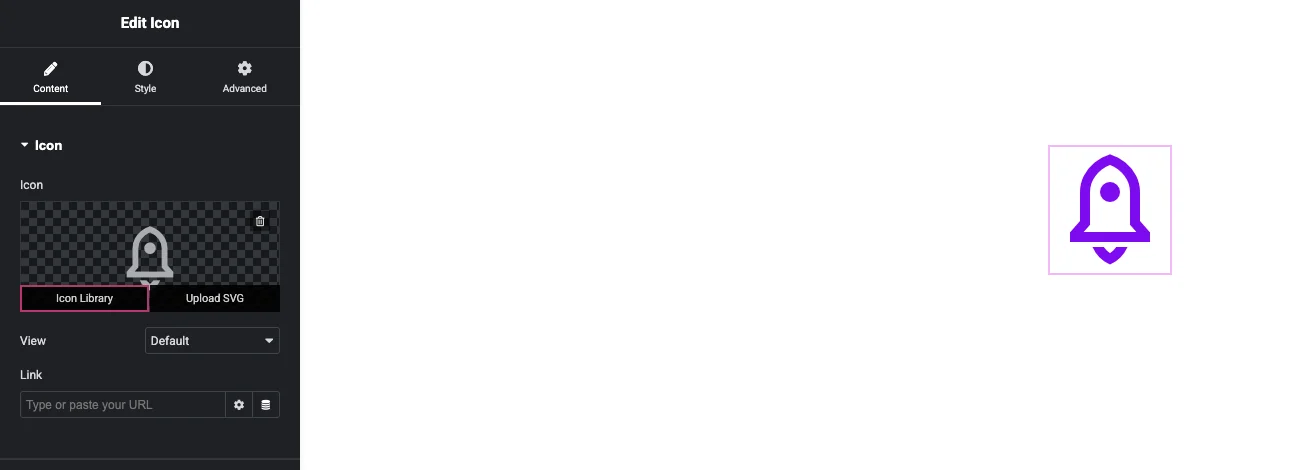
Add an Icon, Icon Box, Icon List, Button or any other widget with an icon. Hover over the icon preview in the Content tab and click Icon Library.
Pick a pack or search, then insert
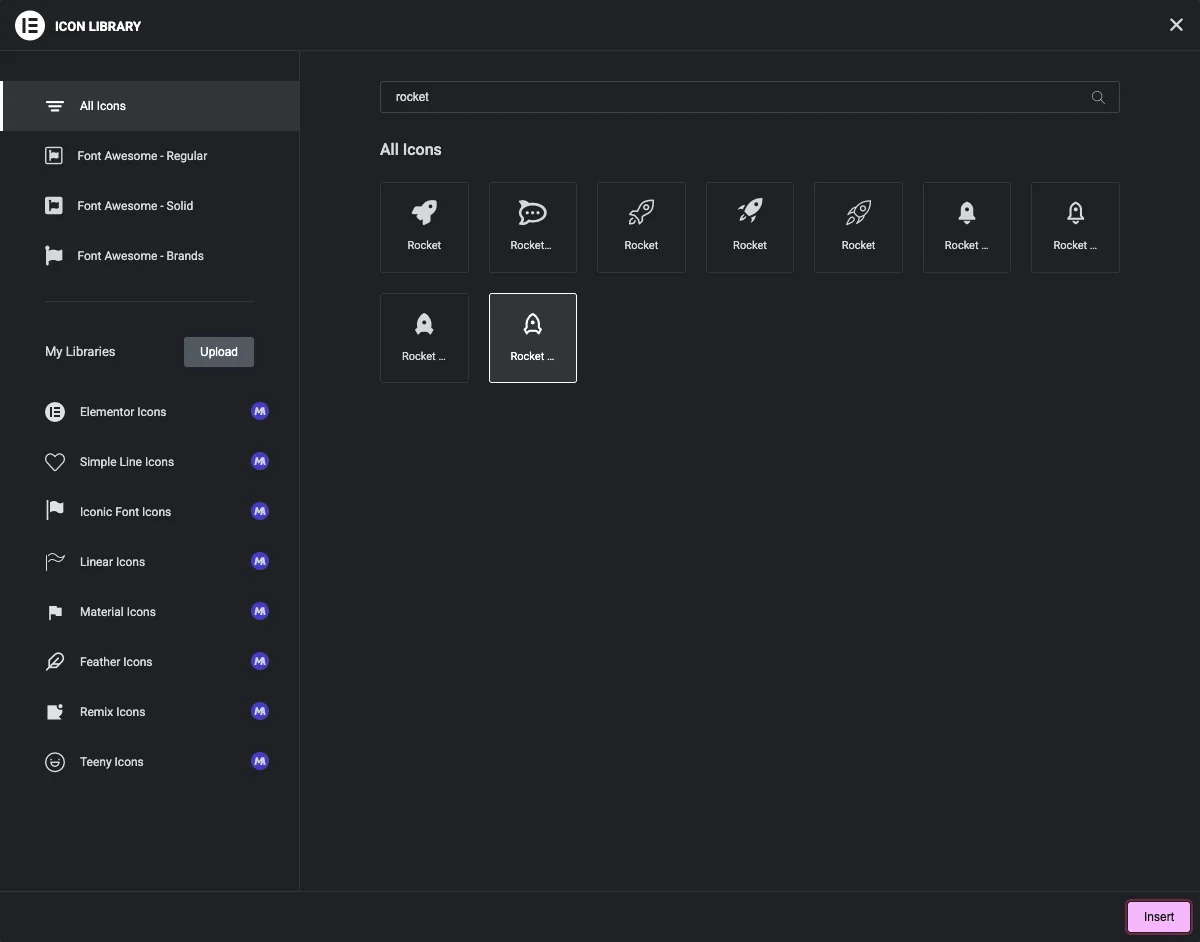
The new packs sit under My Libraries. Click a pack to browse it, or type in Filter by name to search every pack at once. Select an icon and click Insert.
Works in every Elementor icon field
The packs plug into Elementor’s standard Icon Library popup, so they show up wherever that popup opens:
- Icon
- Icon Box
- Icon List
- Button
- Social Icons
- Info Box
- Flipbox
- Call to Action
- Pricing Table
- Timeline
- Team Member
- Tabs
- Advanced Accordion
- Business Hours
- Counter Up
Widget Builder’s Icons control uses the same packs, so custom widgets get them too. See Icons control in Widget Builder.
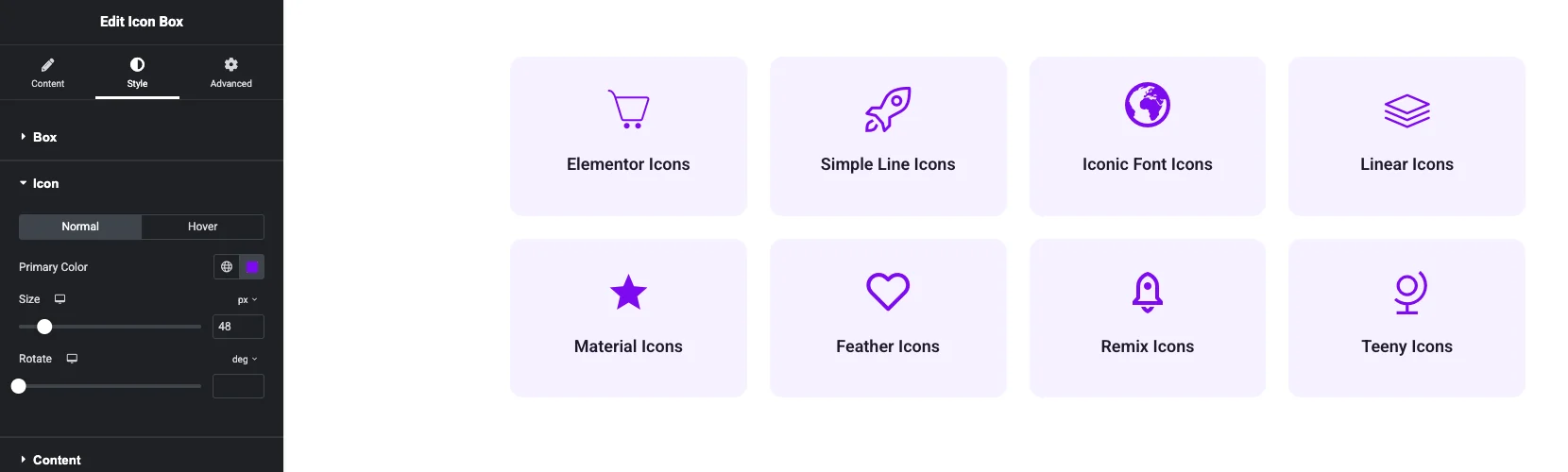
Color, size, rotation and hover color come from each widget’s Style tab, the same controls you already use for Font Awesome icons.
Only load the packs you use
Keep the packs your site needs and leave the rest switched off.
One switch per pack
Turn a pack off and its tab leaves the Icon Library popup. Its font files stop loading in the editor.
Nothing added to your media library
The packs are icon fonts, so each icon is a single <i> tag and your media library stays untouched.
A shorter list to search
Search and the All Icons view only include the packs you have switched on, which keeps the results short.
Master Addons Icon Library vs Elementor's built-in icons vs Custom Icons
Three ways to get icons into Elementor, and what each one gives you.
| Elementor built-in | Elementor Pro Custom Icons | Master Addons Icon Library | |
|---|---|---|---|
| Icon sets | Font Awesome Regular, Solid and Brands | Any set you upload | Font Awesome plus 8 packs |
| Icons ready to use | Font Awesome only | None until you upload a set | 5,344 more |
| Needs a ZIP from Fontello, IcoMoon or Fontastic | No | Yes | No |
| eicons in the picker | No | No | Yes, 398 icons |
| Turn sets on and off | No | Delete the uploaded set | One switch per pack |
| Search across sets | Yes | Yes | Yes, every pack at once |
Need your brand’s own icon font? Upload it with Elementor Pro’s Custom Icons. It appears under My Libraries next to the Master Addons packs.
Icon packs in real layouts
Four example sections, each built with one pack, to show how the styles look on a page.
Frequently Asked Questions For Elementor Icon Library
How do I add more icons to Elementor?
Install Master Addons, go to Master Addons > Settings > Extensions > Icon Library and switch on the packs you want. They then appear under My Libraries in the Icon Library popup of every Elementor icon field.
Do I need to download or upload icon files?
No. All eight packs ship inside the plugin, so there are no ZIP files to import and no SVGs to upload.
How many icons does Master Addons add?
5,344 icons across eight packs: Remix Icon 2,271, Google Material Icons 1,144, Teenyicons 600, Elementor Icons 398, Iconic Font 300, Feather Icons 272, Simple Line Icons 189 and Linearicons 170.
Which icon packs are Pro?
Feather Icons, Remix Icon and Teenyicons are part of Master Addons Pro. They appear in the picker once Pro is active with a valid license.
Are these SVG icons?
They are icon fonts. If you want to use your own SVG file for a single icon, Elementor’s Upload SVG option in the icon field still works as usual.
Can I use Elementor's eicons in my widgets?
Yes. Elementor’s default picker only lists Font Awesome, but Master Addons adds the 398 eicons as their own tab, so you can place them in any icon field.
Is Iconic Font the same as Ionicons?
No. Iconic Font is a 300-icon set by iconmonstr. Ionicons is a separate library and isn’t part of Master Addons.
Does it work with Elementor Pro's Custom Icons and Font Awesome Pro?
Yes. Sets you upload with Custom Icons and the Master Addons packs all appear in the same popup, and Font Awesome stays where it is.
The new icons don't show in the picker. What should I check?
Make sure the pack’s switch is on and you clicked Save Changes, then reload the editor. If icons show as empty squares, clear Elementor’s cache under Elementor > Tools > General (Clear Files & Data), then clear your page cache and CDN.
Get 5,300+ icons in your Elementor icon picker
All eight packs sit in Elementor’s own popup, each with its own switch. The Icon Library is part of Master Addons for Elementor, which runs on more than 30,000 sites.
Icon Library docs
Settings, CSS prefixes, troubleshooting
Widget Builder Icons control
Use the packs in custom widgets
Template Library
Ready-made pages and sections
Pricing
Plans for Master Addons Pro