



weForms Elementor Widget to Style Your weForms
The Master Addons weForms widget places a form built in the free weForms plugin on any Elementor page and lets you style it from the Elementor panel. Pick the form, choose a Design Variation, then style the form container, fields, focus state, labels, placeholders and the submit button. Style One to Four are free, and Master Addons Pro adds Style Five to Eleven. You need the weForms plugin installed.
How to Add weForms to Elementor
You need Elementor, the free weForms plugin and the free Master Addons plugin.
- Install weForms from Plugins, Add New, and build your form in the weForms dashboard.
- Check that weForms is switched on under Master Addons, Widgets.
- In the Elementor editor, search for weForms and drag the Master Addons widget onto the page.
- Choose your form in Select weForm.
- Pick a Design Variation in the Style tab.
- Style the container, fields, labels and submit button, then send a test entry.

Design Variations: 4 Free Styles, 11 with Pro
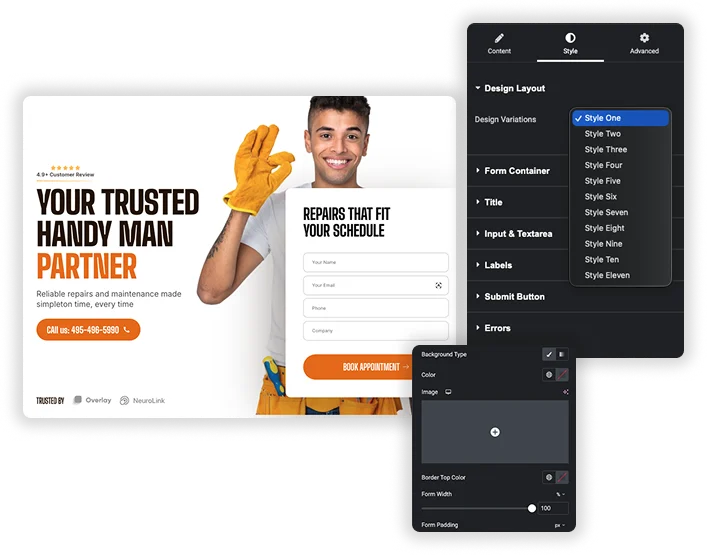
The Design Variations dropdown applies a matching style to the container, fields and button in one step. Style One to Four work in the free plugin, and Style Five to Eleven need Pro. These are the same presets used by the Contact Form 7 widget, and the demos below are built with that widget.
- 4 free presets, 11 with Pro.
- Adjust any preset further with the style sections below.
- Use a different preset for each form on the same site.
Form Container and Field Styles
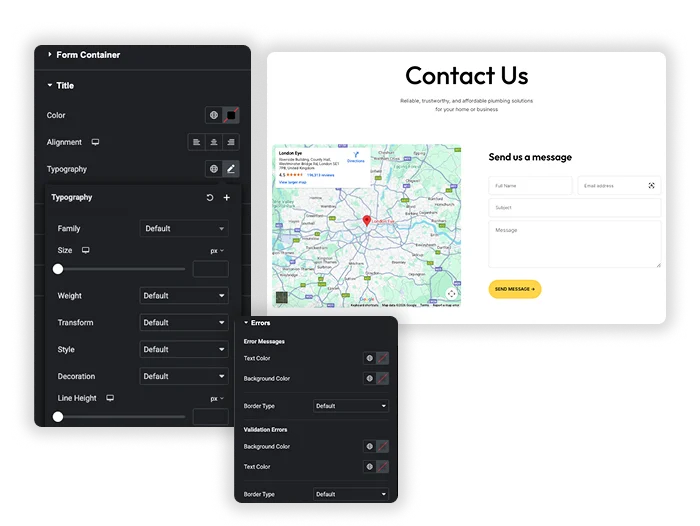
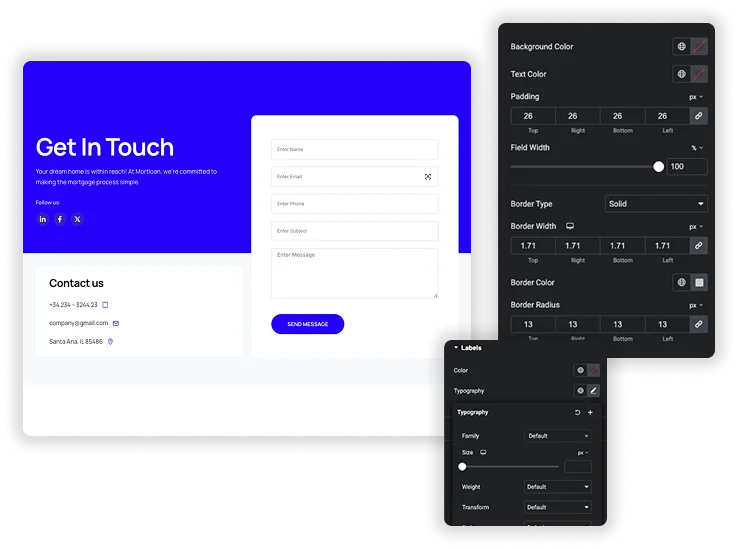
The Form Container Styles section covers background color, alignment, width, max width, margin, padding, border, border radius and box shadow. Form Fields Styles sets the input background, separate widths for inputs and the textarea, field padding, border, radius and box shadow. Width, padding and margin are responsive, so you can change them for tablet and mobile.
- Input Width and Textarea Width are set separately.
- Focus State Style gives fields their own border color and box shadow while a visitor types.
- Fields Padding and Border Radius apply to every input box.


Label, Input and Placeholder Colors and Typography
The Color & Typography section has three colors: Label Color, Field Font Color for the text a visitor types, and Placeholder Font Color. Label Typography and Input Fields Typography are separate, so labels can use a different font, size or weight from the fields.
- Labels, typed text and placeholders each get their own color.
- Label and input typography are set separately.
Submit Button Styles
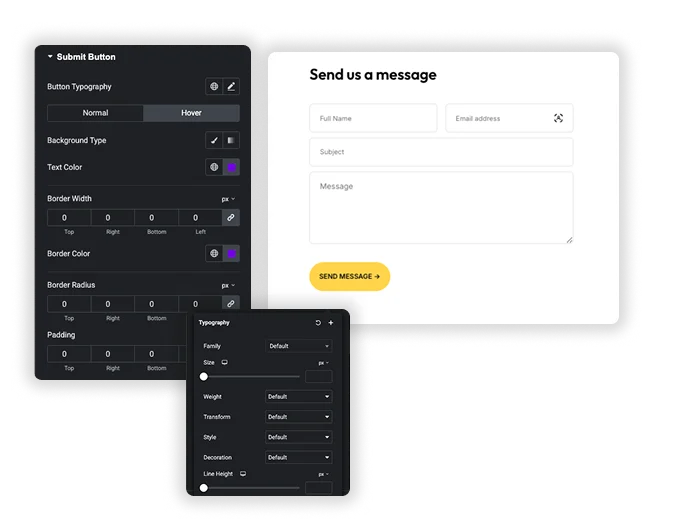
The Submit Button Styles section sets button width, alignment, typography, margin and padding. Normal and Hover tabs each have text and background colors. Normal also has border and border radius, and Hover has border color and box shadow.
- Button Width, Margin and Padding are responsive.
- Button Alignment defaults to full width (justify).
- Hover state changes text, background and border color.


Frequently Asked Questions For weForm
How do I connect this element to my existing weForms?
Build the form in the weForms dashboard first. In the Content tab of the widget, pick it from Select weForm. The panel note asks you to save and refresh the editor after choosing a form so the fields load.
Will my form still work and send emails like before?
Yes. The widget only adds styling. Submissions, notifications and confirmations still run through weForms with the settings you made there.
Is the weForms widget free?
Yes. The widget is part of the free Master Addons plugin with Style One to Four and all style sections. Master Addons Pro adds Style Five to Eleven. weForms itself also has a free version on WordPress.org.
Is the designed form fully responsive on mobile?
The form follows your theme and weForms layout on small screens. Form width, max width, margin, padding, field widths, button width and button alignment are responsive controls, so you can set different values for tablet and mobile in Elementor.
What if I update my field settings in the main weForms plugin?
Changes you make to the form in weForms show on the page because the widget renders the form from weForms. Refresh the Elementor editor to see new fields while editing. The style settings in the widget apply to the new fields too.
Can I still use Conditional Logic and other advanced weForms features?
Yes. The widget outputs the weForms form itself, so the features you set up in weForms keep working. Some of them, such as conditional logic and multi-step forms, depend on your weForms plan.
Trending Elementor Widgets & Extensions
Build sophisticated websites in less time.

Glassmorphism

Container Extras

Patterns
![Master Addons Post/Page Duplicator extension for Elementor: MA Duplicator row link in the WordPress Pages list creating a Landing Page - [Duplicated #128] draft](https://d1asvmc6qcowgk.cloudfront.net/wp-content/uploads/2026/09/15102930/post-page-duplicator-768x403.webp)
Post/Page Duplicator



