
Domain Search
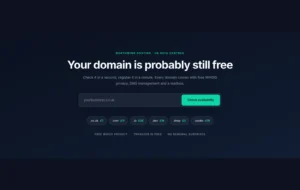
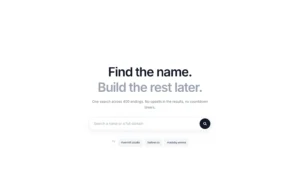
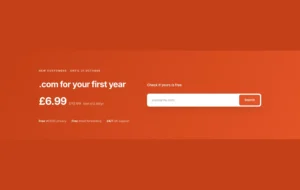
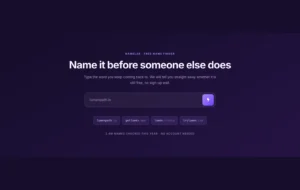
For hosting companies, web designers, or domain sellers, every visitor is a potential customer wondering, “Is my idea available?” A static page can’t answer that. The Master Addons Domain Checker Element puts a powerful, live checking tool directly on your site. Visitors can type any domain name and get an immediate “Available” or “Taken” response. Customize every message, style the search bar and button, and even add your affiliate link to turn checks into commissions.

Live Checking Interface
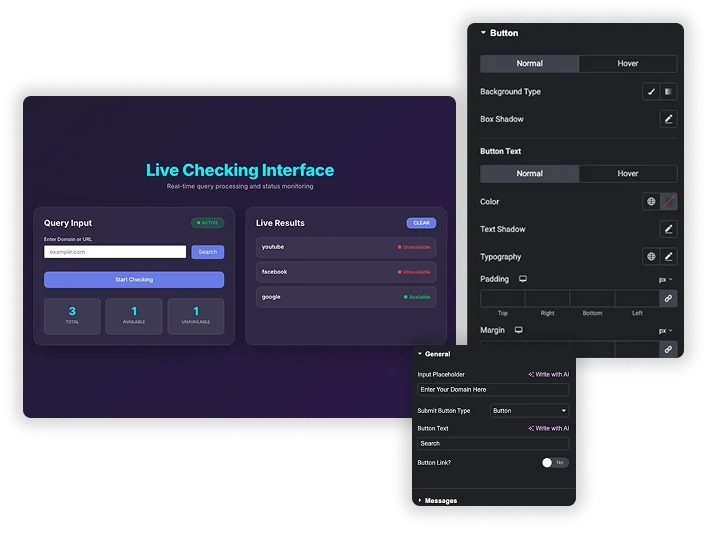
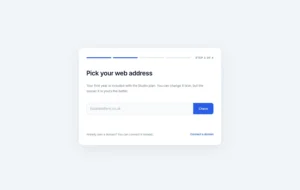
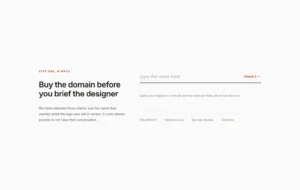
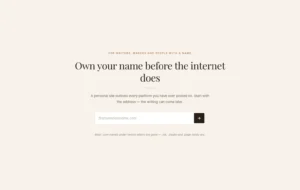
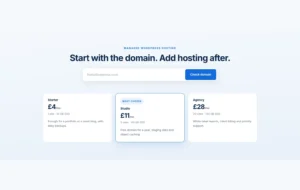
The core experience is simple and powerful. You set a friendly Input Placeholder (like “Enter Your Dream Domain”). Visitors type their desired domain (e.g., mybusiness.com) and click your customized Submit Button. The element processes the query and communicates with a domain checking service. During the check, a stylish Loader animation shows with controllable Color and Size, assuring the user the search is active.
- Custom Input Field: Set the placeholder text to guide users (e.g., “Enter Your Domain Here”).
- Action-Oriented Button: Customize the Button Text (like “Search” or “Check Availability”).
- Visual Feedback: An animated Loader displays during the lookup, with adjustable size and color.
- Immediate Interaction: Provides a fast, engaging tool that keeps visitors on your site.
Smart, Customizable Response Messages
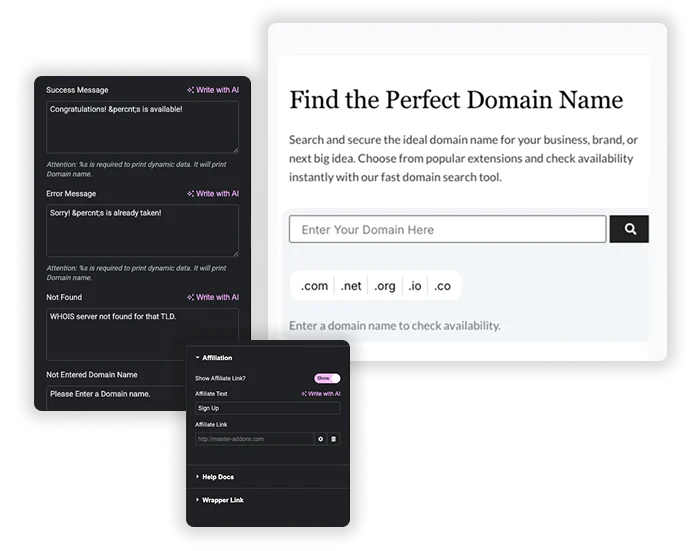
The response is everything. Fully customize the messages users see based on the result. Write a celebratory Success Message (“Congratulations! [domain] is available!”). Create a helpful Error Message for taken domains (“Sorry! [domain] is already taken.”). You can even set messages for technical errors (Not Found) and user errors (Not Entered Domain Name). Use the %s tag to dynamically insert the domain name into your message.
- Four Message Types: Customize text for Success, Error, Not Found, and Not Entered states.
- Dynamic Domain Insertion: Automatically place the checked domain name into messages using the %s placeholder.
- Brand-Aligned Communication: Write messages that match your company’s tone – professional, friendly, or excited.
- Clear User Guidance: Every response informs the user of the next step, improving their experience.


Frequently Asked Questions For Domain Search
How does the element actually check if a domain is available?
This element provides the front-end interface (the search box, button, and message display). All coding and connection stuff are done in our backend. Just input the domain name and hit enter to get the domain availability.
Can I use this to sell domains directly?
This element checks availability and can link to a registration page via the affiliate link. It does not handle the actual registration, payment, or domain management process. For direct sales, you need to link it to your chosen registrar’s checkout system.
What happens if someone enters an invalid domain (like "my domain.com")?
The validation logic depends on the backend API service it’s connected to. Typically, the API would return an error, which would trigger your custom “Not Found” or “Error” message, informing the user the format was incorrect.
Is the user's searched domain name stored anywhere?
No. It doesn’t store any domain name that searched by visitors in your database or WordPress dashboard.
Trending Elementor Widgets & Extensions
Build sophisticated websites in less time.

Glassmorphism

Container Extras

Patterns

Post/Page Duplicator




