

Picking the best popup builder plugin for WordPress comes down to one question: what do you want the popup to do? Grow an email list, stop cart abandonment, announce a sale, or all three? Every tool on this list handles the basics, but each one wins in a different situation.
This comparison covers 9 popup builders, from free WordPress.org plugins to SaaS platforms with behavior-based targeting. One note before the list: if you build with Elementor, you may not need a separate popup plugin at all, since the Master Addons Popup Builder lives inside the editor you already use. There is a step-by-step guide on how to add a popup in Elementor for free if you want to skip straight to building.
What this guide covers:
What Is a Popup Builder Plugin?
A popup builder plugin is a WordPress tool that creates overlays, slide-ins, and notification bars, then decides who sees them and when. Instead of hand-coding a modal, you design the campaign in a visual editor and set display rules: exit intent, scroll depth, time on page, or a specific URL. The message reaches the right visitor at the right moment.
Most builders also connect to an email service, which is why popups became the standard way to grow a list, recover abandoning carts, or announce a sale. On Elementor sites, the same job is handled inside the page builder itself by the free Master Addons popup feature, covered in the popup settings and options documentation and shipped alongside the rest of the Master Addons widgets and extensions.
Short answer: pick Master Addons if you build with Elementor and want popups inside the editor, Depicter for code-free visual design, Popup Maker for a dependable all-round free plugin, OptiMonk or Poptin for behavior-based targeting and A/B testing, Sumo (BDOW!) when you want email marketing built in, ConvertForce if you work in the block editor, and Hello Bar for notification bars.
Quick Comparison: Best WordPress Popup Builder Plugins
| Popup Builder | Best For | Free Version | Exit Intent | A/B Testing | Standout Feature |
|---|---|---|---|---|---|
| Master Addons | Elementor sites | Yes | Yes | No | Popups built inside Elementor, 5 trigger types, ready templates |
| Depicter | Code-free visual design | Yes | Yes | No | Canva-like drag-and-drop editor |
| Popup Maker | Reliable free popups | Yes | Paid add-on | Paid add-on | Deep trigger options plus form integrations |
| OptinMonster | Serious lead generation | Free account (3 campaigns) | Pro | Yes | Exit-Intent plus OnSite Retargeting for returning visitors |
| OptiMonk | Behavior-based targeting | Yes (15,000 views/mo) | Yes | Yes | Personalization and smart targeting |
| Poptin | Conversion optimization | Yes | Yes | Yes | Advanced targeting rules |
| Sumo (BDOW!) | Small business email lists | Yes | Yes | Paid | Email marketing built into the plugin |
| Hello Bar | Notification bars | Yes | Yes | Yes | A/B testing with analytics dashboard |
| ConvertForce | Gutenberg users | Yes | Pro | No | Campaigns built from native WordPress blocks |
1. Master Addons Popup Builder (Best for Elementor)
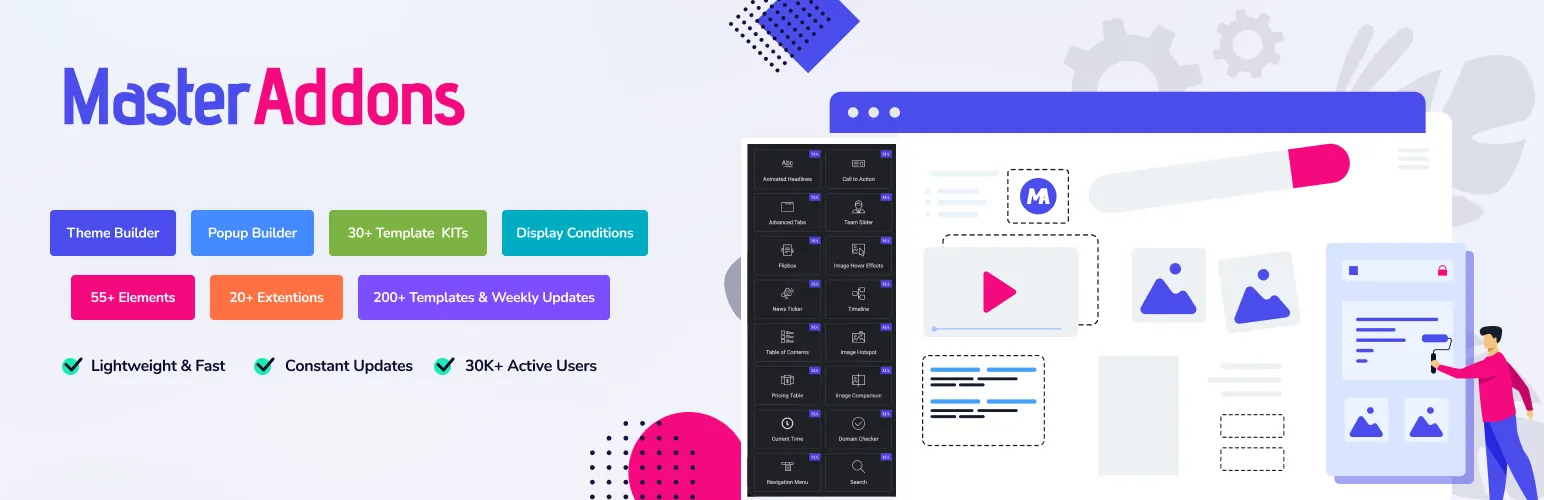
If your site runs on Elementor, you do not need a separate popup plugin at all. Master Addons includes a full popup builder as part of its 80+ widgets and extensions, and you design every popup with the same Elementor editor you already use for pages. No new interface to learn, no second design system fighting your theme styles.
The popup builder ships in the free version, which is rare in this category. Over 30,000 active users run Master Addons, and the popup feature covers trigger types like exit intent that usually sit behind a paywall elsewhere.
Key features
- Five trigger types: show popups on page load, on exit intent, after scroll, after a set time, or after user inactivity. Each trigger has its own settings, documented step by step.
- Design with Elementor: build the popup layout with any Elementor widget, including forms, countdown timers, and buttons. Your popup matches your brand automatically because it uses your existing site styles.
- Ready-made popup templates: the popup template library includes pre-built popups for newsletters, promotions, and announcements. Import one, swap the text, done.
- Display controls: set which pages show the popup, add cookie-based frequency rules so returning visitors are not nagged, and choose entrance animations.
- Lightweight by design: Master Addons v3 loads assets only where they are used, so a popup on one landing page adds nothing to the rest of the site. That matters if you have been reading about how to speed up Elementor websites.
Pricing: the popup builder is available in the free plugin. Pro plans unlock the full widget collection, Theme Builder, and Widget Builder. See Master Addons pricing for current plans, all backed by a 14-day money-back guarantee.
Best for: anyone already building with Elementor who wants popups without adding another plugin, another editor, and another subscription.
2. Depicter
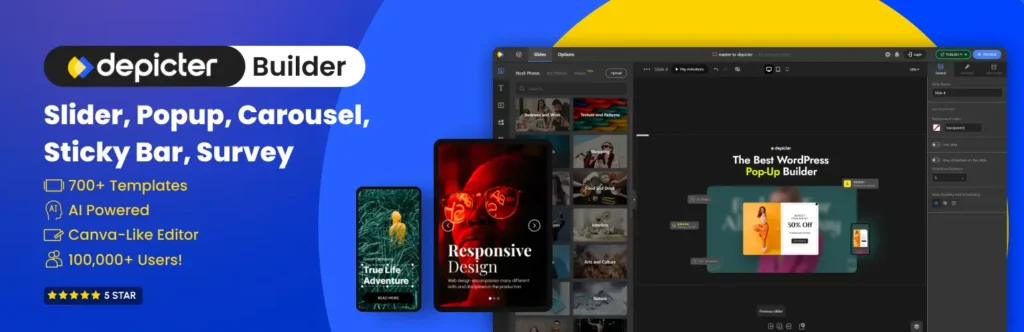
Depicter is a free WordPress popup builder for people who care about design but do not write code. The editor works like Canva: drag elements onto a canvas, style them, done. Designers and beginners both pick it up in minutes.
Key features
- Design popups in an intuitive drag-and-drop editor with zero coding. The canvas feels closer to a design tool than a typical WordPress settings page.
- Build full-screen overlays, slide-ins, banners, and notification bars, each fully customizable to match your brand.
- Add signup or contact forms directly inside popups to collect leads and grow your email list.
- Start from a large library of pre-designed templates and adapt them to your campaign.
- Trigger popups on exit intent, scroll position, or time on page.
- Target by page, device type, or visitor behavior so each message reaches the right audience segment.
Best for: users who care most about how the popup looks and want a design-first editor that is free to start.
3. OptinMonster
OptinMonster is the popup plugin most WordPress users have already bumped into, with over a million active installs and around 800 five-star reviews on WordPress.org. Worth knowing before you install it: the plugin is a connector, not the builder. Campaigns are designed and stored on OptinMonster’s servers, so you sign into an account to create anything. That is also what buys you the targeting engine, which reaches further than what a self-hosted plugin can do on its own.
Key features
- Every campaign format in one place: lightbox popups, floating bars, slide-ins, fullscreen welcome mats, inline and sidebar forms, content lockers, spin-a-wheel coupon campaigns, and mobile-only popups.
- Exit-Intent and OnSite Retargeting: catch a visitor as the cursor heads for the tab bar, and show returning visitors something different from what first-timers see. Exit-Intent sits in the paid plan, so budget for it if that is the reason you came.
- Yes/No and multi-step campaigns: ask a question first, then send each answer to its own offer or list. It is a simple way to segment a list without extra automation work.
- Integrations with most email tools: Mailchimp, HubSpot, ConvertKit, Klaviyo, ActiveCampaign, WooCommerce, Easy Digital Downloads, and MemberPress connect natively. If yours is missing, embed a WPForms or Contact Form 7 form inside the campaign, or push leads out through webhooks and Zapier.
- A/B testing with conversion reporting: run variants and read the results in the OptinMonster dashboard instead of guessing which headline pulled better.
The free account covers 3 campaigns and 500 campaign impression credits, which is fine for testing a single signup form but runs out fast on a busy blog. One more thing that trips people up: OptinMonster and OptiMonk further down this list are two different companies, despite the names.
Best for: sites where the email list is the business, and where paying monthly for exit intent, segmentation, and reporting is easier to justify than building the same thing out of free plugins.
4. Popup Maker
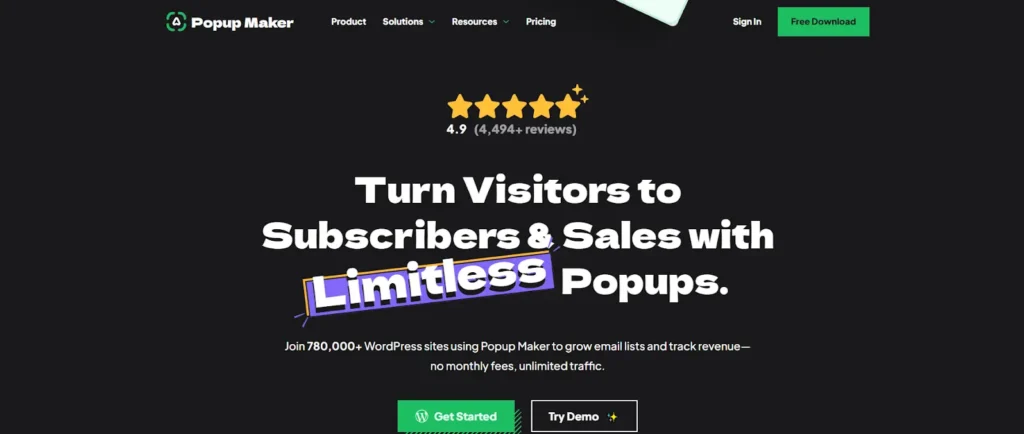
Popup Maker is the most installed popup plugin on WordPress.org, with over 700,000 active installs. It is a dependable choice for building an email list, running promotions, or pushing visitors toward a call to action, all without deep technical knowledge.
Key features
- Fully customizable popups: control size, animation, placement, and design so popups blend with your site.
- Multiple triggers and targeting: show a popup after a visitor spends a set time on the site or clicks a specific element. Exit intent and scroll triggers are paid add-ons.
- Email and form integrations: connects with leading email marketing tools and form builders like Fluent Forms and Contact Form 7, so captured leads flow straight to your list.
Best for: site owners who want a proven, free, no-frills popup plugin and do not mind paying for advanced triggers as add-ons.
5. OptiMonk
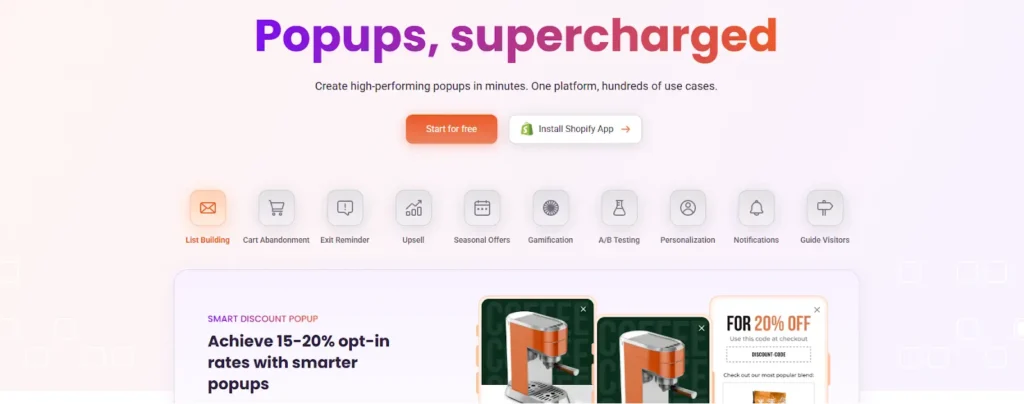
OptiMonk is a popup platform built around one idea: show each visitor a message that matches what they are doing on your site. Its targeting and personalization options go deeper than most WordPress-native plugins, and the editor stays easy despite that.
Key features
- Drag-and-drop editor: build popups without touching code.
- Behavior-based targeting: show messages based on what the visitor actually does, from cart contents to browsing history.
- Campaign scheduling: automate popup displays around your marketing calendar.
- Generous free plan: up to 15,000 page views per month, enough for many small business sites.
- A/B testing and analytics: test variants and track conversion rates from one dashboard.
Best for: ecommerce stores and marketers who want serious targeting and testing without an enterprise price tag.
6. Poptin

Poptin is conversion software for building popups and forms that capture leads and cut bounce rate. It sits in the same category as OptiMonk: a SaaS tool with a WordPress plugin connector, aimed at people who measure their popups rather than guess.
Key features
- Advanced targeting: total control over when and where popups display, based on user actions or demographic data.
- Customizable templates: a wide range of popup templates you can adapt to your brand and campaign goals.
- A/B testing: test different popup styles and messaging to keep improving performance.
Best for: lead generation campaigns where you plan to test and iterate rather than set one popup and forget it.
7. Sumo (BDOW!)

Sumo, now rebranded as BDOW!, targets small businesses that mostly want one thing: a bigger email list. Setup is quick, and you can have a capture form live the same afternoon you install it.
Key features
- Built-in email marketing: send welcome emails and newsletters to new subscribers directly from the tool. For a small team, that can replace a separate email service entirely.
- Easy drag-and-drop editor: design smart bars, slide-ins, and full-screen overlays quickly, no coding needed.
Best for: small businesses that want popups and email marketing in one tool instead of stitching two products together.
8. Hello Bar
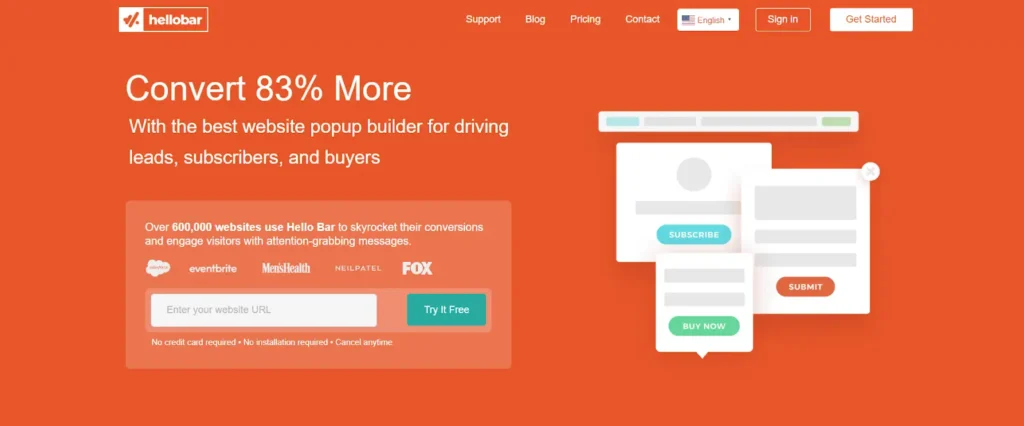
Hello Bar made its name with the top-of-page notification bar and grew into a full popup tool for lead capture, promotions, and visitor engagement.
Key features
- Simple popup builder: drag-and-drop construction gets a campaign live in minutes.
- A/B testing: test popup versions against each other to find the top performer.
- Analytics dashboard: shows views, clicks, and conversion rate per campaign so you know which popup earns its spot.
- Targeted messaging: show different messages based on visitor behavior.
Best for: announcement bars and lightweight lead capture where a full popup platform would be overkill.
9. ConvertForce

ConvertForce is a Gutenberg-native popup plugin. You build notification bars, lightbox popups, and slide-ins with the same core blocks you already use for posts and pages, so there is no separate canvas or page builder dependency.
Key features
- Native block editor experience: campaigns use standard Gutenberg blocks, no new interface to learn.
- Multiple campaign types: lightbox popups, notification bars, and slide-ins from a single plugin.
- Display rules: control where campaigns appear by page, post type, or URL.
- Advanced triggers (Pro): exit intent, scroll depth, and user inactivity triggers.
- Frequency control (Pro): cookie-based limits stop the same visitor seeing a campaign too often.
- Performance-conscious: loads assets only where needed, keeping page weight down.
Best for: block editor purists who want popups without Elementor, Divi, or any external design canvas.
How to Choose the Right Popup Builder
Match the tool to your setup and goal:
- You build with Elementor: use the Master Addons Popup Builder. One less plugin, one editor for everything, free triggers that others charge for.
- You use the block editor: ConvertForce keeps everything native to Gutenberg.
- You need a free standalone plugin: Popup Maker or Depicter cover the basics without a bill.
- You run an online store: OptiMonk or Poptin for behavior-based targeting and A/B testing.
- You want the deepest targeting and reporting: OptinMonster, as long as a monthly bill is fine.
- You want email marketing included: Sumo (BDOW!) bundles both.
- You only need an announcement bar: Hello Bar does that one job well.
Whichever you pick, keep an eye on page speed and mobile experience. Google’s guidance on intrusive interstitials penalizes popups that block content on mobile, so use reasonable sizes, clear close buttons, and sensible frequency rules.
Conclusion
The best popup builder plugin for WordPress depends on where you build and what you need the popup to do. Elementor users get the most value from Master Addons, since the popup builder comes free with the plugin and uses the editor they already know. Store owners chasing conversions should look at OptiMonk or Poptin, small businesses wanting email built in should try BDOW!, and block editor fans have ConvertForce.
Think about your goal, your audience, and your budget before committing. A popup shown at the right moment grows your list; the same popup shown to everyone on every page just annoys people. If you want to see how the Elementor option works in practice, start with the free guide on adding a popup in Elementor.
Related reading: 100 Best Elementor Addons · On Page Load Trigger documentation · How to Speed Up Elementor Websites
Frequently Asked Questions
What is the best popup builder plugin for WordPress in 2026?
There is no single best popup builder for every site. Master Addons is the best pick for Elementor sites since popups build inside the editor for free. Depicter suits code-free visual design, OptiMonk and Poptin excel at targeting and A/B testing, and Sumo (BDOW!) bundles email marketing.
Are there free popup builder plugins for WordPress?
Yes. The Master Addons popup builder is free for Elementor sites, including exit intent and scroll triggers. Popup Maker is free with paid add-ons, Depicter offers a free visual builder, and OptiMonk’s free tier supports up to 15,000 page views per month.
Do WordPress popups hurt SEO or page speed?
Popups only hurt SEO when they block content intrusively on mobile, which Google discourages. Well-built popups that load assets only where needed have minimal impact. Choose a lightweight plugin and keep your site fast, since page speed is a ranking factor.
Which popup triggers convert best?
Exit intent, scroll depth, and time-on-page triggers usually convert best because they reach visitors at the right moment. Most tools here support these trigger types, and frequency capping helps prevent popup fatigue.
Can I build WordPress popups without Elementor Pro?
Yes. You do not need Elementor Pro to add popups. The free Master Addons popup builder includes ready-made templates and five trigger types, or you can use any of the standalone plugins reviewed above.
Which popup builder has the best templates?
Master Addons ships a Template Library of ready-made popups for newsletters, promotions, and announcements that you import and edit inside Elementor. Depicter offers a design-first template gallery, while Poptin and OptiMonk provide customizable templates built for A/B testing and conversion optimization.
Which type of popup plugin do you actually need?
Three rough categories, and picking the wrong one is what makes popups feel expensive. A page builder popup plugin designs inside Elementor or Divi, which suits you when the popup has to match the rest of the site exactly. A standalone popup plugin ships its own editor and template library, faster if you do not use a builder at all. A hosted lead generation service runs the popup from someone else’s servers with heavier targeting and reporting, billed monthly. If all you need is a signup form on an Elementor site, the first category usually covers it.
Do I need a separate popup plugin if I already use Elementor?
Only if free Elementor leaves you short. Elementor’s own popup builder sits in Pro, so on the free version you either upgrade or add a plugin that brings popups into the editor you already use. Master Addons Popup Builder does the second, which is why it opens this list. If you are already paying for Elementor Pro, its built-in popups may cover you without adding anything else.
