

Post/Page Duplicator
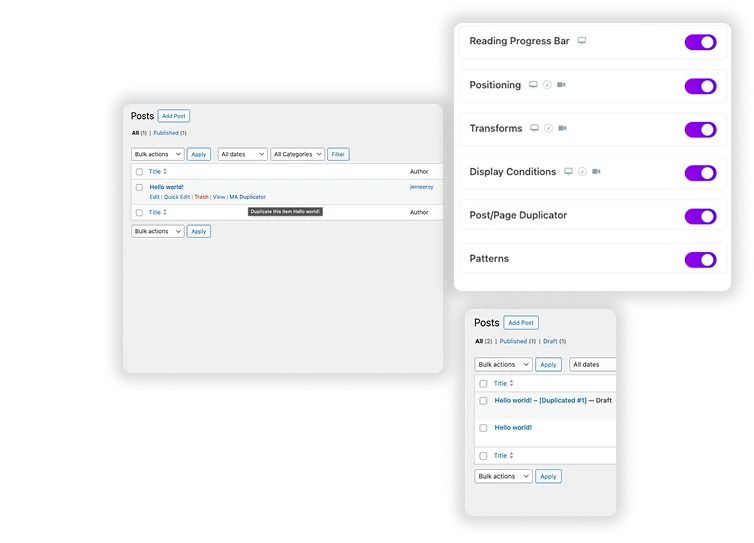
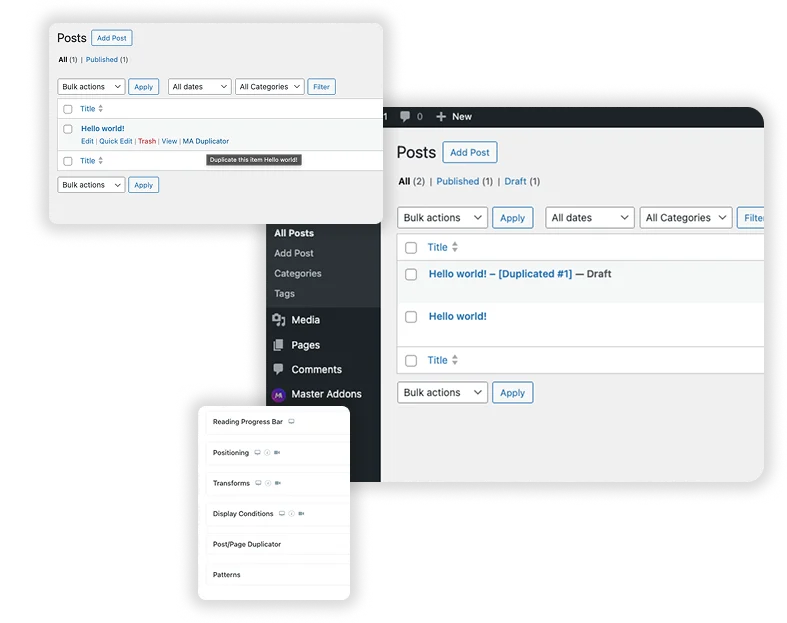
Streamline your workflow and eliminate repetitive setup with the Master Addons Post/Page Duplicator. This essential tool adds a powerful “MA Duplicate” action directly to your WordPress admin, allowing you to create perfect copies of any post, page, or custom post type – including all their content, settings, and Elementor designs in one second. Perfect for creating consistent landing page variants, drafting new blog posts from successful templates, or managing complex site structures with ease. Stop rebuilding from scratch and start replicating with precision.

Exact Replicas in a Single Action
With a single click on “MA Duplicator,” create a complete and independent copy of your chosen item. The duplicate retains all original content, featured images, custom fields, SEO data, and – critically – the full Elementor page builder design, so you never lose a meticulously crafted layout.
- Preserve Complex Designs: Perfectly clone intricate Elementor pages, sections, and widget settings without manual reconstruction.
- Maintain Metadata: All categories, tags, custom fields, and Yoast or Rank Math SEO settings are copied seamlessly.
- Instant Draft Creation: The duplicate is saved as a new draft immediately, allowing you to edit and publish without affecting the original.
Frequently Asked Questions For Post/Page Duplicator
How is "MA Duplicator" different from the native "Copy to Draft" action in some WordPress setups or other plugins?
MA Duplicator is built specifically for reliability and compatibility within the Elementor ecosystem. It guarantees that all Elementor data, including global widgets, custom CSS, and dynamic content settings, is cloned correctly – something generic copy functions often miss. It also provides consistent access across all post types and from multiple UI points.
What happens to the post status and revision history when I duplicate an item?
The duplicate is created as a new, standalone item with a “Draft” status. It does not carry over the original’s revision history, publish date, or comments. This gives you a clean slate to start editing immediately, while the original published post remains completely untouched and live.
Does it work with custom post types and WooCommerce products?
Yes. The duplicator is designed to work with any post type that is publicly accessible in the WordPress admin, including popular custom post types created by themes or plugins like WooCommerce (Products), portfolios, team members, and testimonials. This makes it an invaluable tool for managing all content on your site.
Will duplicating a post also duplicate its Elementor Popup or Theme Builder template associations?
The extension duplicates the post/page content and its saved Elementor data perfectly. However, associations with site-wide Elementor Theme Builder templates (like headers, footers, or single post templates) are typically controlled by theme conditions and are not part of the post’s direct content. The duplicate will inherit the site’s global template rules. For Elementor Popups, you would duplicate the popup post type itself using this same tool.
Trending Elementor Widgets & Extensions
Build sophisticated websites in less time.

Glassmorphism

Container Extras

Patterns

Reading Progress Bar