
How to Build a Filterable Portfolio in Elementor Without Pro

Key Takeaways A portfolio page has to show the work, let people narrow it to the kind of work they came for, and give them a way through to the detail. The filter bar handles the middle part, turning a long scroll into two clicks. Elementor has a widget for this and it sits behind […]
10 Content Toggle Examples for Elementor (With Demos)

Key Takeaways The content toggle examples for Elementor that work best show the same kind of content on both sides of the switch. The plans stay the same and the price changes. The table stays the same and the units change. Below are ten live demos that follow that rule, with what each one switches […]
How to Make Vertical Tabs in Elementor (2 Ways)
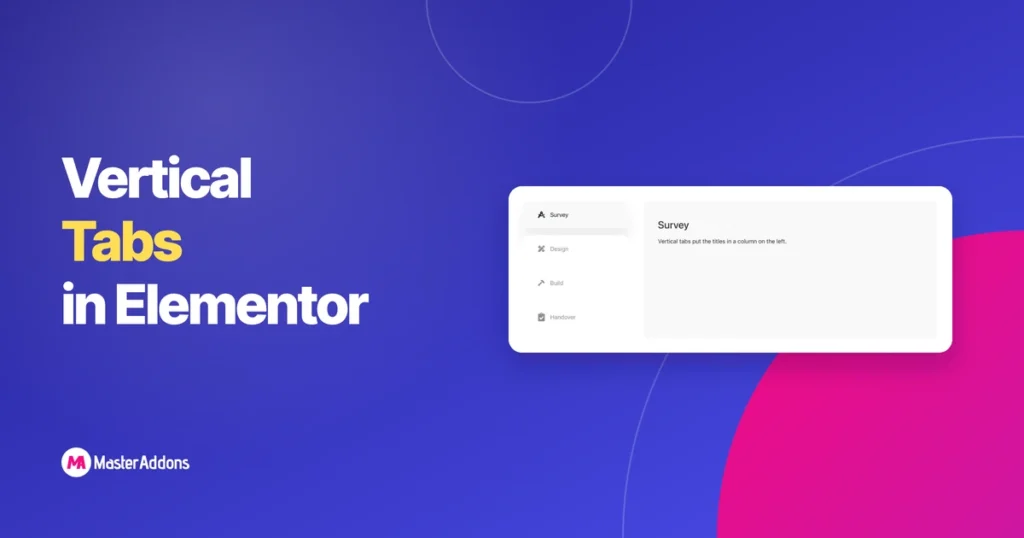
Key Takeaways Horizontal tabs break once the titles get long or numerous. Six titles across a 1,200px column either wrap onto two lines or shrink the text until nobody reads them. Vertical tabs turn the strip on its side: a narrow column of titles with the active panel beside it. Each title gets a full […]
8 Best Elementor Content Switcher Widgets Compared (2026)

Key Takeaways An Elementor content switcher is a widget that swaps one block of content for another when a visitor flips a switch, most often monthly prices for yearly ones. Elementor does not ship one, so the choice is between addons. They share the same basic idea and differ in what each option can contain, […]
How to Make a Masonry Gallery in Elementor (3 Ways)

Key Takeaways Masonry is the layout where images sit at their natural height and the columns stagger, the shape Pinterest made familiar. It suits photography, where cropping a portrait frame into a square throws away half the picture. Elementor can get close to this in three different ways, and they do not all produce the […]
Elementor Toggle vs Accordion vs Tabs vs Content Switcher
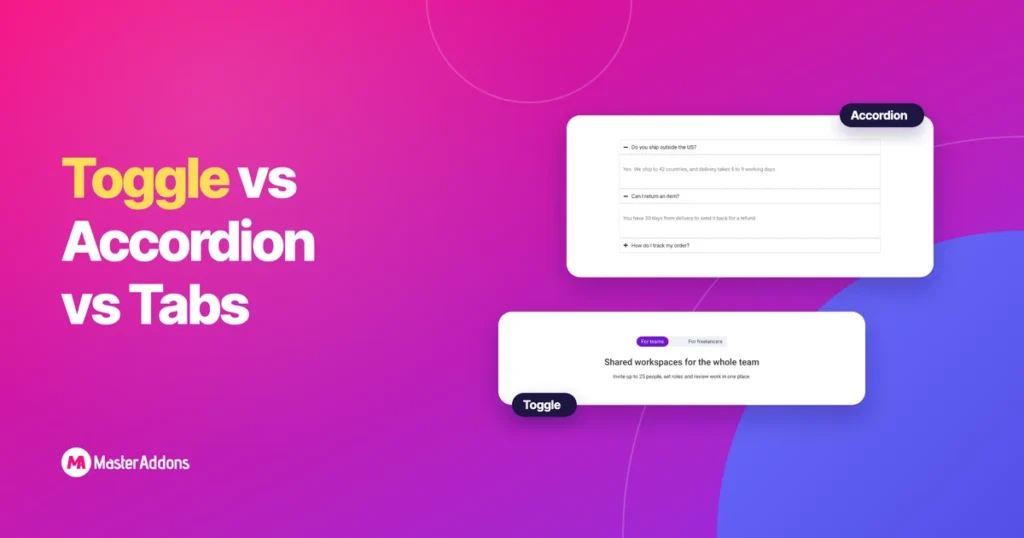
Key Takeaways The difference between an Elementor toggle and an accordion is how many items can be open together. An accordion closes the open item when you click another. A toggle leaves it open. Tabs and content switchers are different tools again: they swap what is shown in a fixed space, where an accordion and […]
Elementor Nested Tabs: What Changed and What It Can Do
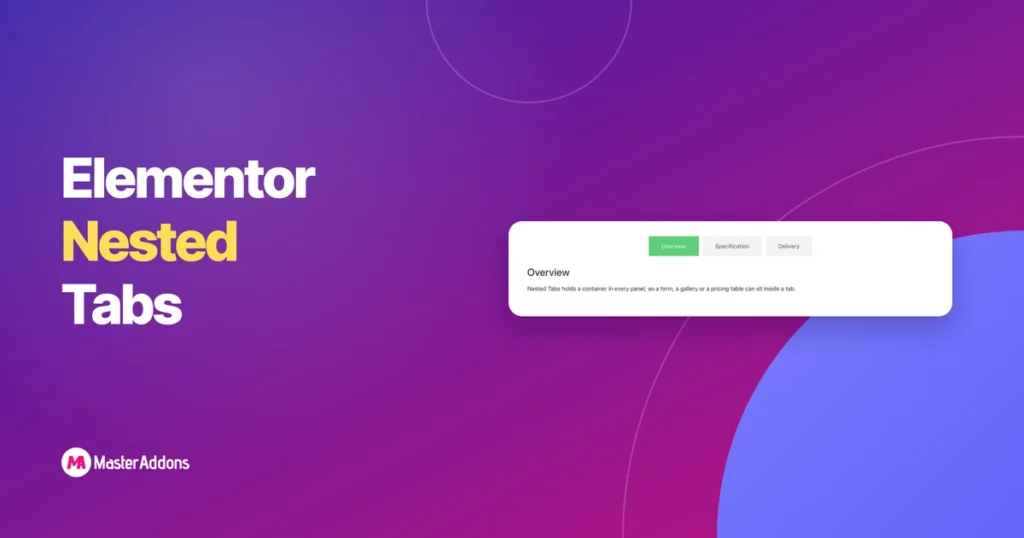
Key Takeaways Elementor’s tabs used to be a text box inside a text box. You typed the title in one field and the content in another, and if you wanted a contact form in there, bad luck. Nested Tabs changed the model. Each panel is a container now, which means the entire widget library is […]
How to Add a Monthly/Yearly Pricing Toggle in Elementor

Key Takeaways To add an Elementor pricing toggle, build your monthly plans and your yearly plans as two saved templates, then load both into a content toggle widget. Visitors click Monthly or Yearly and the prices swap in place. The page stays one screen tall, and nobody has to read six pricing columns at once. […]
Elementor Gallery Widget: Free vs Pro vs Addons
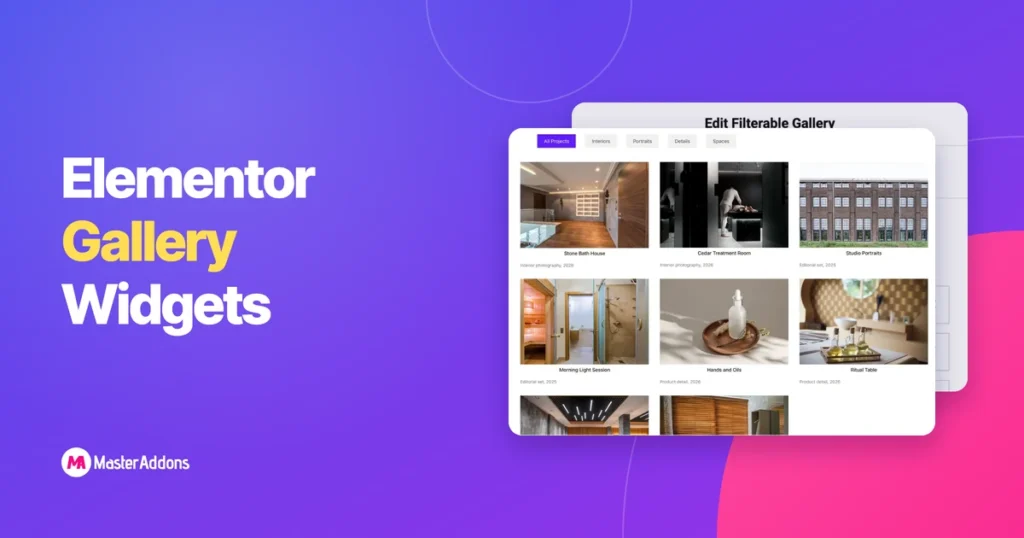
Key Takeaways Search for gallery in the Elementor panel and you will not get one answer. There is the widget that ships free, the one behind Pro, and whatever your addons have added, and they all look similar in a list. This post lays out what each one can actually do, control by control, so […]
How to Create a Toggle Button in Elementor (3 Ways)
Key Takeaways You can create an Elementor toggle button in three ways, and the right one depends on what the button should do. To open and close text, use the Accordion widget. To expand a long paragraph, use a one-item accordion as a Read More toggle. To swap one block of content for another, such […]