

Table of Contents
An Elementor footer template is the bottom section of a website saved as a ready-made design. It holds the logo, the main page links, contact details, social links and the copyright line, and a theme builder shows it on every page.
Below are the 34 Elementor footer templates in the Master Addons library, grouped by the kind of site they suit. Each has a screenshot and a live demo that opens in a new tab. You insert them from the Footers tab of the Master Addons template library. The footer builder in the Master Addons Theme Builder is free, and one import puts the footer on every page without Elementor Pro.
Looking for the top of the page? Our Elementor header templates post has 43 headers, and many of the footers here come from the same kits.
Jump to what you came for:
- 34 footer templates by site type: SaaS, CTA, local business, shop and minimal
- What to put in a website footer: a seven-item checklist
- Website footer design tips: what works, common mistakes and mobile footers
- How to add an Elementor footer template: five steps with the Theme Builder
- Frequently asked questions
34 Elementor footer templates by site type
The 34 footers fall into five groups. Pick the one closest to your site and open two or three demos side by side before you decide.
| Footer type | Designs | What they share | Where |
|---|---|---|---|
| SaaS and startup | 8 | Logo and intro plus three or four link columns | Jump |
| CTA and newsletter | 6 | A headline, trial form or signup above the links | Jump |
| Local business and service | 9 | Phone, address and opening hours | Jump |
| Shop and blog | 4 | Payment icons, posts or many category links | Jump |
| Classic and minimal | 7 | Four columns, or a centered logo with social links | Jump |
SaaS and startup Elementor footer templates
Footers from the SaaS and tech kits. Most follow one pattern: the logo and a one-line intro on the left and three or four link columns on the right. Finix and Optivue add a trial prompt above the links.
1. Craftova: Elementor compact SaaS footer template
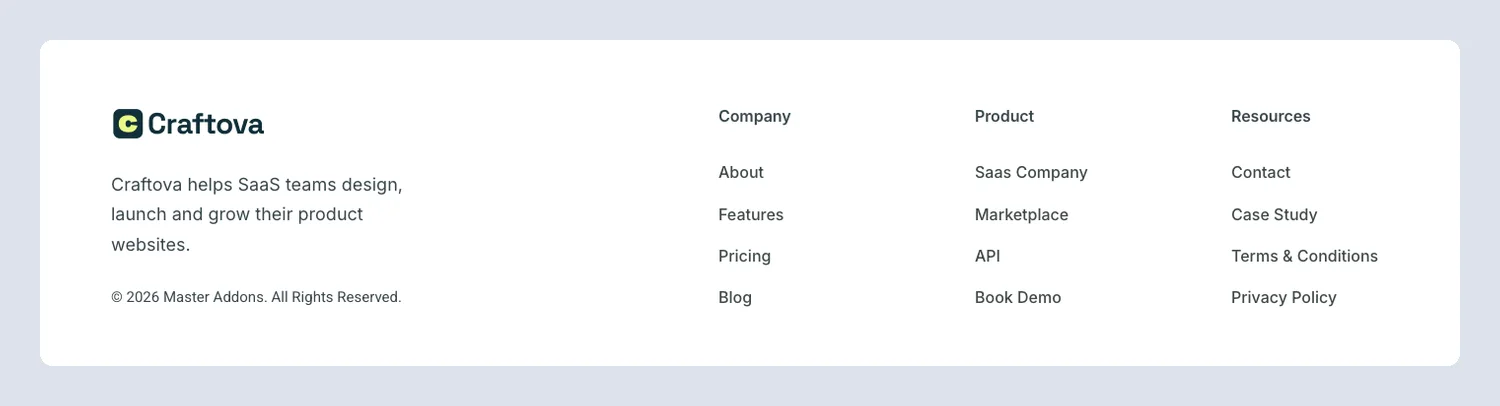
A short footer: brand intro on the left, Company, Product and Resources links on the right. Use it when the pages above it are already long.
2. Finix: Elementor dark SaaS footer template
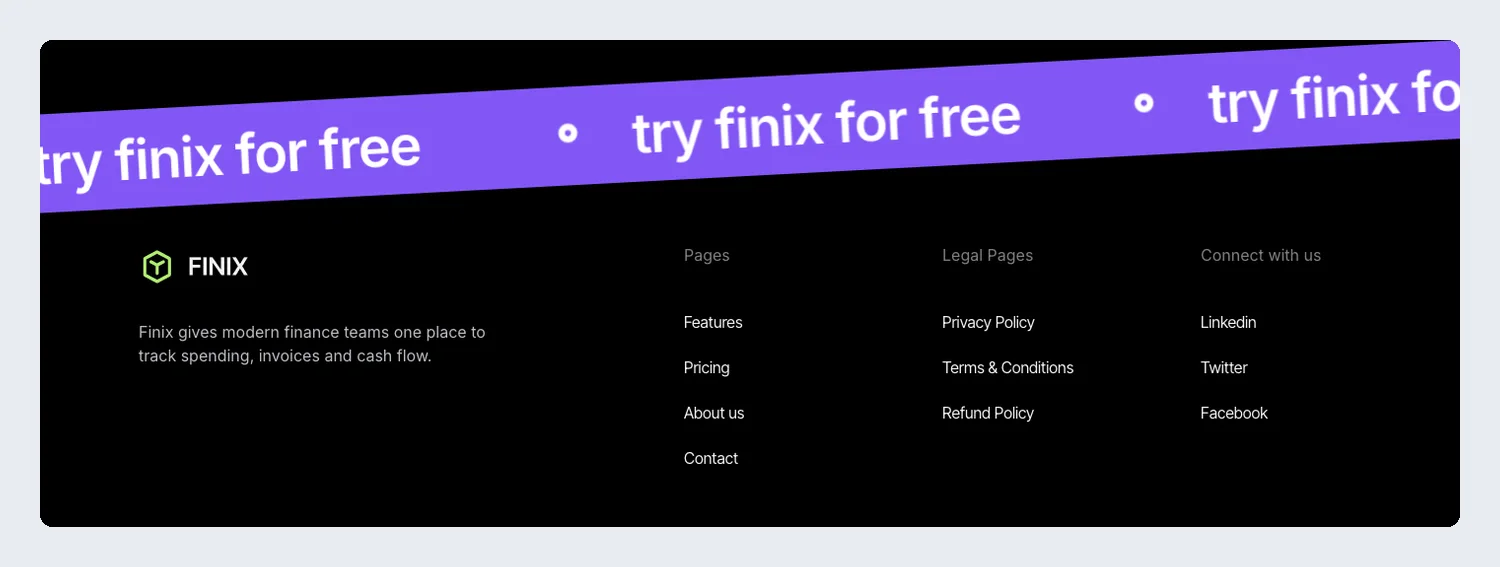
A tilted purple band reading “try finix for free” crosses the top edge. Under it, the black footer holds the logo, a short intro and four link columns. That band is the last call to action on the page.
3. Klyro: Elementor tech newsletter footer template
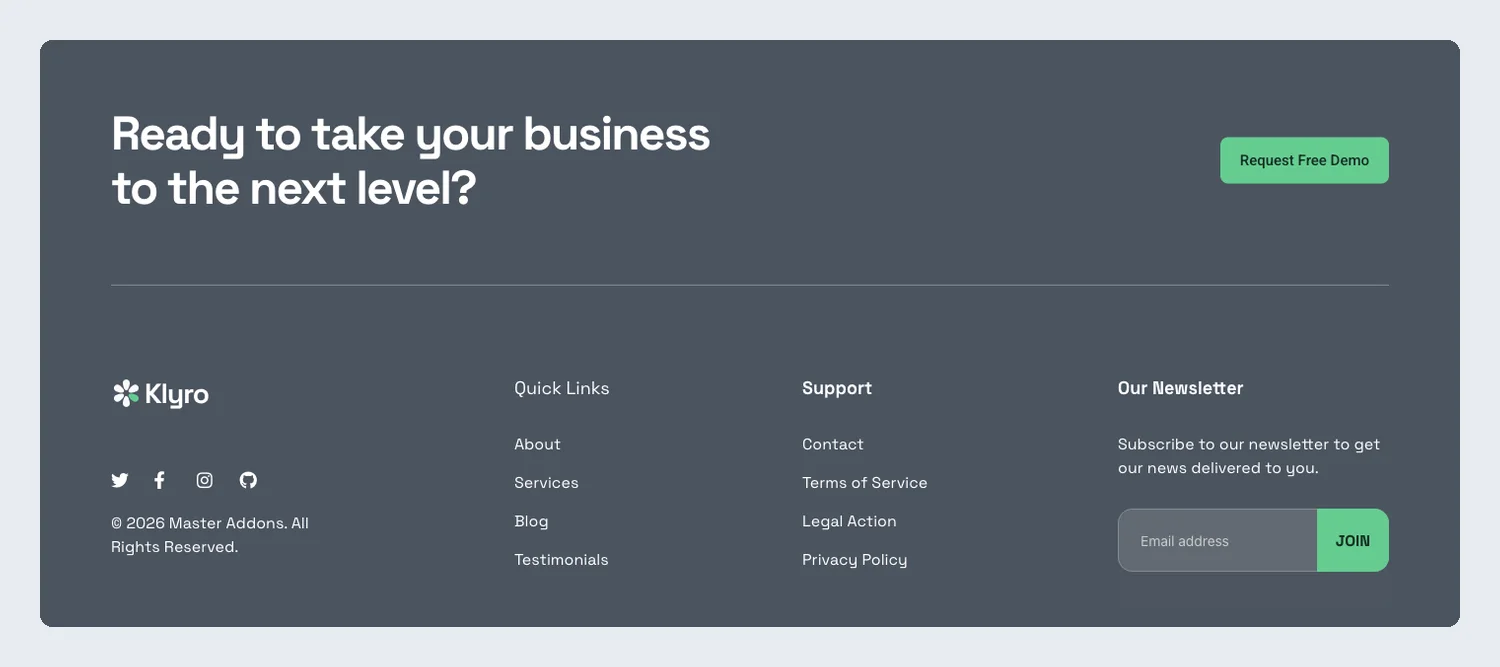
A Request Free Demo button, quick links, support links and a newsletter field share one footer. It fits software that sells through demo calls and also wants a mailing list.
4. Lead Lift: Elementor SaaS footer template
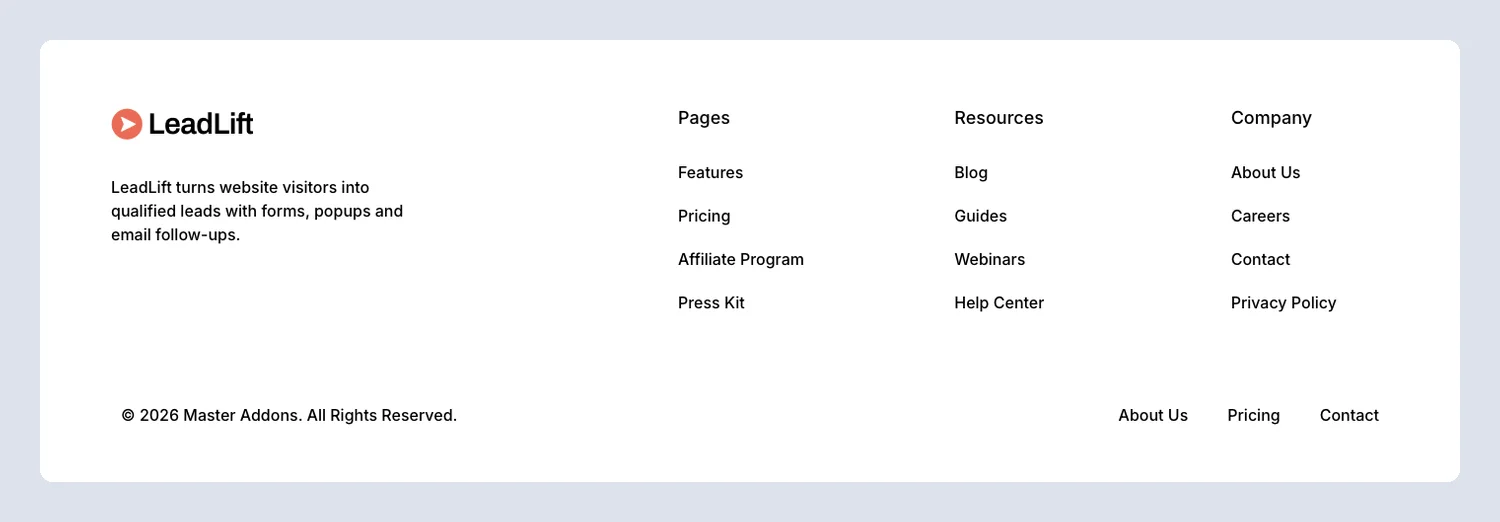
Pages, Resources and Company columns up top, then a bottom bar that repeats a few quick links beside the copyright line.
5. Nexis: Elementor light SaaS footer template
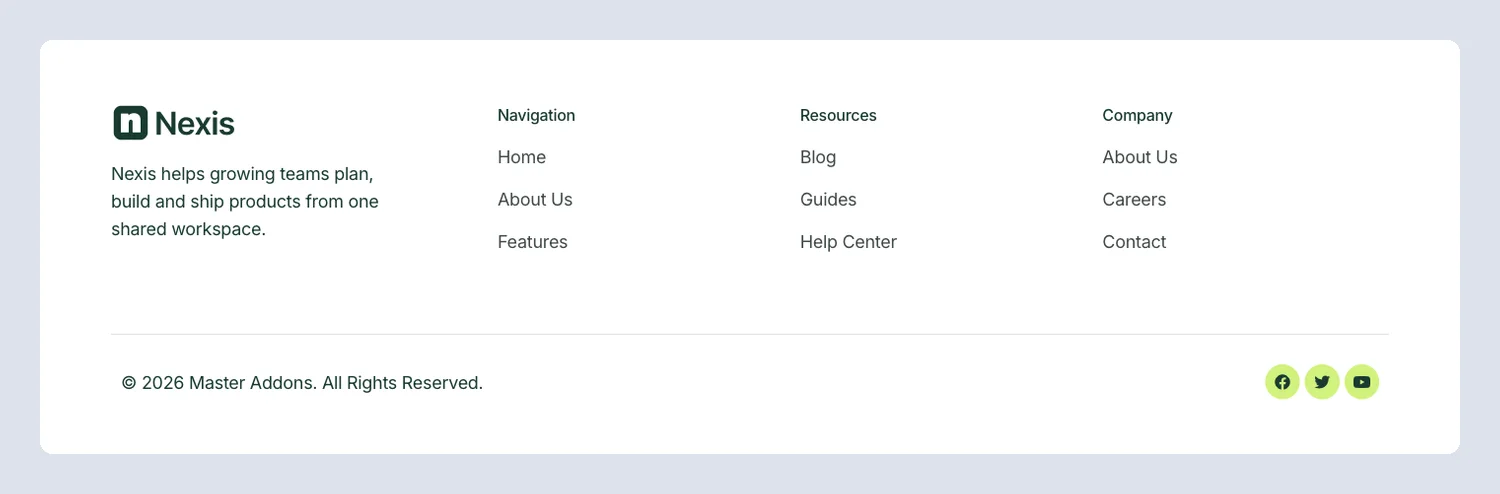
A white footer with a short brand intro, three link columns and social icons, closed by a copyright bar. The layout is plain, so it adapts to most brands.
6. Optivue: Elementor SaaS trial footer template
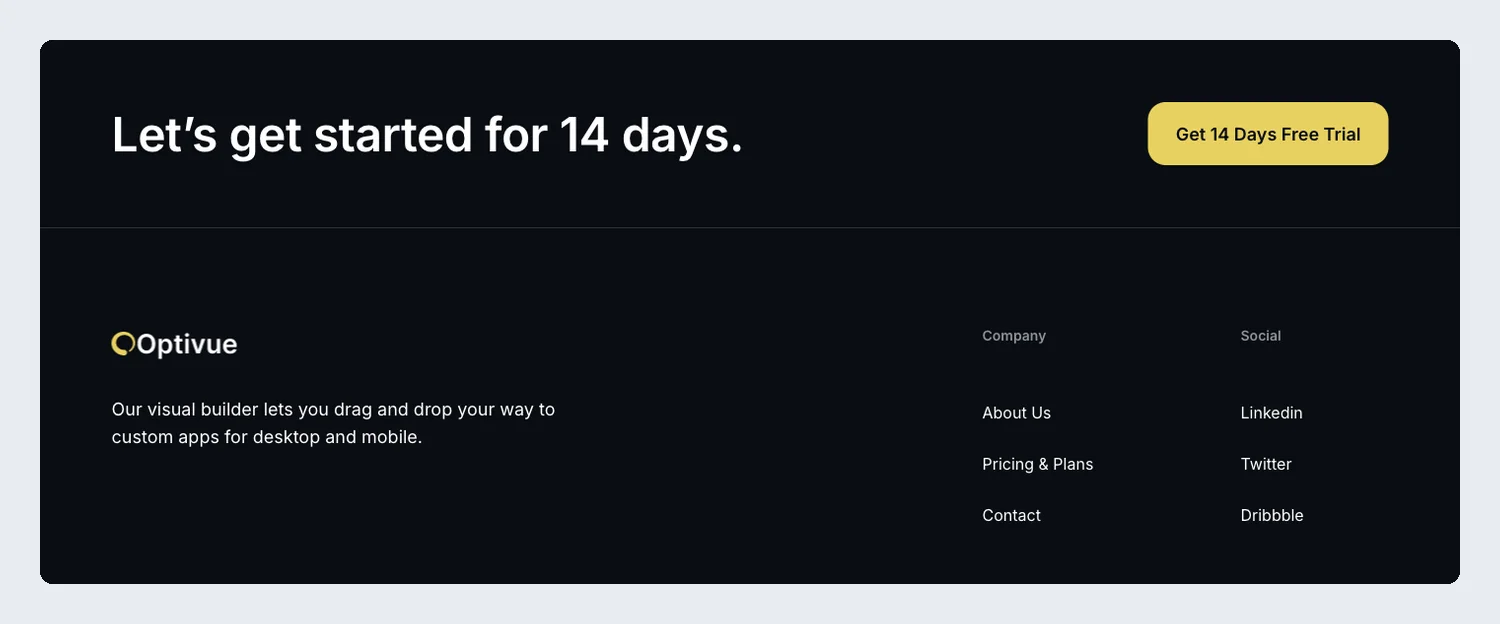
The top row says “Let’s get started for 14 days” next to a yellow trial button. Below it are a one-line product intro and Company and Social columns on black.
7. Sempla: Elementor four-column SaaS footer template
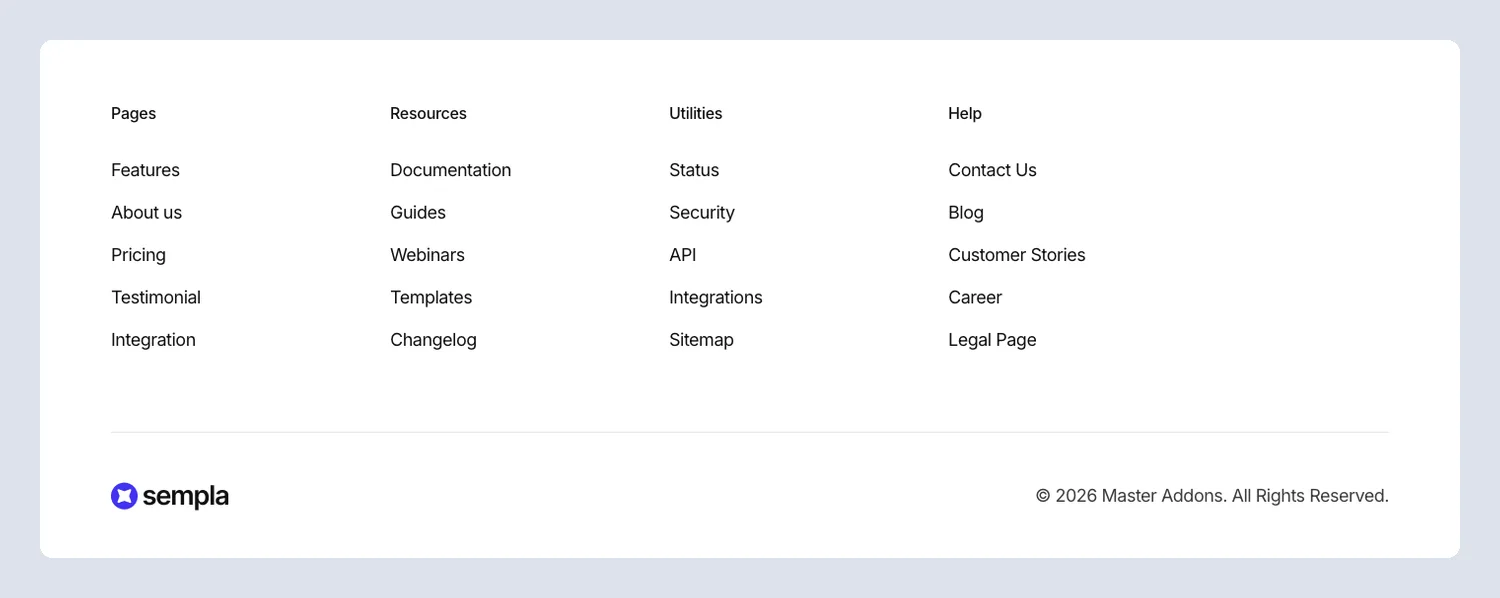
Pages, Utilities, Resources and Help get a column each, and the logo and copyright move down into a bottom bar. It holds the most links of the SaaS group.
8. Zaplyte: Elementor SaaS footer template
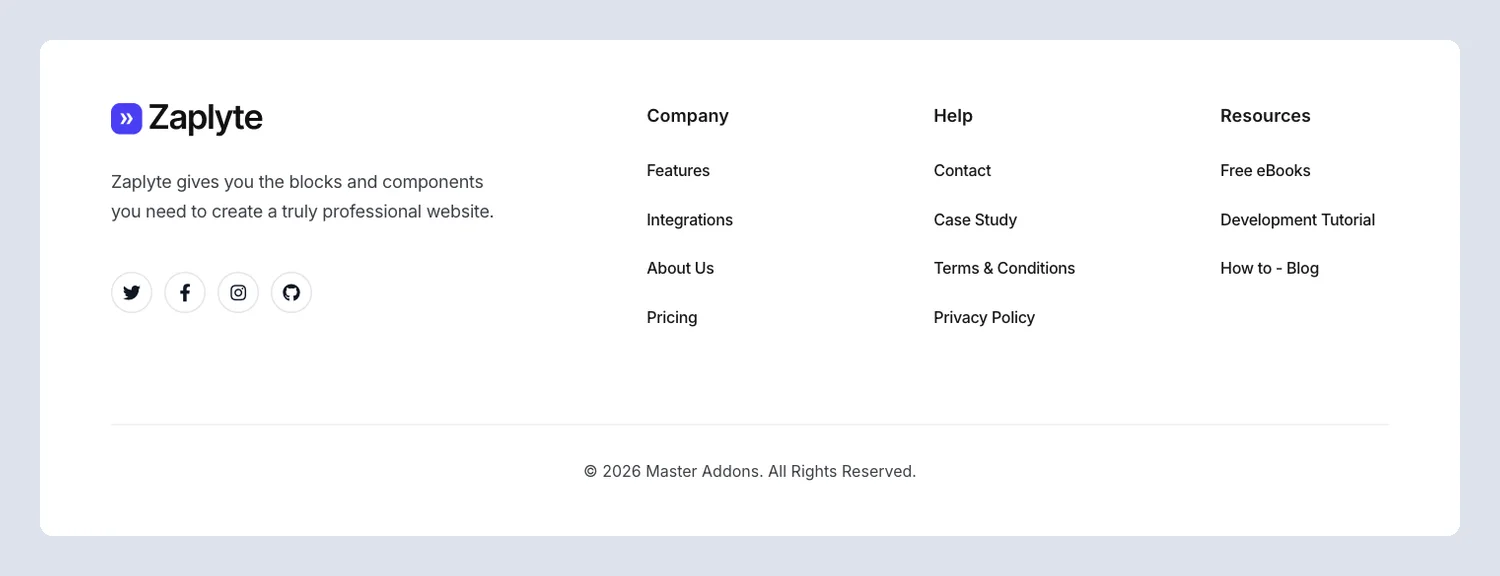
Social icons sit under the logo, and Company, Help and Resources columns fill the right side of a clean white layout.
Footer templates with a CTA or newsletter
These footers open with a call to action: a big headline card, a trial form or a newsletter bar. They give visitors who scrolled to the bottom something to do besides leave.
9. CTA Box Agency: Elementor agency contact box footer template
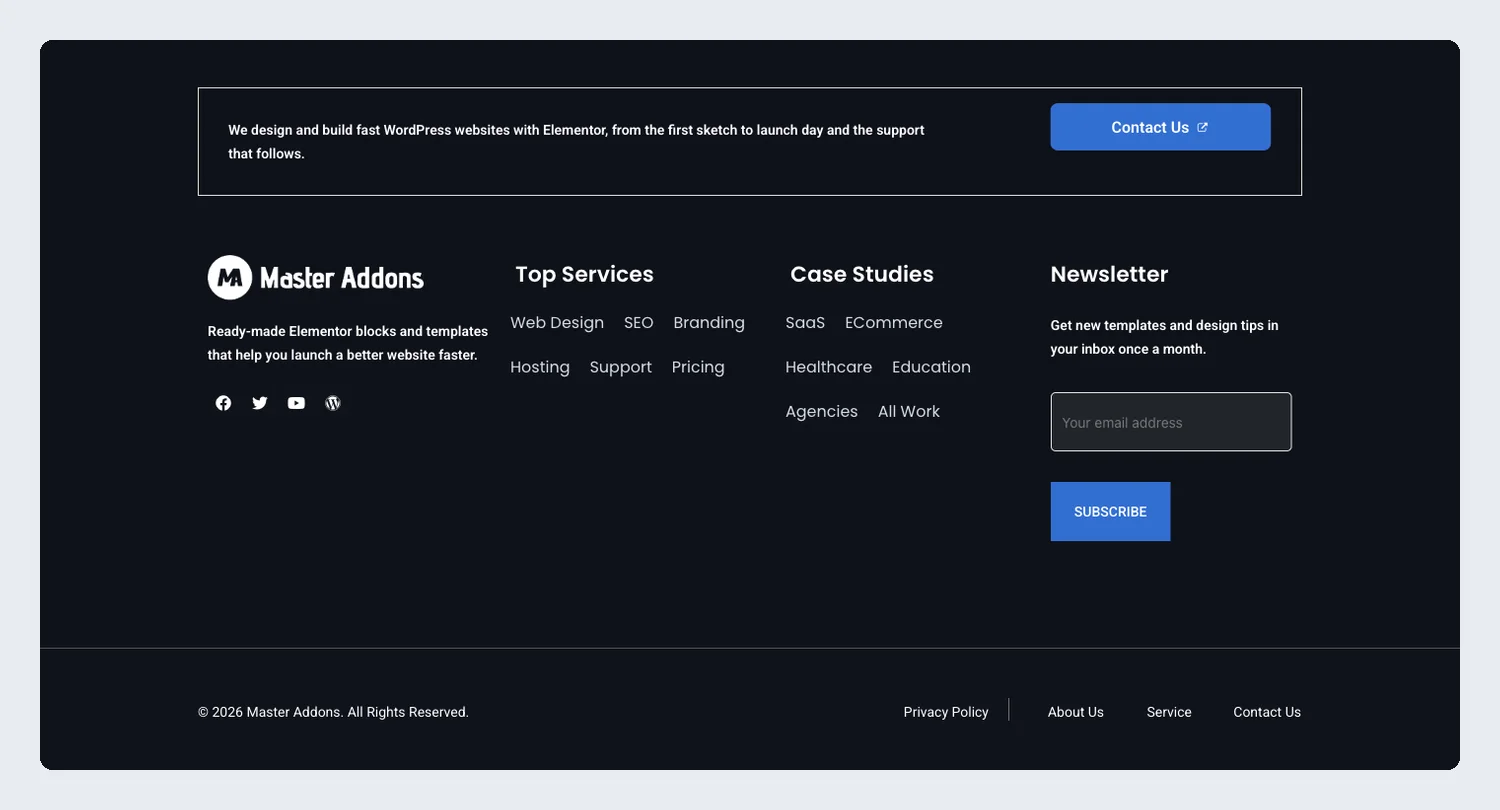
An outlined Contact Us box sits above four dark columns: an intro, services, case studies and a newsletter signup.
10. Newsletter Bar: Elementor newsletter footer template
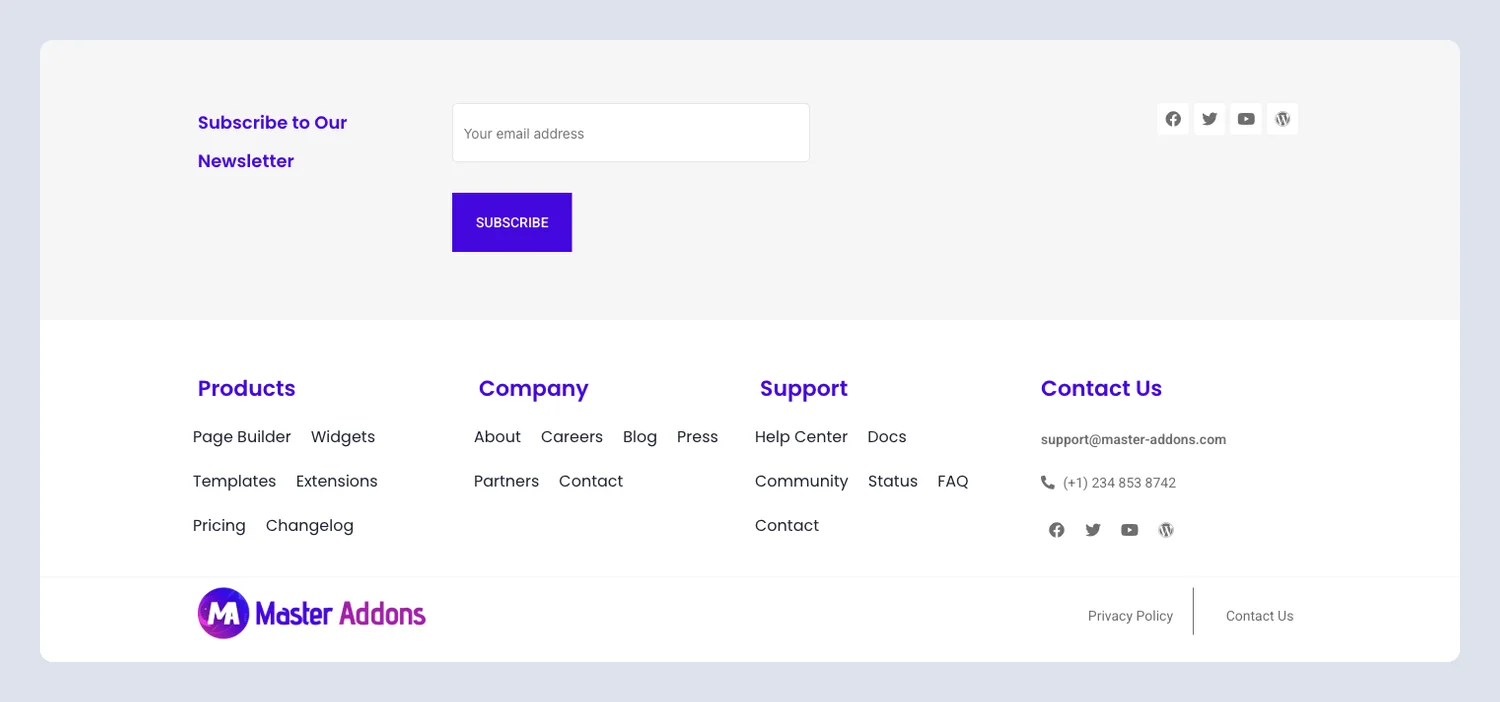
A newsletter bar with an email field and Subscribe button runs across the top. Below it are Products, Company and Support columns and a contact column.
11. Techbyte: Elementor agency CTA footer template
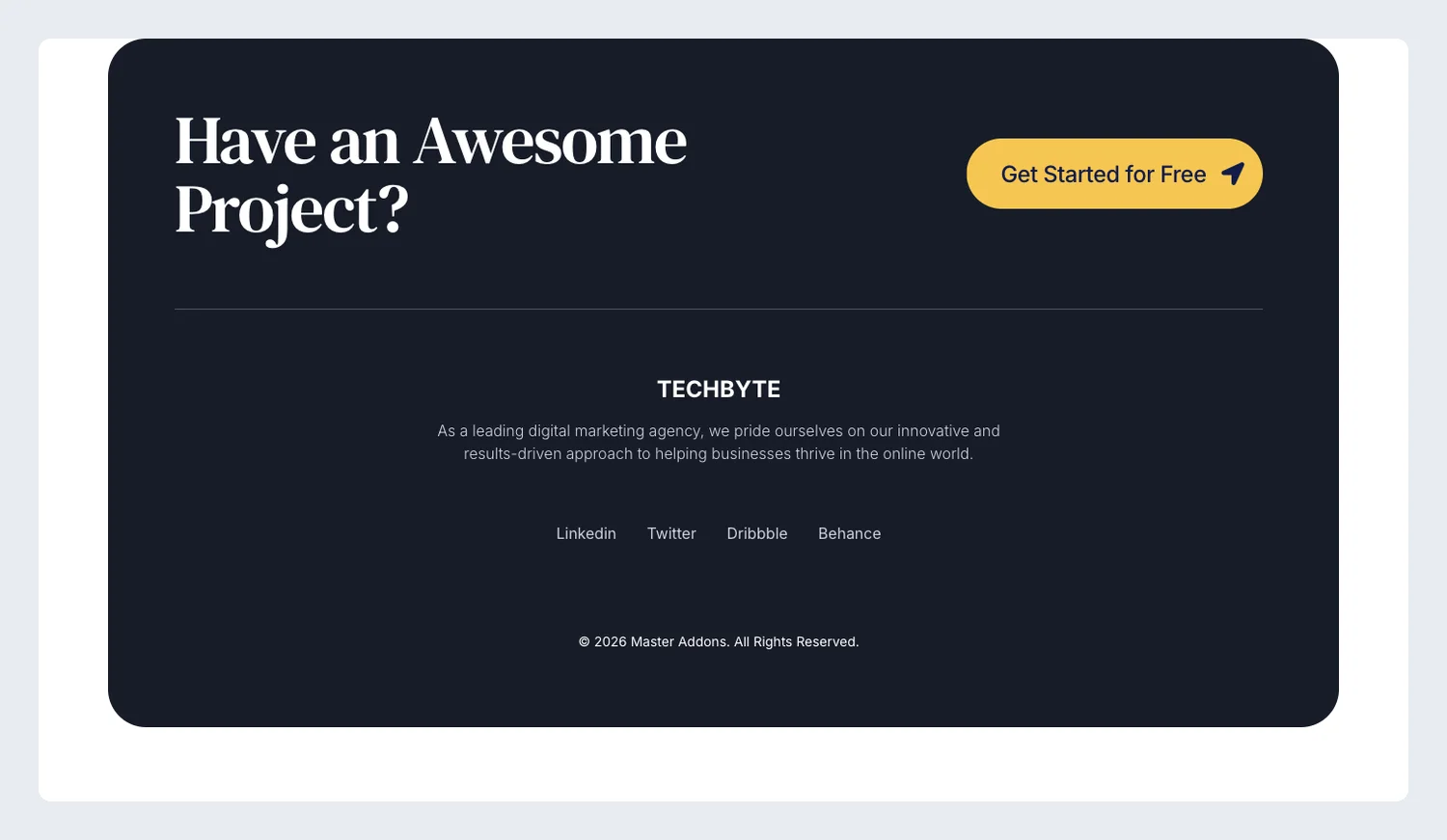
A dark rounded card asks “Have an Awesome Project?” with a Get Started button beside it. Under a thin line are the Techbyte name, a two-line intro and text social links.
12. Clowdify: Elementor CTA card footer template

The footer opens with a rounded purple card, a large headline and a Try Cloud for Free button. The links come after it.
13. Sabrion: Elementor trial signup footer template
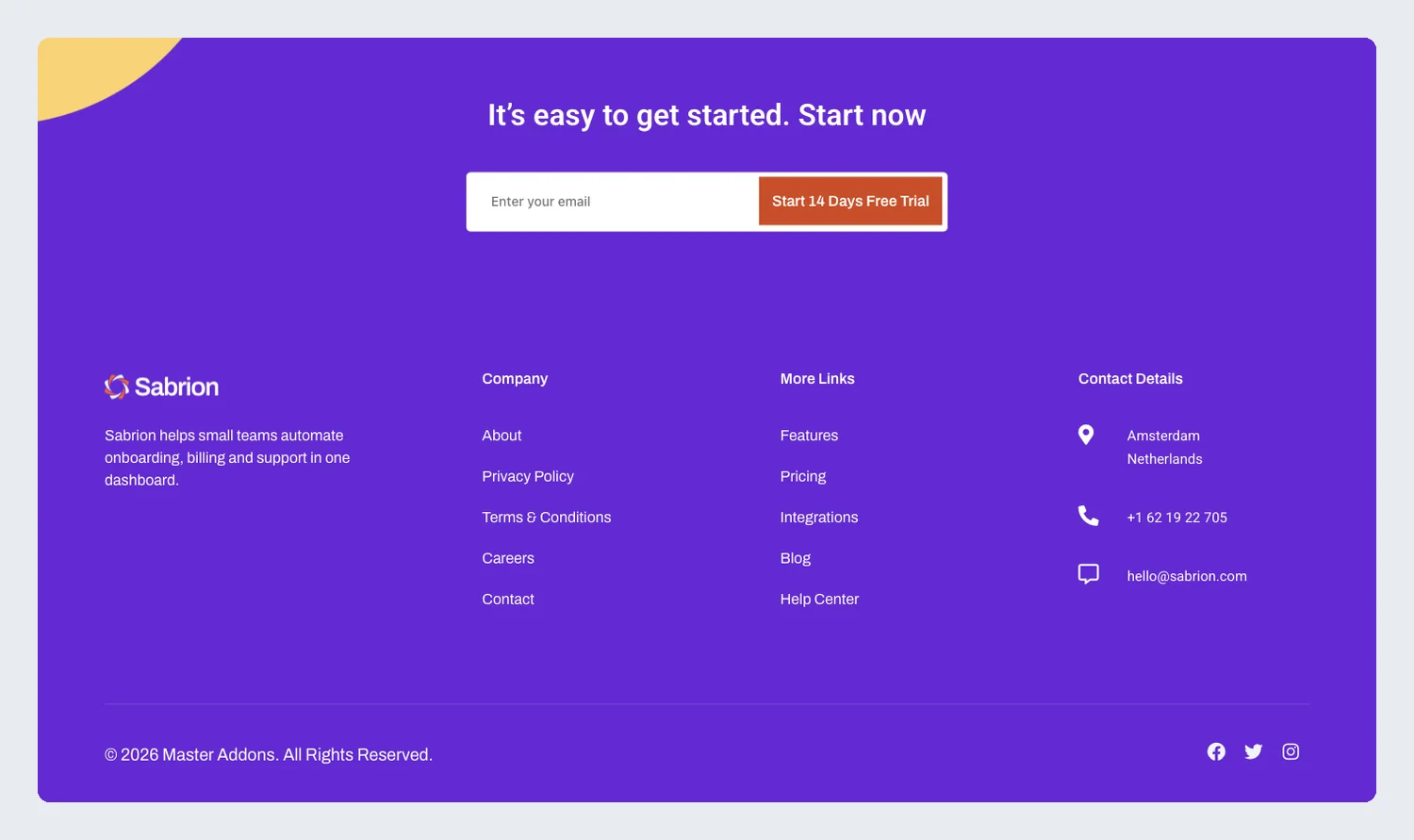
On purple, an email field starts a 14-day trial, and the columns below hold company links, more links and contact details. The form does the job a button does in other footers.
14. Shiftflow: Elementor job board footer template
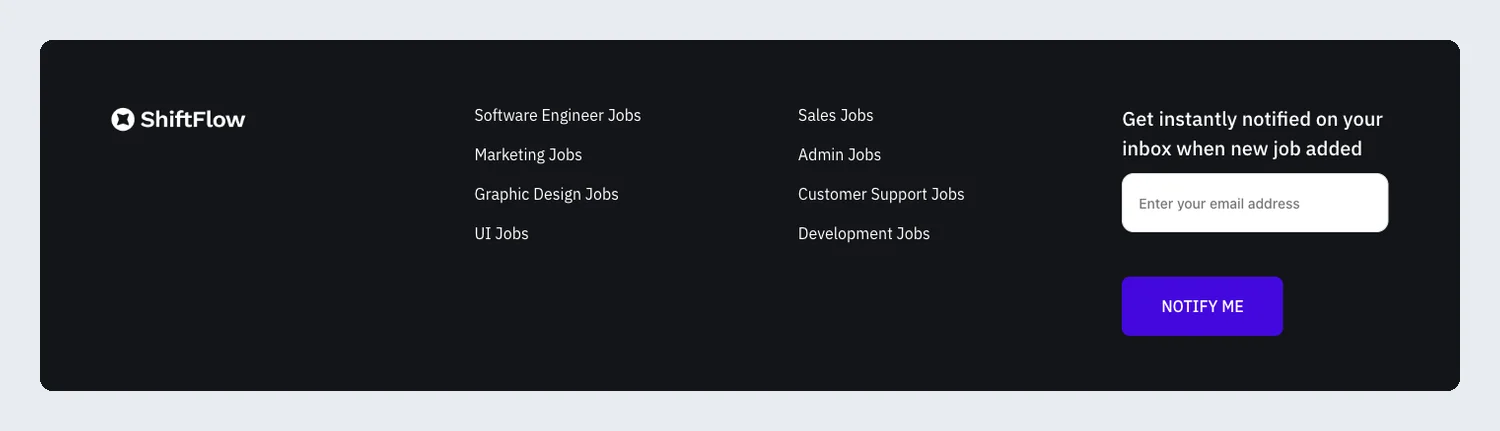
Job category links on one side and a job alert signup with a Notify me button on the other. Visitors who did not find a job today can ask to hear about the next one.
Local business and service footer templates
Footers for cleaning companies, dentists, plumbers, a therapy clinic, a restaurant, a real estate agency and an IT firm. Most put the phone number, address and opening hours where a customer expects them.
15. HomeAxis: Elementor real estate footer template
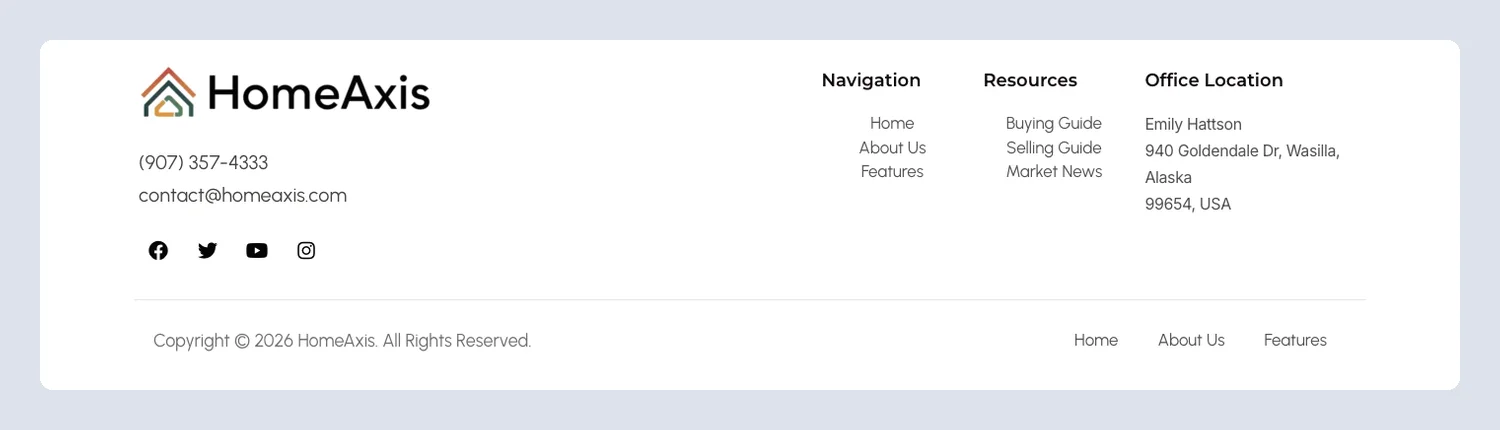
Phone, email and office location sit beside navigation and resources links. A buyer on any listing page can reach an agent from here.
16. Tecpart: Elementor IT company footer template
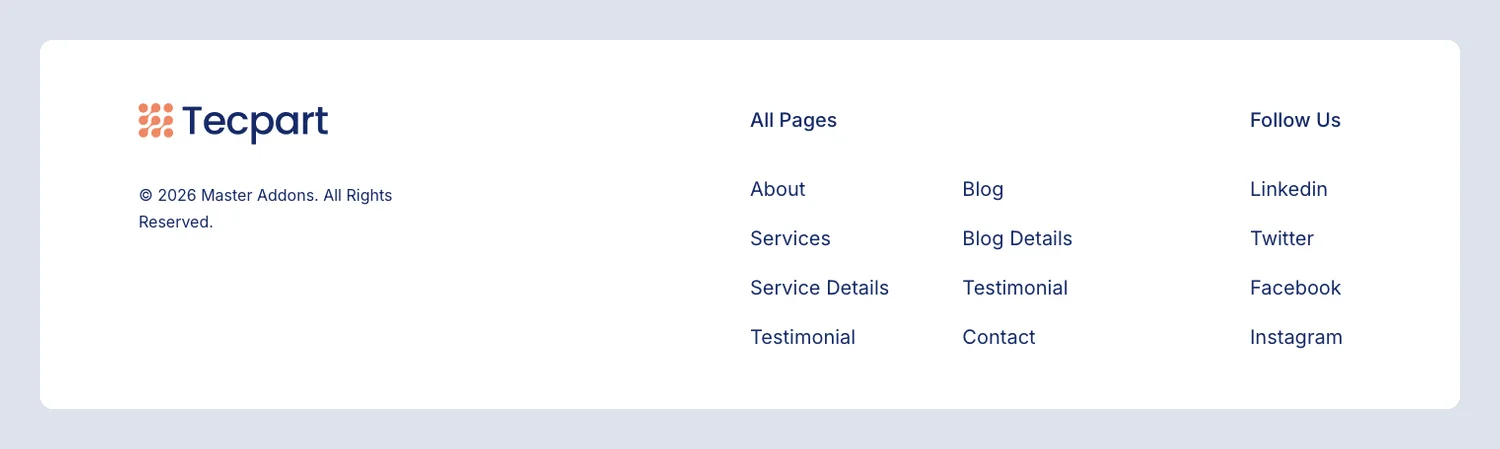
A two-column list of every page plus Follow Us links, boxed to the same width as the Tecpart header.
17. Balanciq: Elementor therapy clinic footer template
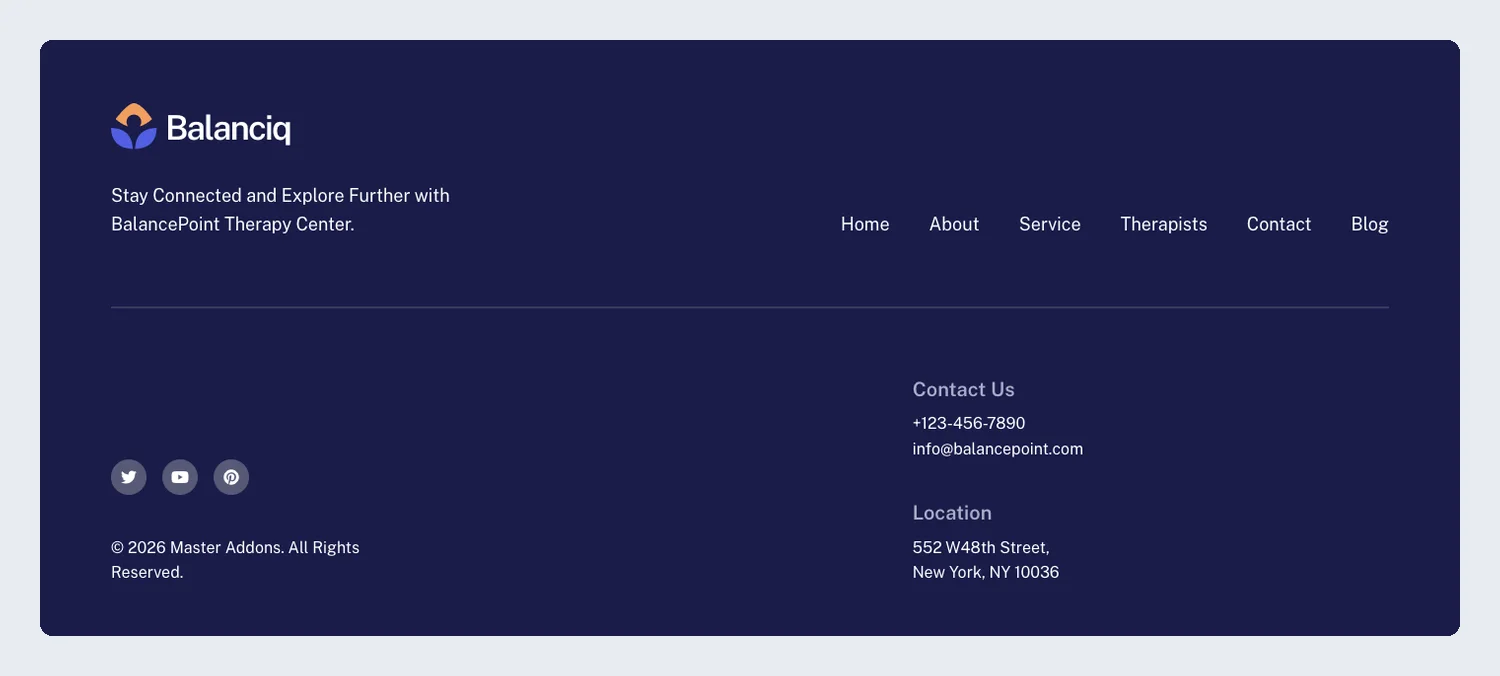
A menu row runs across the top, with contact details and the clinic location below it on navy. It keeps the calm spacing of the Balanciq kit.
18. Cleaner: Elementor cleaning service footer template
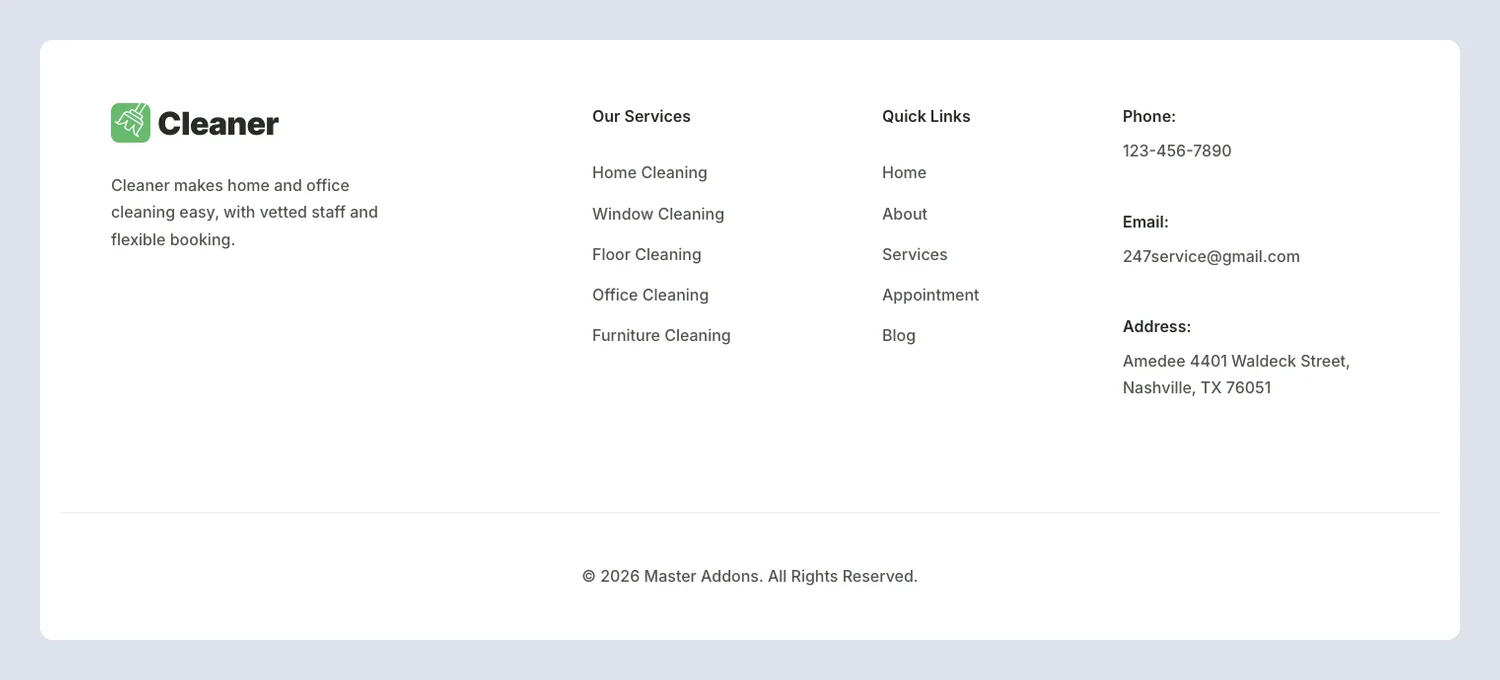
A white footer with a services list, quick links and labeled phone, email and address lines.
19. Cleanery: Elementor cleaning company footer template
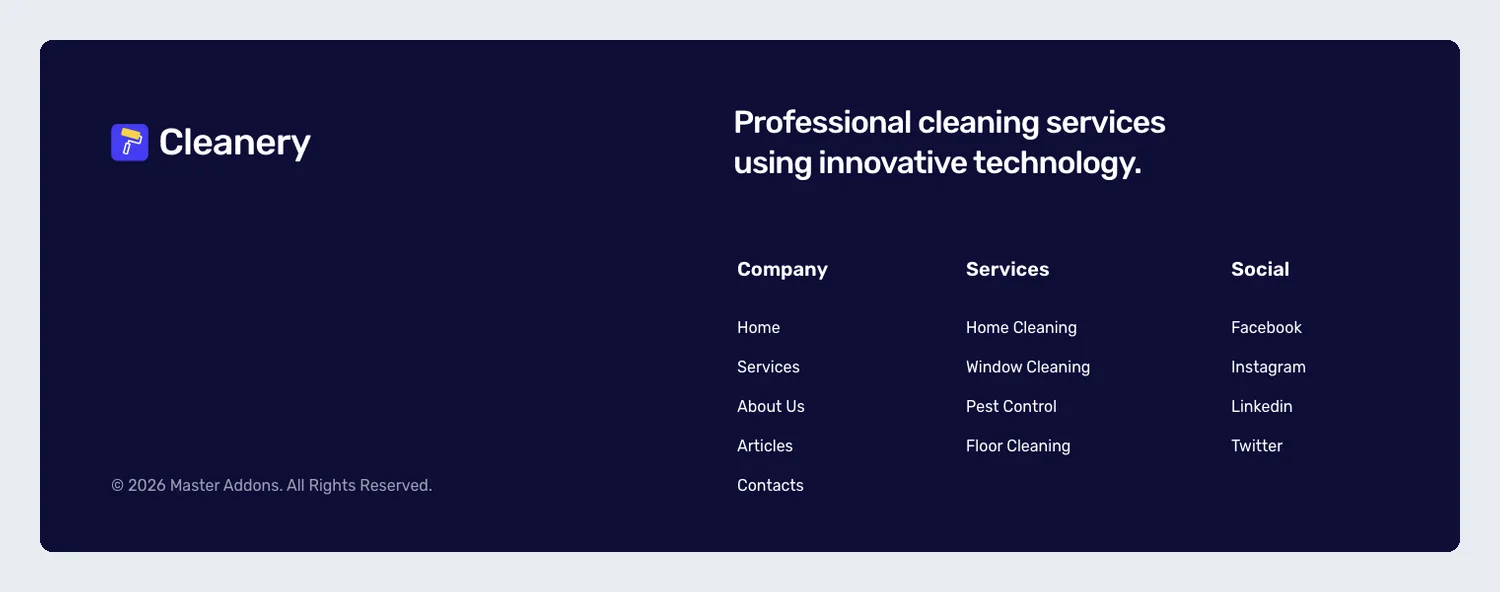
A deep blue footer with a one-line tagline and Company, Services and Social columns. It uses the same blue as the Cleanery header.
20. Culinary: Elementor restaurant footer template
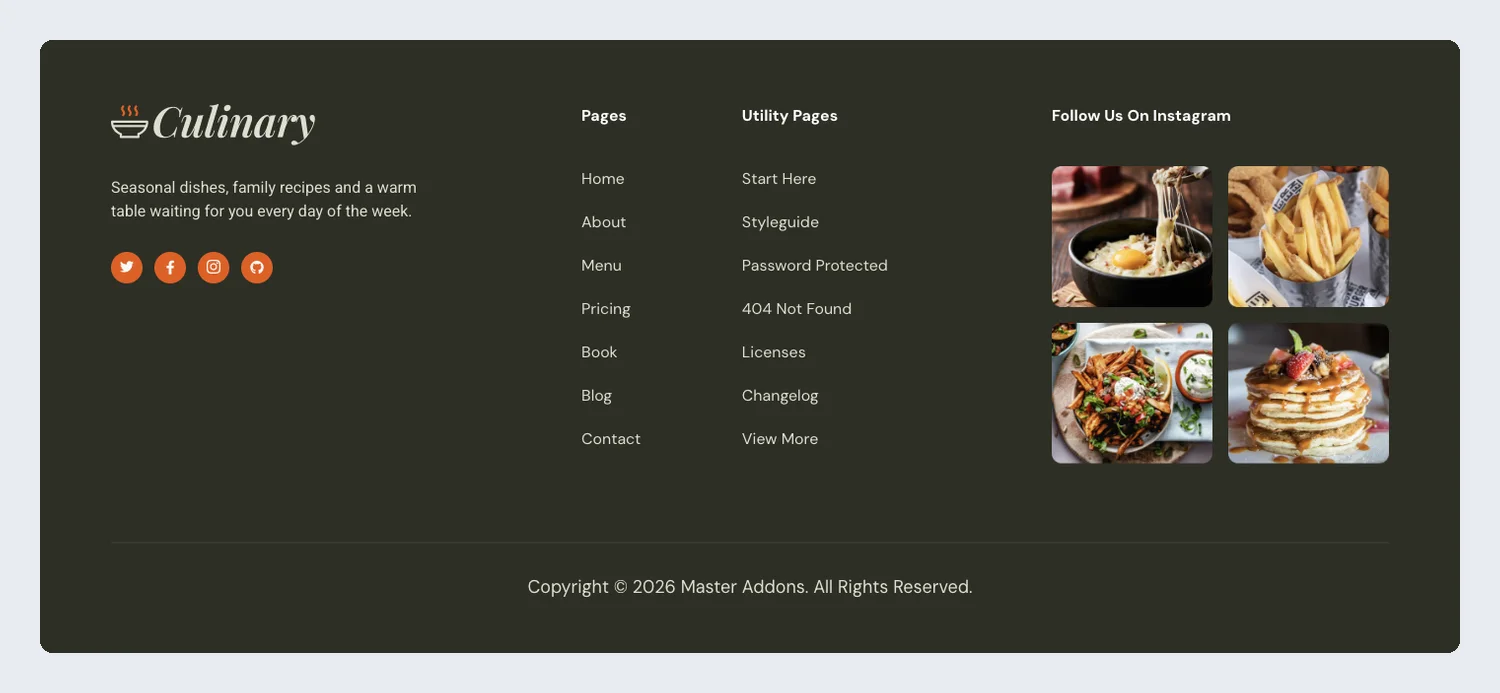
Page links sit next to a four-photo Instagram grid. For a restaurant, food photos in the footer do more than another column of links.
21. Dental: Elementor dental clinic footer template
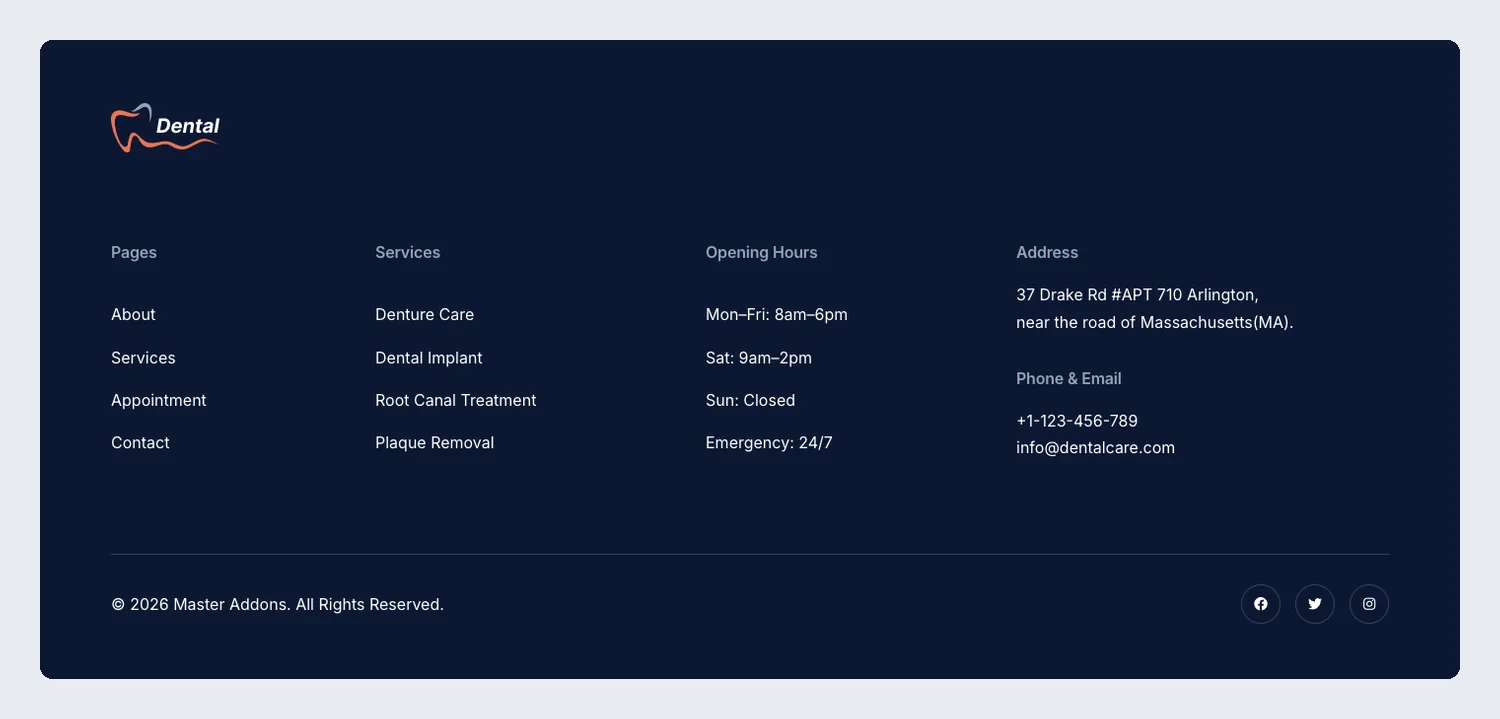
Services, opening hours, the clinic address, phone and email on navy. Patients can check your hours from any page.
22. Grip: Elementor agency footer template
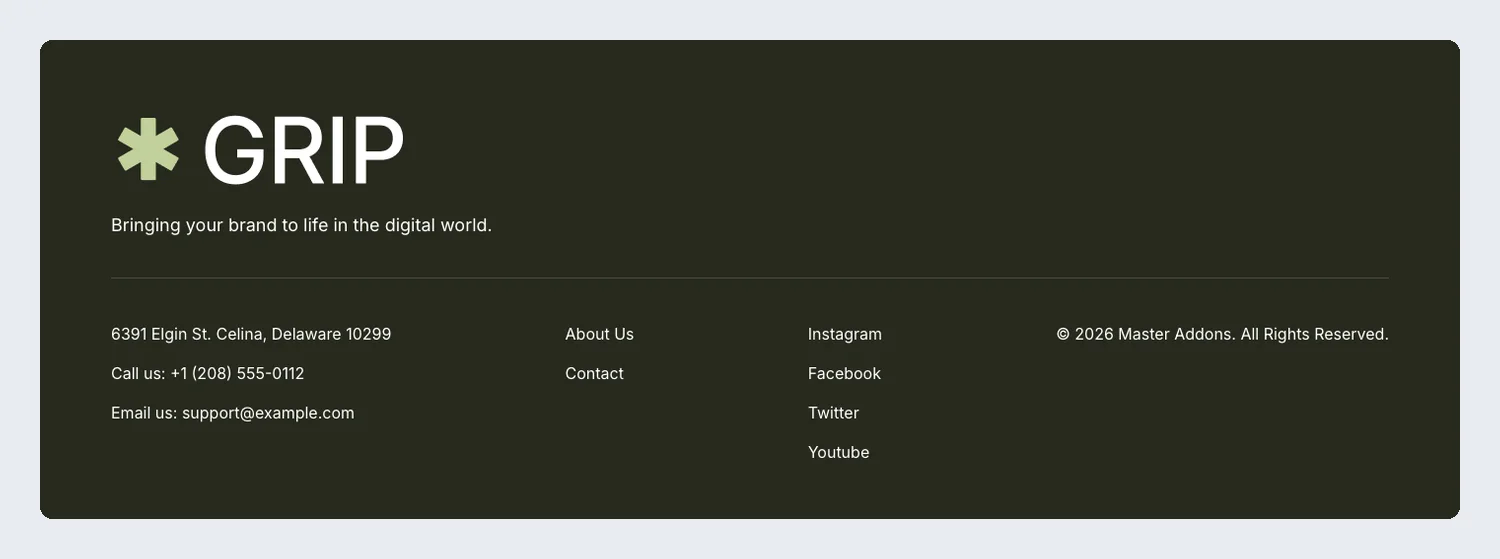
A very large logo and a tagline take the top half on a dark olive background. Address, phone and email, two page links and four social links sit in a row underneath.
23. Plumbiq: Elementor plumbing service footer template
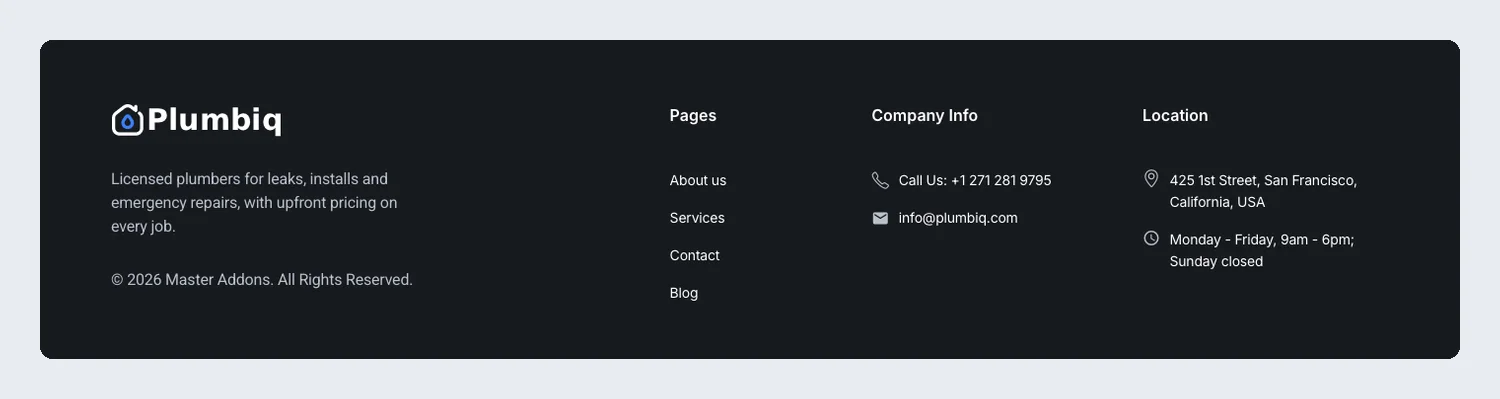
A dark footer with page links, call and email details, the service area and opening hours. Those are the things people check before they phone a plumber.
Shop and blog footer templates
Footers for stores and blogs: payment icons, latest posts, business hours and many link columns for categories.
24. Blog and Business Hours: Elementor blog footer template
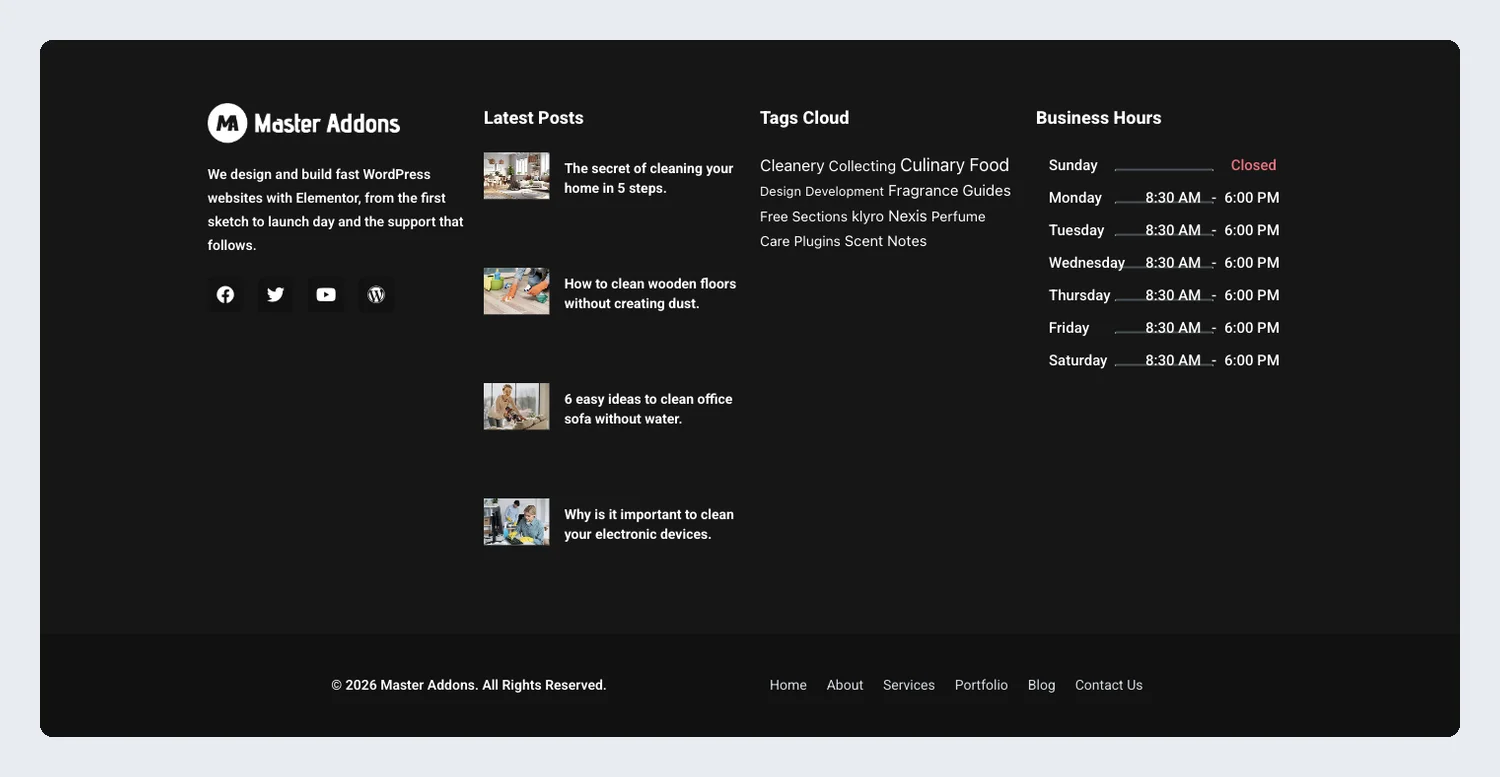
A black footer with latest posts, a category cloud and a business hours table. It works for a blog that also runs a shop or studio.
25. Business Hours Card: Elementor business hours footer template
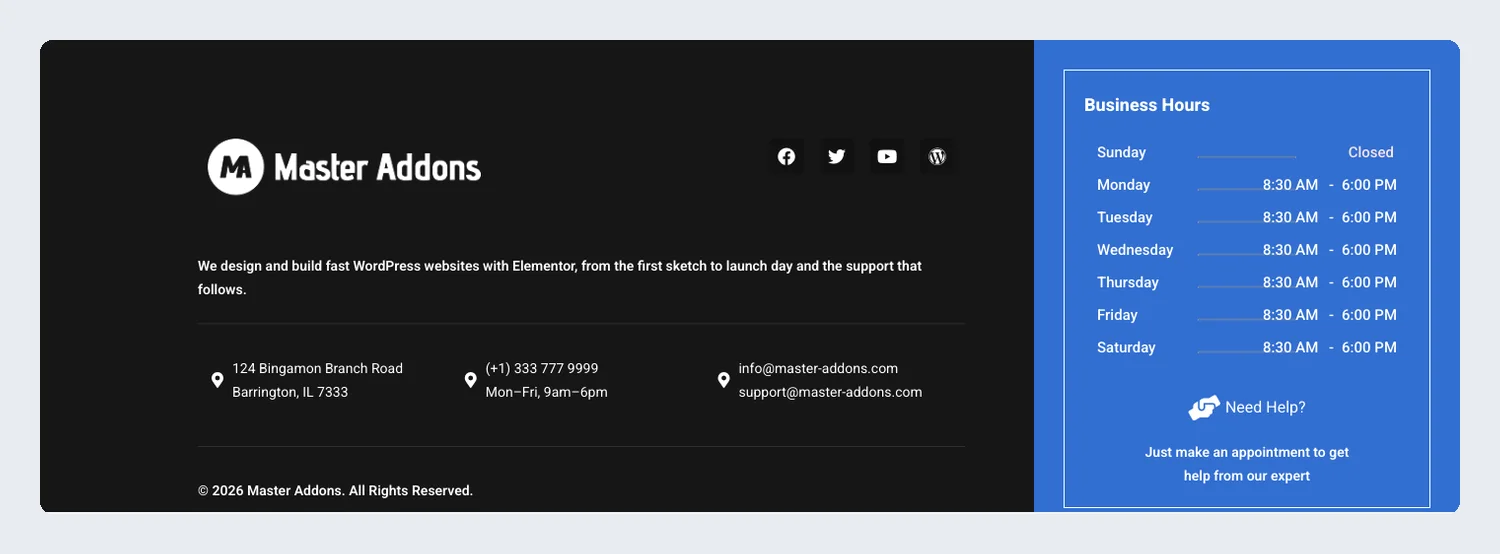
Address, phone and email on the left and a blue business hours card on the right.
26. Payment Icons Store: Elementor store footer template
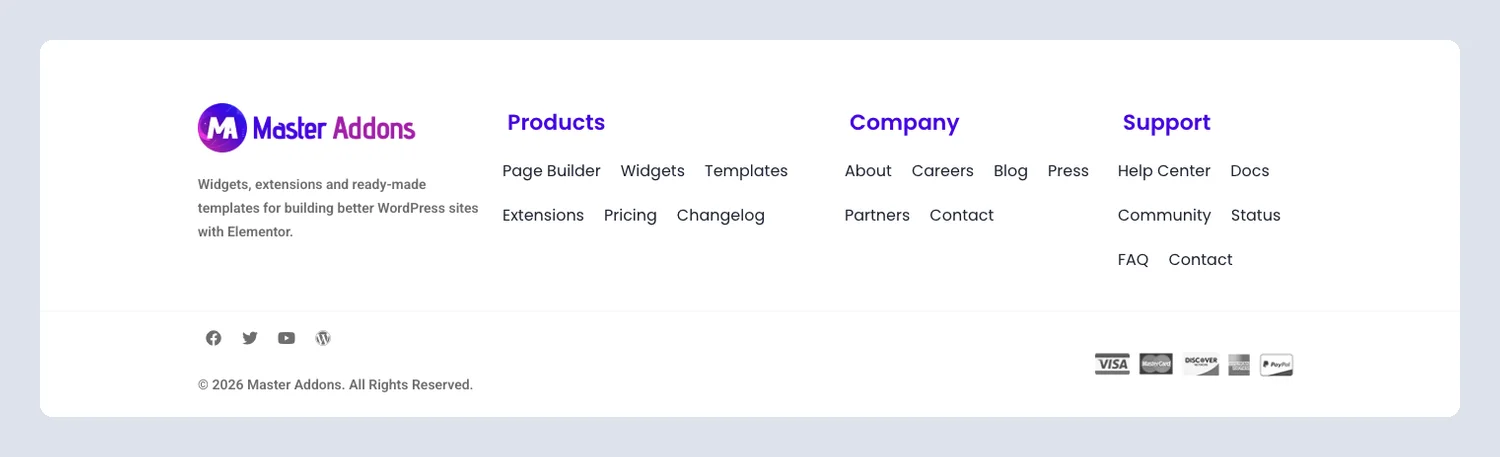
Product, company and support links with Visa, Mastercard and PayPal icons under them. Shoppers see which cards you take before checkout.
27. Sartivo: Elementor fashion store footer template
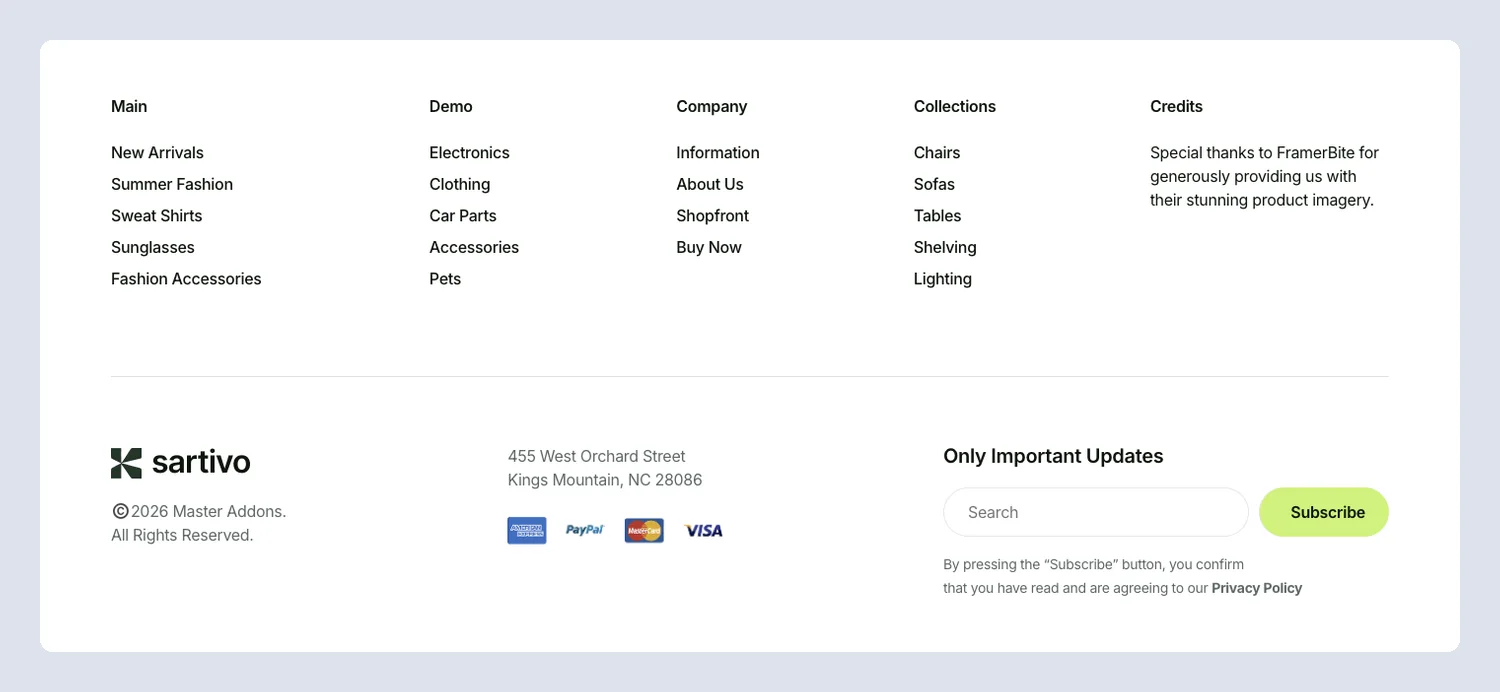
Five link columns for collections, help and company pages, with payment icons and a newsletter block. It suits a store with many categories.
Classic and minimal footer templates
Four-column footers and centered minimal ones. They fit almost any site, and several are only a logo, a menu and social links.
28. Centered Dark Contact: Elementor centered contact footer template
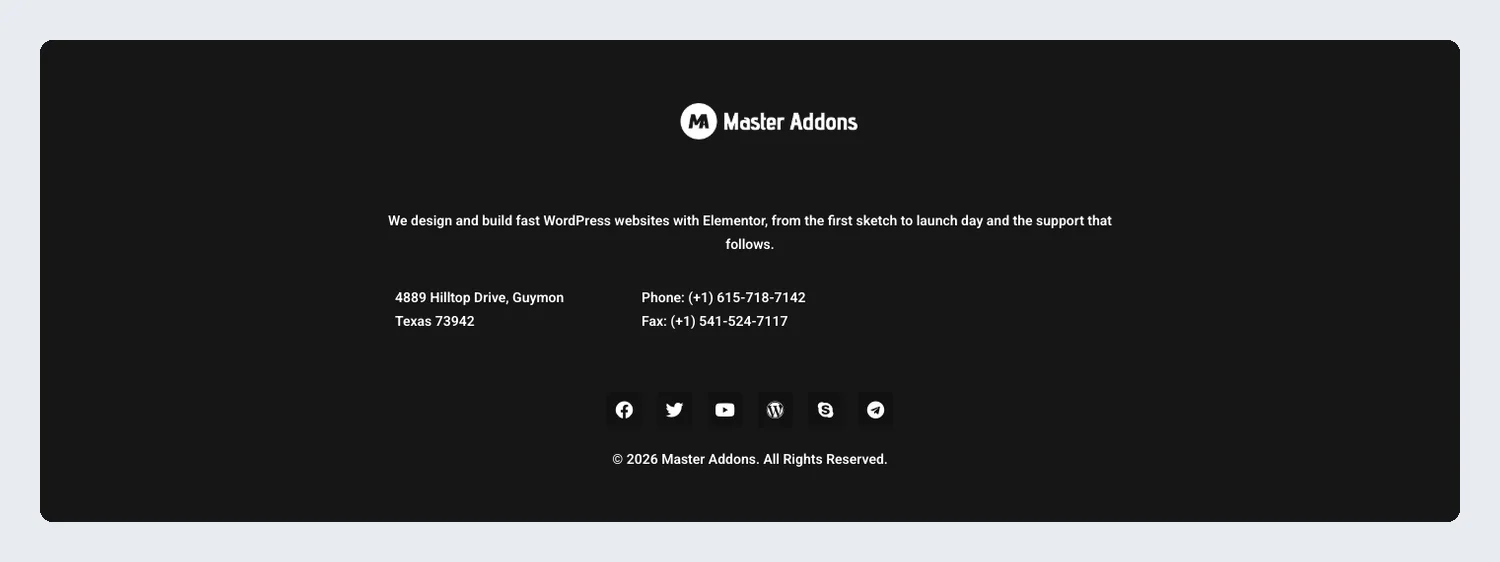
The logo, a short intro, the address, phone, fax and social icons, all centered on black.
29. Centered Social: Elementor centered social footer template

A centered logo, a row of colored social buttons and one centered menu. It is one of the two smallest footers here, next to Minimal Blue Social.
30. Dark Instagram: Elementor dark four-column footer template
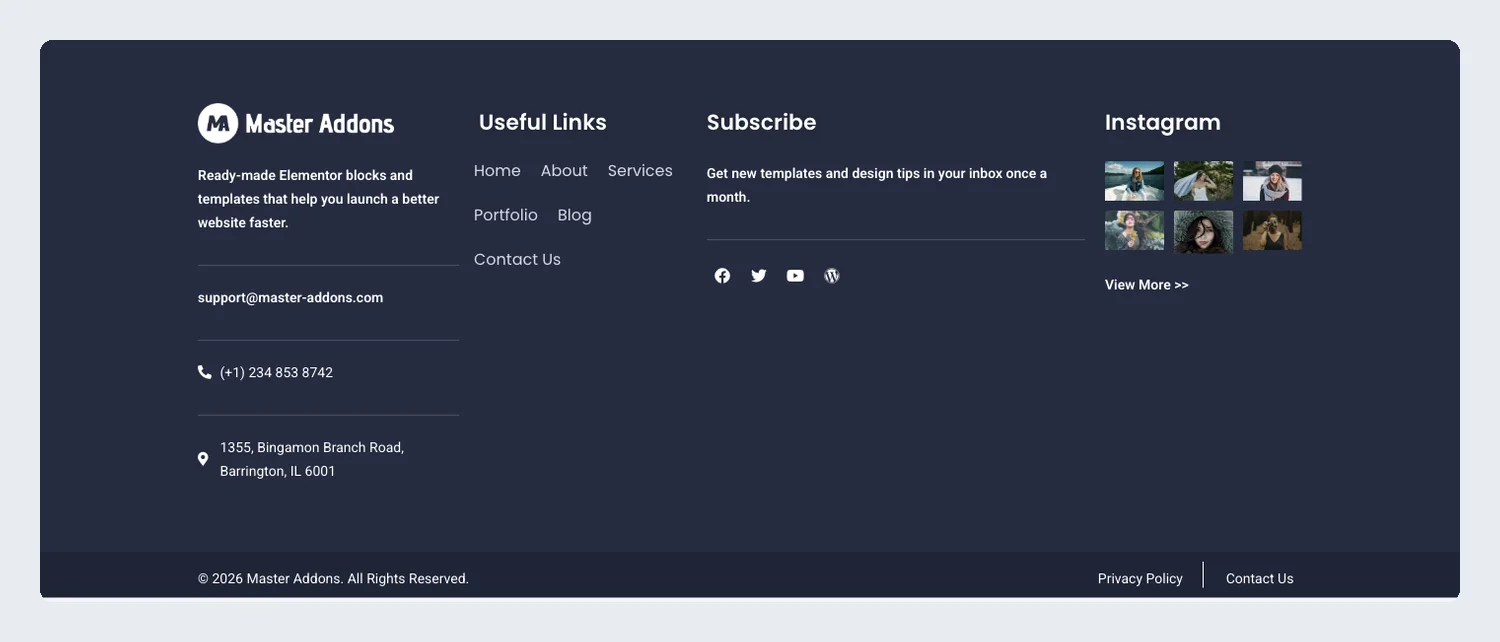
Contact details, useful links, a subscribe note and an Instagram photo grid across four dark columns, with a copyright bar at the bottom.
31. Get Directions: Elementor directions footer template
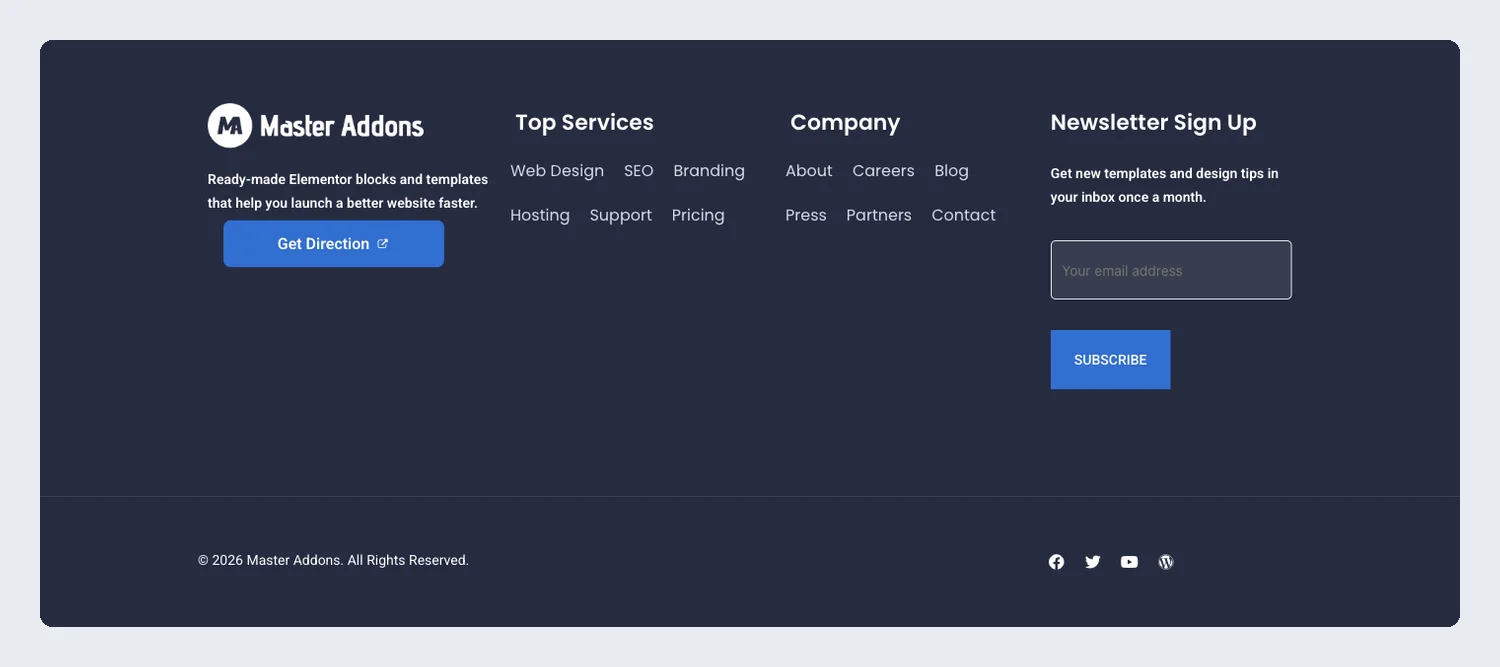
A dark footer with a Get Direction button, services and company links and a newsletter signup.
32. Light Instagram: Elementor light four-column footer template
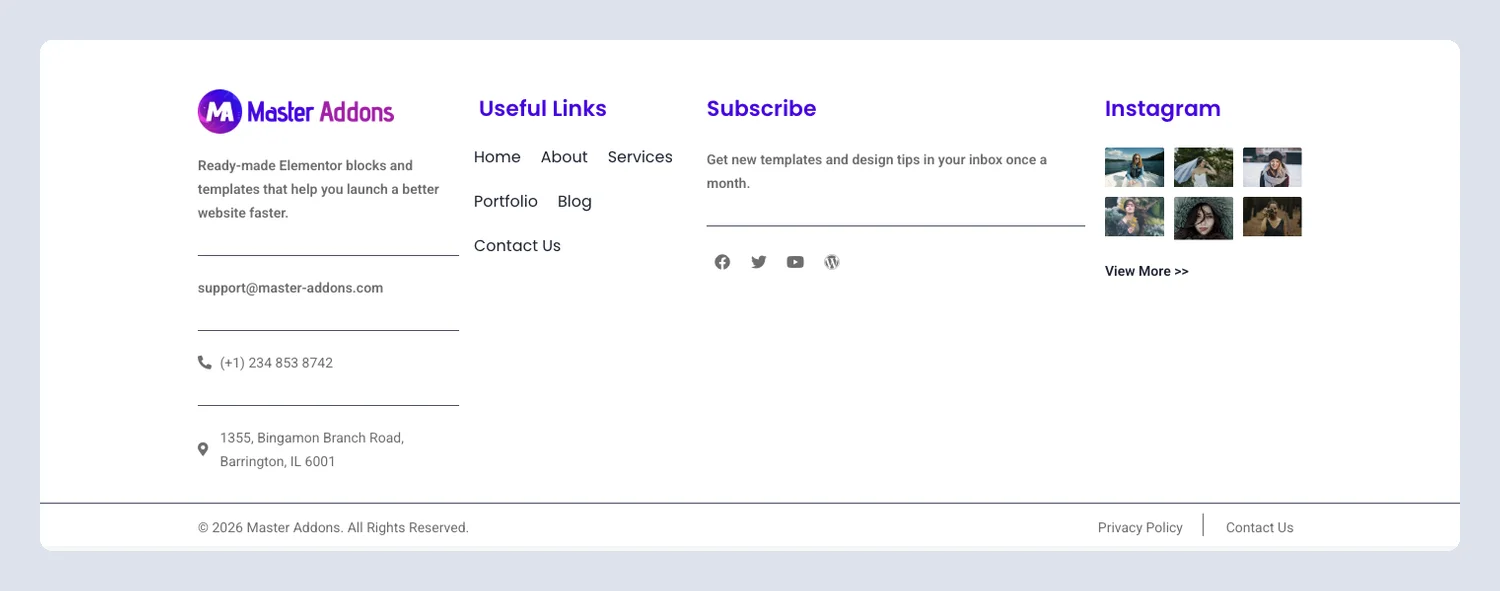
The same four-column layout on white, with a View More link under the Instagram grid.
33. Minimal Blue Social: Elementor minimal footer template

A blue footer with a centered logo and labeled Facebook, Twitter, Dribbble, Behance and Instagram links.
34. Online Courses: Elementor online course footer template
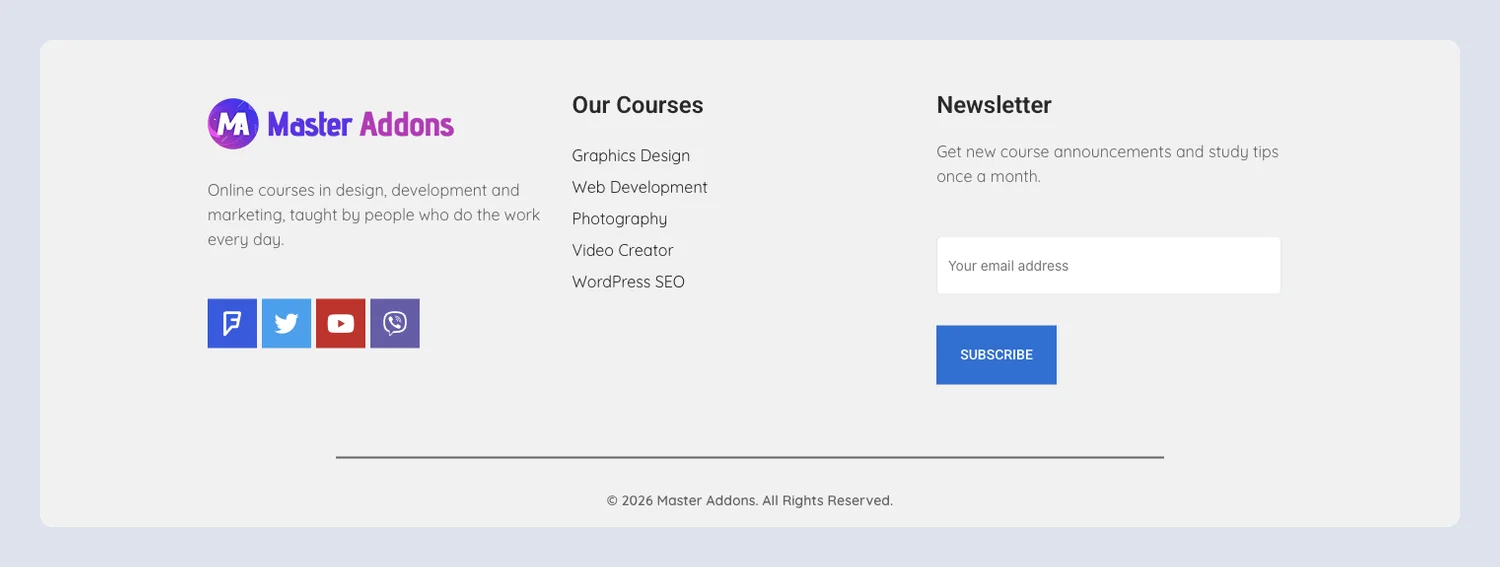
A light footer with a courses list, colored social buttons and a newsletter signup for course announcements.
Which footer template fits your site?
| Your site | Footer that usually works | Start with |
|---|---|---|
| SaaS or app | Trial prompt above the links, three or four link columns | Finix, Optivue, Sempla |
| Agency or freelancer | Big headline card with one contact button | Techbyte, Clowdify, Grip |
| Local service business | Phone, address and opening hours in plain view | Dental, Plumbiq, Cleaner |
| Restaurant or cafe | Page links and a photo grid | Culinary, Dark Instagram |
| Online store | Category columns, payment icons, newsletter | Sartivo, Payment Icons Store |
| Blog or course site | Latest posts or a courses list with a signup | Blog and Business Hours, Online Courses |
| Portfolio or one-page site | Centered logo with social links | Centered Social, Minimal Blue Social |
What to put in a website footer
A website footer should hold the things visitors look for when they cannot find them in the menu. Most good footers include these seven items:
- Your logo and a one-line description, so someone who landed on a deep page knows whose site it is.
- Links to the pages people look for most: pricing, services, about, contact, careers, help or docs.
- Contact details: phone, email and address, with the phone and email as clickable links.
- Opening hours, if you have a shop, clinic or office people visit.
- Social profile links that point to your real accounts.
- Legal links: Privacy Policy, Terms, and a cookie or accessibility page if you need one.
- A copyright line with the current year. An old year makes a site look abandoned.
Two optional extras are worth the space on most sites: a newsletter form or a short call to action. If you collect emails, our list of the best WordPress newsletter plugins can help you pick the tool behind the form. For a local business, the Business Hours widget keeps opening times in one table you can update.
Website footer design: what works and what to avoid
We checked all 34 footers at desktop and phone widths before writing this post, and every problem we found was fixed in the live demos. That audit is a handy list of what to look for in your own footer.
What the best website footers do
- Give each column one job. Sempla splits Pages, Utilities, Resources and Help, so a visitor scans the headings and knows where to look.
- Put one action above the links. Finix, Optivue and Clowdify ask for a trial before the link columns, which catches visitors who read to the end.
- Make contact details clickable. Phone numbers should use
tel:links and email addressesmailto:, so a tap on a phone starts the call or opens the mail app. - Match the header. Kit footers such as Cleanery, Tecpart and Balanciq reuse the header colors and width, so the top and bottom of each page match.
- Keep contrast high on dark backgrounds. Light grey links on navy or black are easy to read, while mid-grey labels are not.
Common footer design mistakes
These came up again and again in the original templates. All of them are fixed now, and they are worth checking in any footer you build or buy:
- Placeholder text left in: seventeen footers still had Lorem Ipsum or sample copy, and a few named the wrong brand, such as the Finix footer that said “try termix for free”.
- The same links in every column: nine footers repeated the same links under different column headings. Build a separate WordPress menu for each column.
- Labels that do not match the value, such as “Phone:” above an email address.
- Low-contrast buttons and text: one demo button had white text on light green at 2.0:1. WCAG asks for 4.5:1 for normal text.
- Signup forms with no submit button, or a raw shortcode showing because the form plugin was missing.
- Social icons with no link, and a copyright year that is several years old.
Mobile website footer tips
On phones, a four-column footer becomes one long column, so order matters. Put contact details and the most used links first and the newsletter after them. Make links and buttons at least 44px tall, and check that no element sticks out past the screen edge, which causes sideways scrolling. In Elementor, switch to the mobile view in the editor and set column widths to 100% if a container does not stack by itself.
For more layout ideas, the Nielsen Norman Group has a useful guide to footer design patterns with examples of what to include for different kinds of sites.
How to add an Elementor footer template to your site
A footer is a Theme Builder template: you build it once and it appears at the bottom of every page. The footer builder in Master Addons is free and works with core Elementor, so you do not need Elementor Pro.
The video below takes one of these footers from the template library to a live site. The same steps are written out under it.
- In your dashboard, go to Master Addons → Theme Builder, click Add New Template, set the type to Footer and click Edit with Elementor.
- In the editor, click the Master Addons Templates button, open the Footers tab, pick a design and click Insert.
- Replace the logo and text, point each Nav Menu widget at your own WordPress menu, and add your real phone, email and social profile URLs. If the footer has a form, connect it to your own Contact Form 7 form.
- Open the Conditions tab, set Include → Entire Site and publish.
- If your theme still prints its own footer under the new one, turn the theme footer off in its settings or Customizer.
The footer Theme Builder guide shows each step with a screenshot. If you would rather edit your existing footer than replace it, follow our tutorial on how to edit the footer in WordPress with Elementor.
Footer, header, section or kit: which template do you need?
A footer template covers one part of the site. The same library has header templates for the top of the page, Elementor section templates for single bands such as pricing or FAQ, full Elementor page templates, and template kits that bundle a header, footer and every page in one matching style.
Footers marked Pro in the library need a Master Addons Pro license, which also unlocks the full kits most of these footers come from. The footer builder that places them on your site stays free either way.
Frequently asked questions
What is an Elementor footer template?
A ready-made footer saved as an Elementor template. It usually holds the logo, key page links, contact details, social links and the copyright line. You insert it into a Theme Builder footer so the same footer appears at the bottom of every page.
How do I add a footer in Elementor?
Go to Master Addons → Theme Builder, add a new template with the type Footer and open it in Elementor. Insert a design from the Footers tab of the Master Addons template library, edit the text and links, set the condition to Include → Entire Site and publish.
Is there a header and footer builder in Elementor?
Elementor Pro has one. Master Addons also has a Theme Builder with header and footer templates, and its header and footer builders are free, so you can build a site-wide footer with core Elementor and Master Addons alone.
What should I include in a website footer?
Your logo and a one-line description, links to the pages people look for most, contact details, social profile links, legal pages such as Privacy Policy, and a copyright line with the current year. Add a newsletter form or a call to action if you want one more conversion point.
What makes a good footer design?
A good footer is easy to scan and has real content in it. Each column has its own purpose, link text has at least 4.5:1 contrast against the background, contact details are clickable, and the layout stacks cleanly into one column on phones.
What are common footer design mistakes?
Placeholder text left in, the same links repeated in every column, social icons with no link, a copyright year that is years old, low-contrast text on dark backgrounds, and signup forms without a submit button. We found and fixed all of these while preparing the templates on this page.
Where can I find Elementor footer templates?
Elementor Pro includes a few in its library. This page shows the 34 footers in the Master Addons template library, each with a live demo, and you insert them from the Footers tab inside the Elementor editor.
Pick a footer, set it once
Choose the group that matches your site, insert the footer that fits and swap in your own details. If you change your mind later, open the same Theme Builder template, delete the old design and insert another. The display condition stays as it is.
Related reading: how to import an Elementor template, Elementor header templates and Elementor’s own guide to creating a footer.
