

Table of Contents
An Elementor header template is the top bar of a website saved as a ready-made design: the logo, the menu, a button and often a contact bar above them. You add it once with a theme builder and it shows on every page.
This post collects the 43 Elementor header templates in the Master Addons library, grouped by the kind of site they suit. Each one has a screenshot and a live demo that opens in a new tab. They install from the Headers tab of the Master Addons template library and go site-wide through the Master Addons Theme Builder, so you don’t need Elementor Pro to use them.
Jump to what you came for:
- How to add an Elementor header template: five steps with the Theme Builder
- 43 header templates by site type: SaaS, local business, shop, multi-row and minimal
- Which header layout fits your site: a quick table to narrow it down
- Frequently asked questions
How to add an Elementor header template to your site
A header is a Theme Builder template: it appears on every page, and you edit it in one place. Building headers in the Master Addons Theme Builder is free, and the steps below work with the free plugin and core Elementor.
In the video below, one of these headers goes straight into a Theme Builder template and then live on the whole site. If you would rather read, the same steps are written out under it.
- In your dashboard, go to Master Addons → Theme Builder, click Add New Template, set the type to Header and click Edit with Elementor.
- In the editor, click the Master Addons Templates button, open the Headers tab, pick a design and click Insert.
- Replace the logo, point the Nav Menu widget at your own WordPress menu and change the button text and link.
- Open the Conditions tab, set Include → Entire Site and save.
- If your theme still prints its own header above the new one, turn the theme header off in its settings.
The header Theme Builder guide covers the same steps with a screenshot for each one, including how to exclude a page or give one landing page its own header. The same Theme Builder handles the bottom of the page too, as shown in our guide to editing the footer in WordPress with Elementor. If you also need a footer, our Elementor footer templates post has 34 designs, each with a live demo.
43 Elementor header templates by site type
The 43 designs split across five groups. Jump to the one closest to your site and open two or three demos side by side before you pick.
| Header type | Designs | What they share | Where |
|---|---|---|---|
| SaaS and tech | 14 | Short menu and one trial or demo button | Jump |
| Business and local service | 7 | Phone number and a booking button | Jump |
| eCommerce and shop | 6 | Search, cart and account icons | Jump |
| Top bar and multi-row | 9 | Contact bar above the logo and menu | Jump |
| Minimal and centered | 7 | One line, few links, centered or split logo | Jump |
SaaS and tech Elementor header templates
Most of these come from the SaaS and tech kits and share one pattern: logo on the left, four or five links, and a trial or demo button on the right. Finix, Clowdify and Techbyte use dark bars, and Lead Lift sits on a cream one.
1. Shiftflow: Elementor job board header template
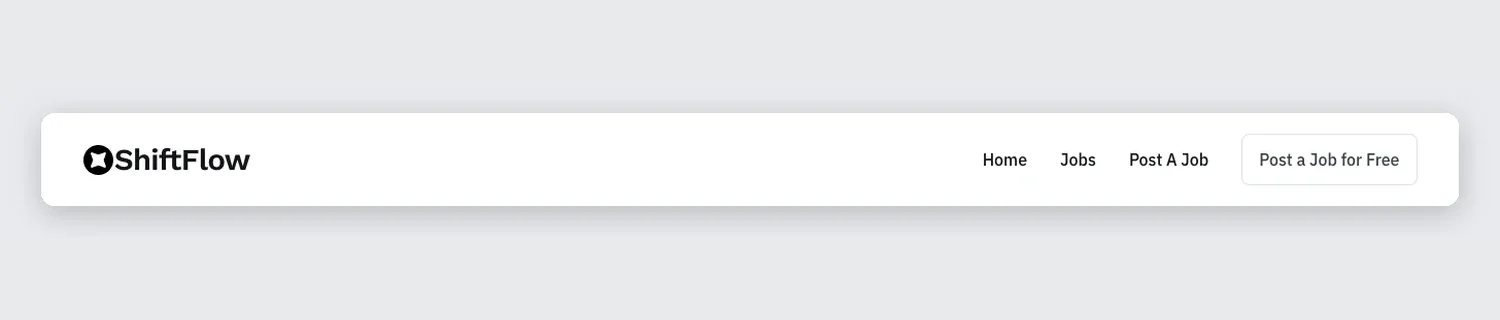
Built for a job board: Home, Jobs and Post A Job sit on the right of a white bar, followed by an outlined Post a Job for Free button.
2. Techbyte: Elementor dark tech header template
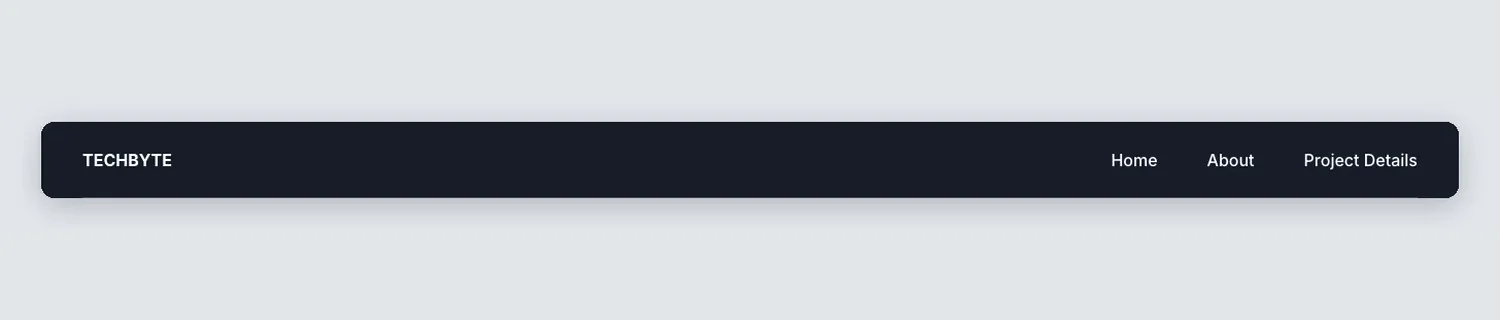
Dark navy, with the brand name on the left and three links on the right. There is no button, so it suits a portfolio or project site better than a sales page.
3. Tecpart: Elementor IT company header template

An IT services header whose All Pages dropdown holds nine inner pages, so the top level only needs three more links. The screenshot shows the dropdown open.
4. Clowdify: Elementor SaaS pill header template
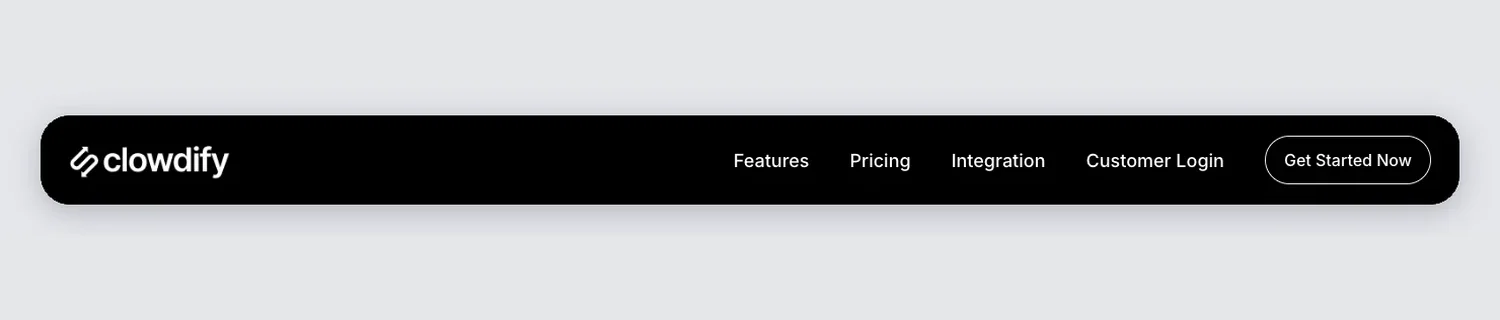
The whole header is a rounded black pill with space around it. Features, Pricing, Integration and Customer Login sit next to a Get Started Now button.
5. Craftova: Elementor SaaS header template
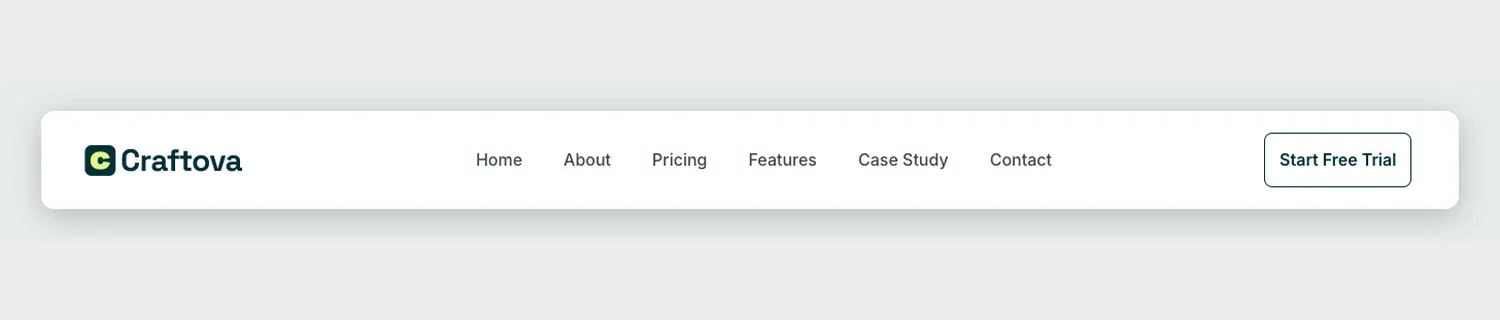
Six links, Case Study among them, and an outlined Start Free Trial button. It fits a product with more pages than the usual three-link SaaS menu.
6. Finix: Elementor dark SaaS header template
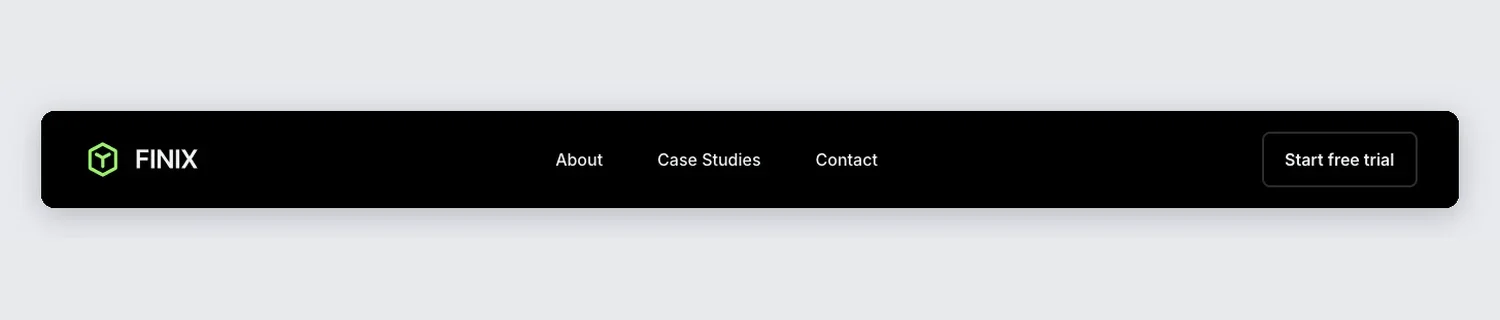
Black with a green logo mark, three links in the middle and an outlined Start free trial button. With only three links, the eye goes straight to the trial.
7. Grip: Elementor agency header template
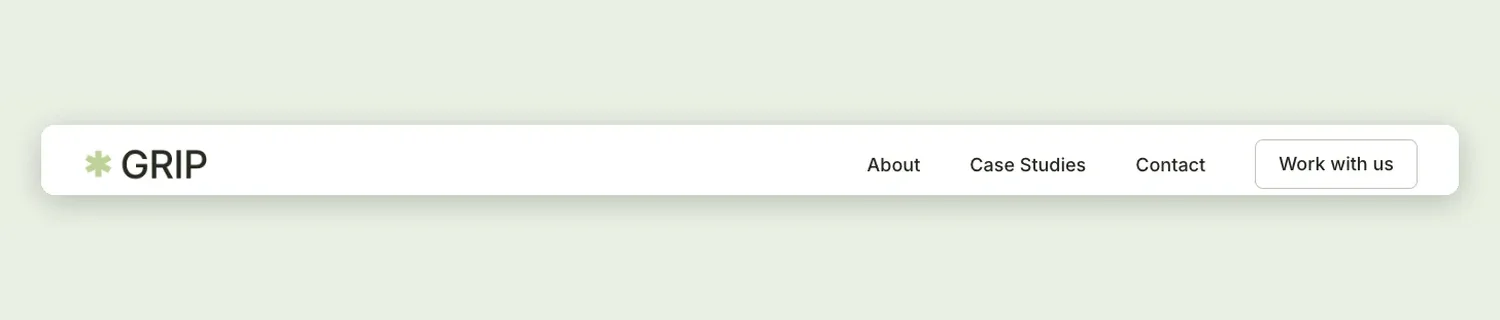
An agency header with a large wordmark, About, Case Studies and Contact, and a Work with us button where a SaaS site would put its trial.
8. Klyro: Elementor software demo header template
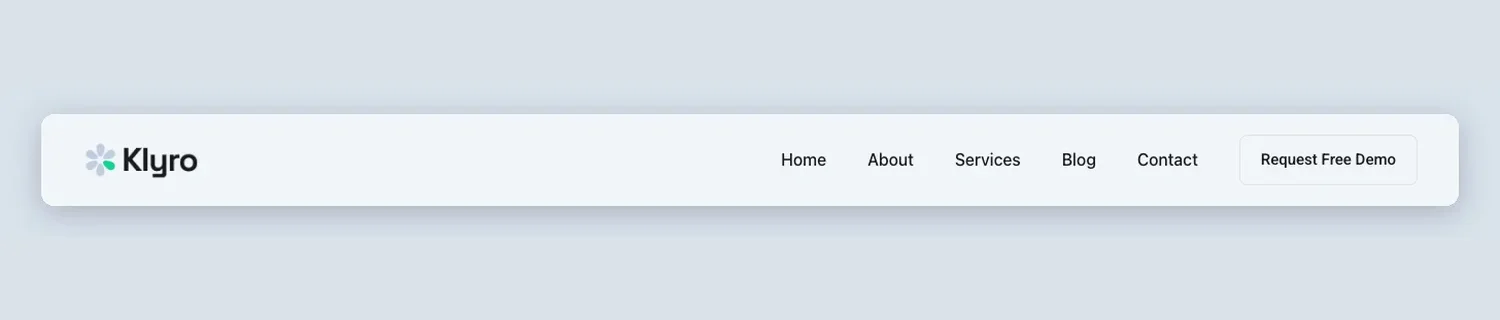
Five links on a pale grey bar and a Request Free Demo button, for software that sells through a demo call.
9. Lead Lift: Elementor startup header template
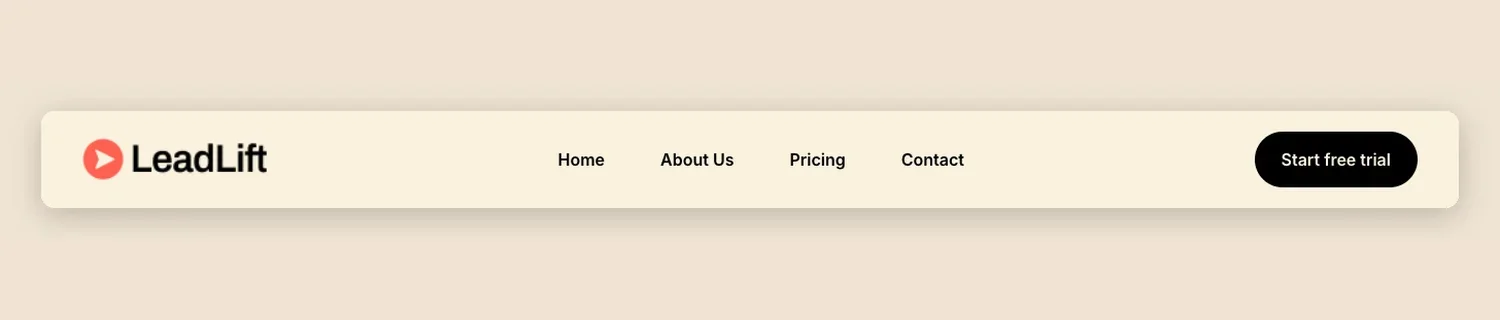
A cream bar with bold link text and a black pill that says Start free trial. It is the warmest of the SaaS headers here.
10. Nexis: Elementor SaaS header template
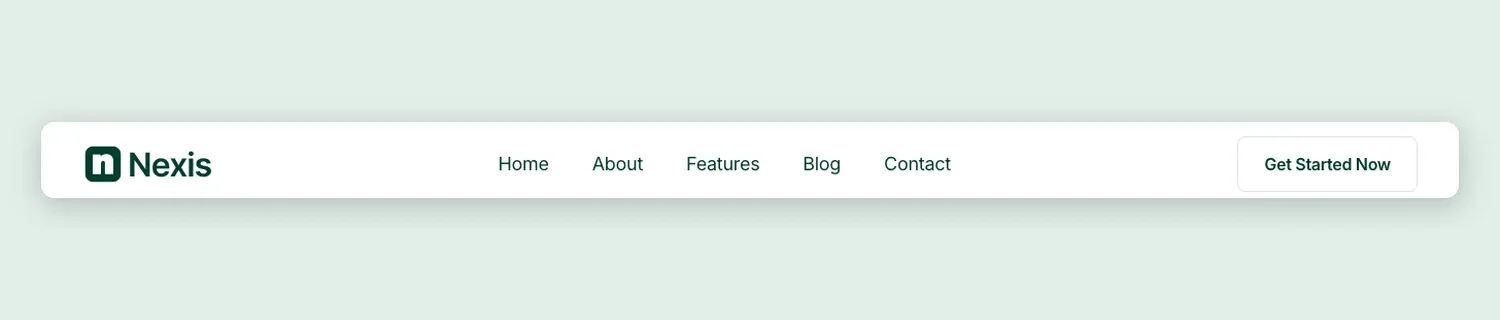
Five links spaced across the middle, a deep green logo and a Get Started Now button with a light border.
11. Optivue: Elementor SaaS header template
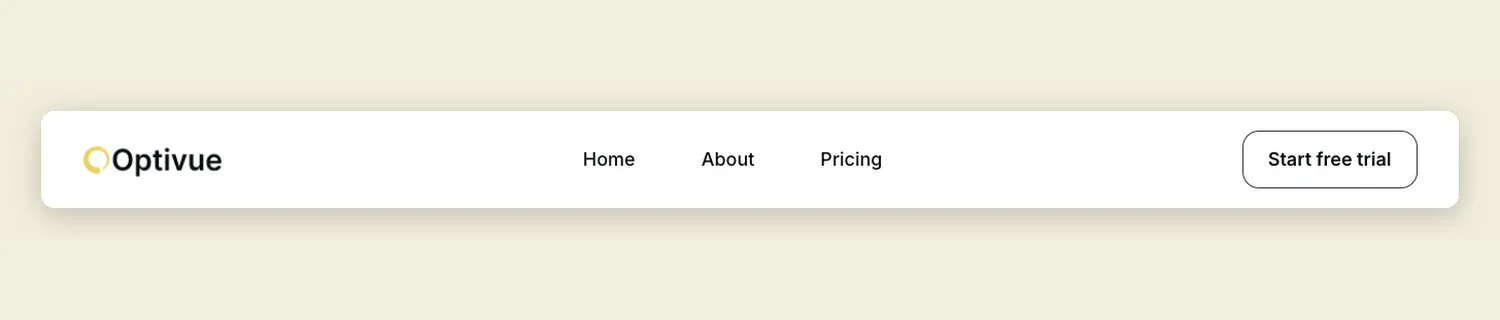
Three links centered in a white bar and a rounded Start free trial button on the right. There is very little to read, so the button does the work.
12. Sabrion: Elementor SaaS login header template
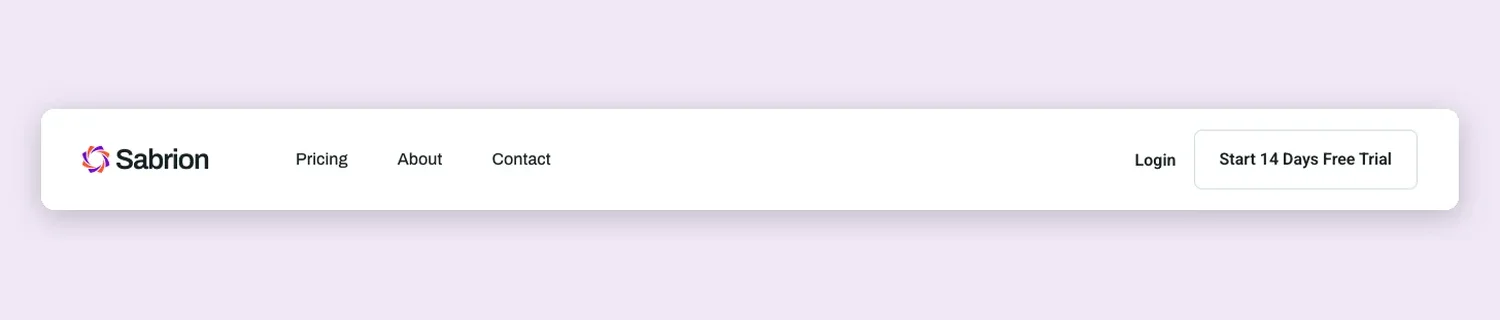
Pricing, About and Contact next to the logo, then a Login link and a Start 14 Days Free Trial button. Login stays plain text so it doesn’t compete with the trial.
13. Sempla: Elementor SaaS header template
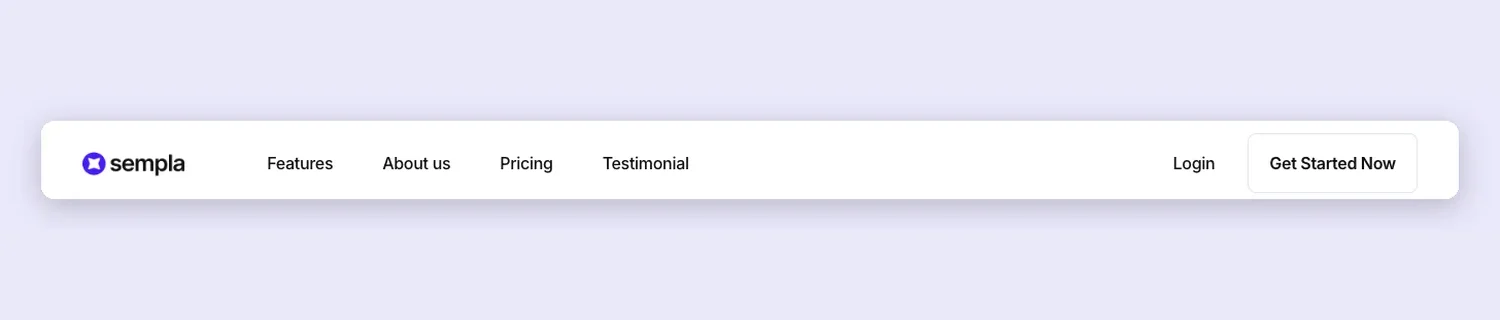
Features, About us, Pricing and Testimonial beside the logo, with Login and Get Started Now grouped on the right.
14. Zaplyte: Elementor app header template
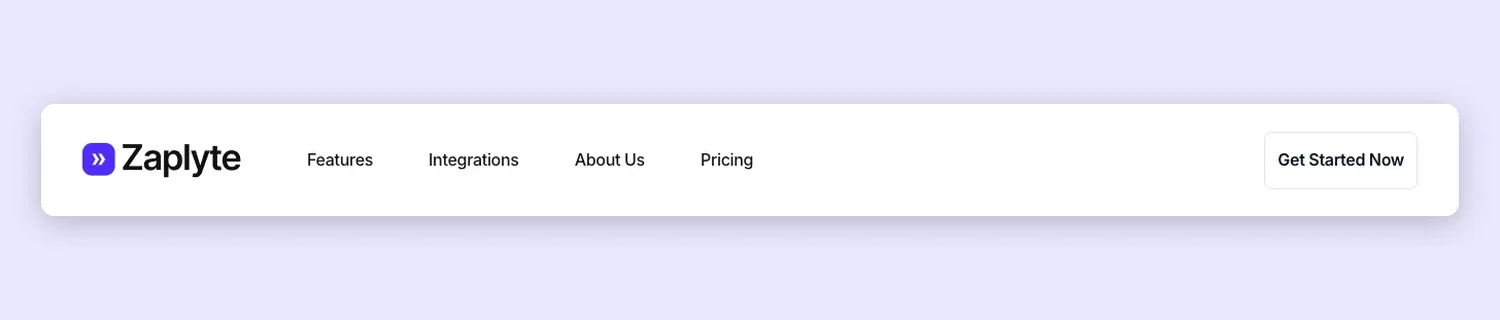
The links sit right after the logo instead of in the middle, which leaves open space before the Get Started Now button.
Business and local service header templates
Headers for cleaning companies, dentists, plumbers, a therapy clinic, a restaurant and a real estate agency. Most add a top bar with a phone number or social links, and the main button books an appointment, a call or a table.
15. HomeAxis: Elementor real estate header template
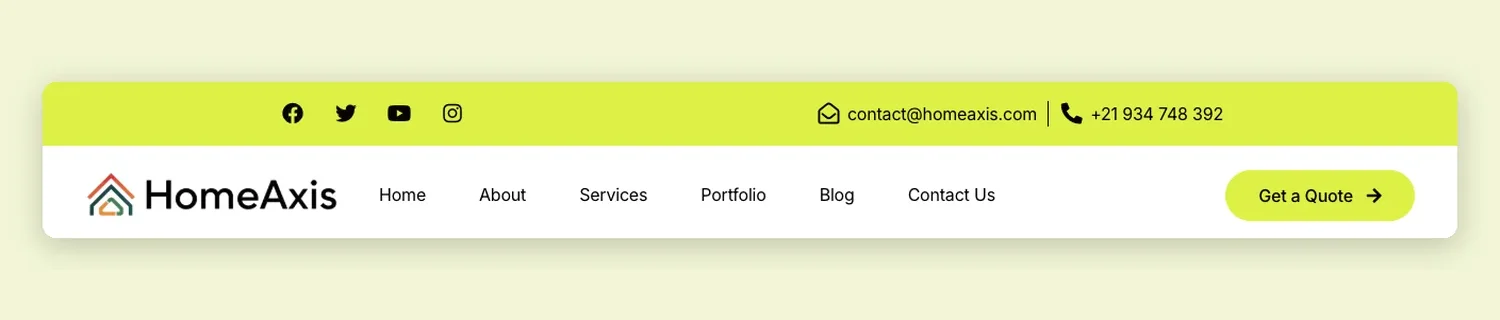
Social icons, an email address and a phone number ride in a lime top bar. The main row has six links and a matching Get a Quote button with an arrow.
16. Balanciq: Elementor therapy clinic header template
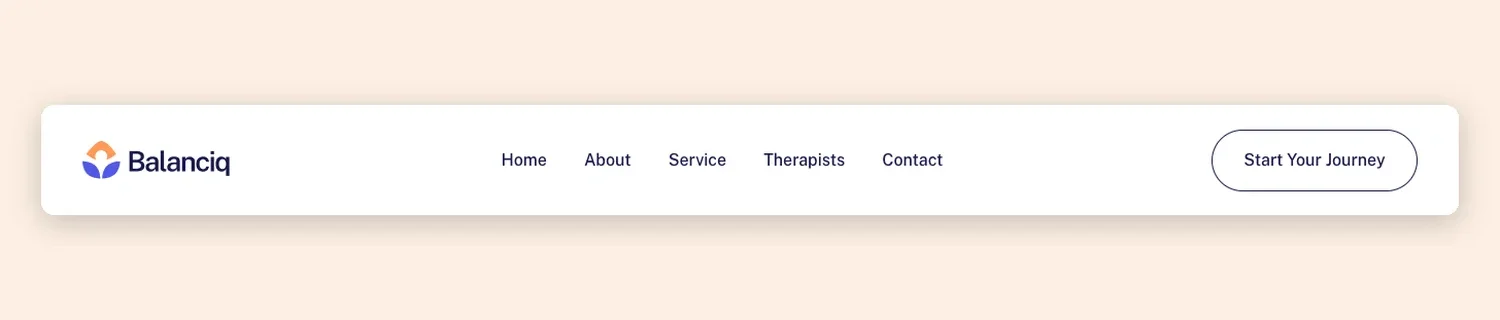
Home, About, Service, Therapists and Contact with a rounded Start Your Journey button. Soft colors and plenty of space, which suits a clinic.
17. Cleaner: Elementor cleaning service header template
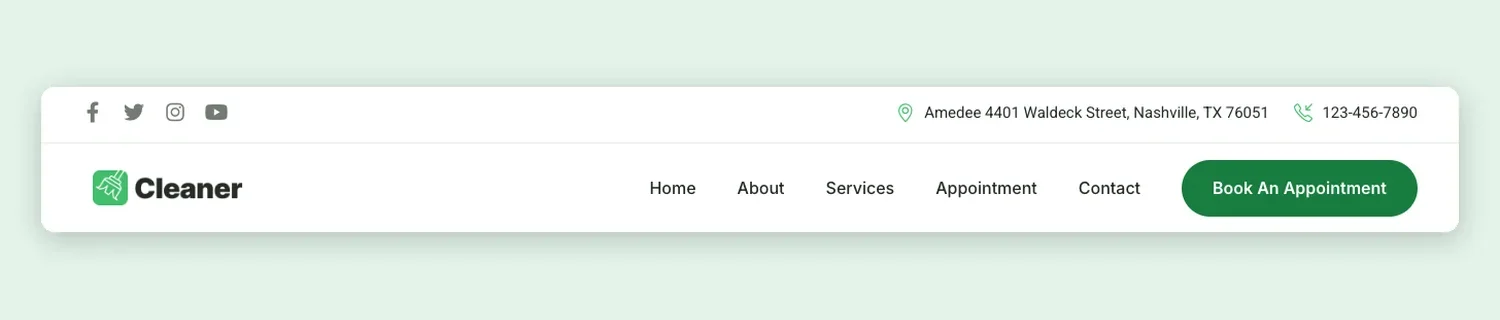
Social icons, a street address and a phone number share a slim top bar. The main row has five links and a green Book An Appointment button.
18. Cleanery: Elementor cleaning company header template
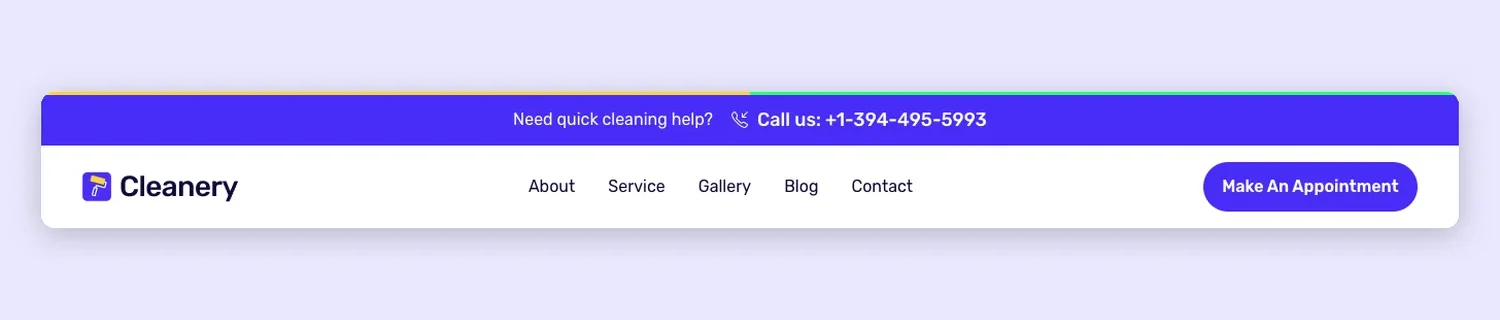
A blue top bar asks “Need quick cleaning help?” next to a call-us number. Below it are five links and a Make An Appointment button in the same blue.
19. Culinary: Elementor restaurant header template
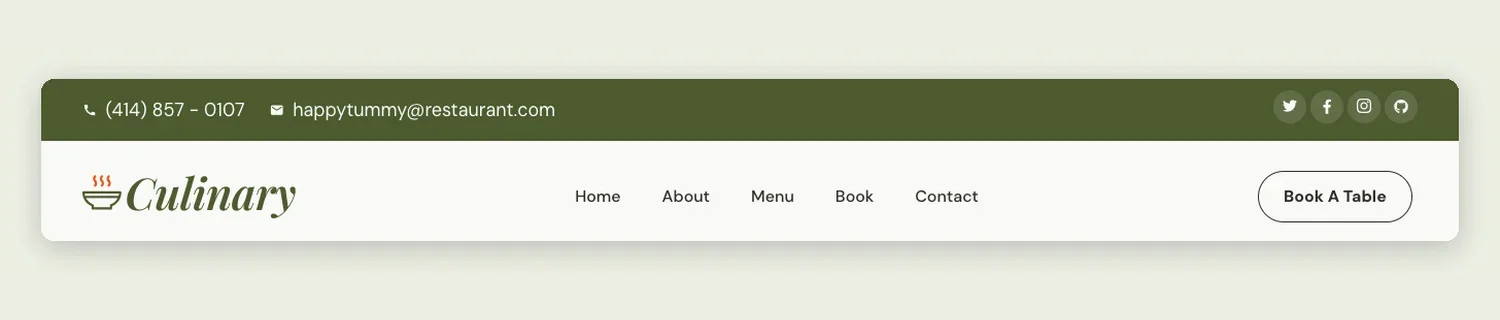
An olive top bar with phone, email and social icons above a cream main row. Book A Table is the one action it asks for.
20. Dental: Elementor dental clinic header template
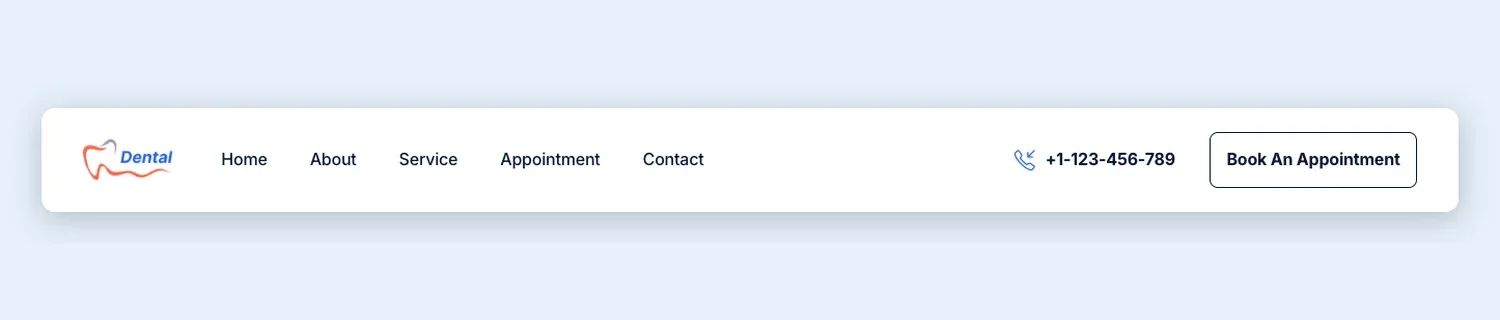
The phone number sits right beside the Book An Appointment button, so a patient can call or book from the same spot.
21. Plumbiq: Elementor plumbing service header template
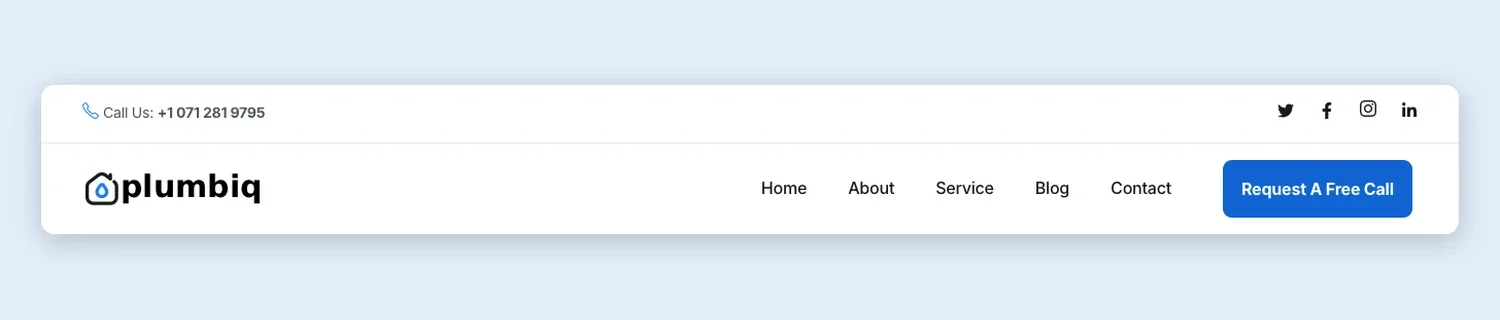
Call Us and social icons fill the top bar, with five links below and a blue Request A Free Call button.
eCommerce and shop header templates
Store headers with search, cart and account icons. Sartivo opens a category dropdown, and two of the layouts put a sale offer or promo link inside the header itself.
22. Blue Store Header with Search: Elementor store header template
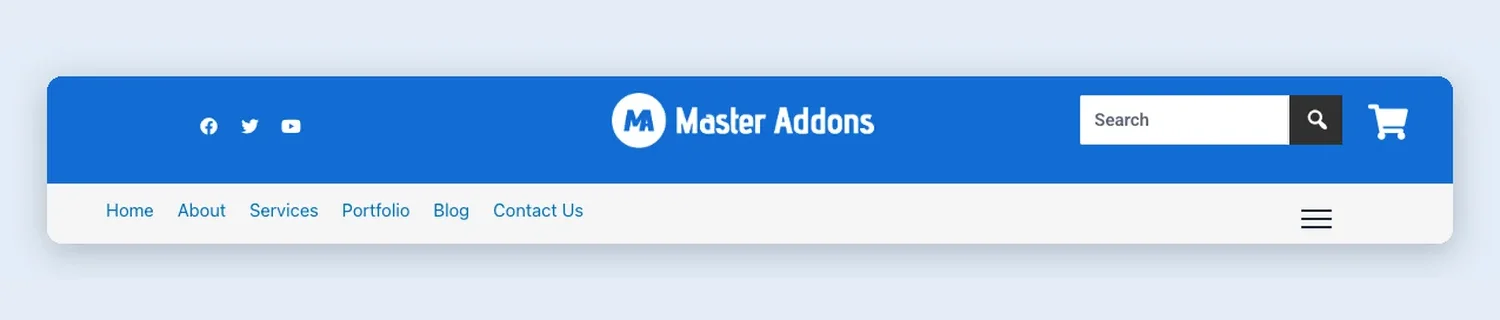
A blue top row with social icons, a centered logo, a search box and a cart. The menu row underneath ends in a hamburger for extra links. A hamburger like this usually opens an off-canvas panel holding a saved menu template.
23. Centered Logo Shop: Elementor shop header template
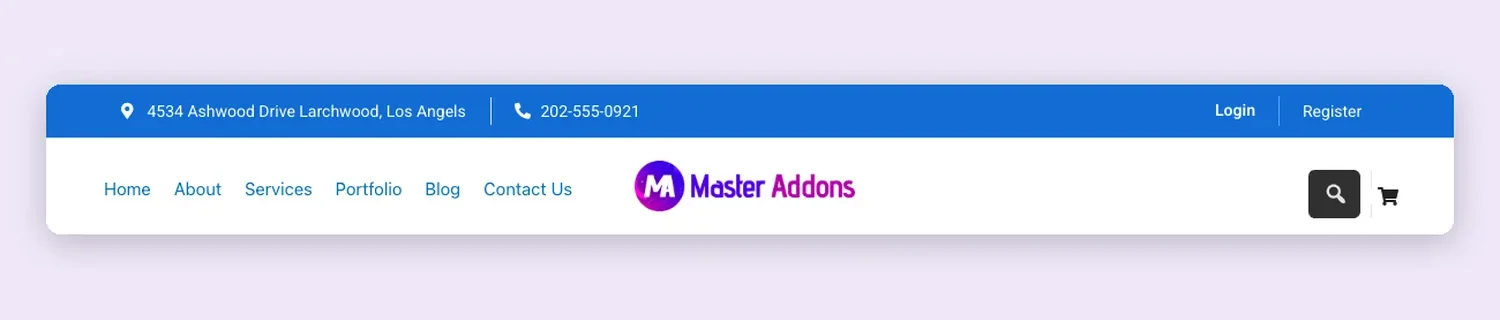
Under a blue address and phone bar, the menu sits on the left, the logo in the middle, and search and cart on the right.
24. Dark Top Bar Shop: Elementor shop header template
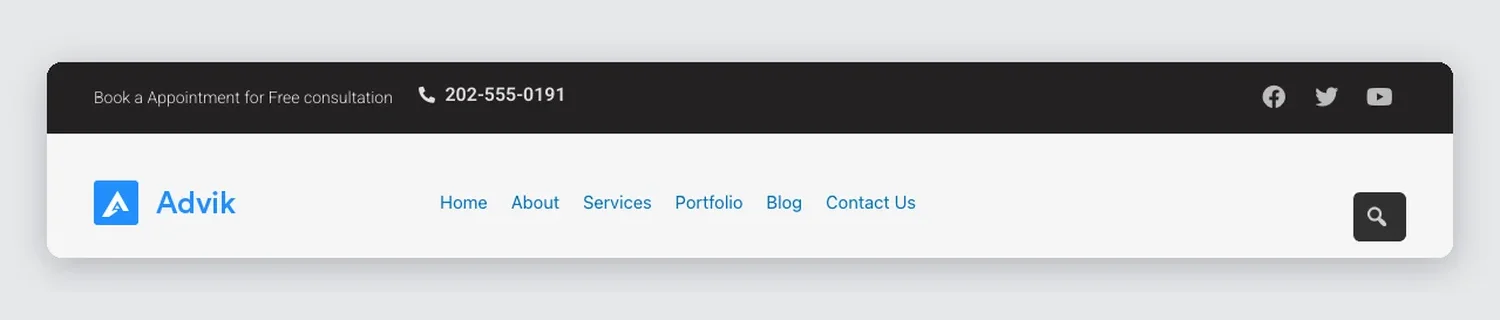
Its dark top bar offers a free consultation and a phone number. Below are the logo, six links and a search button.
25. Promo Banner Store: Elementor store promo header template
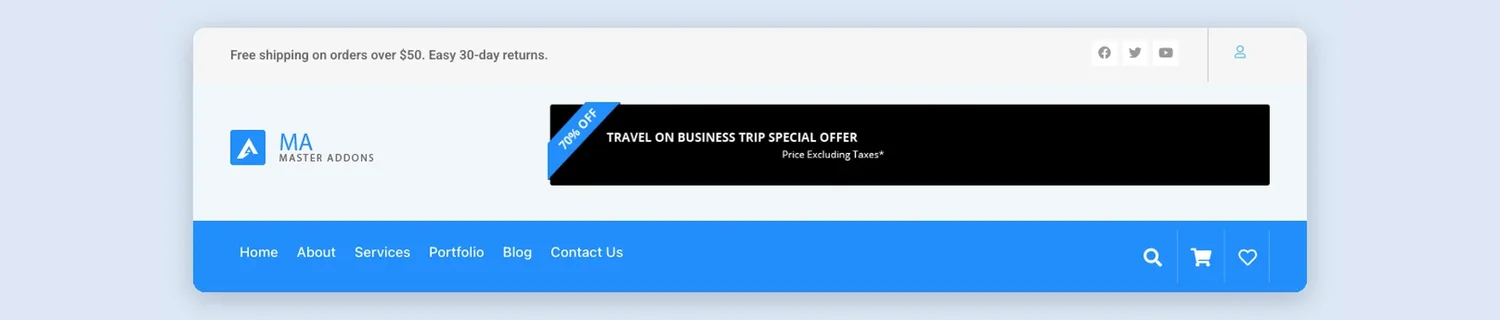
Three rows: a message line with account and social icons, the logo beside a wide offer banner, and a blue menu bar with search, cart and wishlist.
26. Search Bar Store: Elementor eCommerce search header template
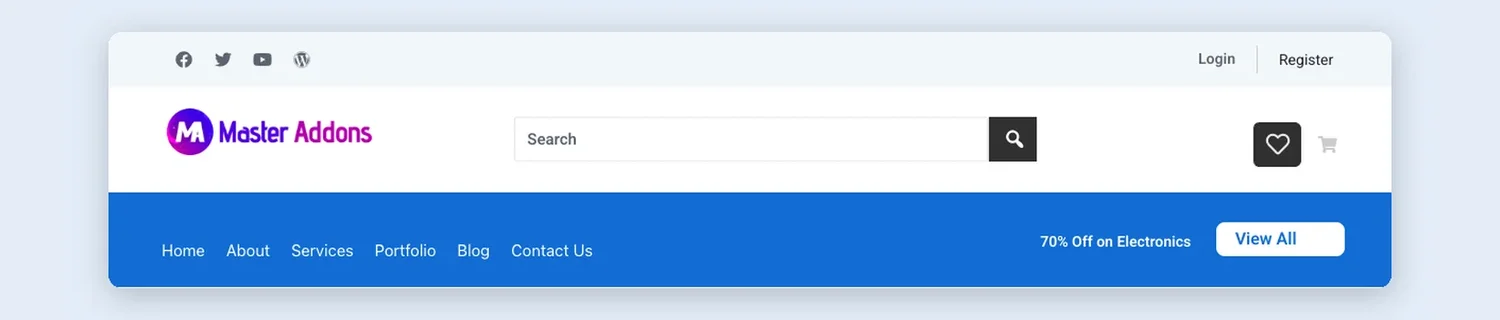
Search takes the middle of the logo row, with wishlist and cart on the right and a 70% Off on Electronics link in the menu bar.
27. Sartivo: Elementor fashion store header template
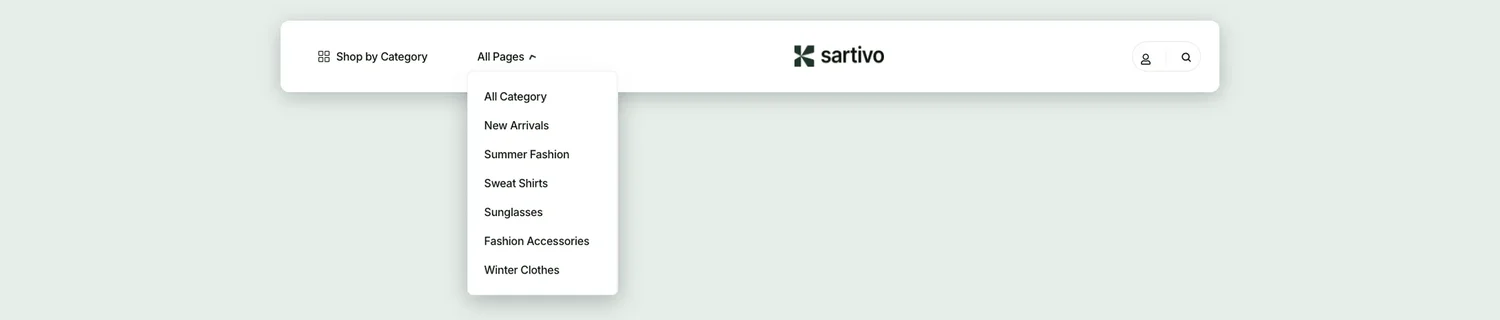
A fashion store header with a Shop by Category link, an All Pages dropdown, a centered logo and account and search icons. The screenshot shows the dropdown open.
Top bar and multi-row header templates
Headers built from two or three rows: a contact bar with phone, email or opening hours, a logo row, and a menu bar. They suit agencies, clinics and service firms that want contact details on every page.
28. Address Bar: Elementor top bar header template
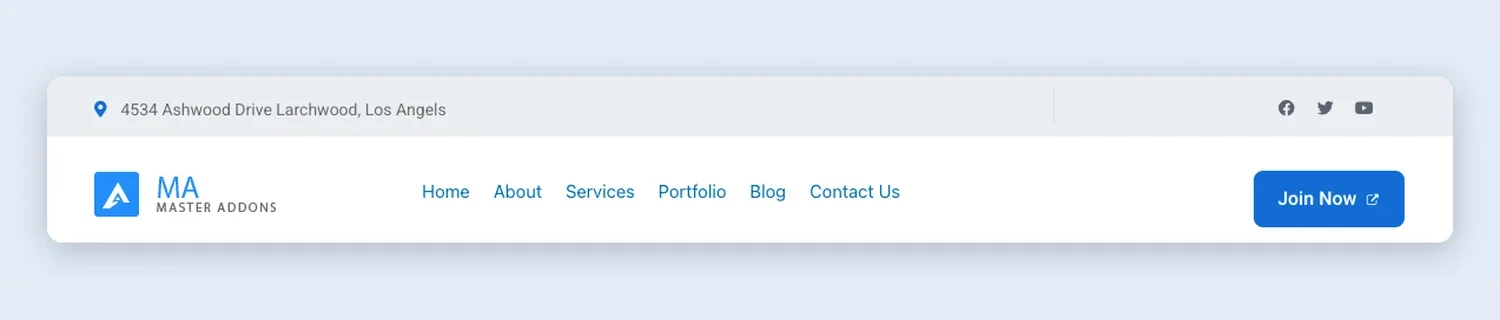
Grey top bar with an address and social icons, then the logo, six links and a blue Join Now button.
29. Angled Menu: Elementor appointment header template
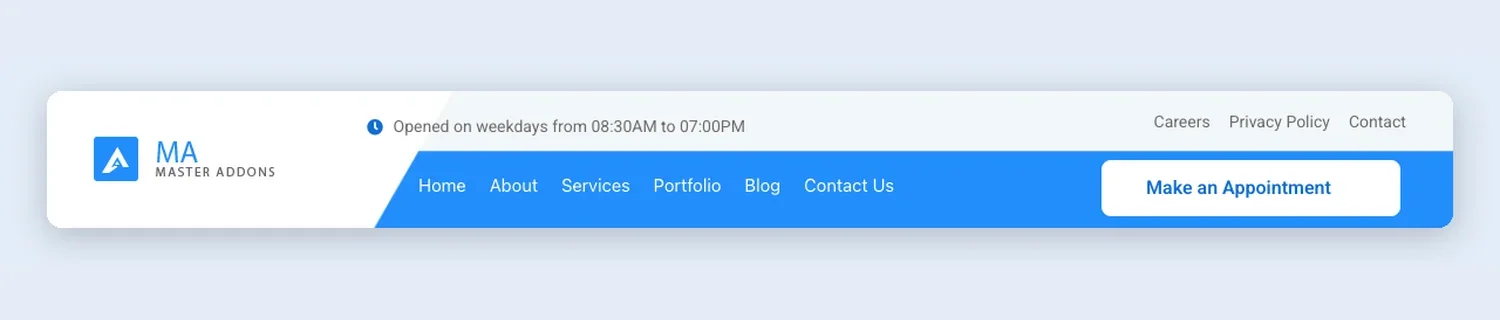
Opening hours and three small utility links sit above an angled blue menu bar that ends in a white Make an Appointment button.
30. Contact Info Header with Search: Elementor contact info header template
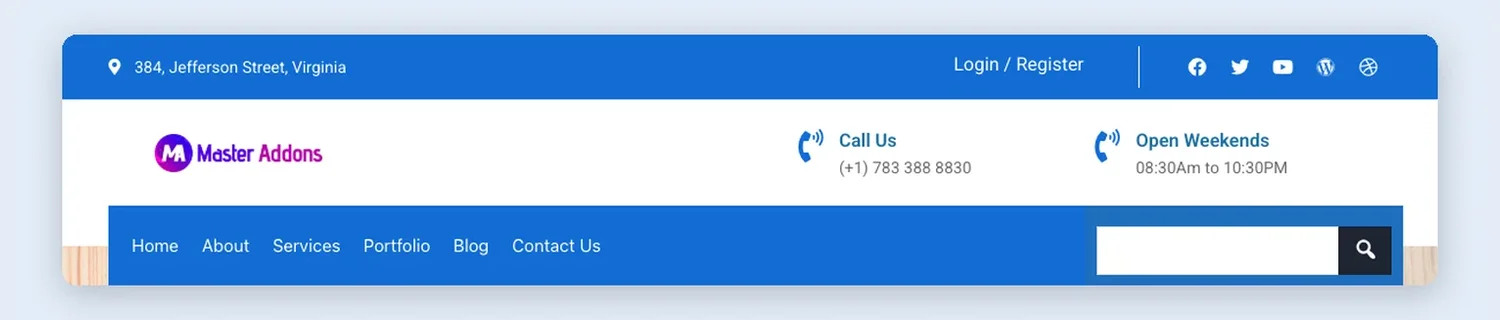
A blue bar with address, login and social icons, a logo row with Call Us and opening hours, and a boxed blue menu bar with a search box.
31. Creative Agency: Elementor creative agency header template
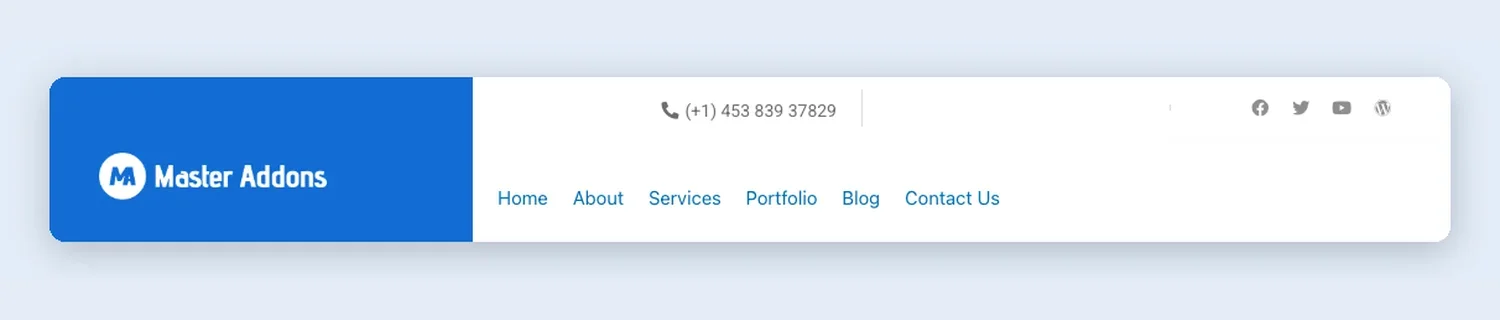
The logo gets its own large blue block on the left. A phone number and social icons run across the top, with the menu underneath.
32. Floating Menu: Elementor floating menu header template
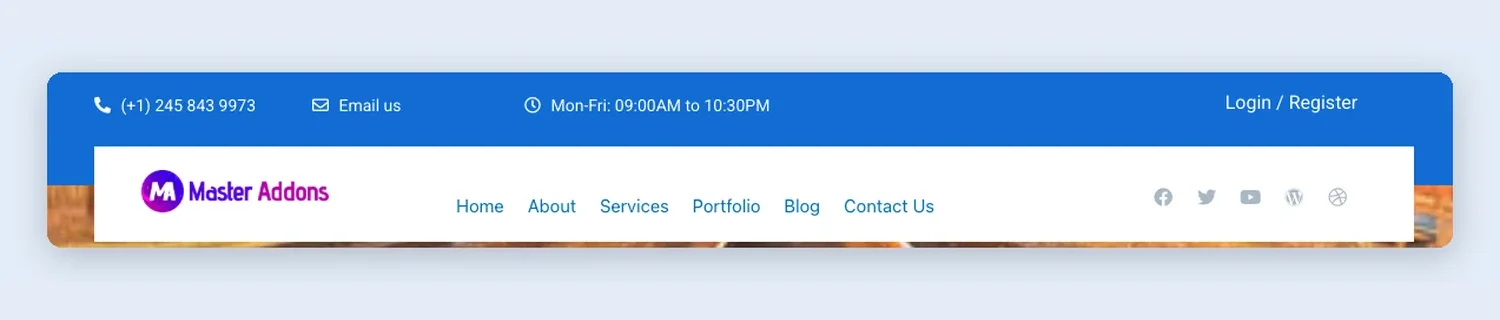
A blue bar holds phone, email and opening hours. The white menu box below overlaps the top of the page, which works well over a hero image.
33. Get Started Contact Bar: Elementor contact bar header template
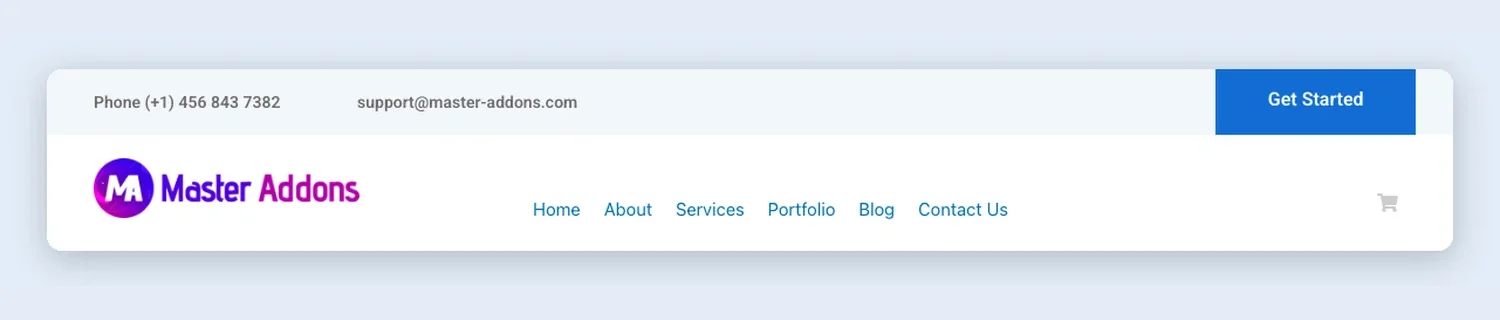
Phone and email in a light top bar with a solid Get Started block on the right, then the logo, the menu and a cart icon.
34. Medical Clinic: Elementor medical clinic header template
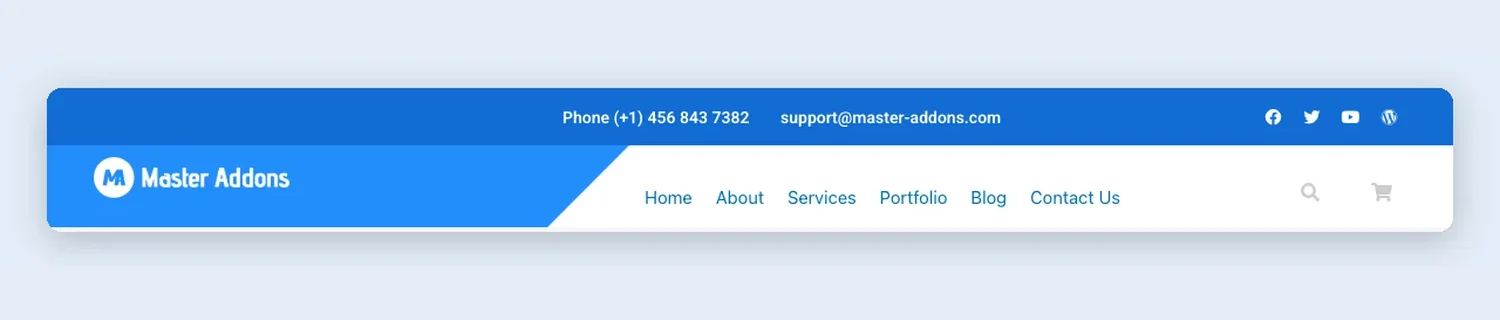
The logo sits on a diagonal blue panel. Phone and email go in the top bar, and search and cart icons end the menu.
35. Three-Row Centered: Elementor three-row header template
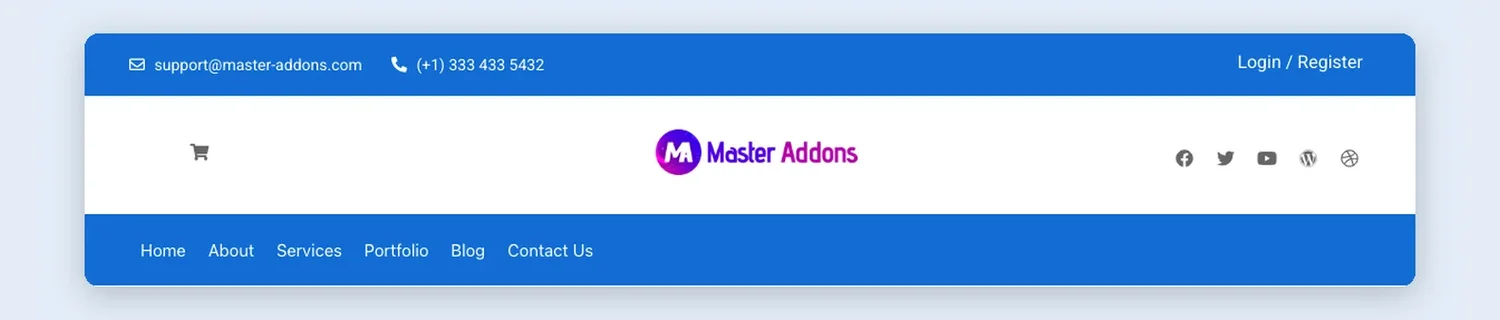
Email, phone and login in the top bar, a centered logo with a cart and social icons on either side, and a full-width blue menu bar at the bottom.
36. Visit, Call and Mail: Elementor contact details header template
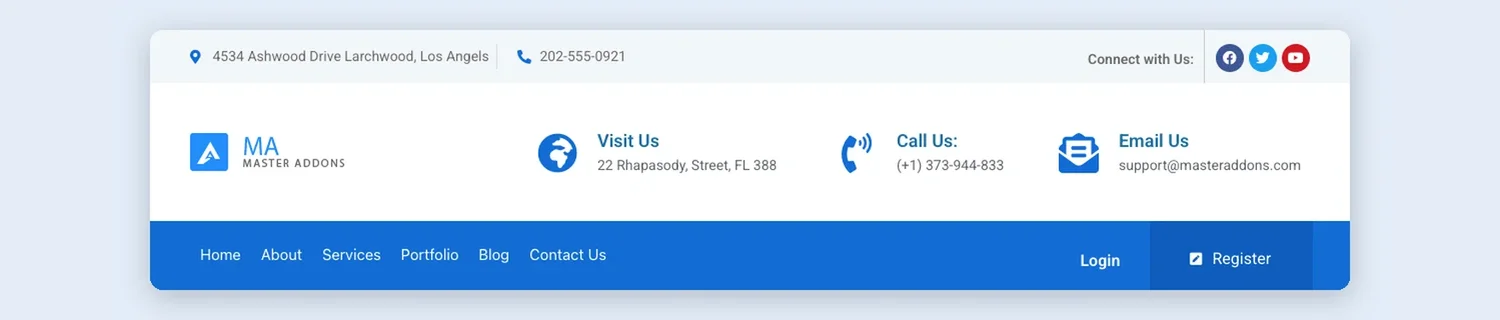
Visit Us, Call Us and Email Us blocks line up beside the logo, with a blue menu bar below that holds Login and Register.
Minimal and centered header templates
Single-line and unusual layouts: a menu split around a centered logo, a bar with a single Menu button, a stacked centered logo and a few plain logo-and-links bars.
37. Centered Logo Stacked: Elementor centered logo header template
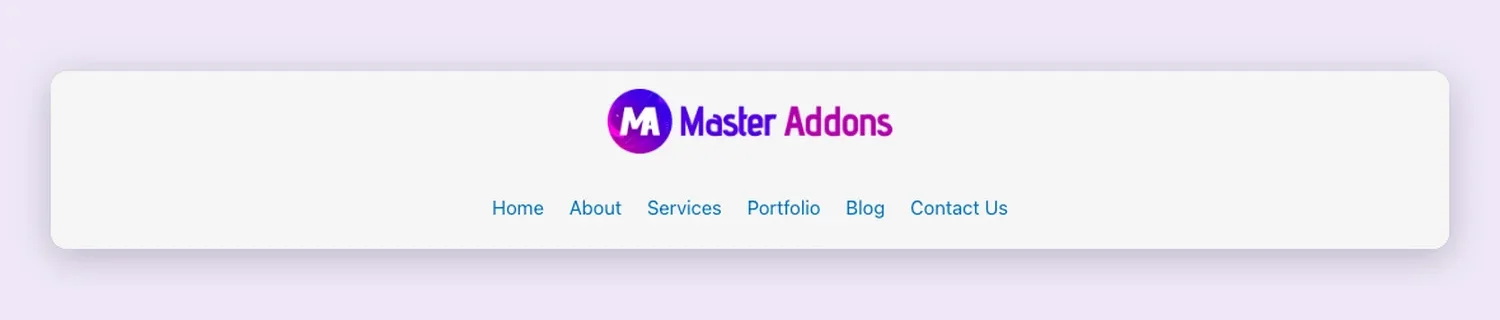
The logo sits on top with the menu centered below it, a layout that suits blogs and portfolio sites.
38. Fire Away Split: Elementor split menu header template
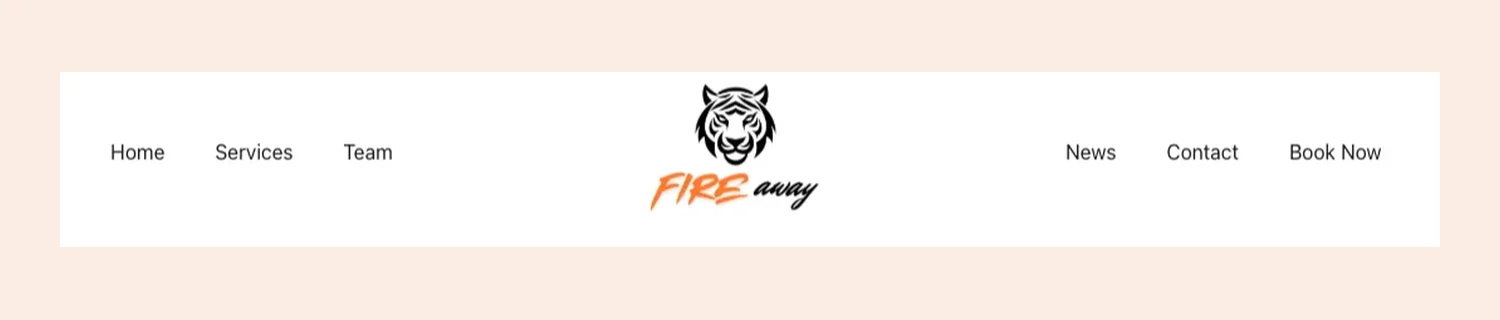
The menu is split in two, with three links on each side of a centered logo.
39. Menu Button: Elementor menu button header template
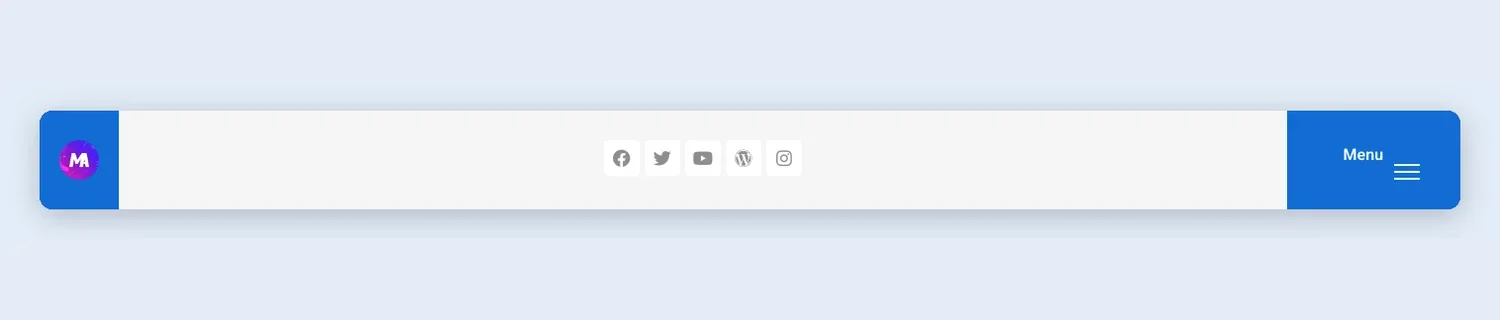
Logo on the left, social icons in the middle and a blue Menu button on the right. It works for sites with only a handful of pages.
40. Minimal Header with Social Icons: Elementor minimal header template
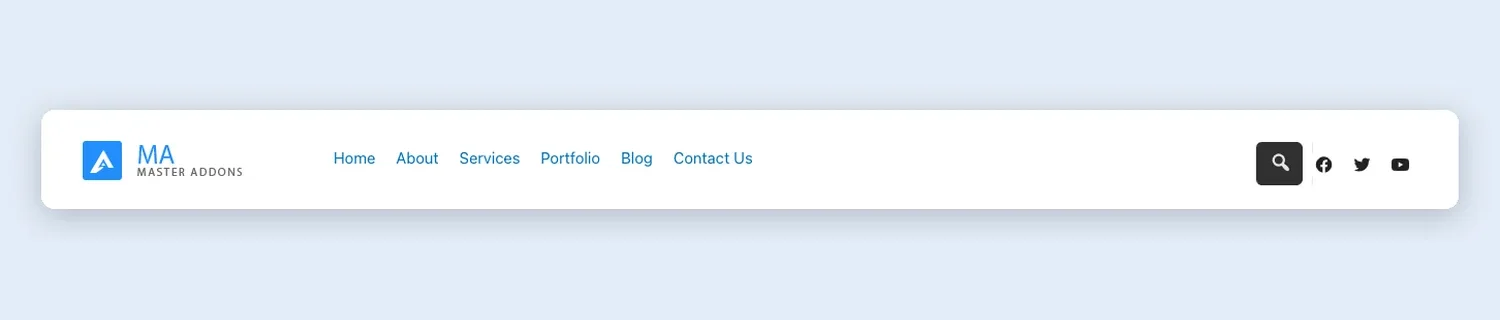
One white bar with the logo, six links, a search button and three social icons.
41. Purple Angle CTA: Elementor call to action header template
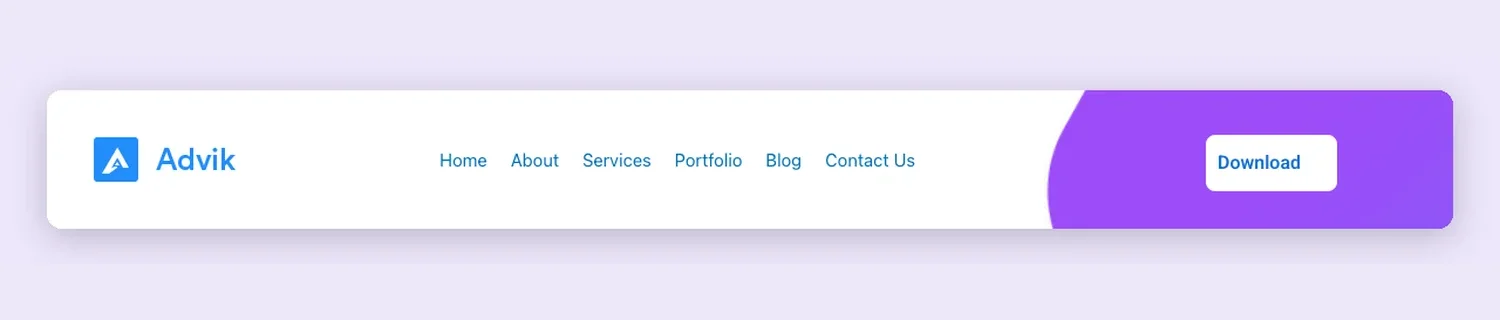
Logo and menu on white, ending in an angled purple panel that holds a Download button.
42. Sign In: Elementor simple header template
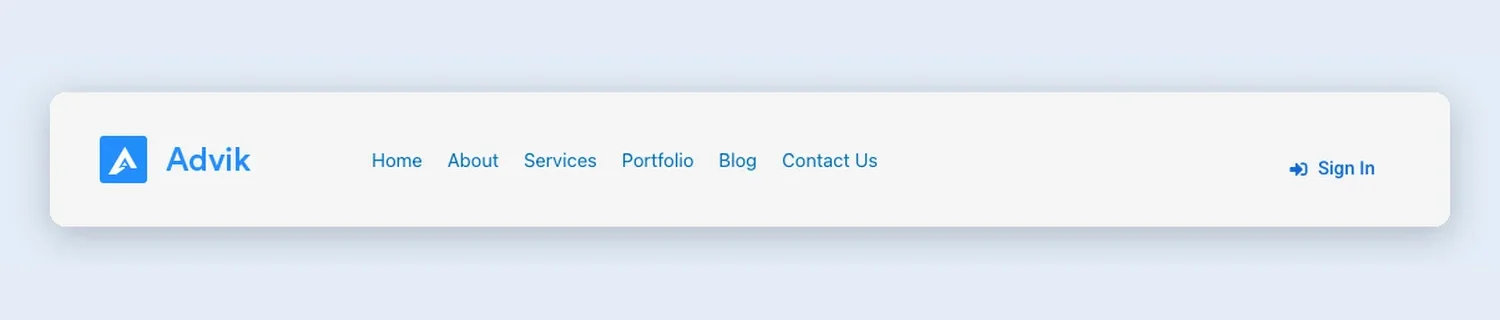
Logo, six links and a Sign In link with an icon. With so little in it, it drops into almost any site.
43. Simple Dropdown: Elementor dropdown menu header template

Just the logo, a menu with dropdown arrows and a close icon on the right, on a plain white bar.
Which header layout fits your site?
| Your site | Header that usually works | Start with |
|---|---|---|
| SaaS or app | Short menu with Pricing and Features, a login link and one trial button | Sempla, Sabrion, Nexis |
| Local service business | Phone number visible, booking button on the right | Dental, Plumbiq, Cleaner |
| Restaurant | Contact top bar and a Book A Table button | Culinary |
| Online store | Search, cart and account icons, category dropdown | Sartivo, Search Bar Store |
| Agency or clinic with many pages | Two or three rows with contact details and a full menu bar | Three-Row Centered, Medical Clinic |
| Portfolio or brand site | Centered logo or a Menu button that keeps the bar clean | Centered Logo Stacked, Menu Button |
Website header examples: what the good ones share
- They give the visitor one main button. Nexis, Finix and Optivue each have a single call to action, and Sempla styles its second action, Login, as a plain link so the two don’t compete.
- They keep the menu short. Most headers here show three to six links, and Tecpart puts the rest of its pages in an All Pages dropdown.
- Local businesses show a phone number. Dental, Cleanery and Plumbiq put it in the header, where a customer who would rather call can find it without scrolling.
- Stores put search in the header. Every shop layout here has it, and most add a cart icon next to it.
- Dark bars use light text and an outlined button, as Finix and Clowdify do, so both stay readable.
Make the header sticky
A header that stays at the top while visitors scroll keeps the menu and button in reach on long pages. You can make any of these headers sticky, and the steps are in our guide to creating a sticky header in Elementor. On a one-page website, pair the sticky header with menu links that jump to each section.
Header, section, page or kit: which template do you need?
A header template covers one part of the site. If you are building the rest too, the same library has Elementor section templates for single bands such as pricing or FAQ, full Elementor page templates for complete pages, and template kits that bundle a header, footer and every page in one matching style.
Headers marked Pro in the library need a Master Addons Pro license, which also unlocks the full kits that many of these headers come from.
Frequently asked questions
What is an Elementor header template?
A ready-made header section saved as an Elementor template. It holds the logo, menu, buttons and often a top bar, and you insert it into a Theme Builder header so it shows on every page.
How do I use a header template in Elementor?
Create a Header template in Master Addons → Theme Builder, open it in Elementor, insert a design from the Headers tab of the Master Addons template library, then set the condition to Include → Entire Site and save.
Do I need Elementor Pro to use these header templates?
No. The Master Addons Theme Builder places the header on your pages, and its header builder is free in the Master Addons plugin, so Elementor Pro is not required.
Will the header work on phones?
Open the live demo on your phone, or narrow your browser window, to see how the menu behaves on a small screen before you pick one.
Can I use a different header on one page?
Yes. Build a second header template and set its condition to Include → Singular → Pages for that page, then exclude the page from your main header.
Why do I see two headers after importing?
Your theme is still printing its own header. Turn it off in the theme settings or Customizer, or use a theme that hides its header when a Theme Builder header is active.
How many header templates does Master Addons include?
The Headers tab of the Master Addons template library has 43 designs, and every one of them is on this page.
Pick a header, set it once
Start with the group that matches your site and insert the design that fits. If you change your mind later, open the same Theme Builder template, delete the old design and insert a new one. The display conditions stay as they are.
Related reading: how to import an Elementor template, Elementor section templates, Elementor footer templates and Elementor’s own guide to building a header with containers.
