
Slider Revolution vs Elementor: Which One Do You Need?
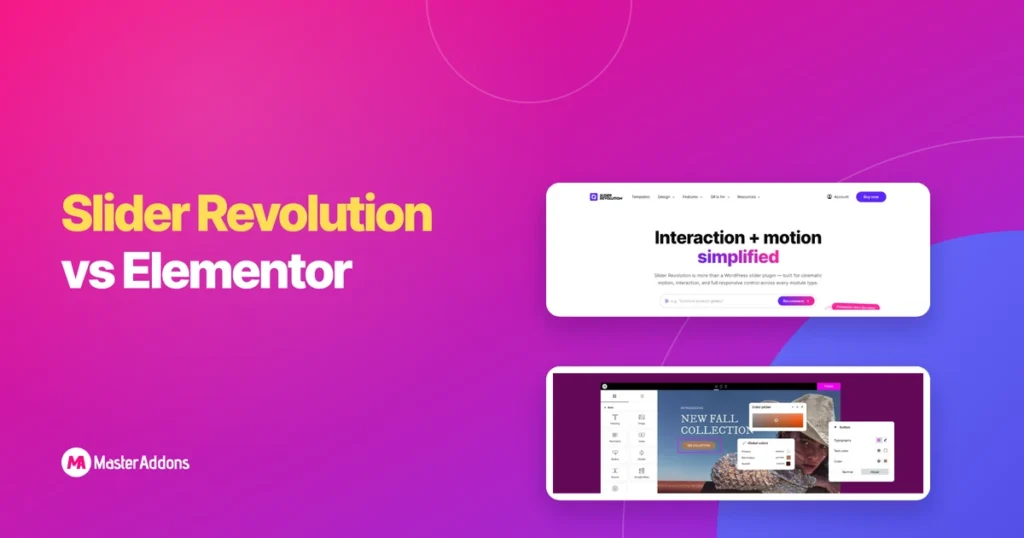
Key Takeaways Slider Revolution vs Elementor is a comparison between two different kinds of tool, and that is the first thing to settle. Slider Revolution builds one animated block, a slider, a hero or a carousel, inside its own editor and hands it to the page. Elementor builds the whole page, and its Pro Slides […]
How to Zoom or Change an Image on Hover in Elementor

Key Takeaways To change an image on hover in Elementor, you put a second image behind or inside the first and reveal it when the pointer arrives. Elementor can do this without a plugin through a container background, and a hover image widget does it with one switch. Zooming on hover takes one preset for […]
Tabs vs Accordion in Elementor: Which to Use When
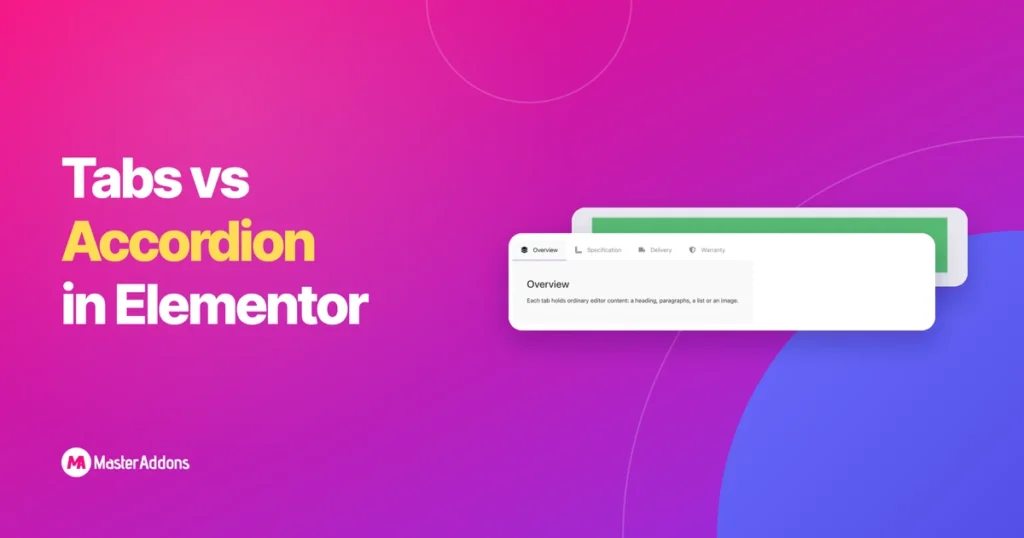
Key Takeaways Both patterns do the same job: collapse a long page so a visitor reads the part they came for. The difference is what the collapsed items are to each other. Tabs say “pick one of these”. An accordion says “here is a list, open what you need”. Get that backwards and the page […]
30 Image Hover Effects for Elementor (With Examples)

Key Takeaways Image hover effects are animations that play when the pointer moves over a picture, most often to reveal a title and description. Below are 30 of them, all from the Image Hover Effects widget for Elementor, each captured in its hover state on a real page. Use the list to pick an effect […]
Elementor Advanced Tabs: What “Advanced” Buys You

Key Takeaways Search for advanced tabs in Elementor and you will not find a widget by that name in the editor. The phrase comes from addon libraries, and it is a reasonable shorthand: the core Tabs widget is deliberately minimal, and “advanced” means the handful of things it leaves out. This post goes through those […]
7 Best Elementor Image Hover Effects Plugins Compared

Key Takeaways An Elementor image hover effects plugin is worth installing when you want text to appear over an image on hover. Elementor can fade, tint and grow an image by itself, and has no setting for text on top. The seven options below all add an overlay with a title and description, and they […]
6 Filterable Gallery Examples for Elementor (Live Demos)

Key Takeaways A filterable gallery looks different depending on what it holds. A restaurant menu wants dense four column cards with prices, an interiors studio wants two big columns and a case study link, and a photographer wants the pictures to carry everything. The six designs below are live demo pages you can click through. […]
How to Add Image Hover Effects in Elementor (3 Ways)

Key Takeaways You can add Elementor hover effects to an image in three ways. The Image widget has opacity and CSS filter settings for the hover state. It also has Hover Animation presets that move the picture. For a title and description that appear over the image, you need a widget built for it, such […]
Elementor Tabs on Mobile: Fix the Squashed Strip
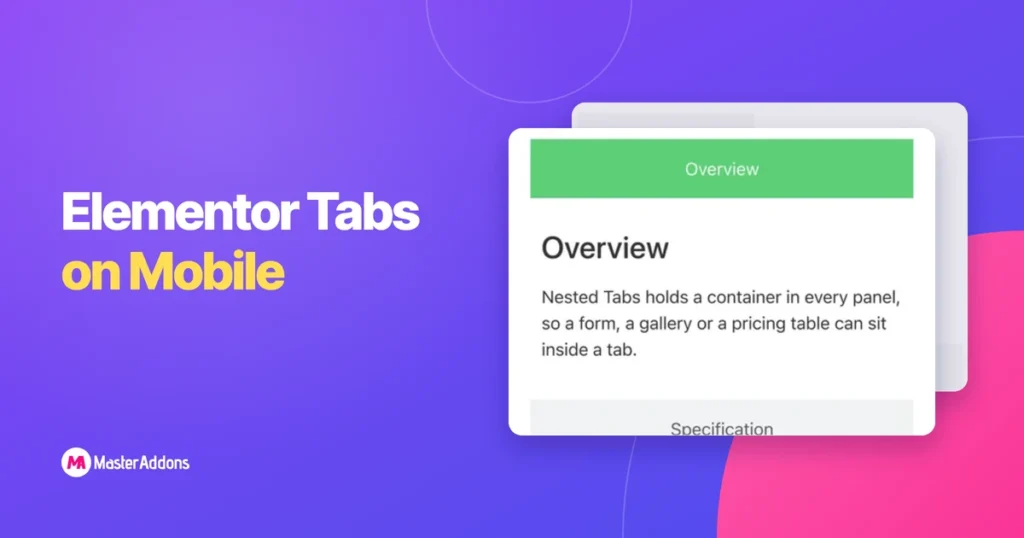
Key Takeaways Tabs are a desktop pattern. They assume horizontal room for several titles plus a panel, and a phone has about a third of that width. Elementor gives you two ways out, and addon widgets behave differently again. The phone screenshots below are 390px captures of a real test page, so what you see […]
How to Show or Hide a Section on Click in Elementor

Key Takeaways To show or hide a section on click in Elementor, put the section inside something that opens when clicked. The Accordion widget does this with no extra plugin. A content toggle gives you a Show and Hide switch. A button with a few lines of script can reveal any container on the page. […]