


A 2,000-word post with no table of contents asks a lot of the reader. They land, skim, and bounce the moment they cannot spot the one answer they came for. A table of contents plugin for WordPress solves it in one move: it reads your headings and builds a clickable list of jump links at the top of the post, so readers go straight to the section they want.
It helps SEO too. Google sometimes turns those anchor links into jump-to links right in the search result, and a clearer structure keeps people on the page longer. This guide compares 8 of the best table of contents plugins, all free to install from the WordPress.org directory. We start with the pick for Elementor users, then work through the best options for the block editor and classic WordPress.
What this guide covers:
- What is a table of contents plugin?
- Why add a table of contents?
- Quick comparison table
- 1. Master Addons for Elementor
- 2. Easy Table of Contents
- 3. LuckyWP Table of Contents
- 4. Ultimate Blocks
- 5. SimpleTOC
- 6. Joli Table of Contents
- 7. Heroic Table of Contents
- 8. Table of Contents Plus
- How to add a table of contents in WordPress
- How to choose the right TOC plugin
- Frequently asked questions
What Is a Table of Contents Plugin for WordPress?
A table of contents plugin for WordPress is a tool that scans the headings in a post or page and automatically builds a clickable list of jump links, usually placed near the top of the content. Readers click an entry and the page scrolls straight to that section, so a long guide becomes something they can navigate instead of scroll through. The list rebuilds itself whenever you add, rename, or reorder a heading, and most plugins let you choose which heading levels to include, where the list appears, and how it looks. On Elementor sites the same job is handled by a builder-native widget such as the free Elementor table of contents widget in Master Addons, which you place visually inside the editor instead of configuring at the content level.
Why Add a Table of Contents to WordPress?
A table of contents makes a long post easier to use and easier to rank. Readers jump straight to the section they came for, they stay on the page longer as a result, and Google can surface your anchor links as jump-to links directly in the search result.
A good TOC earns its place fast:
- Better navigation. Readers jump to the exact section they need instead of scrolling through 2,000 words.
- Longer dwell time. When people find answers quickly, they stay and read more, which is a positive signal for rankings.
- Jump links in Google. Anchor links from a TOC can show up as jump-to links under your result, giving you more room in the SERP.
- Automatic and low-effort. The plugin builds the list from your headings, so you write normally and the TOC updates itself.
If you write long-form content on an Elementor site, structure and speed work together. Our guide on best SEO practices for Elementor covers the on-page side, and how to speed up Elementor websites keeps those long posts loading fast.
Quick Comparison: Best WordPress Table of Contents Plugins
| Plugin | Active Installs | Rating | Type | Best For |
|---|---|---|---|---|
| Master Addons for Elementor | 30,000+ | 4.5 ★ | Elementor widget | Elementor pages and templates |
| Easy Table of Contents | 600,000+ | 4.4 ★ | Auto-insert / block | The all-round default |
| LuckyWP Table of Contents | 100,000+ | 4.9 ★ | Block / shortcode | Styling control, free |
| Ultimate Blocks | 50,000+ | 4.9 ★ | Gutenberg block | Block editor + 24 more blocks |
| SimpleTOC | 10,000+ | 5.0 ★ | Gutenberg block | Fastest, no-script TOC |
| Joli Table of Contents | 7,000+ | 4.9 ★ | Block / auto-insert | Floating sidebar TOC |
| Heroic Table of Contents | 5,000+ | 4.7 ★ | Gutenberg block | Polished block, newer pick |
| Table of Contents Plus | 200,000+ | 4.4 ★ | Auto-insert / shortcode | Classic, lightweight (aging) |
1. Master Addons for Elementor
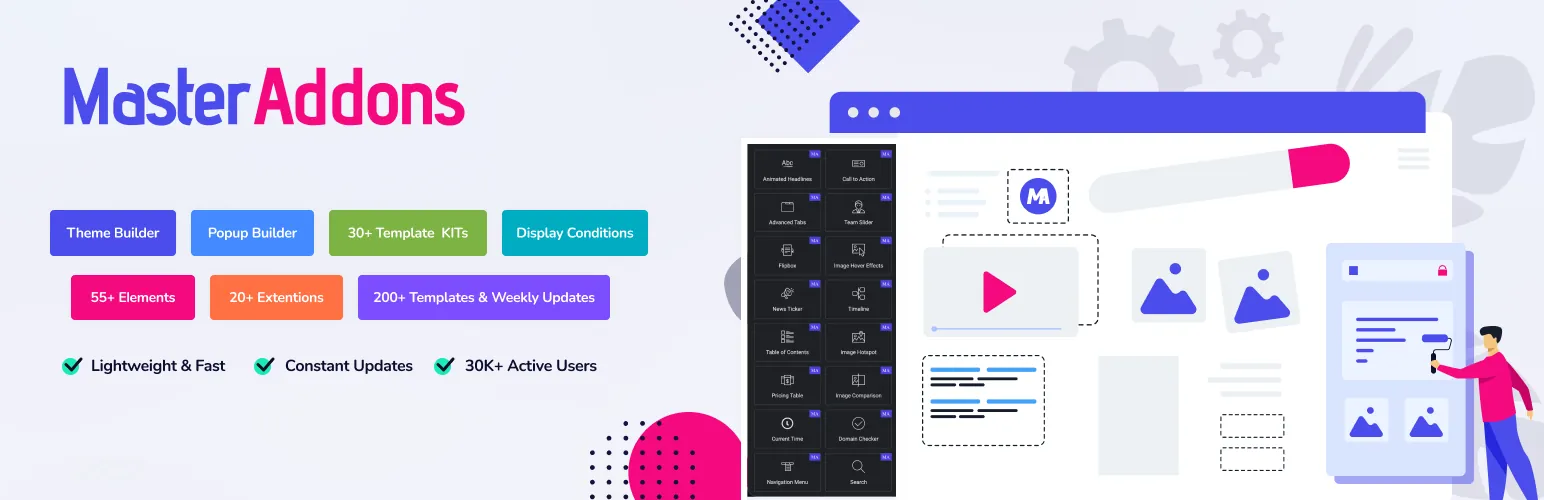
If you build with Elementor, Master Addons for Elementor is the natural first pick, because its free Table of Contents widget lives right inside the Elementor editor, and you don’t need Elementor Pro for it. You drag the widget onto the page, and it detects your headings automatically and builds them into a nested, hierarchical list, no shortcodes and no separate settings screen.
That editor-native approach is the whole point. Every other plugin here works at the WordPress content level, which is fine, until you are building a custom Elementor layout and want the TOC to sit exactly where you say, styled to match, previewed live in the same canvas. Master Addons is also light, rebuilt to run about 3x faster in version 3, used on 30,000+ sites, and it bundles 80+ widgets, so you are not installing a separate plugin just to list your headings.
Best features:
- Collapsible box that can load closed, handy in sidebars and on mobile
- Automatic nested detection of your H2, H3, and H4 headings
- Smooth scroll jump links with an offset for fixed headers, plus a back to top arrow
- Full Elementor styling controls (colors, typography, spacing) with live preview
- Works alongside the Theme Builder, so you can add it to single-post templates once
Browse the full widgets and extensions list or check the pricing, and grab the free version from the WordPress.org plugin page.
2. Easy Table of Contents
Easy Table of Contents is the most-installed dedicated TOC plugin, at 600,000+ active installs. It is the safe all-rounder that works with the classic editor, the block editor, and most page builders out of the box.
Best features:
- Auto-generates from H1 to H6 headings across any post type
- Nested hierarchy with numeric counters
- Auto-insert by post type, or place it with a shortcode or Gutenberg block
- Smooth scroll and a collapsible expand/collapse view
- Sticky and floating options in the free version
If you want one plugin that just works everywhere without much setup, this is the default choice. Get it from the WordPress.org plugin page.
3. LuckyWP Table of Contents

LuckyWP is the best-rated dedicated TOC plugin here, holding a 4.9 rating across more than 880 reviews. Its edge is design control: you can style the whole thing without touching CSS.
Best features:
- Auto-generate with deep hierarchy control
- Gutenberg block, shortcode, and auto-insert options
- Extensive styling (colors, borders, fonts) with no CSS
- Smooth scroll and scroll-to-top
- Per-post overrides to include or exclude specific headings
When you want the TOC to match your brand exactly and still stay free, LuckyWP is the one to try. Install it from the WordPress.org plugin page.
4. Ultimate Blocks

Ultimate Blocks is a suite of 25+ Gutenberg blocks, and one of them is a solid Table of Contents block. If you live in the block editor and want a TOC plus review boxes, tabs, and more in a single install, it is great value.
Best features:
- Dedicated Table of Contents block that auto-detects headings
- Collapsible/toggle TOC
- Smooth scroll
- Choose which heading levels to include
- Sticky option, all native to the block editor
Just know it is a block suite, not a standalone TOC plugin, so you get a lot more than a table of contents. Download it from the WordPress.org plugin page.
5. SimpleTOC
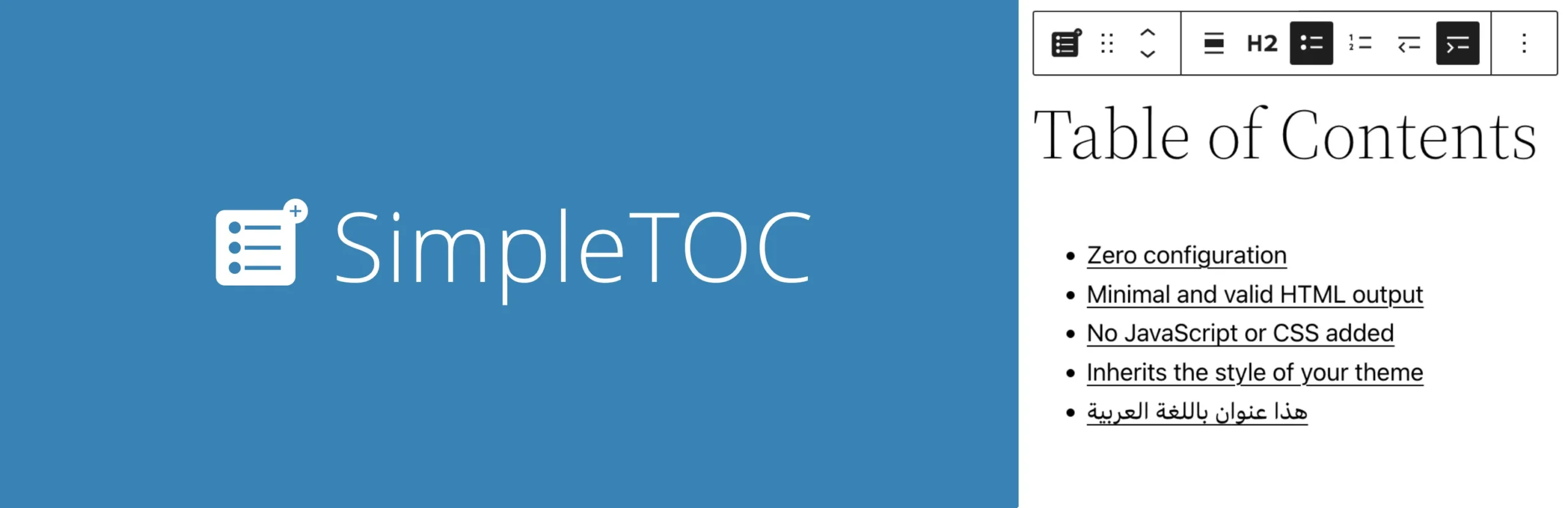
SimpleTOC is the pick for performance purists. It is a pure Gutenberg block that outputs minimal, valid HTML with no JavaScript or CSS by default, so it adds almost nothing to your page weight.
Best features:
- Zero-config Gutenberg block
- No JS or CSS loaded by default (very fast)
- Native collapsible view using the HTML details tag
- CSS-only smooth scroll
- Full-site-editing (FSE) compatible
If speed and clean markup matter more to you than heavy styling options, SimpleTOC is hard to beat. Get it from the WordPress.org plugin page.
6. Joli Table of Contents
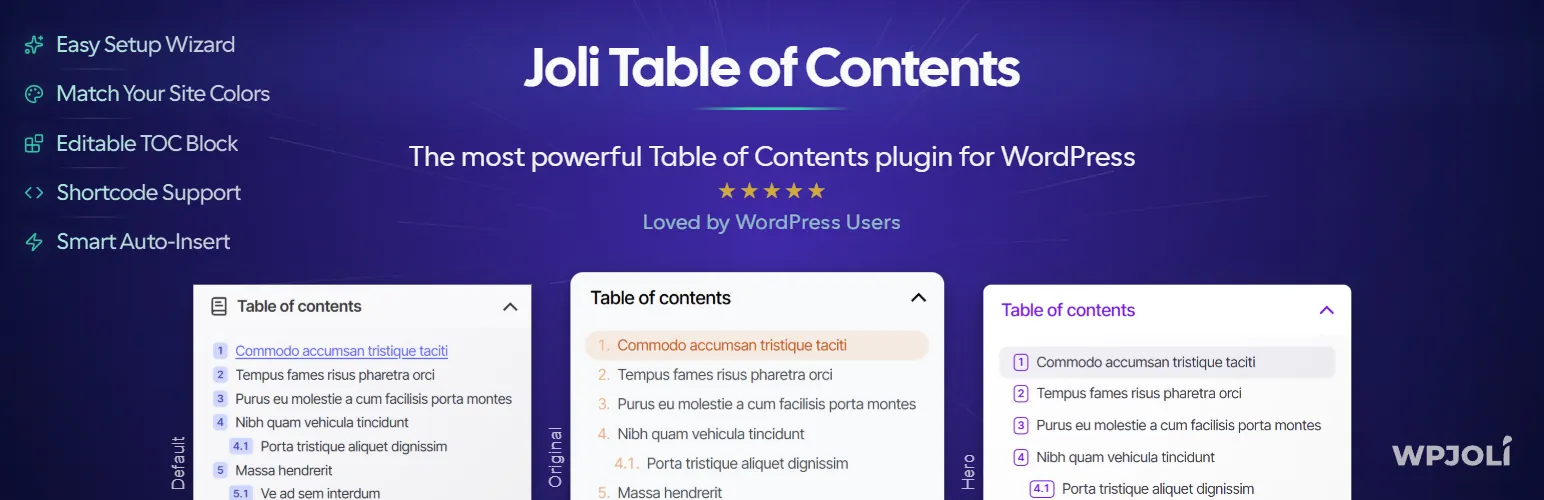
Joli stands out for its floating sidebar TOC. Instead of sitting at the top of the post, it can follow the reader down the page and highlight the section they are currently in, which is a nice touch on long guides.
Best features:
- Auto-generate from your headings
- Sticky, floating sidebar TOC that follows scroll
- Active-section highlighting (scroll-spy)
- Smooth scroll with a clean, modern default style
- Gutenberg block plus auto-insert
For content where you want the TOC visible the whole way down, Joli is the specialist. Install it from the WordPress.org plugin page.
7. Heroic Table of Contents

Heroic Table of Contents is a polished Gutenberg block from HeroThemes, the knowledge-base people. It is newer and has fewer reviews, but the block is clean and easy to style right from the editor sidebar.
Best features:
- Native Gutenberg block that auto-pulls headings
- Collapsible view
- Visual styling controls (colors, list style, numbering)
- Smooth scroll
- Built by a reputable documentation-focused vendor
If you want a modern, well-designed block and do not mind a smaller track record, it is worth a look. Download it from the WordPress.org plugin page.
8. Table of Contents Plus

Table of Contents Plus is the classic, lightweight option that plenty of older sites still run. It auto-inserts a TOC before your first heading and uses simple shortcodes, and it stays out of the way.
Best features:
- Auto-insert TOC before the first heading
- Hierarchical nesting with auto-numbering
- [toc] and [sitemap] shortcodes
- Smooth-scroll anchors
- Adjustable position and minimum heading count
One honest caveat, and it is a real one: it has not seen an update since late 2024, so it trails the current WordPress release. It still runs fine on plenty of sites, but for a new build, one of the actively maintained plugins above is the safer bet. Install it from the WordPress.org plugin page.
How to Add a Table of Contents in WordPress
The steps are quick with any of these plugins:
- Install and activate your chosen table of contents plugin.
- Open its settings and choose where the TOC appears: auto-insert before the first heading, a shortcode, or a block/widget.
- Pick which heading levels to include (H2 and H3 is the usual sweet spot).
- Turn on smooth scroll, and a collapsible or sticky view if you want them.
- Preview a long post and confirm the jump links land on the right sections.
On Elementor, the flow is even simpler: drop the Master Addons Table of Contents widget into your single-post template once, and it builds the list from each post’s headings. That is where a builder-native widget beats a content-level plugin. The Master Addons Table of Contents page covers setup and compares it with Elementor Pro’s widget.
How to Choose the Right TOC Plugin
Match the plugin to how you build:
- You build pages with Elementor: Master Addons for Elementor.
- You want the safe, works-everywhere default: Easy Table of Contents.
- You want the most styling control for free: LuckyWP Table of Contents.
- You want the lightest, fastest option: SimpleTOC.
- You want a floating sidebar TOC: Joli Table of Contents.
Whichever you pick, a TOC is one piece of a well-structured post. For the bigger picture on building fast, organized Elementor sites, see the 100 best Elementor addons and our roundup of lightweight WordPress themes for Elementor.
Frequently Asked Questions
What is the best table of contents plugin for WordPress?
Easy Table of Contents is the safest all-round pick, with 600,000+ installs and support for the classic editor, block editor, and page builders. If you build with Elementor, Master Addons adds a Table of Contents widget right inside the editor, and LuckyWP wins on free styling control.
How do I add a table of contents in WordPress?
Install a TOC plugin, then choose how it appears: auto-insert before the first heading, a shortcode, or a block. The plugin reads your H2 and H3 headings and builds clickable jump links automatically, so you just write with proper headings and it does the rest.
Does a table of contents help SEO?
Indirectly, yes. A TOC improves navigation and dwell time, and its anchor links can appear as jump-to links in Google results, giving you more visibility. It does not directly boost rankings, but the structure and user-experience gains support them.
Can I add a table of contents without a plugin?
You can build one manually with HTML anchor links, but it is tedious and breaks whenever you edit headings. A plugin generates and updates the TOC automatically from your headings, which is why almost every content site uses one instead of hand-coding.
How do I add a table of contents in Elementor?
Use the Master Addons Table of Contents widget. Drag it into your page or single-post template in the Elementor editor, and it detects your headings and builds a nested list automatically, with full styling controls and smooth-scroll jump links.
Wrap Up
The best table of contents plugin for WordPress depends on how you publish. Easy Table of Contents is the works-anywhere default, LuckyWP gives you the most design control, and SimpleTOC keeps things featherweight. If your site runs on Elementor, Master Addons is the smoothest fit, since its TOC widget lives right inside the editor and reads your headings on its own.
Ready to keep your Elementor content structured and fast? Explore the full Master Addons widgets and extensions or start faster with ready-made Elementor template kits.
Related reading: Best SEO Practices for Elementor, How to Speed Up Elementor Websites, and 100 Best Elementor Addons.
