

Table of Contents
The theme is the one decision you can’t easily walk back on an Elementor site. A heavy theme adds CSS, JavaScript and DOM nodes on top of Elementor’s own output, and every page pays for it. A lightweight WordPress theme stays out of the way and lets Elementor do the visual work.
Plenty of lists call a theme “lightweight” without showing a number. So we built the same five-section Elementor landing page on 15 themes, captured each page, and ran Lighthouse on every one of them. Every speed figure in this post comes from that test.
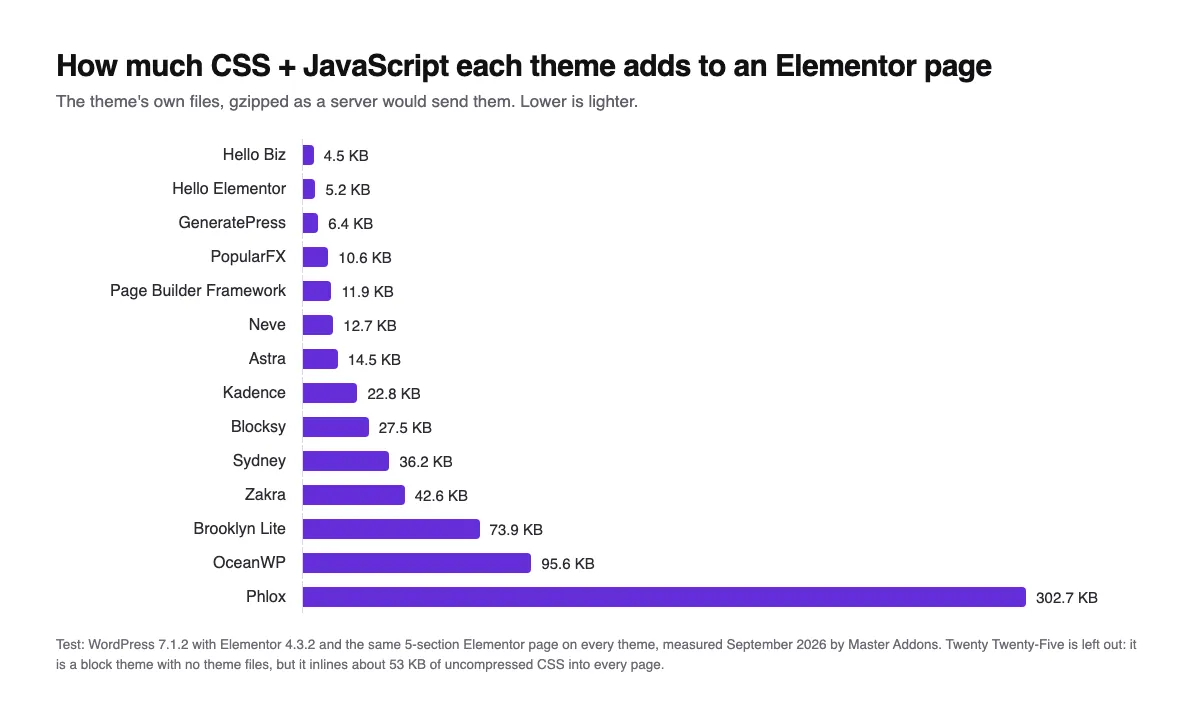
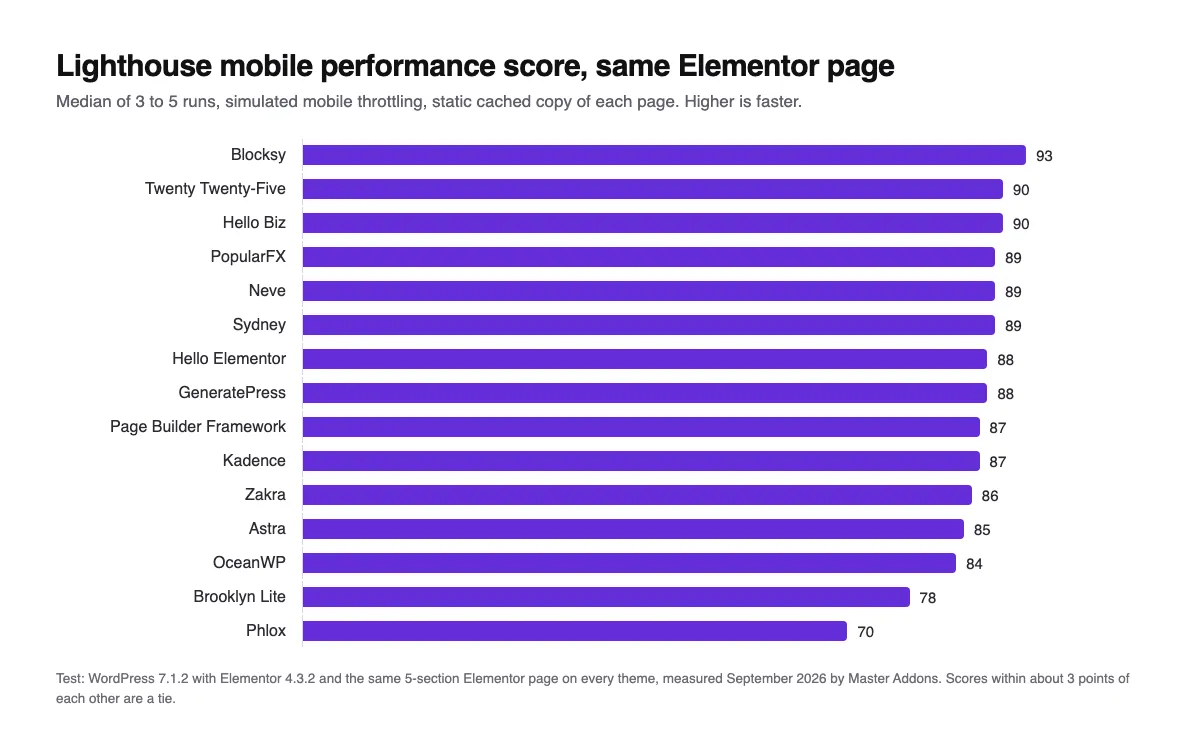
Short answer: the lightest WordPress themes for Elementor are Hello Biz (4.5 KB of theme CSS and JS, gzipped), Hello Elementor (5.2 KB) and GeneratePress (6.4 KB). The fastest page in our Lighthouse test came from Blocksy, with a mobile score of 93, because its own font styles stop the browser from downloading Elementor’s default Google Fonts. The heaviest theme we tested, Phlox, added 303 KB and scored 70.
Choosing on features and use case rather than speed? Our guide to the best Elementor themes by use case covers stores, blogs, portfolios and premium picks. This post is only about weight and speed.
Want widgets that follow the same idea? Master Addons loads each widget’s CSS and JS only on pages that use it. For the full speed playbook, see our guide on how to speed up Elementor websites.
Some links below are affiliate links. If you buy through them we may earn a commission, at no extra cost to you. It does not change the test results or the order.
Why a lightweight theme matters for Elementor
Elementor renders its own layout, typography and animations. Many themes try to do the same thing, so you end up with two sets of styles on one page. On our test page, Elementor itself (its scripts, styles and default fonts) made up most of the roughly 225 KB page on the lightest themes. A light theme added 5 to 15 KB on top of that. A heavy one added 75 to 300 KB.
- Faster first paint. Theme CSS is render-blocking. Less of it means the browser can draw the page sooner.
- A smoother editor. Elementor’s preview pane loads the theme too, so a lighter theme makes editing feel quicker.
- Fewer conflicts. Themes with their own sliders, animations and page builders tend to clash with Elementor’s.
- Better Core Web Vitals. In our test the heaviest themes had the slowest Largest Contentful Paint, up to 4.9 seconds on simulated mobile.
How we tested
Every theme got an identical setup, so the theme was the only thing that changed:
- A fresh WordPress 7.1.2 site with Elementor 4.3.2 and no other plugins, built with WordPress Playground.
- The same Elementor page on each theme: a hero with a button, three icon boxes, a testimonial, an FAQ accordion and a call to action. The theme’s own header and footer stayed on.
- We saved each rendered page as a static, gzipped copy (the way a page cache serves it) and ran Lighthouse 12.8 mobile three times per theme, five for the noisier ones. We report the median.
- Theme weight counts only the CSS and JavaScript files served from the theme’s own folder, gzipped. Default settings, no demo imported.
Lighthouse throttles to a slow mobile connection, so a 3-second LCP here is normal for any Elementor page. The gaps between themes are what matter. Scores within about 3 points of each other are effectively a tie.
Full results
| Theme | Theme CSS + JS (gzip) | Theme files | Page weight | Lighthouse mobile | LCP | DOM elements |
|---|---|---|---|---|---|---|
| Hello Biz | 4.5 KB | 2 | 225 KB | 90 | 3.0 s | 174 |
| Hello Elementor | 5.2 KB | 4 | 227 KB | 88 | 3.0 s | 183 |
| GeneratePress | 6.4 KB | 2 | 230 KB | 88 | 3.0 s | 238 |
| PopularFX | 10.6 KB | 3 | 232 KB | 89 | 3.1 s | 193 |
| Page Builder Framework | 11.9 KB | 4 | 243 KB | 87 | 3.0 s | 206 |
| Neve | 12.7 KB | 3 | 238 KB | 89 | 3.0 s | 268 |
| Astra | 14.5 KB | 2 | 247 KB | 85 | 3.2 s | 249 |
| Kadence | 22.8 KB | 5 | 249 KB | 87 | 3.1 s | 265 |
| Blocksy | 27.5 KB | 4 | 178 KB | 93 | 2.5 s | 258 |
| Sydney | 36.2 KB | 7 | 188 KB | 89 | 2.7 s | 319 |
| Zakra | 42.6 KB | 5 | 267 KB | 86 | 3.1 s | 275 |
| Brooklyn Lite | 73.9 KB | 8 | 438 KB | 78 | 4.1 s | 228 |
| OceanWP | 95.6 KB | 14 | 326 KB | 84 | 3.4 s | 248 |
| Phlox | 302.7 KB | 9 | 543 KB | 70 | 4.9 s | 297 |
| Twenty Twenty-Five (block theme) | 0 (53 KB inline CSS) | 0 | 296 KB | 90 | 2.4 s | 256 |
Page weight and LCP come from Lighthouse (transfer size, simulated mobile). Theme weight counts only files in the theme’s folder.
What the numbers tell you
The lightest themes are nearly identical in practice. Hello Biz, Hello Elementor, GeneratePress, Neve and Page Builder Framework all add under 13 KB and land between 87 and 90. Past that point the theme stops being the bottleneck and Elementor’s own files are.
The biggest single saving came from fonts. Blocksy and Sydney ship more CSS than Hello, yet they produced the two lightest pages overall (178 KB and 188 KB). Their own font styles override Elementor’s default Roboto and Roboto Slab, so the browser never downloads those two font files (about 70 KB), and both themes also drop WordPress’s emoji script. You can get the same saving on any theme with one Elementor setting, covered below.
The 12 lightest WordPress themes for Elementor
Ranked by how much CSS and JavaScript the theme adds to an Elementor page. Where Lighthouse tells a different story, the review says so.
1. Hello Biz (lightest overall)
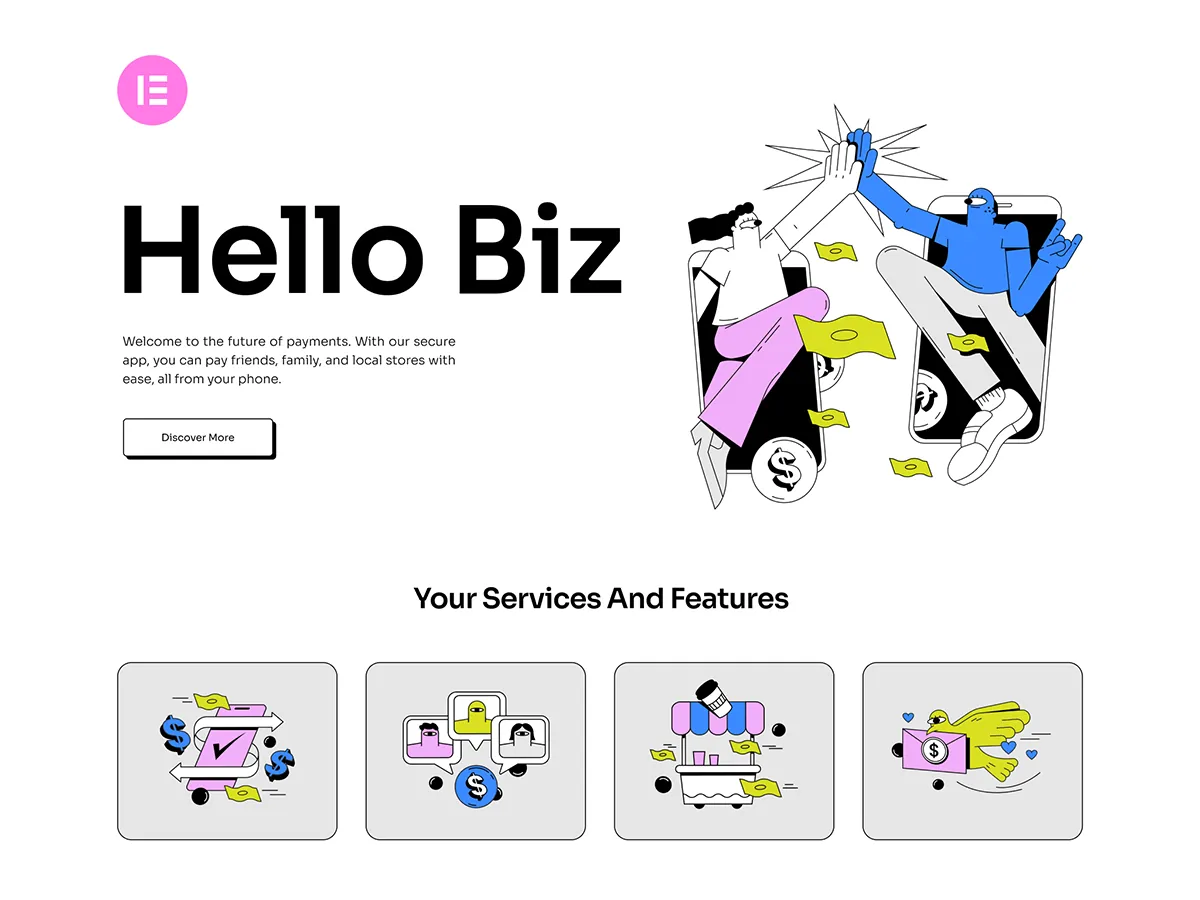
Hello Biz is the Elementor team’s small-business theme, and it added just 4.5 KB in our test, the least of any classic theme. It pairs with the free Hello+ plugin for website kits and a handful of business widgets (hero, form, CTA, header and footer). We tested the theme on its own.
If you want Hello’s weight with a faster start on a business site, this is it. The trade-off is that its header and footer widgets are simpler than a full theme builder.
Theme CSS + JS: 4.5 KB · Lighthouse mobile: 90 · Active installs: 100K+ · Last updated: May 2026 · Price: Free
2. Hello Elementor (lightest blank canvas)
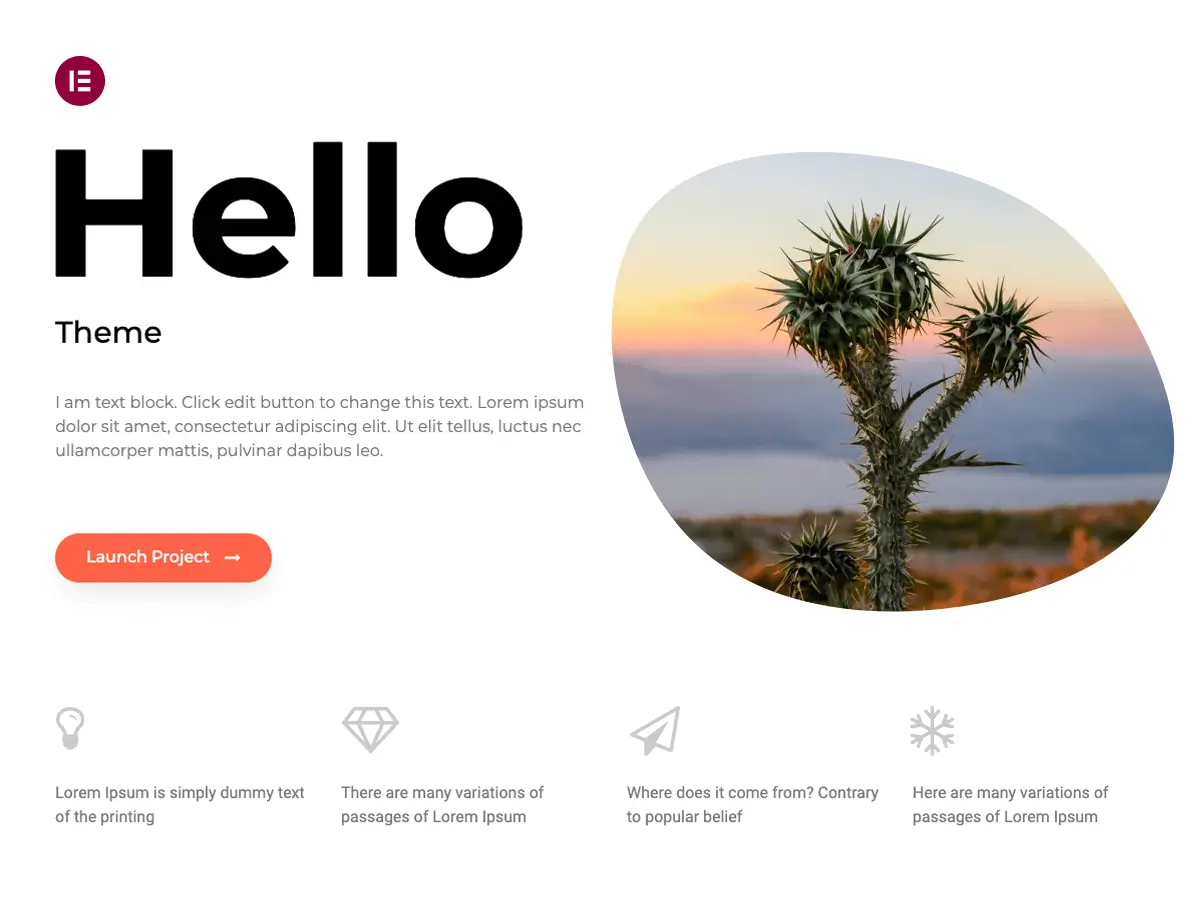
Hello Elementor is the official theme from the Elementor team and the one most Elementor users start with. It added 5.2 KB across four small files and has no styling opinions of its own, so Elementor handles everything visual and nothing conflicts.
There is no starter content. You build the header, footer and every page in Elementor, which is exactly what most Elementor users want to do anyway.
Theme CSS + JS: 5.2 KB · Lighthouse mobile: 88 · Active installs: 1M+ · Last updated: Aug 2026 · Price: Free
3. GeneratePress (lightest with real options)
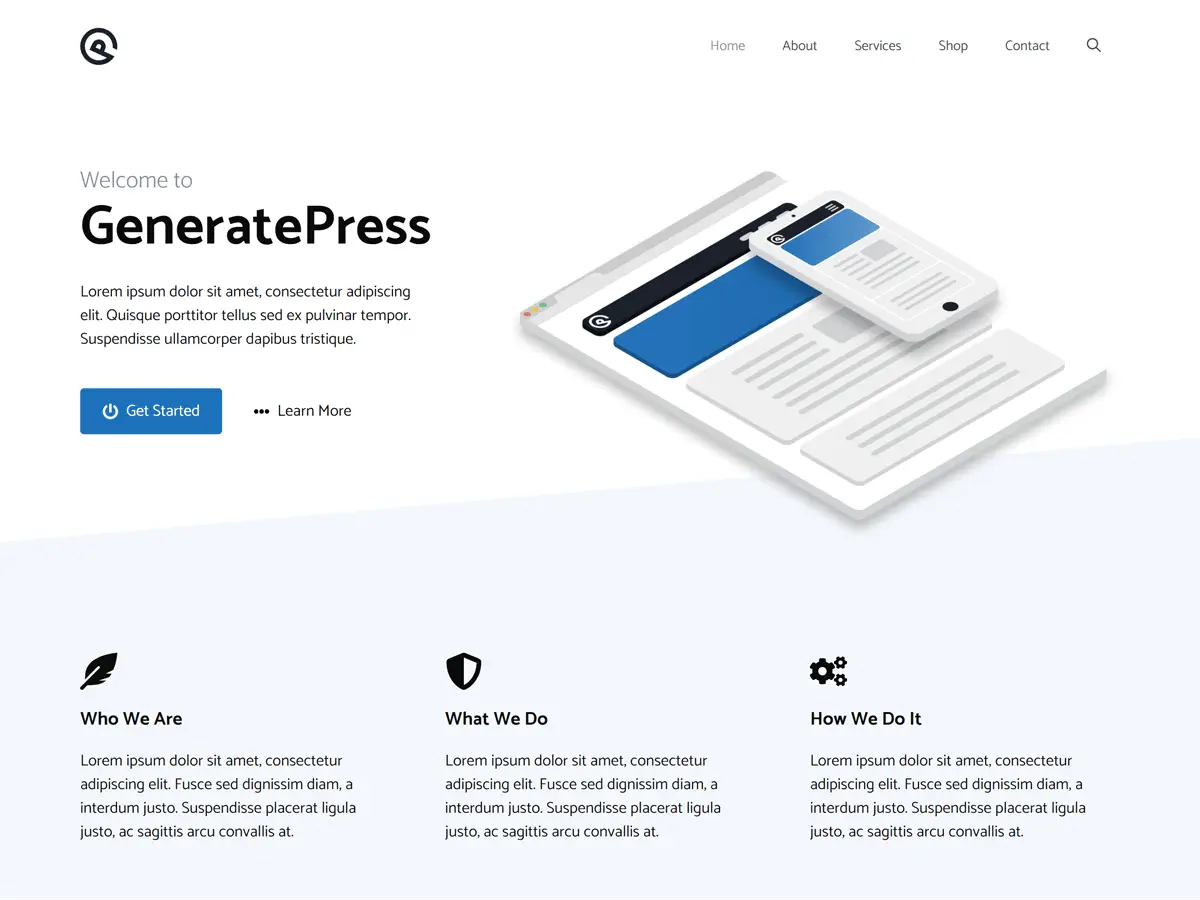
GeneratePress is what developers tend to land on after they get tired of bloated themes. It added only 6.4 KB while still giving you a full Customizer with layout, typography and color controls, which Hello does not. The markup is clean and the premium modules are opt-in.
Theme CSS + JS: 6.4 KB · Lighthouse mobile: 88 · Active installs: 500K+ · Last updated: Dec 2025 · Price: Free, GP Premium $59/yr
4. Page Builder Framework (built for page builders)
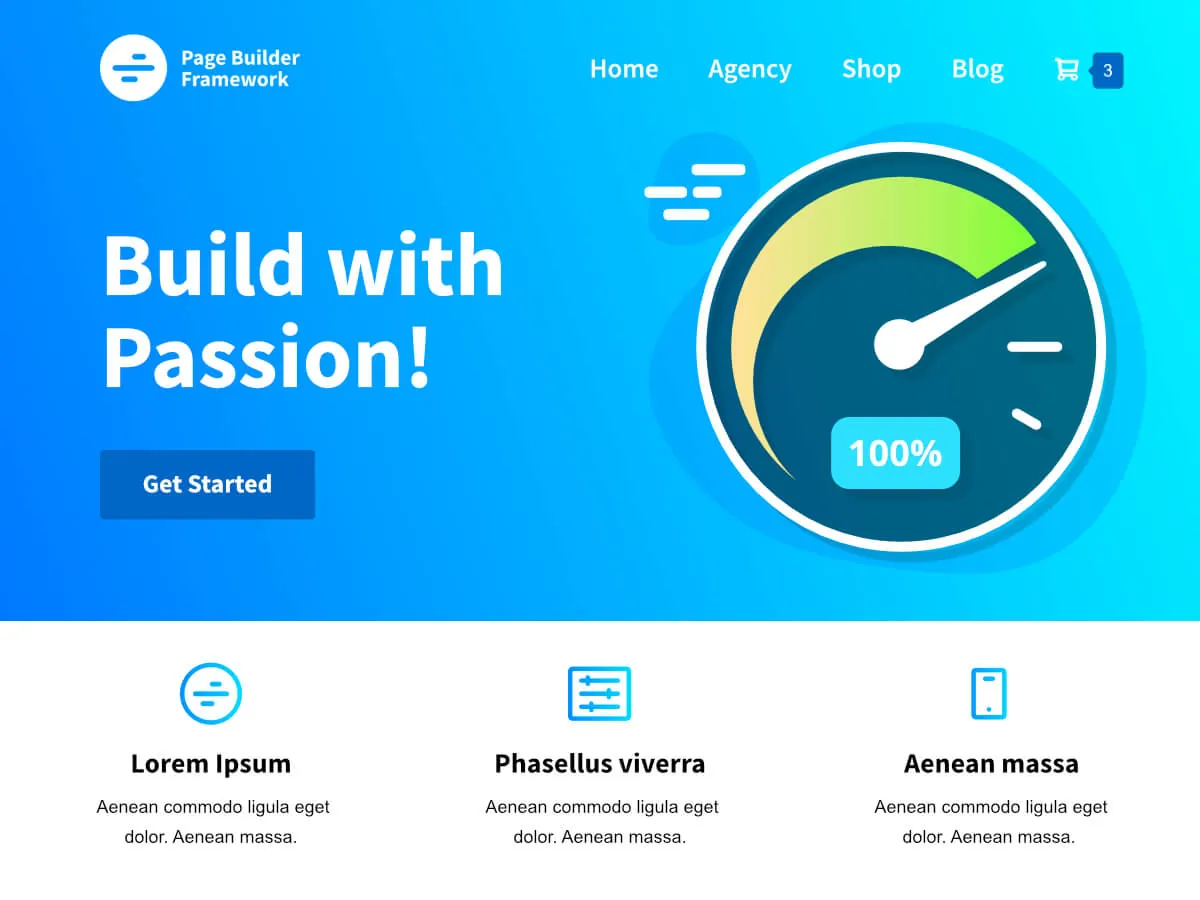
Page Builder Framework is made for people who design in a page builder, Elementor included. It added 11.9 KB in our test and gives you Customizer options for the header, footer and layout, without a pile of demo content you will never use.
Theme CSS + JS: 11.9 KB · Lighthouse mobile: 87 · Active installs: 10K+ · Last updated: Apr 2026 · Price: Free
5. Neve (light multipurpose)
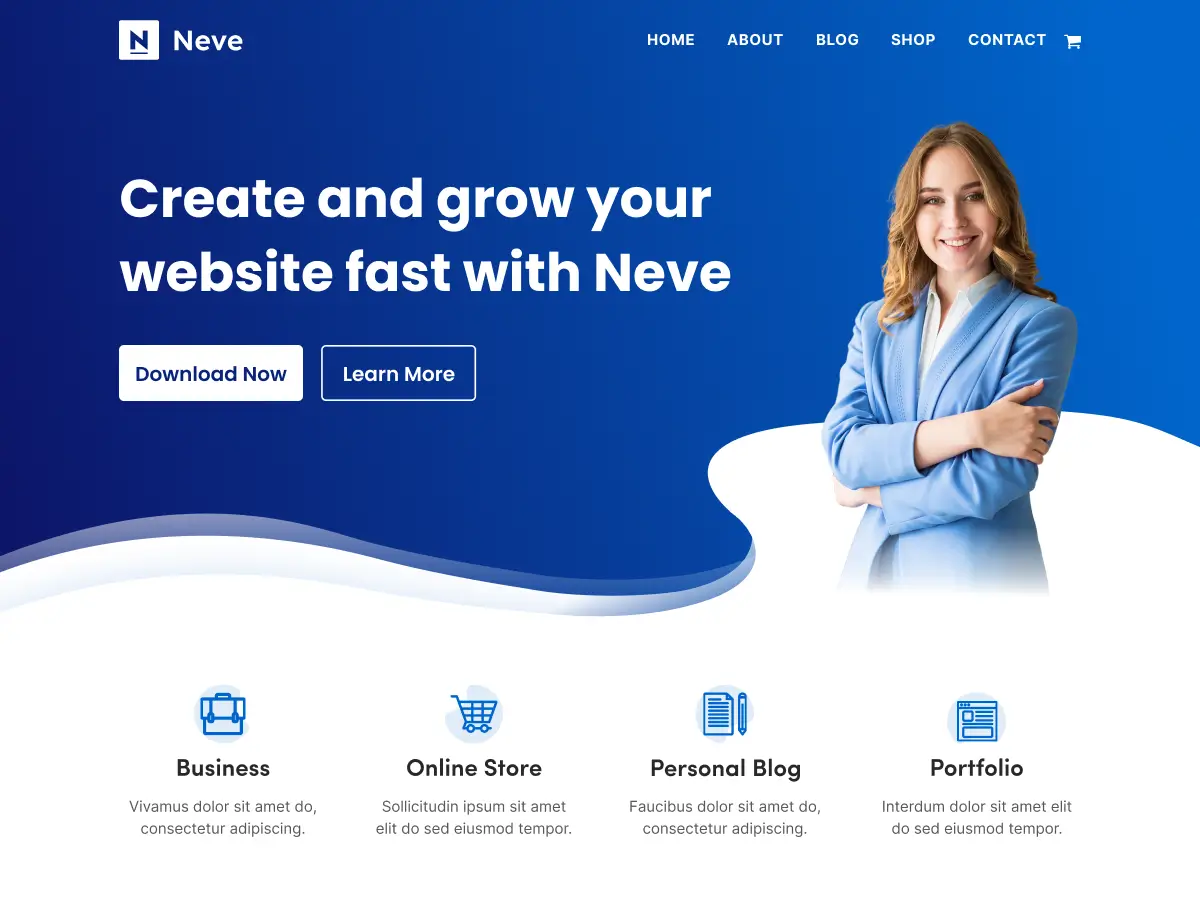
Neve is the lightest of the big multipurpose themes at 12.7 KB, and it scored 89, one of the better results in the test. It is mobile-first and ships a large set of starter sites, many built for Elementor.
Theme CSS + JS: 12.7 KB · Lighthouse mobile: 89 · Active installs: 200K+ · Last updated: Sep 2026 · Price: Free, Neve Pro from $69/yr
6. Astra (most popular, still light)

Astra runs on over a million sites and still added only 14.5 KB. It also prints a lot of its styling inline in the page head (about 65 KB more inline CSS than Hello on our page), which is likely why it scored a little lower at 85. It loads modules only when you use them, and its Starter Templates plugin gives you a big library of Elementor demo sites.
Theme CSS + JS: 14.5 KB · Lighthouse mobile: 85 · Active installs: 1M+ · Last updated: Sep 2026 · Price: Free, Astra Pro $69/yr
7. Kadence (free header builder)
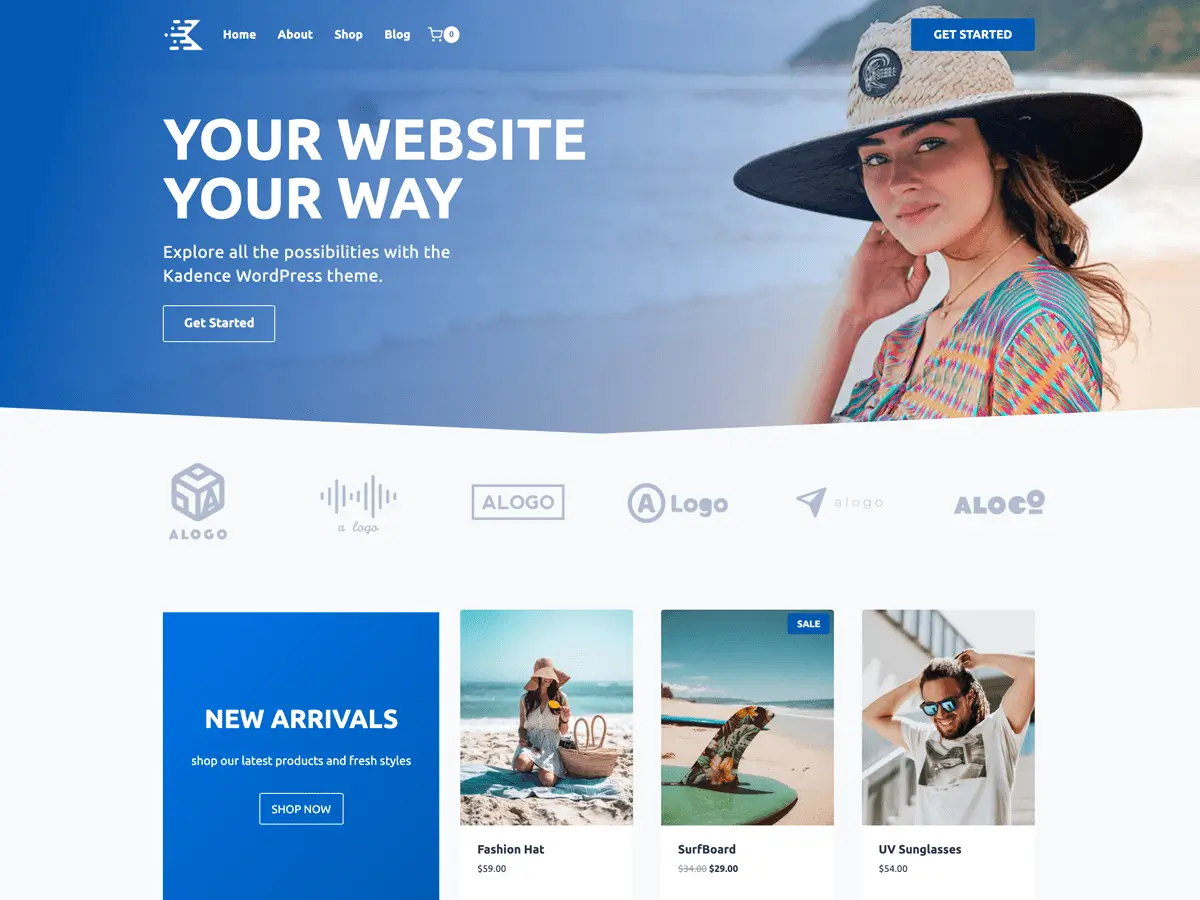
Kadence ships a drag-and-drop header and footer builder in the free version, which is rare. It added 22.8 KB, split across separate header, footer and content stylesheets, and scored 87, right in the pack with the lighter themes, so the extra tools cost very little in practice.
If you want a free header builder in the theme itself, Kadence is the pick. You can also build them in Elementor: see how to edit a footer in WordPress using Elementor with Master Addons.
Theme CSS + JS: 22.8 KB · Lighthouse mobile: 87 · Active installs: 500K+ · Last updated: Jul 2026 · Price: Free, bundles from $99/yr
8. Blocksy (fastest page in our test)
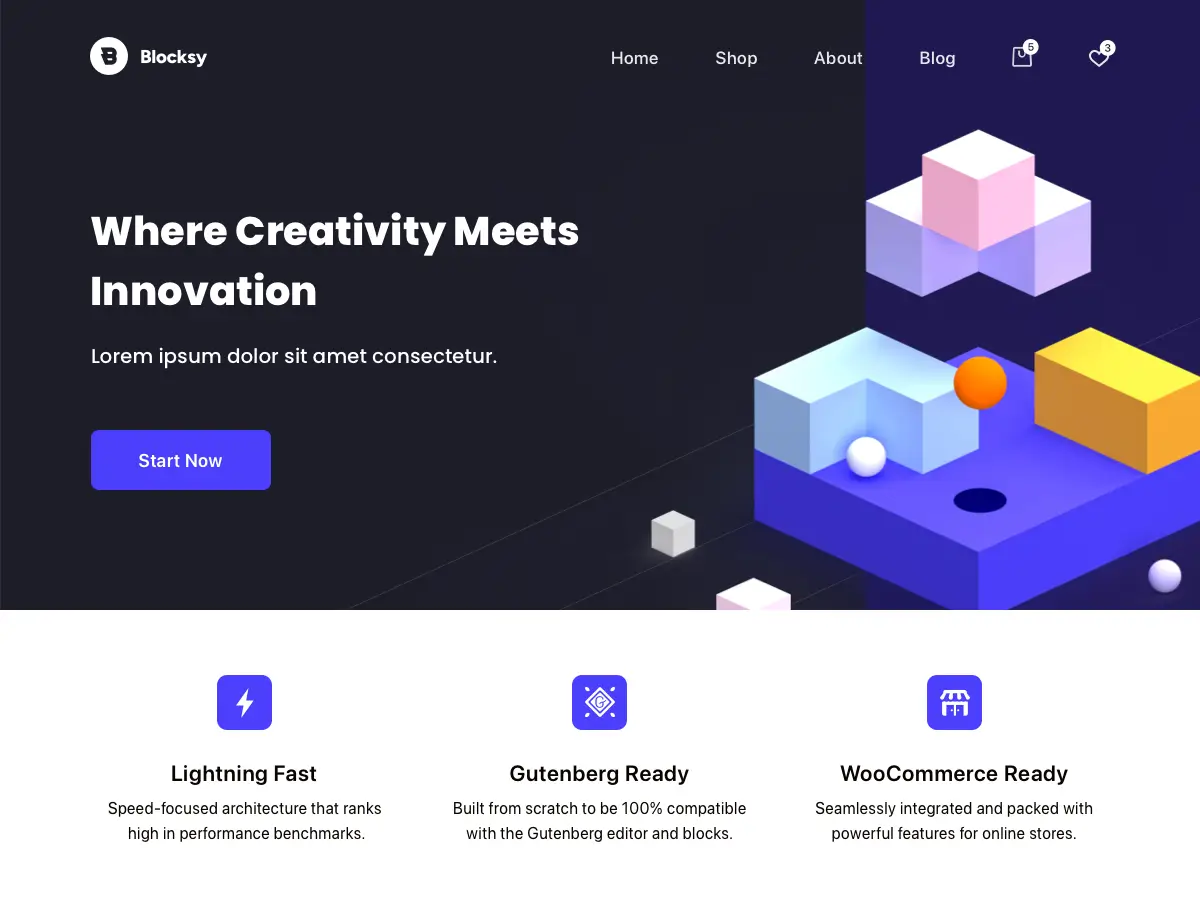
Blocksy’s own files are heavier than Hello’s at 27.5 KB, yet it produced the lightest page (178 KB) and the best Lighthouse score (93) with a 2.5-second LCP. Its typography overrides Elementor’s default Google Fonts, so those font files never download, and it drops the WordPress emoji script. Together that saves more than its own files cost.
Add a modern customizer, a solid header builder and dark mode, and Blocksy is the best answer to “what is the fastest WordPress theme for Elementor?” if you judge by the finished page.
Theme CSS + JS: 27.5 KB · Lighthouse mobile: 93 · Active installs: 300K+ · Last updated: Sep 2026 · Price: Free, Pro available
9. Sydney (fast one-page business sites)
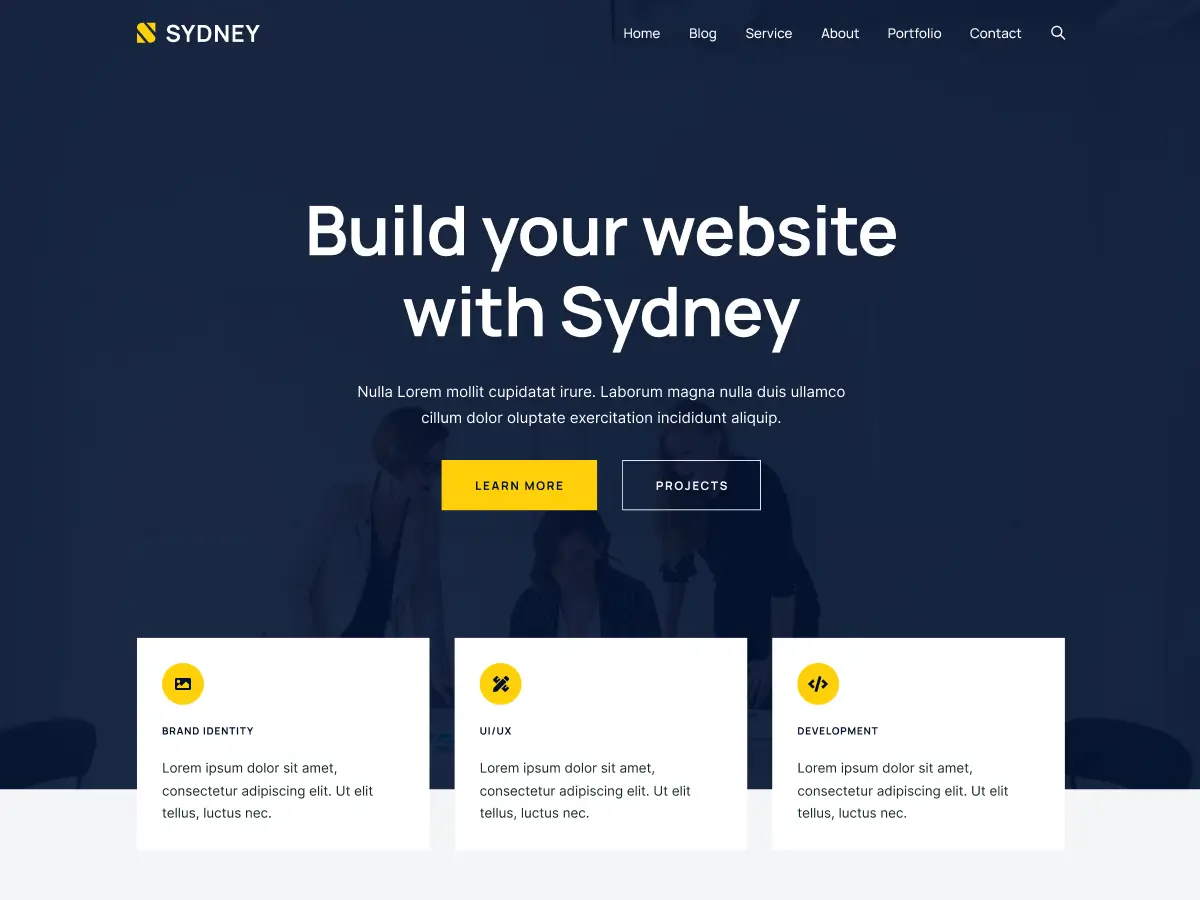
Sydney targets freelancers and startups and bundles widgets for services, team and call-to-action sections. Like Blocksy, its font styles keep Elementor’s default fonts from downloading, so despite 36.2 KB of theme files its page came in at just 188 KB with a score of 89. It did produce the largest DOM of the group (319 elements).
Theme CSS + JS: 36.2 KB · Lighthouse mobile: 89 · Active installs: 80K+ · Last updated: Aug 2026 · Price: Free, Pro available
10. Zakra (niche business demos)
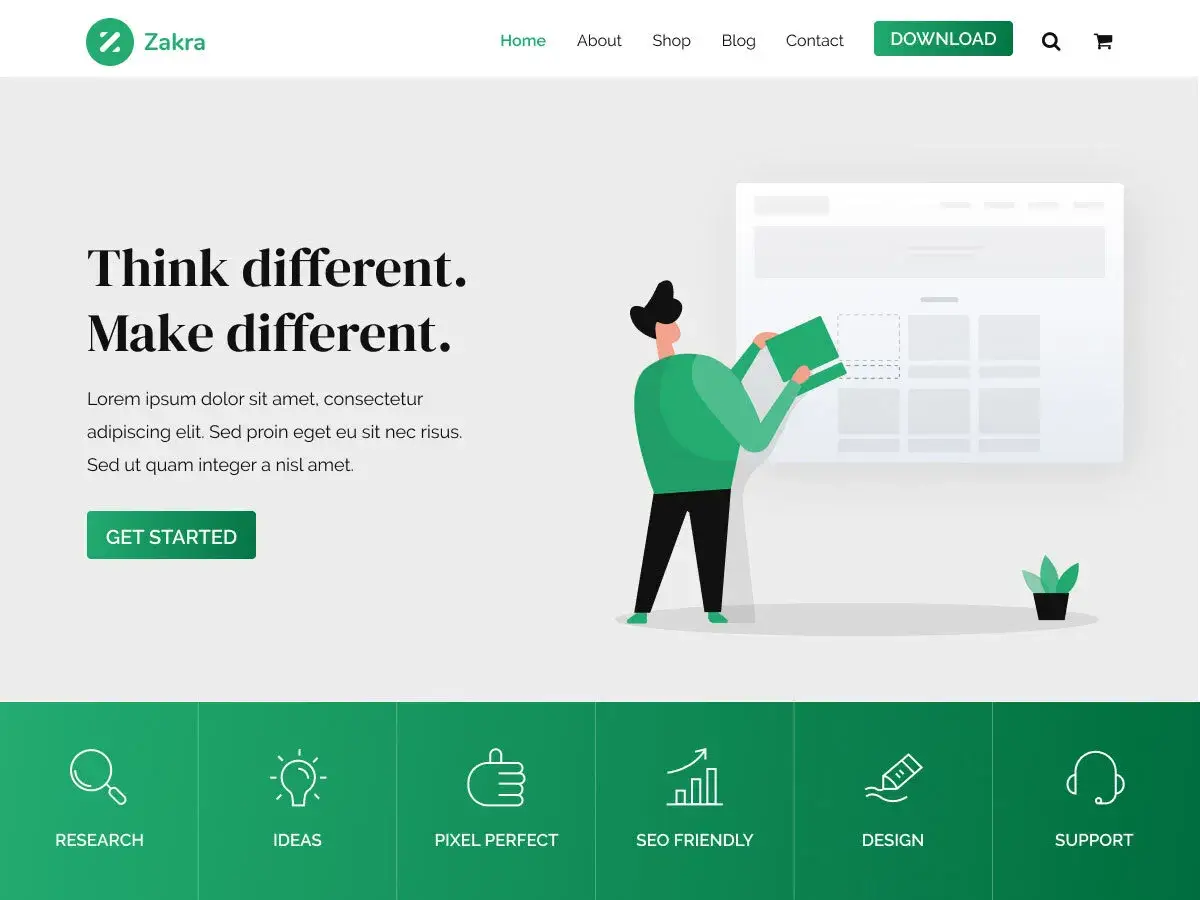
Zakra’s strength is its library of niche starter sites for clinics, law firms, restaurants and schools. It added 42.6 KB, mostly CSS, and scored 86. That is fine for a demo-driven theme, but it is no longer in the same weight class as Hello or GeneratePress.
Theme CSS + JS: 42.6 KB · Lighthouse mobile: 86 · Active installs: 30K+ · Last updated: Sep 2026 · Price: Free, Pro available
11. Brooklyn Lite (Elementor-first starter theme)
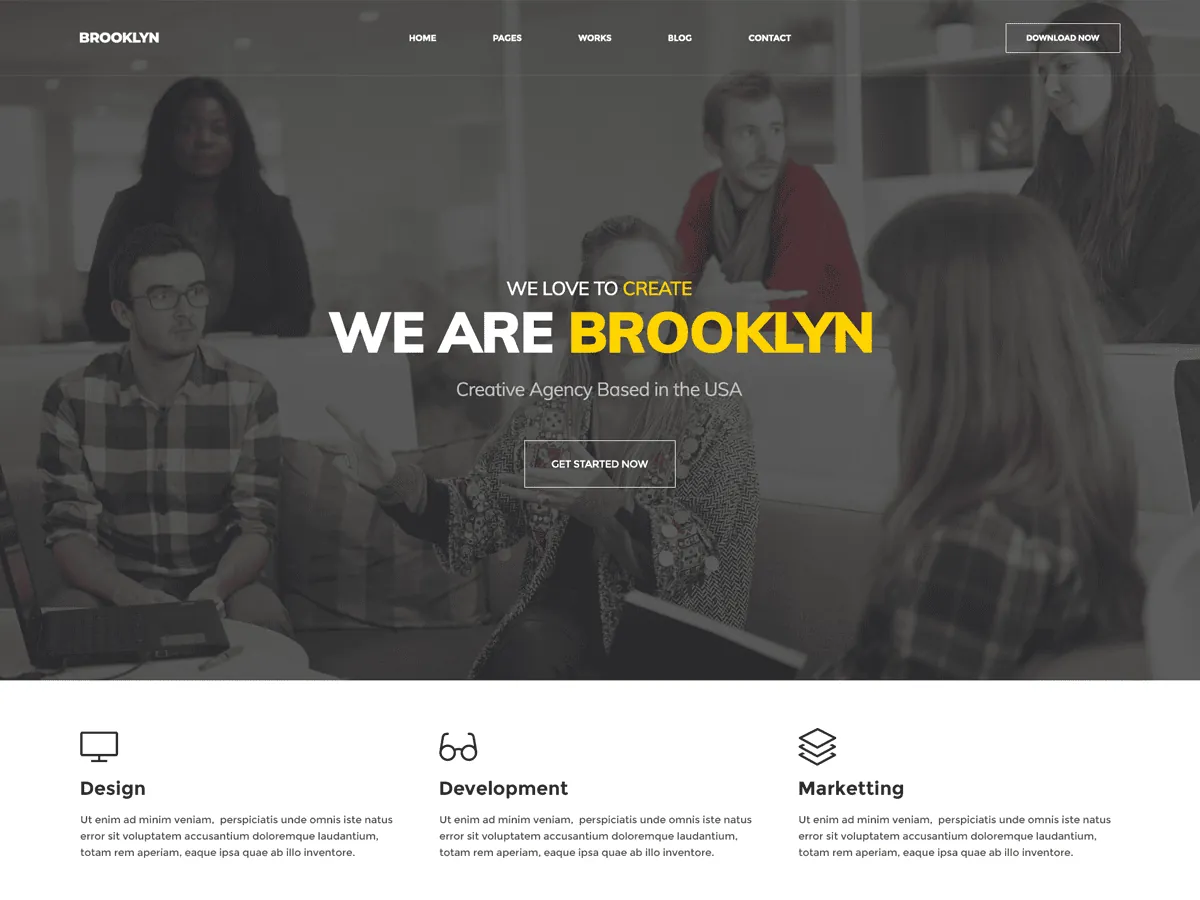
Brooklyn Lite is our own theme, built by the team behind Master Addons, so read this entry with that in mind. It is designed around Elementor and comes with 50+ Elementor landing page templates plus a header and footer builder, display conditions and other extensions through the plugins it sets up.
It is not one of the lightest themes on raw numbers. It added 73.9 KB, loads its own icon font, and scored 78 with a 4.1-second LCP. The reason to choose it is the ready-made landing pages. If you only want the lightest possible base, Hello or GeneratePress will serve you better.
Theme CSS + JS: 73.9 KB · Lighthouse mobile: 78 · Last updated: Mar 2026 · Price: Free · WordPress.org · Demo
12. OceanWP (WooCommerce depth)
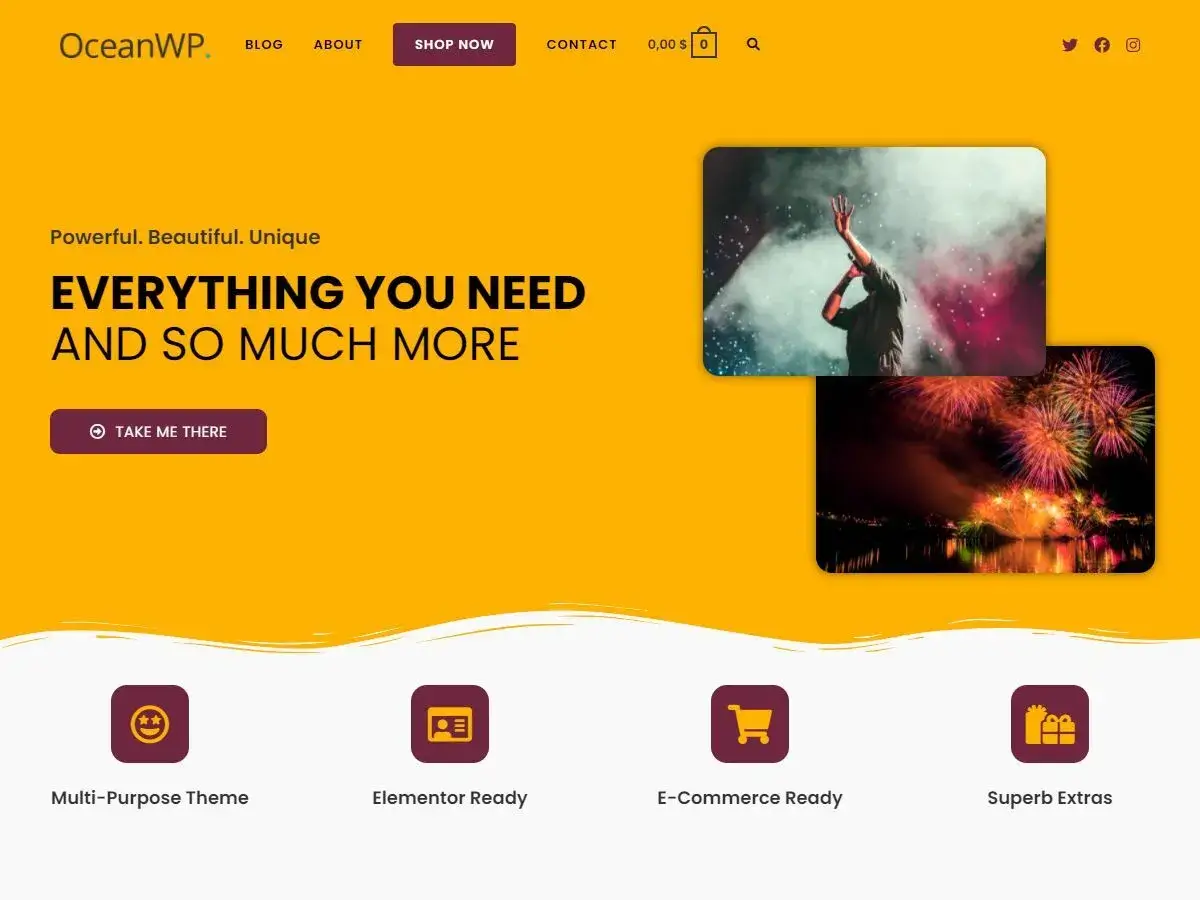
OceanWP earns its place for WooCommerce: floating cart, quick view and a multi-step checkout, with modular extensions. It is also the heaviest theme we would still call usable, at 95.6 KB across 14 files, and it scored 84. Switch off the extensions you don’t need and it gets lighter.
Theme CSS + JS: 95.6 KB · Lighthouse mobile: 84 · Active installs: 400K+ · Last updated: Sep 2026 · Price: Free, Pro extensions available
Tested, but left off the list
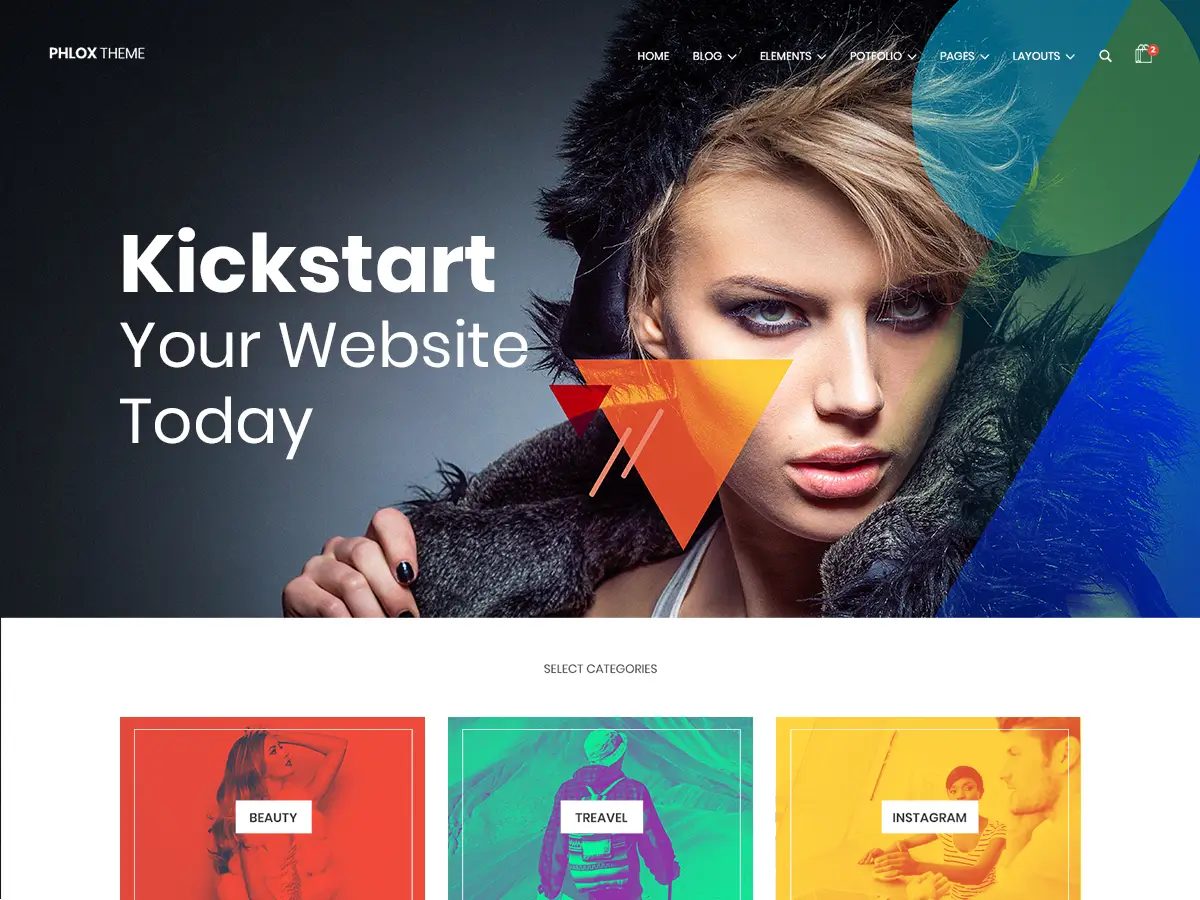
Phlox has been on lightweight lists for years, including an earlier version of this one. In our test it added 302.7 KB of CSS and JavaScript, more than three times OceanWP, and scored 70 with a 4.9-second LCP. It has good creative demos, but it is not a lightweight theme.
PopularFX is light (10.6 KB, score 89), but it is built for the Pagelayer builder, so we did not rank it for Elementor users. Twenty Twenty-Five, the default block theme, loads no theme files at all. Instead it prints about 53 KB of CSS into every page and showed 250 ms of blocking time, far more than any other theme in the test. It works with Elementor, but headers and footers live in the Site Editor, not in Elementor.
How to pick the right lightweight theme
- Want the lightest blank canvas and full Elementor control? Hello Elementor.
- Want the same weight with business kits? Hello Biz.
- Want light plus real Customizer options? GeneratePress.
- Want the fastest finished page with no tuning? Blocksy.
- Want a light multipurpose theme with starter sites? Neve or Astra.
- Need a free header builder inside the theme? Kadence.
- Want ready Elementor landing pages from the Master Addons team? Brooklyn Lite.
- Running a WooCommerce store that needs every hook? OceanWP.
Make any theme faster with Elementor’s font settings
The Blocksy result shows where the easy savings are. On any theme, go to Elementor › Settings and:
- Under General, tick Disable Default Fonts. Elementor then uses your theme’s fonts instead of Roboto and Roboto Slab, and in our retest the browser stopped downloading those two font files (about 70 KB).
- To remove the requests to Google completely, set Advanced › Google Fonts to Disable. If you want to keep a Google font, set Performance › Load Google Fonts Locally to Enable so it is served from your own server.
After that, caching and hosting matter more than the theme. Every number in this post was measured on a cached copy of the page. A host with server-level caching, such as Hostinger with LiteSpeed, gets you close to those conditions. Our guide on speeding up Elementor websites walks through the rest, and the best WordPress image optimizer plugins handle the images.
Pair your theme with the right addon
Even the lightest theme can’t save a site whose addon plugin loads its whole CSS and JS bundle on every page. Master Addons loads widget assets per page, so a page that doesn’t use the Pricing Table widget never loads its code. See our 100 best Elementor addons roundup, or compare Master Addons vs Ultimate Addons if you are weighing options.
On a blank theme like Hello, the Master Addons Theme Builder gives you headers, footers and archive templates built in Elementor. See how to create a sticky header in Elementor, and for phones and tablets, responsive design with Elementor breakpoints.
FAQ: lightweight WordPress themes for Elementor
Which is the lightest WordPress theme for Elementor?
In our September 2026 test, Hello Biz added the least code (4.5 KB of CSS and JavaScript, gzipped), followed by Hello Elementor (5.2 KB) and GeneratePress (6.4 KB). All three scored between 88 and 90 on Lighthouse mobile with the same Elementor page.
Which WordPress theme is the fastest?
With Elementor, Blocksy produced the fastest page in our test: a Lighthouse mobile score of 93 and a 2.5-second LCP. It won because its font styles keep Elementor’s default Google Fonts from downloading. Hello Elementor and GeneratePress get close once you tick Disable Default Fonts in Elementor’s settings.
Does the theme really matter if I’m using Elementor?
Yes, within limits. On our test page a light theme added 5 to 15 KB and a heavy one added 75 to 300 KB, with Lighthouse scores falling from about 90 to 70. Among the lightest themes, Elementor’s own files and fonts matter more than the theme.
Is Hello Elementor really enough for a real site?
Yes, if you have a way to build headers and footers, such as Elementor Pro or the Master Addons Theme Builder. Hello is intentionally minimal and brings no design of its own, which is why it stays among the lightest themes available.
What about block themes for Elementor?
They work, but they are not the natural fit. Twenty Twenty-Five loaded no theme files in our test, yet it printed about 53 KB of inline CSS and had by far the most blocking time (250 ms). Its headers and footers are managed in the Site Editor, separate from Elementor.
Can I switch themes without breaking my Elementor pages?
Mostly yes. Elementor pages and Theme Builder templates are stored separately from the theme. You lose theme-specific widgets and Customizer settings such as fonts and colors. Set up Elementor’s global colors and fonts before switching, and test on a staging copy first.
Which lightweight theme has the best free WooCommerce support?
OceanWP has the deepest free WooCommerce features, including quick view and a multi-step checkout, though it is heavier at 95.6 KB. Astra and Kadence are lighter and handle product, cart and checkout pages well in their free versions.
Final verdict
If you want the lightest WordPress theme for Elementor, pick Hello Elementor, or Hello Biz for a business site. If you want light plus real options, pick GeneratePress. If you want the fastest finished page without touching a setting, pick Blocksy. Then disable Elementor’s default fonts, turn on caching, and the theme stops being the thing slowing your site down.
Once your theme is sorted, add Master Addons for widgets that load only where they are used, then work through our best SEO practices for Elementor. See pricing for Master Addons Pro.
Related reading
