
How to Create a Toggle Button in Elementor (3 Ways)
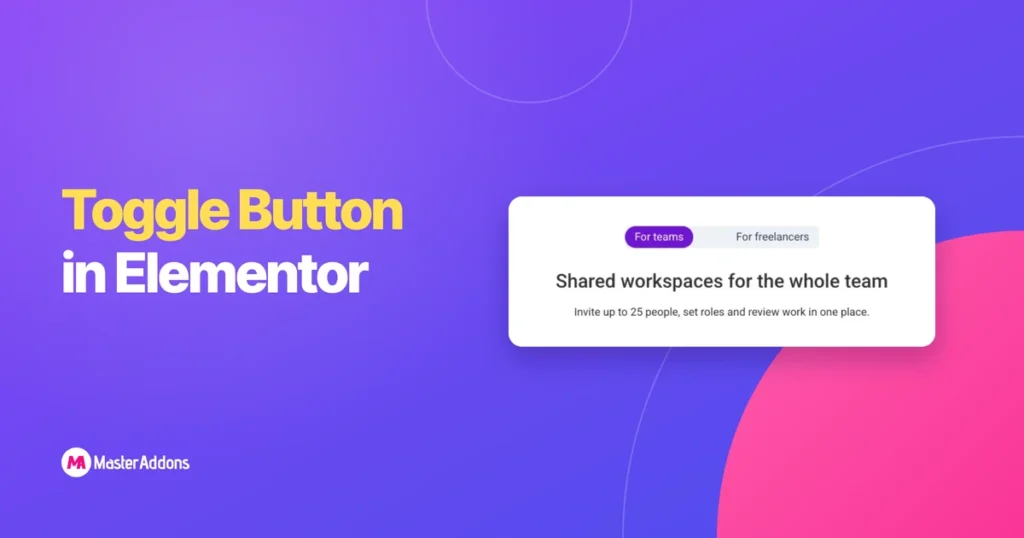
Key Takeaways You can create an Elementor toggle button in three ways, and the right one depends on what the button should do. To open and close text, use the Accordion widget. To expand a long paragraph, use a one-item accordion as a Read More toggle. To swap one block of content for another, such […]
How to Create Tabs in Elementor (Core, Nested and Addons)
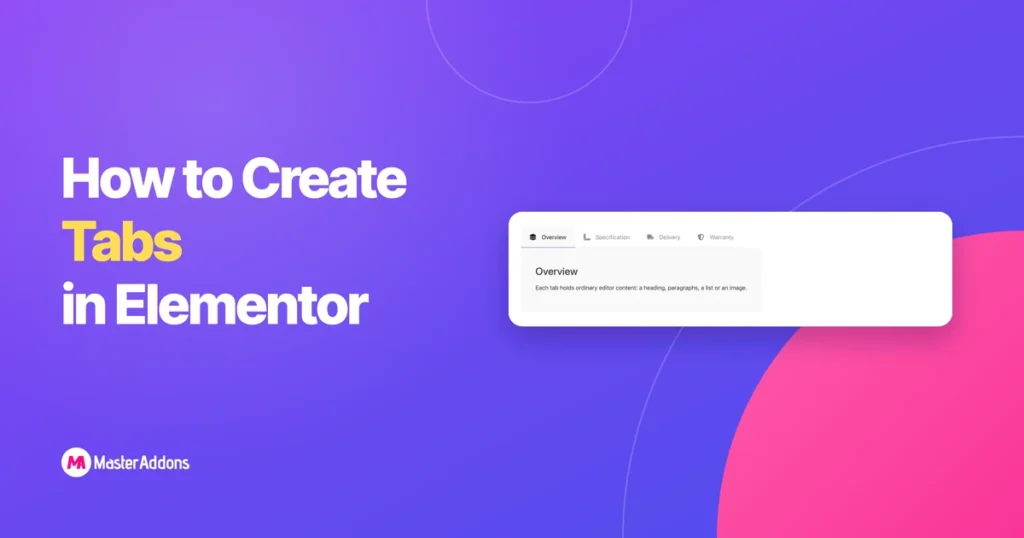
Key Takeaways Tabs do one job: keep a long page short. Specification, delivery and warranty do not all need to be on screen at once, and a visitor who wants one of them should not scroll past the other two. Elementor gives you two widgets for this and addons give you more, which is why […]
How to Build a Product Roadmap Page in Elementor
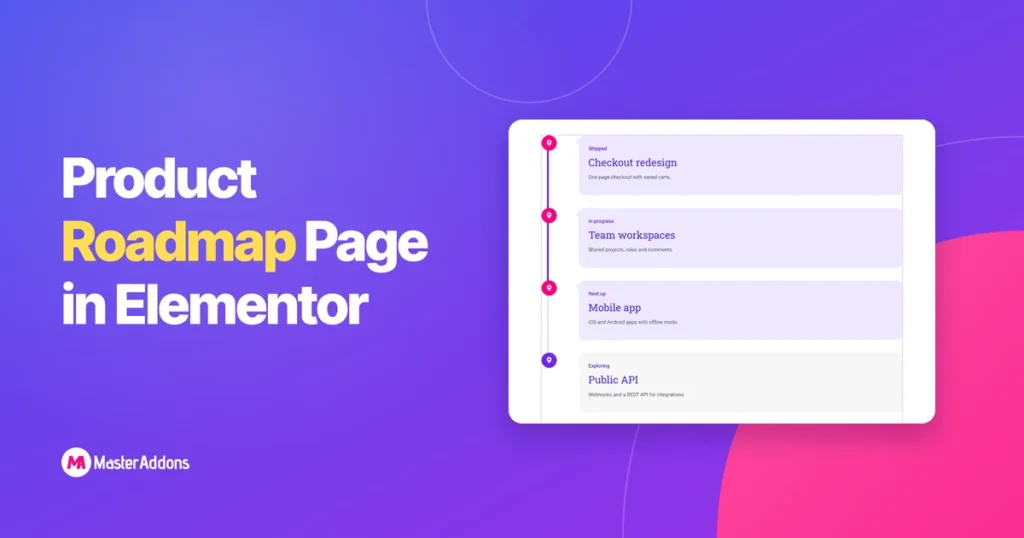
Key Takeaways An Elementor roadmap page shows customers what you have shipped, what you are building and what comes next. Elementor does not include a roadmap widget, but a roadmap is a timeline with statuses in place of dates, so a timeline widget does the job. This guide uses the Master Addons Timeline widget. The […]
How to Create a Filterable Gallery in Elementor (2 Ways)
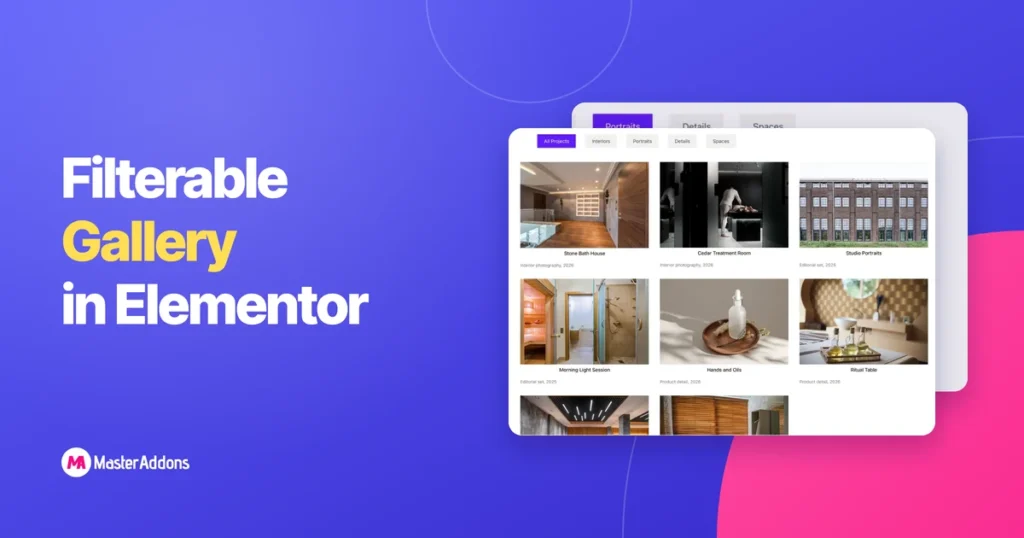
Key Takeaways A filterable gallery is a grid with a row of category buttons above it. Click Portraits and the portraits stay while everything else drops out of view. It is the layout portfolios, product catalogues and photo sets reach for, because scrolling past forty images to find one type of work is nobody’s idea […]
How to Show Blog Posts on a Timeline in Elementor
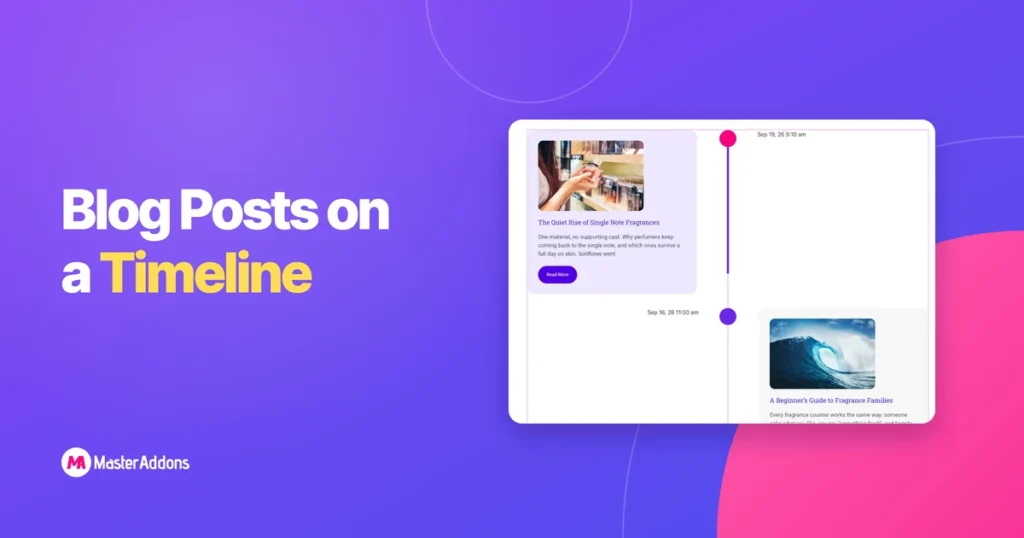
Key Takeaways An Elementor post timeline turns your blog archive into a dated line: newest post at the top, each one a card with its title, image and excerpt. Elementor has no widget for this, so the steps below use the Post Timeline type of the Master Addons Timeline widget, which is a Pro feature. […]
How to Create a Horizontal Timeline in Elementor
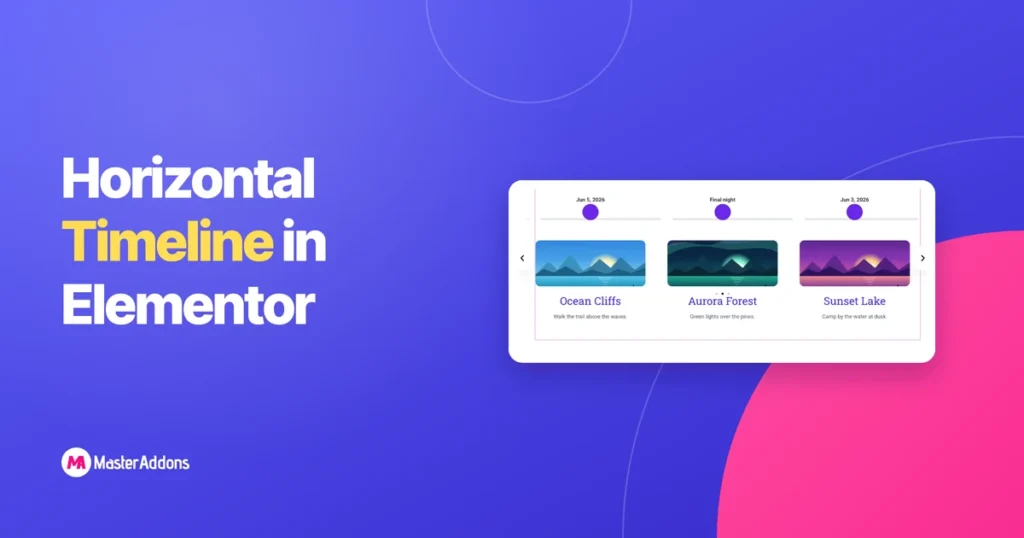
Key Takeaways An Elementor horizontal timeline lays your dates out left to right, with a point on the line above each card and arrows to move along it. Elementor has no timeline widget of its own, so this guide uses the Timeline widget in Master Addons, where the horizontal layout is a single dropdown. The […]
Envato Elements Plugin Alternative: How to Import Template Kits Now
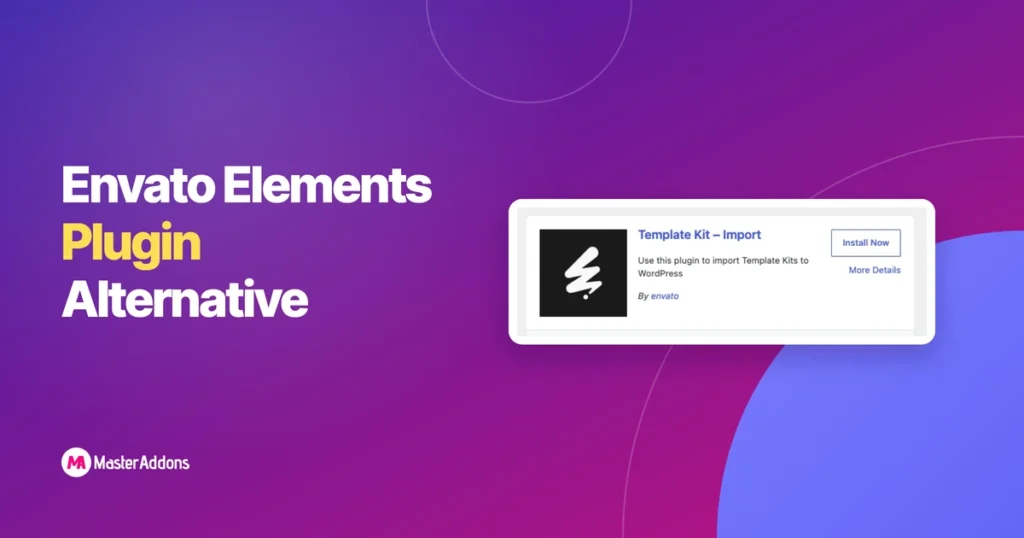
Key Takeaways The Envato Elements plugin is no longer available for WordPress. It was closed on WordPress.org in August 2025, so you cannot install it from the plugin directory, and the kit you downloaded from Envato needs another way in. There are three ways that work today. We ran each one with the same Envato […]
How to Save an Elementor Page as a Template (and Export It as JSON)
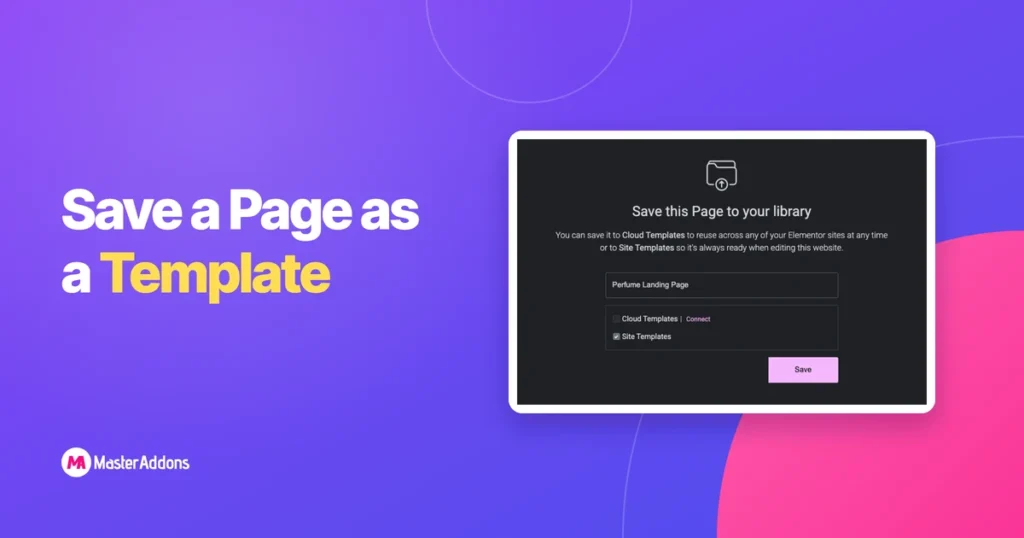
Once you have a page you are happy with, you should not have to build it twice. Elementor lets you save any page as a template, then insert it on another page, another site or hand it to a client. The same saved template can be exported as a .json file, which is how most […]
Restaurant Popups in Elementor: Reservations, Specials and Offers
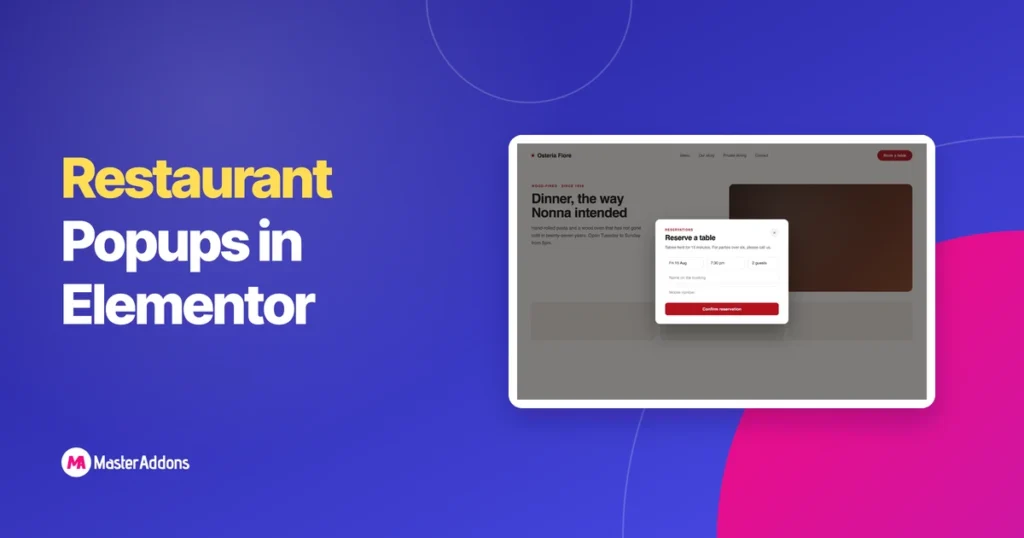
A restaurant popup is an overlay that puts one thing in front of a visitor: a reservation link, today’s specials, or a dated offer. You can build both of the ones that matter with free Elementor and the free Master Addons Popup Builder, and this walks through it. Which triggers the free tier actually gives […]
How to Build a Nav Menu in Elementor Without Pro (Free Widget)
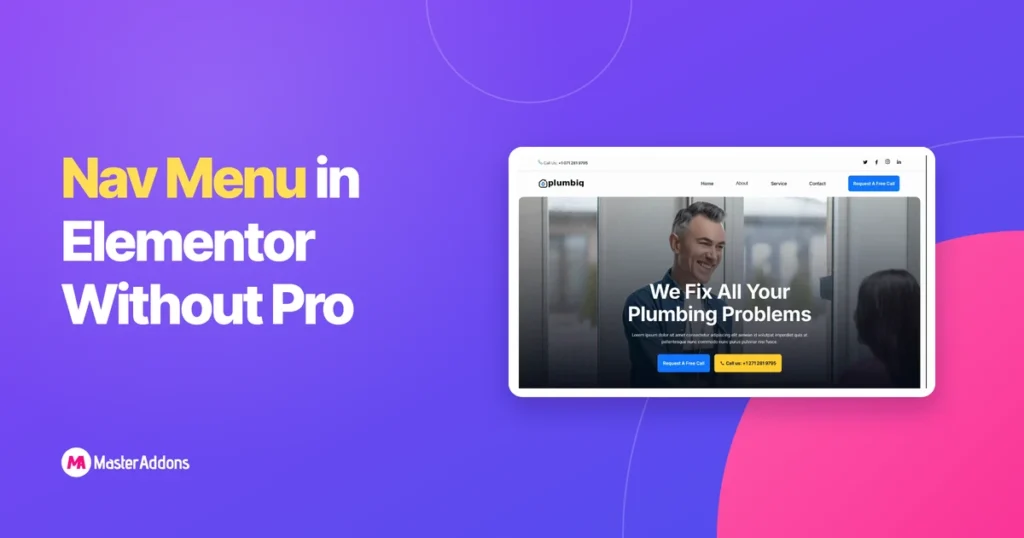
You can build a working, styled navigation menu in Elementor without buying Pro. Elementor’s own menu widget is Pro-only, but the free Master Addons Nav Menu widget pulls any WordPress menu into the editor, styles it from the panel, and collapses to a hamburger toggle on small screens. Below: why core Elementor leaves the gap, […]