
Best Elementor Slider Plugins Compared

“Slider plugin” covers two completely different products, and picking the wrong category costs more than picking the wrong plugin. Sliders and carousels overlap enough that it is worth knowing which one you are actually building. The full carousel widget lineup covers the sideways-scrolling half, and the 3D carousel designs cover the depth-based ones. One category […]
7 Best Elementor Carousel Plugins Compared

Every Elementor addon has a carousel widget, so counting them tells you nothing. What matters is whether the plugin has the specific carousel you need (logos, testimonials, products, dynamic posts) in a tier you’re willing to pay for, without dragging eighty other widgets onto your site. Seven below, each judged on the same four things: […]
Elementor 3D Carousel: Coverflow, Flip, Arc and Orbit
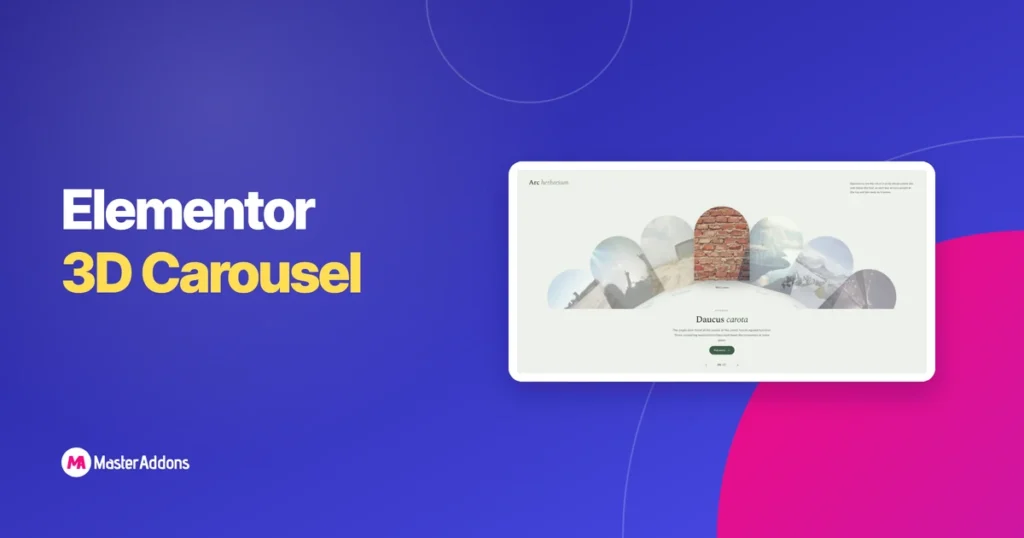
A 3D carousel is a carousel whose slides move through depth rather than across a flat plane: rotating, scaling or orbiting so the inactive slides sit visibly behind the active one. In Elementor you get it either from the Image Carousel widget’s coverflow layout, or from a purpose-built design. Four styles are worth your time. […]
Custom Breakpoints for Elementor: Add More Device Views for Free
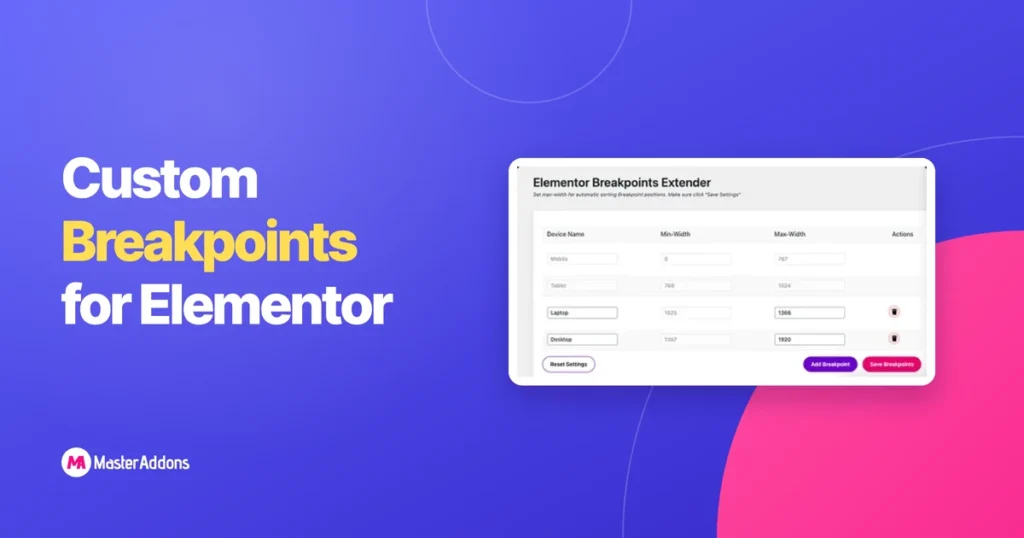
Elementor’s free version gives you more breakpoints than most tutorials admit: seven device views in total, each with an editable pixel width, all switched on from Site Settings. No Pro license needed. Where the native system stops is at those seven fixed slots. If your design needs an eighth view, or a device width the […]
7 Best Essential Addons Alternatives for Elementor (2026)

The best Essential Addons alternatives for Elementor in 2026, compared on price, free features, page weight, and support, with honest advice on when to switch.
Elementor Display Conditions: Free vs Pro and How to Set Them Up
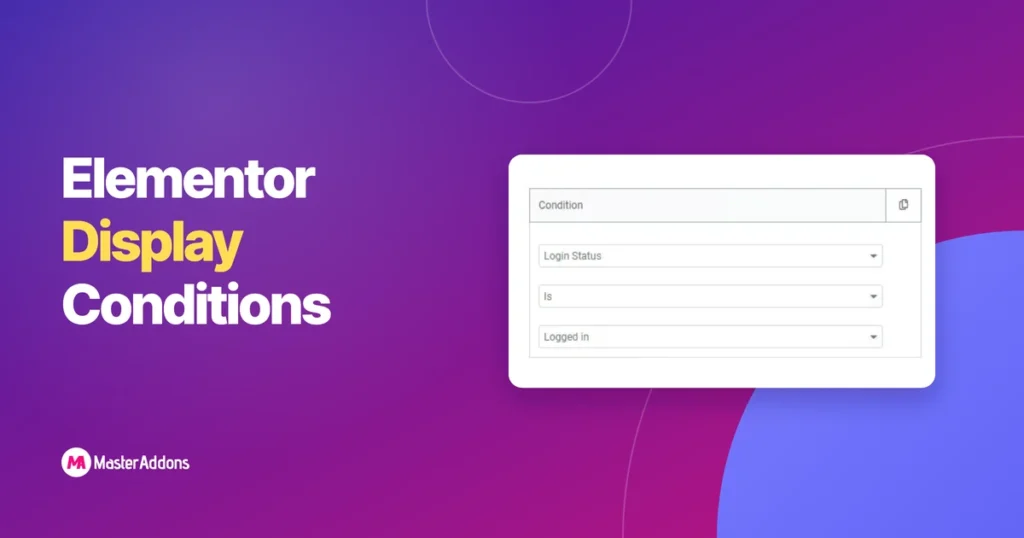
Elementor’s free plugin does not include Display Conditions at all. The feature sits entirely inside Elementor Pro. Master Addons, the free Elementor add-on, does not unlock the full Display Conditions extension either, but its Theme Builder and Popup Builder do include a basic, one-rule form of targeting at no cost. This page lays out exactly […]
25 Elementor Popup Examples That Actually Convert (2026)
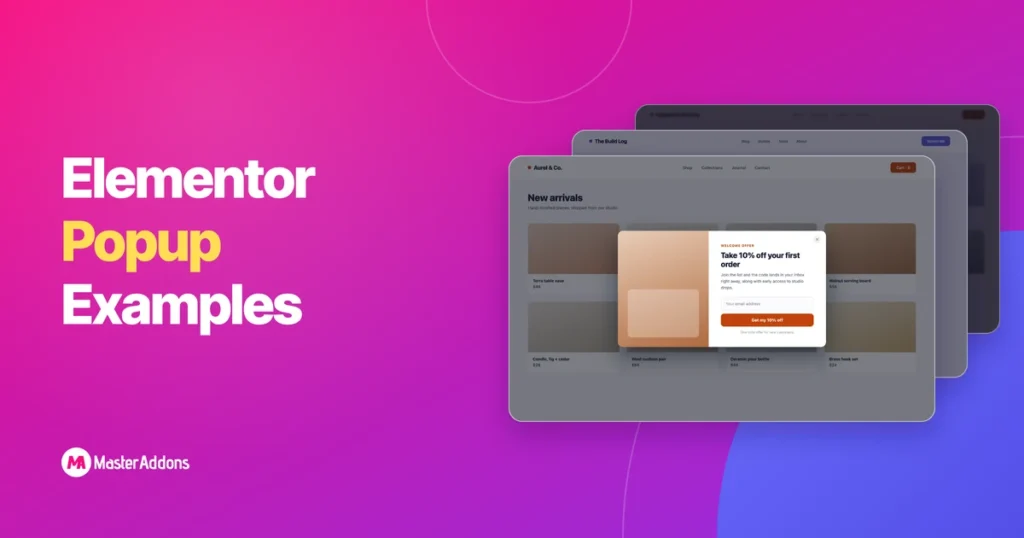
See 25 Elementor popup examples that convert, grouped by goal, each with the right trigger. Build every one free on Elementor with the Master Addons Popup Builder.
Elementor Section Templates: 32 Free Downloads and 580+ in the Library
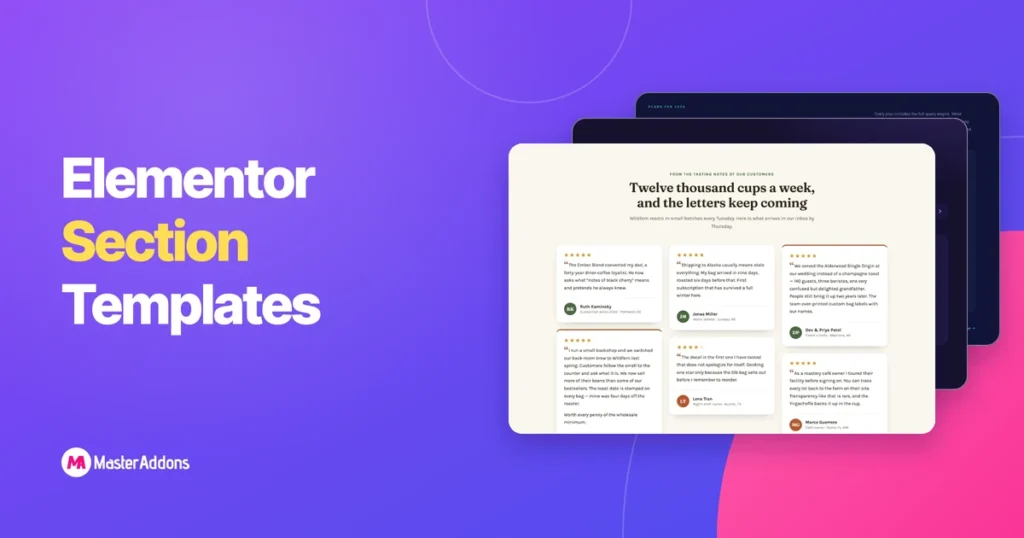
A section template is one band of a page: the pricing table, the FAQ, the row of logos, saved so you can drop it into a layout instead of building it again. This page has two sets. The first is 32 sections we built by hand and packaged as JSON files you can download right […]
How to Build a Restaurant Mega Menu in Elementor (Free Step-by-Step Guide)
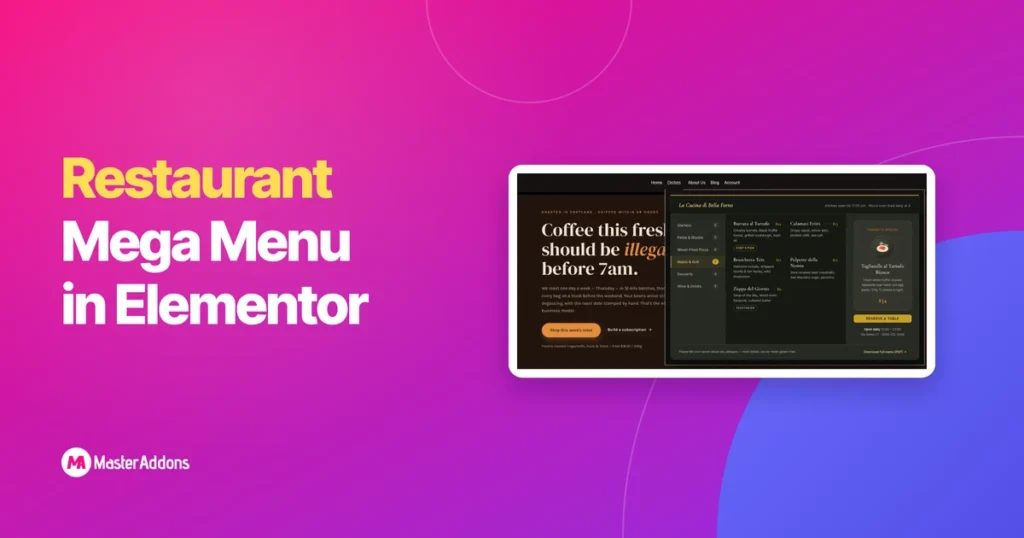
A restaurant mega menu is a wide dropdown panel that puts your entire food menu, dietary info, opening hours, and a booking button in one place instead of burying them behind several clicks. Diners arrive wanting to see food, prices, hours, and a way to book. Usually on a phone. Often while deciding between you […]
What Is a Mega Menu? (And When Your Site Actually Needs One)
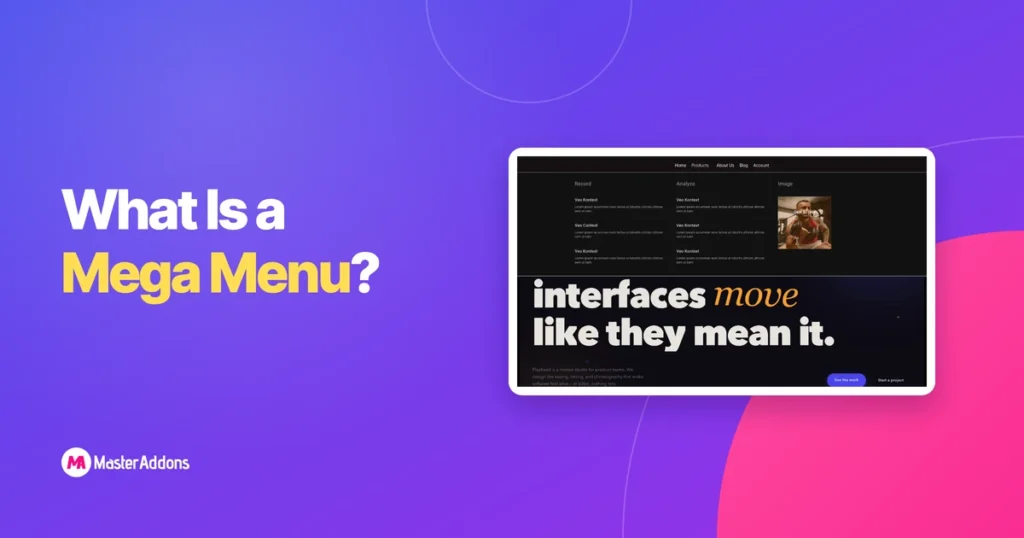
A mega menu is a large, panel-style dropdown that opens beneath a navigation item and lays out many links at once in columns, instead of stacking them one under another. It replaces a narrow, scrollable submenu with a wide preview of an entire site section, so visitors see their options instead of hunting through nested […]