
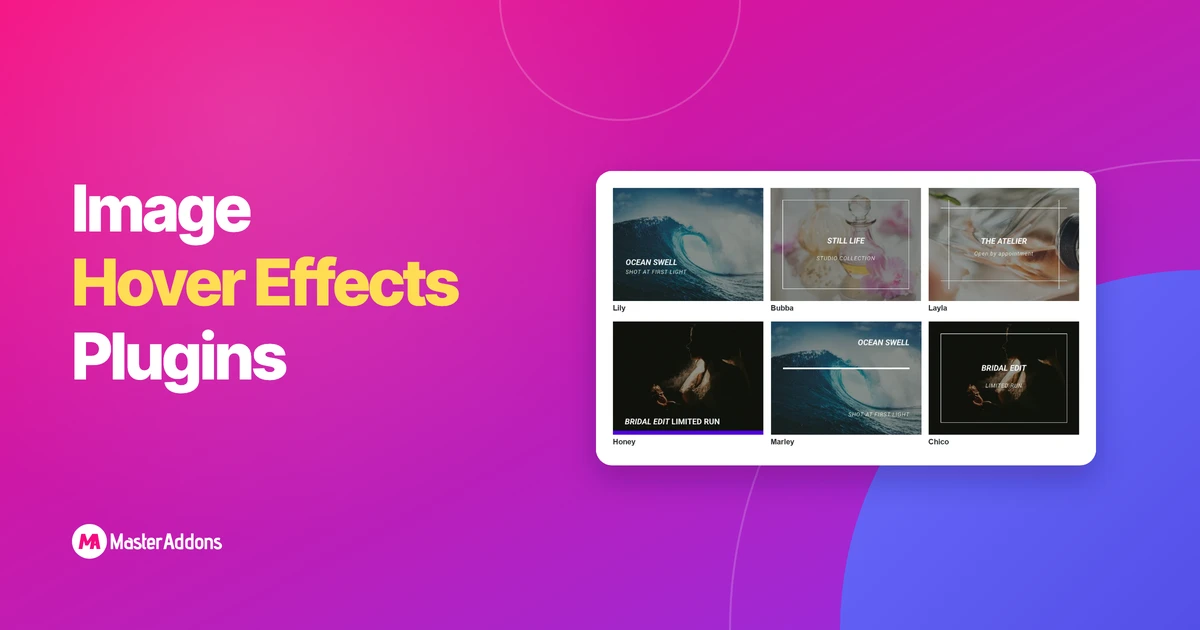
Key TakeawaysAn Elementor image hover effects plugin adds what the built-in Image widget lacks: a title and description that animate over the image when a
Read More..
Key TakeawaysAll six examples are live demo pages built with the same widget, so you can open each one and click the tabs yourself.Every one
Read More..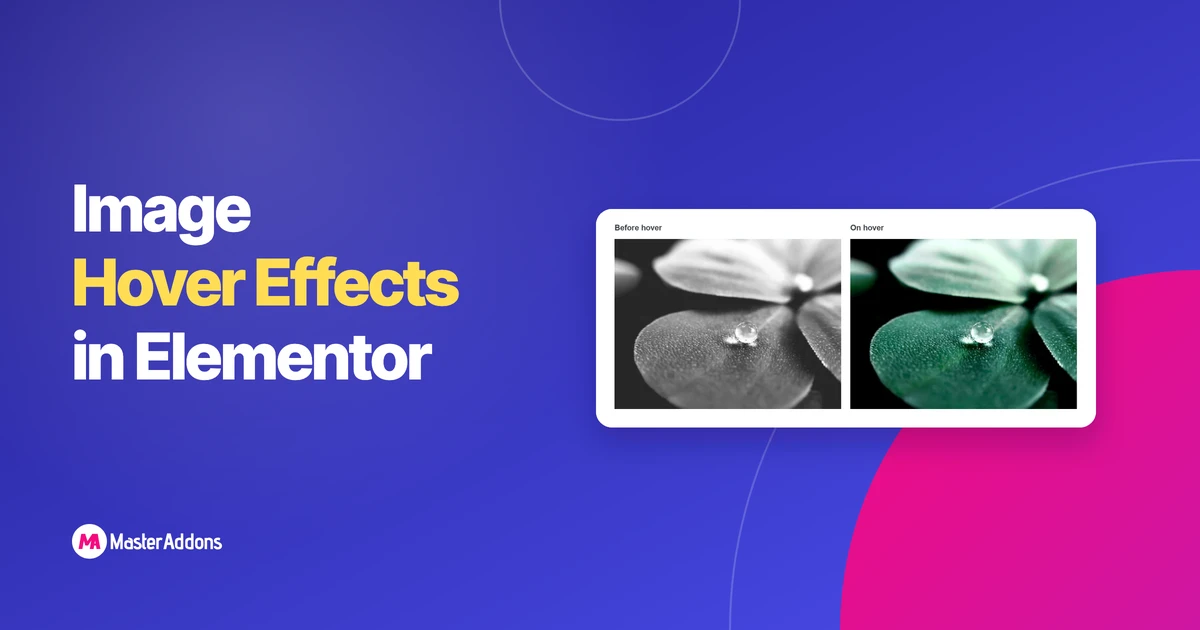
Key TakeawaysElementor hover effects for images live in the Image widget's Style tab, under a Hover tab with four controls: Opacity, CSS Filters, Transition Duration
Read More..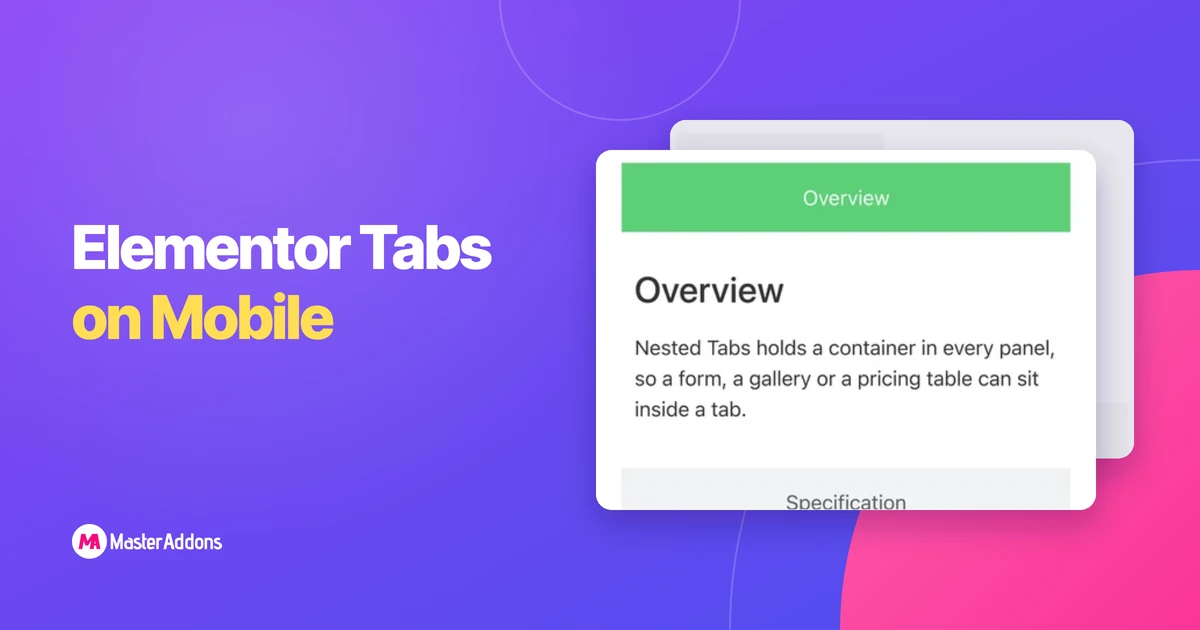
Key TakeawaysFour tab titles that fit a 1,200px desktop column have about 390px on a phone, so they wrap, squash or overflow.Elementor's Tabs widget has
Read More..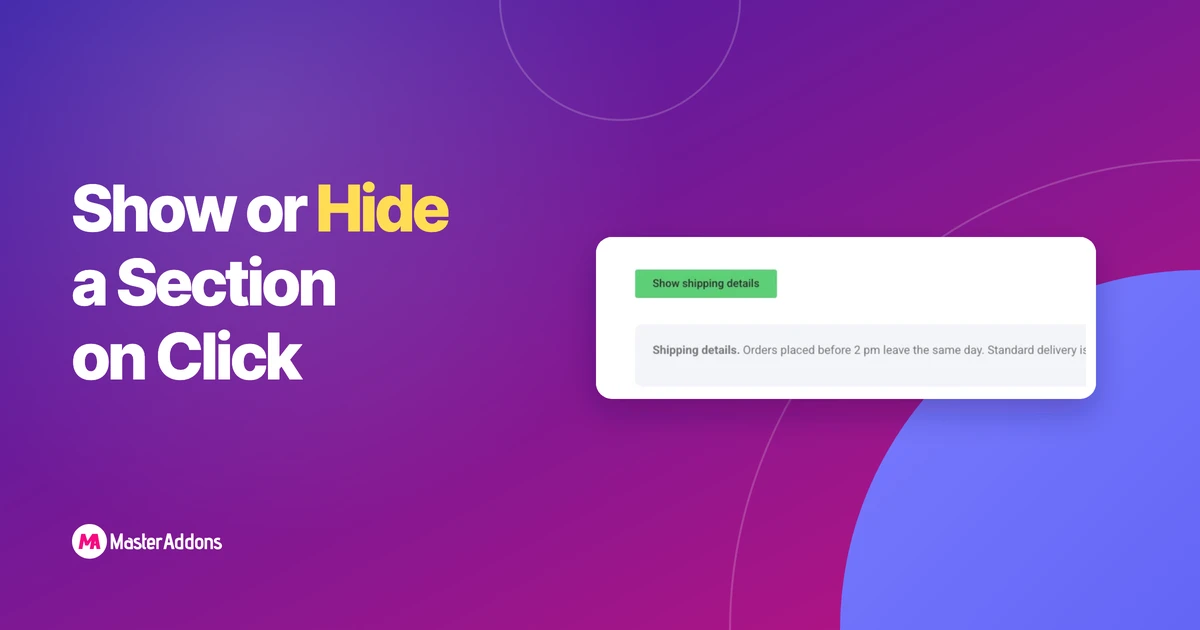
Key TakeawaysElementor has no dedicated control to show or hide a section on click, so the three working methods are the Accordion widget, a content
Read More..
Key TakeawaysElementor's Portfolio widget is on the Pro list. It pulls from posts or a custom post type and builds the filter tabs from their
Read More..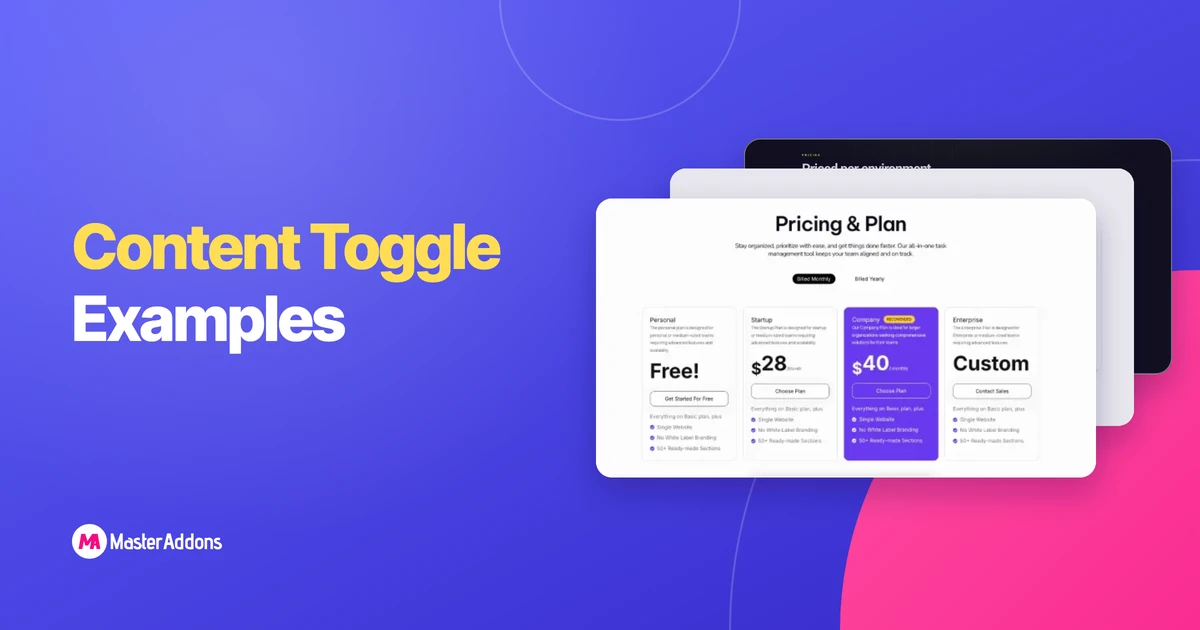
Key TakeawaysThese 10 content toggle examples for Elementor are live demos built with the Master Addons Toggle Content widget, and each one switches between two
Read More..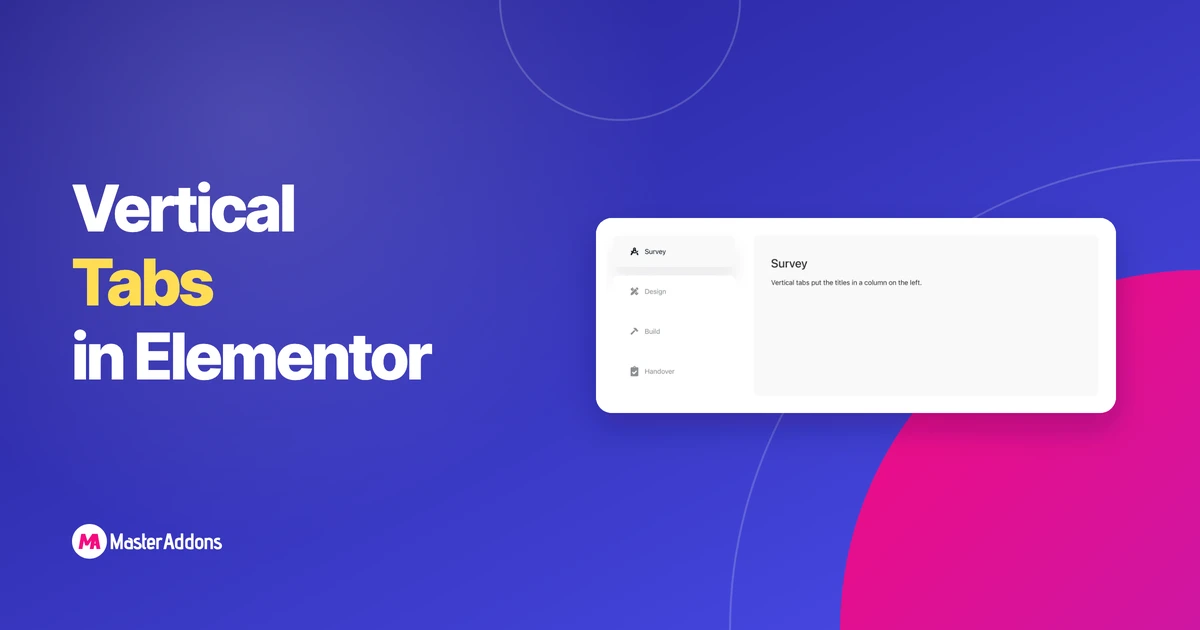
Key TakeawaysVertical tabs put the titles in a column on the left or right, with the panel beside them. They suit long titles and six
Read More..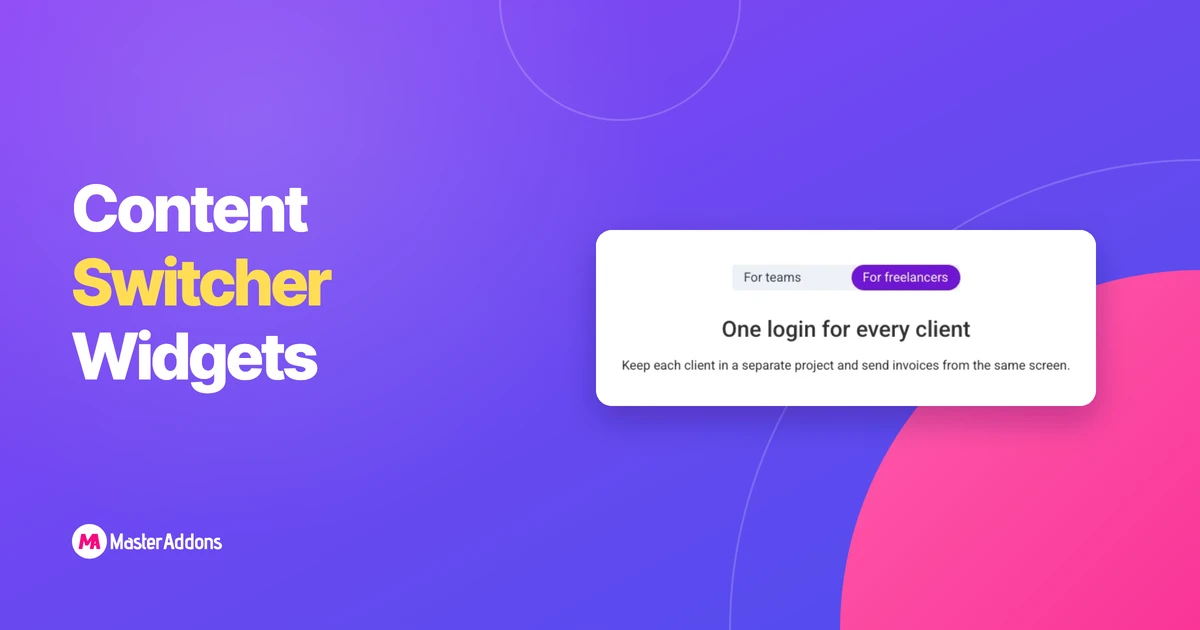
Key TakeawaysElementor and Elementor Pro do not include a content switcher widget, so an Elementor content switcher always comes from an addon or from a
Read More..