


Table of Contents
Your theme decides how fast Elementor loads before you drag a single widget onto the canvas. Pick a bloated one and you inherit its CSS, its JavaScript, and layouts you did not ask for, then you fight it on every page. A light one gives Elementor a clean slate. The Elementor template kits you import later land on that clean slate too, so they look the way they did in the demo instead of half-inheriting the theme’s fonts and button styles.
Short answer: the best Elementor theme for most sites is Hello Elementor. It is Elementor’s own theme, it shipped about 19 KB of CSS and no JavaScript in our test, and it runs on 1 million+ sites. Want starter templates? Pick Astra. Running a store? Pick Botiga or Kadence. Want the lightest theme that still has real options? Pick GeneratePress.
Most “best Elementor themes” lists repeat the same claims about speed without showing a number. So we loaded all 17 free themes on this list on their official WordPress.org previews and measured how much CSS and JavaScript each one sends to the browser. We also checked every theme’s install count and last update date, and dropped anything that has stopped getting updates. That cut two themes from our old list: ColorWay (no update since July 2022) and Envo Shop (no update in over a year).
Best theme for Elementor by use case (quick picks)
If you already know what kind of site you are building, start here. The full reviews are below.
| You are building… | Best pick | Why | Runner-up |
|---|---|---|---|
| Anything, built fully in Elementor | Hello Elementor | 19 KB of CSS, zero JS, made by Elementor | GeneratePress |
| A site from a starter template | Astra | Largest starter site library, 1M+ installs | Neve |
| A fast site with built-in options | GeneratePress | 26 KB with a full Customizer | Neve |
| A small business site, fast | Hello Biz | Elementor’s business theme with ready kits | Sydney |
| A WooCommerce store | Botiga | Shop, product and checkout styling built in | Kadence |
| A store on Elementor’s own stack | Hello Commerce | 44 KB, made by Elementor for WooCommerce | Storefront |
| A blog or magazine | Ashe | Post layouts ready out of the box | Blocksy |
| A portfolio or creative site | Rife Free | Gallery-ready layouts and animations | Bridge (paid) |
| A one-page landing site | Hestia | Single-page sections that suit Elementor | Sydney |
| Client sites with a premium look | Bridge | 630+ demos, 224,000+ sales | Astra Pro |
What makes a theme good for Elementor
Before the list, three things separate a good Elementor theme from one that gets in your way:
- Small front-end footprint. The theme should add as little CSS and JavaScript as it can. Elementor already loads its own, so a heavy theme just piles on top.
- Full-width and canvas templates. You want a blank template option so Elementor owns the whole page, with no theme header or sidebar in the way.
- Sane header and footer handling. Either the theme gives you a builder, or it steps aside so you can build them yourself. If you want full control, Master Addons Theme Builder lets you design headers, footers, archives and 404 pages inside Elementor on any theme here.
How we tested
We opened each theme’s official preview on wp-themes.com in headless Chromium and added up every CSS and JavaScript file served from the theme’s own folder. Sizes are uncompressed and use default settings, with no plugins, images or fonts counted. That makes it a fair side-by-side of what each theme adds before you build anything. It is not a full PageSpeed score, since your content, hosting and plugins will move that number far more than the theme does.
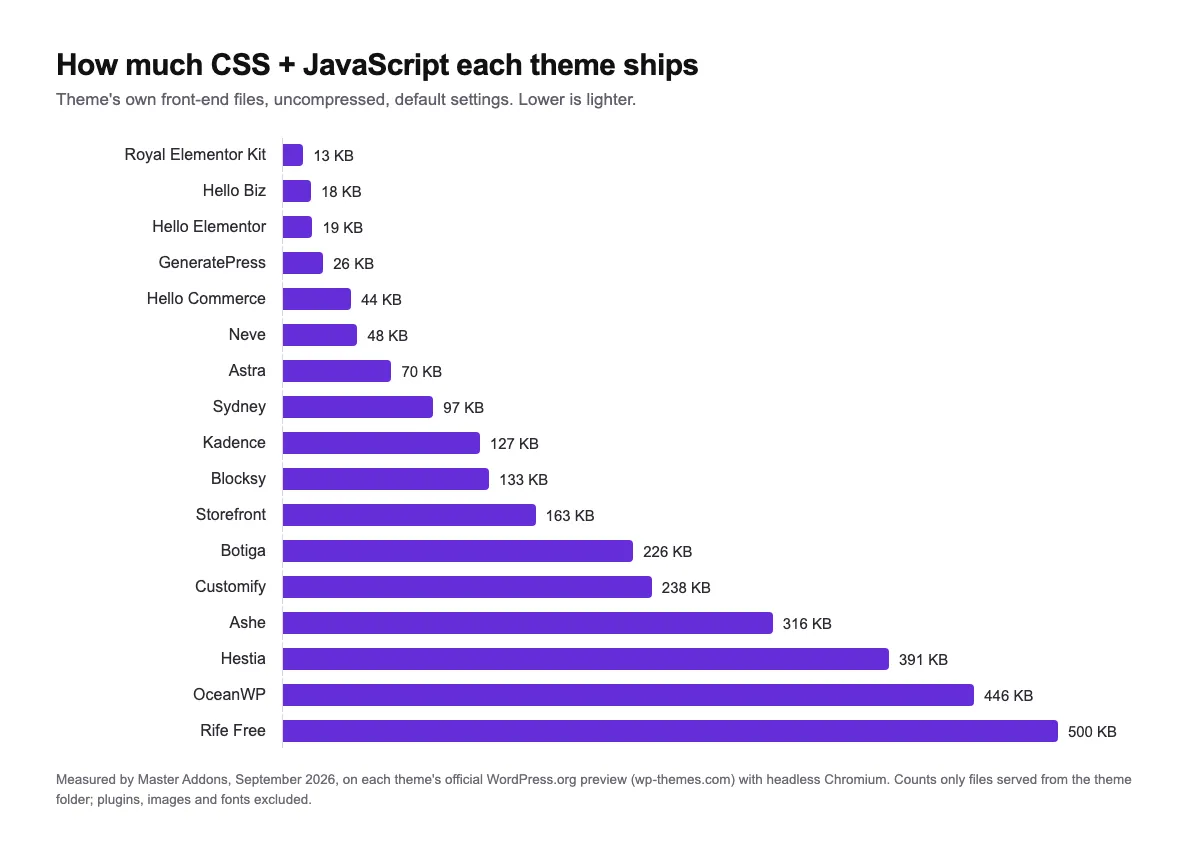
The four lightest themes all come in under 30 KB, and three of them are built specifically for Elementor. Theme marketing that says “lightweight” does not always hold up either. By default, Kadence and Blocksy send about 7 times more code than Hello, and OceanWP about 23 times more. If speed is the thing keeping you up at night, read our guide on how to speed up Elementor websites next to this list. The theme is step one. The rest is caching, images, and cutting plugins you do not need.
Best multipurpose Elementor themes
These nine cover almost any project. They come with starter templates or a clean base, and all of them had an update in the last year. Start here unless you have a specific niche in mind.
1. Hello Elementor
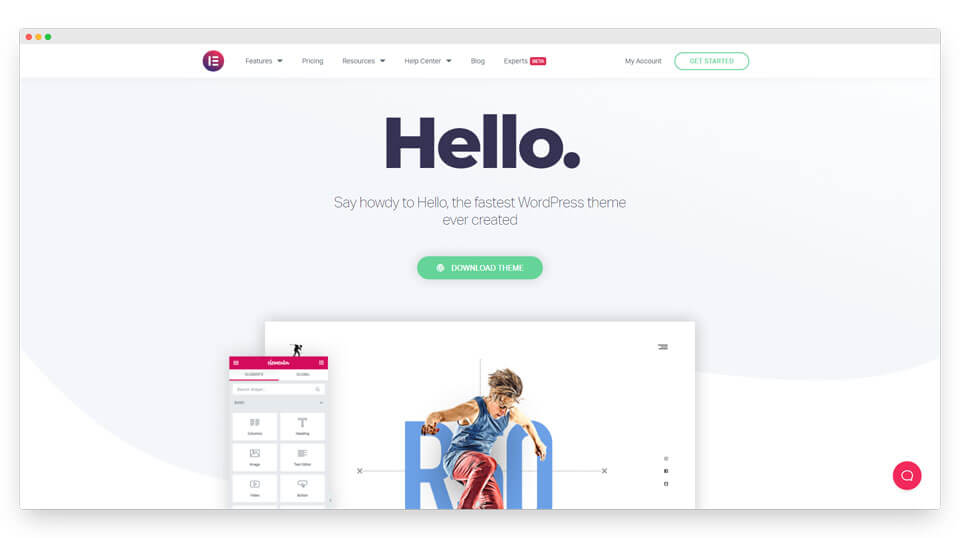
Hello is Elementor’s own theme, and it does almost nothing on purpose: it has no layouts and no styling opinions of its own. In our test it shipped 18.7 KB of CSS and not a single JavaScript file, which is exactly what you want if you build every page in Elementor anyway.
It is the cleanest starting point on this list because there is nothing to override. The catch is that it is a blank canvas: header, footer and styling are all on you. Pair it with an addon pack and a theme builder and you have a full site.
Theme CSS + JS: 19 KB · Active installs: 1M+ · Last updated: Aug 2026 · Price: Free · Best for: Elementor-first builds, developers, agencies
2. Astra
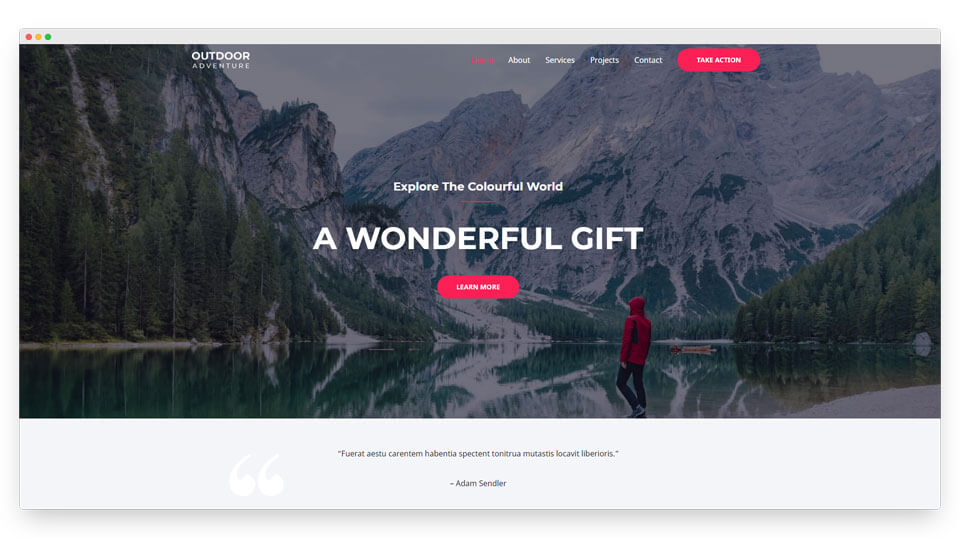
Astra is the most popular Elementor-friendly theme, with 1 million+ active installs and a 4.9 rating. It sent 70 KB of CSS and JS in our test, heavier than Hello but still light for a theme with this many options, and it ships a big library of starter templates you can import and edit in Elementor in a few minutes.
The free version handles most sites. Astra Pro adds deeper header and footer controls, WooCommerce styling and more layout settings. If you want a running start on design, Astra is the safe default. It is also the theme we see paired with Master Addons widgets most often on client work.
Theme CSS + JS: 70 KB · Active installs: 1M+ · Last updated: Sep 2026 · Price: Free, Astra Pro $69/yr or $249 lifetime · Best for: Agencies, beginners who want templates
3. GeneratePress
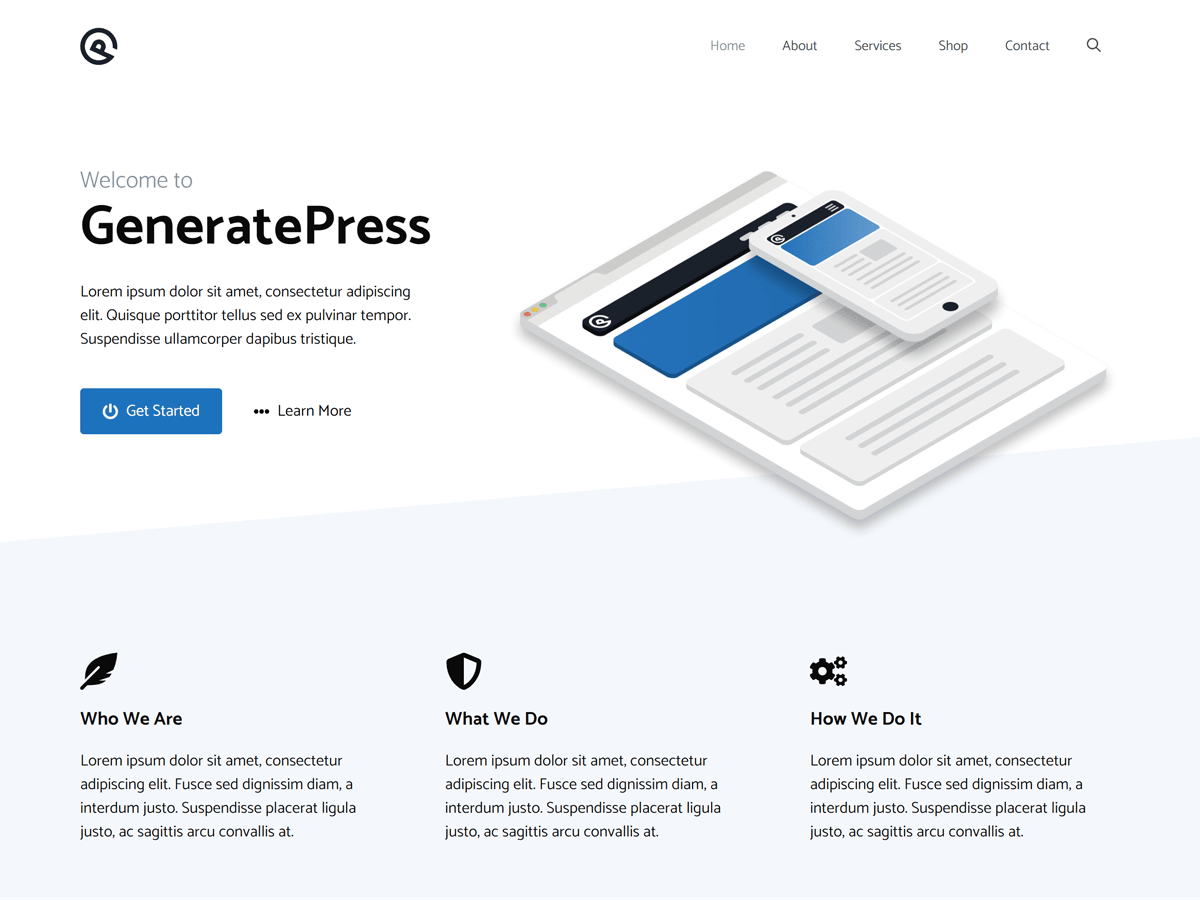
GeneratePress is the developer favorite. It came in at 26 KB of CSS and JS, the lightest theme on this list that still gives you a full Customizer with layout, typography and color controls. It is modular, so you switch on only the features you use.
It has fewer ready-made templates than Astra, which some people prefer. If your priority is a fast, stable base you can shape with Elementor, GeneratePress is hard to beat. GP Premium unlocks the module library, a theme builder and 60+ starter sites.
Theme CSS + JS: 26 KB · Active installs: 500K+ · Last updated: Dec 2025 · Price: Free, GP Premium $59/yr · Best for: Performance-focused sites, developers
4. Kadence
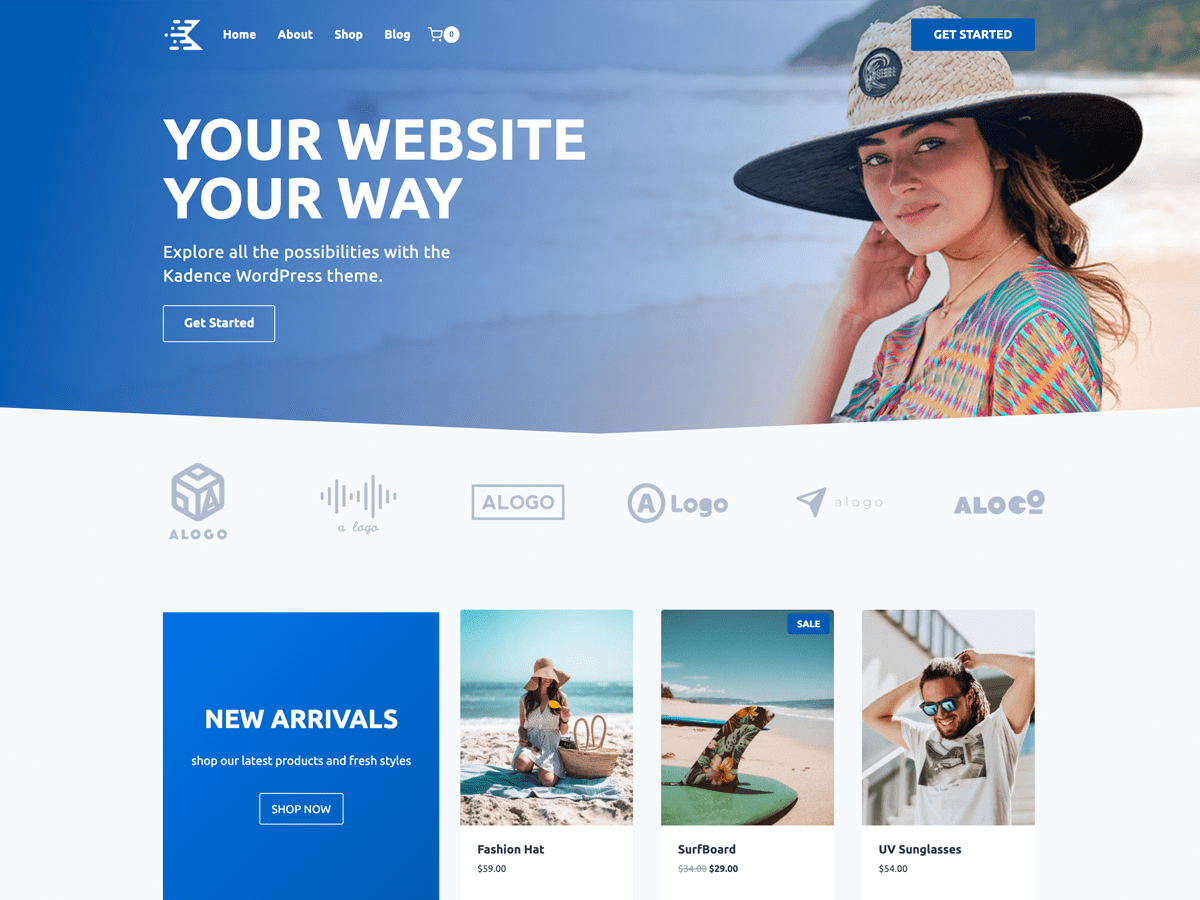
Kadence sits between Astra and GeneratePress. It gives you a drag-and-drop header and footer builder, a strong template library, and good WooCommerce handling. It is heavier by default at 127 KB, most of that CSS, because more design tools ship in the free theme.
If you want more built-in design tools than GeneratePress, this is the one. Use Kadence for the header and footer, use Elementor for the page body, and the two stay out of each other’s way.
Theme CSS + JS: 127 KB · Active installs: 500K+ · Last updated: Jul 2026 · Price: Free, paid bundles from $99/yr · Best for: Built-in header/footer tools plus WooCommerce
5. Neve
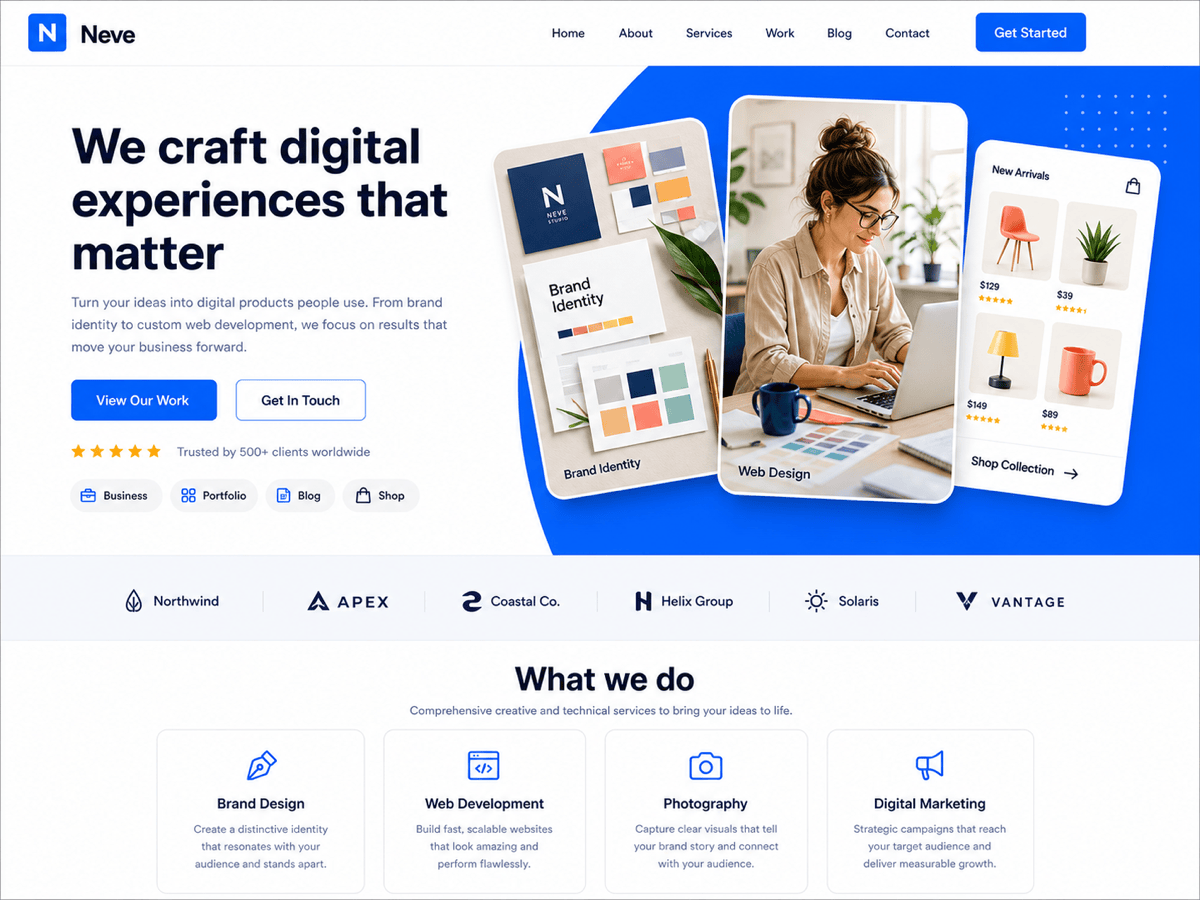
Neve is a mobile-first multipurpose theme with tight Elementor integration. It was one of the lightest full-featured themes in our test at 48 KB, and it ships a pile of starter sites, many of them designed specifically for Elementor.
It handles global colors and typography well. Neve is a solid Astra alternative when you want a different set of templates to start from. The free version gives you plenty.
Theme CSS + JS: 48 KB · Active installs: 200K+ · Last updated: Sep 2026 · Price: Free, Neve Pro from $69/yr · Best for: Small business sites, quick launches from starter kits
6. Blocksy
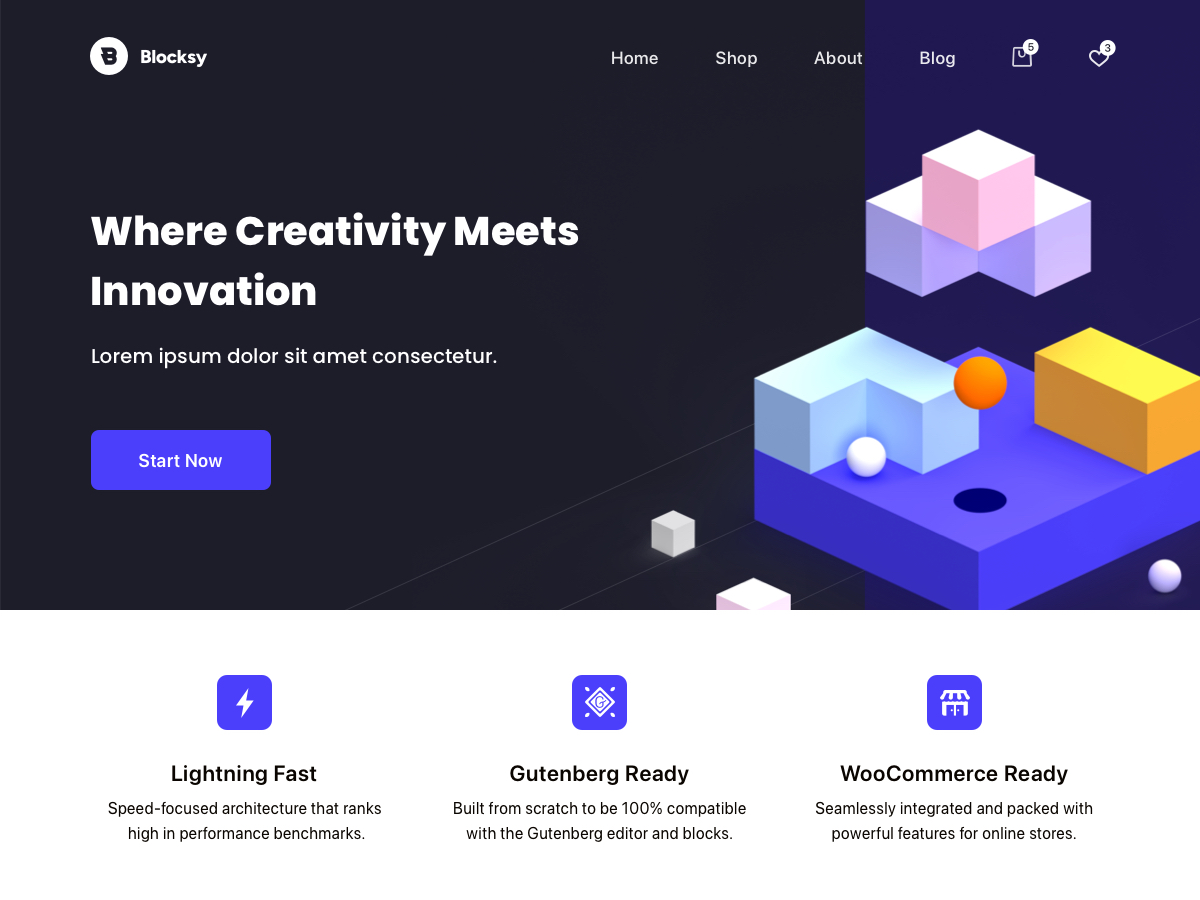
Blocksy has a perfect 5-star average on WordPress.org and 300K+ installs. It came in at 133 KB, and it works well with Elementor when you want page-level control on top of a modern shell with a proper header builder.
The customizer options run deep, WooCommerce support is strong, and the free version is unusually complete. If you want something current that is not Astra or GeneratePress, give Blocksy a look.
Theme CSS + JS: 133 KB · Active installs: 300K+ · Last updated: Sep 2026 · Price: Free, Pro available · Best for: Modern sites, blogs, a fresh alternative
7. OceanWP
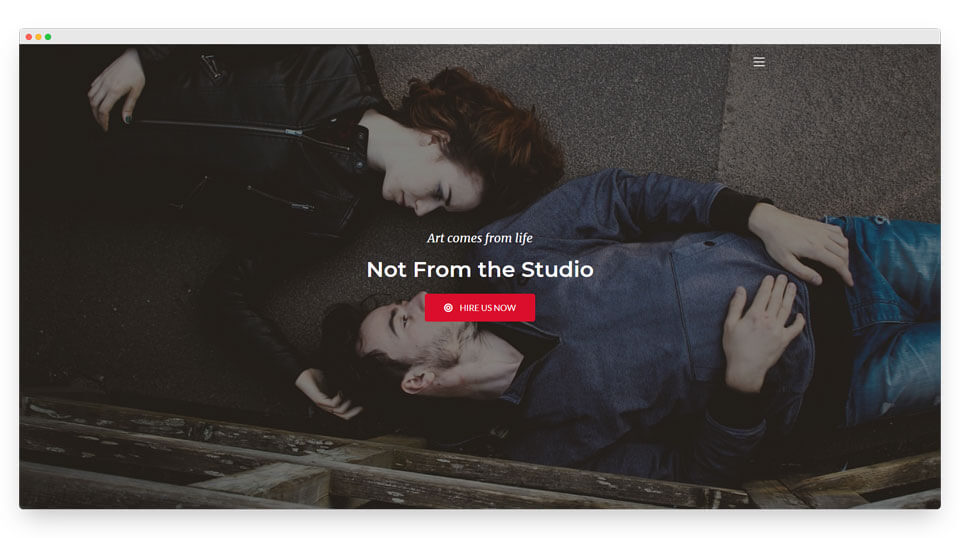
OceanWP has one of the deepest option sets of any free theme, with WooCommerce styling baked in, including cart and checkout tweaks and a header mini-cart. All of that adds weight: at default settings it sent 446 KB of CSS and JS in our test, the heaviest multipurpose theme here.
Its performance settings let you trim that down, and you should only switch on the extensions your store needs. Pick it when you need those settings and have time to tune it. Building a shop? Pair it with our roundup of the best Elementor addons for WooCommerce.
Theme CSS + JS: 446 KB · Active installs: 400K+ · Last updated: Sep 2026 · Price: Free, Pro extensions available · Best for: WooCommerce stores that want lots of settings
8. Hello Biz
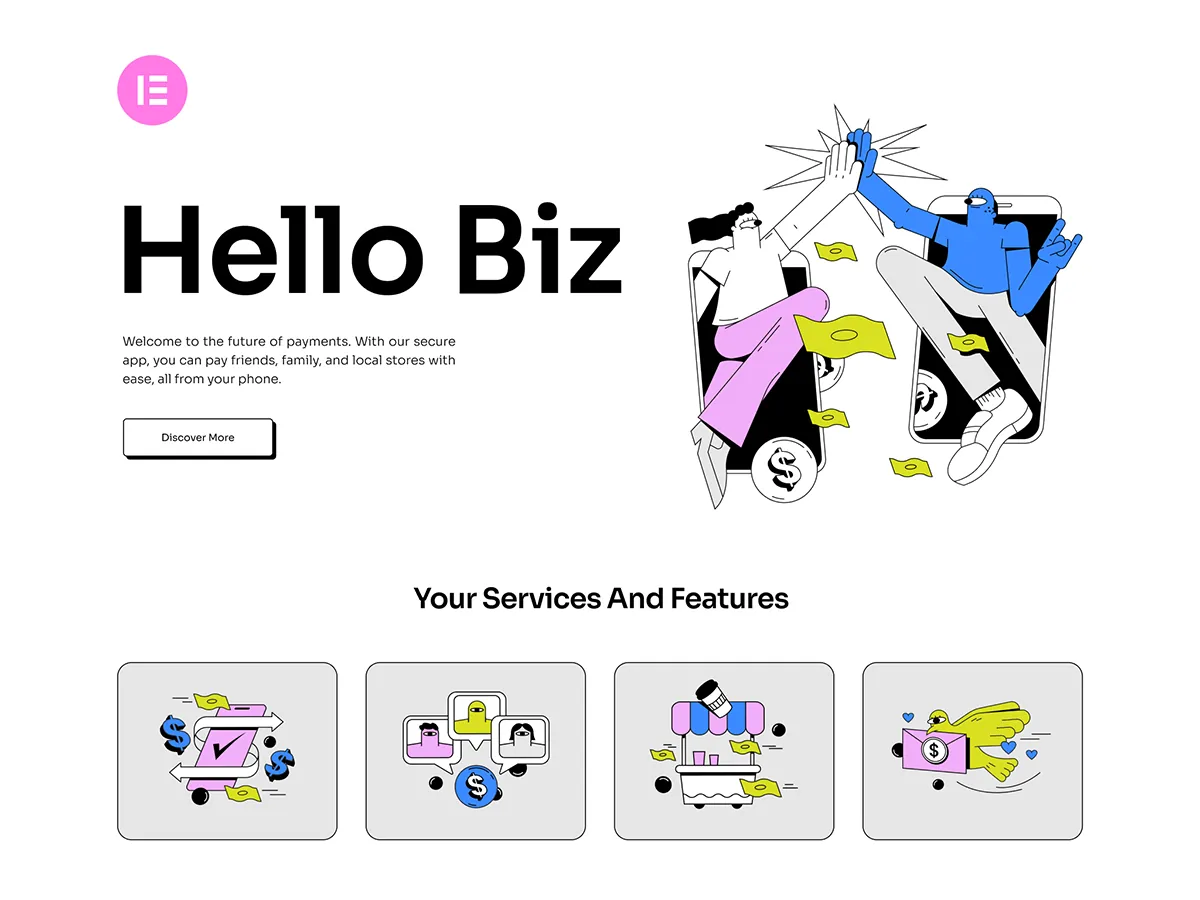
Hello Biz is another theme from the Elementor team, this one aimed at small businesses. The theme itself is as light as Hello (18 KB in our test). The difference is that it pairs with the Hello+ plugin, which adds website kits and six purpose-built widgets: Flex Hero, Form Lite, ZigZag, CTA, Header and Footer.
That makes it faster to get a business site live than plain Hello, where you start from nothing. The trade-off is less freedom than a full theme builder. It already runs on 100K+ sites.
Theme CSS + JS: 18 KB · Active installs: 100K+ · Last updated: May 2026 · Price: Free · Best for: Small business sites, beginners
9. Royal Elementor Kit

Royal Elementor Kit had the smallest theme footprint in our test at 13 KB, and it holds a 5.0 rating from 92 reviews. The 13 KB flatters it, though, because most of what it offers (140+ templates, 100+ widgets, a theme builder and popups) comes from the companion Royal Elementor Addons plugin, which loads its own files.
It works best as an all-in-one Elementor bundle, for people who want everything from one vendor. If you already use another addon pack, Hello or GeneratePress will give you the same clean base without a second widget library.
Theme CSS + JS: 13 KB (companion plugin not counted) · Active installs: 100K+ · Last updated: Sep 2026 · Price: Free · Best for: Beginners who want templates and widgets in one place
Best Elementor themes for specific niches
These themes make sense when your project already has a shape: a store, a blog, a portfolio, a one-page site. All of them work with Elementor’s editor and were updated within the last year.
Portfolio sites usually need one piece the theme does not carry: a grid visitors can filter by project type. That part comes from the Filterable Image Gallery widget.
10. Botiga (WooCommerce)
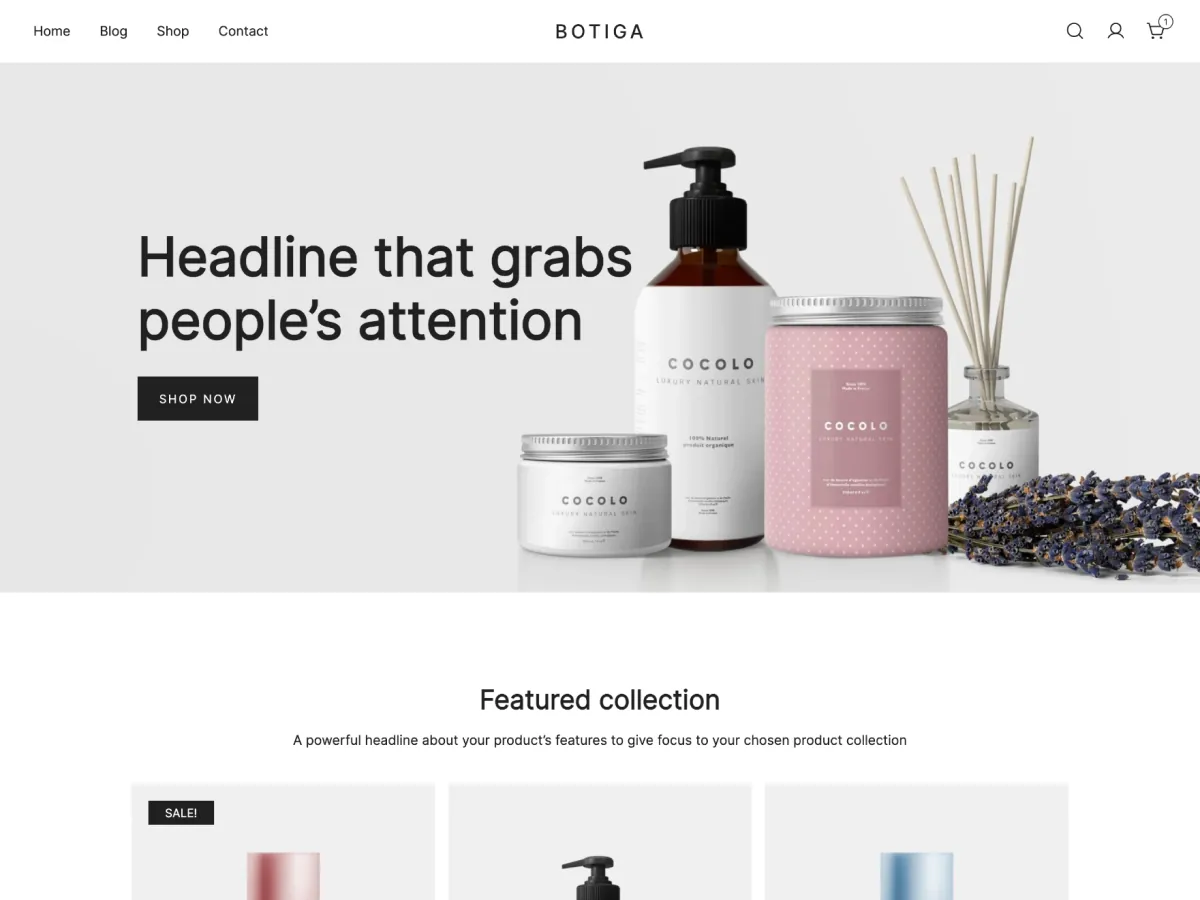
Botiga is built for online stores first. Shop, product, cart and checkout pages all have their own styling and layout options, and it works with both Elementor and the block editor. It has a 4.9 rating from 163 reviews.
At 226 KB it is not the lightest, because all that store styling ships up front. For a WooCommerce site that trade usually makes sense, since you would otherwise build those templates yourself.
Theme CSS + JS: 226 KB · Active installs: 10K+ · Last updated: Sep 2026 · Price: Free, Pro available · Best for: WooCommerce stores
11. Hello Commerce (WooCommerce)
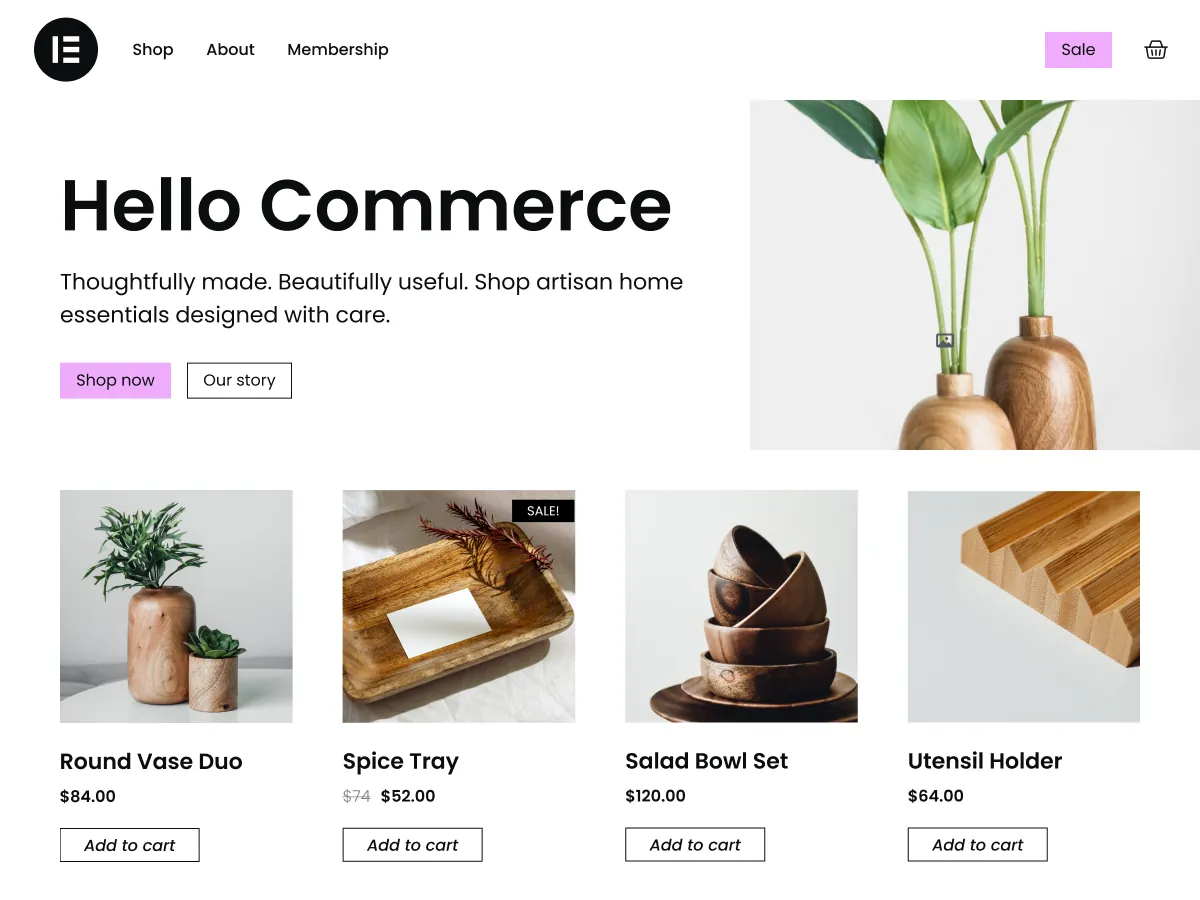
Hello Commerce is Elementor’s own store theme. It keeps the Hello approach (44 KB, no JavaScript) and adds ready-made shop templates and site kits so you can style product grids, cart and checkout in Elementor without code.
It is new, with around 3,000 installs so far, so there are fewer tutorials and reviews than for Botiga or Storefront. If you like Hello and you are starting a shop, it is the natural pick.
Theme CSS + JS: 44 KB · Active installs: 3K+ · Last updated: May 2026 · Price: Free · Best for: New WooCommerce stores built in Elementor
12. Storefront (WooCommerce)
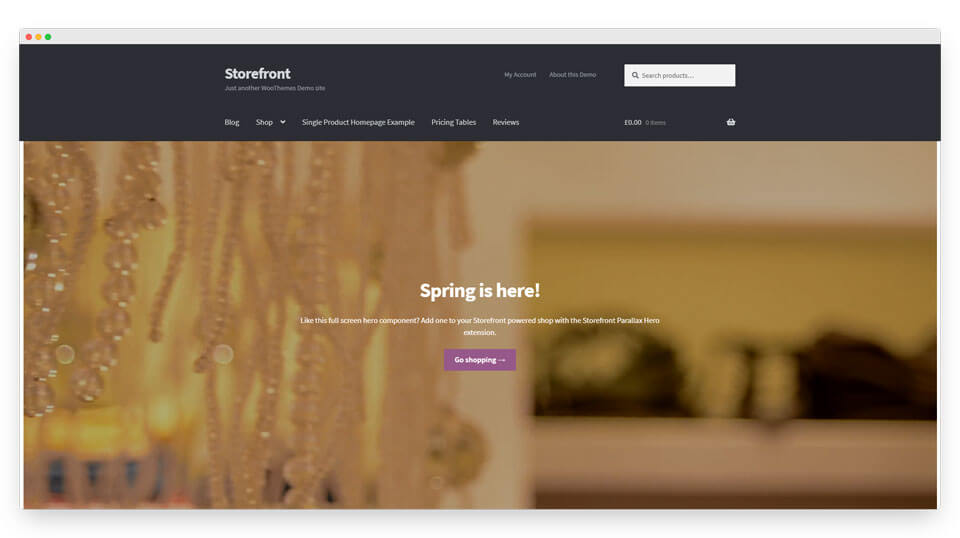
Storefront is WooCommerce’s official theme, made by the same team, so new WooCommerce features work in it first. Let Storefront run the shop foundation and use Elementor for landing and content pages.
Theme CSS + JS: 163 KB · Active installs: 90K+ · Last updated: Dec 2025 · Price: Free · Best for: Stores that want maximum WooCommerce compatibility
13. Ashe (Blog)
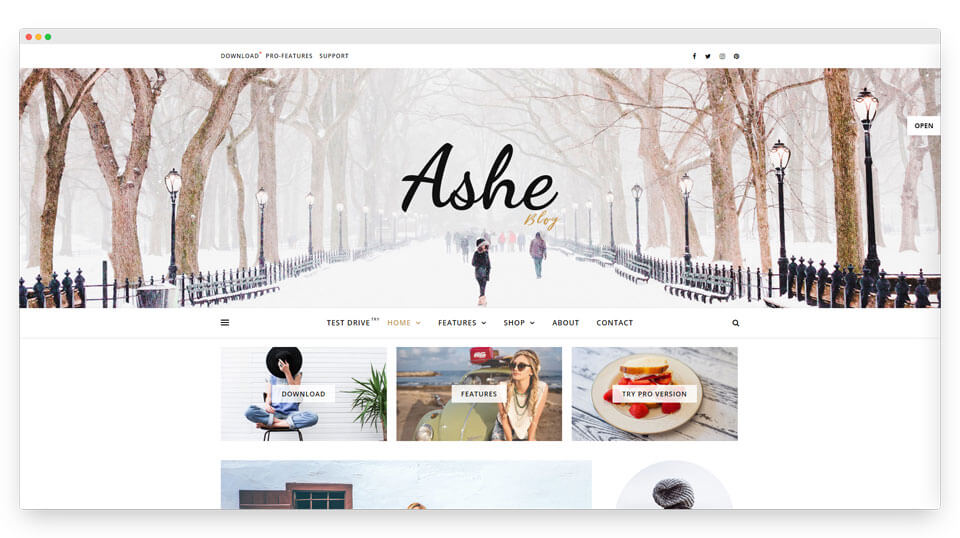
Ashe is a blog and lifestyle-magazine theme with a clean layout. If you run a content-first site, it hands you attractive post layouts without much setup. It is on the heavier side at 316 KB, mostly sliders and carousels you can switch off. Build custom landing pages on top with Elementor, and see our guide on creating a blog page with Elementor.
Theme CSS + JS: 316 KB · Active installs: 30K+ · Last updated: Sep 2026 · Price: Free, Pro available · Best for: Blogs, lifestyle and magazine sites
14. Sydney (Business)
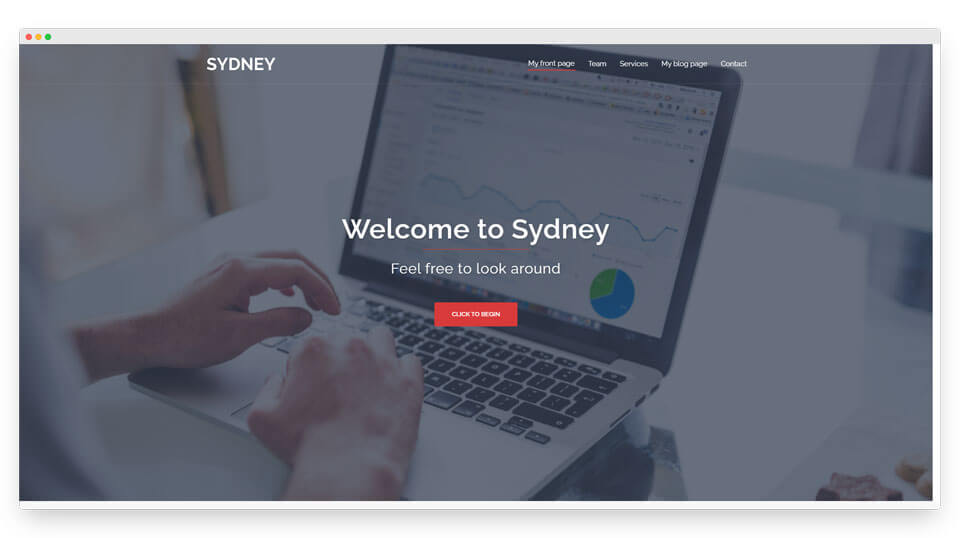
Sydney is built for businesses and freelancers who want a presence up fast. You get full color control, header options, sticky navigation and a hero slider, and it stays fairly light at 97 KB. Let it handle the frame and use Elementor for the interior pages.
Theme CSS + JS: 97 KB · Active installs: 80K+ · Last updated: Aug 2026 · Price: Free, Pro available · Best for: Business and freelancer sites
15. Hestia (One-page)
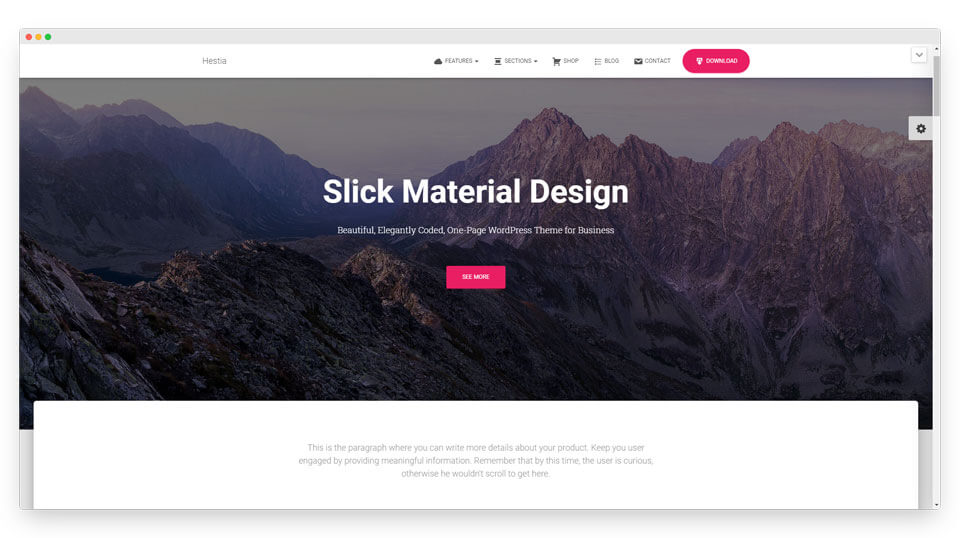
Hestia is a one-page theme with a material-style look. It fits startups, agencies and small business landing pages, and the single-page layout plays nicely with Elementor’s full-width sections. At 391 KB it is one of the heavier picks, so it suits a simple one-pager better than a big site.
Theme CSS + JS: 391 KB · Active installs: 70K+ · Last updated: Sep 2026 · Price: Free, Pro available · Best for: One-page startup and agency sites
16. Rife Free (Portfolio)
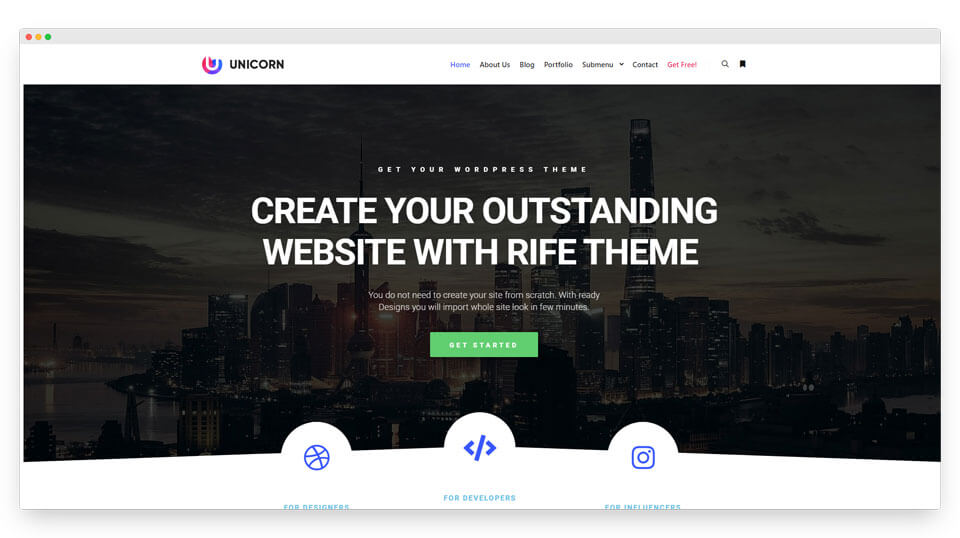
Rife Free is aimed at photographers, designers and other creatives. It comes with smooth animations and gallery-ready layouts, and the free version is more generous than most. Those animations are why it was the heaviest theme in our test at 500 KB, so compress your images hard. Elementor handles custom project pages without a fuss.
Theme CSS + JS: 500 KB · Active installs: 20K+ · Last updated: Jan 2026 · Price: Free, Pro available · Best for: Portfolios, photographers, creative studios
17. Customify (Header & footer presets)
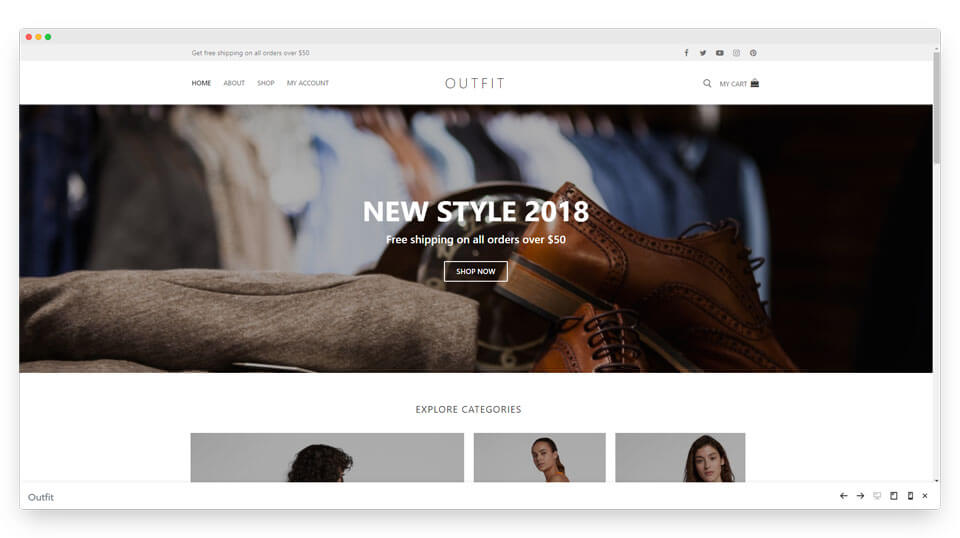
Customify gives you a lot of header and footer presets in the Customizer. Reach for it when you want more built-in structure than Hello but still plan to build the page body in Elementor.
Theme CSS + JS: 238 KB · Active installs: 30K+ · Last updated: Sep 2026 · Price: Free, Pro available · Best for: Sites that want preset headers and footers
Best premium Elementor theme
Every theme above has a free version. If you would rather pay once for a finished design, one premium theme is still worth it in 2026.
18. Bridge
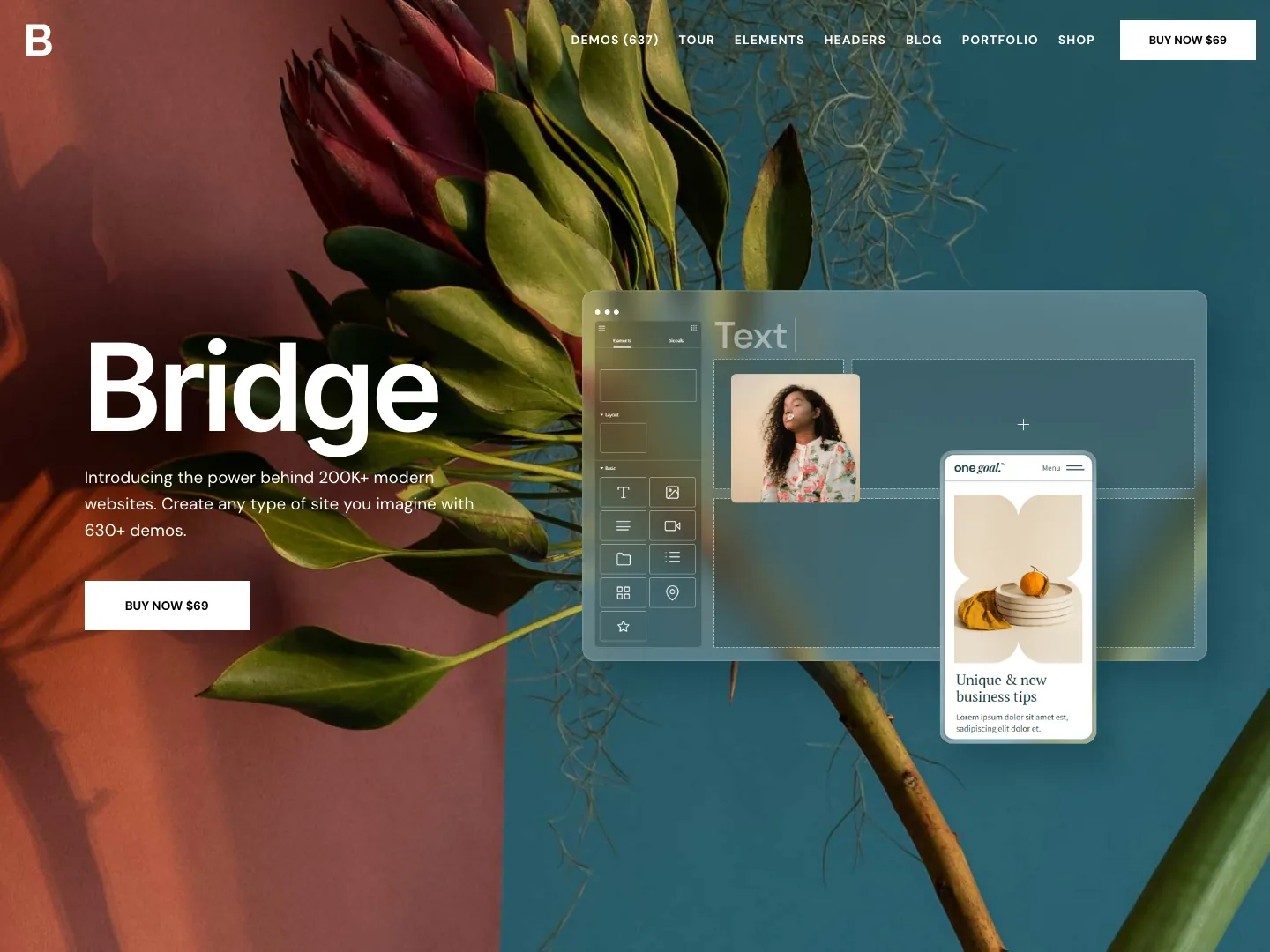
Bridge by Qode Interactive is one of the best-selling WordPress themes ever, with 224,000+ sales and a 4.74 rating from about 6,900 reviews on ThemeForest. It has 630+ demos, many of them built in Elementor, and it was last updated in September 2026.
It is a big theme and bundles its own plugins (including Slider Revolution and LayerSlider), so it will never be as light as Hello. What you get is a finished, designer-made site you can import and edit, which is often cheaper than paying for design time.
Price: $69 one-time (6 months support, lifetime updates) · Sales: 224K+ · Last updated: Sep 2026 · Best for: Agencies and creatives who want a premium design fast
Quick comparison: all 18 Elementor themes
| Theme | CSS + JS | Installs | Last update | Best for | Price |
|---|---|---|---|---|---|
| Hello Elementor | 19 KB | 1M+ | Aug 2026 | Elementor-first builds | Free |
| Astra | 70 KB | 1M+ | Sep 2026 | Starter templates, agencies | Free / $69 yr |
| GeneratePress | 26 KB | 500K+ | Dec 2025 | Speed with options | Free / $59 yr |
| Kadence | 127 KB | 500K+ | Jul 2026 | Header builder, WooCommerce | Free / from $99 yr |
| Neve | 48 KB | 200K+ | Sep 2026 | Starter kits, small business | Free / from $69 yr |
| Blocksy | 133 KB | 300K+ | Sep 2026 | Modern sites, blogs | Free / Pro |
| OceanWP | 446 KB | 400K+ | Sep 2026 | Feature-heavy stores | Free / Pro |
| Hello Biz | 18 KB | 100K+ | May 2026 | Small business | Free |
| Royal Elementor Kit | 13 KB* | 100K+ | Sep 2026 | All-in-one Elementor bundle | Free |
| Botiga | 226 KB | 10K+ | Sep 2026 | WooCommerce | Free / Pro |
| Hello Commerce | 44 KB | 3K+ | May 2026 | WooCommerce on Elementor | Free |
| Storefront | 163 KB | 90K+ | Dec 2025 | WooCommerce compatibility | Free |
| Ashe | 316 KB | 30K+ | Sep 2026 | Blogs, magazines | Free / Pro |
| Sydney | 97 KB | 80K+ | Aug 2026 | Business, freelancers | Free / Pro |
| Hestia | 391 KB | 70K+ | Sep 2026 | One-page sites | Free / Pro |
| Rife Free | 500 KB | 20K+ | Jan 2026 | Portfolios | Free / Pro |
| Customify | 238 KB | 30K+ | Sep 2026 | Header/footer presets | Free / Pro |
| Bridge | n/a | 224K+ sales | Sep 2026 | Premium demos | $69 one-time |
CSS + JS = the theme’s own files, uncompressed, default settings, measured September 2026. *Royal Elementor Kit’s companion plugin is not included. Installs, ratings and update dates are from WordPress.org and ThemeForest on 27 September 2026. Prices are list prices on the vendors’ sites in September 2026 and change often.
Want a deeper look at raw speed, with a different set of themes? See our speed-tested lightweight WordPress themes roundup.
How to build the rest of your site on any of these themes
A light theme only gives you the base. Whichever one you pick, you still need headers, footers and page sections that match your brand. Two ways to get there:
- Use the theme’s own tools where they exist. Kadence, Blocksy and Astra Pro all have header and footer builders.
- Build everything in Elementor with an addon pack, which keeps your whole workflow in one place no matter which theme you are on. This is the better route on blank themes like Hello Elementor.
Master Addons for Elementor adds 80+ widgets and extensions on top of any theme here, and 30,000+ sites already run it. A few pieces that matter when you are building a full site:
- Theme Builder for custom headers, footers, archives, single posts and 404 pages. The header and footer builders are free, and they are the fastest way to give Hello Elementor a real header. Start from one of our ready-made Elementor header templates or footer templates.
- Sticky headers and custom footers built entirely in Elementor.
- Template Library to drop in ready-made sections and pages, plus our guide on importing Elementor templates.
- Widget Builder to make your own Elementor widgets visually, no PHP needed.
Running client sites? The White Label feature rebrands the plugin so clients see your agency instead of ours. All the tiers are on the pricing page.
Frequently asked questions
What is the best Elementor theme in 2026?
Hello Elementor for most people. It is Elementor’s own theme, it ships about 19 KB of CSS and no JavaScript in our test, and it has 1 million+ active installs. Pick Astra if you want starter templates, or GeneratePress if you want a light theme with more built-in options.
What is the fastest theme for Elementor?
In our September 2026 test, the lightest themes were Royal Elementor Kit (13 KB of theme CSS and JS), Hello Biz (18 KB), Hello Elementor (19 KB) and GeneratePress (26 KB). Royal Elementor Kit gets its features from a companion plugin, so Hello Elementor and GeneratePress are the fairer speed picks.
Is the Hello Elementor theme free?
Yes. Hello Elementor is free on WordPress.org and there is no paid version of the theme. It is a blank base, so headers, footers and page layouts are built in Elementor or with a theme builder plugin.
Is Astra still free?
Yes. The Astra theme is still free on WordPress.org with 1 million+ active installs. Astra Pro is an optional add-on, listed at $69 a year or $249 lifetime in September 2026, that adds more header, WooCommerce and layout controls.
Do I even need a theme with Elementor?
Yes. WordPress always needs an active theme for the site shell and default templates. Elementor builds the pages on top. A light theme like Hello Elementor gives Elementor a clean base without extra styles to override.
Which Elementor theme is best for WooCommerce?
Botiga if you want a store-first design with shop, product and checkout styling built in. Hello Commerce if you want Elementor’s own lightweight store theme. Kadence and OceanWP are good all-rounders with deep WooCommerce options, and Storefront is the official WooCommerce theme.
Which Elementor theme is better, Astra or Hello?
Hello if you are designing every part yourself, Astra if you want a head start. Hello ships about 19 KB of CSS and nothing else. Astra ships about 70 KB but brings its own header, footer, blog layouts and a starter site library, which saves days of setup.
Can I switch themes without breaking my Elementor pages?
Mostly. Content built with Elementor stays, because Elementor stores it separately from the theme. What changes is anything the old theme controlled: header, footer, sidebars, fonts and colors set in the Customizer. Test the switch on a staging copy first.
Is Elementor still worth it in 2026?
For most site builders, yes. The free version covers containers, flexbox and grid layouts that used to need Pro or an addon. The trade-off is weight: Elementor sites carry more CSS and JavaScript than a block theme, so the theme and addons you choose matter more.
Final pick
If you want one answer: the best Elementor theme is Hello Elementor when you plan to build everything yourself, Astra when you want templates to move faster, and GeneratePress when you want speed plus built-in options. For a store, start with Botiga. All four are free to try, and none of them will fight Elementor.
Then layer Master Addons on top for the headers, footers and widgets your theme leaves out.
Related reading: How to speed up Elementor websites · Free Elementor theme builder · 100 best Elementor addons · Hello Elementor on WordPress.org · Elementor’s own speed test roundup.
Some links below are affiliate links. If you buy through them we may earn a commission, at no extra cost to you. It does not change the order.
