


Elementor is a great page builder, but install it on a fresh WooCommerce store and you quickly hit a wall. The default product grid looks plain, the single product page is whatever your theme decided, and there is no easy way to redesign the cart or checkout. That is where the best Elementor addons for WooCommerce come in. They drop the missing widgets into the editor, and a few of them replace the WooCommerce templates entirely with a drag-and-drop builder.
Every plugin below is on the official WordPress.org directory, so you can install and test each one for free before you commit. We start with our own plugin, then work through the dedicated store builders and the general addons that happen to carry a strong set of WooCommerce widgets.
Do You Need Elementor Pro for WooCommerce?
Not always, and that surprises a lot of people. Elementor Pro adds native WooCommerce Builder widgets, but a good third-party addon covers the same ground (product grids, cart, checkout, single product templates) and usually throws in things Pro skips, like AJAX filters, quick view, wishlist, and variation swatches.
A couple of plugins here, ShopEngine and ShopLentor among them, run their entire WooCommerce builder on free Elementor. No Pro license needed. So if the budget is tight, you can build a full store with free Elementor plus one addon and call it a day. Already own Pro? These addons still fill the gaps it leaves open. If you want the wider view first, our roundup of the 100 best Elementor addons and our take on how to pick the right WordPress page builder are worth a look.
Quick Comparison: Best WooCommerce Addons for Elementor
| Plugin | Active Installs | Rating | Best For | Full Store Builder? |
|---|---|---|---|---|
| Master Addons for Elementor | 30,000+ | 4.5 ★ | All-round toolkit + Theme Builder for Woo templates | Via Theme Builder |
| ShopEngine | 100,000+ | 4.6 ★ | Dedicated no-Pro WooCommerce builder | Yes |
| ShopLentor | 90,000+ | 4.5 ★ | Woo builder + growth tools (Elementor & Gutenberg) | Yes |
| Essential Addons | 2M+ | 4.9 ★ | Huge widget library with solid Woo elements | Yes |
| The Plus Addons | 100,000+ | 4.6 ★ | Feature-dense addon with custom product skins | Yes |
| Happy Addons | 400,000+ | 4.8 ★ | Polished product-display widgets | Partial |
| ElementsKit | 1M+ | 4.9 ★ | Heavyweight addon with Woo product widgets | Partial |
| PowerPack | 80,000+ | 4.8 ★ | Clean, well-rated general addon | Pro only |
1. Master Addons for Elementor
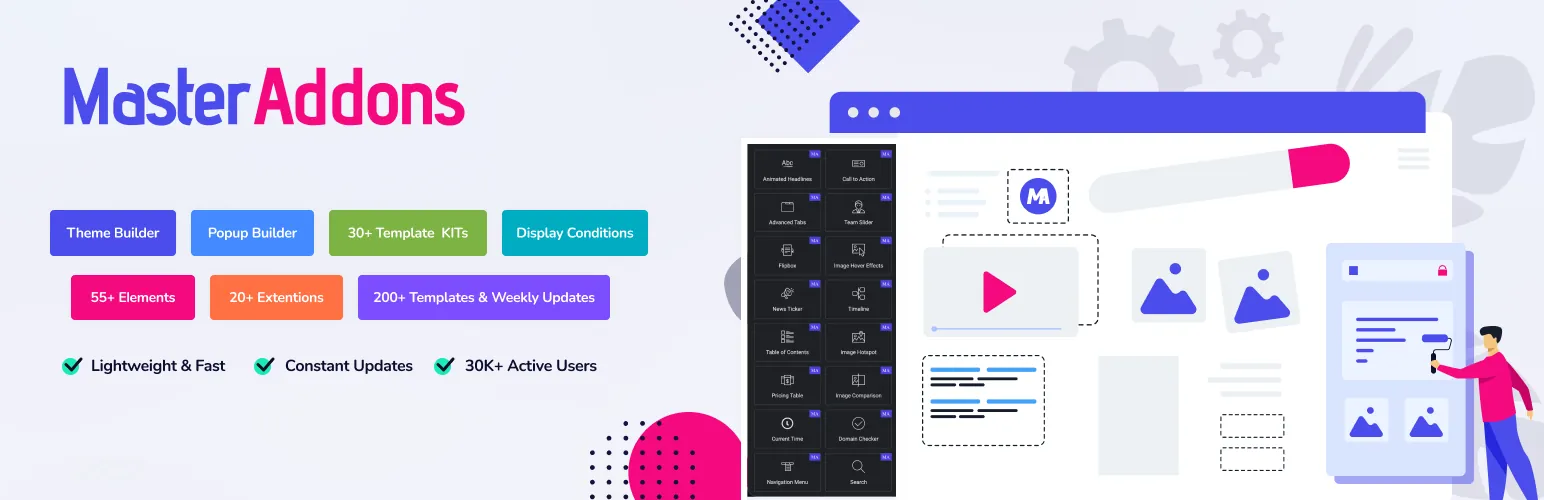
Master Addons for Elementor is a lightweight collection of 80+ widgets and extensions from Jewel Theme, used on 30,000+ sites. Version 3 rebuilt the plugin to run roughly 3x faster, which counts for a lot on a store where every extra script drags down the shop and product pages.
Master Addons is not a single-purpose cart plugin, and that is the point. It is the general toolkit you leave installed on every Elementor build, and the WooCommerce muscle lives in its Theme Builder. From there you design custom single product templates, shop archives, headers, footers, and 404 pages without opening a theme file. The Featured Product widget (Pro) builds a single promo card with an image, price, original price, rating, ribbon and a button you link to the product page. You type the details in, so it does not sync with your WooCommerce catalog, but it is handy for landing pages and seasonal promos. For skincare, cosmetics, or anything with visible results, a before after slider for Elementor lets shoppers drag between the untreated and treated photos right on the product page.
Best WooCommerce-related features:
- Theme Builder for custom single product, shop, and archive templates
- Featured Product widget (Pro) to promote one product with a custom card and buy button
- Popup Builder for cart notices, flash-sale banners, and exit-intent offers (here is the Popup Builder)
- Mega Menu to build shoppable navigation with product categories, which pairs well with a sticky header
- Display Conditions to show or hide sections by cart total, user role, or page
If you want widgets plus template kits, animation, and a popup builder in one light package, browse the full widgets and extensions list or check the pricing. The free version lives on the WordPress.org plugin page.
2. ShopEngine
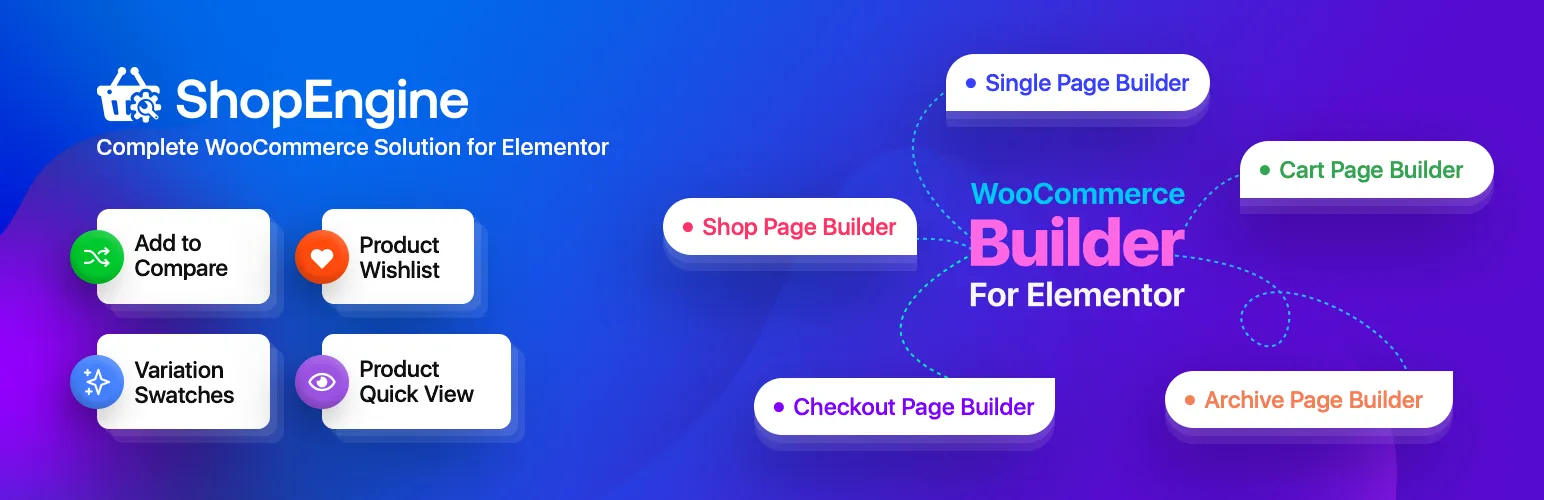
ShopEngine, by Wpmet, is a proper WooCommerce builder: 70+ Woo widgets, 40+ templates, and it runs on free Elementor with no Pro requirement. If your goal is to rebuild the whole shopping flow from product page to checkout, this is one of the strongest picks on the list.
Best WooCommerce features:
- Drag-and-drop builders for the shop, cart, checkout, and single product pages
- AJAX product filtering, so shoppers refine results without a page reload
- Quick view and quick checkout to shorten the path to purchase
- Wishlist, product compare, and variation swatches
- Flash-sale countdown for time-limited promotions
With 100,000+ active installs and a 4.6 rating, ShopEngine is a mature option for owners who want a real builder rather than a handful of widgets. One heads-up: it does a lot, so keep an eye on which modules you actually enable and switch off the ones you do not use. Install it from the WordPress.org plugin page.
3. ShopLentor (formerly WooLentor)
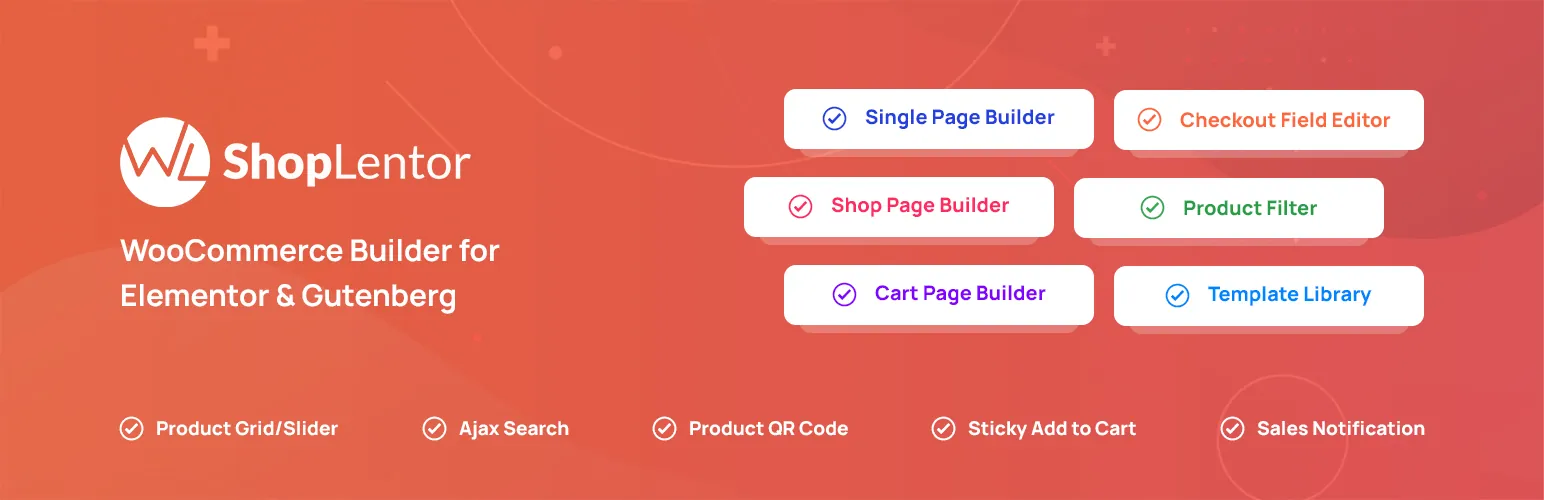
ShopLentor is an all-in-one WooCommerce plugin that works in both Elementor and Gutenberg, with 120+ Elementor widgets and 85+ Gutenberg blocks across 36+ modules. It reaches past design into store growth, which sets it apart from the plugins that only give you widgets.
Best WooCommerce features:
- Builders for the shop, product, cart, checkout, and my-account pages
- Wishlist, product compare, and quick view
- Abandoned-cart recovery and multi-currency support
- Variation swatches and AJAX product filtering
- Works in Elementor and the block editor, so it survives a future theme switch
At 90,000+ installs and 4.5 stars, ShopLentor fits when you want design and conversion features under one roof. If swatches are the main thing you are after, weigh your options in our guide to the best WooCommerce swatches plugin. Download ShopLentor from the WordPress.org plugin page.
4. Essential Addons for Elementor

Essential Addons is the most-installed Elementor addon out there, sitting at 2 million+ active installs and a 4.9 rating from 4,000+ reviews. It is a general library of 110+ elements, and the WooCommerce widgets are a strong side act rather than the headline.
Best WooCommerce features:
- Product Grid, Product Carousel, and Product Gallery widgets
- Add to Cart, Product Compare, and Cross-Sells elements
- Cart, Checkout, Account Dashboard, and Thank You page builders
- Tight integration with the wider Essential Addons template library
If you want one addon that handles nearly every design job on the site and still covers the WooCommerce basics, Essential Addons is hard to beat on sheer breadth. Grab it from the WordPress.org plugin page.
5. The Plus Addons for Elementor

The Plus Addons sits somewhere between a general addon and a dedicated store builder. On top of a wide widget set and a Mega Menu, it ships a fairly complete WooCommerce Store Builder, and its party trick is custom product skins.
Best WooCommerce features:
- Store Builder for single product, shop, cart, checkout, my-account, and order-tracking pages
- Custom product skin builder to design reusable product card layouts
- AJAX product search and filtering
- Grid, metro, masonry, and carousel product layouts
- Thank You page and order confirmation templates
With 100,000+ installs and a 4.6 rating, The Plus Addons earns its place when you care about how product cards look across the whole store, not just on one page. Install it from the WordPress.org plugin page.
6. Happy Addons for Elementor
Happy Addons is a well-kept general addon with 400,000+ installs and a 4.8 rating. It is not a full store builder, so set your expectations there, but the product-display widgets are clean and reliable, and it supports Easy Digital Downloads if you sell digital products.
Best WooCommerce features:
- Product Grid and Product Carousel widgets
- Category Grid and Category Carousel
- Single Product and Mini Cart widgets
- Solid EDD support for digital stores
If your store mostly needs good-looking product grids and category showcases rather than a rebuilt checkout, Happy Addons keeps things simple and quick. Download it from the WordPress.org plugin page.
7. ElementsKit Lite
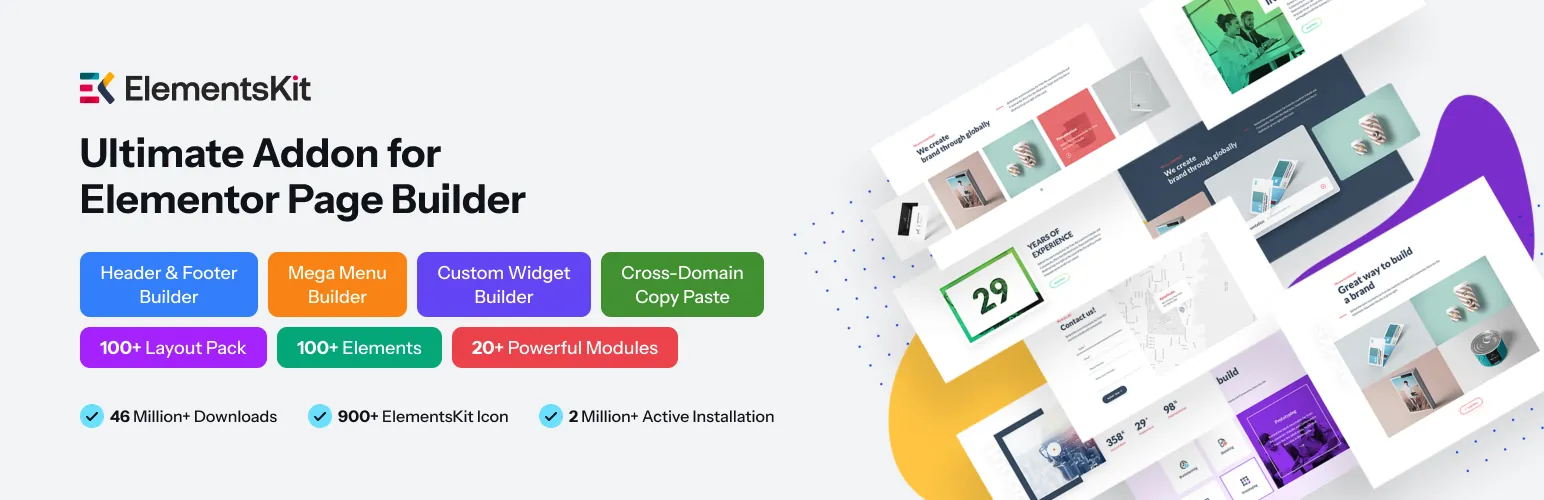
ElementsKit is a big general addon: 100+ widgets, 1,000+ templates, and 1 million+ active installs. The WooCommerce widgets are modest in number, but they are useful, and they arrive inside an addon a lot of builders already keep on hand.
Best WooCommerce features:
- WooCommerce Product List and Product Carousel
- Category List widget
- Mini Cart widget for the header
- A large template library to speed up store page design
ElementsKit makes the most sense when you want one big, well-supported addon for the entire site and only need the core product-display and cart widgets on top. Get it from the WordPress.org plugin page.
8. PowerPack Addons for Elementor
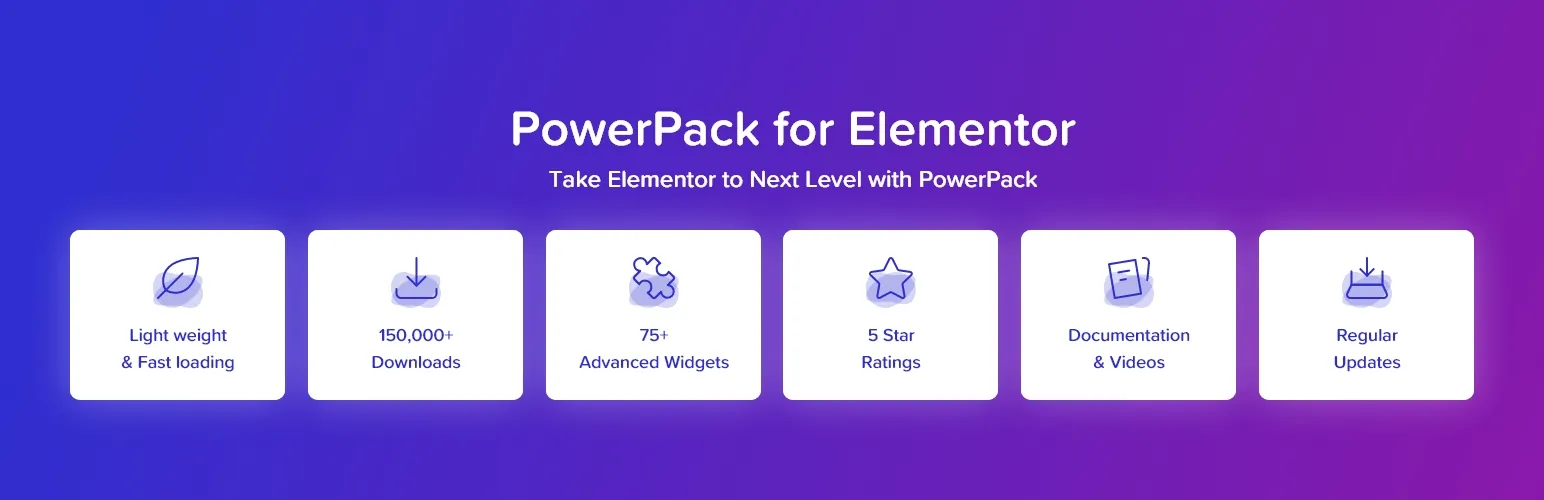
PowerPack is a clean, well-rated addon (80,000+ installs, 4.8 stars) with a tidy widget set and good templates. Worth knowing up front: most of its WooCommerce widgets sit behind the Pro version, so the free plugin is really a general design toolkit, with the store widgets showing up once you upgrade.
Best WooCommerce features (mostly Pro):
- Woo Products and Woo Categories widgets
- Woo Cart and Woo Checkout builders
- Woo Mini Cart and Off-Canvas Cart
- Woo My Account and Add to Cart button
If you like a light, dependable addon and do not mind upgrading for the store widgets, PowerPack is a safe bet. Install it from the WordPress.org plugin page.
How to Customize the WooCommerce Shop Page with Elementor
Once you have picked an addon, the workflow looks about the same across all of them:
- Install and activate WooCommerce, Elementor, and your chosen addon.
- Open the addon’s Theme Builder or Store Builder and create a new template for the page you want to change (shop, single product, cart, or checkout).
- Drag the WooCommerce widgets onto the canvas: product grid, add to cart, price, product filter, and the rest.
- Set the display conditions so your template takes over from the default WooCommerce layout on the right pages.
- Preview on mobile and fix anything that breaks with responsive breakpoints.
WooCommerce pages already load a pile of extra scripts, so watch your performance as you add widgets. Our guide on how to speed up Elementor websites covers the caching and asset-loading tweaks that keep a heavy store quick. Selling configurable products? You may also want extra product options for WooCommerce to capture add-ons and custom fields before checkout.
How to Choose the Right WooCommerce Elementor Addon
There is no single winner here, so match the plugin to the job in front of you:
- You want a full store builder without Elementor Pro: ShopEngine or ShopLentor.
- You want one addon for the whole site plus solid Woo widgets: Essential Addons or ElementsKit.
- You want custom product card skins: The Plus Addons.
- You mainly need clean product grids and category showcases: Happy Addons.
- You want a light toolkit with a real Theme Builder, Popup Builder, and Mega Menu: Master Addons for Elementor.
Whichever you land on, the official WooCommerce documentation is the reference for store setup, and the Elementor WooCommerce Builder docs explain how templates hook into your store.
Frequently Asked Questions
What is the best free Elementor addon for WooCommerce?
ShopEngine and ShopLentor are the strongest free picks, since both build a full store (shop, cart, checkout, single product) on the free version of Elementor. For a light all-round toolkit, Master Addons for Elementor is a great free companion with a Theme Builder for product templates.
Do I need Elementor Pro to customize WooCommerce pages?
No. Elementor Pro adds native WooCommerce Builder widgets, but free addons like ShopEngine and ShopLentor bring their own builders that run on free Elementor. You only need Pro if you prefer its native widgets or already own it.
How do I edit the WooCommerce single product page in Elementor?
Use an addon’s Theme Builder or Store Builder to create a Single Product template, drag in the product title, image, price, and add-to-cart widgets, then set the display condition to apply it to all products. Your template replaces the default WooCommerce product layout.
Can I build a WooCommerce checkout page with Elementor?
Yes. ShopEngine, ShopLentor, Essential Addons, and The Plus Addons all include a checkout builder. You design the layout visually and set it as your active checkout template, with no code involved.
Which addon is best for adding product filters?
ShopEngine, ShopLentor, and The Plus Addons all offer AJAX product filtering, which lets shoppers refine results by category, price, or attribute without reloading the page. On a large catalog, that one feature does more for usability than almost anything else.
Wrap Up
The best Elementor addons for WooCommerce split into two camps. On one side, dedicated store builders like ShopEngine and ShopLentor that rebuild the whole shopping flow. On the other, general addons like Essential Addons, ElementsKit, Happy Addons, and PowerPack that add strong product widgets to a wider toolkit. Master Addons for Elementor sits in the middle as the light all-rounder, giving you a Theme Builder, Popup Builder, Mega Menu, and dozens of widgets that play nicely with WooCommerce.
Start with the free versions, test them on a staging site, and keep the one that fits how you actually work. Ready to build? Explore the full Master Addons widgets and extensions or get a head start with ready-made Elementor template kits and shop page templates.
Related reading: 100 Best Elementor Addons, Best WordPress Page Builder Plugin, and Best WooCommerce Swatches Plugin.
