
Elementor Display Conditions: Free vs Pro and How to Set Them Up
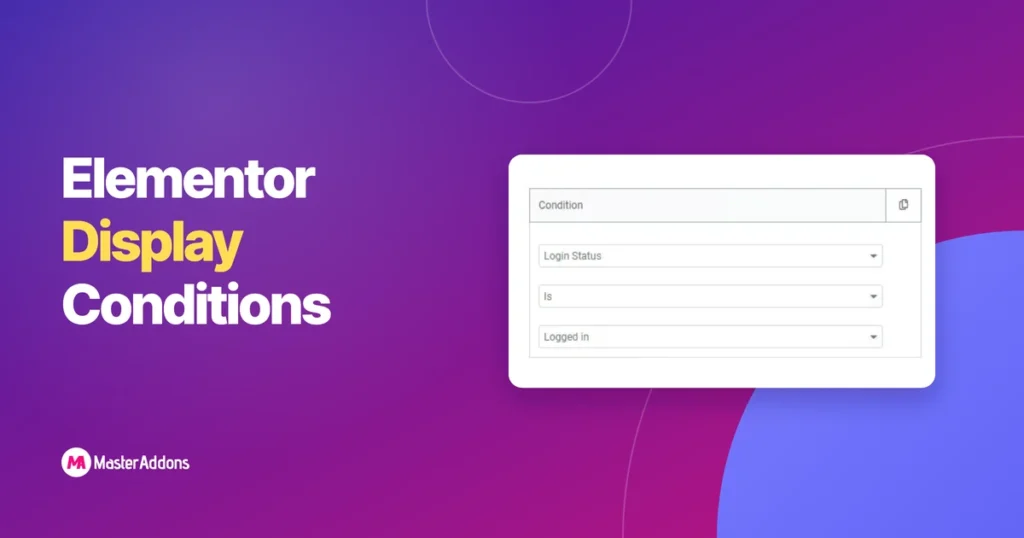
Elementor’s free plugin does not include Display Conditions at all. The feature sits entirely inside Elementor Pro. Master Addons, the free Elementor add-on, does not unlock the full Display Conditions extension either, but its Theme Builder and Popup Builder do include a basic, one-rule form of targeting at no cost. This page lays out exactly […]
25 Elementor Popup Examples That Actually Convert (2026)
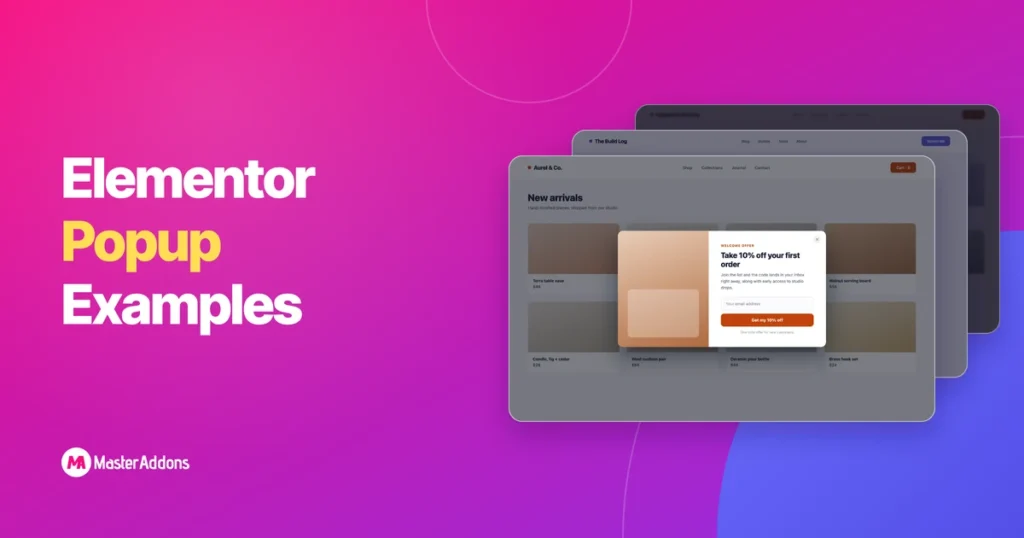
See 25 Elementor popup examples that convert, grouped by goal, each with the right trigger. Build every one free on Elementor with the Master Addons Popup Builder.
Master Addons vs Essential Addons: An Honest 2026 Comparison
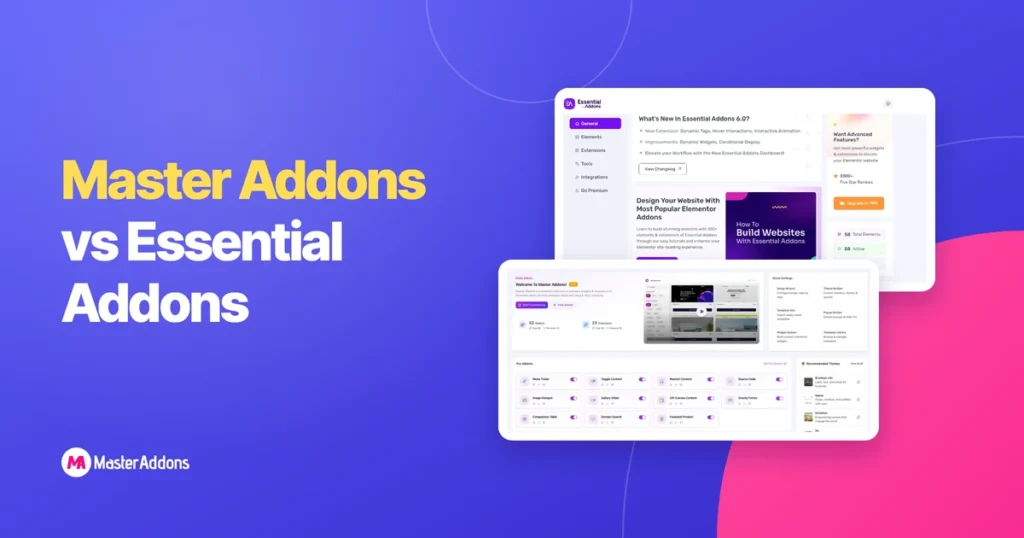
Key Takeaways If you want the widest widget library and the biggest community around it, pick Essential Addons. If you want a popup builder, a theme builder and a widget builder that lets you create custom Elementor widgets without code, all inside one addon at a lower entry price, pick Master Addons. Both plugins are […]
How to Build a Restaurant Mega Menu in Elementor (Free Step-by-Step Guide)
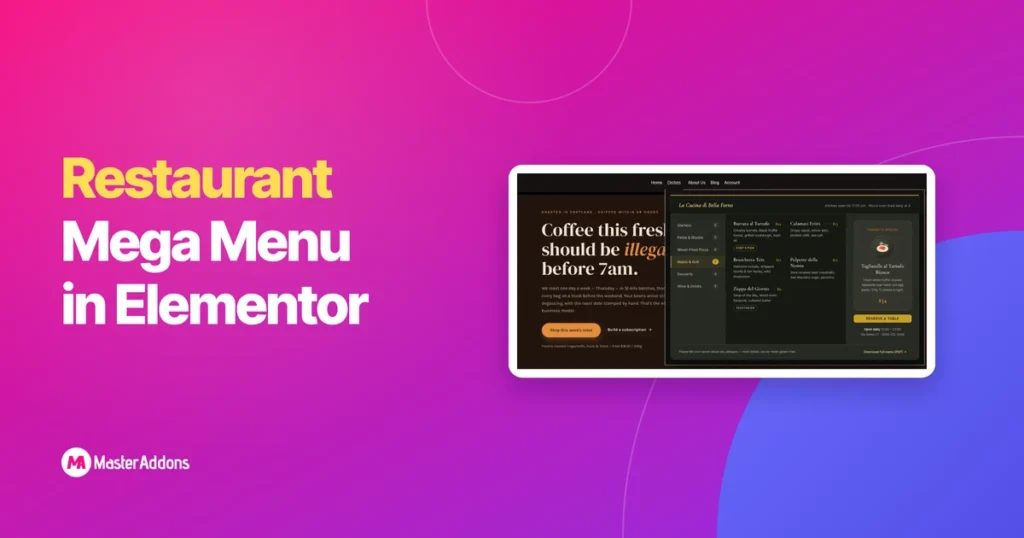
A restaurant mega menu is a wide dropdown panel that puts your entire food menu, dietary info, opening hours, and a booking button in one place instead of burying them behind several clicks. Diners arrive wanting to see food, prices, hours, and a way to book. Usually on a phone. Often while deciding between you […]
What Is a Mega Menu? (And When Your Site Actually Needs One)
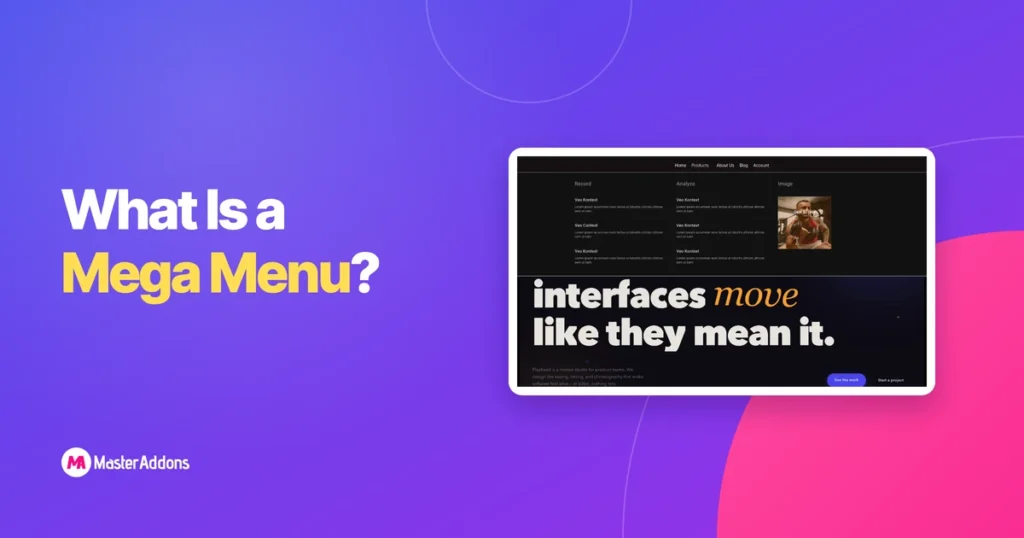
A mega menu is a large, panel-style dropdown that opens beneath a navigation item and lays out many links at once in columns, instead of stacking them one under another. It replaces a narrow, scrollable submenu with a wide preview of an entire site section, so visitors see their options instead of hunting through nested […]
How to Create a Mega Menu in Elementor Without Pro (Free 2026 Guide)
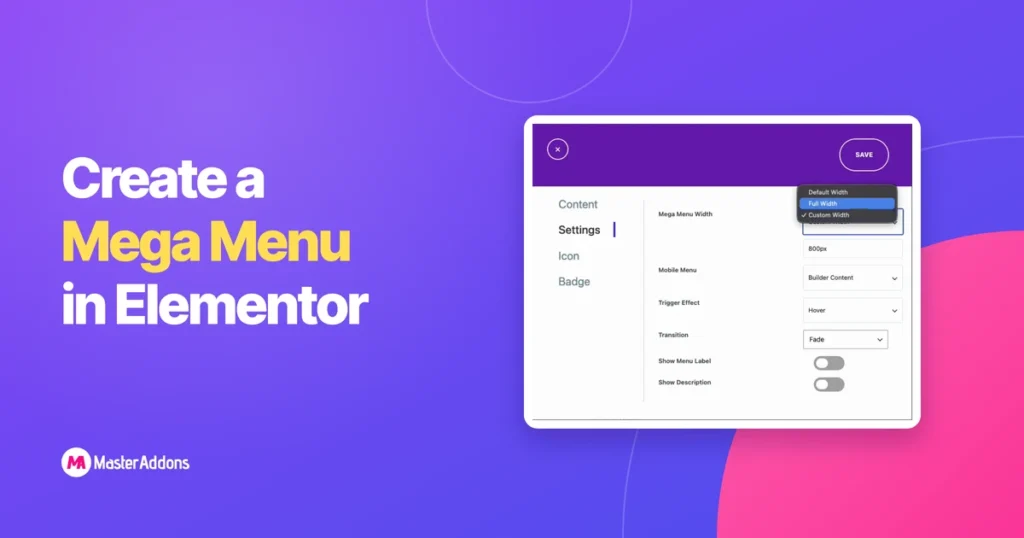
You can build a full mega menu in Elementor without buying Elementor Pro. A mega menu is a wide, multi-column dropdown that shows an entire section of your site at once: links, images, icons, even a contact form, instead of a thin vertical list. Elementor’s free version has no mega menu widget, but the free […]
How to Add GSAP Animation in Elementor (Free Template)
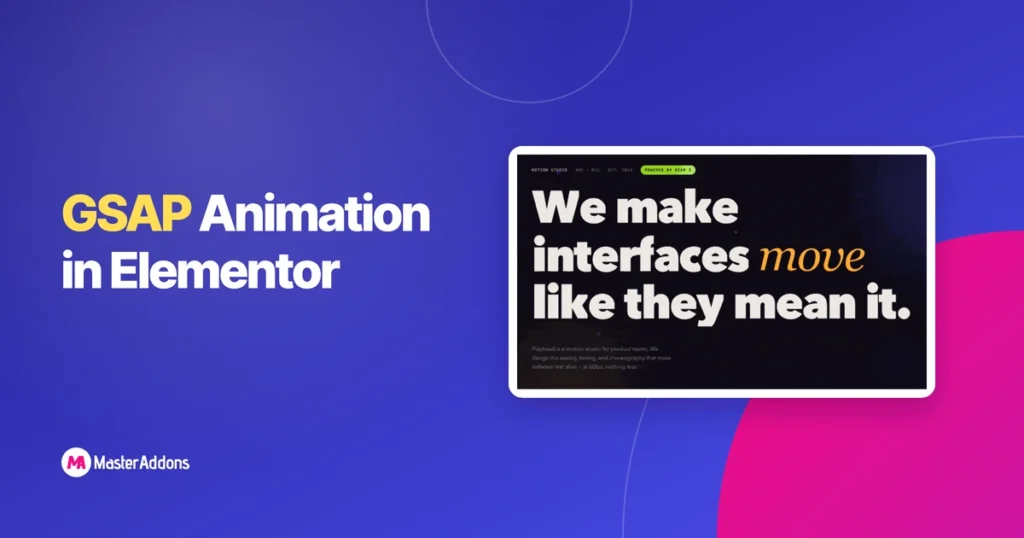
You can run full GSAP animation inside Elementor. Split-text reveals, pinned horizontal scroll, scroll-scrubbed parallax, counters, all of it, with no plugin development and no functions.php edits, and your clients keep the ability to edit every headline and color. The trick is the Widget Builder in Master Addons: paste your HTML, CSS, and JS once, […]
How to Import Envato Elements Template Kits in WordPress (Step by Step)
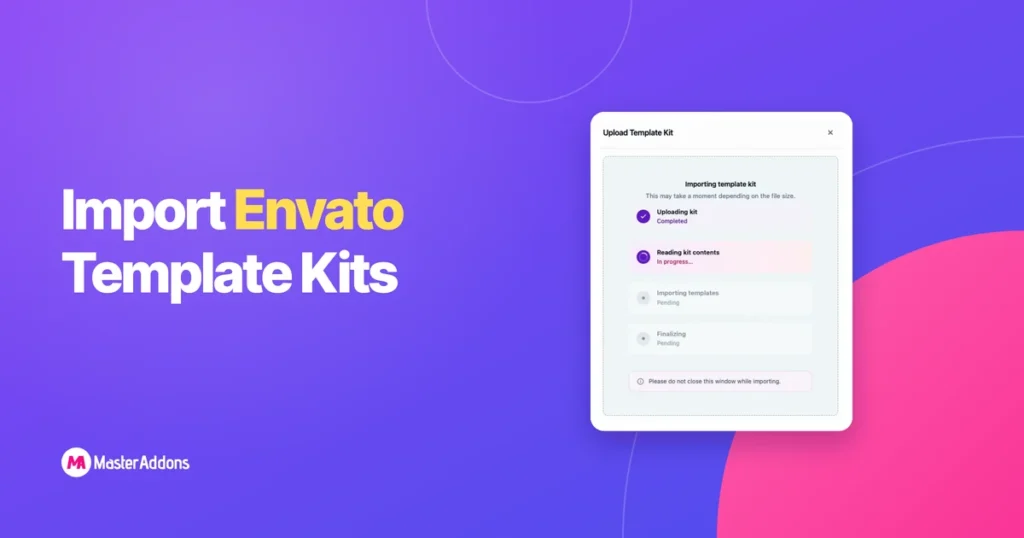
You found a template kit on Envato Elements, downloaded the ZIP, and now you’re staring at your WordPress dashboard wondering where it goes. It’s a fair question. Envato retired its official Envato Elements WordPress plugin, so the old import path many tutorials still describe no longer exists. Our Envato Elements plugin alternative post compares what […]
How to Create a Timeline in Elementor (Vertical, Horizontal & Post Timeline)
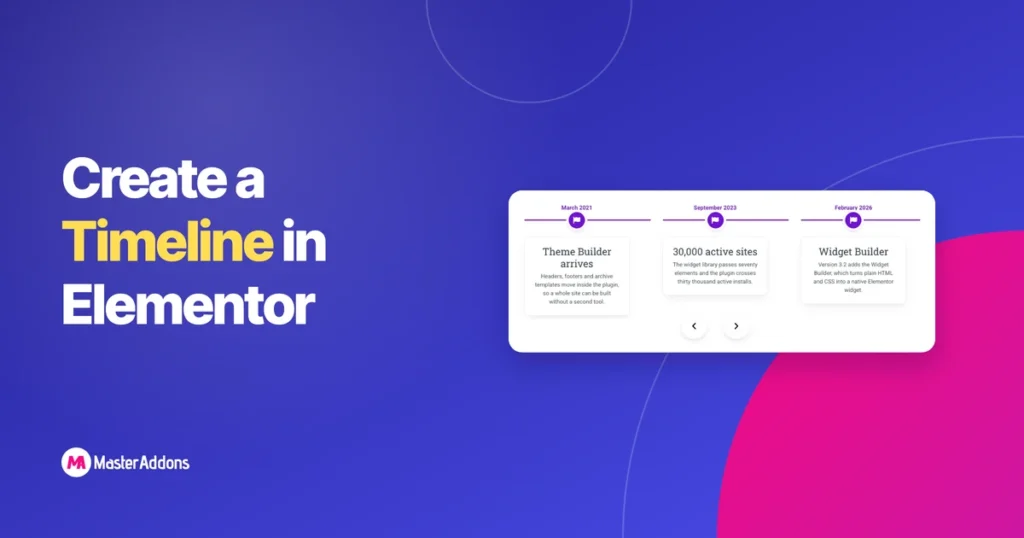
Elementor has no timeline widget of its own, in the free version or in Pro. To put a timeline on an Elementor page you add one from an addon. This guide uses the Timeline widget in the free Master Addons plugin, which covers vertical layouts, horizontal carousels, and timelines that build themselves from your blog […]
How to Use the Elementor Theme Builder for Free (Without Elementor Pro)
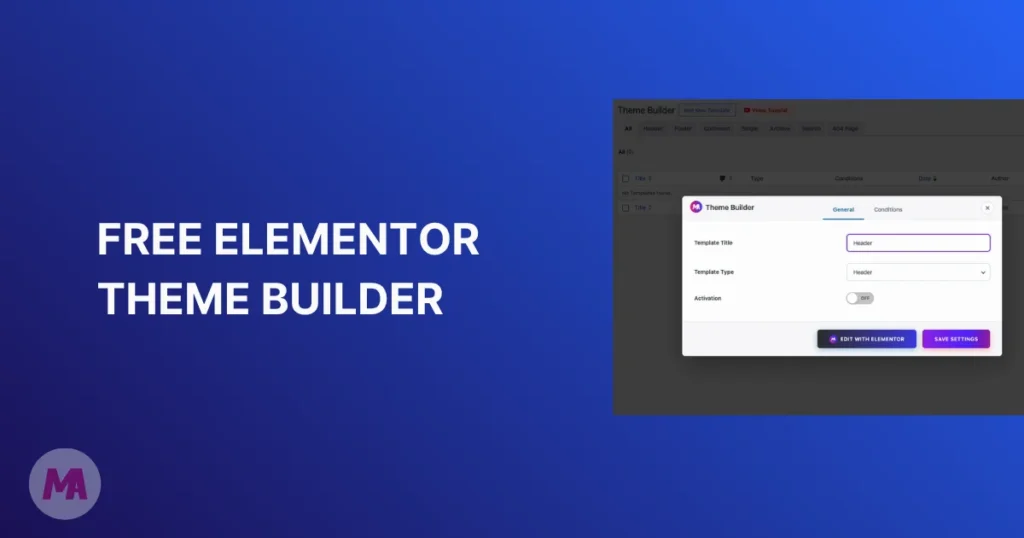
Every free Elementor user hits the same wall eventually. You can design pages all day, but the moment you try to change your header or footer, Elementor points you to a Pro subscription. The parts of your site that show up on every single page, the logo, the navigation, the footer columns, stay stuck with […]