
Elementor Marquee: Infinite Scrolling Text, Logos and Tickers
A marquee is content that scrolls continuously in one direction and never stops: no arrows, no dots, no slide boundaries. The old <marquee> HTML tag has been dead for years, but the effect came back around 2021 and it’s now on half the agency sites you’ll visit. Three ways to build one in Elementor: the […]
Elementor Swiper Slider: How It Works and How to Fix It

Swiper is the JavaScript library that powers every carousel in Elementor: the Image Carousel, Media Carousel, Testimonial Carousel, Loop Carousel, and every third-party Elementor carousel widget you’ve installed. It’s not an Elementor feature. It’s an open-source slider library that Elementor bundles. Knowing that changes how you debug a broken carousel. When a slider stops working, […]
Elementor Loop Carousel: How It Works and When to Use It
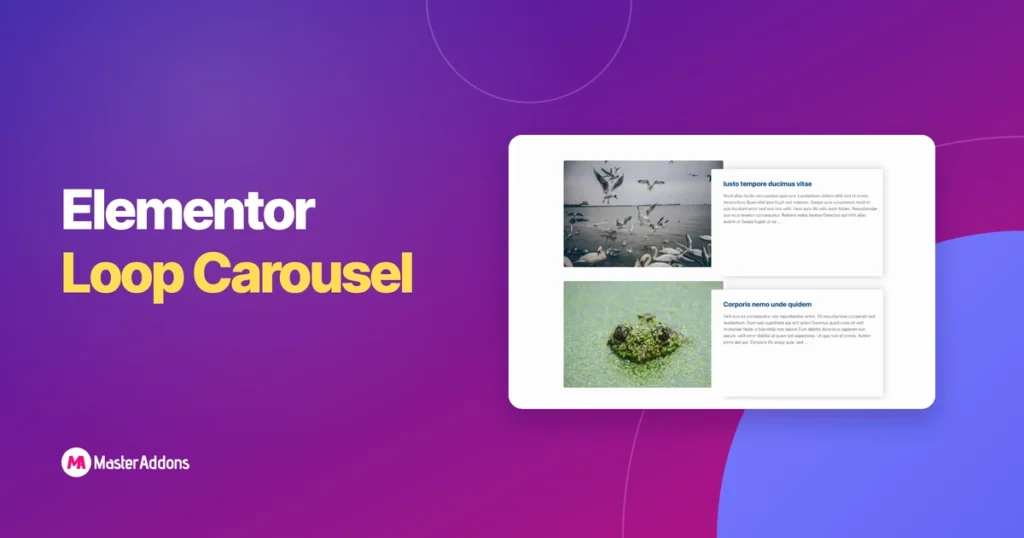
The Loop Carousel is Elementor Pro’s dynamic carousel. Instead of adding slides by hand, you build one slide as a template and point the widget at a query (posts, products, or any custom post type) and it fills itself. Add a post, the carousel updates. No editing required. It arrived in Elementor 3.11 and it’s […]
WooCommerce Product Carousel in Elementor: Three Ways That Work

There is no Master Addons WooCommerce product carousel widget. That’s the honest answer up front, and it saves you an install. What does work is three routes. Elementor Pro’s Loop Carousel is the only one that runs a live product query, so pick it if the strip should follow your catalogue. The free Quadrant Paged […]
How to Create a Testimonial Carousel in Elementor

A testimonial carousel puts customer quotes on a sliding track so a section that would run three screens tall fits in one. You have two real options. Elementor Pro ships a native Testimonial Carousel widget, so if you have Pro, that’s three minutes of work. On free Elementor, the fastest route is the Rostrum Quote […]
Elementor 3D Carousel: Coverflow, Flip, Arc and Orbit
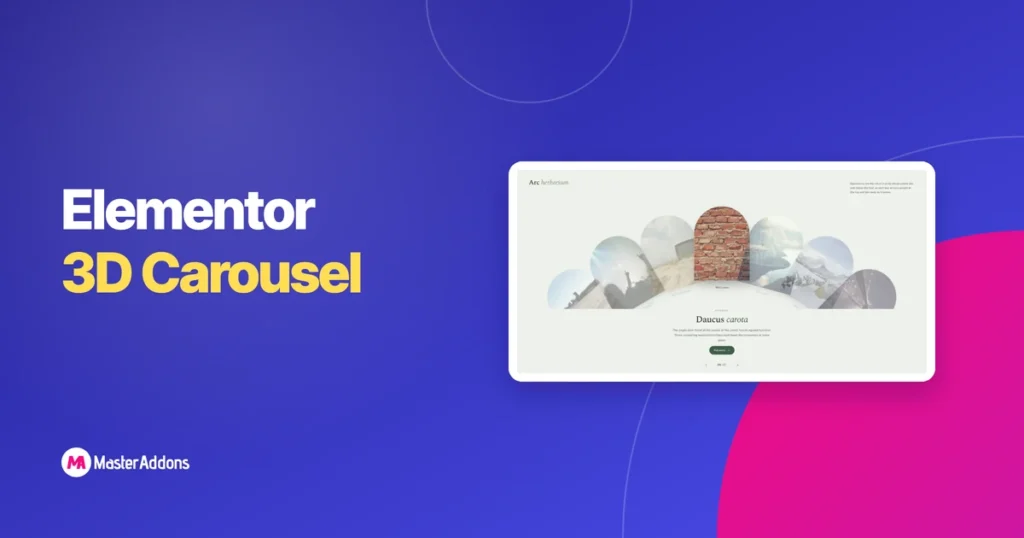
A 3D carousel is a carousel whose slides move through depth rather than across a flat plane: rotating, scaling or orbiting so the inactive slides sit visibly behind the active one. In Elementor you get it either from the Image Carousel widget’s coverflow layout, or from a purpose-built design. Four styles are worth your time. […]
Custom Breakpoints for Elementor: Add More Device Views for Free
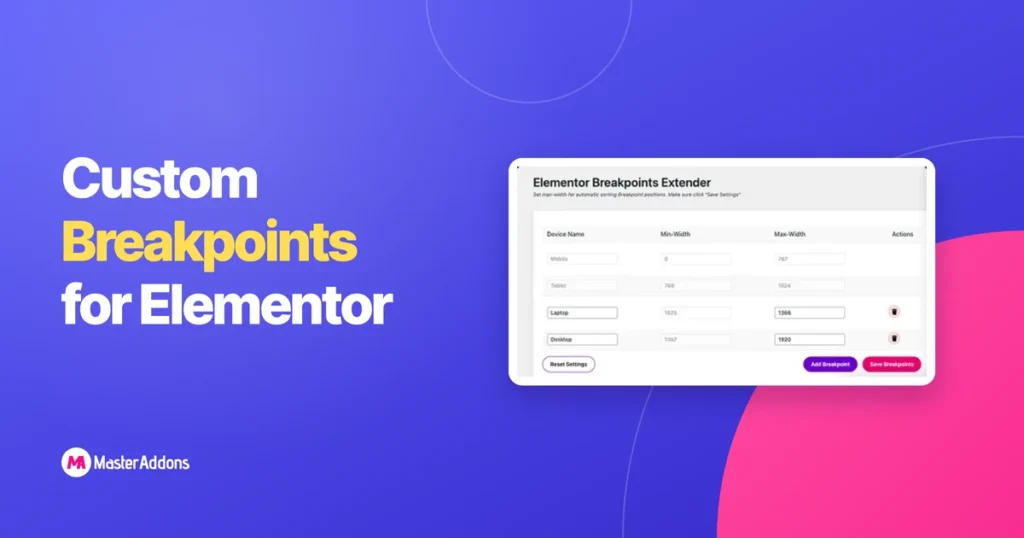
Elementor’s free version gives you more breakpoints than most tutorials admit: seven device views in total, each with an editable pixel width, all switched on from Site Settings. No Pro license needed. Where the native system stops is at those seven fixed slots. If your design needs an eighth view, or a device width the […]
Elementor Display Conditions: Free vs Pro and How to Set Them Up
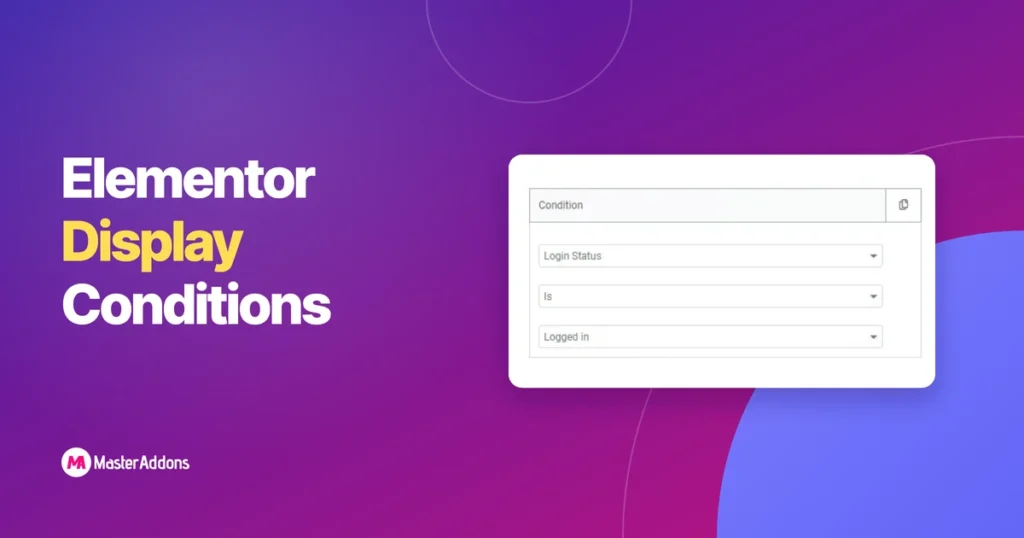
Elementor’s free plugin does not include Display Conditions at all. The feature sits entirely inside Elementor Pro. Master Addons, the free Elementor add-on, does not unlock the full Display Conditions extension either, but its Theme Builder and Popup Builder do include a basic, one-rule form of targeting at no cost. This page lays out exactly […]
25 Elementor Popup Examples That Actually Convert (2026)
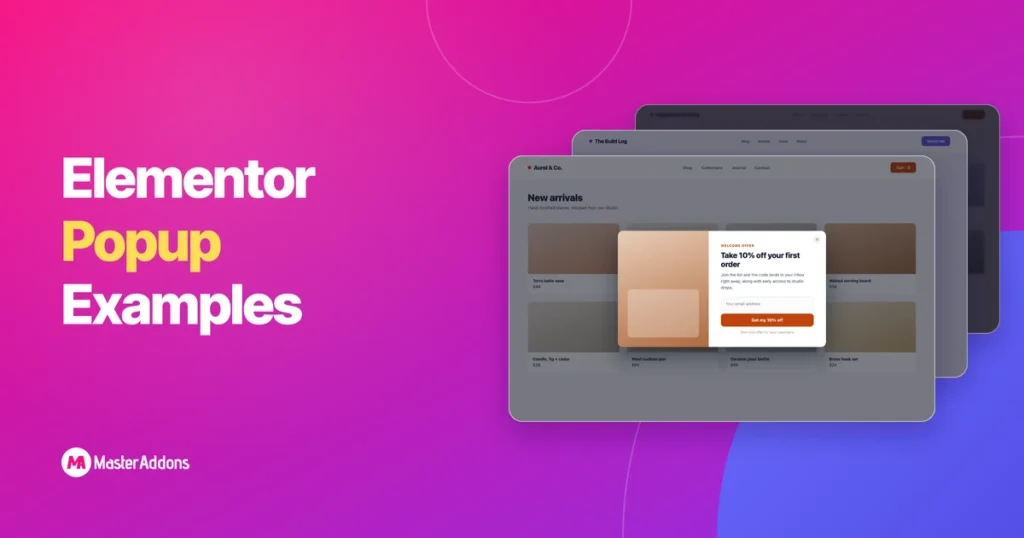
See 25 Elementor popup examples that convert, grouped by goal, each with the right trigger. Build every one free on Elementor with the Master Addons Popup Builder.
Master Addons vs Essential Addons: An Honest 2026 Comparison

Key Takeaways If you want the widest widget library and the biggest community around it, pick Essential Addons. If you want a popup builder, a theme builder and a widget builder that lets you create custom Elementor widgets without code, all inside one addon at a lower entry price, pick Master Addons. Both plugins are […]