


On most WordPress pages, images are the heaviest thing by far. Upload a few photos straight off your phone and you have just added several megabytes that visitors have to download before the page feels ready. That is where a WordPress image optimizer plugin pays for itself. It compresses every image, converts it to a next-gen format like WebP or AVIF, and serves it at the right size, all in the background, no Photoshop required.
This guide compares 8 of the best image optimization plugins, every one free to install from the official WordPress.org directory so you can test it before you commit. First, though, one plugin that belongs on every Elementor site before you even think about compression: Master Addons for Elementor. It is not an image optimizer, but the way you build a page decides how heavy it is in the first place, so it earns the top spot.
Why Use a WordPress Image Optimizer Plugin?
Compression is one of the highest-impact speed wins you can make. Here is what a good optimizer does for you:
- Smaller files, same quality. Smart lossy compression can cut image weight by 50 to 80 percent with no visible difference. Drop the original and compressed versions into a before and after slider and visitors can drag the handle to check for themselves.
- Next-gen formats. WebP and AVIF are far lighter than JPEG or PNG, and Google’s own image performance guidance (and every PageSpeed report) pushes you to serve them.
- Better Core Web Vitals. Lighter images improve Largest Contentful Paint, which Google uses as a ranking signal.
- Set and forget. Most plugins compress every new upload automatically and can bulk-optimize your whole existing media library in one run.
Image optimization is only part of the speed picture, though. Our guide on how to speed up Elementor websites covers the caching, script, and hosting side, and the best SEO practices for Elementor tie it all back to rankings.
What to Look for in an Image Optimization Plugin
The plugins below differ in a few ways that matter:
- Where it compresses. Local plugins process images on your own server (no quota). Cloud plugins send them to an external API (often faster and smaller, but usually credit-limited).
- Free WebP/AVIF. Some convert to next-gen formats for free; others gate that behind a paid plan.
- Free limits. Many free tiers are capped by monthly image count, bandwidth, or traffic, so match the plan to your library size.
- CDN and lazy load. A few bundle an image CDN or lazy loading, which cuts load time further.
Quick Comparison: Best WordPress Image Optimizer Plugins
| Plugin | Active Installs | Rating | Free WebP/AVIF | Best For |
|---|---|---|---|---|
| Master Addons for Elementor | 30,000+ | 4.5 ★ | n/a (toolkit) | A fast, light Elementor foundation |
| Smush | 1M+ | 4.8 ★ | Pro | The popular all-rounder |
| EWWW Image Optimizer | 1M+ | 4.8 ★ | Yes | Unlimited free local compression |
| Imagify | 1M+ | 4.3 ★ | Yes (quota) | Set-and-forget, WP Rocket users |
| Converter for Media | 500,000+ | 4.9 ★ | Yes | Free WebP/AVIF conversion |
| ShortPixel | 300,000+ | 4.5 ★ | Yes (credits) | Most features and AI tools |
| Optimole | 200,000+ | 4.7 ★ | Yes (cloud) | Zero-config cloud + CDN |
| TinyPNG | 100,000+ | 4.5 ★ | Yes (credits) | Trusted high-quality compression |
| reSmush.it | 100,000+ | 4.3 ★ | No | Completely free basic compression |
1. Master Addons for Elementor (the foundation)
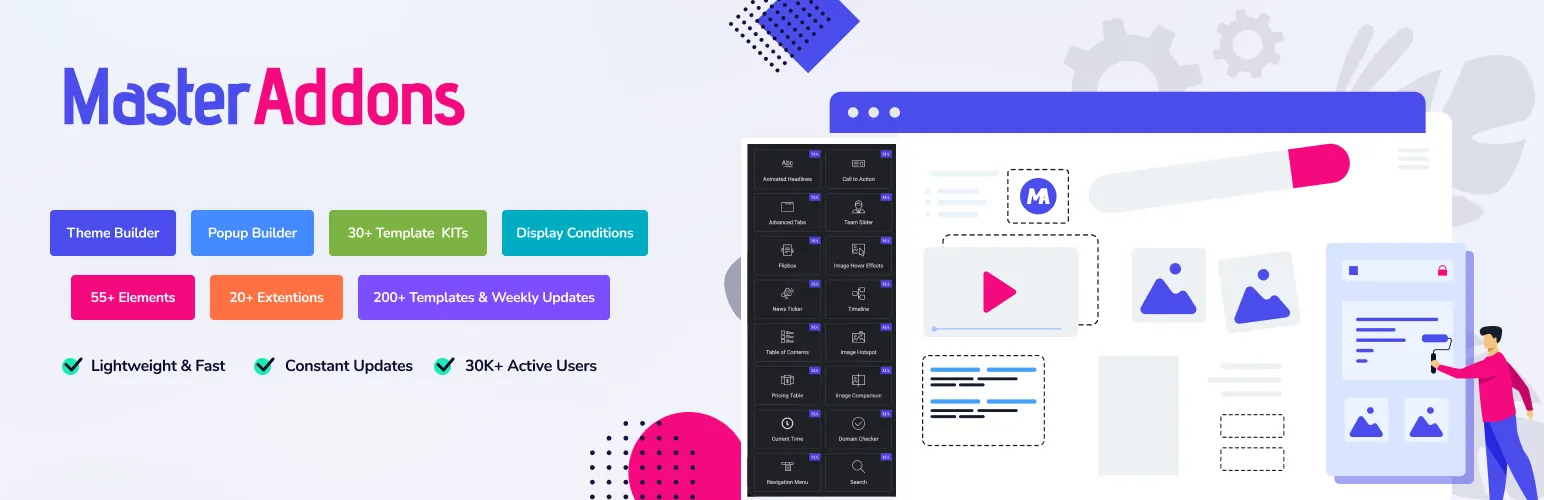
Let me be upfront: Master Addons for Elementor is not an image compression plugin, and it still takes the top spot. Here is the reasoning. An optimizer shrinks your images, but the builder decides how many scripts, styles, and DOM nodes load around them. Compress a 2MB hero down to 200KB, then wrap it in a builder that loads a dozen stylesheets, and you have handed the speed back. Master Addons is the light one.
Used on 30,000+ sites and rebuilt to run about 3x faster in version 3, it gives you 80+ widgets in one package instead of stacking five plugins to build a single page. Its Advanced Image widget and image carousel handle media cleanly, and the Theme Builder keeps your templates lean.
Why it goes first for an Elementor site:
- Lightweight architecture that loads assets only when a widget is used
- Advanced Image and Image Carousel widgets for clean, responsive media
- Theme Builder for lean headers, footers, and templates
- 80+ widgets and extensions in one install, so fewer plugins fighting for load time
- Pairs with any optimizer below, the builder stays light while the plugin compresses the images
Build the fast page first, then let a compression plugin handle the images. Browse the full widgets and extensions list or check the pricing, and grab the free version from the WordPress.org plugin page.
2. Smush
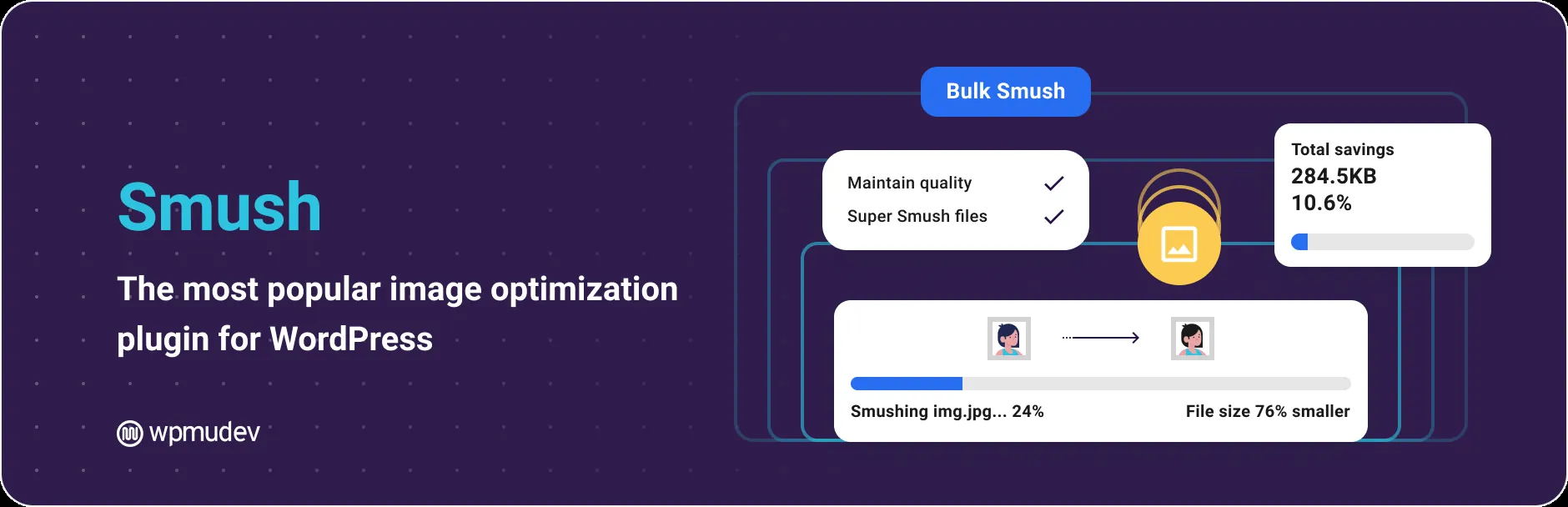
Smush, by WPMU DEV, is the most popular image optimizer on WordPress.org, with over a million installs and a 4.8 rating from thousands of reviews. If you want the safe, well-supported default, start here.
Best features:
- Lossless and lossy compression
- Built-in lazy loading
- Bulk and directory Smush to optimize images outside the media library
- Automatic resizing of oversized uploads
- WebP/AVIF conversion and a 119-server CDN on the Pro plan
The free version is strong for lazy loading and bulk compression, though WebP/AVIF and the CDN are Pro-only, and free images are capped at 5MB each. Get it from the WordPress.org plugin page.
3. EWWW Image Optimizer

EWWW is the pick for anyone who wants unlimited free compression with no per-image quota. It processes images locally on your own server by default, so there is no monthly cap to worry about.
Best features:
- Unlimited free lossless local compression for JPG, PNG, GIF, and SVG
- WebP and AVIF conversion in the free version
- Bulk optimize your entire library
- Lazy load with CLS-safe auto-scaling
- Resize on upload, plus WP-CLI and an optional Easy IO CDN
The trade-off is a setup that asks a bit more of you, and the cloud API and Easy IO CDN cost extra. But if you would rather not watch a monthly credit meter, nothing else here matches it. Download it from the WordPress.org plugin page.
4. Imagify
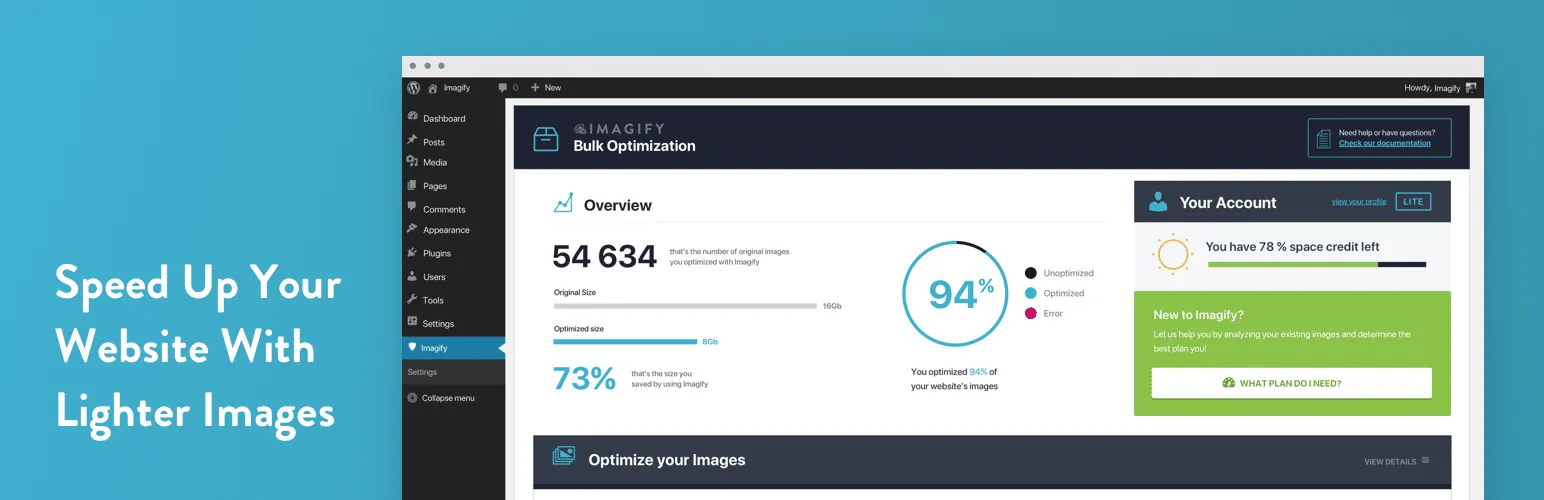
Imagify comes from WP Media, the team behind WP Rocket, and it is built around set-and-forget simplicity. It picks a smart compression level that balances quality and size, so you rarely have to tweak anything.
Best features:
- Smart automatic compression that balances quality and file size
- One-click WebP and AVIF conversion
- Asynchronous bulk optimization
- Auto-optimize on upload with original-image backup
- Tight fit with WP Rocket for a full speed stack
The free plan is capped at roughly 20MB per month, so a busy site will outgrow it, but it is a clean choice if you already run WP Rocket. Install it from the WordPress.org plugin page.
5. Converter for Media
If your main goal is next-gen formats, Converter for Media is the specialist, and at 4.9 stars it is the highest-rated plugin on this list. It converts your images to WebP and AVIF locally, with no credit limits.
Best features:
- Free WebP and AVIF conversion (often a 50%+ size cut)
- One-click bulk convert and auto-convert on new uploads
- Smart browser fallback (AVIF to WebP to original)
- Converts uploads, plus plugin, theme, and custom directories
- WP-CLI support and BunnyCDN integration
It focuses on format conversion rather than deep lossy compression, and CDN support is limited, so pair it with a compressor if you need both. Get it from the WordPress.org plugin page.
6. ShortPixel Image Optimizer

ShortPixel has the widest feature set here, including tools most optimizers do not touch. It offers three compression modes and a stack of extras on top of the usual next-gen conversion.
Best features:
- Lossy, Glossy, and lossless compression modes
- WebP and AVIF conversion, plus PDF optimization
- AI upscaling, background removal, and SEO title generation
- Background bulk optimization with WP-CLI and a global CDN
- One-click backup and restore
It runs on credits: 100 free per month, with extra credits from a few dollars a month or as one-time packs. For power users who want every option, it is the most capable pick. Download it from the WordPress.org plugin page.
7. Optimole
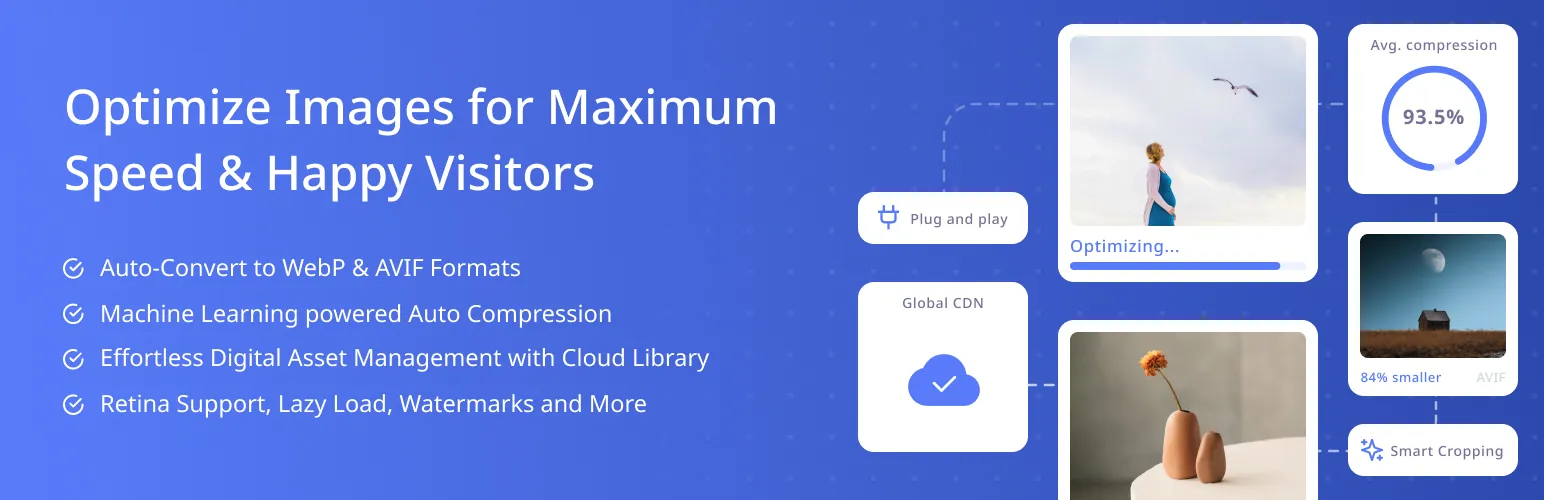
Optimole, from the ThemeIsle team, is the zero-config cloud option. It optimizes images on the fly and serves them from a global CDN, which makes it one of the easiest ways to improve Core Web Vitals without fiddling with settings.
Best features:
- Cloud, on-the-fly machine-learning compression
- AWS CloudFront CDN with 450+ edge locations
- Automatic WebP and AVIF delivery
- Lightweight, jQuery-free lazy loading
- Adaptive per-device responsive sizing
The free tier is based on monthly visits, so very high-traffic sites will hit the limit, but for most sites the hands-off setup is a big draw. Install it from the WordPress.org plugin page.
8. TinyPNG

TinyPNG is the WordPress plugin for the well-known Tinify compression service, and its smart lossy compression is trusted for shrinking files with no visible quality loss.
Best features:
- Smart lossy compression with no visible quality drop
- WebP and AVIF conversion (plus APNG)
- Auto-compress on upload and bulk optimize
- Auto-resize large images and per-thumbnail control
- Multisite support with a single API key
It runs on credits, around 500 free compressions a month (roughly 100 images), then paid per image. If you trust the TinyPNG name and want reliable quality, it delivers. Get it from the WordPress.org plugin page.
9. reSmush.it

reSmush.it is the completely free, no-account option. It compresses images through the reSmush.it API with nothing to sign up for, which makes it a fine starting point for simple sites on a budget.
Best features:
- Free bulk compression for JPG, PNG, and GIF
- Auto-optimize on upload
- Adjustable quality and optimization level
- Per-image exclusions, backup, and restore
- CRON scheduling and EXIF preservation
The catch: no WebP or AVIF conversion, no CDN, and a 5MB per-image limit by default. For basic compression at zero cost, it does the job. Install it from the WordPress.org plugin page.
How to Compress Images in WordPress
Once you have picked a plugin, the setup is quick:
- Install and activate your chosen image optimizer plugin.
- Open its settings and pick a compression mode (lossy is best for most sites) and turn on WebP or AVIF if it is offered.
- Enable auto-optimize on upload so every new image is compressed automatically.
- Run a bulk optimization to compress your existing media library.
- Re-test in PageSpeed Insights and confirm the “serve images in next-gen formats” and “properly size images” warnings are gone.
One hard rule: never run two image optimizers at once. They trip over each other, double-compress, and can leave you with corrupted files. Pick one, let it own the job, and pair it with a light builder like Master Addons and a caching plugin for the full stack.
How to Choose the Right Image Optimizer
Match the plugin to your situation:
- You want the popular, safe default: Smush.
- You want unlimited free compression on your own server: EWWW Image Optimizer.
- You mainly want free WebP and AVIF: Converter for Media.
- You want zero setup and a built-in CDN: Optimole.
- You want every feature, including AI tools: ShortPixel.
Whichever you choose, remember it is one layer of speed. A light page builder does the other half. Master Addons keeps your Elementor site lean with 80+ widgets and extensions, and pairs well with the tips in our best lightweight WordPress themes for Elementor roundup. For the wider toolkit, see the 100 best Elementor addons.
Frequently Asked Questions
What is the best WordPress image optimizer plugin?
Smush is the safest all-round pick, with over a million installs and strong free lazy loading and bulk compression. For unlimited free compression on your own server, EWWW Image Optimizer is the best value, and Converter for Media wins if your main goal is free WebP and AVIF.
How do I compress images in WordPress without losing quality?
Use a plugin with smart lossy compression like TinyPNG or ShortPixel. Lossy compression removes data the eye cannot see, so files shrink 50 to 80 percent with no visible difference. Enable auto-optimize on upload and run a bulk optimize on your existing library.
Should I use WebP or AVIF?
AVIF files are usually smaller than WebP at the same quality, but browser support is slightly narrower. The best plugins serve AVIF where supported and fall back to WebP, then to the original, so visitors always get the lightest format their browser can display.
Are free image optimizer plugins good enough?
For many sites, yes. EWWW gives unlimited free local compression, and Converter for Media offers free WebP and AVIF. Credit-based plugins like Imagify and ShortPixel have free tiers that suit smaller libraries, with paid plans for high-volume stores.
Can I run two image optimization plugins at once?
No. Running two optimizers causes conflicts, double compression, and sometimes corrupted images. Pick one plugin, let it handle everything, and deactivate any others. If you switch plugins, keep a backup of your original images first.
Wrap Up
The best WordPress image optimizer plugin depends on how you weigh cost, WebP/AVIF, and setup effort. Smush is the safe default, EWWW is the best free unlimited option, Converter for Media leads on next-gen formats, and Optimole makes cloud optimization effortless. Pick one, and pair it with a light builder so your compression gains are not wasted on a heavy page.
Ready to keep your Elementor site fast? Explore the full Master Addons widgets and extensions or start faster with ready-made Elementor template kits.
Related reading: How to Speed Up Elementor Websites, Best Lightweight WordPress Themes for Elementor, and Best SEO Practices for Elementor.
