
How to Speed Up Elementor Websites in 2026 (Complete Guide)

If your Elementor site loads slow in 2026, the rules have changed on you. Google now scores pages on three Core Web Vitals: LCP under 2.5s, INP under 200ms, and CLS under 0.1. Miss any one of them and rankings drop, bounce rate climbs, and conversions slip with it. Here is the part most builders […]
How to Import and Insert an Elementor Template (3 Ways)
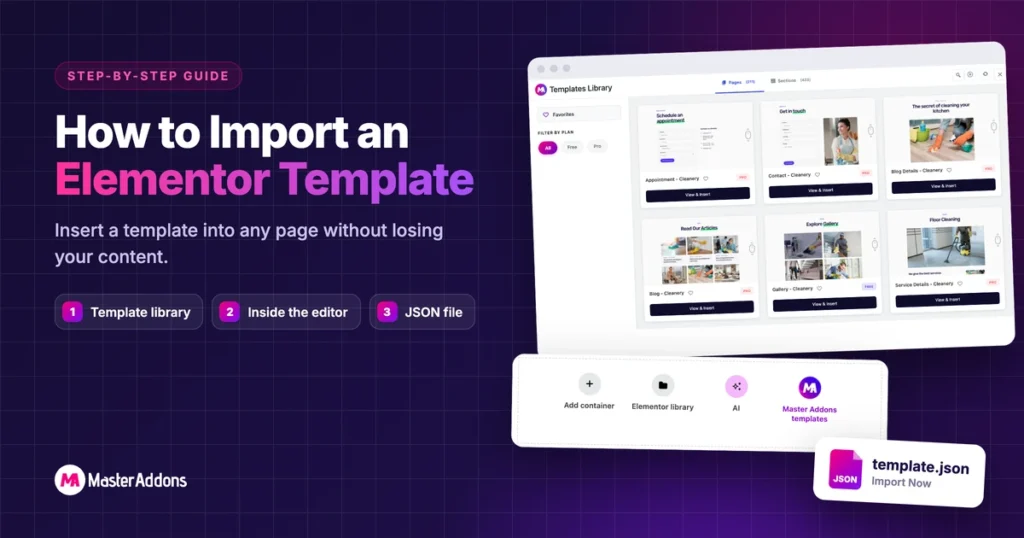
You can import or insert an Elementor template in three ways: pull a ready-made page from the Master Addons library, insert a template into a page you’re already editing, or upload a JSON file. Inserting never wipes your page. Elementor adds the template as a new section at the bottom and leaves your existing content […]
Top 10 Elementor Filterable Gallery Plugins to Create Beautiful Image Galleries

Elementor Pro’s Gallery widget can put several galleries behind a filter bar, but it needs a Pro license. If you want a filterable gallery without Elementor Pro, or more layout and hover options, a plugin fills the gap. Below are 10 plugins worth considering, starting with the free widget we build. As a website owner, […]
How to Change The WordPress Admin URL Without Plugin

WordPress is one of the most convincing Content Management Systems. However, WordPress is often targeted by hackers. In general, anybody may get the default login page. One can do this Just by adding “wp-admin” or “wp-login.php” in the URL. Usually, attackers use some techniques to attack your site. One of there most favorite things is […]
[Update] Master Addons for Elementor v1.3.9

We are happy to release this latest 1.3.9 stable Updates to our user. We have come with some amazing features for Image Hover Effects Element in this version. The Blockquote Element added within this update and we have fixed team member custom image size issue. Let’s see what you can achieve with this new update. […]
Top 10 Elementor Marketing Widgets For Bloggers & Affiliate Marketers

If you want to make your blog (or affiliate marketing site) look more special, then we have something to show you. Here is the Elementor Marketing Widgets list which you will get for free within Master Addons. Day by day, Elementor addons are being very popular for adding extra facilities to a website. In fact, […]
Age Verification for Elementor – Popup / On Page

Sometimes it’s necessary to set Age Verification on a webpage. Some call this system Age gate or Age restriction too. Adding Age verification in WordPress website with Elementor page editor is easier now. If you are Master Addons pro user then you will get this feature for free. There is an individual plugin available in […]
Elementor Page Background – Image, Video, Kenburns Animation

The default Elementor plugin allows you to create multiple types of Elementor Page Background. For example elementor video background, elementor parallax background with image or video. As bonus tips, I will share how to arrange animated Gradient, Background Slider, & particles in the elementor section background. Check this to add moving background image in Elementor […]
How to Create a Skewed Background in Elementor (2026 Guide)

A skewed background cuts the edge of a section across the page at an angle instead of leaving it flat. It breaks up the usual stack of horizontal bands, and the eye follows the diagonal down into the next section. Landing pages and SaaS homepages use it constantly. Elementor still has no “skew this section” […]
Elementor Text Over Image: 25+ Hover Effects (Free Widget Tutorial)

Adding text over an image in Elementor sounds like a two-minute job. Then you try it with the default widgets and end up wrestling with negative margins, absolute positioning, and a Heading widget stacked on a background image that breaks on mobile. There is a faster way. The free Image Hover Effects widget from Master […]