


Dark mode stopped being a novelty a while back. Readers expect it now, phones ship with it switched on, and a full-brightness white page at midnight is a quick way to make someone bounce. If your WordPress site still forces max brightness on everyone, that is comfort and reading time you are giving away for no reason.
You do not need to touch a line of CSS to fix it. A decent dark mode plugin adds a toggle, reads the visitor’s system setting, and flips the whole site to a low-light theme in one click. Below are the 10 best WordPress dark mode plugins for 2026. I focused on the free versions, since that is what most people install first.
The first three picks come from the admin-and-login side of WordPress: WP Adminify, Admin Bar Editor, and Loginfy. Adminify brings a real dark mode to your dashboard, while Admin Bar Editor and Loginfy are customization plugins that sit nicely alongside it. After those, we get into the front-end dark mode toggles your visitors actually tap.
Why add a dark mode plugin to WordPress?
A few reasons it earns the five-minute setup:
- Less eye strain. Dark backgrounds cut the glare in a dim room, and that is where a lot of reading happens.
- Battery savings. On OLED and AMOLED screens, dark pixels draw less power, so a dark theme genuinely stretches a phone’s charge.
- It matches the OS. Android, iOS, macOS, and Windows all have a system-wide dark setting. A good plugin notices it and follows along.
- Reader choice. Some people just prefer it. Handing them a toggle is a small thing that keeps them reading longer.
Running an Elementor site? Dark mode looks best on a clean, fast theme to begin with. If you are still choosing a base, our roundup of the best lightweight WordPress themes for Elementor is a good place to start, and the guide to speeding up Elementor websites covers the performance side.
Best WordPress dark mode & admin customization plugins
Here they are in order. The first three are about the WordPress admin and login experience; the rest are front-end toggles for your visitors.
1. WP Adminify
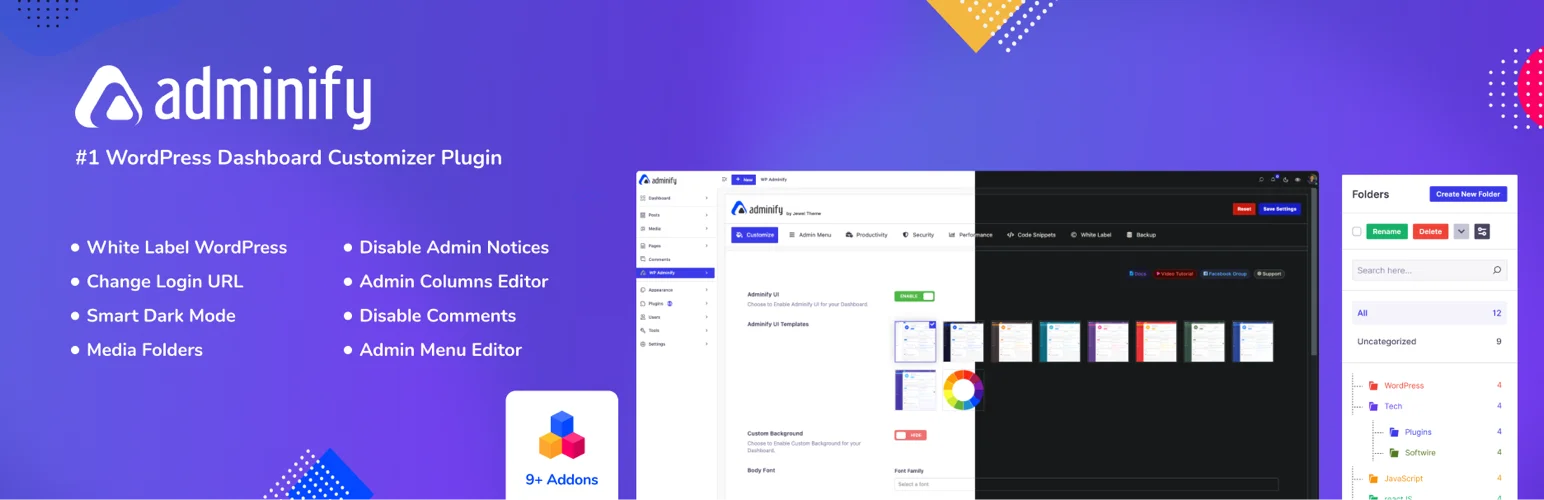
WP Adminify is a full WordPress admin dashboard plugin from Jewel Theme, the same team behind Master Addons. Dark mode is only one of its 18+ modules, but it is one of the better dashboard dark modes out there. You get a quick switcher in the admin bar, a system-preference option, and a schedule so it turns dark between the start and end times you set.
The part that sold me is the coverage. Adminify’s dark mode reaches 50+ popular plugin screens, including WooCommerce, Yoast SEO, and Rank Math, so the whole backend stays dark instead of a few core pages going dark while everything else blinds you. You can even set a separate logo for light and dark mode.
Best for: a polished dark mode for the WordPress admin dashboard, plus a stack of other dashboard tools.
Price: Free version available; Pro adds more modules.
Download: wordpress.org/plugins/adminify
2. Admin Bar Editor
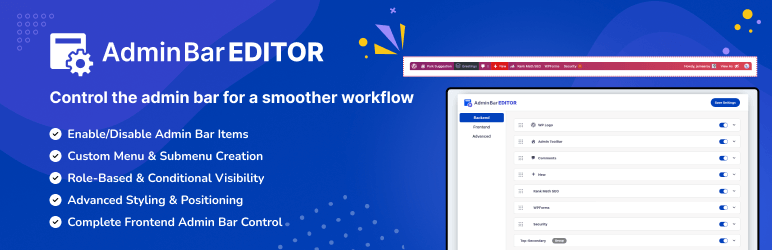
Heads up: Admin Bar Editor is not a dark mode plugin. It is an admin customization tool, and it pairs so well with a tidy dashboard that it earned a spot on this list.
The default WordPress toolbar gets cluttered fast. Admin Bar Editor, also from Jewel Theme, lets you clean it up visually. Toggle core items off (the WordPress logo, comments, updates, the “New” menu), drag the rest into the order you want, and handle the front-end and back-end toolbars separately. You can also drop the bar to the bottom of the screen if that suits you better.
Pro adds role-based visibility, so editors and admins can see different toolbar items, plus custom menu links and styling with colors and gradients. If you hand finished sites to clients, hiding the menu items they will never use saves you a support email or two later. While you are tidying wp-admin, it is worth learning how to disable WordPress admin notices as well.
Best for: cleaning up and controlling the WordPress admin toolbar.
Active installs: 3,000+ | Rating: 4.3/5
Download: wordpress.org/plugins/admin-bar
3. Loginfy
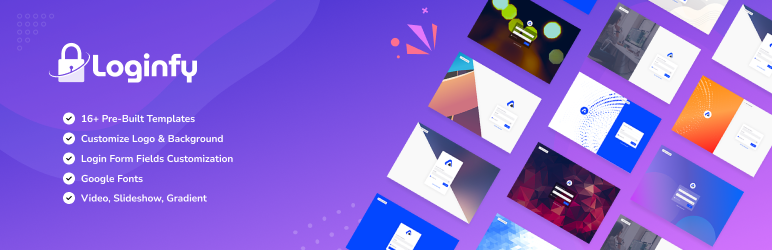
Heads up: Loginfy is a login page customizer, not a dark mode toggle. It made the list because a branded (and yes, dark) login screen is the kind of detail clients notice right away.
Loginfy redesigns the plain WordPress login page with no code. It runs through the native WordPress Customizer with a live preview, so you can swap the logo, set a background color, image, or gradient, and pick a single-column or two-column layout. Want a dark login screen to match your dashboard? Drop in a dark background and you have one.
The free version comes with 4 professional templates. Pro takes that to 16 and throws in video and slideshow backgrounds, white-label options, and custom CSS and JS. If a custom login screen is on your list, our guide to the best WordPress login page customizer plugins walks through a few more options.
Best for: branding and redesigning the WordPress login page.
Active installs: 2,000+ | Rating: 5/5
Download: wordpress.org/plugins/loginfy
4. Darkify
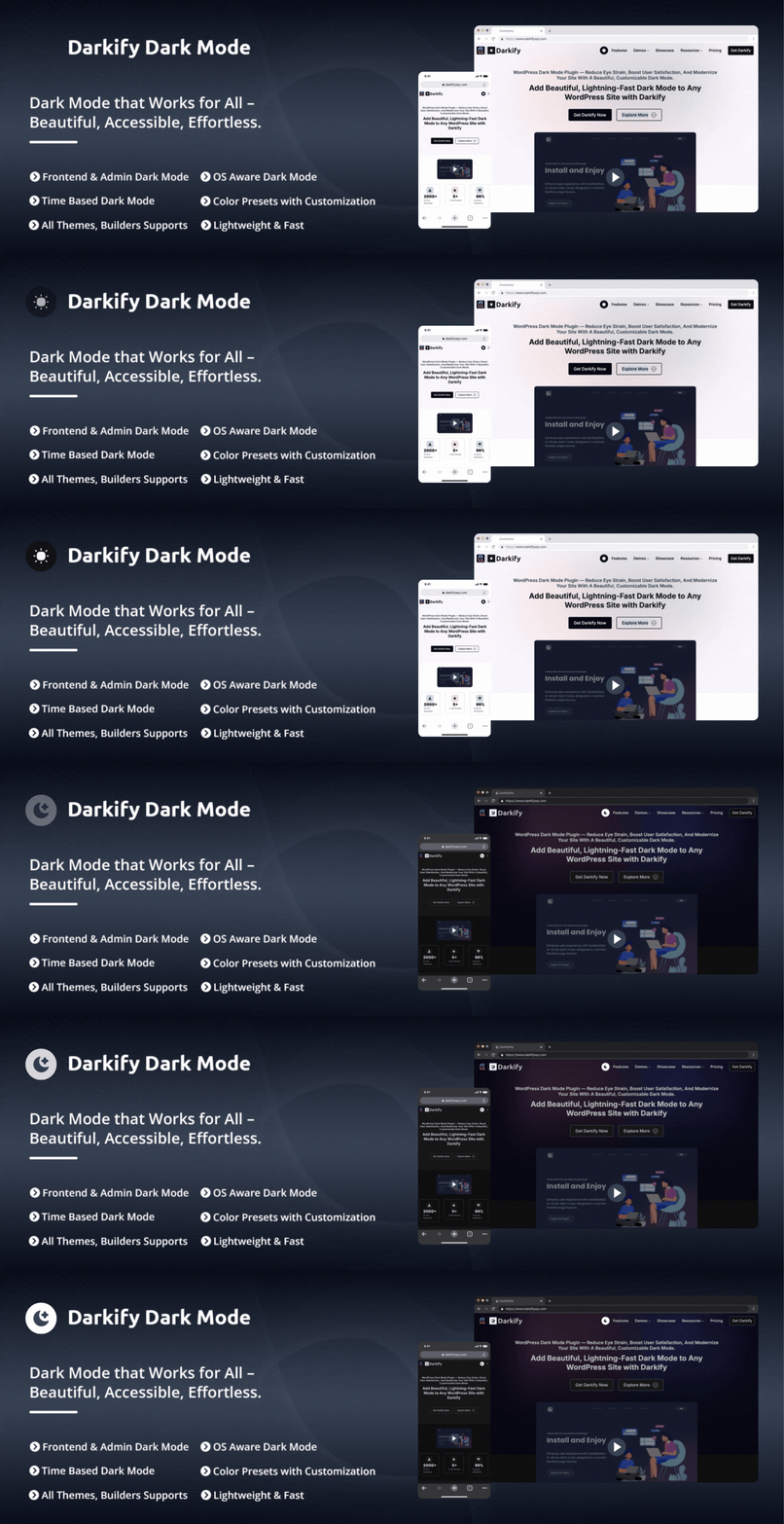
Darkify is a feature-rich dark mode plugin for WordPress that allows website owners to add a modern, customizable dark mode experience to their websites without coding. It supports dark mode for the frontend, admin dashboard, and login pages, helping improve accessibility, reduce eye strain, and enhance user experience across devices. With lightweight performance and broad theme compatibility, Darkify is ideal for sites that want better usability without sacrificing speed.
Best for: One-click dark mode for frontend, admin, and login pages
Price: Free version; Pro and Ultimate tiers available.
Download: https://darkifywp.com/pricing/
5. WP Dark Mode
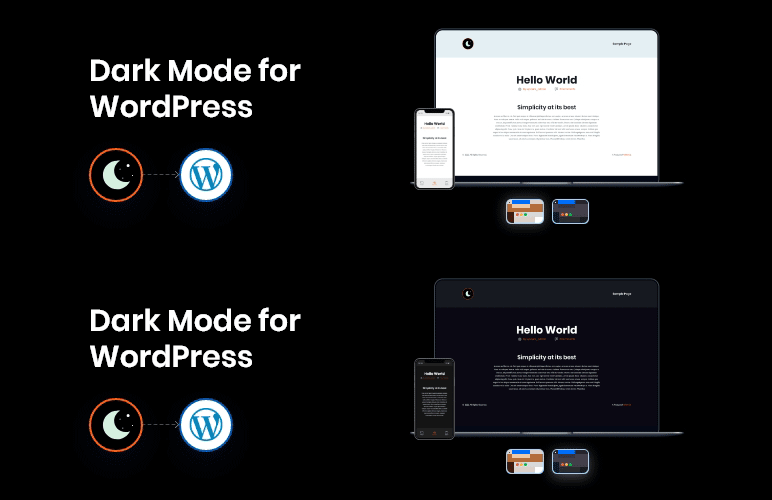
WP Dark Mode is one of the most installed front-end dark mode plugins on WordPress.org, and it earns that spot. It picks up a visitor’s device preference on its own and drops a floating toggle switch (usually a bottom corner) so anyone can flip the whole site to a dark theme that someone actually designed, rather than a crude color invert.
The free version covers the basics well. Pro and Ultimate add more color presets, 5 and 11 respectively, plus a dark mode switch widget and wider theme compatibility. It works with both Gutenberg and Elementor, which makes it a safe default whether you run a blog or a shop.
Best for: a popular, well-supported front-end dark mode toggle.
Price: Free version; Pro and Ultimate tiers available.
Download: wordpress.org/plugins/wp-dark-mode
6. Darklup Lite
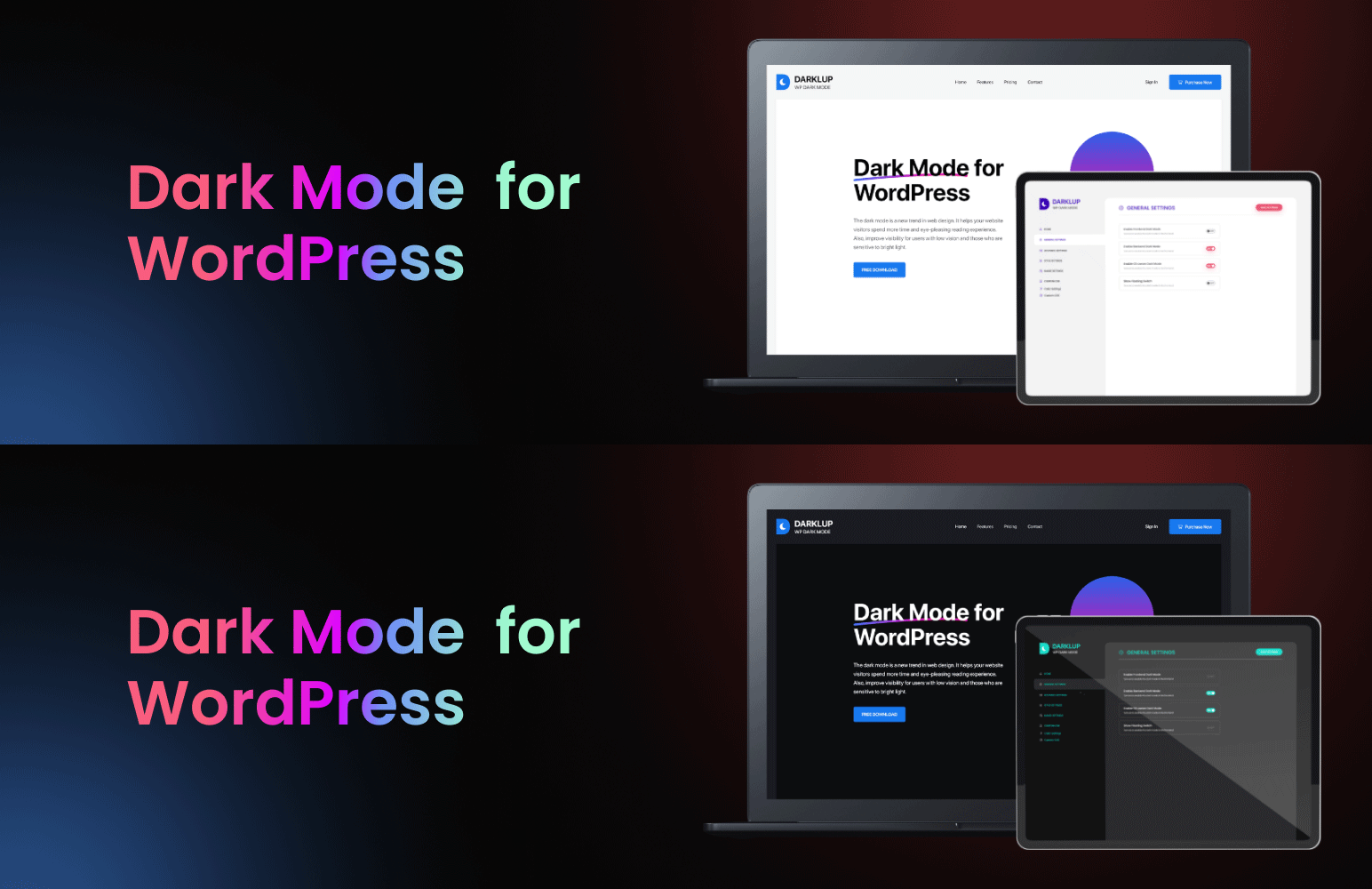
Darklup Lite builds a dark version of your site that adapts to your theme’s own colors based on what the visitor prefers. People toggle it on or off as they browse, and the plugin remembers the choice on their next visit.
The free version ships a dark mode Elementor widget and a Visual Composer widget, OS-based color detection, and a couple of exclusive presets and switch styles. If you build with Elementor, having a dedicated toggle widget you can drop straight into a header or footer is a nice touch.
Best for: Elementor and page-builder sites that want a native toggle widget.
Price: Free (Lite); Pro available.
Download: wordpress.org/plugins/darklup-lite-wp-dark-mode
7. Dark Mode for WP Dashboard
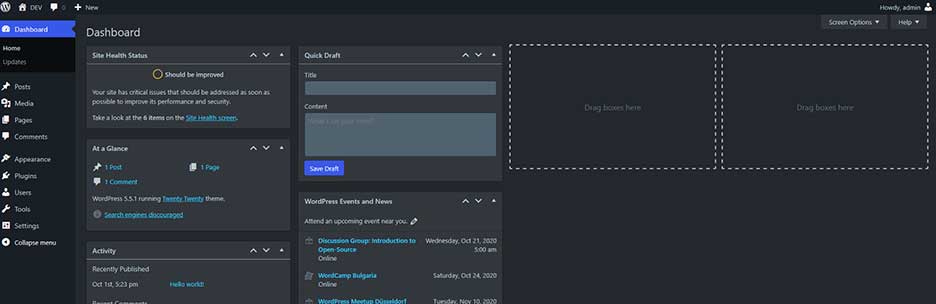
If all you want is a dark admin with zero fuss, this is the activate-and-go option. No settings page to dig through. A toggle sits in the admin bar and flips your entire dashboard between light and dark on the spot.
It leans developer-friendly, with special WooCommerce support and Yoast SEO compatibility, and it behaves with Jetpack and Nested Pages too. For anyone who lives inside wp-admin all day, a dark dashboard takes the edge off by the afternoon.
Best for: a no-configuration dark mode for the WordPress admin dashboard.
Price: Free.
Download: wordpress.org/plugins/dark-mode-for-wp-dashboard
8. Blackout: Dark Mode Widget
Blackout is the get-it-done pick. It ships a dark theme you can use straight out of the box and a widget for switching between normal and dark. Under the hood it uses the CSS mix-blend-mode trick, so it applies fast without much to configure.
There is a standalone version too. One thing to watch: because it works by blending, image-heavy pages can look a little off, so preview a few posts before you call it done. If you want dark mode live in a couple of minutes and do not care about presets or scheduling, Blackout handles it.
Best for: the fastest, simplest dark mode toggle.
Price: Free.
Download: wordpress.org/plugins/blackout-darkmode-widget
9. Night Mode for WordPress
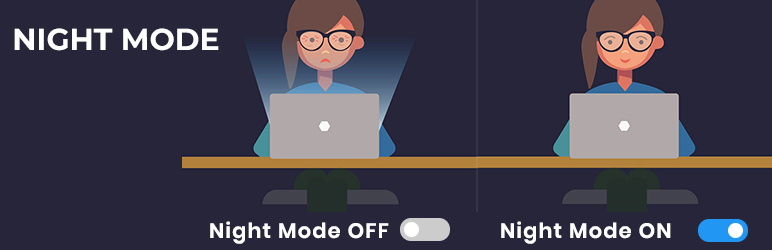
Night Mode goes past a simple color flip and adds comfort controls. Activation is instant, and on top of the dark theme you get brightness dimming to ease eye strain plus font-size options (medium, large, extra-large) so readers can set their own comfort level.
You also get a custom menu select option, a custom CSS field, and import/export for your settings, which is handy if you run more than one site and do not want to redo the config each time. It works across Firefox, Chrome, Opera, Safari, and Edge, and the dimming keeps phones a touch cooler on long reads.
Best for: readers who want brightness and font-size control, not just dark colors.
Price: Free.
Download: wordpress.org/plugins/night-mode-and-font-size-kit
10. WP Night Mode

WP Night Mode is a responsive dark mode plugin aimed at blogs and content sites. Readers switch between night mode and light mode to make long posts easier on the eyes, and photos and videos get a nice contrast lift against the dark background. For those same long posts, pairing it with a WordPress table of contents plugin makes them easier to navigate as well as easier to read.
It comes with a dark mode Elementor widget and a Gutenberg widget plus OS-based color detection, so the toggle slots into whichever editor you happen to build with.
Best for: stylish blogs built with Elementor or Gutenberg.
Price: Free.
Download: wordpress.org/plugins/wp-night-mode
11. Dark Mode Lite
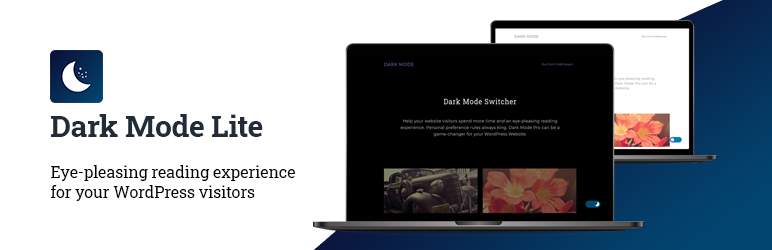
Dark Mode Lite keeps it light. It works with free or paid themes to build an easy-on-the-eyes dark experience without dragging your load time down, which matters if speed is already a priority for you.
You can set a default mode for first-time visitors, it supports WooCommerce themes and every popular browser, and it can apply dark mode to the admin panel as well. A dependable, low-weight way to close out the list.
Best for: a lightweight toggle that will not slow the site down.
Price: Free.
Download: wordpress.org/plugins/dark-mode-lite
Quick comparison table
| Plugin | Type | Front-end toggle | Admin dark mode | Best for |
|---|---|---|---|---|
| WP Adminify | Dashboard + dark mode | — | Yes (50+ plugin screens) | Polished admin dark mode |
| Admin Bar Editor | Admin customization | — | — | Cleaning the toolbar |
| Loginfy | Login customization | — | — | Branded login page |
| WP Dark Mode | Front-end dark mode | Yes | Pro | Popular all-rounder |
| Darklup Lite | Front-end dark mode | Yes | — | Elementor widget |
| Dark Mode for WP Dashboard | Admin dark mode | — | Yes | No-config dashboard |
| Blackout | Front-end dark mode | Yes | — | Simplest setup |
| Night Mode | Front-end dark mode | Yes | — | Brightness + font controls |
| WP Night Mode | Front-end dark mode | Yes | — | Blogs |
| Dark Mode Lite | Front-end + admin | Yes | Yes | Lightweight |
How to choose the right dark mode plugin
Match the plugin to what you are actually trying to do:
- Want a dark WordPress dashboard? Go with WP Adminify or Dark Mode for WP Dashboard.
- Want a toggle for your visitors? WP Dark Mode and Darklup Lite are the safe bets, especially on Elementor.
- Building with Elementor or Gutenberg? Pick one with a native toggle widget, like Darklup Lite or WP Night Mode.
- Speed comes first? Dark Mode Lite and Blackout stay out of the way. It is also worth reading up on the best SEO practices for Elementor.
- Running a shop? Check for WooCommerce support, and while you are here, browse the best Elementor addons for WooCommerce.
Whatever you land on, keep the rest of your setup lean. A dark theme on a bloated site still feels sluggish. Master Addons stays light with 80+ widgets and extensions, and its Theme Builder gives you full control over headers and footers so the design holds up in both light and dark.
How to add dark mode to WordPress (the short version)
- Go to Plugins → Add New in your dashboard.
- Search for the plugin you picked, click Install Now, then Activate.
- Open the plugin settings and turn on the toggle (front-end, admin, or both).
- Enable system preference detection so the site follows each visitor’s device setting.
- Preview on desktop and mobile, then nudge the toggle position and colors until it looks right.
That is the whole job. Most of these are live in under five minutes. If the toggle does not show up at first, clear your cache and do a hard refresh, since a caching plugin will happily serve the old version for a while.
Frequently asked questions
What is the best free WordPress dark mode plugin?
For front-end toggles, WP Dark Mode is the most popular free option and works with Elementor and Gutenberg. For a dark admin dashboard, WP Adminify and Dark Mode for WP Dashboard are strong free picks. The right one comes down to whether you want dark mode for visitors, for wp-admin, or both.
Does dark mode help with SEO?
Dark mode is not a direct ranking factor, but it improves the reading experience and can lift time on page, which helps SEO indirectly. Just pick a lightweight plugin so it does not drag down your page speed, since speed does count as a ranking signal.
Can I add dark mode to the WordPress admin dashboard?
Yes. Plugins like WP Adminify and Dark Mode for WP Dashboard add a toggle to wp-admin. Adminify goes further and styles 50+ plugin screens such as WooCommerce and Yoast, so the whole backend stays dark instead of only the core pages.
Will a dark mode plugin slow down my site?
A well-built one barely adds any weight. Dark Mode Lite and Blackout are built to stay light. Avoid running two dark mode plugins at once, and check your load time before and after installing so you know where you stand.
Does dark mode work automatically based on the visitor’s device?
Most current plugins support OS-based detection. Turn it on and the site reads the visitor’s system setting, dark or light, and matches it, while still leaving a manual toggle for anyone who wants to override it.
Final thoughts
Dark mode is a small addition that readers quietly appreciate. Start with what you need: WP Adminify for a polished dark dashboard, WP Dark Mode or Darklup Lite for a front-end toggle, and Admin Bar Editor plus Loginfy to finish off a clean, branded admin. They all have free versions, so install a couple, test them for a day, and keep the one that fits.
Related reading: Best Elementor Themes · Customize WordPress Login Page Plugins · Change the WordPress Admin URL Without a Plugin
