
Container Extras

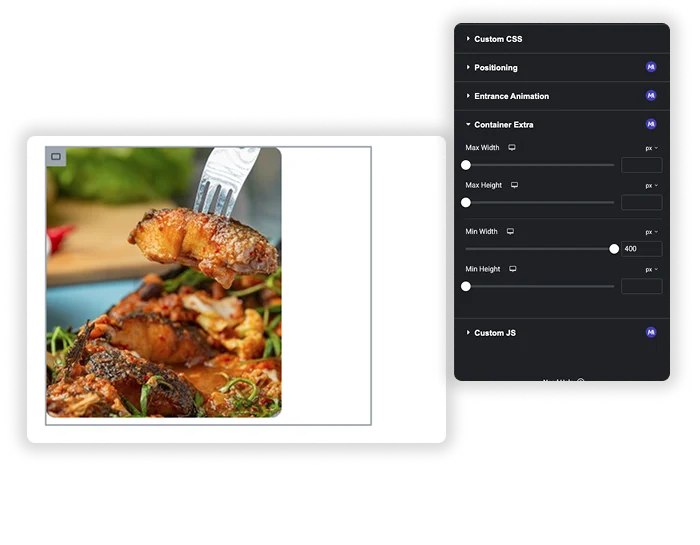
Tired of your stunning designs being confined to rigid container limits? Container Extras by Master Addons helps you to override default constraints with pixel-perfect precision. Easily extend the width for immersive, full-viewport sections or fine-tune the height for dynamic content – all while maintaining your overall layout structure. Create standout hero areas, wide testimonials, and unique interactive spaces that truly fit your vision.

Extend Beyond the Max Width
container extra extension

Extend Beyond the Max Width

Override the global container’s maximum width limit on a per-section basis. Perfect for creating impactful, edge-to-edge sections like full-width hero banners, highlight panels, or seamless media galleries that break out of the standard grid, adding depth and modern flair to any page.

  • Create Immersive Heroes: Design breathtaking hero sections that stretch across the entire viewport, making a powerful first impression.
  • Highlight Key Content: Make testimonials, call-to-action strips, or feature lists stand out by letting them fill the screen’s width.
  • Pixel-Perfect Control: Set precise Max Width and Min Width values (e.g., 900px, 800px) to match any design requirement or device behavior.
Template Viewer
Facebook
Twitter
WhatsApp
Copy Link
Buy Now
Container Extra
Container Extra

Frequently Asked Questions For Container Extras

Learn the most asked queries users have about Container Extras and find answers in one place.
How does Container Extras work with my existing theme or page builder container settings?

Container Extras acts as a powerful override at the individual section level. Your global theme or page builder settings (like a default 1140px max-width container) remain in place for the rest of your site. This extension simply allows you to select any specific container and give it unique dimensions, letting that one section break free from the global rules without affecting anything else.

They serve different purposes for layout control:

  • Use Min Height to guarantee a section is never too short. This is perfect for creating consistent hero sections, banners, or colored backgrounds that need to maintain a minimum visual presence, even if your content is brief.
  • Use Max Height to prevent a section from becoming too tall. This is ideal for containing large images, maps, or long text blocks within a defined viewport area, often used in conjunction with a scrollable overflow.
Will overriding the container width make my design unresponsive or break on mobile?

No, not when used correctly. Container Extras provides a foundation for custom dimensions, but you still have full control over responsive behavior. You can (and should) set different width and height values for tablet and mobile views directly within the extension’s responsive tab, ensuring your standout sections look perfect on every device.

While both can create wide sections, Container Extras offers precise, bounded control. A “Full Width” container often stretches 100% to the edges of the screen with no limits. Container Extras lets you set a specific maximum width (e.g., 1400px) for a section that is wider than your theme’s content area but not necessarily the full screen, allowing for more sophisticated, intentional designs that sit between a boxed layout and a full-viewport bleed.

Trending Elementor Widgets & Extensions

Build sophisticated websites in less time.

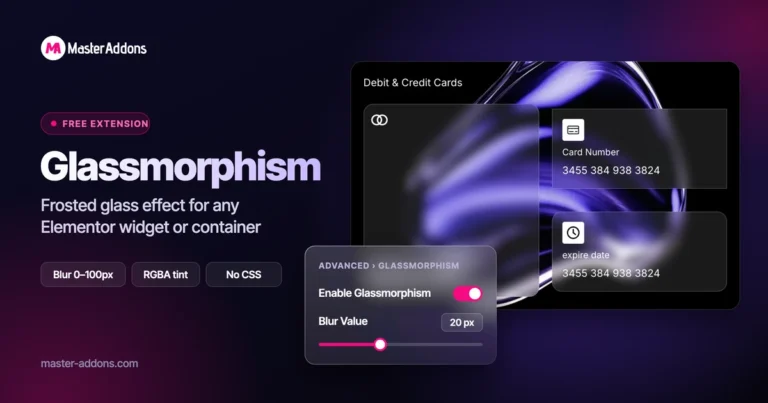
Glassmorphism element for Elementor by Master Addons

Glassmorphism

Home Glassmorphism is the design trend that gives your website a soft, translucent, modern look...
View Details
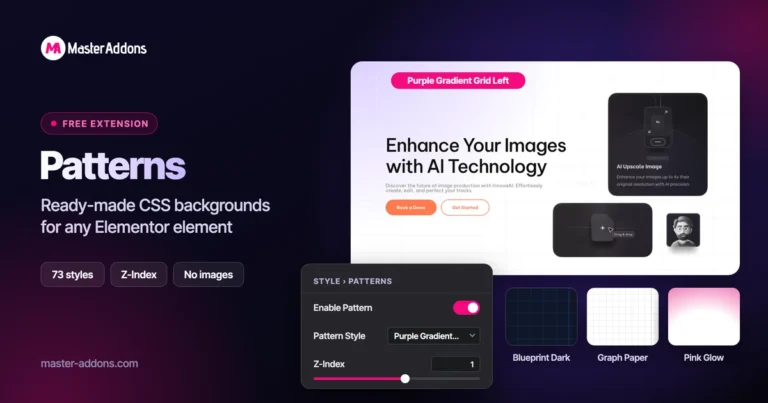
Pattern extension

Patterns

Home Transform flat, static containers into visually engaging design elements with the Master Addons Patterns...
View Details
Exact Replicas in a Single Action

Post/Page Duplicator

Home Streamline your workflow and eliminate repetitive setup with the Master Addons Post/Page Duplicator. This...
View Details
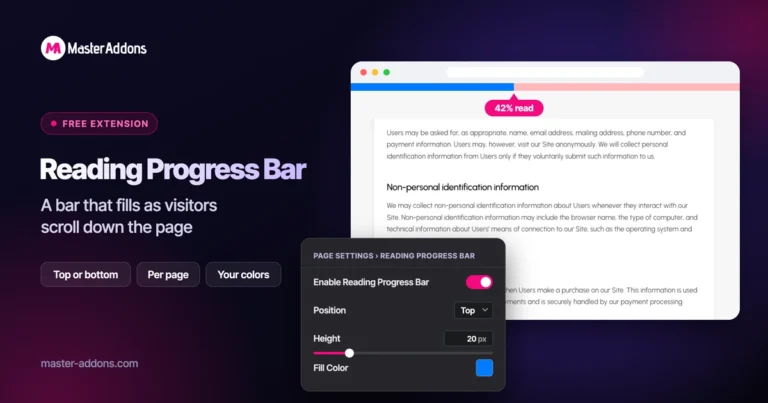
Reading progress bar extension

Reading Progress Bar

Home Ever start reading a long article and wonder how much is left? So do...
View Details
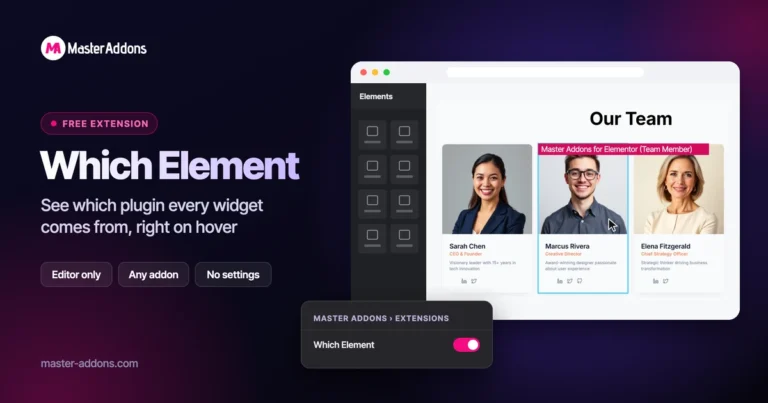
Check the element name on hover

Which Element

Home Ever hover over a container in Elementor and forget exactly which elements or addon...
View Details