

Key Takeaways
- Essential Addons runs on 1 million+ active installs with a 4.9-star average, and people look for an Essential Addons alternative for three reasons: features locked behind Pro, globally loaded assets, and renewal costs across many client sites.
- Every alternative here has a real free version on WordPress.org, at least 30,000 active installs, an update within 90 days of the August 2026 check, and at least one capability Essential Addons free does not include.
- Master Addons bundles a popup builder with seven triggers, a mega menu builder and a theme builder with header and footer templates into one plugin, with Pro from $39 a year and a $129 lifetime licence.
- Happy Addons (400,000 installs) wins on editing utilities, ElementsKit (1,000,000) on its mega menu builder, and HT Mega (70,000) on raw widget count at 146+.
- Switching addons safely means inventorying Essential Addons widgets by their eael- classes, mapping each one to a replacement, rebuilding on staging and only then deactivating Essential Addons.
Essential Addons is the biggest Elementor addon by install count, and it’s still not the right fit for everyone. The best Essential Addons alternatives in 2026 are Master Addons for its popup, mega menu and theme builders at agency pricing, Happy Addons for editing speed, ElementsKit for navigation-heavy sites, and four more that each win a specific job. This guide compares all seven on numbers you can check: widget counts, active installs, wp.org ratings, and entry pricing.
We build Master Addons, so plugin number one is ours and you should read that section with the same skepticism you’d bring to any vendor list. The difference we can offer: every stat below comes from the WordPress.org plugin API or the vendor’s public pricing page, pulled on August 6, 2026, including the numbers where competitors beat us. For a head-to-head against Essential Addons specifically, our Master Addons vs Essential Addons comparison goes feature by feature.
Table of Contents
Why look for an Essential Addons alternative
Credit first: Essential Addons runs on 1 million+ active installs with a 4.9-star average across 4,100+ reviews. Nobody switches away because it’s bad. People switch for three specific reasons that show up in forum threads over and over.
- Features you need sit behind Pro. The free tier is wide but the tools that close projects (advanced popups, display conditions, dynamic content) need the paid plan, which starts at $39.97/year for one site and climbs fast for agencies.
- Page weight adds up. Any addon that loads assets globally taxes every page. If your audit shows unused CSS from a widget pack, a lighter alternative (or one with better asset loading) recovers real milliseconds.
- The renewal math changes. A freelancer with one site and an agency with forty do different arithmetic. Some alternatives sell lifetime licenses or cheaper unlimited-site tiers, and over three years that difference is a four-figure sum.
How we picked these alternatives
Every plugin here had to clear four bars: a real free version on WordPress.org (not a 7-day trial), at least 30,000 active installs, an update within the last 90 days, and at least one capability Essential Addons free doesn’t include. Install counts, ratings, and last-updated dates come straight from the WordPress.org API; prices come from each vendor’s pricing page. Where a vendor’s marketing number couldn’t be verified, we say so instead of repeating it.
The 7 best Essential Addons alternatives
1. Master Addons: best value for agencies
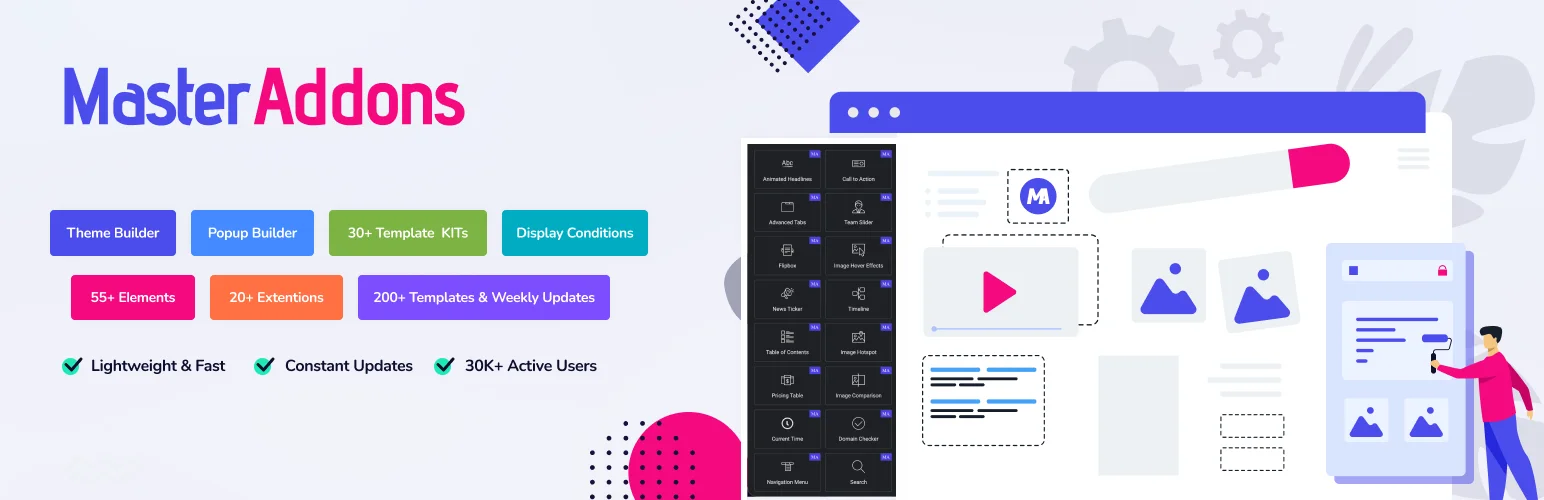
The numbers: 80+ widgets and 20+ extensions · 30,000+ active installs · 4.5 stars (212 reviews) · updated September 2026 · Pro from $39/year, lifetime from $129.
Master Addons is an extension system rather than a plain widget pack, and its pitch against Essential Addons is that the builders come with the plugin: a popup builder with seven triggers and 25 templates, a theme builder with header and footer templates, a mega menu builder, and display conditions, features that on most competitor plugins (Essential Addons included) need a separate plugin or sit in the paid tier. Pro adds the single, archive, search and 404 theme templates, the Widget Builder for creating your own widgets, white-label mode, and 30+ Elementor template kits. Pro also has a Toggle Content widget, which works like the Content Toggle in Essential Addons: a switch that swaps one block for another, such as monthly prices for yearly ones. For plain tables there is a Dynamic Table widget with merged cells and rows that stack on phones. It cannot sort, search or import a CSV the way the Advanced Data Table in Essential Addons does.
Honest downsides: at 30,000 installs it has the smallest user base on this list, and its 4.5-star average trails the 4.8 and 4.9 the biggest players hold. What you get in exchange is the builder set and the cheapest path to agency use: $99/year covers business sites, and the $129 lifetime deal removes renewals entirely. Current plans are on the pricing page.
- Pick it for: popups, mega menus, and display logic without paying; lifetime pricing; white-label client work.
- Skip it if: you want the largest possible community and third-party tutorial coverage, where the million-install plugins win.
2. Happy Addons: strongest free widget experience
The numbers: 70+ free widgets · 400,000 active installs · 4.8 stars (486 reviews) · updated July 2026 · Pro from $39/year.
Happy Addons (by weDevs) competes less on widget count and more on how it feels to build. Its editing utilities are the draw: cross-domain copy-paste between sites, a “Happy Clone” duplicator, unlimited section nesting, and preset design blocks that drop styled sections instead of blank widgets. For someone assembling many pages a week, those save more time than any individual widget.
The trade: fewer site-level tools than an all-in-one. There’s no free mega menu or popup system, so you’ll pair it with another plugin for navigation and lead capture, which partly defeats the fewer-plugins goal that sends people away from Essential Addons in the first place.
- Pick it for: raw editing speed, cross-site copy-paste, generous free widget set with clean design defaults.
- Skip it if: you need popups, mega menus, or theme building without buying a second plugin.
3. ElementsKit: best all-in-one with a mega menu builder
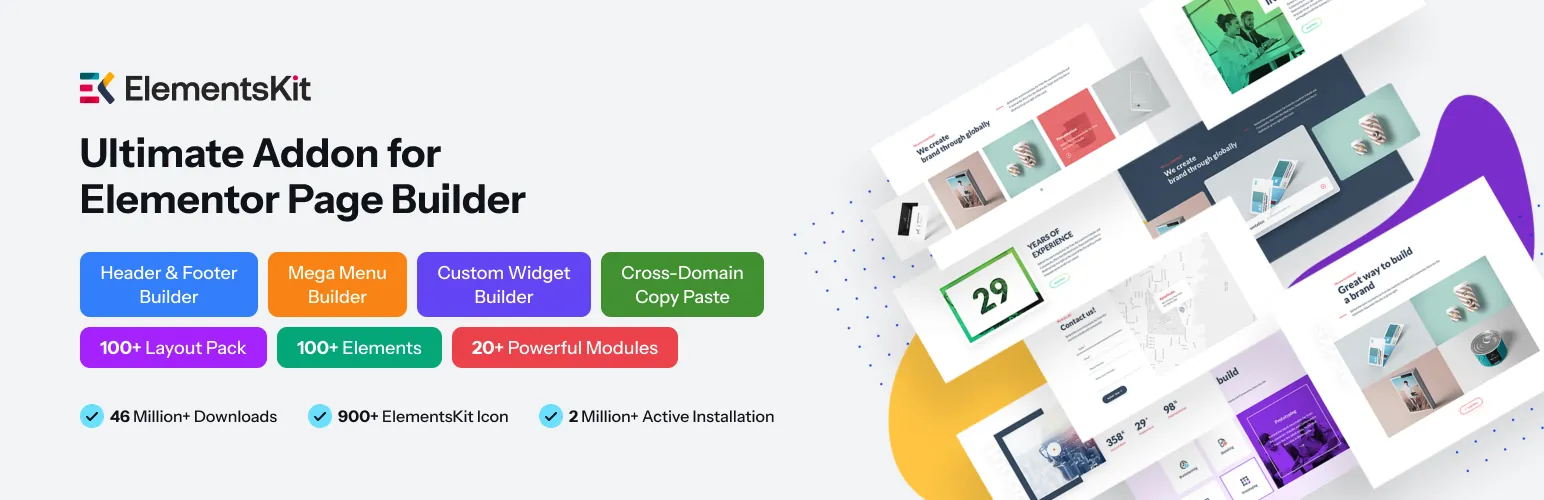
The numbers: 100+ free elements (vendor count) · 1,000,000 active installs · 4.9 stars (2,028 reviews) · updated July 2026 · Pro from $49/year.
ElementsKit (by Wpmet) is the closest like-for-like Essential Addons replacement on this list: a million installs, a 4.9 rating, and an everything-in-one-box approach. Its standout is navigation: the mega menu builder is the most polished in the addon space, with badge labels, icons, and full Elementor content inside menu panels. Header and footer building plus a large template library round out the kit.
The catch mirrors Essential Addons: the free tier is a sampler. Many of the headline modules (advanced parallax, conditional content, most of the template library) need Pro at $49/year, so if Pro-locked features drove you off EA, check the ElementsKit free/pro table carefully before moving; you may be trading one paywall for an identical one.
- Pick it for: navigation-heavy sites, one-plugin setups, the reassurance of a huge user base.
- Skip it if: your reason for leaving EA was the Pro paywall, ElementsKit’s is shaped the same.
4. PowerPack Addons: polished widgets for client work
The numbers: 80,000 active installs · 4.8 stars (361 reviews) · updated May 2026 · Pro from $49/year, unlimited sites $99/year.
PowerPack (by IdeaBox) takes the opposite bet from the widget-count arms race: fewer widgets, finished properly. Its form stylers (Gravity, Fluent, WPForms), display conditions, and white-label mode make it a quiet favorite for client-work agencies. The widgets ship with sensible defaults, so pages look presentable before you touch a style tab, which matters when you bill hourly.
Two flags. The free (Lite) tier is the thinnest on this list, so treat free PowerPack as an extended demo. And the May 2026 update is the oldest here, though within a normal release cycle. The $99/year unlimited-sites tier is genuinely cheap for agencies; the single-site $49 is mid-pack.
- Pick it for: client sites where polish and white-label matter, unlimited-site pricing.
- Skip it if: you want a strong free tier, PowerPack’s value is almost entirely in Pro.
5. Unlimited Elements: the largest widget library
The numbers: 300,000 active installs · 4.8 stars (520 reviews) · updated July 2026 · Pro adds 200+ widgets, tiered by site count.
Unlimited Elements works differently from everything else here: it’s a widget marketplace inside a plugin. You browse a catalog and install only the widgets you use, so a site with six widgets loads six widgets’ worth of assets, not a whole pack’s. The Pro catalog passes 200 extra widgets, and a Widget Creator framework (HTML/CSS/Twig) lets developers build fully custom ones.
It’s a component library, not a site toolkit: no theme builder, no popup system, and quality varies more across a huge catalog than in a curated pack. Best used surgically. Keep your main addon and add Unlimited Elements when a client asks for the one widget nothing else has.
- Pick it for: hard-to-find widgets, per-widget loading, building custom widgets with code.
- Skip it if: you want one plugin to run the whole site’s structure.
6. Premium Addons: clean code and reliable basics
The numbers: 90+ elements · 700,000 active installs · 4.9 stars (1,675 reviews) · updated August 2026 · Pro from $39/year.
Premium Addons (by Leap13) is the dependable choice: 700K installs, a 4.9 average across 1,675 reviews, and the freshest update on this list (August 5, 2026). Modular asset loading means disabled widgets genuinely stay out of your page source, and its animation widgets, particularly the Lottie integrations and scroll effects, are the strongest in this group.
Nothing about it is flashy, and that’s the point. It doesn’t bundle a mega menu builder or popup system in free, so it’s closer to a very good widget pack than a site toolkit. If your complaint with Essential Addons was reliability or bloat rather than paywalls, this is the safest swap.
- Pick it for: stability at scale, animation/Lottie work, tight asset control.
- Skip it if: you need site-structure tools (menus, popups, theme parts) in the free tier.
7. HT Mega: most widgets on the free tier
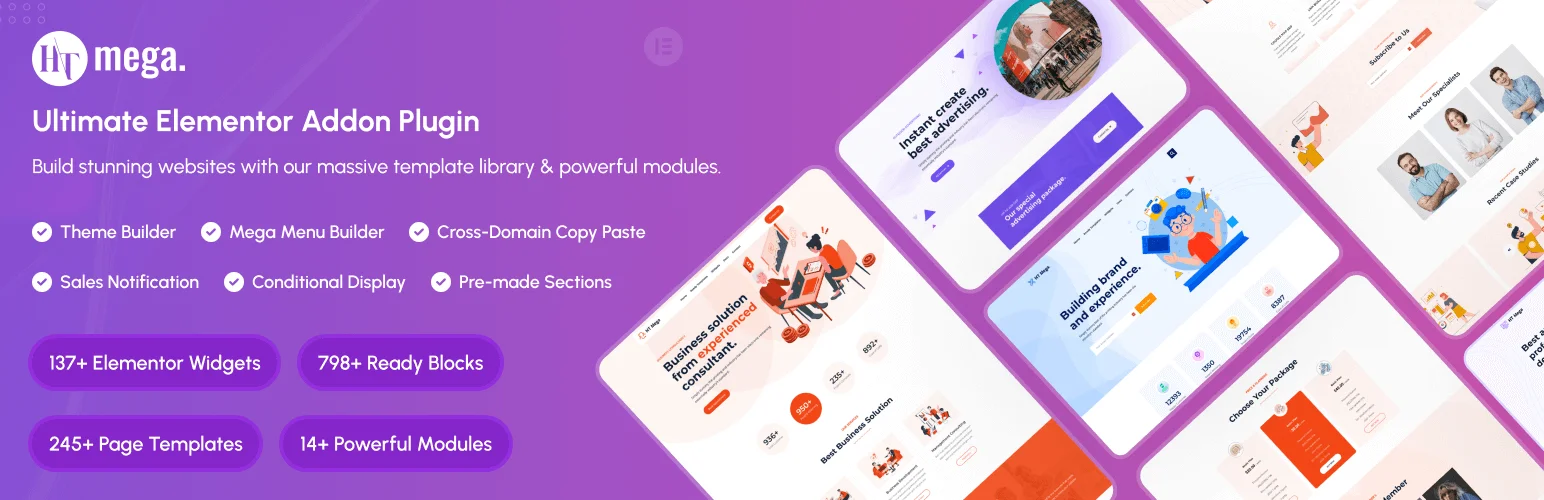
The numbers: 146+ widgets and 850+ ready blocks (vendor count) · 70,000 active installs · 4.1 stars (65 reviews) · updated July 2026 · Pro from $49/year, lifetime available.
HT Mega (by HasThemes) plays volume: more free widgets and pre-built blocks than anyone else here, plus a theme builder in the mix. For a tight-budget build where you’d rather have an imperfect widget than a paywalled one, that generosity is real.
The honest counterweight: its 4.1-star rating is the lowest on this list by a clear margin, and volume cuts both ways: more widgets means more CSS to manage and less polish per widget. Test it on staging with your caching stack before committing a client site to it.
- Pick it for: popup, mega menu and theme builders in one plugin, pre-built section blocks, lifetime pricing on a budget.
- Skip it if: review scores and per-widget polish drive your plugin choices.
Essential Addons alternatives compared
All install counts and ratings from WordPress.org, August 6, 2026, with Master Addons and Essential Addons rechecked on October 26, 2026. Prices are the entry annual plan on each vendor’s pricing page the same day.
| Plugin | Free tier | Active installs | Rating | Pro from | Best for |
|---|---|---|---|---|---|
| Master Addons | 80+ widgets, 20+ extensions, popup, mega menu and theme builders | 30,000+ | 4.5 ★ (212) | $39/yr · $129 lifetime | Agencies, built-in builders |
| Happy Addons | 70+ widgets, editing utilities | 400,000 | 4.8 ★ (486) | $39/yr | Fast content builds |
| ElementsKit | 100+ elements (sampler depth) | 1,000,000 | 4.9 ★ (2,028) | $49/yr | Navigation-heavy sites |
| PowerPack | Light demo tier | 80,000 | 4.8 ★ (361) | $49/yr · $99 unlimited | Polished client work |
| Unlimited Elements | Per-widget install library | 300,000 | 4.8 ★ (520) | Tiered by sites | Hard-to-find widgets |
| Premium Addons | 90+ elements, modular loading | 700,000 | 4.9 ★ (1,675) | $39/yr | Stability, animations |
| HT Mega | 146+ widgets, 850+ blocks | 70,000 | 4.1 ★ (65) | $49/yr | Tight budgets |
| Essential Addons (baseline) | Wide, key tools in Pro | 1,000,000+ | 4.9 ★ (4,132) | $39.97/yr | The incumbent |
Which alternative should you choose
- You want EA’s Pro-tier builders in one plugin: Master Addons, with the popup builder, mega menu and theme builder included and display conditions in Pro.
- You build many pages fast: Happy Addons, its editing utilities beat any widget list.
- Your site lives or dies by navigation: ElementsKit’s mega menu builder.
- You run an agency on white-label: PowerPack ($99/yr unlimited) or Master Addons ($129 lifetime), price the three-year cost of each.
- You need one exotic widget: Unlimited Elements alongside your main addon.
- You’ve been burned by flaky plugins: Premium Addons, boring in the best way.
- Budget is the constraint: HT Mega free tier first, eyes open on the rating.
How to switch from Essential Addons
Swapping addon plugins isn’t like swapping themes, but widgets from a deactivated plugin render as empty placeholders, so don’t do this live. The safe sequence:
- Inventory your EA widgets. Elementor → Tools → the widget usage report (or search page source for
eael-classes) tells you exactly which widgets are in production and on which pages. - Map replacements before touching anything. Most EA staples (pricing tables, flip boxes, accordions, tabs, timelines) have direct equivalents in every plugin above; the widget inventory tells you if you’re in the easy case.
- Do it on staging. Install the new addon alongside EA, rebuild the affected sections page by page (free section templates speed this up), and only deactivate EA once the inventory list is empty.
- Regenerate and retest. Regenerate Elementor’s CSS (Elementor → Tools → Regenerate Files), flush caches, and click through forms, popups, and menus; interactive widgets are where migrations break.
Essential Addons to Master Addons widget map
Most Essential Addons widgets have a one-to-one replacement in Master Addons, usually under a similar name. The table maps the common ones so the inventory step above turns into a rebuild list.
| Essential Addons widget | Master Addons replacement | Note |
|---|---|---|
| Advanced Tabs | Tabs | Same tab strip over panels, styled from the widget |
| Advanced Accordion | Advanced Accordion | Can keep a chosen item open on page load |
| Pricing Table | Pricing Table | Badge, feature list and button per plan |
| Flip Box | Flipbox | Front and back with icon or image |
| Countdown | Countdown Timer | Fixed date or evergreen |
| Team Member | Team Member | Photo, role, bio and social icons |
| Info Box | Infobox | Icon or image above or beside text |
| Call to Action | Call to Action | Heading, text and button with background styles |
| Dual Color Heading | Gradient Headline | Gradient fill on a chosen word rather than two flat colours |
| Logo Carousel | Logo Slider | A carousel despite the name |
| Post Grid | Blog | 14 layouts, grid and carousel modes, category filter tabs |
| Filterable Gallery | Filterable Image Gallery | Category filter with lightbox |
| Progress Bar | Progress Bars | Several bars in one widget |
| Data Table | Dynamic Table | Merged cells and rows that stack on phones; no sort, search or CSV import |
| Content Toggle | Toggle Content | Master Addons Pro |
| Image Comparison | Image Comparison | Before and after slider |
| Testimonial | Blockquote, or the Rostrum Quote Slider import | No dedicated testimonial widget |
| Advanced Menu | Nav Menu plus the Mega Menu extension | Any widget can drop into a menu panel |
Four things have no direct equivalent: the sorting, search and CSV import of the Advanced Data Table, the WooCommerce product widgets, the Login/Register form and the Event Calendar. Budget a separate plugin or a rebuild for those before you start, and leave Essential Addons active on any page that still uses one of them.
Migrating a handful of pages takes an afternoon. Migrating forty client sites is a project, which is why agencies usually switch addon defaults on new builds first and migrate old sites only when they’re due for a refresh anyway.
Tabs is the clearest swap of the lot. Essential Addons calls it Advanced Tabs and Master Addons calls it Tabs, and both build the same thing: a tab strip over panels, styled from the widget rather than from CSS.
Frequently asked questions
What are the best free alternatives to Essential Addons for Elementor?
The strongest free alternatives are Master Addons, Happy Addons, HT Mega, and Unlimited Elements. Each offers a real free tier on WordPress.org. Master Addons ships a popup builder, a mega menu builder and a theme builder in the plugin; HT Mega has the highest raw widget count (146+); Happy Addons wins on editing speed.
Is Essential Addons for Elementor free?
Yes. Essential Addons for Elementor Lite is free forever, runs on 1 million+ sites, and holds a 4.9-star rating. The Pro tier, from $39.97 per year, adds advanced widgets plus display and popup controls. Every alternative in this guide also has a free version.
What is the best alternative to Elementor’s popup builder?
A dedicated addon popup builder, since it adds triggers and targeting that free Elementor lacks. The Master Addons popup builder covers page load, click, scroll, scroll to element, exit intent, inactivity and custom triggers, so it is a common replacement when leaving Essential Addons or avoiding the Elementor Pro upgrade.
Should you upgrade to Elementor Pro or use a free addon instead?
If you need a handful of widgets, popups, or a mega menu, an addon like Master Addons or Happy Addons usually covers it without Elementor Pro’s $59-per-site annual fee. Upgrade to Pro when you need its full theme building, form builder, and dynamic content system across your sites.
Why do developers look for Essential Addons alternatives?
Three reasons dominate forum threads: features locked behind the Pro tier, page weight from globally loaded assets, and renewal costs across many client sites. An alternative that includes the needed feature, or sells a lifetime license, solves the specific problem without changing how you build.
Related Reading
