

Ключевые выводы
- Essential Addons работает на более чем 1 миллионе активных установок со средней степенью 4,9 звезды, и люди ищут альтернативу Essential Addons по трем причинам: функции, заблокированные за Pro, глобально загруженные активы и затраты на обновление на многих клиентских сайтах.
- Каждая альтернатива здесь имеет настоящую бесплатную версию на WordPress.org, не менее 30 000 активных установок, обновление в течение 90 дней после проверки в августе 2026 года, и по крайней мере одна возможность Essential Addons free не включает.
- Master Addons объединяет всплывающий конструктор с семью триггерами, мега-конструктор меню и конструктор тем с шаблонами заголовков и нижних колонтитулов в один плагин, при этом Pro стоит от 39 долларов в год и пожизненную лицензию за 129 долларов.
- Happy Addons (400 000 установок) выигрывает в утилитах редактирования, ElementsKit (1 000 000) в своем мега-конструкторе меню и HT Mega (70 000) в необработанном количестве виджетов при 146+.
- Безопасное переключение аддонов означает инвентаризацию виджетов Essential Addons по их классам eael, сопоставление каждого из них с заменой, восстановление на этапе и только затем деактивацию Essential Addons.
Essential Addons - самый большой аддон Elementor по количеству установок, и он все еще не подходит всем. Лучшие альтернативы Essential Addons в 2026 году - это Master Addons для всплывающего окна, мегаменю и сборщики тем по агентским ценам, Happy Addons для скорости редактирования, ElementsKit для сайтов с высокой навигацией и еще четыре, каждый из которых выигрывает определенную работу. В этом руководстве сравниваются все семь номеров, которые вы можете проверить: количество виджетов, активные установки, рейтинги wp.org и цены на вход.
Строим Мастер Аддоныитак, плагин номер один наш, и вы должны читать этот раздел с тем же скептицизмом, который вы привнесете в любой список поставщиков. Разница, которую мы можем предложить: каждая приведенная ниже статистика взята из API плагина WordPress.org или общедоступной страницы цен поставщика, опубликованной 6 августа 2026 г., включая цифры, по которым конкуренты опередили нас. Для очного противостояния Essential Addons, в частности, наш Сравнение главных аддонов и основных аддонов идет по функциям.
Оглавление
Зачем искать альтернативу Essential Addons
Кредит первый: Основные дополнения работает на 1 млн+ активных установок со средним показателем 4,9 звезды по 4100+ отзывам Никто не отключается, потому что это плохо Люди переключаются по трем конкретным причинам, которые появляются в потоках форума снова и снова.
- Особенности, которые вам нужны, сидеть за Pro. Бесплатный уровень широк, но инструменты, закрывающие проекты (расширенные всплывающие окна, условия отображения, динамический контент), требуют платного плана, который начинается от 39,97 долларов США в год для одного сайта и быстро поднимается для агентств.
- Вес страницы складывается. Любой аддон, который загружает активы глобально, облагает налогом каждую страницу Если ваш аудит показывает неиспользуемый CSS из пакета виджетов, более легкая альтернатива (или та, которая имеет лучшую загрузку активов) восстанавливает реальные миллисекунды.
- Математика обновления меняется. Фрилансер с одним сайтом и агентство с сорока делают различные арифметические Некоторые альтернативы продают пожизненные лицензии или более дешевые неограниченные уровни сайта, и в течение трех лет эта разница составляет четырехзначную сумму.
Как мы выбрали эти альтернативы
Каждый плагин здесь должен был очистить четыре полосы: реальную бесплатную версию на WordPress.org (не 7-дневная пробная версия), не менее 30 000 активных установок, обновление в течение последних 90 дней, и как минимум одна возможность Essential Addons free не включает в себя.Устанавливать подсчеты, рейтинги, даты последнего обновления приходят прямо из API WordPress.org; цены приходят со страницы ценообразования каждого вендора Там, где маркетинговый номер вендора проверить не удалось, мы говорим так, вместо того чтобы повторять.
7 лучших альтернатив Essential Addons
1. Основные дополнения: лучшее соотношение цены и качества для агентств
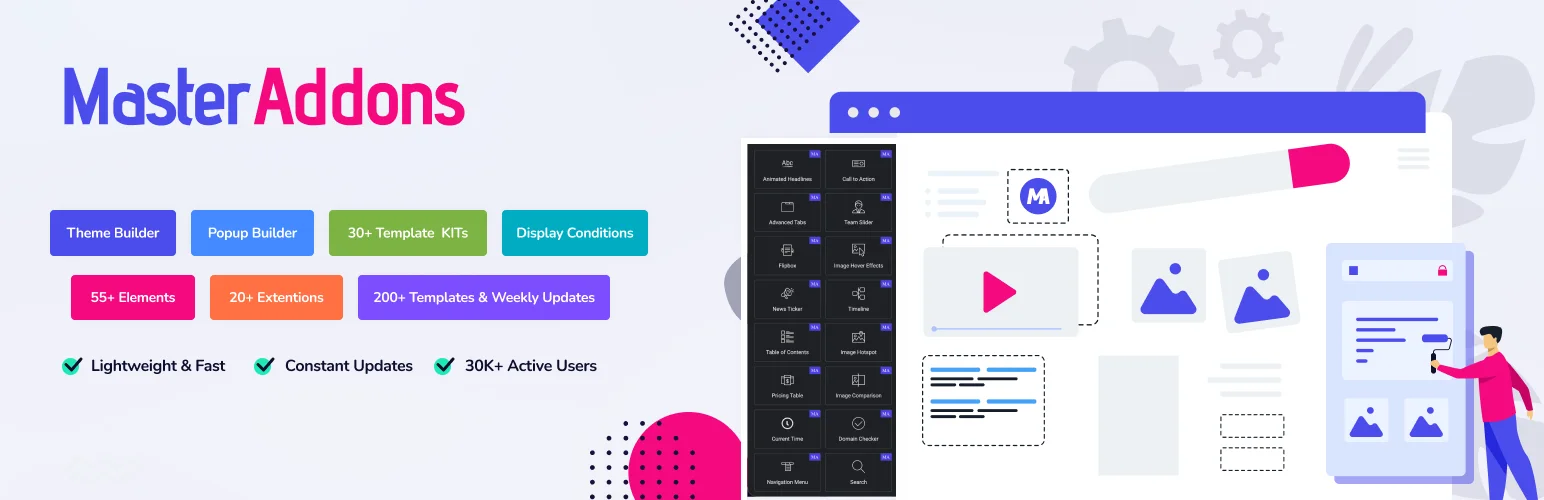
Цифры: 80+ виджетов и 20+ расширений · 30 000+ активных установок · 4,5 звезды (212 отзывов) · обновлено в сентябре 2026 г. · Pro от 39 долларов США в год, срок службы от 129 долларов США.
Мастер Аддоны это система расширений, а не простой пакет виджетов, и ее преимущество перед Essential Addons заключается в том, что конструкторы поставляются с плагином: a всплывающий строитель с семью триггерами и 25 шаблонами, а конструктор тем с шаблонами заголовков и нижних колонтитулов, a мега-конструктор менюи условия показа, функции, которые на большинстве плагинов конкурентов (Основные дополнения включены) нуждаются в отдельном плагине или сидят в платном уровне. Pro добавляет одиночный, архив, поиск и 404 шаблоны темы, the Виджет Строитель для создания собственных виджетов, режима белой метки и 30+ Комплекты шаблонов Elementor, йо- Про также имеет Переключить контент Виджет, который работает как переключатель контента в основных дополнениях: коммутатор, который меняет один блок на другой, например, ежемесячные цены на ежегодные. Для простых столов есть Динамическая таблица Виджет с объединенными ячейками и строками, которые складываются в телефоны. Он не может сортировать, искать или импортировать CSV так, как это делает расширенная таблица данных в основных дополнениях.
Честные недостатки: при 30 000 установках он имеет наименьшую базу пользователей в этом списке, а его средний показатель в 4,5 звезды уступает 4,8 и 4,9, которые держат крупнейшие игроки. В обмен вы получаете набор строителей и самый дешевый путь к использованию агентства: 99 долларов в год покрывает бизнес-сайты, а 129 долларов пожизненная сделка полностью удаляет продления. Текущие планы на страница ценообразования.
- Выберите это для: всплывающие окна, мега меню и логика отображения без оплаты; пожизненная цена; работа клиента под белой меткой.
- Пропустите его, если: вам нужно максимально возможное покрытие сообщества и сторонних учебных пособий, в котором победят плагины с миллионами установок.
2. Счастливые дополнения: самый сильный бесплатный виджет
Цифры: 70+ бесплатных виджетов · 400 000 активных установок · 4,8 звезды (486 отзывов) · обновлено июль 2026 г. · Pro от 39 долларов в год.
Счастливые Аддоны (от weDevs) меньше конкурирует на счет виджетов и больше на то, как это ощущается, чтобы построить.Ее утилиты редактирования являются draw: междоменная копипаста между сайтами, дубликатор “Happy Clone”, неограниченное вложение разделов, и предустановленные блоки дизайна, которые опускают стилизованные разделы вместо пустых виджетов. для кого-то, собирающего много страниц в неделю, те экономят больше времени, чем любой отдельный виджет.
Сделка: меньше инструментов на уровне сайта, чем "все в одном". Нет бесплатного мегаменю или всплывающей системы, поэтому вы соедините его с другим плагином для навигации и захвата потенциальных клиентов, что отчасти противоречит цели по уменьшению количества плагинов, которая в первую очередь отсылает людей от Essential Addons.
- Выберите это для: необработанная скорость редактирования, межсайтовая копипаста, просторный бесплатный набор виджетов с чистым дизайном по умолчанию.
- Пропустите его, если: вам нужны всплывающие окна, мега-меню или создание тем, не покупая второй плагин.
3. ElementsKit: лучший универсал с мега-конструктором меню
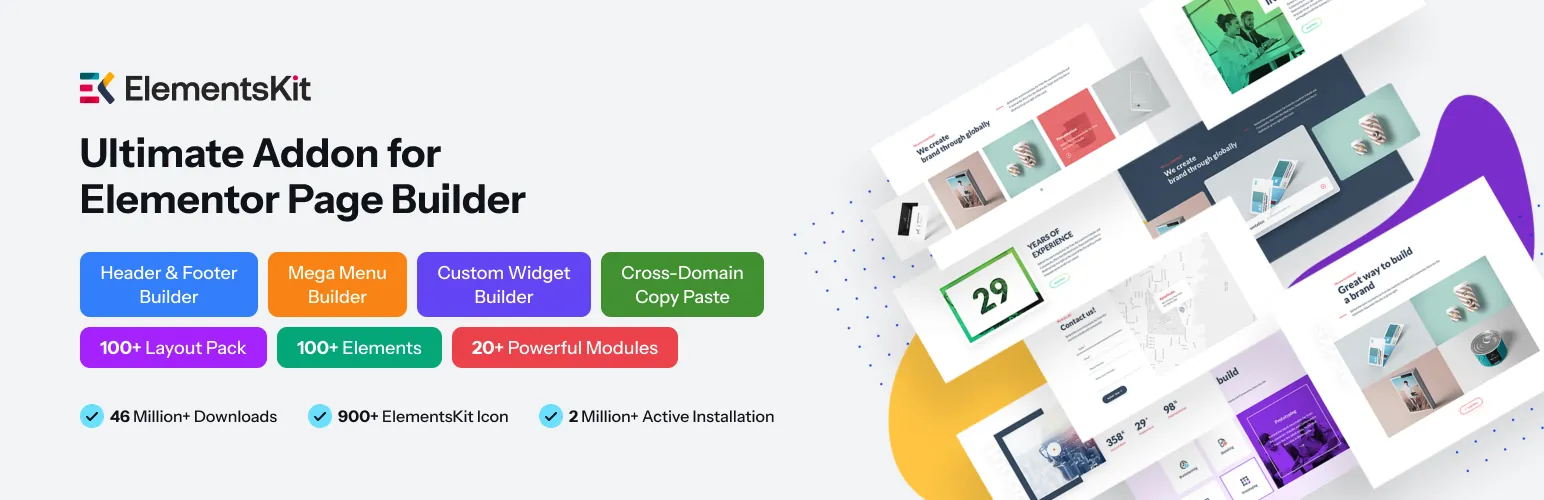
Цифры: 100+ бесплатных элементов (количество поставщиков) · 1 000 000 активных установок · 4,9 звезды (2 028 отзывов) · обновлено в июле 2026 г. · Pro от 49 долларов США в год.
ЭлементыКит (от Wpmet) является ближайшей подобной замены Essential Addons в этом списке: миллион установок, рейтинг 4.9, и подход "все в одном ящике".Ее выдающимся является навигация: мега-конструктор меню является наиболее отполированным в пространстве добавлений, с метками значков, значками, и полным содержимым Элементора внутри панелей меню. Здание заголовка и нижнего колонтитула плюс большая библиотека шаблонов завершает комплект.
Защелка зеркала Essential Addons: свободный уровень является семплером.Многие из модулей заголовков (расширенный параллакс, условный контент, большая часть библиотеки шаблонов) нуждаются в Pro по цене $49/год, поэтому, если функции Pro-locked вывели вас из EA, проверьте таблицу ElementsKit free/pro тщательно перед переездом; вы можете обменять один платный доступ на идентичный.
- Выберите это для: сайты с большим количеством навигации, настройки одного плагина, уверенность огромной пользовательской базы.
- Пропустите его, если: причиной ухода из EA стал платный доступ Pro, ElementsKit у вас такой же формы.
4. Дополнения PowerPack: полированные виджеты для работы с клиентами
Цифры: 80 000 активных установок · 4,8 звезды (361 отзыв) · обновлено май 2026 г. · Pro от 49 долларов в год, неограниченное количество сайтов 99 долларов в год.
мощный (от IdeaBox) делает противоположную ставку от гонки вооружений с подсчетом виджетов: меньше виджетов, закончено должным образом. Его стилеры форм (Gravity, Fluent, WPForms), условия отображения и режим белых этикеток делают его тихим фаворитом для агентств по работе с клиентами. Виджеты поставляются с разумными по умолчанию, поэтому страницы выглядят презентабельно, прежде чем вы коснетесь вкладки стиля, что имеет значение, когда вы делаете ежечасные счета.
Два флага. бесплатный (Lite) уровень является самым тонким в этом списке, поэтому рассматривать бесплатную PowerPack как расширенную демо-версию. И май 2026 обновление является самым старым здесь, хотя и в рамках обычного цикла выпуска. Уровень неограниченных сайтов $99/год действительно дешев для агентств; односайтовый $49 - это средняя упаковка.
- Выберите это для: клиентские сайты, на которых важна полировка и белая этикетка, цены на неограниченное количество сайтов.
- Пропустите его, если: хочется сильного свободного уровня, ценность PowerPack почти полностью в Pro.
5. Неограниченные элементы: крупнейшая библиотека виджетов
Цифры: 300 000 активных установок · 4,8 звезды (520 отзывов) · обновлено июль 2026 г. · Pro добавляет более 200 виджетов, многоуровневых по количеству сайтов.
Неограниченные элементы работает не так, как все остальное здесь: это виджет маркетплейс внутри плагина Вы просматриваете каталог и устанавливаете только виджеты, которые вы используете, поэтому сайт с шестью виджетами загружает шесть активов виджетов, а не целый пакет Каталог Pro пропускает 200 дополнительных виджетов, а фреймворк Widget Creator (HTML/CSS/Twig) позволяет разработчикам создавать полностью пользовательские.
Это библиотека компонентов, а не набор инструментов сайта: нет конструктора тем, нет всплывающей системы, а качество варьируется больше в огромном каталоге, чем в курированном пакете. лучше всего использовать хирургически. сохраните свой основной аддон и добавьте неограниченные элементы, когда клиент запрашивает один виджет, которого больше нет.
- Выберите это для: труднодоступные виджеты, загрузка каждого виджета, создание пользовательских виджетов с кодом.
- Пропустите его, если: вы хотите, чтобы один плагин запускал всю структуру сайта.
6. Премиум-аддоны: чистый код и надежные основы

Цифры: 90+ элементов · 700 000 активных установок · 4,9 звезды (1675 отзывов) · обновлено в августе 2026 г. · Pro от 39 долларов в год.
Премиум-аддоны (от Leap13) - надежный выбор: 700K установок, средний показатель 4,9 в 1675 обзорах и самое свежее обновление в этом списке (5 августа 2026 г.). Модульная загрузка активов означает, что отключенные виджеты действительно не входят в исходный код вашей страницы, а ее виджеты анимации, особенно интеграции Лотти и эффекты прокрутки, являются самыми сильными в этой группе.
Ничто в нем не кричащее, и в этом суть. Он не связывает мега-конструктор меню или всплывающую систему бесплатно, поэтому он ближе к очень хорошему пакету виджетов, чем инструментарий сайта. Если ваша жалоба на Essential Addons была надежностью или раздутой, а не платной дорогой, это самый безопасный обмен.
- Выберите это для: стабильность в масштабе, анимация/работа Лотти, жесткий контроль активов.
- Пропустите его, если: вам нужны инструменты структуры сайта (меню, всплывающие окна, тематические части) на свободном уровне.
7. HT Mega: большинство виджетов на свободном уровне
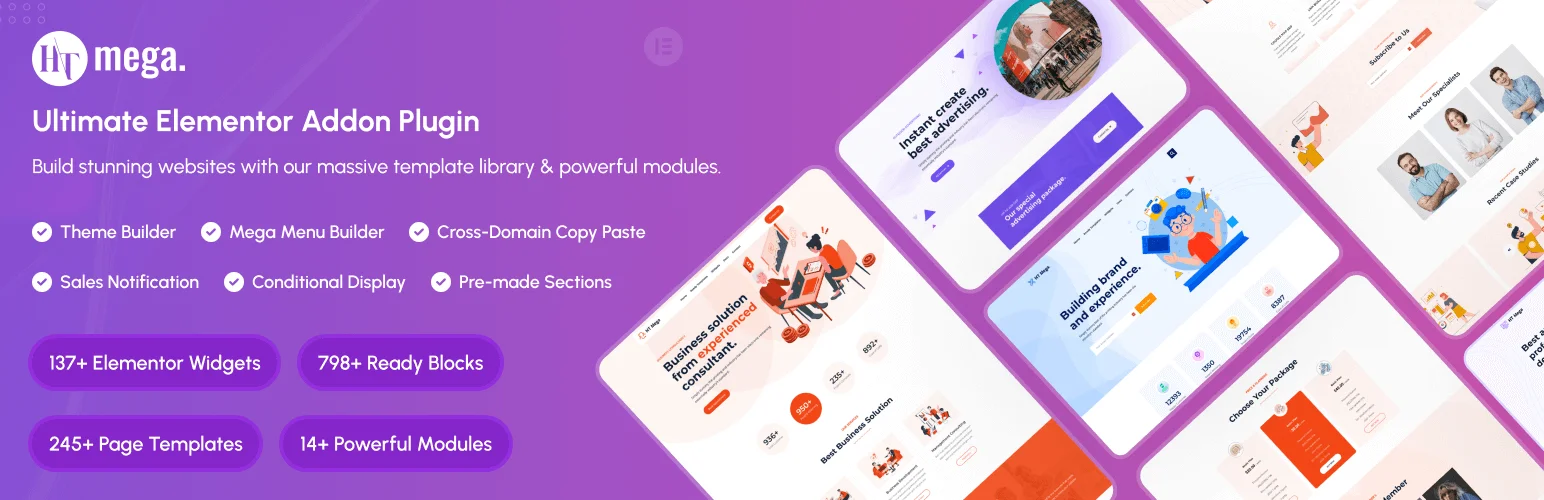
Цифры: 146+ виджетов и более 850 готовых блоков (количество поставщиков) · 70 000 активных установок · 4,1 звезды (65 отзывов) · обновлено в июле 2026 г. · Pro от 49 долларов США в год, доступен срок службы.
ХТ Мега (автор: HasThemes) воспроизводит громкость: больше бесплатных виджетов и заранее созданных блоков, чем кто-либо другой здесь, плюс конструктор тем в миксе. для узкобюджетной сборки, где вы предпочитаете иметь несовершенный виджет, чем виджет с платными стенами, эта щедрость реальна.
Честный противовес: его рейтинг 4,1 звезды является самым низким в этом списке с явным отрывом, а объем сокращается в обе стороны: больше виджетов означает больше CSS для управления и меньше отточить на виджет. проверьте его на этапе с вашим стеком кэширования, прежде чем связывать сайт клиента к нему.
- Выберите это для: всплывающее окно, мегаменю и сборщики тем в одном плагине, готовые блоки разделов, пожизненные цены при бюджете.
- Пропустите его, если: оценки обзоров и полировка для каждого виджета определяют выбор плагина.
Сравниваются основные альтернативы добавок
Все подсчеты и рейтинги установки от WordPress.org, 6 августа 2026 г., с перепроверкой Master Addons и Essential Addons 26 октября 2026 г. Цены - это годовой план записи на странице цен каждого поставщика в тот же день.
| Плагин | Свободный ярус | Активные установки | Рейтинг | Про от | Лучший для |
|---|---|---|---|---|---|
| Мастер Аддоны | 80+ виджетов, 20+ расширений, всплывающих окон, мегаменю и создателей тем | 30 000+ | 4,5 ★ (212) | 39 долларов в год · Срок службы 129 долларов | Агентства, встроенные строители |
| Счастливые Аддоны | 70+ виджетов, утилиты редактирования | 400 000 | 4,8 ★ (486) | 39 долларов в год | Быстрое наращивание контента |
| ЭлементыКит | 100+ элементов (глубина пробоотборника) | 1 000 000 | 4,9 ★ (2,028) | 49 долларов в год | Навигационно-тяжелые сайты |
| мощный | Световой демо-уровень | 80 000 | 4,8 ★ (361) | 49 долларов в год · 99 долларов безлимитно | Отполированная работа клиента |
| Неограниченные элементы | Библиотека установки для каждого виджета | 300 000 | 4,8 ★ (520) | Многоуровневый по сайтам | Труднодоступные виджеты |
| Премиум-аддоны | 90+ элементов, модульная загрузка | 700 000 | 4,9 ★ (1675) | 39 долларов в год | Стабильность, анимация |
| ХТ Мега | 146+ виджетов, 850+ блоков | 70 000 | 4,1 ★ (65) | 49 долларов в год | Сжатые бюджеты |
| Основные добавки (базовый уровень) | Широкие, ключевые инструменты в Pro | 1 000 000+ | 4,9 ★ (4,132) | 39,97 долларов США в год | Действующий президент |
Какую альтернативу выбрать
- Вы хотите, чтобы конструкторы EA Pro-tier были в одном плагине: Master Addons с включенным всплывающим окном, мегаменю и конструктором тем, а также условиями отображения в Pro.
- Вы быстро создаете много страниц: Happy Addons, его утилиты редактирования превосходят любой список виджетов.
- Ваш сайт живет или умирает от навигации: ElementsKit - мега-создатель меню.
- Вы управляете агентством на белой этикетке: PowerPack (безлимитный $99/год) или Master Addons (срок службы $129), стоимость каждого из них составляет три года.
- Вам нужен один экзотический виджет: Неограниченные элементы вместе с вашим основным дополнением.
- Вас сожгли шелушащиеся плагины: Премиум Аддоны, скучно в лучшем виде.
- Бюджет является ограничением: HT Mega бесплатный уровень первым, глаза открываются на рейтинг.
Как переключиться с Essential Addons
Обмен плагинами-аддонами не похож на обмен темами, а виджеты из деактивированного плагина отображаются как пустые заполнители, поэтому не делайте этого вживую.Безопасная последовательность:
- Инвентаризируйте свои виджеты EA. Элементор → Инструменты → отчет об использовании виджета (или источник страницы поиска для
eael-классы) точно сообщают, какие виджеты находятся в производстве и на каких страницах. - Замены карт перед тем, как что-либо коснуться. Большинство скоб ЭА (таблицы ценообразования, флипбоксы, аккордеоны, вкладки, сроки) иметь прямые эквиваленты в каждом плагине выше; инвентарь виджетов сообщает вам, в легком ли случае.
- Сделайте это на постановке. Установите новое дополнение вместе с EA, восстанавливайте затронутые разделы по страницам (бесплатно) шаблоны разделов ускорьте это) и деактивируйте EA только после того, как список запасов опустеет.
- Восстановить и повторно протестировать. Восстановите CSS Elementor (Elementor → Tools → Regenerate Files), очистите кэши и щелкните формы, всплывающие окна и меню; интерактивные виджеты - это места, где происходит разрыв миграций.
Карта виджетов основных дополнений к главным дополнениям
Большинство виджетов Essential Addons имеют замену один к одному в Master Addons, обычно под похожим именем.Таблица отображает общие, поэтому описанный выше шаг инвентаризации превращается в список перестройки.
| Виджет Essential Addons | Замена Master Addons | Примечание |
|---|---|---|
| Расширенные вкладки | Вкладки | Та же полоса вкладок на панелях, стилизованная под виджет |
| Продвинутая гармонь | Продвинутая гармонь | Может держать выбранный элемент открытым при загрузке страницы |
| Таблица цен | Таблица цен | Значок, список функций и кнопка по плану |
| Флип-бокс | Флипбокс | Спереди и сзади со значком или изображением |
| Обратный отсчет | Таймер обратного отсчета | Фиксированная дата или вечнозеленый |
| Член команды | Член команды | Фото, роль, био и социальные иконы |
| Информационный ящик | Инфобокс | Значок или изображение над текстом или рядом с ним |
| Призыв к действию | Призыв к действию | Заголовок, текст и кнопка с фоновым стилем |
| Двойной цветной заголовок | Градиентный заголовок | Градиент заполняет выбранное слово, а не два плоских цвета |
| Логотип Карусель | Логотип Слайдер | Карусель, несмотря на название |
| Почтовая сетка | Блог | 14 макетов, режимы сетки и карусели, вкладки фильтра категорий |
| Фильтруемая галерея | Фильтруемая галерея изображений | Фильтр категорий со световым ящиком |
| Прогресс Бар | Прогресс Барс | Несколько полосок в одном виджете |
| Таблица данных | Динамическая таблица | Объединенные ячейки и строки, которые складываются на телефоны; нет сортировки, поиска или импорта CSV |
| Переключение контента | Переключить контент | Мастер Аддоны Про |
| Сравнение изображений | Сравнение изображений | До и после слайдера |
| Отзыв | Blockquote или импорт слайдера цитат на трибуне | Нет специального виджета отзывов |
| Расширенное меню | Меню навигации плюс расширение Mega Menu | Любой виджет может попасть на панель меню |
Четыре вещи не имеют прямого эквивалента: сортировка, поиск и CSV импорт Расширенной таблицы данных, виджеты продукта WooCommerce, форма входа/регистрации и Календарь событий. закладывайте отдельный плагин или перестройку для тех, кто до начала, и оставляйте Essential Addons активными на любой странице, которая все еще использует один из них.
Миграция горстки страниц занимает полдень Миграция сорока клиентских сайтов - проект, поэтому агентства обычно сначала переключают аддонные дефолты на новостройках, а старые сайты переносят только тогда, когда они все равно должны обновиться.
Вкладки - это самый четкий обмен лота. Essential Addons называет это Advanced Tabs, а Master Addons - Advanced Tabs Вкладкии оба строят одно и то же: полосу вкладок поверх панелей, стилизованную из виджета, а не из CSS.
Часто задаваемые вопросы
Каковы лучшие бесплатные альтернативы основным дополнениям для Elementor?
Самые сильные бесплатные альтернативы - это Master Addons, Happy Addons, HT Mega, и Unlimited Elements.Каждый предлагает настоящий бесплатный уровень на WordPress.org. Master Addons поставляет всплывающий конструктор, мега-конструктор меню и конструктор тем в плагине; HT Mega имеет самое высокое количество необработанных виджетов (146+); Happy Addons выигрывает на скорости редактирования.
Бесплатны ли основные дополнения для Elementor?
Да. основные дополнения для Elementor Lite бесплатны навсегда, работают на 1 млн+ сайтах, и имеет рейтинг 4,9 звезды.Уровень Pro, от $39,97 в год, добавляет продвинутые виджеты плюс элементы управления дисплеем и всплывающим окном. каждая альтернатива в этом руководстве также имеет бесплатную версию.
Какая лучшая альтернатива popup builder у "Элементора"?
Выделенный всплывающий конструктор надстроек, поскольку он добавляет триггеры и таргетинг, которых нет в свободном Элементоре. всплывающий конструктор главных надстроек охватывает загрузку страницы, щелчок, прокрутку, прокрутку до элемента, намерение выхода, бездействие и пользовательские триггеры, поэтому это обычная замена при выходе из Essential Addons или избегании обновления Elementor Pro.
Стоит ли обновляться до Elementor Pro или вместо этого использовать бесплатный надстройку?
Если вам нужна горстка виджетов, всплывающих окон или мега-меню, такой аддон, как Master Addons или Happy Addons, обычно покрывает его без ежегодной платы Elementor Pro в размере 59 долларов США за сайт. Обновите до Pro, когда вам понадобится полное создание тем, конструктор форм и система динамического контента на ваших сайтах.
Почему разработчики ищут альтернативы Essential Addons?
Три причины доминируют в потоках форума: функции, заблокированные за уровнем Pro, вес страницы из глобально загруженных активов и расходы на продление на многих клиентских сайтах. альтернатива, которая включает необходимую функцию или продает пожизненную лицензию, решает конкретную проблему, не меняя способ построения.
Связанное чтение
