
How to Edit Footer in WordPress Using Elementor (Free)
To edit the footer in WordPress using Elementor, install the free Master Addons plugin, then go to Master Addons → Theme Builder → Footer, click Add New Template, set the display conditions to Entire Site, and choose Edit with Elementor. From there you customize every column, menu, contact detail, and the copyright line with drag-and-drop […]
How to Hide or Remove Page Titles in WordPress (7 Easy Methods)
Want a cleaner homepage, a distraction-free landing page, or a hero section that doesn’t fight with a big default heading? The fix is usually the same: hide the page title in WordPress. It’s a small change, and you can do it in under two minutes once you know which method fits your setup. The catch […]
How to add custom icons in Elementor: 3 ways
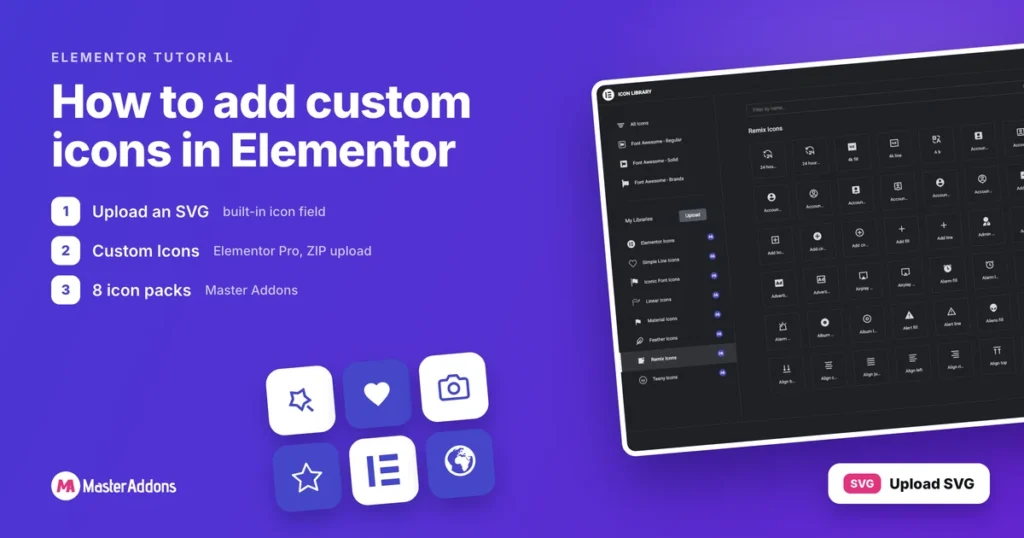
Key Takeaways You can add custom icons in Elementor three ways: upload an SVG into any icon field, import your own icon font with Elementor Pro, or switch on extra icon packs from Master Addons. All three end up in the same Icon Library popup, which only offers Font Awesome until you add something to […]
How To Disable WordPress Admin Notice For A Clean Dashboard?

Installing a number of plugins, you may have experienced excessive notifications in the WordPress Dashboard. WordPress shows multiple notifications on the homepage of your Dashboard by default. These notifications can inform you to activate certain plugins or update to the latest version of particular plugins. They may also notify you about upcoming WordPress releases, discounts, […]
How To Set WordPress Dark Mode without coding knowledge?

Nowadays, more and more webpages offer their viewers the option to choose between light mode and dark mode. To name a few, Facebook, Twitter, and YouTube have already introduced the dark mode settings to their users. In this post, you will get info about front-end dark mode. But what if you want to set Dark […]
How To Delete All WordPress Content And Start Over

Deleting individual pages or posts is not a big deal. But when you want to delete all WordPress content, it seems complicated. I will share two ways to delete all content and start over. The first way is manual, and the second way is with a plugin. Spend 2 minutes and you will learn how […]
How to Use the Floating Effect Elementor Extension By Master Addons

The Floating Effect Elementor extension from Master Addons Pro adds smooth, looping animations to any widget on your website. With simple customizations like translation, rotation, and scaling, you can create subtle floating motions or dynamic 3D effects. In this tutorial, we’ll explore how to use these customization options to bring your elements to life, and […]
Elementor Conditional Display: Show or Hide Any Element
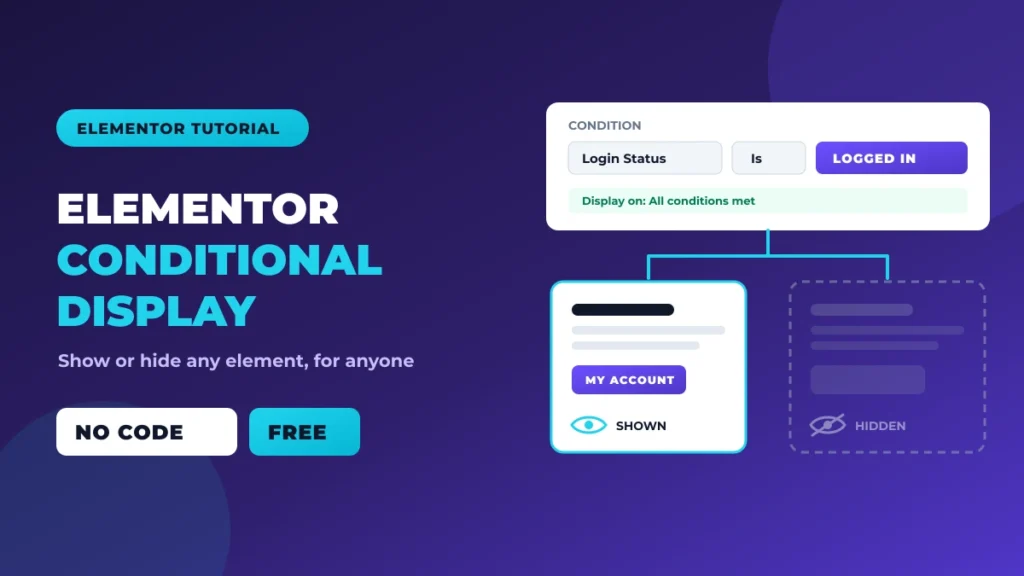
Say your store closes at 6pm and you want the “Order Now” button to turn into a “We’re closed, back at 9am” notice after hours. Or the pricing table shows one price to logged-out visitors and another to members. You could build two pages and swap them by hand. Nobody wants to do that twice […]
How to Create an Elementor Coming Soon Page (Free, No Pro Needed)

You are building a new site. The domain is pointed, WordPress is installed, but the actual site is days or weeks away. Visitors and Google should not be landing on a broken half-finished homepage in the meantime. They should see an Elementor coming soon page that tells people something is on the way, captures early […]
How to Create a One Page Website With Elementor (Free Method)

One page websites do a specific job well: they put every piece of information a visitor needs on a single scroll. No clicking around. No second page. Just hero, about, services, contact, done. This guide walks through how to create a one page website with Elementor using the free plugin, a lightweight theme, and a […]