
How to Create an Image Carousel in Elementor
Drop the Image Carousel widget onto the page, pick your images from the media library, set slides-per-view for each device, and turn on autoplay. Four steps, about two minutes, and no licence needed. That’s the short version. The rest of this covers the settings that separate a carousel that works from one that looks slightly […]
How to Create Elementor Animated Buttons

Elementor is a powerful page builder that allows users to create stunning websites with ease. However, for those looking to add more advanced features, Master Addons is an excellent extension that enhances Elementor’s capabilities. One of its standout features is the Creative Buttons Addon, which allows you to design eye-catching, elementor animated buttons with just […]
How to Create WordPress Membership Sites?

Are you looking to create a successful WordPress membership site? A WordPress membership site is an excellent way to build a community, offer exclusive content, and generate recurring income. Whether you’re an entrepreneur, blogger, or educator, launching a membership site can elevate your online business. With the growing demand for premium content and online communities, […]
How to Create 3D Elementor Flipbox Animations?
Elementor is a powerful page builder that allows you to create stunning websites with ease, and its basic Flipbox widget offers a simple way to add interactive 3D effects. The issue? It’s a pro feature, designs and animations are limited. Master Addons is a powerful Elementor addon that provides a flipbox widget as well. It’s […]
How to Add Elementor Tooltip on Hover or Click?
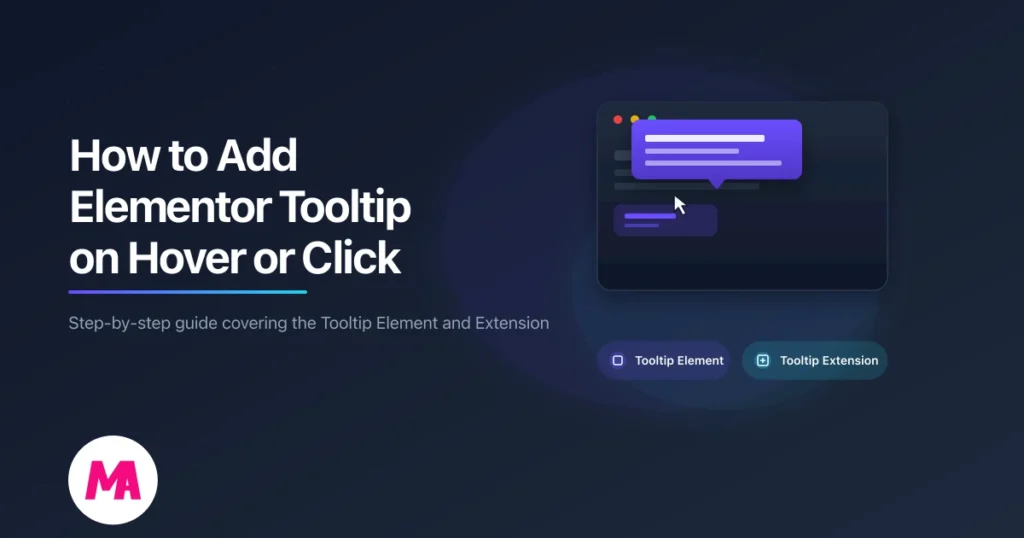
You’ve seen tooltips everywhere. Hover over a toolbar icon in Google Docs and a small label tells you what that button does. That’s a tooltip. In WordPress, tooltips let you add short hints that appear when someone hovers over (or clicks) an element on your page. No extra page real estate, no cluttered layout. Master […]
How to Edit Footer in WordPress Using Elementor (Free)
To edit the footer in WordPress using Elementor, install the free Master Addons plugin, then go to Master Addons → Theme Builder → Footer, click Add New Template, set the display conditions to Entire Site, and choose Edit with Elementor. From there you customize every column, menu, contact detail, and the copyright line with drag-and-drop […]
How to Hide or Remove Page Titles in WordPress (7 Easy Methods)

Want a cleaner homepage, a distraction-free landing page, or a hero section that doesn’t fight with a big default heading? The fix is usually the same: hide the page title in WordPress. It’s a small change, and you can do it in under two minutes once you know which method fits your setup. The catch […]
Best WordPress Holiday Deals in Christmas & New Year

Are you a website owner looking to find Premium plugins & tools at bargain prices? Well, then you’ve landed in exactly the right place! Introducing our round-up of the best WordPress holiday deals – a must-read for website owners like you. Having a powerful and visually appealing website is crucial to attracting visitors and driving […]
How to Convert Visitors into Customers with the Elementor Pricing Table?
All customers are visitors, but all visitors are not genuine customers, especially in web-oriented businesses. To convert every visitor into a potential customer, you need to convince them with a strategic approach, understanding their sentiment. But it seems difficult unless you have traits that can draw the audience’s attention. And nothing can be a better […]
How to Add Extra Product Options for WooCommerce (Easy Steps)
WooCommerce is one of the best and most popular WordPress plugins to run your e-commerce website. You can use WooCommerce to sell digital products, physical products, memberships, subscriptions, appointments, etc. WooCommerce has different options to configure your e-commerce store but it has only a limited set of features and that is good for simple product […]