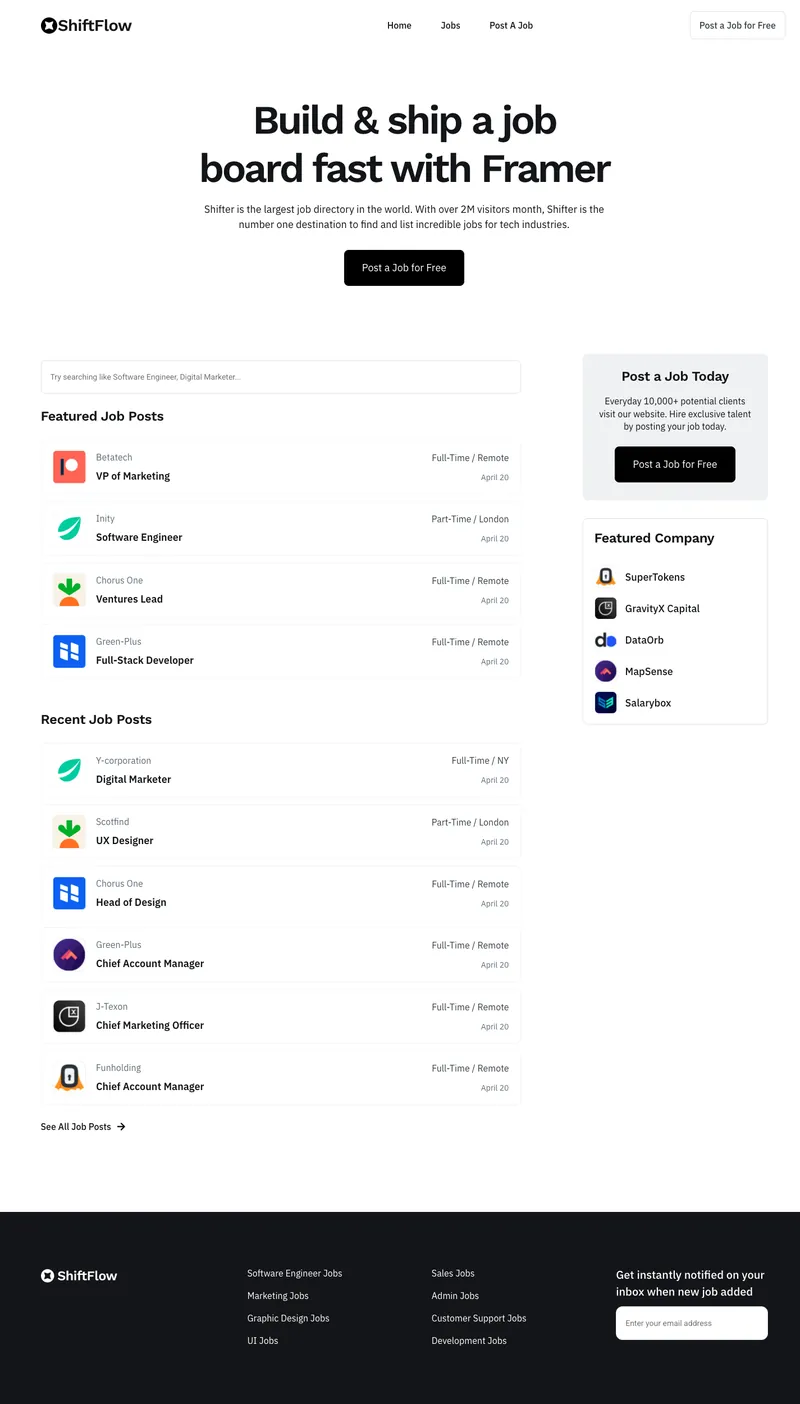
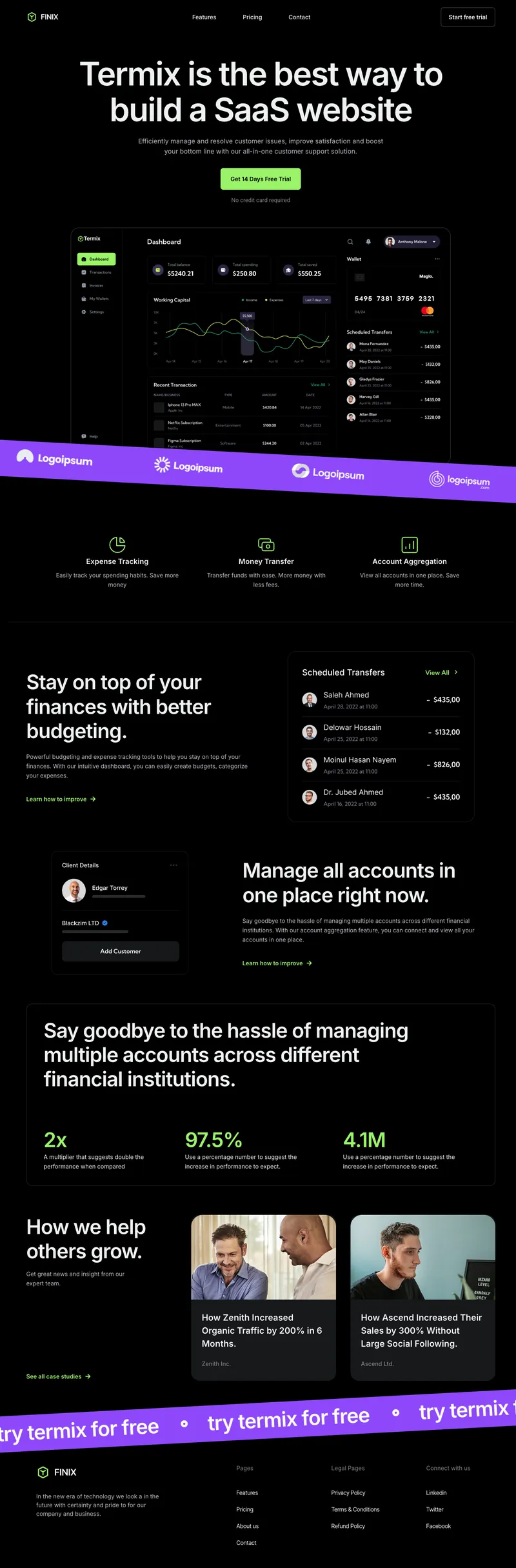
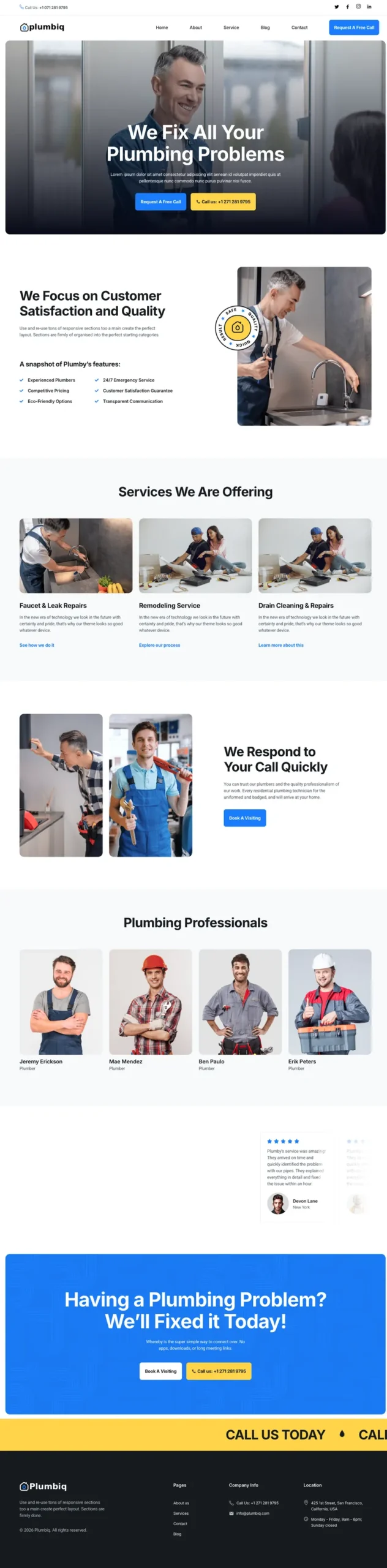
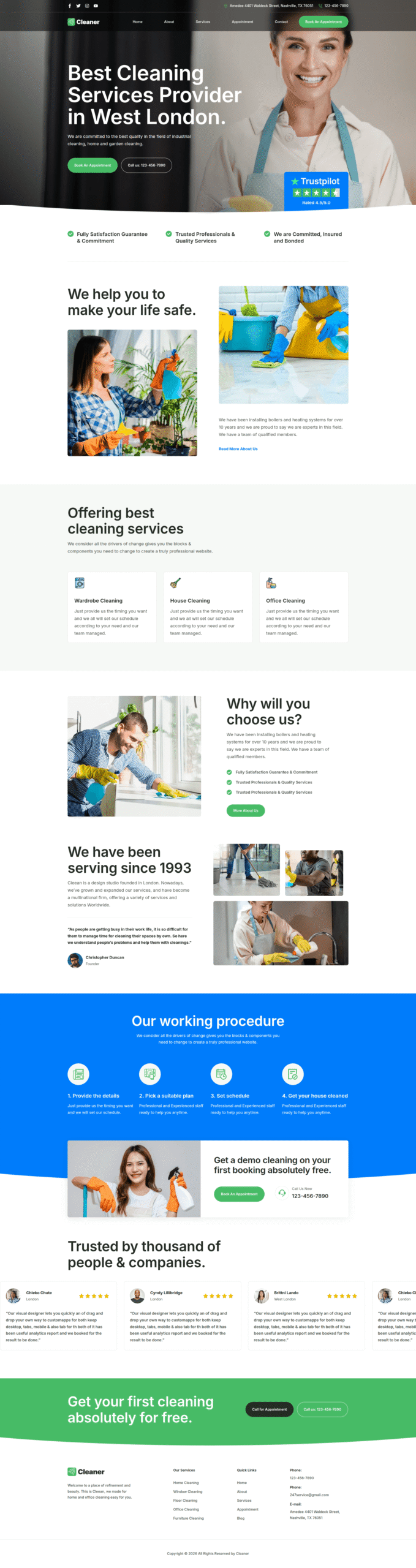
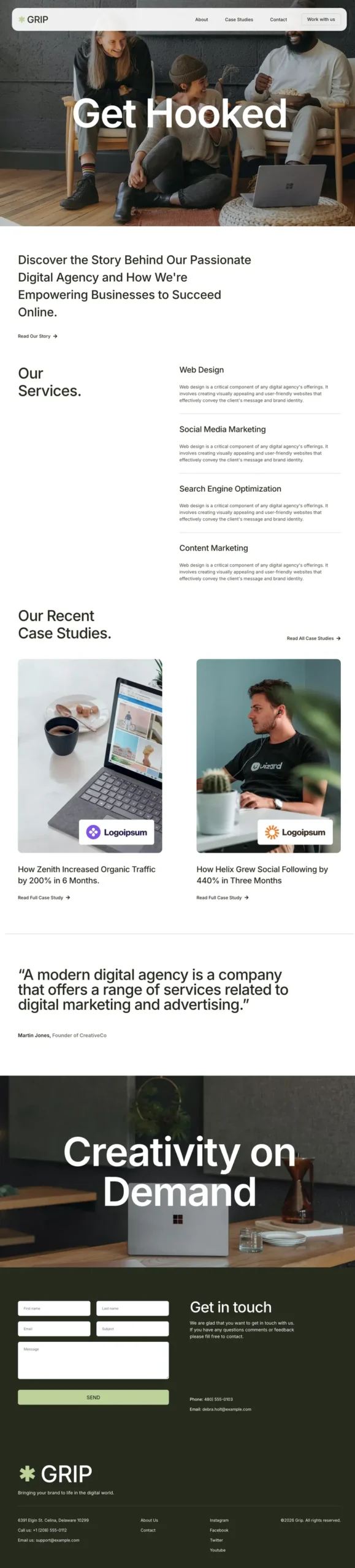
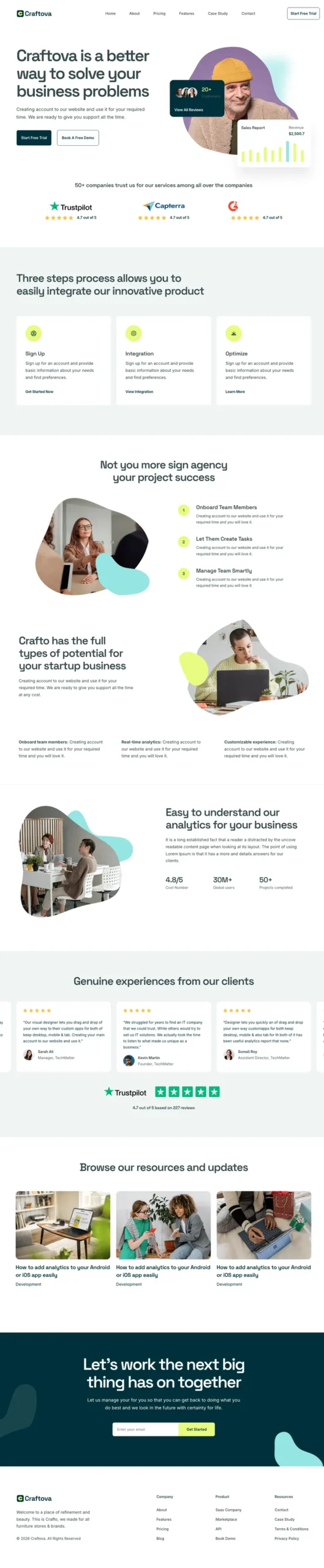
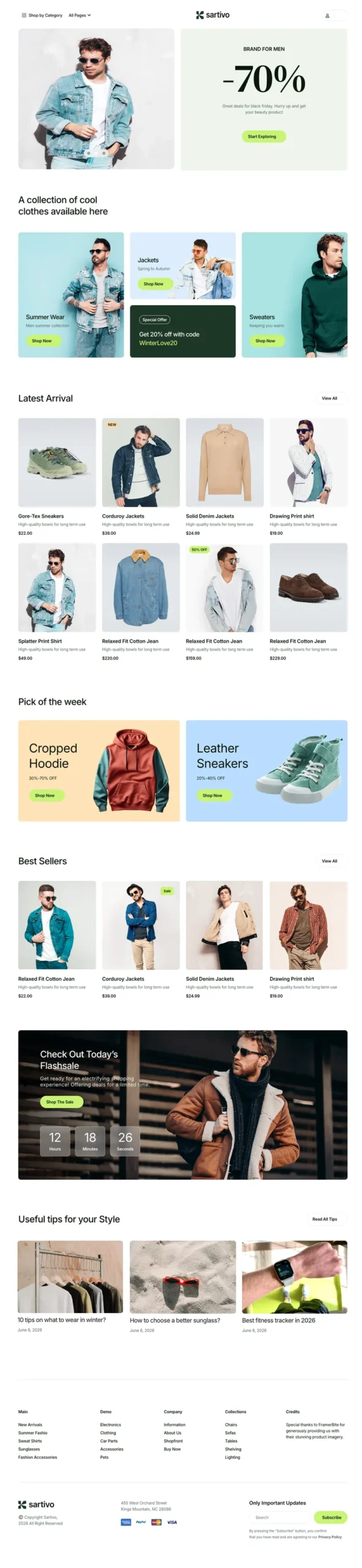
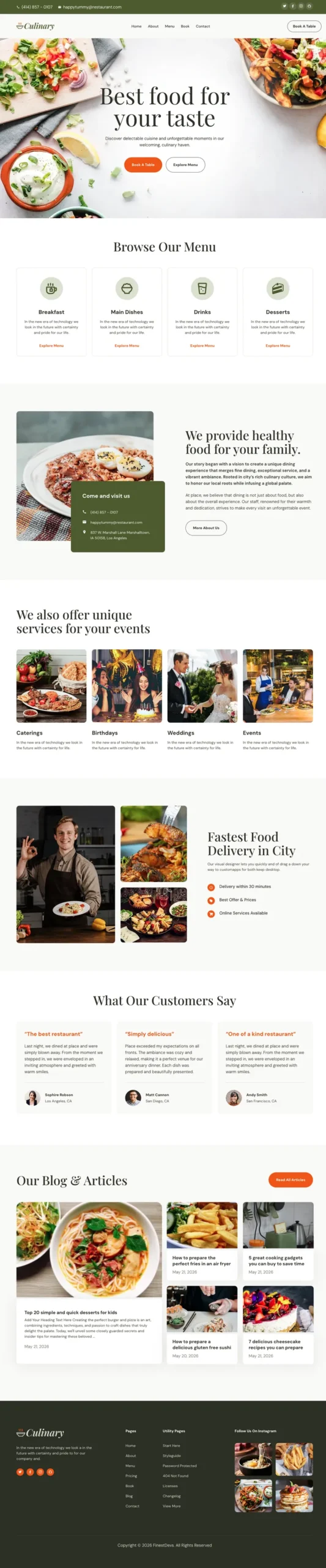
What Is an Elementor Template Kit?
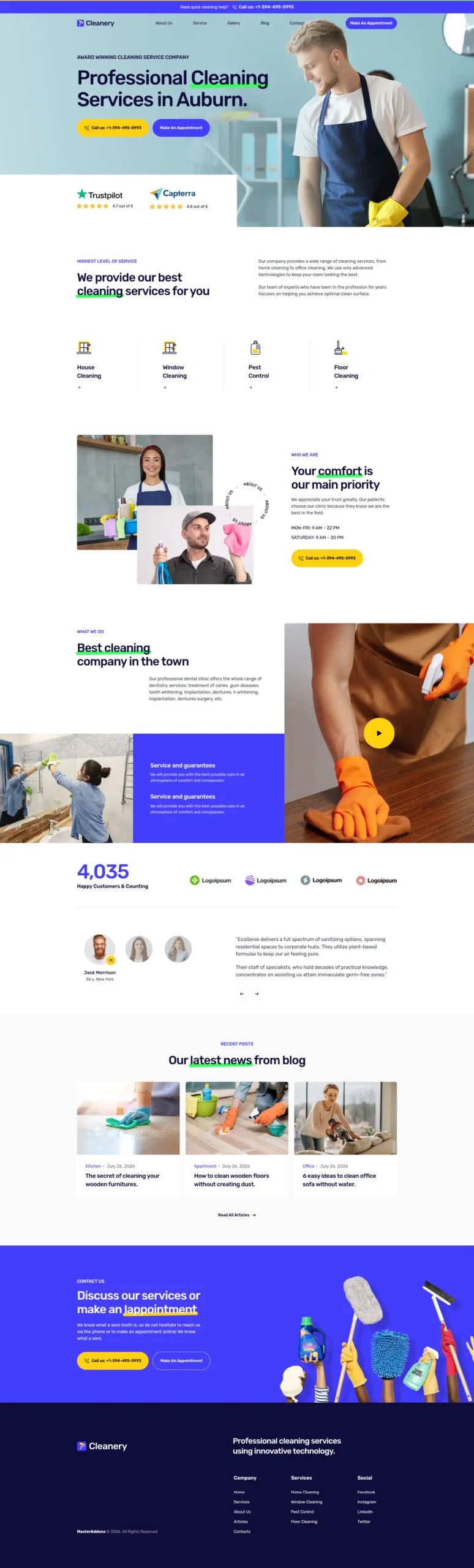
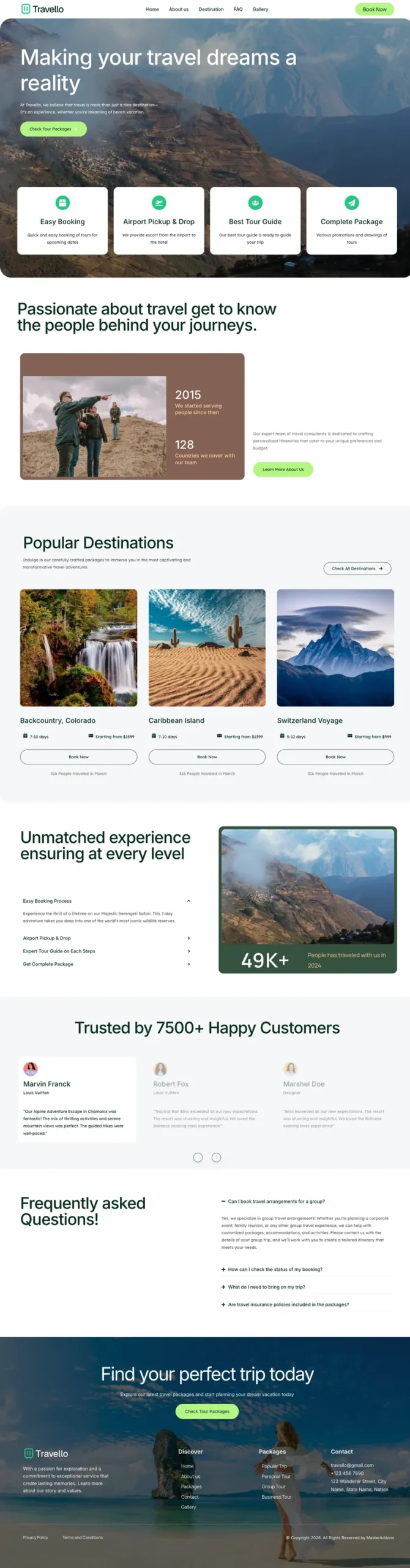
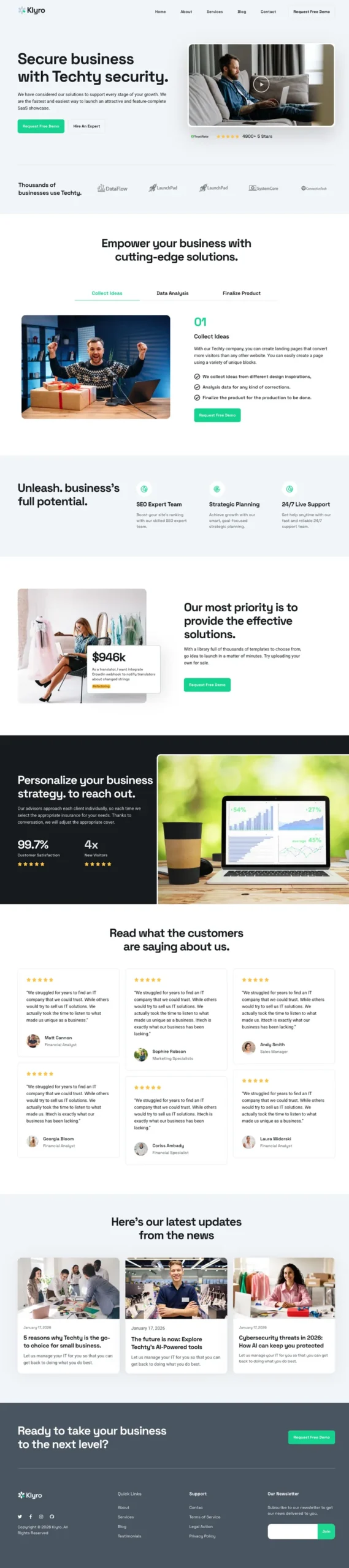
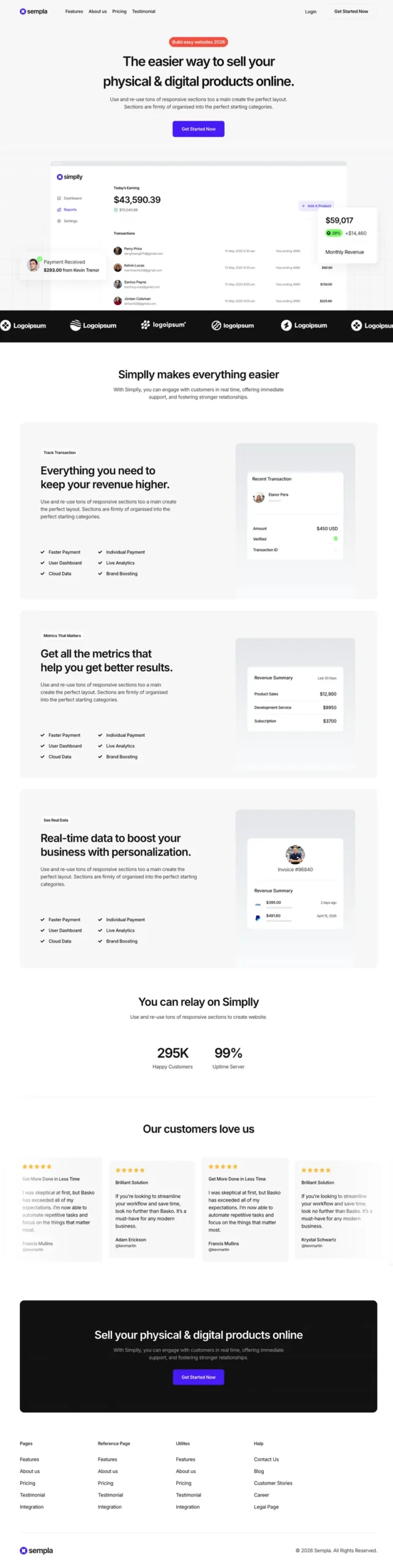
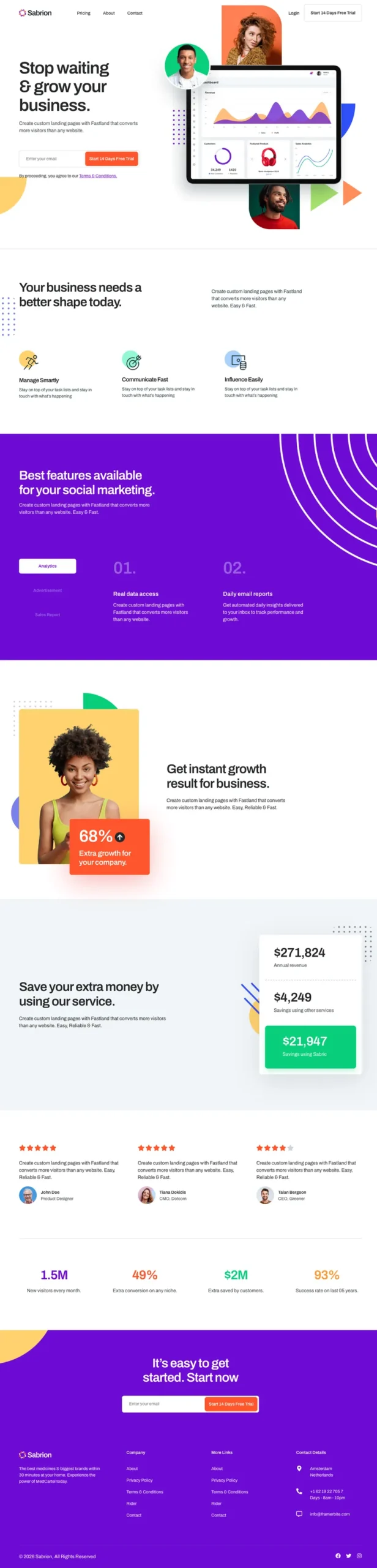
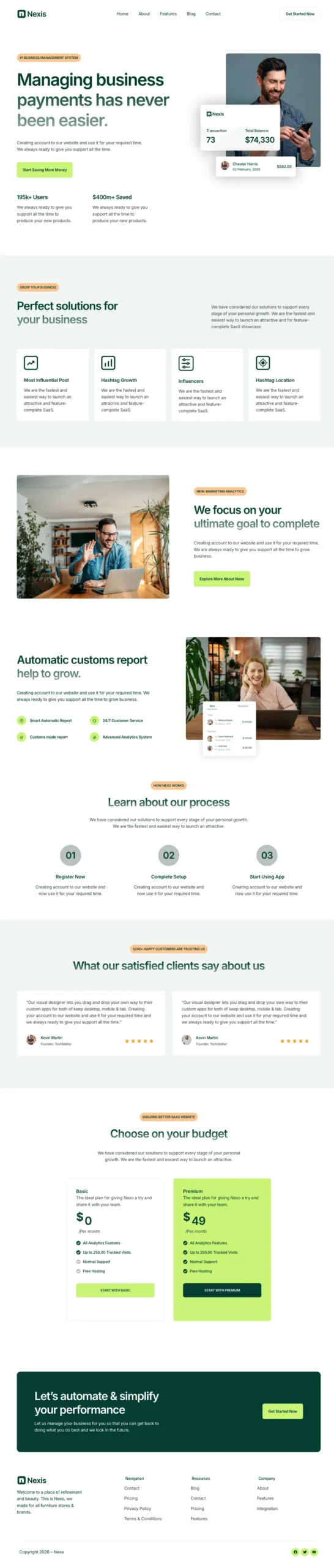
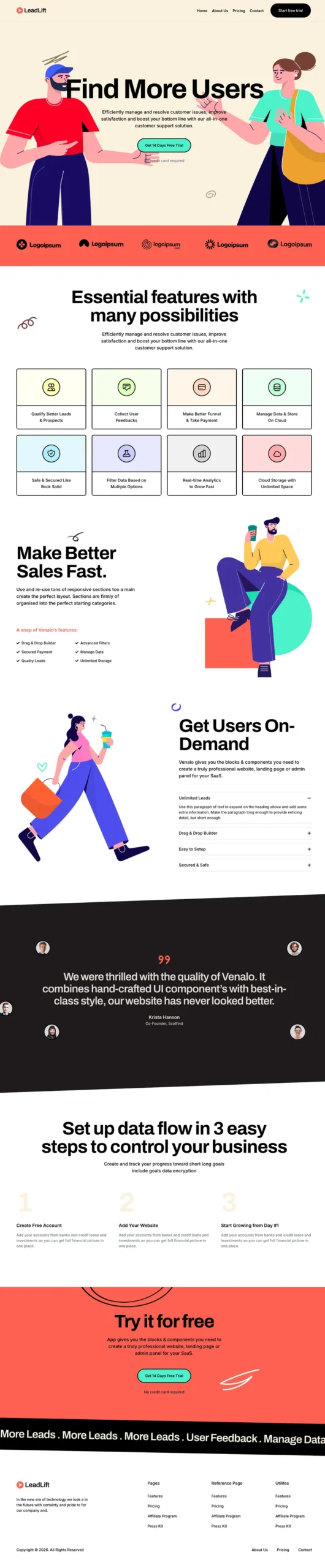
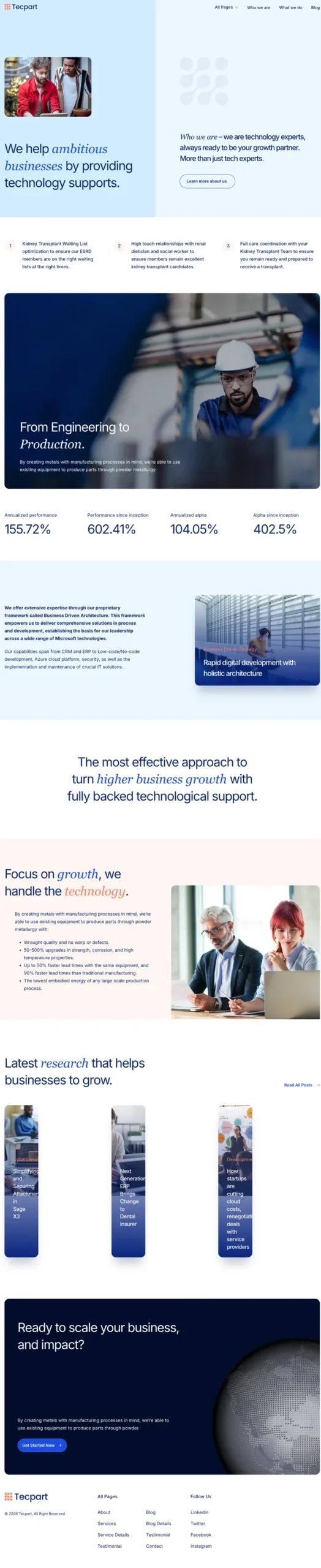
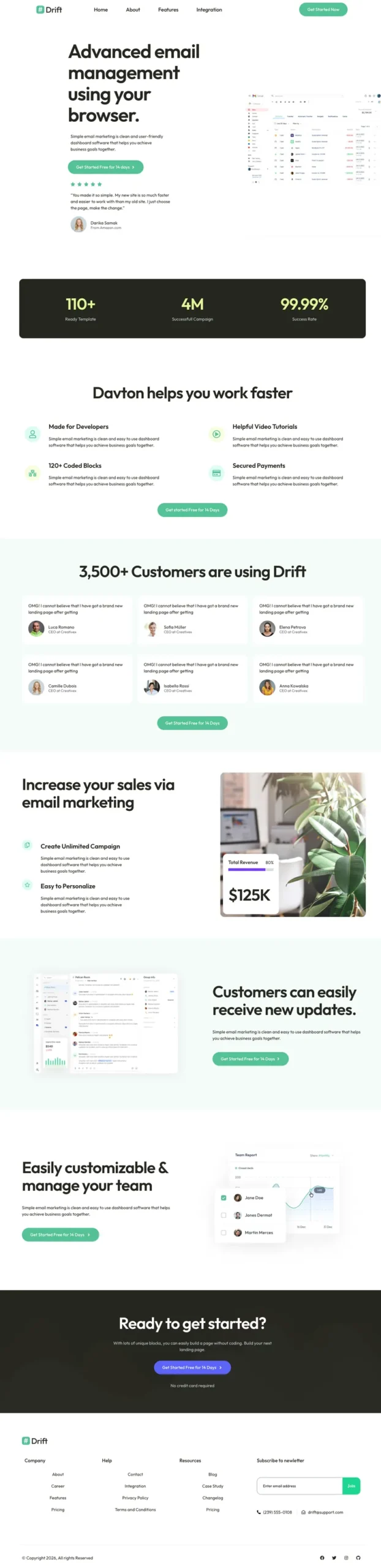
An Elementor template kit is a set of matching Elementor templates that together make one complete website: homepage, inner pages, header, footer, and a global styles file holding the site’s colors and fonts. You import the kit into WordPress, replace the demo content, and publish, without designing each page from scratch.
A single Elementor template gives you one page or section. A kit gives you the whole site in one style, so the About page looks like it belongs next to the homepage. You would struggle to get that match by stitching together free templates from different designers.
What’s inside a typical website kit
| Part of the kit | What it does |
|---|
| Global Kit Styles | Sets site-wide colors, fonts, button styles and form styles. Import this first so every page inherits it. |
| Homepage | The main landing page for the niche, usually the most designed page in the kit. |
| Inner pages | About, Services, Pricing, Blog, Blog Details, Contact and a 404 page, depending on the kit. |
| Header and footer | Site-wide navigation and footer. They need a Theme Builder to show on every page. |
| Sections and blocks | Reusable parts (testimonials, CTAs, FAQs) you can drop into new pages later. |
| Popups and forms (some kits) | Newsletter popups, quote forms or booking forms styled to match. |
Template Kit vs WordPress Theme vs Single Template
People mix these three up all the time, and picking the wrong one can cost you an afternoon.
| | Template kit | WordPress theme | Single template |
|---|
| Covers | A whole website design | The site framework and shell | One page or section |
| Built with | Elementor | PHP, theme options | Elementor |
| Edit it by | Dragging and dropping in Elementor | Customizer, code or theme panel | Dragging and dropping in Elementor |
| Switching themes later | Design survives (it lives in Elementor) | Design is lost | Design survives |
| Still needs a theme? | Yes, a light one like Hello Elementor | It is the theme | Yes |
You still need a theme. The kit sits on top of a lightweight one such as Hello Elementor and controls nearly everything visitors see. If you only need one landing page or a pricing section, the Master Addons template library has single pages, sections, headers, footers and popups you can import on their own.
How to Import an Elementor Template Kit in 5 Steps
This is the process for any kit on this page. It takes about ten minutes, and most of that is watching the progress bar.
- Install Elementor and Master Addons. Both are free on WordPress.org. Activate a light theme like Hello Elementor underneath.
- Open Master Addons → Template Kits. Browse the kit library by category and click the kit you want. Pro kits need an active Master Addons Pro license.
- Import Global Kit Styles first, then the pages. Styles first means every imported page picks up the right colors and fonts. Pages then import one by one, images included, and show up under Pages with an “MA Imported” filter.
- Build the header and footer in Theme Builder. Create a Header template, insert the kit’s header from the Elementor library, set the condition to Entire Site and turn it on. Repeat for the footer.
- Set pages to Elementor Full Width and choose your homepage. Bulk-edit all imported pages to the Elementor Full Width template, then go to Settings → Reading and pick the kit’s Home page.
Step 4 is the one most tutorials skip, and it is why “my header is missing after import” is the most common kit question. The Master Addons Theme Builder handles headers, footers, single posts, archives and 404 pages, and it is included in the free plugin. The template kit import documentation shows every screen.
Import Envato Elements and ThemeForest Kits Too
Envato discontinued its official Envato Elements WordPress plugin in August 2025, which left a lot of people holding a kit ZIP with no obvious place to put it. You can upload it in Master Addons instead: go to Master Addons → Template Kits, click the upload icon, drop in the ZIP exactly as you downloaded it, and the importer reads the kit and lists every template inside.
Two tips: do not unzip the file first, and if you use Safari, turn off “Open safe files after downloading” so the browser does not unzip it for you. The full walkthrough is in our guide to importing Envato Elements template kits.
| Task | Envato’s Template Kit Import plugin | Master Addons |
|---|
| Import a kit ZIP from Envato or ThemeForest | Yes | Yes |
| Built-in kit library | No | 30+ kits |
| Header and footer builder | No (needs Elementor Pro) | Yes, free Theme Builder |
| 404, archive and single post templates | No | Yes |
| Extra widgets to customize the kit | No | 80+ widgets and extensions |
Free vs Pro Elementor Template Kits
Every card on this page has a FREE or PRO badge, so you know whether a kit needs a Pro license before you import it.
| Feature | Master Addons Free | Master Addons Pro |
|---|
| Kits marked FREE | Yes | Yes |
| Kits marked PRO | No | Yes, full library |
| Upload your own or Envato kit ZIPs | Yes | Yes |
| Theme Builder for header and footer | Yes | Yes |
| Premium widgets used in some kits | No | Yes |
| Refund window | n/a | 14-day money-back guarantee |
Do you need Elementor Pro? Usually not. Most kits are built for free Elementor, and the Pro feature people usually want is the theme builder that puts a kit’s header and footer on every page. The free Master Addons theme builder does that job. Check an individual kit’s notes if it uses Elementor Pro widgets like Forms. Plans and lifetime options are on the pricing page.
How to Choose the Right Template Kit
- Start from your niche. A kit built for your industry already has the pages you need, like a menu for a restaurant or a timetable for a gym. Building missing pages later can eat the time the kit saved you.
- Count the pages. A 4-page kit suits a small local business. An agency or SaaS site usually needs 8 or more.
- If you sell products online, pick a fashion or food kit designed to pair with WooCommerce shop and product pages.
- Look hard at the header. It is the hardest part to redesign later, so pick a kit whose header (sticky, mega menu or simple nav) you already like.
- Plan to replace the images. Demo images are the most common reason a fresh kit feels slow. Replace or compress them before launch.
Why an Imported Kit Doesn't Look Like the Demo (and the Fix)
If your site looks close to the demo but a little off, the cause is usually one of these:
Wrong colors or fonts
Elementor’s default colors and fonts are overriding the kit. Go to Elementor → Settings → General, tick Disable Default Colors and Disable Default Fonts, save, and reload the page.
Your theme’s header shows above the kit header
The page still uses your theme’s default layout. Switch it to Elementor Full Width and make sure your Theme Builder header is active with an Entire Site condition.
Missing images or broken layout
Slow hosting can time out during image downloads. Re-import that template. If the layout is off, import Global Kit Styles first and then re-import the page so it inherits the kit settings.
Elementor Template Kits: Frequently Asked Questions
What are Elementor template kits?
Elementor template kits are collections of matching Elementor templates that build a complete website: homepage, inner pages, header, footer and global colors and fonts. You import the kit into WordPress, swap the demo text and images for your own, and publish. They work on top of a lightweight theme like Hello Elementor.
Are Elementor template kits free?
Some are. Kits with a FREE badge on this page import with the free Master Addons plugin. Kits with a PRO badge need a Master Addons Pro license, which also unlocks premium widgets and comes with a 14-day money-back guarantee. Uploading your own kit ZIP is free.
Do I need Elementor Pro to use a template kit?
Usually no. Most kits are built for free Elementor. The part people normally need Pro for is showing the header and footer site-wide, and the Master Addons Theme Builder does that for free. A few kits use Elementor Pro widgets such as Forms, so check the kit’s notes.
How do I import an Elementor template kit?
Install Elementor and Master Addons, open Master Addons → Template Kits, and choose a kit or upload a kit ZIP. Import Global Kit Styles first, then the pages. Build the header and footer in Theme Builder, set pages to Elementor Full Width, and pick your homepage under Settings → Reading.
Can I import Envato Elements or ThemeForest kits without the Envato plugin?
Yes. Envato discontinued its Elements WordPress plugin in August 2025, but any kit ZIP from Envato Elements or ThemeForest can be uploaded in Master Addons → Template Kits. Keep the file zipped. Master Addons imports every template, image and global style in the kit.
Is a template kit the same as a WordPress theme?
No. A theme is the site framework that WordPress always needs. A template kit is a set of Elementor designs that sits on top of a theme and controls how pages look. Because the design lives in Elementor, you can change themes later without losing it.
Which theme works best with Elementor template kits?
A lightweight, Elementor-friendly theme such as Hello Elementor works best, because the kit replaces nearly everything the theme would normally display. Heavier multipurpose themes add their own headers, styles and scripts that can clash with the kit and slow the site down.
How many template kits does Master Addons include?
The Master Addons kit library has 30+ full website kits across business, real estate, agency, technology, creative, fashion, health, restaurant and startup categories. You can also upload kits you already own from other sources, including Envato Elements and ThemeForest.
Start With a Kit, Finish in an Afternoon
An Elementor template kit brings in every page, the header, the footer and the styling in one import. Choose a kit from your category above, import Global Kit Styles first, set up the header and footer in Theme Builder, and put your time into the content. Need a single page instead? Browse the template library, or pair your kit with the Popup Builder for lead capture.