This update was long overdue. Many of you reported issues – buttons not styling, icons misbehaving, controls that looked right in the editor but broke on the frontend. We listened. Master Addons 2.1.0 is not just an update; it’s a major cleanup. We tackled a huge list of long-standing bugs, focusing on Elementor stability, styling controls, and frontend consistency. Your feedback and support topic was the blueprint for this release. Thank you. If you like to check the details of fixing and updates, then please visit our changelogs.
What’s New in Master Addons 2.1.0? (At a Glance)
This release is all about trust, stability, and polish. And honestly speaking, this is one of our most careful and experience-driven updates till now.
All elements + Extension Fixes: We addressed deep-rooted issues in the Timeline, Infobox, Accordion, Creative Links, and more. Styling is now reliable.
Useful New Additions: Introducing the Demo Importer and Element Name Extension for a better workflow.
Smoother Performance: Under-the-hood optimizations make everything work faster and cleaner.
Major Fixes worth mentioning
We didn’t just read the bug reports – we fixed them properly. Here’s the breakdown.
Important Change: Free & Pro Version Separation
Before we dive into the updates, we want to share an important change in how Master Addons is now structured.
From version 2.1.0 onwards, the Free and Pro versions have been separated.
What does this mean for you?
If you are a Free user, nothing changes. Just update the free plugin as usual.
If you are a Pro user, you now need to have both the Free version and the Pro version installed and activated.
Why did we make this change?
This new structure allows us to make the plugin perform much better for everyone. Now, the system can load only the specific styles and scripts needed for your version – reducing bloat and improving speed. It creates a cleaner, more stable foundation for both free and pro features to work reliably.
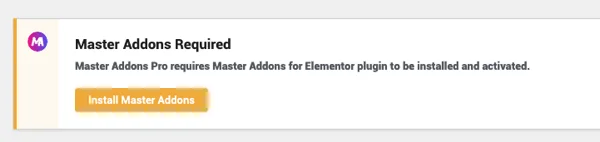
Your action step: Pro users, after updating this plugin, you will get a notice like the following screenshot. Just click on the “Install Master Addons” button and activate the Master Addons plugin. Your Pro license key will continue to unlock all premium widgets and extensions as before. If you don’t know how to install the pro version properly you can take a look at this Master Addons pro installation guideline.
This separation is a technical upgrade for long-term performance and stability. Thank you for your understanding!
Theme Builder Template Types
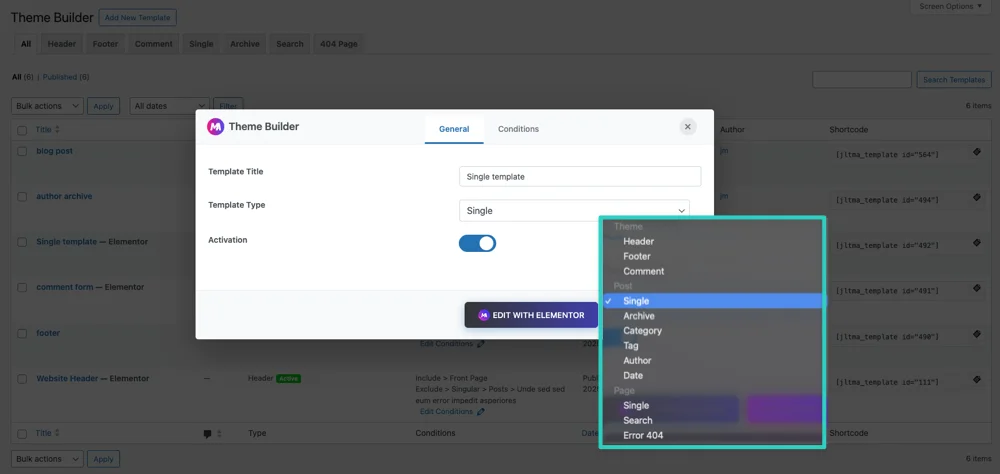
For users working with dynamic templates, we’ve expanded the Template Type dropdown with grouped, logical options. We added new Post types (Category, Tag, Author, Date) and a Page type (Single). Each new type has proper activation and will show fallback content correctly. This gives you more precise control over where your templates appear.
Critical Security Patches
Security is always a priority. In this version, we patched XSS vulnerabilities in the Flipbox and Gradient Headline widgets and fixed an IDOR vulnerability by adding proper permission checks. We also implemented whitelist validation for all HTML tag selectors across widgets to prevent any script injection. Your sites are now more secure.
White Label Warning Fixed
If you use white labeling, that “Undefined array key” PHP warning in the dashboard is now resolved. We’ve also moved and improved the white label options using a cleaner filter pattern for greater customization.
Off-Canvas content (New Element)
Introducing a versatile new widget to create elegant slide-out panels: Off-Canvas Content.
What does it do?
This element lets you embed any saved Elementor template or section into a hidden off-canvas panel that slides in from the side of the screen. It’s perfect for creating mobile menus, additional information panels, contact forms, or special announcements – without cluttering your main layout.
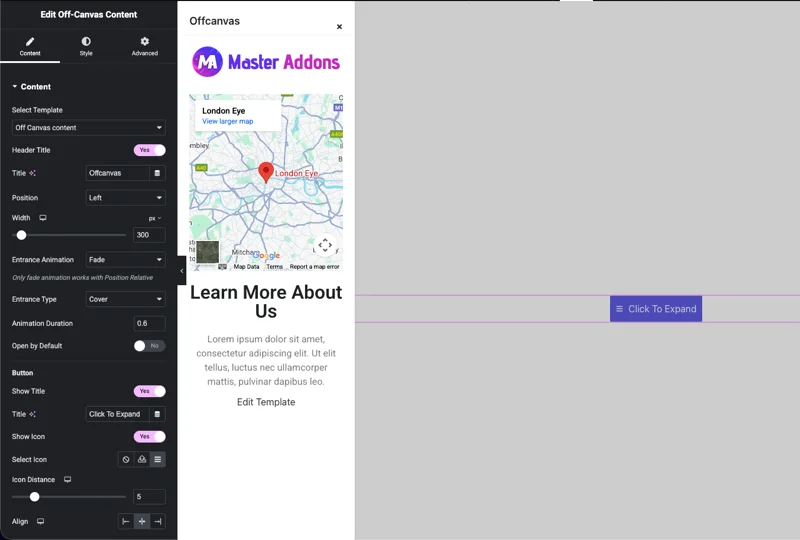
Key features at a glance:
- Template Selection: Choose any existing template or section as the off-canvas content.
- Flexible Position: Slide-in from the Left or Right.
- Customizable Width: Set the panel width to match your design.
- Smooth Animations: Choose entrance effects like Fade or Push with adjustable duration.
- Custom Trigger Button: Easily add a button with an icon and text to open the panel. Full control over its alignment and styling.
It’s a simple yet powerful way to reveal extra content on demand, keeping your pages clean and interactive.
Editor & Dark Mode Fixes
The countdown timer in our upgrade banners was not visible in the Elementor editor’s light mode. We’ve fixed this and added proper dark mode support that respects both the editor’s theme and your system preferences. It looks correct now in any setting.
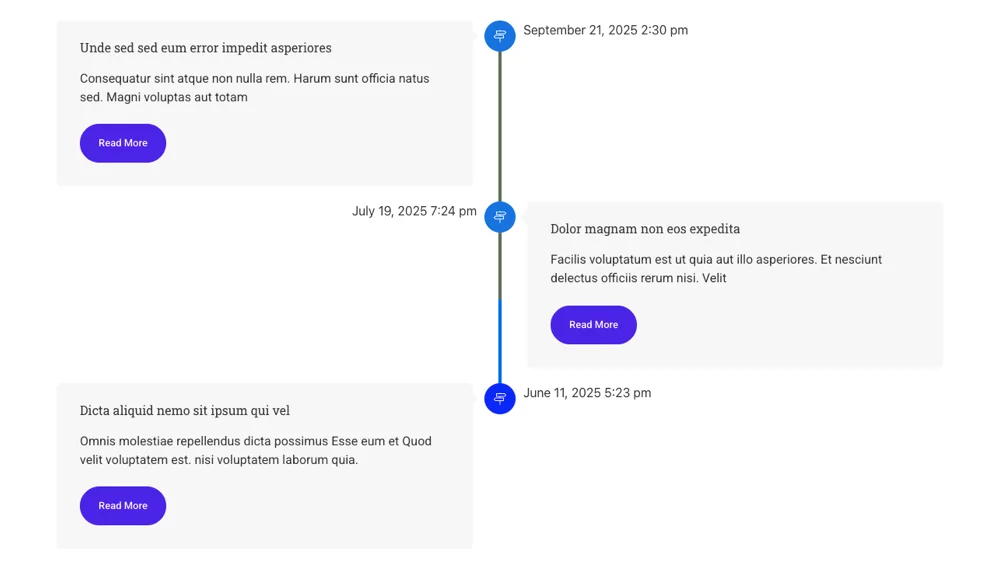
Timeline Widget – Finally Works as Promised
Remember the hover controls that did nothing? The “Read More” button that ignored your styles? The icons that sometimes vanished? All fixed. We rewrote the CSS properties. Now, every control in the Default, Hover, and Focused tabs works perfectly on the frontend. Meta dates align properly, excerpt styling applies, and those confusing PHP warnings is gone. The Timeline is now predictable and polished.
Creative Links – Hover Effects & Borders Sorted
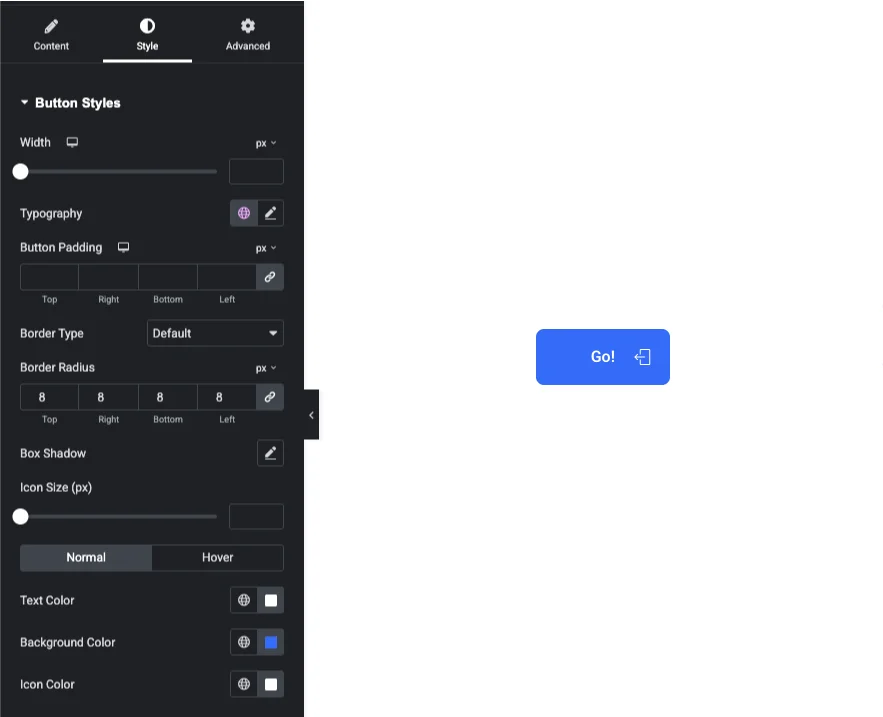
The hover tab was broken. Border radius settings were ignored. Icons and text wasn’t aligning well. We rebuilt the DOM structure using modern flexbox for perfect vertical centering. Now, borders radius applies correctly, hover animations are smooth, and your styling choices actually show up. It’s cleaner and much more dependable.
Advanced Accordion – Write better FAQ now
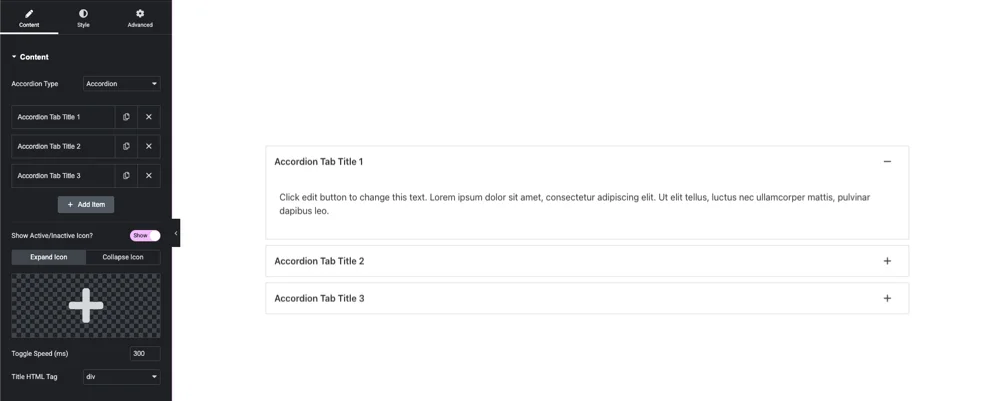
The frustration of clicking an accordion and the icon not updating? Gone. We simplified the icon logic, fixed background and spacing issues, and removed duplicate controls. We also added new conditional icon controls. Now it feels instant – what you see in the editor is exactly what your visitors see.
Infobox Element (This Was a Big One)
This was one of the most requested fixes. We went variation by variation to solve the core problems:
- Icon Alignment Fixed: For Variations Three, Four, Five, Six, Eight, Nine, and Ten – icons now stay perfectly positioned.
- Scaling Logic Corrected: Icons and their containers (like the hexagon shapes) now scale proportionally. No more distorted graphics.
- Styling Controls Activated: Background colors, hover effects, and paddings now work across all variations.
- Special Fixes for Complex Styles: Variation Nine’s 3D flip animation and container filling is fixed. Variation Ten’s icon centering and scaling now works perfectly.
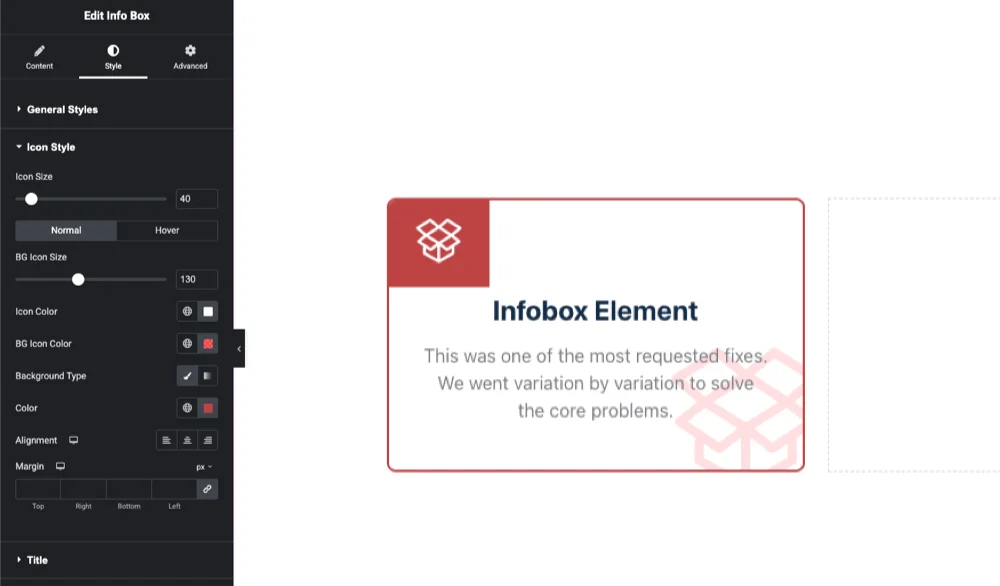
Infobox was a complex element, and now it’s a reliable one. We are very confident in this fix.
Blog Widget – Small Fix, Big Difference
The post title typography controls (font size, weight) now correctly style the clickable title link. A simple fix that makes your blog listings look exactly how you design them.
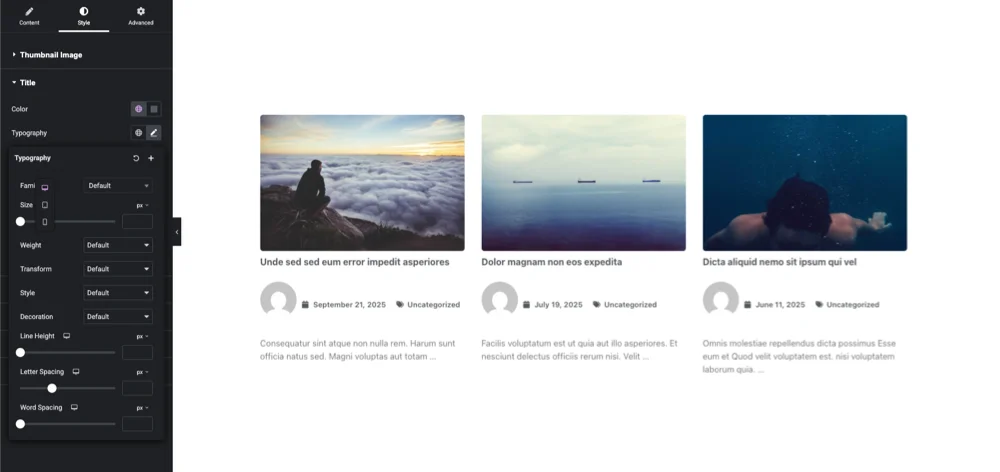
Restrict Content – all condition works fine now
Password validation failing? Error messages looking broken or in the wrong place? Fixed. We’ve also added a beautiful new error message UI with an icon and clean styling. Plus, you now get full Popup Button Style controls (colors, border, typography) to make your access buttons look perfect.
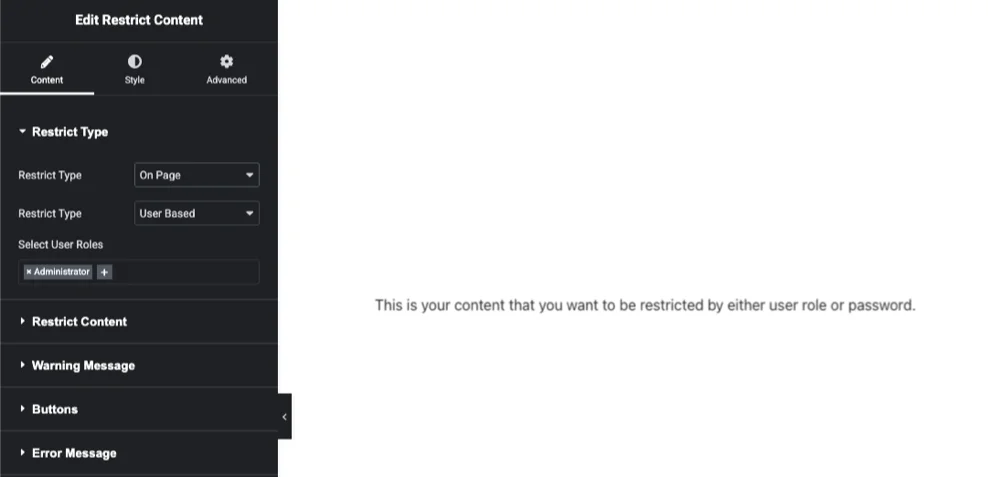
New Features & Major Improvements
We’ve also added some great new tools and made big improvements to existing ones:
Grid Line: To design something pixel perfect a designer knows the value of Grid system. We are introducing Grid line in extension in Elementor editor for our users.
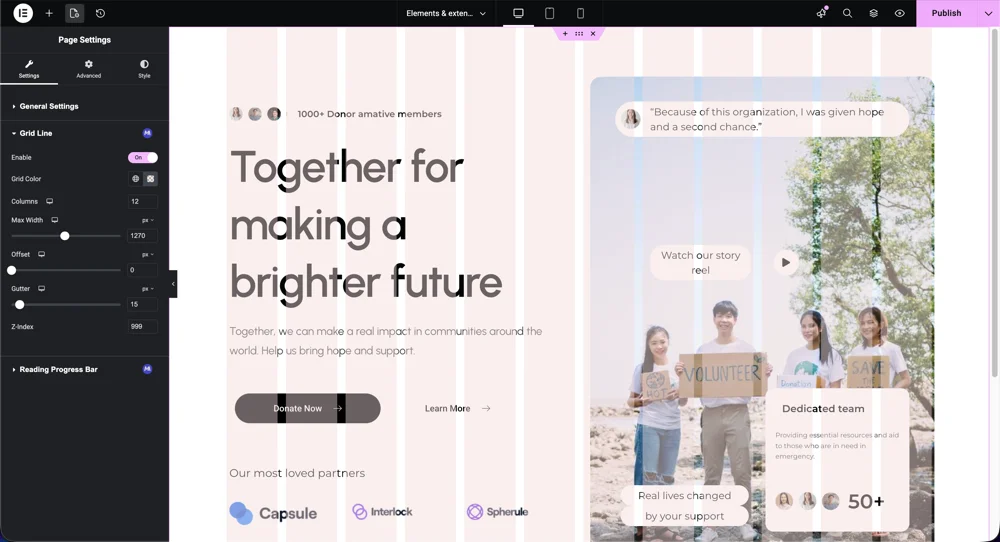
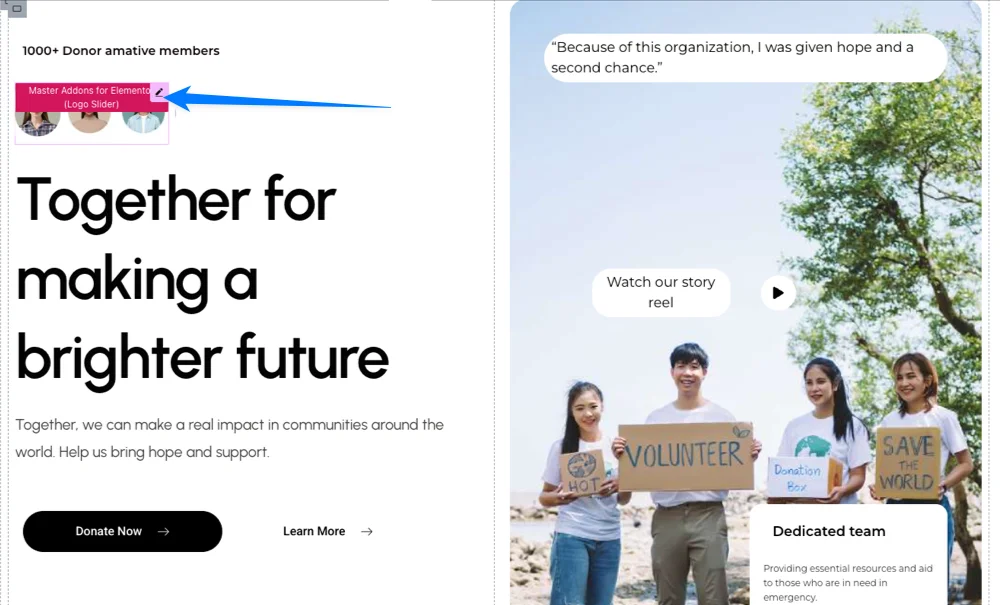
Which Element: Learn what element you have used to design your landing pager without clicking on the element in your editor.
Mega Menu: Completely updated! Now with a library of 3000+ icons, better color pickers, smooth submenu animations, and fixed click events.
Widget Enhancements & Polishing
Almost every widget got attention. Here’s a quick look:
Animated Headlines: New bar styling options and better responsive controls.
Counter Up: Added suffix/prefix styling and finally made responsive columns work properly.
Creative Buttons: Better icon positioning, hover colors, and a default border radius for instant polish.
Pricing Table: Fixed period alignment, divider lines, tooltip cuts, and button gradients.
News Ticker: Refactored with Swiper.js for buttery-smooth performance, new thumbnail controls, and a cleaner ribbon design.
Progress Bar: Now takes full width and displays the percentage at the end of the moving bar.
Blockquote: Beautifully redesigned with controls for quote symbols and author styling.
Dynamic Table: Proper header alignment, new background color options, rounded corners, and a non-responsive option for mobile control.
Advanced Image Widget: Completely rewritten the CSS for ribbon positioning with width, position, and border radius controls.
Extensions that we’ve fixed
Extensions like Glassmorphism Effect, Display Conditions, and Reading Progress Bar have been improved with better styling and fixed functionality. We also made core improvements: updated the Freemius SDK, fixed missing asset paths that caused errors, and optimized how the plugin loads. This means better stability in the Elementor editor and a cleaner, faster foundation for everything.
Our Commitment to You
Master Addons 2.1.0 is a direct response to your feedback. We focused on stability first – fixing the real, daily frustrations you faced. We believe this creates a solid and reliable foundation for your creative work.
Please update to Master Addons 2.1.0 today and experience the difference. Let us know how it works on your site. Your input shaped this release, and it will guide our next steps.
This is just the beginning. More polishing and powerful features is coming very soon. Thank you for trusting Master Addons.
– The Master Addons Team