

Key Takeaways
- The WordPress Halloween deals in this roundup cover 70 plugins, themes and services, and every discount, coupon code and end date on the page was confirmed by the vendor for 2026.
- Master Addons for Elementor is flat 50% off every plan with code SPOOKY50 between 15 October and 5 November 2026, and the same code works on Admin Bar Editor, Loginfy, Master Blocks and WP Spotlight.
- Fifty-five of the 70 deals need no coupon at all because the discount is applied at checkout, so an empty coupon field is not a sign that the sale has ended.
- Only nine codes are in play this Halloween: SPOOKY50, SPOOKY30, HALLOWEEN20, MTHALLOWEEN, ACOWEEN, SPOOKY, HALLOWEEN33, HW26 and PH-HALLOWEEN30.
- The Acowebs WooCommerce catalogue runs the shortest window on the page, flat 25% off with code ACOWEEN on 30 and 31 October only, while Yellow Coder runs the longest, to 31 December 2026.
- Most windows close between 2 and 8 November 2026, which leaves roughly three weeks from the middle of October to decide.
The WordPress Halloween deals worth opening a tab for in 2026 are the ones where you know the code, whether it applies itself, and when the window shuts. This page lists 70 of them: Elementor addons, admin plugins, forms and CRM, WooCommerce, themes, sliders, chat widgets and one maintenance service. Master Addons is flat 50% off with SPOOKY50 from 15 October to 5 November 2026.
Each card gives you the discount, the code or a note that the price drops on its own, and the dates the offer runs. If you came here for a coupon and nothing else, the table under the first heading has all 70 of them in one place.
Table of Contents
WordPress Halloween deals 2026 at a glance
A WordPress Halloween deal is a discount a plugin, theme or service vendor runs for a fixed stretch of late October, and three details decide whether it is worth acting on: the size of the discount, the code, and the day it closes. Here are all 70 with those three columns.
| # | Product | Discount | Coupon | Deal window |
|---|---|---|---|---|
| 1 | Adminify Bundle | Flat 20% off every tier | HALLOWEEN20 | 15 Oct to 5 Nov 2026 |
| 2 | Master Addons for Elementor | Flat 50% off every plan | SPOOKY50 | 15 Oct to 5 Nov 2026 |
| 3 | WP Adminify | Up to 55% off (Agency 55%, Business 50%, Personal 40%) | No code needed, applied at checkout | 15 Oct to 5 Nov 2026 |
| 4 | Admin Bar Editor | Flat 50% off every plan | SPOOKY50 | 15 Oct to 5 Nov 2026 |
| 5 | Loginfy | Flat 50% off every plan | SPOOKY50 | 15 Oct to 5 Nov 2026 |
| 6 | Master Blocks | Flat 50% off every plan | SPOOKY50 | 15 Oct to 5 Nov 2026 |
| 7 | WP Spotlight | Flat 50% off every plan | SPOOKY50 | 15 Oct to 5 Nov 2026 |
| 8 | Mystery Themes | 30% off annual plans, 15% off lifetime plans | MTHALLOWEEN | 23 Oct to 7 Nov 2026 |
| 9 | Phlox Pro | 35% off | No code needed, applied at checkout | 19 Oct to 2 Nov 2026 |
| 10 | Responsive Theme | 33% off sitewide | HALLOWEEN33 | 26 Oct to 6 Nov 2026 |
| 11 | ThemeHunk Premium Themes | Up to 50% off all themes | No code needed, applied at checkout | 26 Oct to 5 Nov 2026 |
| 12 | Fluent Forms | Up to 30% off | No code needed, applied at checkout | 16 Oct to 2 Nov 2026 |
| 13 | FluentCRM | Flat 30% off | No code needed, applied at checkout | 16 Oct to 2 Nov 2026 |
| 14 | Paymattic | Up to 30% off | No code needed, applied at checkout | 16 Oct to 2 Nov 2026 |
| 15 | FluentAffiliate | Exclusive lifetime deal | No code needed, applied at checkout | From 16 Oct 2026, no fixed end date |
| 16 | MetForm | Up to 55% off | No code needed, applied at checkout | 21 Oct to 8 Nov 2026 |
| 17 | EmailKit | Up to 35% off | No code needed, applied at checkout | 21 Oct to 8 Nov 2026 |
| 18 | MailerHub | 50% off the Enterprise lifetime deal | No code needed, applied at checkout | 17 Oct to 5 Nov 2026 |
| 19 | HT Mega Addons | Flat 60% off | No code needed, applied at checkout | 19 Oct to 3 Nov 2026 |
| 20 | Eventful for Elementor | Up to 70% off | No code needed, applied at checkout | 20 Oct to 5 Nov 2026 |
| 21 | ElementsKit | Up to 55% off | No code needed, applied at checkout | 21 Oct to 8 Nov 2026 |
| 22 | WhatsApp Chat Help | Up to 70% off | No code needed, applied at checkout | 20 Oct to 5 Nov 2026 |
| 23 | Better Chat Support | Up to 70% off | No code needed, applied at checkout | 20 Oct to 5 Nov 2026 |
| 24 | Greet Bubble | Up to 70% off | No code needed, applied at checkout | 20 Oct to 5 Nov 2026 |
| 25 | WP Social Ninja | Up to 30% off | No code needed, applied at checkout | 16 Oct to 2 Nov 2026 |
| 26 | FluentPlayer | Exclusive lifetime deal | No code needed, applied at checkout | From 16 Oct 2026, no fixed end date |
| 27 | TLinky | Flat 50% off all plans | SPOOKY50 | 17 Oct to 7 Nov 2026 |
| 28 | WP Social | Up to 35% off | No code needed, applied at checkout | 21 Oct to 8 Nov 2026 |
| 29 | WP Ultimate Review | Up to 35% off | No code needed, applied at checkout | 21 Oct to 8 Nov 2026 |
| 30 | FluentBooking | Up to 30% off | No code needed, applied at checkout | 16 Oct to 2 Nov 2026 |
| 31 | Fluent Support | Flat 30% off | No code needed, applied at checkout | 16 Oct to 2 Nov 2026 |
| 32 | FluentCommunity | Up to 30% off | No code needed, applied at checkout | 16 Oct to 2 Nov 2026 |
| 33 | FluentBoards | Up to 30% off | No code needed, applied at checkout | 16 Oct to 2 Nov 2026 |
| 34 | Skyboot Internal Note | Flat 30% off all plans | SPOOKY30 | 25 Oct to 7 Nov 2026 |
| 35 | Rox Appointment Booking | Up to 55% off | No code needed, applied at checkout | 21 Oct to 8 Nov 2026 |
| 36 | MemberHub | 50% off the Enterprise lifetime deal | No code needed, applied at checkout | 17 Oct to 5 Nov 2026 |
| 37 | MenuBook | 50% off the Enterprise lifetime deal | No code needed, applied at checkout | 17 Oct to 5 Nov 2026 |
| 38 | Depicter | Up to 70% off | No code needed, applied at checkout | 19 Oct to 2 Nov 2026 |
| 39 | Master Slider | 35% off | No code needed, applied at checkout | 19 Oct to 2 Nov 2026 |
| 40 | PopupKit | Up to 35% off | No code needed, applied at checkout | 21 Oct to 8 Nov 2026 |
| 41 | AzonPress | Up to 30% off | No code needed, applied at checkout | 16 Oct to 2 Nov 2026 |
| 42 | Ninja Drive | Flat 25% off | HW26 | 25 Oct to 5 Nov 2026 |
| 43 | Ninja Media | Flat 25% off | HW26 | 25 Oct to 5 Nov 2026 |
| 44 | FluentCart | Exclusive lifetime deal | No code needed, applied at checkout | From 16 Oct 2026, no fixed end date |
| 45 | ShopLentor | Flat 50% off | No code needed, applied at checkout | 19 Oct to 3 Nov 2026 |
| 46 | Ninja Tables | Up to 30% off | No code needed, applied at checkout | 16 Oct to 2 Nov 2026 |
| 47 | Acowebs WooCommerce plugins | Flat 25% off the whole catalogue | ACOWEEN | 30 and 31 Oct 2026 only |
| 48 | ShopEngine | Up to 35% off | No code needed, applied at checkout | 21 Oct to 8 Nov 2026 |
| 49 | TableKit | Up to 35% off | No code needed, applied at checkout | 21 Oct to 8 Nov 2026 |
| 50 | PluginHive WooCommerce plugins | 30% off all WooCommerce plugins | PH-HALLOWEEN30 | 22 Oct to 5 Nov 2026 |
| 51 | ThemeHunk Premium Plugins | Up to 50% off all plugins | No code needed, applied at checkout | 26 Oct to 5 Nov 2026 |
| 52 | Filter Plus | 50% off the Enterprise lifetime deal | No code needed, applied at checkout | 17 Oct to 5 Nov 2026 |
| 53 | Discountify | 50% off the Enterprise lifetime deal | No code needed, applied at checkout | 17 Oct to 5 Nov 2026 |
| 54 | Quicker | 50% off the Enterprise lifetime deal | No code needed, applied at checkout | 17 Oct to 5 Nov 2026 |
| 55 | Advanced Coupons | 50% off all plugins | No code needed, applied at checkout | 29 to 31 Oct 2026 only |
| 56 | AdTribes | 50% off all licenses | No code needed, applied at checkout | 29 to 31 Oct 2026 only |
| 57 | Wholesale Suite | 50% off all plugins and bundles | No code needed, applied at checkout | 29 to 31 Oct 2026 only |
| 58 | WC Vendors | 50% off all plans | No code needed, applied at checkout | 29 to 31 Oct 2026 only |
| 59 | SaveTo Wishlist | 50% off all plans | No code needed, applied at checkout | 29 to 31 Oct 2026 only |
| 60 | Visser Labs | $10 off each plugin | No code needed, applied at checkout | 29 to 31 Oct 2026 only |
| 61 | Subscriptions for WooCommerce Pro | 25% off | SPOOKY | 28 Oct to 3 Nov 2026 |
| 62 | Eventful | Up to 70% off | No code needed, applied at checkout | 20 Oct to 5 Nov 2026 |
| 63 | Darkify | Up to 70% off | No code needed, applied at checkout | 20 Oct to 5 Nov 2026 |
| 64 | Domain For Sale | Up to 70% off | No code needed, applied at checkout | 20 Oct to 5 Nov 2026 |
| 65 | Yellow Coder | 50% off complete maintenance plans | No code needed, applied at checkout | 1 Oct to 31 Dec 2026 |
| 66 | GutenKit | Up to 35% off | No code needed, applied at checkout | 21 Oct to 8 Nov 2026 |
| 67 | Dynamic Fields Engine | Up to 73% off (Early Bird launch price) | No code needed, applied at checkout | 21 Oct to 8 Nov 2026 |
| 68 | GetGenie AI | Up to 45% off | No code needed, applied at checkout | 21 Oct to 8 Nov 2026 |
| 69 | Wpmet Bundle | Up to 83% off every premium Wpmet plugin | No code needed, applied at checkout | 21 Oct to 8 Nov 2026 |
| 70 | WPBens Bundle | 60% off the all-plugin bundle | No code needed, applied at checkout | 17 Oct to 5 Nov 2026 |
Discounts, codes and dates confirmed with each vendor for Halloween 2026 and last checked on 14 October 2026. Products without a confirmed 2026 offer are not on this page.
Want the Elementor side of this list? Master Addons is flat 50% off with SPOOKY50 on the pricing page, and the current deals page shows what is live today.
Master Addons and Pixar Labs Halloween deals
Everything in this section is ours, so it comes first and we say so up front instead of burying it in a footer. Between them they cover Elementor, the block editor, the dashboard, the login page and the admin bar.

1. Adminify Bundle: flat 20% off
Seven admin plugins on one lifetime licence: WP Adminify Pro, Loginfy, WP Spotlight, Admin Bar Editor, Admin Columns Editor, Header & Footer Scripts and Quick Menu. Three tiers, all lifetime, starting at $599 for 200 sites before the discount.
Flat 20% off every tier
Coupon HALLOWEEN20
15 Oct to 5 Nov 2026
Best for: Agencies running WP Adminify on client sites, or anyone who would otherwise buy two or three of these separately.

2. Master Addons for Elementor: flat 50% off
77 widgets and 21 extension modules for Elementor, plus four builders: Theme Builder, Popup Builder, Widget Builder and Mega Menu. The Template Kits and Template Library are where client work gets quicker.
Flat 50% off every plan
Coupon SPOOKY50
15 Oct to 5 Nov 2026
Best for: Elementor users who want widgets, templates and all four builders from one vendor and one support contact. Widget Builder is a Pro feature, so check that tier if it is your reason to buy.

3. WP Adminify: up to 55% off
Twenty-plus dashboard modules in one plugin: admin menu editor, admin column editor, media and post type folders, login customizer, dark mode, custom dashboard widgets and white label.
Up to 55% off (Agency 55%, Business 50%, Personal 40%)
No code needed, applied at checkout
15 Oct to 5 Nov 2026
Best for: Agencies handing sites to non-technical clients. The white label and the menu editor pay for themselves on the first handover.

4. Admin Bar Editor: flat 50% off
Full control of the WordPress toolbar: hide it on the front end, show or hide items per user role, reorder by drag and drop, rename links and swap the WordPress logo for yours. Pro adds custom items and submenus.
Flat 50% off every plan
Coupon SPOOKY50
15 Oct to 5 Nov 2026
Best for: Any site with editors, contributors or clients logging in. A trimmed toolbar removes a whole category of support email.

5. Loginfy: flat 50% off
A branded login page built in a live preview: logo, background, form fields, buttons, colours and typography, with 16 ready templates and custom CSS when you need it.
Flat 50% off every plan
Coupon SPOOKY50
15 Oct to 5 Nov 2026
Best for: Membership sites, client portals and course platforms, where someone other than you sees the login screen.
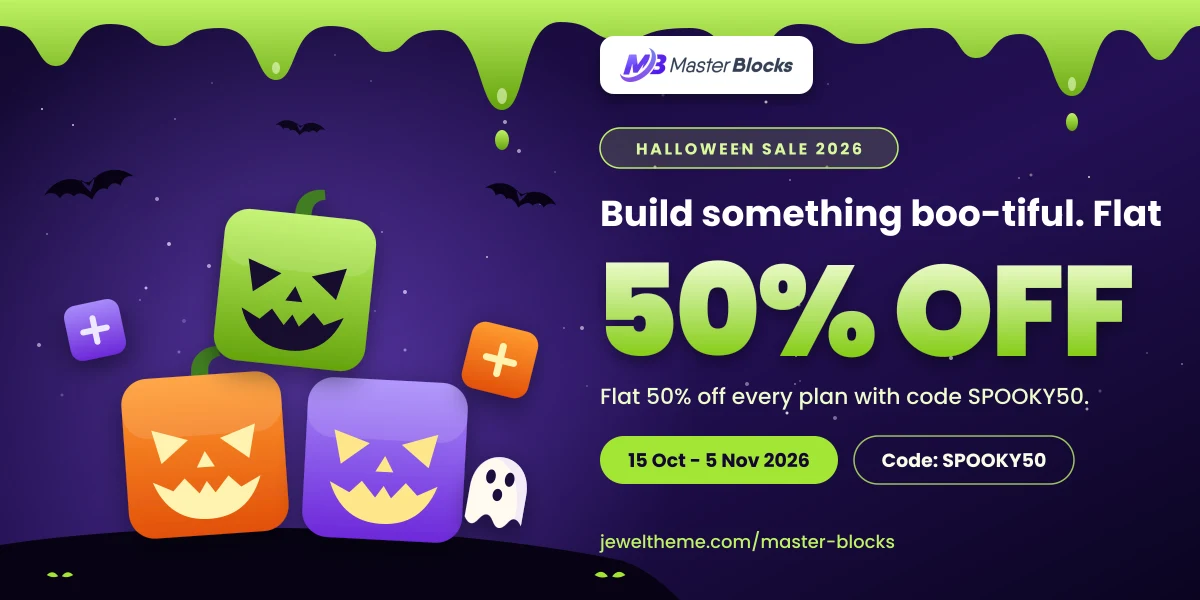
6. Master Blocks for Gutenberg: flat 50% off
40+ blocks and templates for the block editor: accordions, hero sections, calls to action and pricing tables you drop in and style, with no page builder involved.
Flat 50% off every plan
Coupon SPOOKY50
15 Oct to 5 Nov 2026
Best for: Block theme sites, and anyone moving landing pages off a page builder. It is the Gutenberg counterpart to Master Addons.

7. WP Spotlight: flat 50% off
A macOS-style search bar inside wp-admin. Type a few letters to jump to any post, page, setting or screen, and run actions from the same box: new post, add user, deactivate plugin.
Flat 50% off every plan
Coupon SPOOKY50
15 Oct to 5 Nov 2026
Best for: Anyone running a large site or several sites, where finding the settings screen takes longer than the change itself.
Some hand-picked Halloween deals
Four picks pulled out of the full list: the ones we would spend our own money on this October, plus one that has not been announced yet and is worth waiting for.

Subscriptions for WooCommerce Pro: 25% off
Sells physical, downloadable, simple and variable products on a recurring schedule, including curated or customizable subscription boxes, with upgrades, pauses and renewal emails you control.
25% off
Coupon SPOOKY
28 Oct to 3 Nov 2026
Best for: Stores adding recurring revenue. The sale opens on 28 October, so try the free version first.
WPManageNinja catalogue: up to 30% off
One brand covering forms, CRM, helpdesk, booking, community, project boards, tables and video: Fluent Forms, FluentCRM, Fluent Support, FluentBooking, FluentCommunity, FluentBoards, Ninja Tables, FluentPlayer and more. They integrate with each other, which is what makes buying two at once worth it.
Up to 30% off the whole catalogue
No code needed, applied at checkout
16 Oct to 2 Nov 2026
Best for: Anyone taking more than one of these. Put them in one checkout and the discount covers the lot.
Adminify Bundle: flat 20% off
Seven admin plugins on one lifetime licence: WP Adminify Pro, Loginfy, WP Spotlight, Admin Bar Editor, Admin Columns Editor, Header & Footer Scripts and Quick Menu. Three tiers, all lifetime, starting at $599 for 200 sites before the discount.
Flat 20% off every tier
Coupon HALLOWEEN20
15 Oct to 5 Nov 2026
Best for: Agencies running WP Adminify on client sites, or anyone who would otherwise buy two or three of these separately.
Astra theme: deal TBA
One of the most widely used WordPress themes, built to stay light and to work with Elementor, the block editor and Beaver Builder. Astra Pro adds the header and footer controls, layout options and WooCommerce features most builds end up wanting.
To be announced
To be announced
Not announced yet, expected late October
Best for: Anyone shopping for a starter theme. Brainstorm Force has not published Halloween pricing yet, so check back before the end of October.
Best WordPress theme Halloween deals
A theme decides how much of a build is already finished before you open the editor. These two sit at opposite ends of that: a focused catalogue for news and blog sites, and one multipurpose theme with ready demos for everything else.

8. Mystery Themes: up to 30% off
News, magazine, blog and store themes, with the coupon valid on every premium theme in the catalogue. The sale opens later than most on this page and closes on 7 November.
30% off annual plans, 15% off lifetime plans
Coupon MTHALLOWEEN
23 Oct to 7 Nov 2026
Best for: News and blog builds. Check the last-updated date on the exact theme you want before you pay.
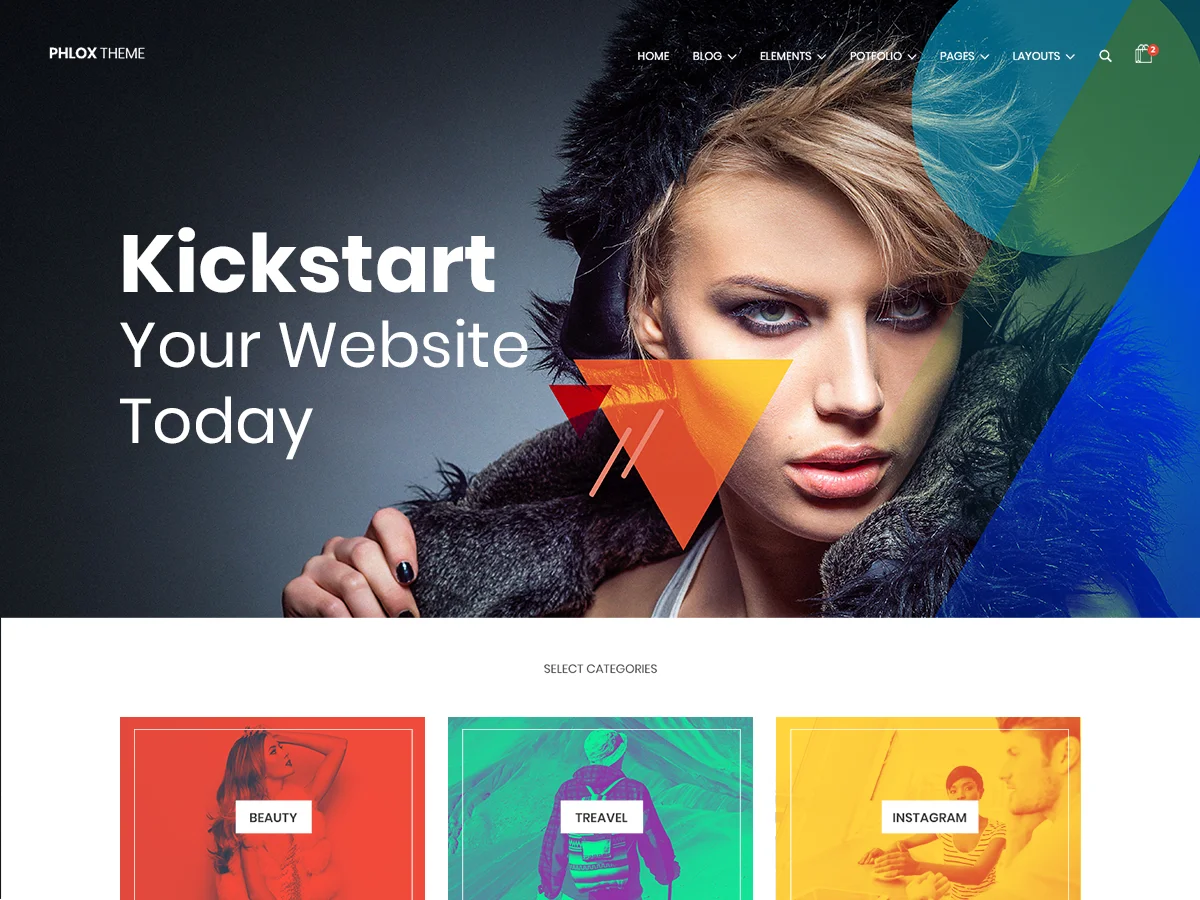
9. Phlox Pro: 35% off
A multipurpose theme with 300+ complete Elementor demos for corporate, agency, portfolio and WooCommerce sites, built to stay light.
35% off
No code needed, applied at checkout
19 Oct to 2 Nov 2026
Best for: Elementor builds that start from a demo. If you design every template yourself, a light starter theme does the same job.

10. Responsive Theme: 33% off sitewide
Lightweight theme from CyberChimps for business sites, portfolios, blogs, landing pages and WooCommerce stores. Start from a starter template, then change headers, footers, layouts, colors and typography in Gutenberg or Elementor without code. The free version is on WordPress.org, and the sale is on Responsive Pro.
33% off sitewide
Coupon HALLOWEEN33
26 Oct to 6 Nov 2026
Best for: building business sites, portfolios or WooCommerce stores from a starter template.

11. ThemeHunk Premium Themes: up to 50% off all themes
ThemeHunk’s premium WordPress themes, including Shop Mania, Zita, Top Store and Open Shop. Every theme in the lineup is part of the Halloween sale.
Up to 50% off all themes
No code needed, applied at checkout
26 Oct to 5 Nov 2026
Best for: anyone who already uses a ThemeHunk theme such as Shop Mania or Zita and wants the premium version.
Best form, CRM and email Halloween deals
This is the group that turns traffic into contacts and payments. Between them they cover form building, self-hosted email marketing, branded store emails, payment and donation collection, and running your own affiliate program inside WordPress.
12. Fluent Forms: up to 30% off
The lightest of the big form builders, with conditional logic, multi-step forms and payment fields built in. A form still needs somewhere to appear: our Popup Builder puts one in a modal or a bar with exit-intent and scroll triggers.
Up to 30% off
No code needed, applied at checkout
16 Oct to 2 Nov 2026
Best for: New form builds. If your team already knows WPForms, retraining to save $40 is a bad trade.
13. FluentCRM: flat 30% off
Self-hosted email marketing and automation inside WordPress, so your list size stops being a monthly bill. Pair it with a Countdown Timer on the offer page and the signup rate moves.
Flat 30% off
No code needed, applied at checkout
16 Oct to 2 Nov 2026
Best for: Lists under roughly 50,000 contacts. Above that, a dedicated platform handles deliverability better.
14. Paymattic: up to 30% off
Payments and donations without a full store: payment forms from templates, 14 payment methods, 157+ currencies, subscriptions and customer management.
Up to 30% off
No code needed, applied at checkout
16 Oct to 2 Nov 2026
Best for: Donation sites and one-off payments. If you already run Fluent Forms, check whether you need a second plugin.
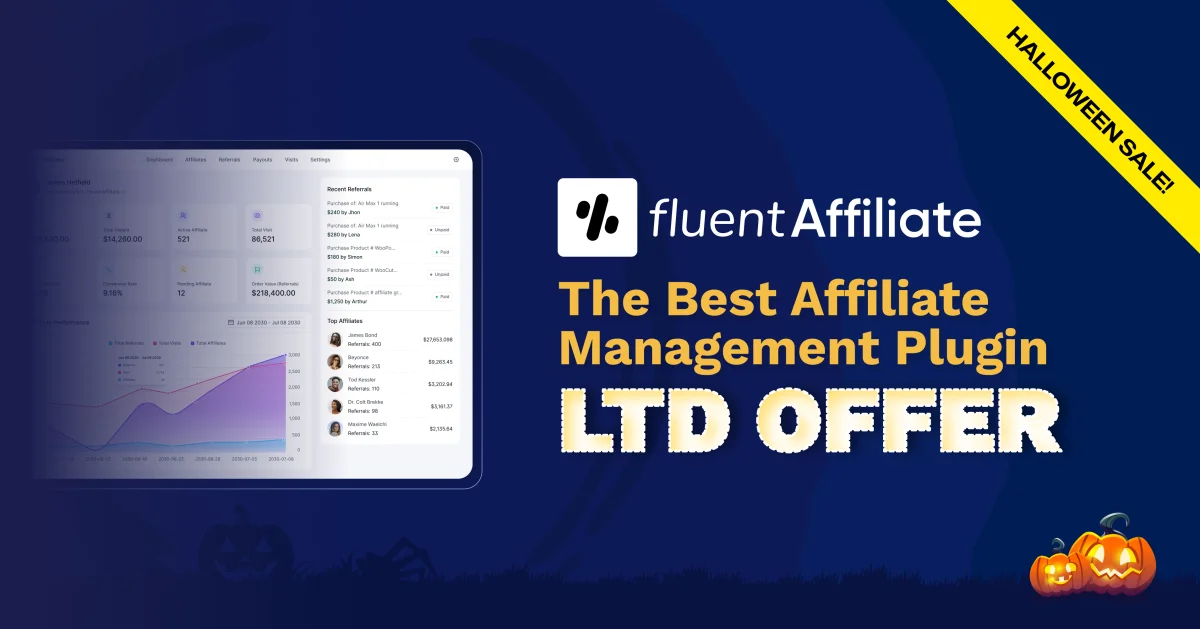
15. FluentAffiliate: exclusive lifetime deal
Runs your own affiliate program from WordPress: affiliate onboarding, visit tracking, commission payouts and eCommerce integrations.
Exclusive lifetime deal
No code needed, applied at checkout
From 16 Oct 2026, no fixed end date
Best for: Anyone selling a plugin, theme or course. Skip it if your marketplace already runs the program for you.
16. MetForm: up to 55% off
A form builder that runs inside Elementor: contact, multi-step, conditional, quiz and calculation forms, with 39+ field types and 40+ templates. Form Analytics shows views, submissions and conversion rate for each form.
Up to 55% off
No code needed, applied at checkout
21 Oct to 8 Nov 2026
Best for: Elementor sites that need conditional or calculation forms and want to see which ones convert.

17. EmailKit: up to 35% off
A drag-and-drop editor for WordPress and WooCommerce emails, with 25+ design elements and 32+ templates for orders, refunds, invoices and stock updates. You see a live preview as you edit, and it works with the common SMTP and marketing plugins.
Up to 35% off
No code needed, applied at checkout
21 Oct to 8 Nov 2026
Best for: Stores still sending the plain default WooCommerce order emails.

18. MailerHub: 50% off the Enterprise lifetime deal
Email marketing and automation for WordPress and WooCommerce. Send campaigns, recover abandoned carts and run drip sequences from your dashboard.
50% off the Enterprise lifetime deal
No code needed, applied at checkout
17 Oct to 5 Nov 2026
Best for: WooCommerce stores that want email campaigns and abandoned cart recovery inside WordPress.
Best Elementor addon Halloween deals
An addon pack adds the widgets Elementor does not ship with. One pack is usually enough on a site, so pick the one whose widgets you will actually place on a page. Widget counts look impressive and most of them go unused.
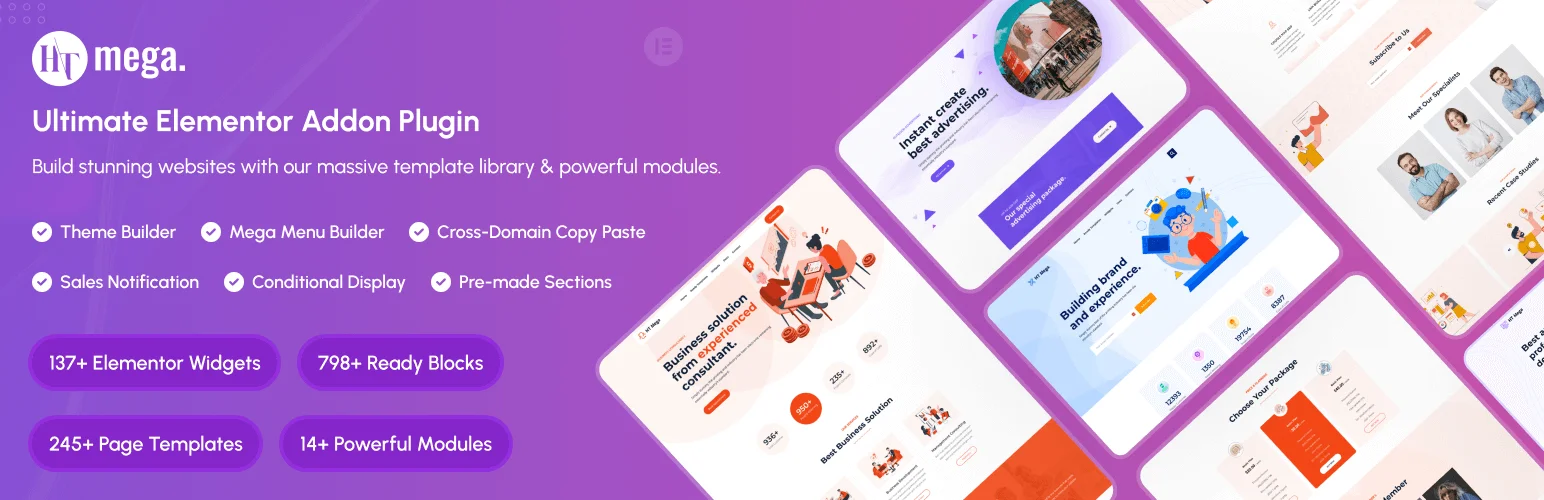
19. HT Mega Addons: flat 60% off
An Elementor addon pack with a strong WooCommerce widget set, at the deepest flat discount in this category. For single product blocks our Featured Product widget covers the same job without a second suite.
Flat 60% off
No code needed, applied at checkout
19 Oct to 3 Nov 2026
Best for: First addon pack on a new build. Test it on staging before a production client site.
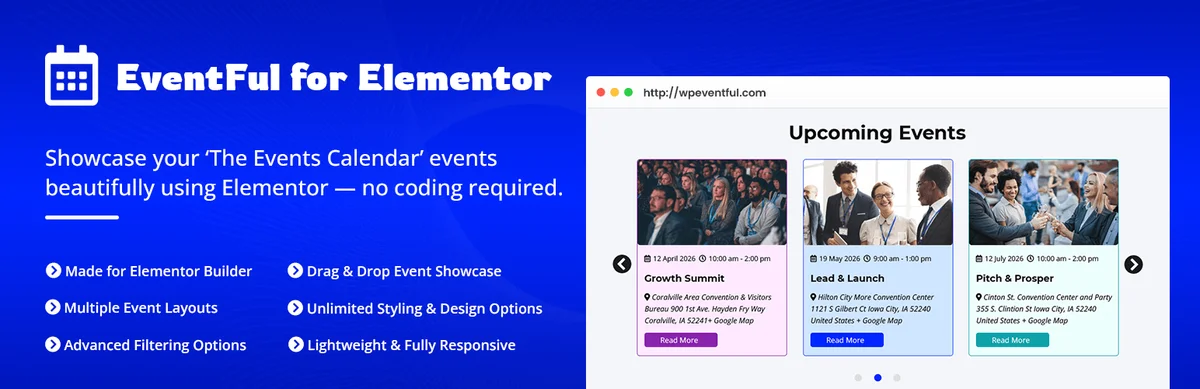
20. Eventful for Elementor: up to 70% off
Event widgets for Elementor that read from The Events Calendar: grid, list and carousel layouts, an AJAX filter bar with keyword and date search, load more or infinite scroll. It runs on the free versions of both Elementor and The Events Calendar.
Up to 70% off
No code needed, applied at checkout
20 Oct to 5 Nov 2026
Best for: Sites already running The Events Calendar. Everything here depends on it.

21. ElementsKit: up to 55% off
An Elementor addon with 100+ widgets, 20+ modules, a header and footer builder and a mega menu builder. Version 4.0 brought the widget output in line with WCAG 2.1, and the Pro plan adds a custom widget builder and 3,000+ icons.
Up to 55% off
No code needed, applied at checkout
21 Oct to 8 Nov 2026
Best for: Sites that want the mega menu and the header builder to come from the same addon.
Best chat and visitor engagement Halloween deals
Chat widgets and social proof speak to the visitor who is almost ready to buy. Pick the channel your customers already use. Three different bubbles in the same corner of the screen help nobody.
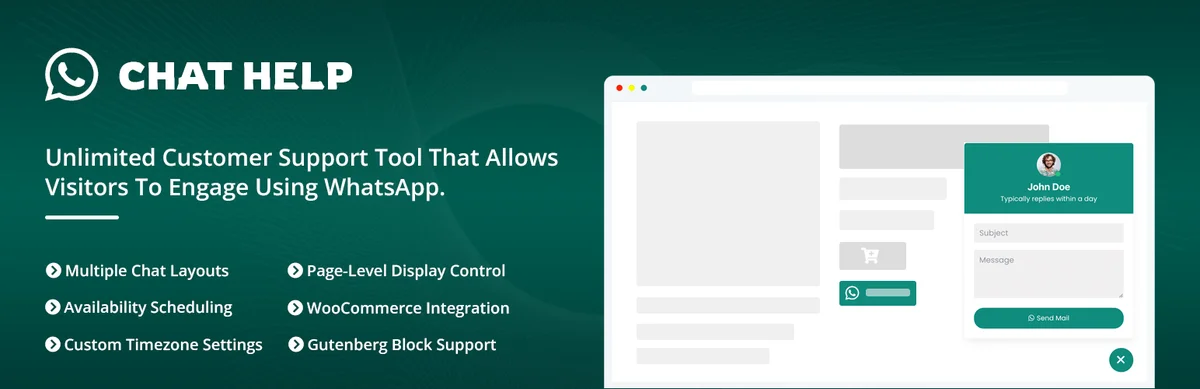
22. WhatsApp Chat Help: up to 70% off
One-click WhatsApp chat with a personal number, a Business account or a group, with agent schedules and pre-filled messages. The WooCommerce side is the reason to pay: buttons on shop, product, cart, checkout and thank-you pages, with product details dropped into the message.
Up to 70% off
No code needed, applied at checkout
20 Oct to 5 Nov 2026
Best for: Stores whose customers already use WhatsApp. A chat button nobody taps is clutter.
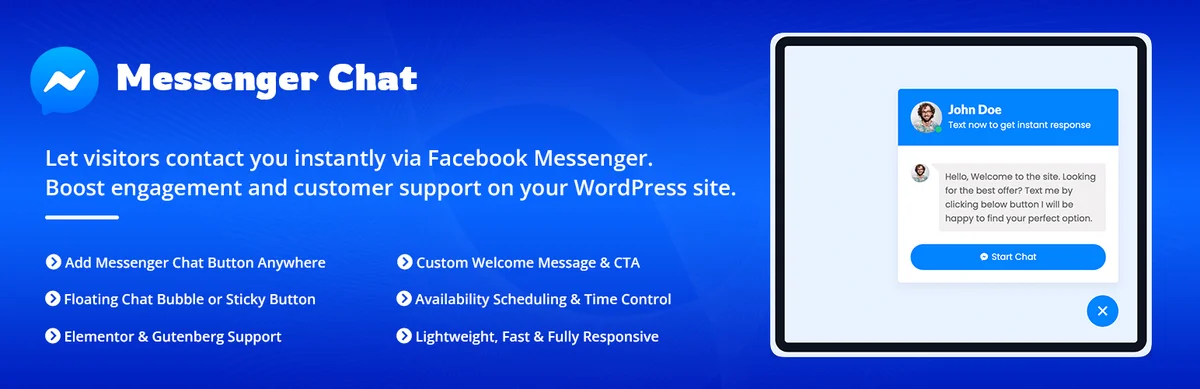
23. Better Chat Support: up to 70% off
The Messenger version of the same idea: a chat bubble with one agent or a list, availability hours per agent with an offline message, plus a lead form and its own analytics dashboard.
Up to 70% off
No code needed, applied at checkout
20 Oct to 5 Nov 2026
Best for: Audiences on Facebook. Buy the chat channel your customers already have open, not both.
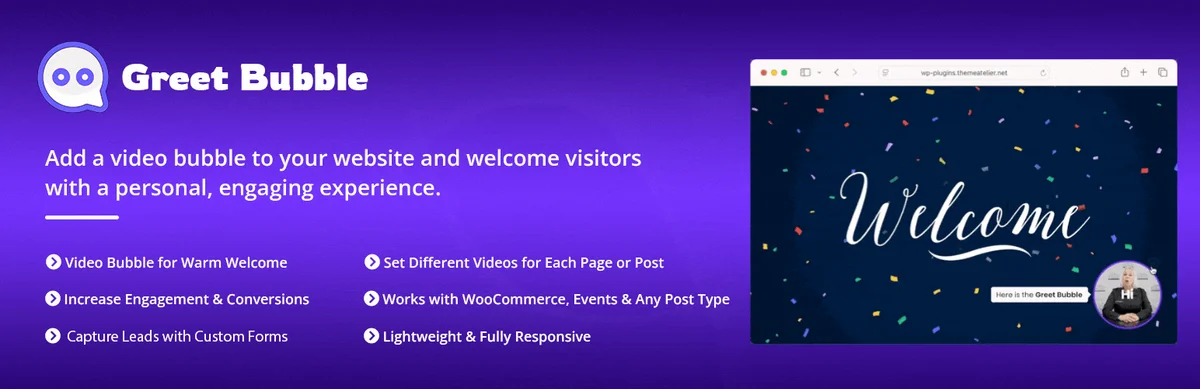
24. Greet Bubble: up to 70% off
Plays a personal welcome video in a floating bubble or a popup, with buttons that open a link, start a WhatsApp chat or show a Contact Form 7, Fluent Forms or Gravity Forms form. A different video per page, post or product.
Up to 70% off
No code needed, applied at checkout
20 Oct to 5 Nov 2026
Best for: Teams who will actually record the clips. Try the free version on staging first.

25. WP Social Ninja: up to 30% off
Feeds, reviews and chat in one plugin across 30+ platforms: Instagram, Facebook, YouTube and TikTok feeds, reviews from Google, WooCommerce and Yelp, plus testimonials and WhatsApp or Messenger widgets.
Up to 30% off
No code needed, applied at checkout
16 Oct to 2 Nov 2026
Best for: Sites that want feeds and reviews as well as a chat button. For one Instagram feed alone, a free plugin is enough.
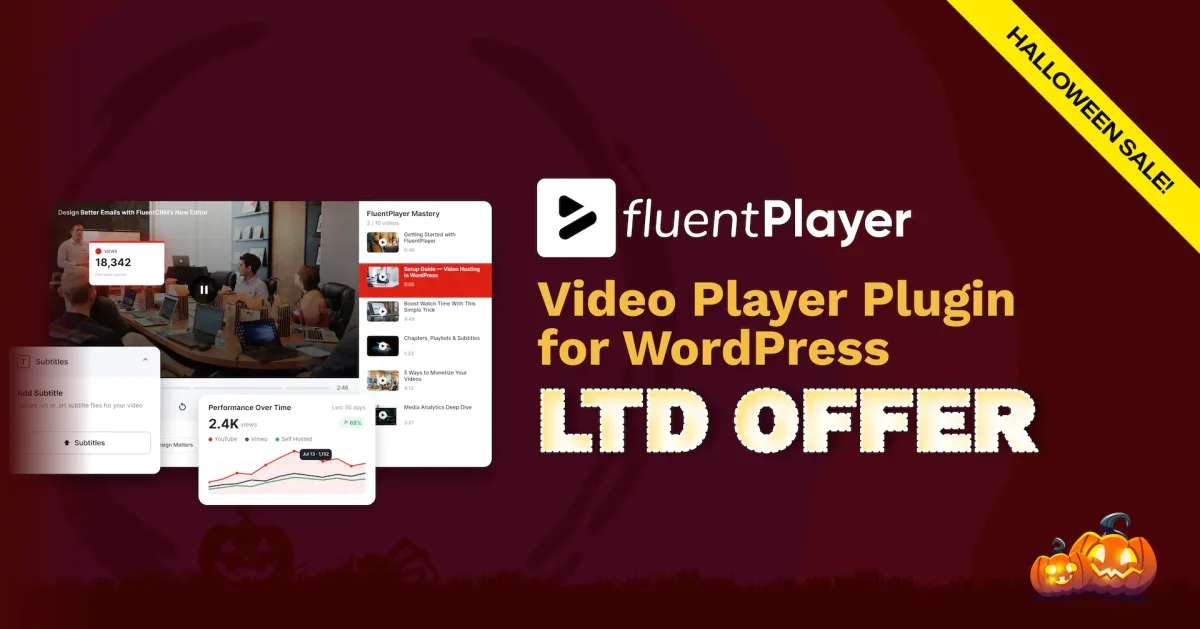
26. FluentPlayer: exclusive lifetime deal
A video player built for selling: streams from Bunny, Mux or Gumlet, shows CTAs that change with the viewer, and reports where people drop off. This one is sold as a lifetime licence rather than a yearly plan.
Exclusive lifetime deal
No code needed, applied at checkout
From 16 Oct 2026, no fixed end date
Best for: Course and funnel videos you want to own the data on. It can close without warning, so decide early.
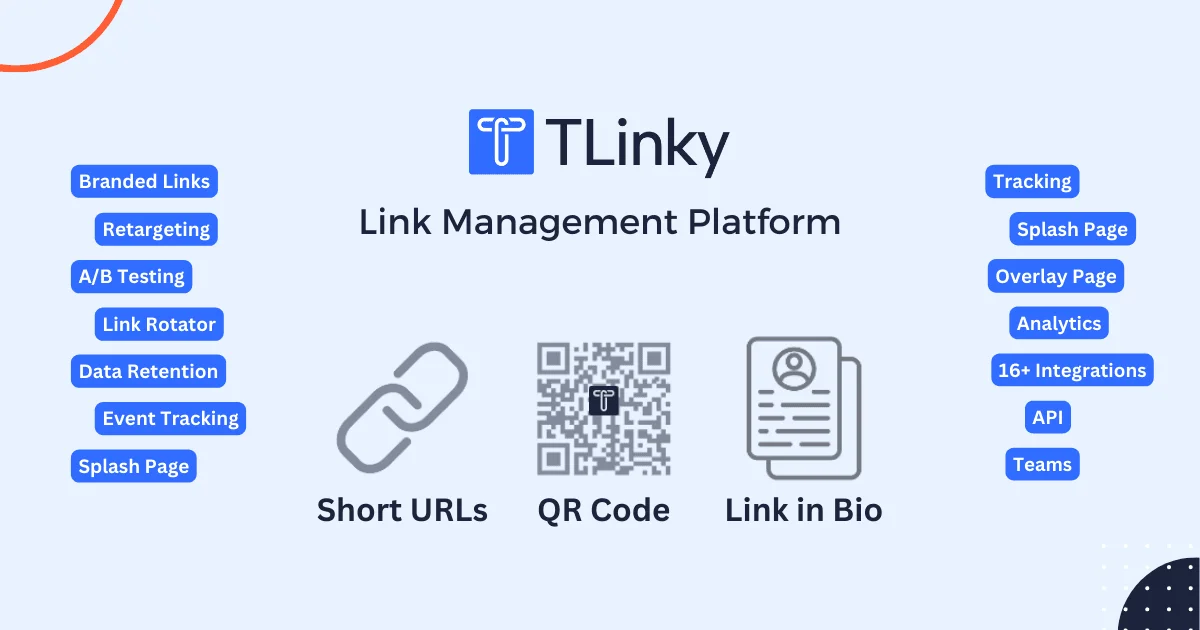
27. TLinky: flat 50% off
A hosted link manager rather than a WordPress plugin: branded short links, dynamic QR codes (14+ types, with bulk generation) and a Link in Bio page with 45+ widgets, plus click analytics, retargeting, geo and device targeting and A/B testing.
Flat 50% off all plans
Coupon SPOOKY50
17 Oct to 7 Nov 2026
Best for: Marketers who share a lot of links in social posts, print and email. If you only need a few short links, a free shortener covers it.

28. WP Social: up to 35% off
Social share buttons, social counters, social login and a login page customizer in one plugin. Sharing covers 15 platforms with 54+ layouts, social login works on WooCommerce pages too, and the login page has 10+ templates.
Up to 35% off
No code needed, applied at checkout
21 Oct to 8 Nov 2026
Best for: Stores and membership sites that want social login and share buttons from a single plugin.

29. WP Ultimate Review: up to 35% off
Collects reviews and ratings on posts, pages, products or any custom post type and displays them as points, stars, percentages or pie charts. Review limits help keep spam and fake reviews off the page.
Up to 35% off
No code needed, applied at checkout
21 Oct to 8 Nov 2026
Best for: Review blogs that need ratings on custom post types, not only on WooCommerce products.
Best booking, support, community and project management Halloween deals
Each of these replaces a per-seat subscription with something that runs inside WordPress: appointment scheduling, a helpdesk, a community platform and project boards.
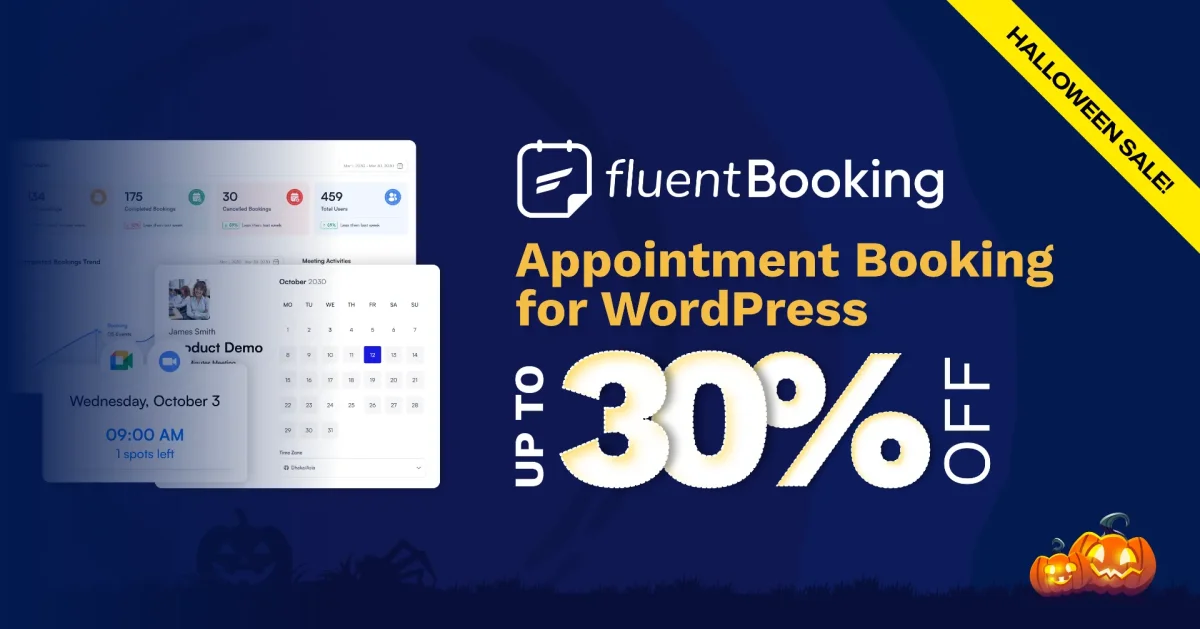
30. FluentBooking: up to 30% off
Appointment booking built around what happens after the booking: calendar sync, every booking as a CRM contact, email and SMS, payments and 25+ integrations.
Up to 30% off
No code needed, applied at checkout
16 Oct to 2 Nov 2026
Best for: Teams already on FluentCRM. For a single book-a-call link, a free scheduler is enough.
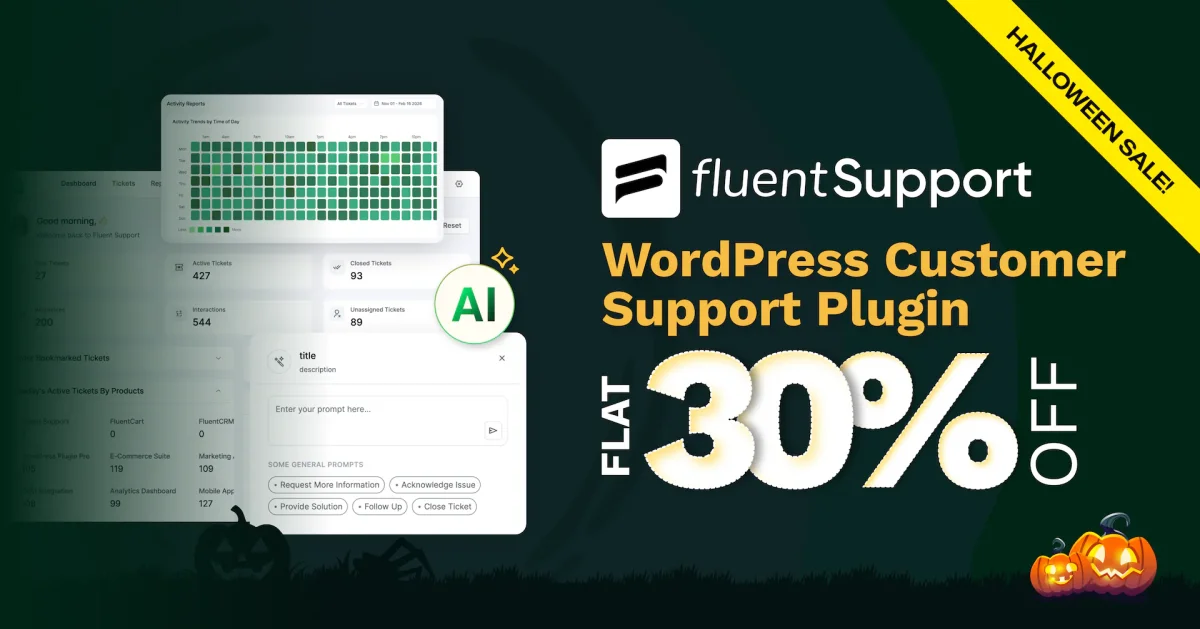
31. Fluent Support: flat 30% off
A helpdesk inside WordPress with unlimited agents and tickets at no extra cost, email piping, AI-assisted replies and workflow automation. No per-seat pricing is the part to compare.
Flat 30% off
No code needed, applied at checkout
16 Oct to 2 Nov 2026
Best for: Growing support teams. Skip it if years of ticket history already live in a hosted helpdesk.
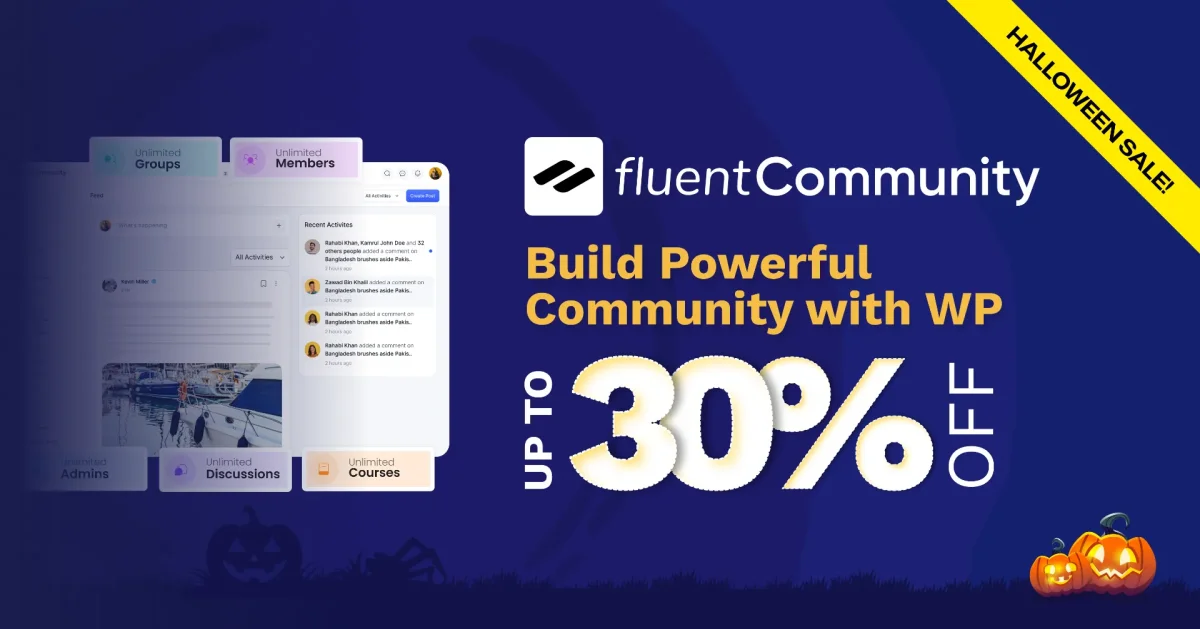
32. FluentCommunity: up to 30% off
Runs a community and courses inside WordPress: real-time chat, groups, activity feeds, polls, leaderboards and surveys from one dashboard.
Up to 30% off
No code needed, applied at checkout
16 Oct to 2 Nov 2026
Best for: Community-first membership sites. For graded quizzes and certificates you still want a full LMS.
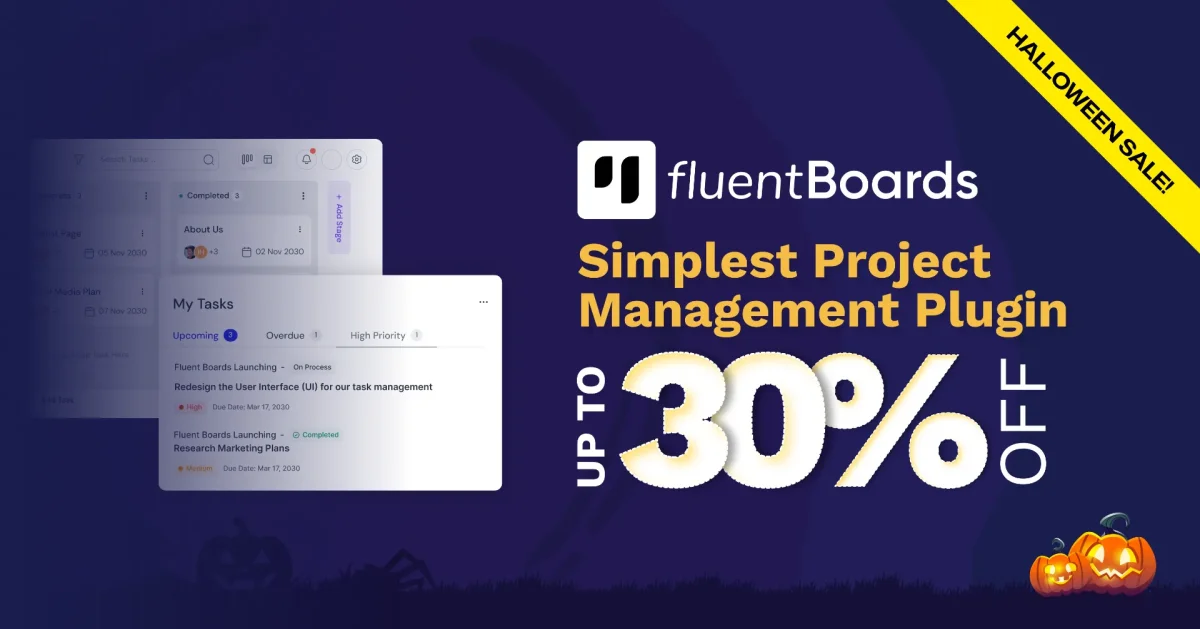
33. FluentBoards: up to 30% off
Project management in WordPress with unlimited assignees and no per-seat fees: Kanban, List, Table, Calendar and Gantt views, @mentions, templates and recurring tasks.
Up to 30% off
No code needed, applied at checkout
16 Oct to 2 Nov 2026
Best for: Teams already working inside WordPress. Moving a team off Trello or Asana is harder than moving the data.
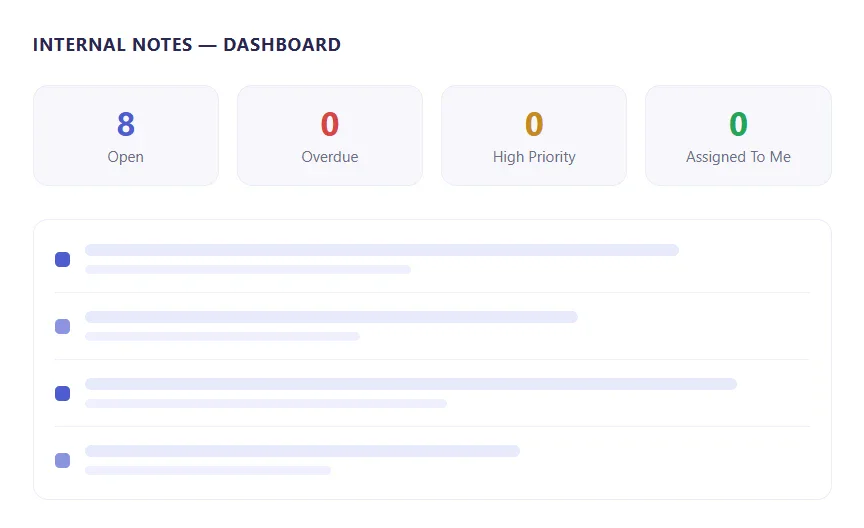
34. Skyboot Internal Note: flat 30% off
A private notes layer for WordPress: your team leaves notes on posts, pages and WooCommerce products from inside the Block or Classic editor, and nothing shows on the live site. Notes get an assignee, a priority and a due date, and one dashboard lists what is open or overdue.
Flat 30% off all plans
Coupon SPOOKY30
25 Oct to 7 Nov 2026
Best for: Agencies and content teams who review drafts inside WordPress. If your feedback already lives in a project tool everyone uses, you may not need a second place for it.

35. Rox Appointment Booking: up to 55% off
Customers book through a step-by-step panel while you manage services, staff, schedules, payments and customers from one dashboard. Deposits, coupons, group bookings and Google Calendar and Meet sync are built in, and with WPML or Polylang the booking emails go out in the customer’s language.
Up to 55% off
No code needed, applied at checkout
21 Oct to 8 Nov 2026
Best for: Salons, clinics, yoga studios and event organisers. Each of those gets its own starter template.
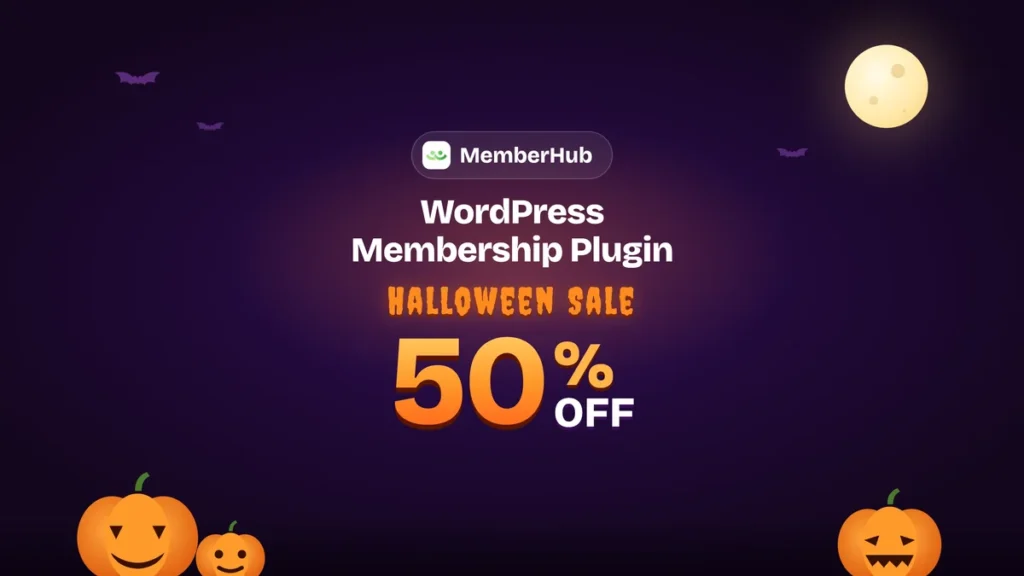
36. MemberHub: 50% off the Enterprise lifetime deal
Membership plugin for WordPress. Restrict content, sell tiered memberships, drip content, manage courses and handle subscriptions without writing code.
50% off the Enterprise lifetime deal
No code needed, applied at checkout
17 Oct to 5 Nov 2026
Best for: sites that sell memberships, gated content or courses.

37. MenuBook: 50% off the Enterprise lifetime deal
WPBens’ new restaurant plugin. Guests build set menus by picking items from each group and adding extras, and you can take dine-in and takeaway orders and table reservations on your own site.
50% off the Enterprise lifetime deal
No code needed, applied at checkout
17 Oct to 5 Nov 2026
Best for: restaurants that want online ordering and table bookings on their own site.
Best slider and popup builder Halloween deals
Sliders and popups are where a page asks for attention. All three tools here build in a visual editor on top of templates, so most of the work goes into layout and timing.

38. Depicter: up to 70% off
Popups, sliders, carousels, surveys and hero sections with 1,000+ templates and an AI builder. The popup side carries most of the use cases: exit-intent offers, cart recovery, announcement bars and coupons.
Up to 70% off
No code needed, applied at checkout
19 Oct to 2 Nov 2026
Best for: Sites without a popup tool yet. If you build in Elementor with Master Addons, check Popup Builder before buying a second one.

39. Master Slider: 35% off
A responsive image and video slider with touch navigation and hardware-accelerated transitions, built to stay light across themes and devices. The deal is on the premium version sold through CodeCanyon.
35% off
No code needed, applied at checkout
19 Oct to 2 Nov 2026
Best for: Standalone sliders outside a page builder. Inside Elementor, our Image Carousel widget covers simple cases.

40. PopupKit: up to 35% off
Builds popups, WooCommerce banners, floating bars and notification bars inside Gutenberg. It has 270+ templates, gamified popups such as Spin-to-Win, and multi-step campaigns.
Up to 35% off
No code needed, applied at checkout
21 Oct to 8 Nov 2026
Best for: Block editor sites collecting emails or trying to win back abandoned carts.
Best content, media and product showcase Halloween deals
These turn a list of things you sell or recommend into cards a reader can scan, compare and click.

41. AzonPress: up to 30% off
Turns ebooks, templates and downloads into product cards and lists that point at your own checkout or download pages, with affiliate recommendations alongside and click tracking on every link.
Up to 30% off
No code needed, applied at checkout
16 Oct to 2 Nov 2026
Best for: Digital product and review sites. For a simple comparison block in Elementor, our Comparison Table widget is enough.

42. Ninja Drive: flat 25% off
Connects Google Drive to WordPress so you can browse, manage and share Drive files from the dashboard. Embed PDFs and Docs, stream video and audio, show Drive images in a gallery and let visitors upload straight to Drive. Pro adds two-way Media Library sync and a Ninja Forms uploader.
Flat 25% off
Coupon HW26
25 Oct to 5 Nov 2026
Best for: freelancers and agencies that share large files with clients through Google Drive.
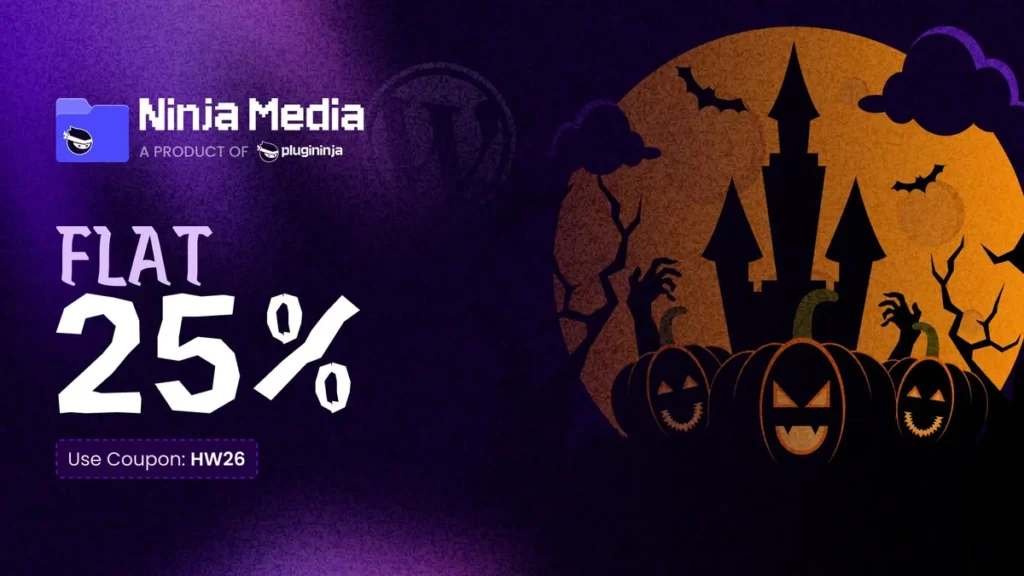
43. Ninja Media: flat 25% off
Media folder plugin that sorts a messy media library into folders you can drag files into. You also get color-coded folders, folder search, image watermarks, safe SVG uploads and WebP conversion on upload, and it works with Elementor, Gutenberg, Divi and Contact Form 7.
Flat 25% off
Coupon HW26
25 Oct to 5 Nov 2026
Best for: sites with a big, messy media library.
Best WooCommerce and data Halloween deals
Store work splits into two jobs: how products look and how the checkout behaves. These seven cover storefront templates and page builders, data and product tables, checkout fields and pricing rules, subscriptions, and a WooCommerce alternative.
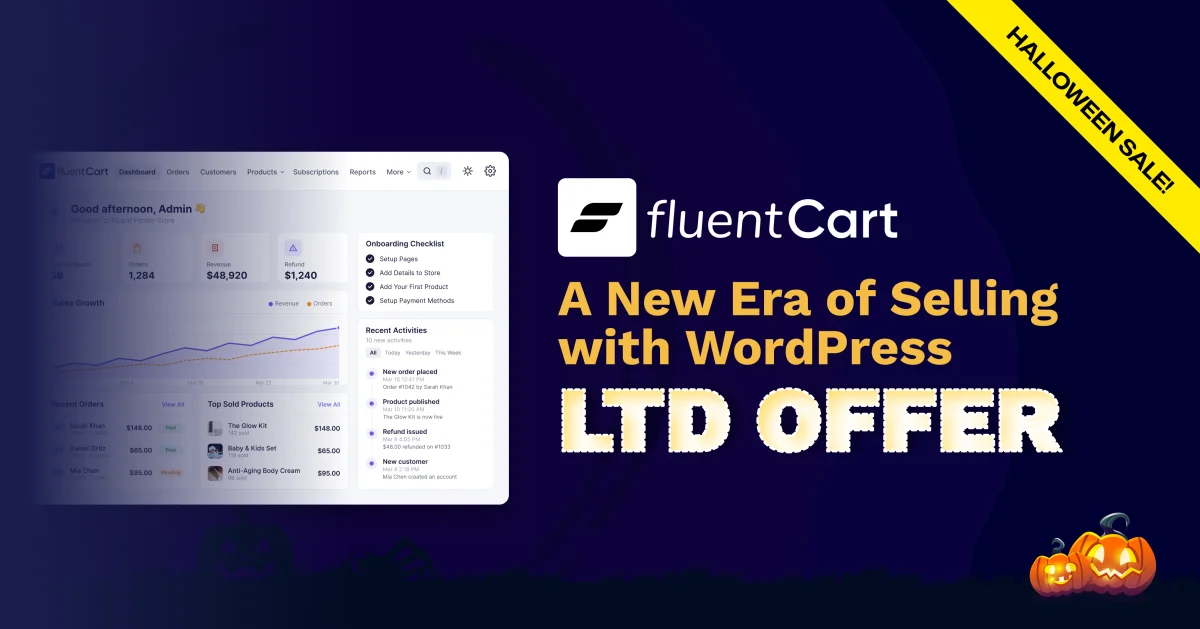
44. FluentCart: exclusive lifetime deal
WPManageNinja’s own eCommerce plugin, a WooCommerce alternative rather than an add-on: physical and digital products, hybrid listings, subscriptions and memberships.
Exclusive lifetime deal
No code needed, applied at checkout
From 16 Oct 2026, no fixed end date
Best for: New stores starting fresh. A lifetime licence is not a reason to move an existing Woo store with a stack of extensions.
45. ShopLentor: flat 50% off
WooCommerce template building for Elementor and Gutenberg: product pages, shop archives, cart and checkout layouts. The screen most stores forget is the login, and Loginfy brands that in about five minutes.
Flat 50% off
No code needed, applied at checkout
19 Oct to 3 Nov 2026
Best for: Stores rebuilding product and shop templates. Skip it if your theme’s Woo templates already work.
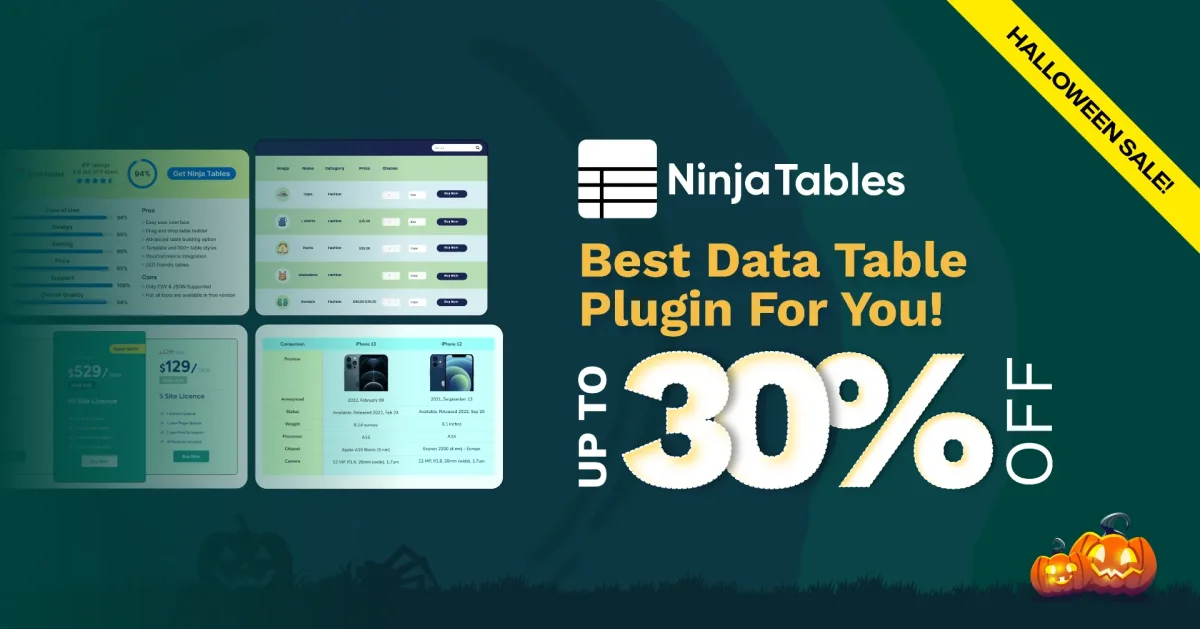
46. Ninja Tables: up to 30% off
Sortable, filterable, responsive data tables. Relevant if you publish comparison content, since a plain HTML table stops being manageable somewhere around 30 rows.
Up to 30% off
No code needed, applied at checkout
16 Oct to 2 Nov 2026
Best for: Long or frequently edited tables. For short static ones, our Dynamic Table widget covers it inside Elementor.

47. Acowebs WooCommerce plugins: flat 25% off
A dozen WooCommerce plugins discounted together, including Product Addons, Checkout Field Editor, Dynamic Pricing with Discount Rules, PDF Invoices, Product Labels and Variation Swatches. The shortest window on this page, so it is a two-day decision.
Flat 25% off the whole catalogue
Coupon ACOWEEN
30 and 31 Oct 2026 only
Best for: Stores that need two or three of the bigger plugins. Check the last-updated date on the smaller ones first.

48. ShopEngine: up to 35% off
A WooCommerce builder for Elementor and Gutenberg with 70+ widgets, 20+ modules and 40+ templates for the shop, product, cart and checkout pages. Product comparison, wishlist, variation swatches, pre-orders, quick view and a flash sale countdown are all in the module list.
Up to 35% off
No code needed, applied at checkout
21 Oct to 8 Nov 2026
Best for: WooCommerce stores redesigning their product and checkout pages before the Black Friday rush.
49. TableKit: up to 35% off
A table builder for the block editor and Elementor that handles data, WooCommerce product, post, comparison and pricing tables. Any block can sit inside a cell, and table data can sync from Google Sheets, JSON or a REST API.
Up to 35% off
No code needed, applied at checkout
21 Oct to 8 Nov 2026
Best for: Stores that want a product table with an Add to Cart button on every row.
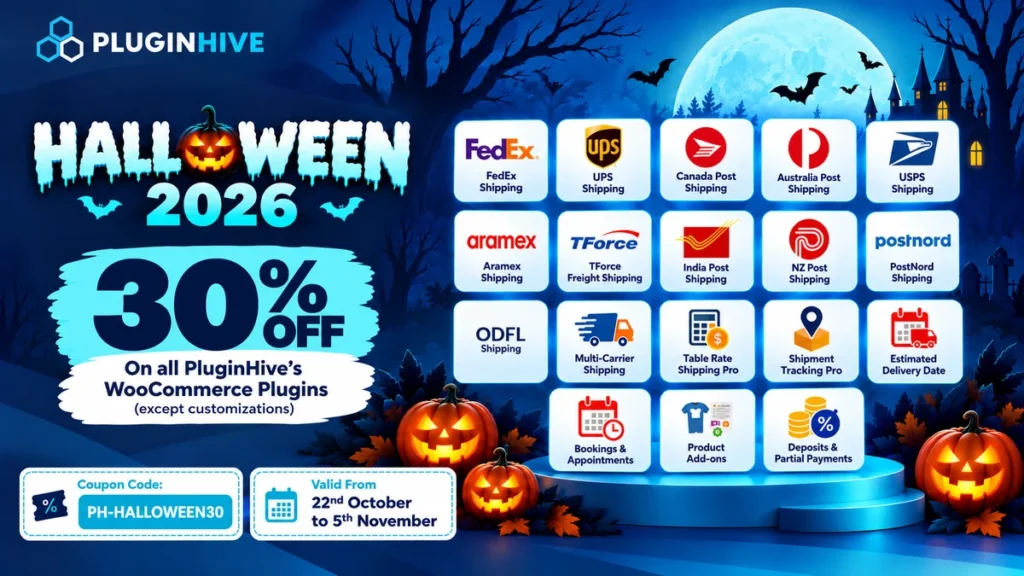
50. PluginHive WooCommerce plugins: 30% off all WooCommerce plugins
WooCommerce shipping plugins with carrier support for FedEx, UPS, USPS, Canada Post, Australia Post and more, plus table rate shipping, shipment tracking and estimated delivery dates. The sale also covers Bookings and Appointments, Product Add-ons and Deposits and Partial Payments. Custom work isn’t included.
30% off all WooCommerce plugins
Coupon PH-HALLOWEEN30
22 Oct to 5 Nov 2026
Best for: WooCommerce stores that ship physical products with carriers like FedEx, UPS or USPS.

51. ThemeHunk Premium Plugins: up to 50% off all plugins
ThemeHunk’s WordPress and WooCommerce plugins, including Store One, Advance Search, All in One Woo Cart, Lead Form Builder and Variation Swatches. The whole plugin lineup is on sale.
Up to 50% off all plugins
No code needed, applied at checkout
26 Oct to 5 Nov 2026
Best for: WooCommerce stores that want better product search, a better cart and variation swatches.

52. Filter Plus: 50% off the Enterprise lifetime deal
AJAX filters for WooCommerce products and WordPress posts. Visitors filter by price, attributes, categories and more without a page reload, and the filtered results stay SEO-friendly.
50% off the Enterprise lifetime deal
No code needed, applied at checkout
17 Oct to 5 Nov 2026
Best for: shops with big catalogs where customers need to narrow down products fast.

53. Discountify: 50% off the Enterprise lifetime deal
WooCommerce discount plugin for dynamic pricing, BOGO offers, bulk and role-based discounts and auto-applied coupons, all set up from one dashboard.
50% off the Enterprise lifetime deal
No code needed, applied at checkout
17 Oct to 5 Nov 2026
Best for: stores that run BOGO, bulk or role-based pricing.
54. Quicker: 50% off the Enterprise lifetime deal
Checkout plugin for WooCommerce. Edit checkout fields, turn on one-click orders and add product add-ons, order bumps and extra fees to cut down on abandoned carts.
50% off the Enterprise lifetime deal
No code needed, applied at checkout
17 Oct to 5 Nov 2026
Best for: stores trying to cut checkout friction and abandoned carts.
55. Advanced Coupons: 50% off all plugins
Extends WooCommerce coupons with BOGO deals, gift coupons, store credit, gift cards, loyalty programs and product badges.
50% off all plugins
No code needed, applied at checkout
29 to 31 Oct 2026 only
Best for: stores that run promotions beyond a basic percentage-off coupon.

56. AdTribes: 50% off all licenses
WooCommerce product feed plugin. It sends unlimited products to 250+ channels, Google Shopping and Facebook included.
50% off all licenses
No code needed, applied at checkout
29 to 31 Oct 2026 only
Best for: stores that advertise their products on Google Shopping, Facebook or other shopping channels.
57. Wholesale Suite: 50% off all plugins and bundles
Wholesale plugin for WooCommerce. It brings wholesale pricing and ordering into your store, so the wholesale side stops living in spreadsheets.
50% off all plugins and bundles
No code needed, applied at checkout
29 to 31 Oct 2026 only
Best for: stores that sell to both retail and wholesale customers.

58. WC Vendors: 50% off all plans
Multi-vendor marketplace plugin for WooCommerce, for Amazon or Etsy-style stores. Vendors get their own tools, and you get extensive shipping options and 100+ payment methods.
50% off all plans
No code needed, applied at checkout
29 to 31 Oct 2026 only
Best for: anyone building a marketplace where other sellers list their own products.
59. SaveTo Wishlist: 50% off all plans
Wishlist plugin for WooCommerce. Shoppers save products and come back to buy them later, so fewer carts get abandoned. The free Lite version handles the lists, Pro adds analytics and automations, and an add-on turns lists into gift registries.
50% off all plans
No code needed, applied at checkout
29 to 31 Oct 2026 only
Best for: stores where shoppers browse now and buy later.
60. Visser Labs: $10 off each plugin
Focused WooCommerce plugins. Store Exporter Deluxe runs filtered, scheduled exports of your store data to CSV, XLS or XML. Checkout Guard blocks spam orders by email, name or IP address.
$10 off each plugin
No code needed, applied at checkout
29 to 31 Oct 2026 only
Best for: stores that need regular data exports or keep getting spam orders.
Best events, dark mode and domain sales Halloween deals
Single-job plugins, each doing one thing properly: event layouts, dark mode across the site and admin, and selling domain names from your own site.
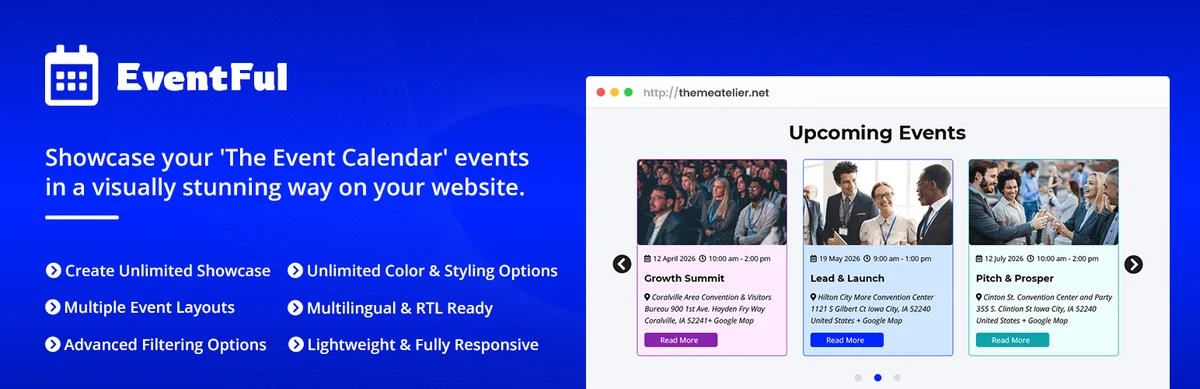
62. Eventful: up to 70% off
An add-on for The Events Calendar that shows events as carousels, grids, lists, timelines, tables or accordions, with a live AJAX filter bar and a shortcode generator. Works with Gutenberg, Elementor and Divi.
Up to 70% off
No code needed, applied at checkout
20 Oct to 5 Nov 2026
Best for: Sites that need event layouts outside a single page builder. Pure Elementor builds want Eventful for Elementor instead.
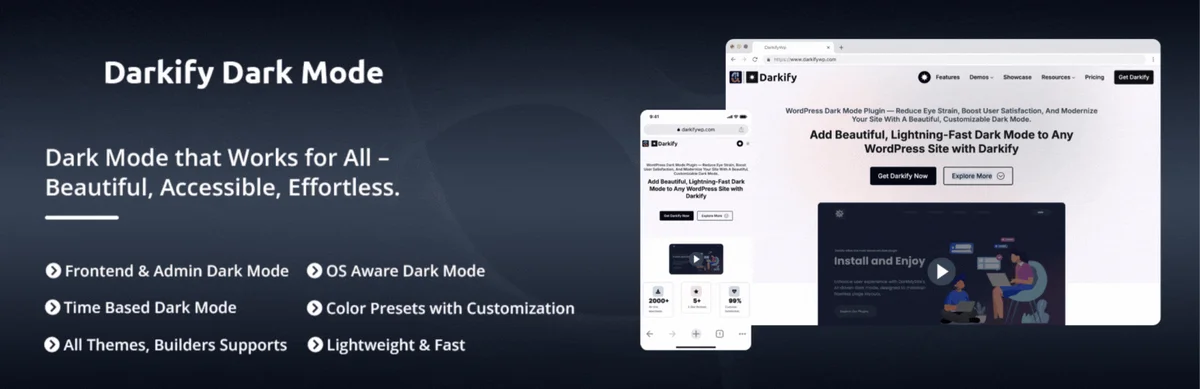
63. Darkify: up to 70% off
Adds a dark mode switch to the front end, wp-admin and the block editor without code: 16 switch styles, 11 colour presets, OS-based or scheduled switching, and separate controls for images and video.
Up to 70% off
No code needed, applied at checkout
20 Oct to 5 Nov 2026
Best for: Front-end dark mode. For wp-admin only, WP Adminify already includes an admin dark mode.
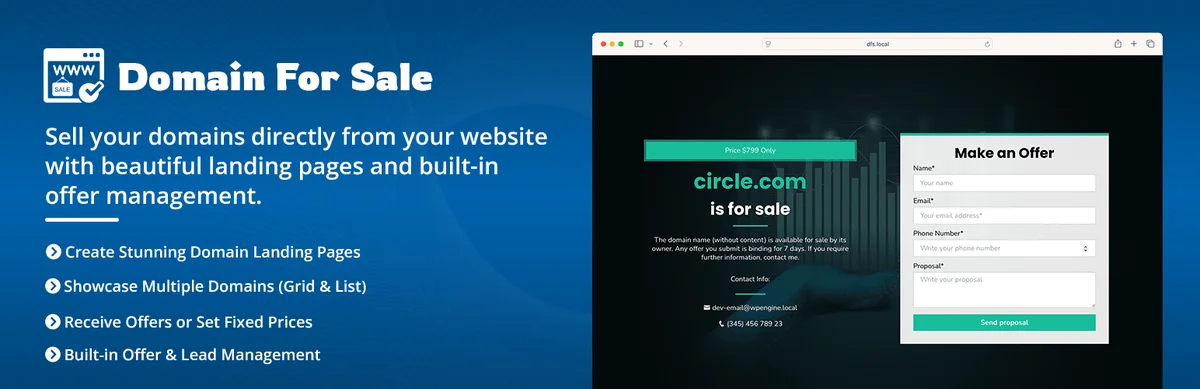
64. Domain For Sale: up to 70% off
Turns a WordPress site into your own domain marketplace with no marketplace commission: landing pages per domain, searchable listings, fixed price, offers or bidding, Escrow.com payments and domain mapping.
Up to 70% off
No code needed, applied at checkout
20 Oct to 5 Nov 2026
Best for: Domain investors holding enough names that marketplace commissions add up.
Best WordPress maintenance service Halloween deal
The one entry on this page where you pay people instead of installing something.

65. Yellow Coder WordPress maintenance: 50% off
A maintenance service rather than a plugin: security monitoring, automated daily backups and performance tuning handled by their team. The longest window on this page, running to the end of December.
50% off complete maintenance plans
No code needed, applied at checkout
1 Oct to 31 Dec 2026
Best for: Site owners who keep postponing updates and backups. Ask what a plan costs after the sale price ends.
Best block editor, custom fields, AI and bundle Halloween deals
These four do not fit the groups above. GutenKit is for sites built in the block editor, Dynamic Fields Engine builds custom post types and fields without code, GetGenie AI writes and scores content, and the Wpmet Bundle puts a whole plugin catalogue on one licence at up to 83% off.

66. GutenKit: up to 35% off
A block plugin for people who build in the block editor: 65+ blocks, 20+ modules and 900+ patterns and templates. It also brings a mega menu builder, a query loop builder, custom breakpoints and motion effects, which you normally only get with a page builder.
Up to 35% off
No code needed, applied at checkout
21 Oct to 8 Nov 2026
Best for: Block theme sites that want page builder layout controls without installing a page builder.
67. Dynamic Fields Engine: up to 73% off
Create custom post types, taxonomies and fields visually instead of writing PHP, including image, gallery, repeater and relation fields. Pro adds listings, queries, relations and an AI assistant.
Up to 73% off (Early Bird launch price)
No code needed, applied at checkout
21 Oct to 8 Nov 2026
Best for: Developers who still register custom post types by hand. The vendor says the Early Bird price will not return once this window closes.

68. GetGenie AI: up to 45% off
An AI writing and SEO assistant for WordPress that drafts copy, long blog posts and WooCommerce product descriptions. It adds NLP keyword research, competitor analysis and content scoring, plus a live score for how ready a page is to be cited by AI search.
Up to 45% off
No code needed, applied at checkout
21 Oct to 8 Nov 2026
Best for: Store owners with a long backlog of product descriptions to write.
69. Wpmet Bundle: up to 83% off
One licence for every premium plugin in the catalogue, ElementsKit, MetForm, ShopEngine and WP Social among them. It covers Elementor and Gutenberg builds, WooCommerce stores, forms, popups, tables, bookings and AI writing tools.
Up to 83% off
No code needed, applied at checkout
21 Oct to 8 Nov 2026
Best for: Agencies that would otherwise buy three or more of these plugins one at a time.

70. WPBens Bundle: 60% off the all-plugin bundle
All six WPBens plugins in one bundle: Filter Plus, Discountify, Quicker, MemberHub, MailerHub and MenuBook, their new restaurant plugin. If you only need one of them, each single plugin’s Enterprise lifetime deal is 50% off instead.
60% off the all-plugin bundle
No code needed, applied at checkout
17 Oct to 5 Nov 2026
Best for: WooCommerce stores that want filters, discounts, checkout, membership and email tools from one vendor.
Coupon code or auto-applied: what to check at checkout
Check the line item, not the coupon box. Fifty-five of these deals discount the cart automatically, so an empty coupon field means nothing is wrong. Four things are worth two minutes before you pay:
- Confirm the discounted total on the checkout screen, not on the landing page, because a few vendors show the sale price only after the plan is in the cart.
- If a code is required and it does not stick, clear the cart once and reapply it. Stale cart sessions are the most common reason a Halloween code looks broken.
- Read the renewal line. A first-year discount on an annual plan is normal, and a lifetime tier at the same sale percentage is often the better buy.
- Note the refund window. Most vendors on this page publish a 14-day money-back policy, which is long enough to test a plugin on staging.
Halloween or Black Friday: which sale to wait for
Buy at Halloween if you need the plugin now, and wait for Black Friday only if the purchase can sit for six weeks. Black Friday pricing is often a few points deeper, but several vendors in this list run the same percentage in both sales, so waiting buys nothing except a later start.
One case does favour waiting: bundles. Lifetime bundles usually turn up in late November, so if you want a whole catalogue instead of one plugin, that is the sale to watch.
Running a Halloween deal? Submit it for this list
This roundup takes submissions. Send the product name, the discount, the coupon code or a note that it is automatic, and the exact start and end dates through the deal submission form. Entries that include all four get added within 48 hours during October. There is no paid placement on this page.
Frequently asked questions
Do WordPress Halloween deals need a coupon code?
Most do not. Fifty-five of the 70 deals here apply the discount at checkout, so the price drops on its own and the coupon field stays empty. Only nine codes exist this year: SPOOKY50, SPOOKY30, HALLOWEEN20, MTHALLOWEEN, ACOWEEN, SPOOKY, HALLOWEEN33, HW26 and PH-HALLOWEEN30.
What is the Master Addons Halloween coupon code for 2026?
SPOOKY50 takes a flat 50% off every Master Addons plan from 15 October to 5 November 2026. The same code works on Admin Bar Editor, Loginfy, Master Blocks and WP Spotlight. The Adminify Bundle uses HALLOWEEN20 instead.
When do the WordPress Halloween deals end?
Most close between 2 and 8 November 2026. Acowebs is the exception at the short end, running on 30 and 31 October only, and Yellow Coder is the exception at the long end, running to 31 December 2026.
Does the Halloween price apply to renewals?
Usually not. On most annual licences the discount covers the first year and the renewal returns to the list price, which is why lifetime tiers are worth comparing before you buy a yearly plan at a deep discount.
Is it better to buy at Halloween or wait for Black Friday?
If you need the plugin this month, buy now. Black Friday discounts are often a few points deeper, but you lose six weeks of use, and some vendors run the same percentage in both sales.
Final thoughts
Fifty-one deals, six coupon codes, and most windows closing between 2 and 8 November 2026. If you build with Elementor, SPOOKY50 on Master Addons is the one that covers the most ground: 77 widgets, 21 extensions and four builders on one licence at flat 50% off. If you hand sites to clients, the Adminify Bundle at 20% off with HALLOWEEN20 puts seven admin plugins on one lifetime key.
Everything else on the page is worth buying only against a job you already have. Write down the two plugins you needed before October, buy those, and let the rest of the discounts pass. The Master Addons pricing page has the plan comparison if you are deciding between tiers.
Related reading
