
Sådan tilføjes Image Hover Effects i Elementor (3 måder)

Key Takeaways Du kan tilføje Elementor hover effekter til et billede på tre måder. Billede widget har opacitet og CSS filter indstillinger for hover tilstand. Det har også Hover Animation forudindstillinger, der flytter billedet. For en titel og beskrivelse, der vises over billedet, du har brug for en widget bygget til det, sådan [...]
Elementor Tabs på mobil: Fastgør den Squashed Strip
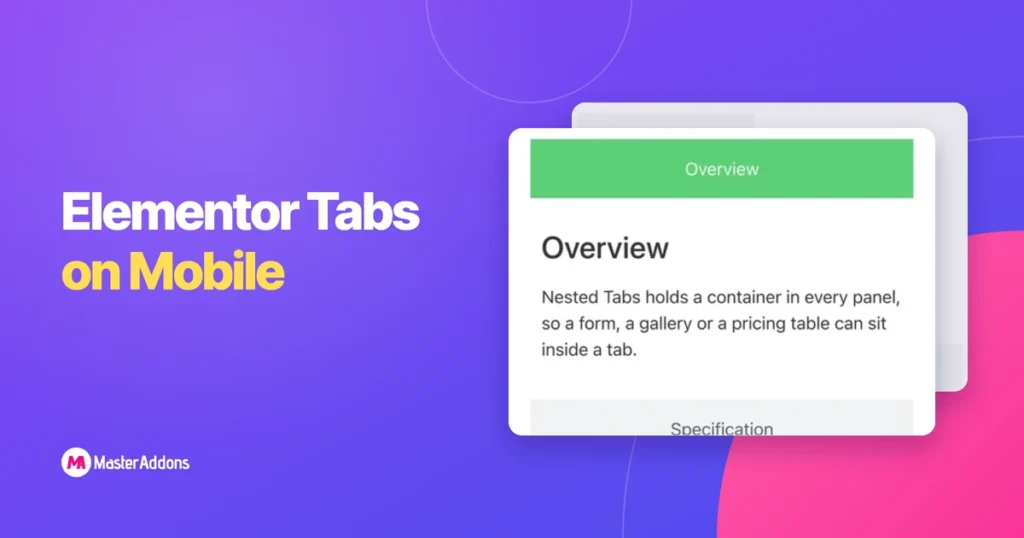
Key Takeaways Tabs er et skrivebordsmønster. De antager vandret plads til flere titler plus et panel, og en telefon har omkring en tredjedel af den bredde. Elementor giver dig to udveje, og addon widgets opfører sig anderledes igen. Telefonens skærmbilleder nedenfor er 390px-optagelser af en rigtig testside, så hvad du ser [...]
Sådan viser eller skjuler du et afsnit på Klik i Elementor

Key Takeaways For at vise eller skjule et afsnit om klik i Elementor, skal du sætte sektionen inde i noget, der åbnes, når der klikkes. Accordion widget gør dette uden ekstra plugin. En indholdsskift giver dig en Vis og Skjul switch. En knap med et par linjer script kan afsløre enhver beholder på siden. [...]
Hvordan man opbygger en filtrerbar portefølje i Elementor Without Pro

Key Takeaways En portefølje side skal vise arbejdet, lad folk indsnævre det til den slags arbejde, de kom for, og give dem en vej igennem til detaljen. Filterbaren håndterer den midterste del, hvilket gør en lang rulle til to klik. Elementor har en widget til dette, og det sidder bag [...]
Sådan laver du lodrette faner i Elementor (2 måder)
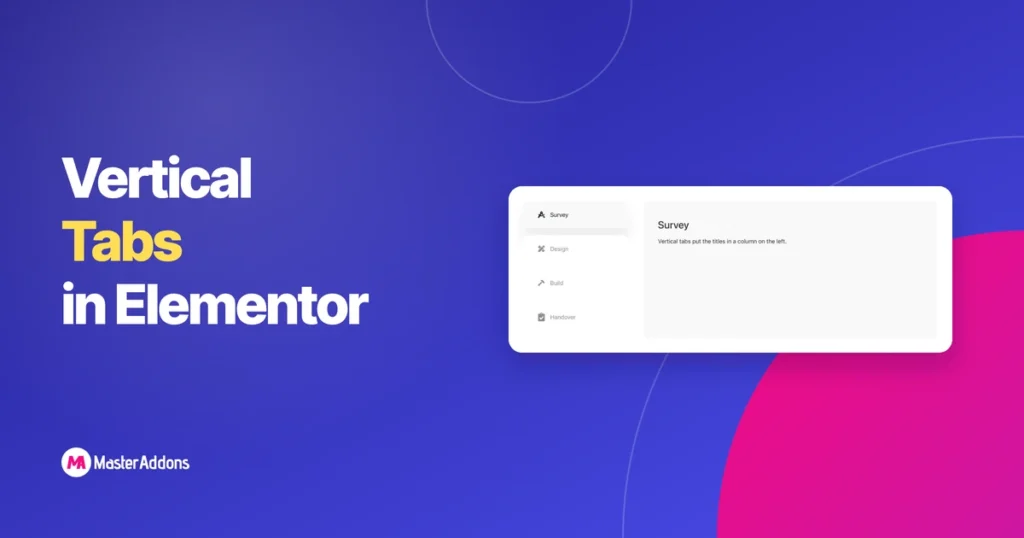
Key Takeaways Vandrette faner bryde, når titlerne bliver lange eller talrige. Seks titler på tværs af en 1.200px kolonne enten wrap på to linjer eller krympe teksten, indtil ingen læser dem. Lodrette faner dreje striben på sin side: en smal kolonne af titler med det aktive panel ved siden af. Hver titel får en fuld [...]
Hvordan man laver en Murerarbejde Gallery i Elementor (3 måder)
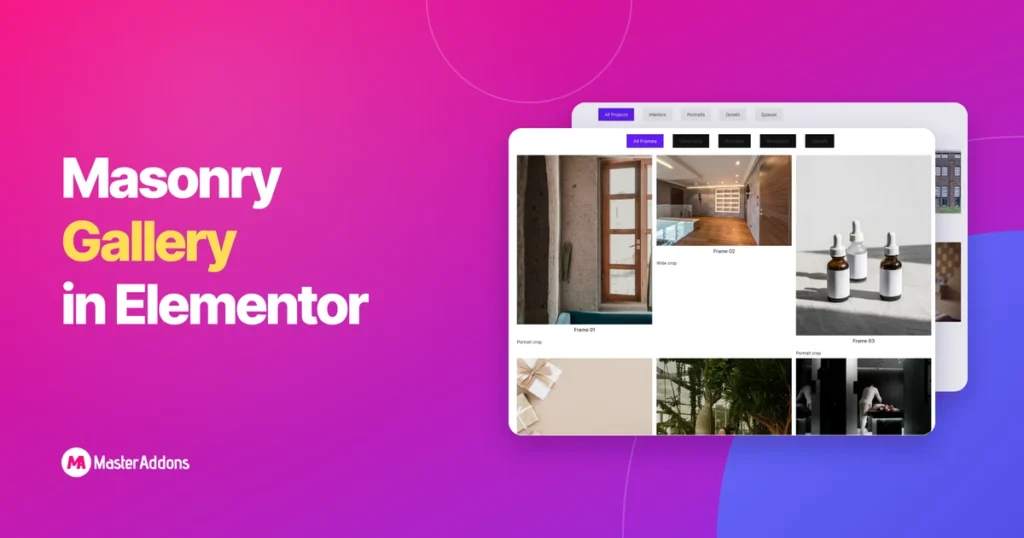
Key Takeaways Masonry er layoutet, hvor billeder sidder i deres naturlige højde og søjlerne vakler, formen Pinterest gjorde bekendt. Det passer til fotografering, hvor beskæring af en portrætramme til en firkant smider halvdelen af billedet væk. Elementor kan komme tæt på dette på tre forskellige måder, og de producerer ikke alle de [...]
Elementor Toggle vs Accordion vs Tabs vs Content Switcher
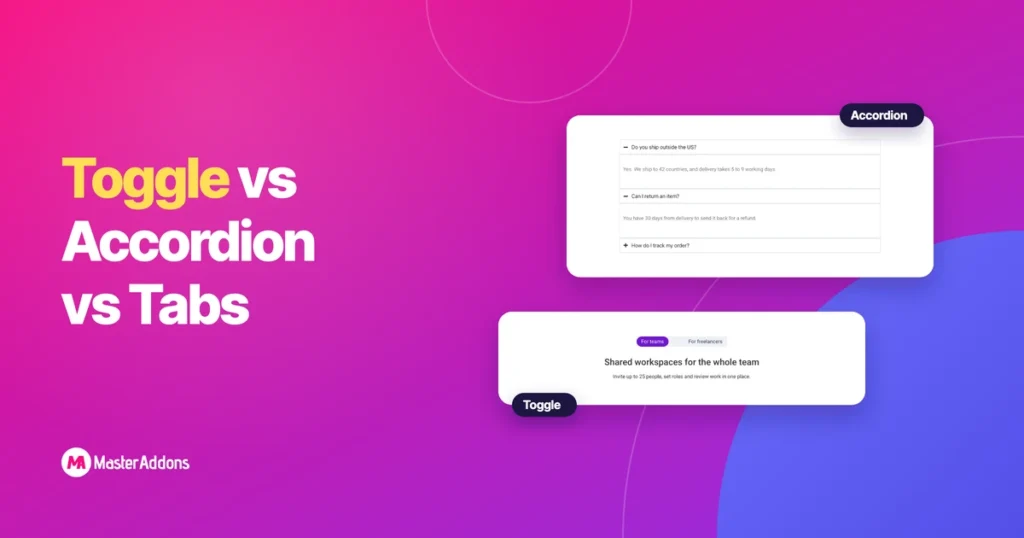
Key Takeaways Forskellen mellem en Elementor toggle og en harmonika er, hvor mange elementer kan åbnes sammen. En harmonika lukker det åbne element, når du klikker på en anden. En toggle lader det stå åbent. Faner og indhold switchers er forskellige værktøjer igen: de bytter, hvad der vises i et fast rum, hvor en harmonika og [...]
Elementor indlejrede faner: Hvad ændrede sig, og hvad det kan gøre
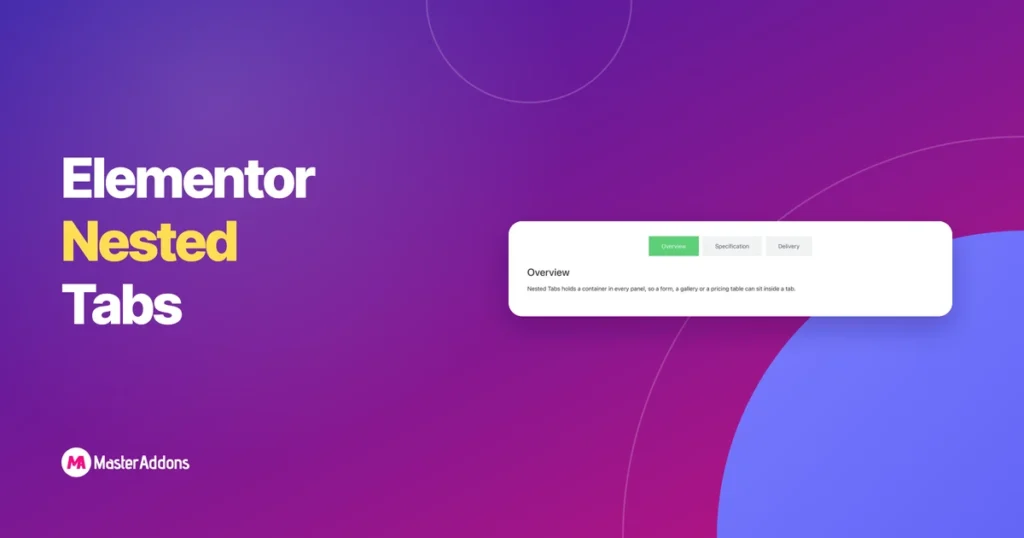
Key Takeaways Elementors faner plejede at være en tekstboks inde i en tekstboks. Du skrev titlen i et felt og indholdet i et andet, og hvis du ville have en kontaktformular derinde, uheld. Indlejrede faner ændrede modellen. Hvert panel er en beholder nu, hvilket betyder, at hele widgetbiblioteket er [...]
Sådan tilføjes en månedlig/årlig prissætning i Elementor

Key Takeaways For at tilføje en Elementor prissætning skifte, opbygge dine månedlige planer og dine årlige planer som to gemte skabeloner, derefter indlæse begge i en indhold skifte widget. Besøgende klikker Månedlig eller Årlig og priserne bytte på plads. Siden forbliver en skærm høj, og ingen skal læse seks prissætning kolonner på én gang. [...]
Elementor Gallery Widget: Gratis vs Pro vs Addons
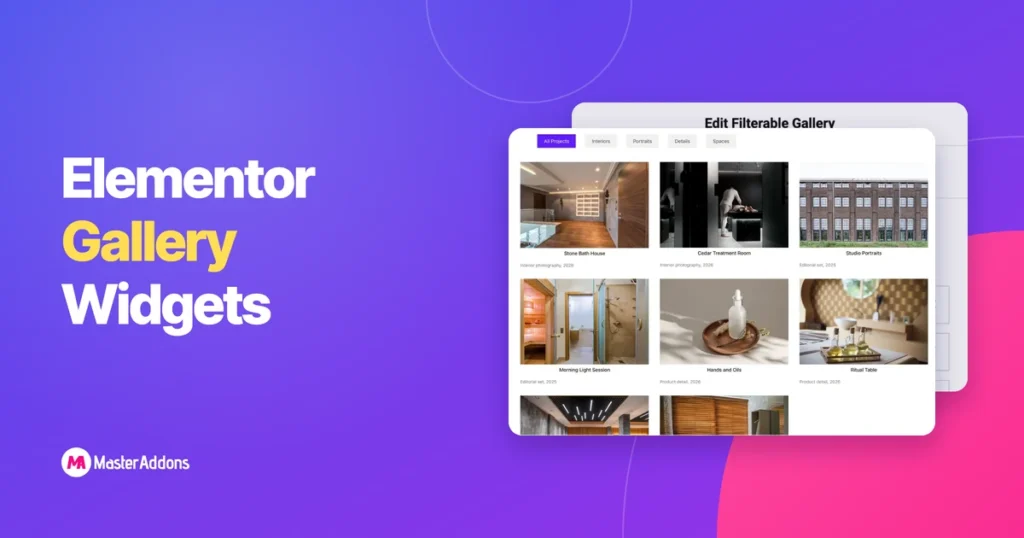
Key Takeaways Søg efter galleri i Elementor panelet, og du vil ikke få ét svar. Der er den widget, der skibe gratis, den ene bag Pro, og uanset hvad dine tilføjelser har tilføjet, og de alle ligner hinanden i en liste. Dette indlæg lægger ud, hvad hver enkelt rent faktisk kan gøre, kontrol ved kontrol, så [...]