
এলিমেন্টরে ইমেজ হোভার ইফেক্ট কিভাবে যোগ করবেন (3 উপায়)

কী টেকওয়ে আপনি তিনটি উপায়ে একটি ছবিতে এলিমেন্টর হোভার প্রভাব যুক্ত করতে পারেন। ইমেজ উইজেটে হোভার স্টেটের জন্য অস্বচ্ছতা এবং CSS ফিল্টার সেটিংস রয়েছে। এটিতে হোভার অ্যানিমেশন প্রিসেটও রয়েছে যা ছবিটি সরিয়ে দেয়। একটি শিরোনাম এবং বর্ণনার জন্য যা চিত্রের উপরে প্রদর্শিত হয়, আপনার এটির জন্য একটি উইজেট তৈরি করা প্রয়োজন, যেমন [।।।]
মোবাইলে এলিমেন্টর ট্যাব: স্কোয়াশড স্ট্রিপ ঠিক করুন
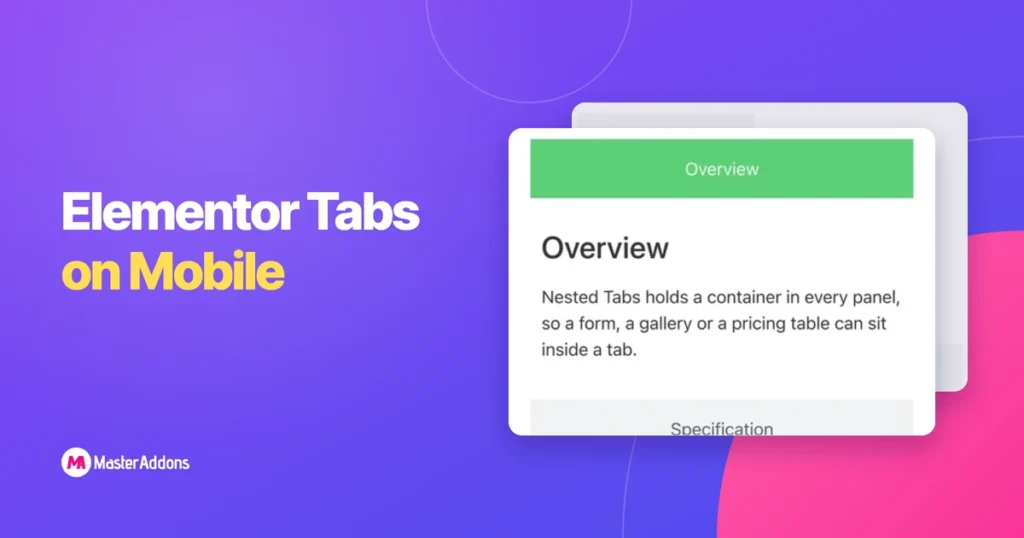
কী টেকওয়ে ট্যাবগুলি একটি ডেস্কটপ প্যাটার্ন। তারা বেশ কয়েকটি শিরোনাম এবং একটি প্যানেলের জন্য অনুভূমিক রুম ধরে নেয় এবং একটি ফোনের প্রস্থের প্রায় এক তৃতীয়াংশ থাকে। এলিমেন্টর আপনাকে দুটি উপায় দেয় এবং অ্যাডন উইজেটগুলি আবার ভিন্নভাবে আচরণ করে। নীচের ফোনের স্ক্রিনশটগুলি হল একটি বাস্তব পরীক্ষার পৃষ্ঠার 390px ক্যাপচার, তাই আপনি যা দেখতে পাচ্ছেন [।।।]
এলিমেন্টরে ক্লিক করলে কীভাবে একটি বিভাগ দেখাবেন বা লুকাবেন
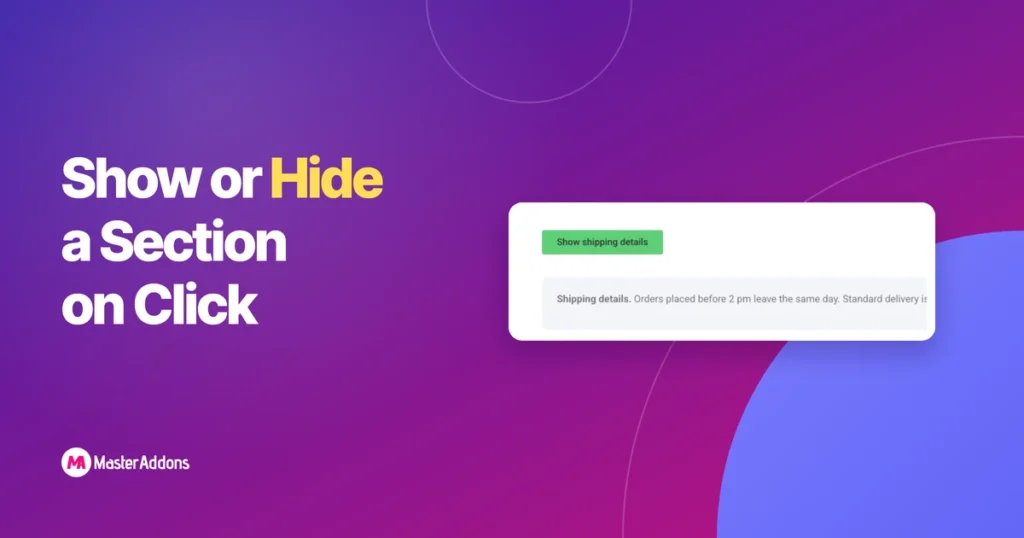
কী টেকওয়ে এলিমেন্টরে ক্লিক করার সময় একটি বিভাগ দেখাতে বা লুকানোর জন্য, ক্লিক করার সময় খোলে এমন কিছুর ভিতরে বিভাগটি রাখুন। অ্যাকর্ডিয়ন উইজেট কোনো অতিরিক্ত প্লাগইন ছাড়াই এটি করে। একটি বিষয়বস্তু টগল আপনাকে একটি শো এবং লুকান সুইচ দেয়। স্ক্রিপ্টের কয়েক লাইন সহ একটি বোতাম পৃষ্ঠার যেকোনো ধারক প্রকাশ করতে পারে। [...]
প্রো ছাড়া এলিমেন্টরে কীভাবে ফিল্টারযোগ্য পোর্টফোলিও তৈরি করবেন
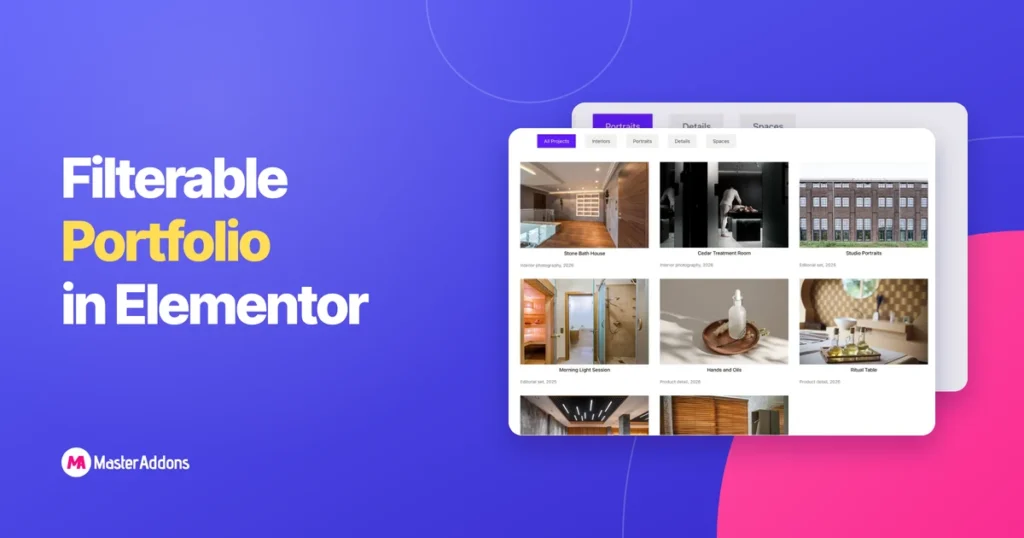
কী টেকওয়েজ একটি পোর্টফোলিও পৃষ্ঠায় কাজটি দেখাতে হবে, লোকেরা যে ধরনের কাজের জন্য এসেছে তার সাথে এটিকে সংকুচিত করতে দিন এবং তাদের বিস্তারিতভাবে একটি উপায় দিতে হবে। ফিল্টার বারটি মাঝের অংশটি পরিচালনা করে, একটি দীর্ঘ স্ক্রোলকে দুটি ক্লিকে পরিণত করে। Elementor এর জন্য একটি উইজেট আছে এবং এটি পিছনে বসে [...]
এলিমেন্টরে উল্লম্ব ট্যাবগুলি কীভাবে তৈরি করবেন (2 উপায়)
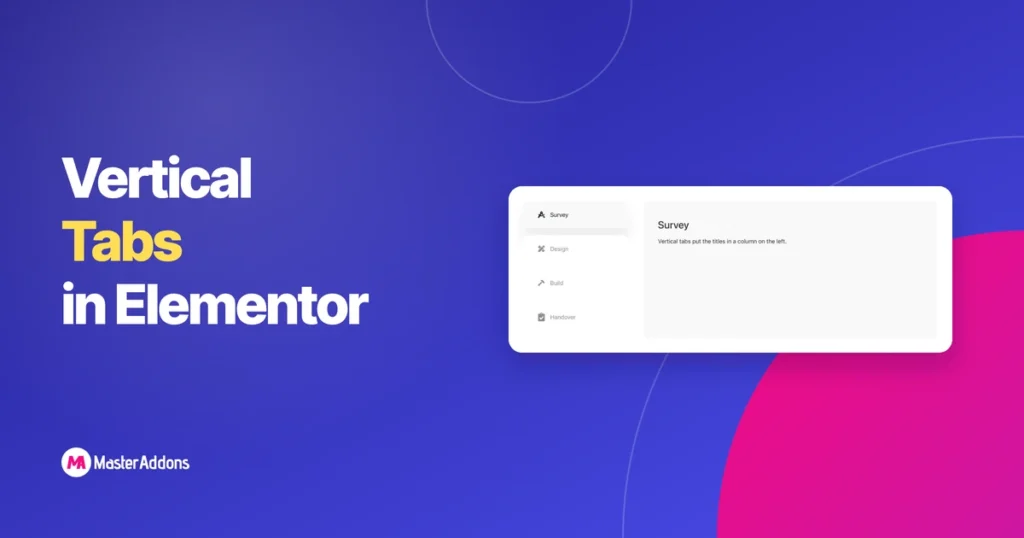
শিরোনামগুলি দীর্ঘ বা অসংখ্য হয়ে গেলে কী টেকওয়ে অনুভূমিক ট্যাবগুলি ভেঙে যায়। একটি 1,200px কলাম জুড়ে ছয়টি শিরোনাম হয় দুটি লাইনে মোড়ানো বা পাঠ্যটি সঙ্কুচিত করুন যতক্ষণ না কেউ সেগুলি না পড়ে। উল্লম্ব ট্যাবগুলি স্ট্রিপটিকে তার পাশে ঘুরিয়ে দেয়: এটির পাশে সক্রিয় প্যানেল সহ শিরোনামের একটি সরু কলাম৷ প্রতিটি শিরোনাম একটি পূর্ণ পায় [...]
এলিমেন্টরে কীভাবে একটি রাজমিস্ত্রি গ্যালারি তৈরি করবেন (3 উপায়)
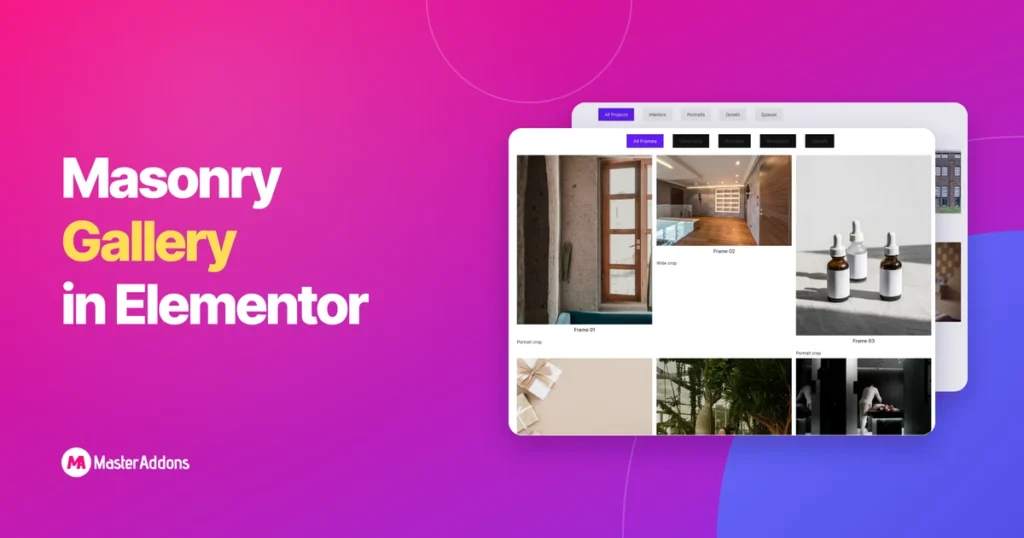
কী টেকওয়েজ ম্যাসনরি হল সেই লেআউট যেখানে ছবিগুলি তাদের স্বাভাবিক উচ্চতায় বসে এবং কলামগুলি স্তব্ধ হয়ে যায়, আকৃতি Pinterest পরিচিত করে তোলে। এটি ফটোগ্রাফির জন্য উপযুক্ত, যেখানে একটি পোর্ট্রেট ফ্রেমকে একটি বর্গক্ষেত্রে ক্রপ করা অর্ধেক ছবি ফেলে দেয়। এলিমেন্টর তিনটি ভিন্ন উপায়ে এর কাছাকাছি যেতে পারে এবং তারা সবাই [...] তৈরি করে না
এলিমেন্টর টগল বনাম অ্যাকর্ডিয়ন বনাম ট্যাব বনাম কন্টেন্ট সুইচার
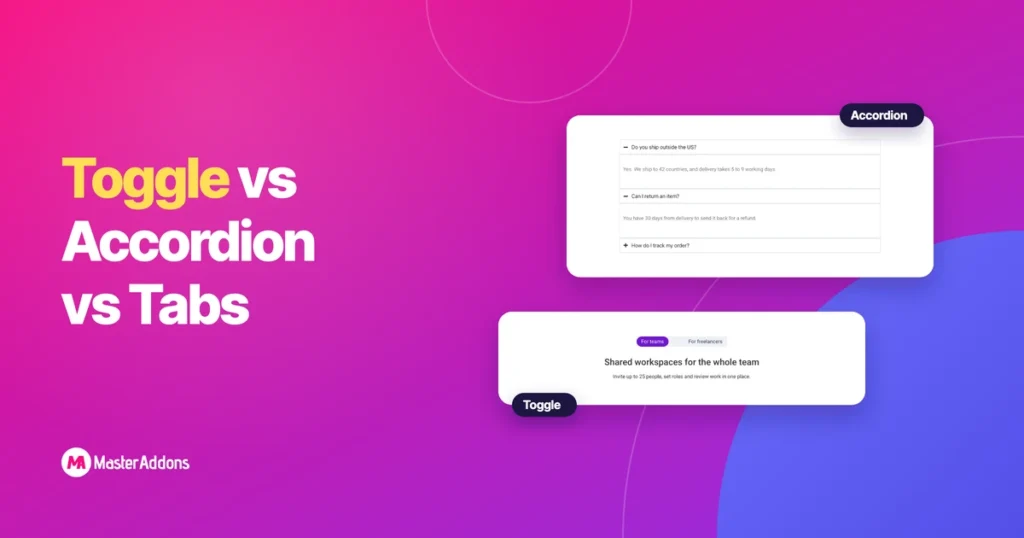
কী টেকওয়ে একটি এলিমেন্টর টগল এবং অ্যাকর্ডিয়নের মধ্যে পার্থক্য হল কতগুলি আইটেম একসাথে খোলা যেতে পারে। আপনি অন্য ক্লিক করলে একটি অ্যাকর্ডিয়ন খোলা আইটেমটি বন্ধ করে দেয়। একটি টগল এটি খোলা ছেড়ে দেয়। ট্যাব এবং বিষয়বস্তু সুইচারগুলি আবার বিভিন্ন সরঞ্জাম: তারা একটি নির্দিষ্ট স্থানে যা দেখানো হয় তা অদলবদল করে, যেখানে একটি অ্যাকর্ডিয়ন এবং [...]
এলিমেন্টর নেস্টেড ট্যাব: কী পরিবর্তন হয়েছে এবং এটি কী করতে পারে
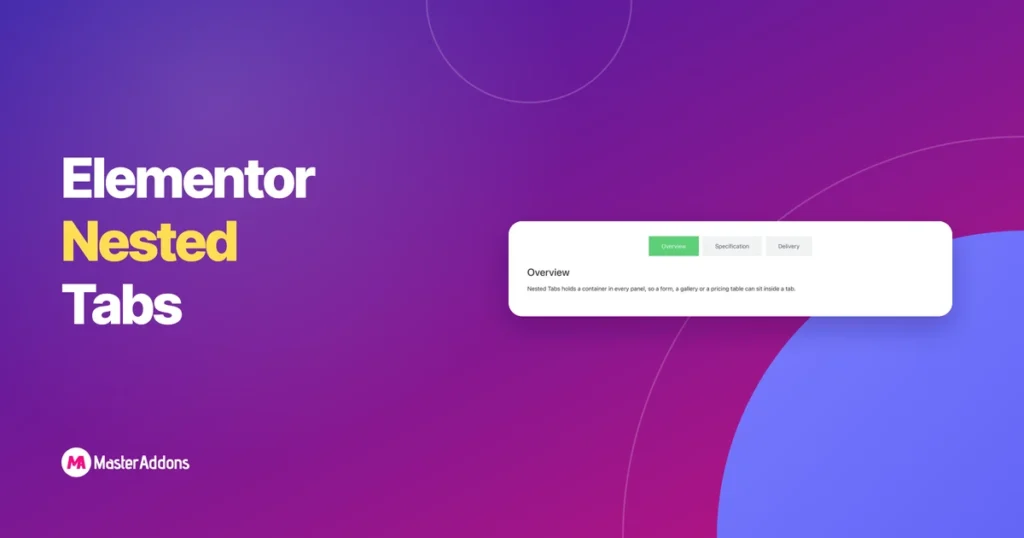
কী টেকওয়েজ এলিমেন্টরের ট্যাবগুলি একটি পাঠ্য বাক্সের ভিতরে একটি পাঠ্য বাক্স হিসাবে ব্যবহৃত হত। আপনি একটি ক্ষেত্রে শিরোনাম এবং অন্য ক্ষেত্রে বিষয়বস্তু টাইপ করেছেন, এবং আপনি যদি সেখানে একটি যোগাযোগ ফর্ম চান, দুর্ভাগ্য। নেস্টেড ট্যাব মডেল পরিবর্তন করেছে। প্রতিটি প্যানেল এখন একটি ধারক, যার মানে পুরো উইজেট লাইব্রেরি [...]
এলিমেন্টরে মাসিক/বার্ষিক মূল্য টগল কিভাবে যোগ করবেন

মূল টেকঅ্যাওয়ে একটি এলিমেন্টর প্রাইসিং টগল যোগ করতে, আপনার মাসিক প্ল্যান এবং আপনার বার্ষিক প্ল্যান দুটি সংরক্ষিত টেমপ্লেট হিসাবে তৈরি করুন, তারপর একটি কন্টেন্ট টগল উইজেটে উভয়ই লোড করুন। দর্শকরা মাসিক বা বার্ষিক ক্লিক করে এবং দামগুলি অদলবদল করে। পৃষ্ঠাটি এক স্ক্রীন লম্বা থাকে এবং কাউকে একবারে ছয়টি মূল্যের কলাম পড়তে হয় না। [...]
এলিমেন্টর গ্যালারি উইজেট: ফ্রি বনাম প্রো বনাম অ্যাডঅন
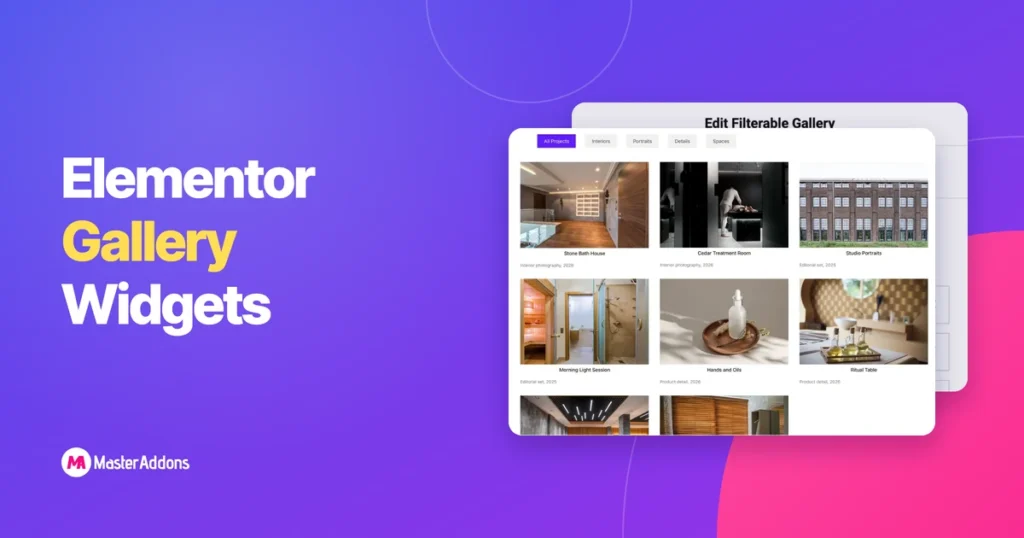
কী টেকওয়ে এলিমেন্টর প্যানেলে গ্যালারী অনুসন্ধান করুন এবং আপনি একটি উত্তর পাবেন না। এমন উইজেট রয়েছে যা বিনামূল্যে পাঠানো হয়, প্রো-এর পিছনে একটি, এবং আপনার অ্যাডঅনগুলি যা কিছু যোগ করেছে, এবং সেগুলি একটি তালিকায় একই রকম দেখায়। এই পোস্টটি প্রতিটি আসলে কী করতে পারে তা বর্ণনা করে, নিয়ন্ত্রণ দ্বারা নিয়ন্ত্রণ, তাই [...]