The best Elementor popup examples share three traits: one clear offer, a trigger that matches what the visitor is doing, and targeting that shows the popup only where it belongs. Get those three right and a popup converts around 4–5% of visitors; get the placement and trigger right and Wisepops data shows some formats reach 12% and above.
Every example below runs on free Elementor. Elementor’s own popup tool is locked behind Pro, but the free Master Addons Popup Builder gives you the same drag-and-drop editing, five triggers, page-level targeting, and a library of 100+ popup templates that import in one click. If you’ve never built one before, our walkthrough on how to add a popup in Elementor for free covers the setup in about ten minutes.
The 25 examples are grouped by goal. Each one shows a real build, names the trigger that suits it, and explains the specific reason it converts. Not “popups increase engagement,” but which psychological lever each one pulls.
Table of Contents
What makes an Elementor popup convert
A converting popup answers three questions before the visitor consciously asks them. What do I get? Why now? Why is this interrupting me?
- One offer, one action. A popup with an email field and a button outperforms one that also links your socials, your sale, and your about page. Every extra choice bleeds conversions.
- Trigger matched to behavior. A discount can fire on page load. A content upgrade can’t, because the reader hasn’t read anything yet. Most “popups don’t work” complaints trace back to the right offer on the wrong trigger.
- Targeting that respects context. A cart-recovery popup on the blog is noise. Shown only on the cart page, the same popup rescues real revenue. Page-level display conditions are what separate a conversion tool from an annoyance.
The numbers back this up. Average popup conversion sits around 4.65%, but bottom-center placements convert 12.88% in Wisepops’ testing, exit-intent popups typically recover 10–15% of visitors who were about to leave, and two-step popups outperform single-step ones because starting an action makes people want to finish it (the Zeigarnik effect). Every example below applies at least one of these levers.
Lead generation popup examples
Lead capture is the classic popup job. These seven turn readers into subscribers without blocking the content they came for.
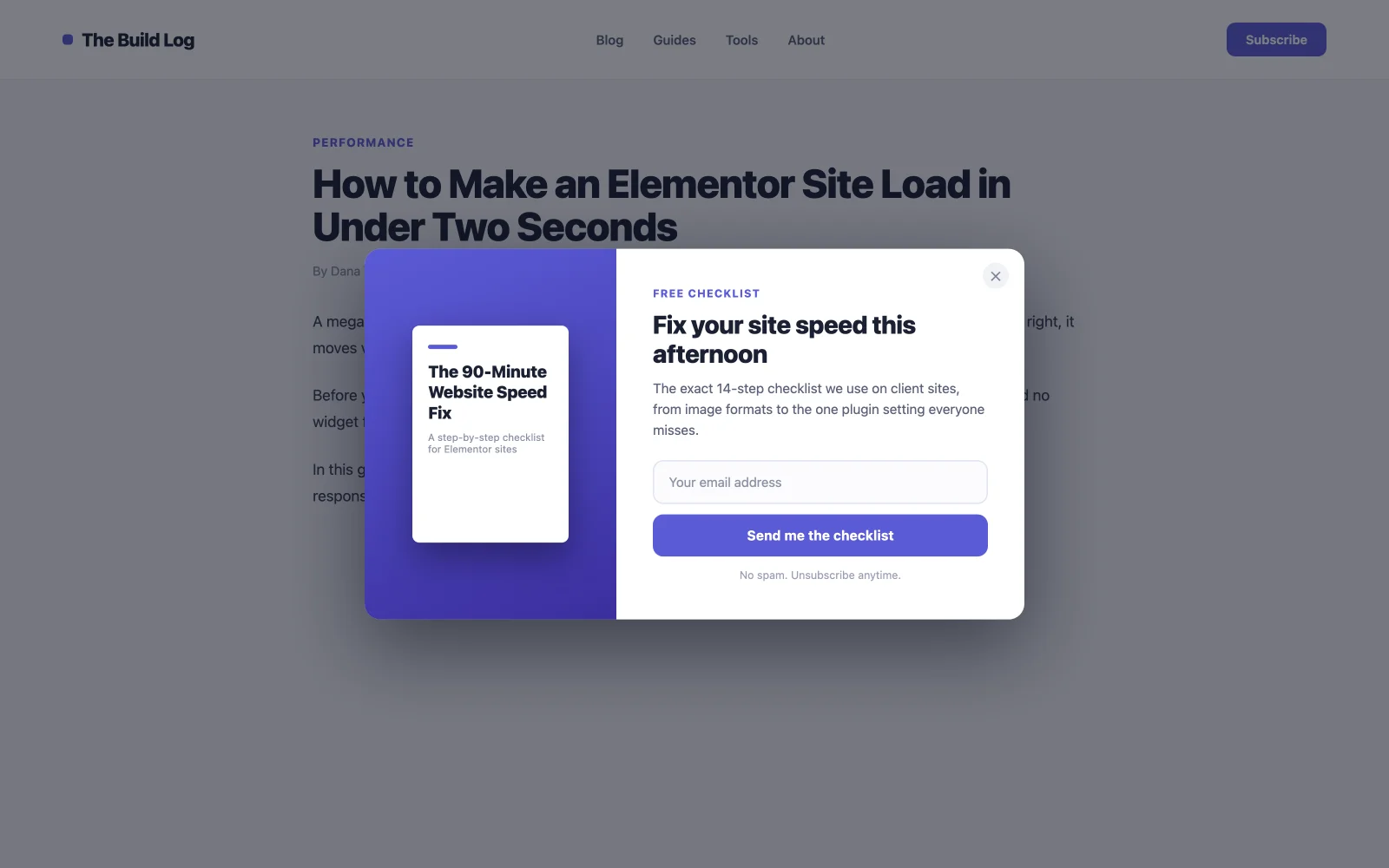
1. Ebook or checklist download popup
A free resource in exchange for an email. This converts better than a plain “subscribe” ask because the visitor walks away with something concrete, and it qualifies your list. Someone who downloads your speed-optimization checklist cares about speed optimization. Fire it on scroll at 50% so it lands after the reader is invested, and target it to blog posts only. The Master Addons template library has several download-style opt-ins you can import in one click and reword.

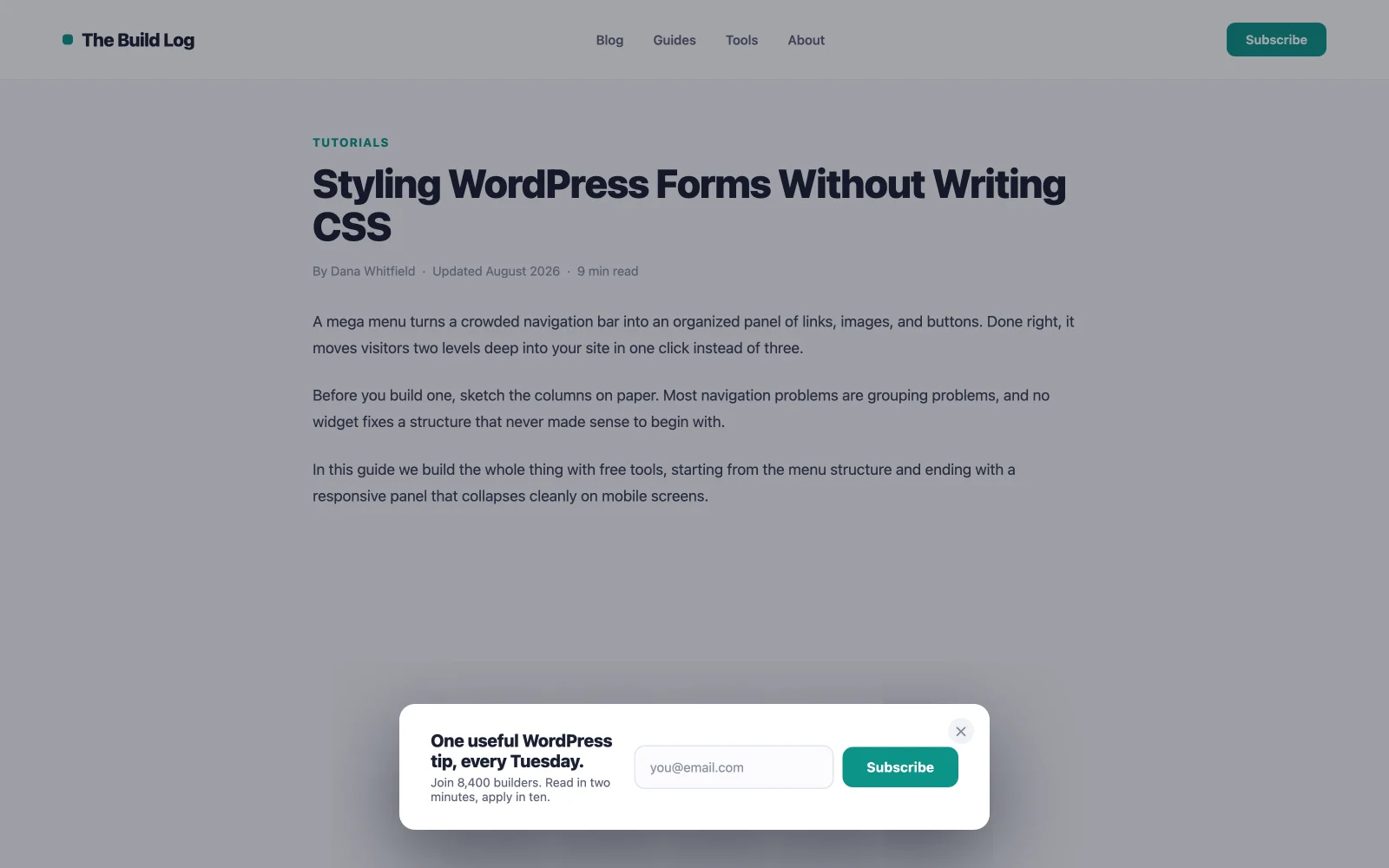
2. Single-field newsletter opt-in
One email field, one button, one sentence about what subscribers get. Every field you add cuts completions, so ask for the name later, inside the welcome email. Scroll trigger at 40–60%, blog pages only, and suppress it for a few days after someone dismisses it. Pair the popup with one of the best WordPress newsletter plugins to actually deliver the emails. The popup captures, the ESP sends.

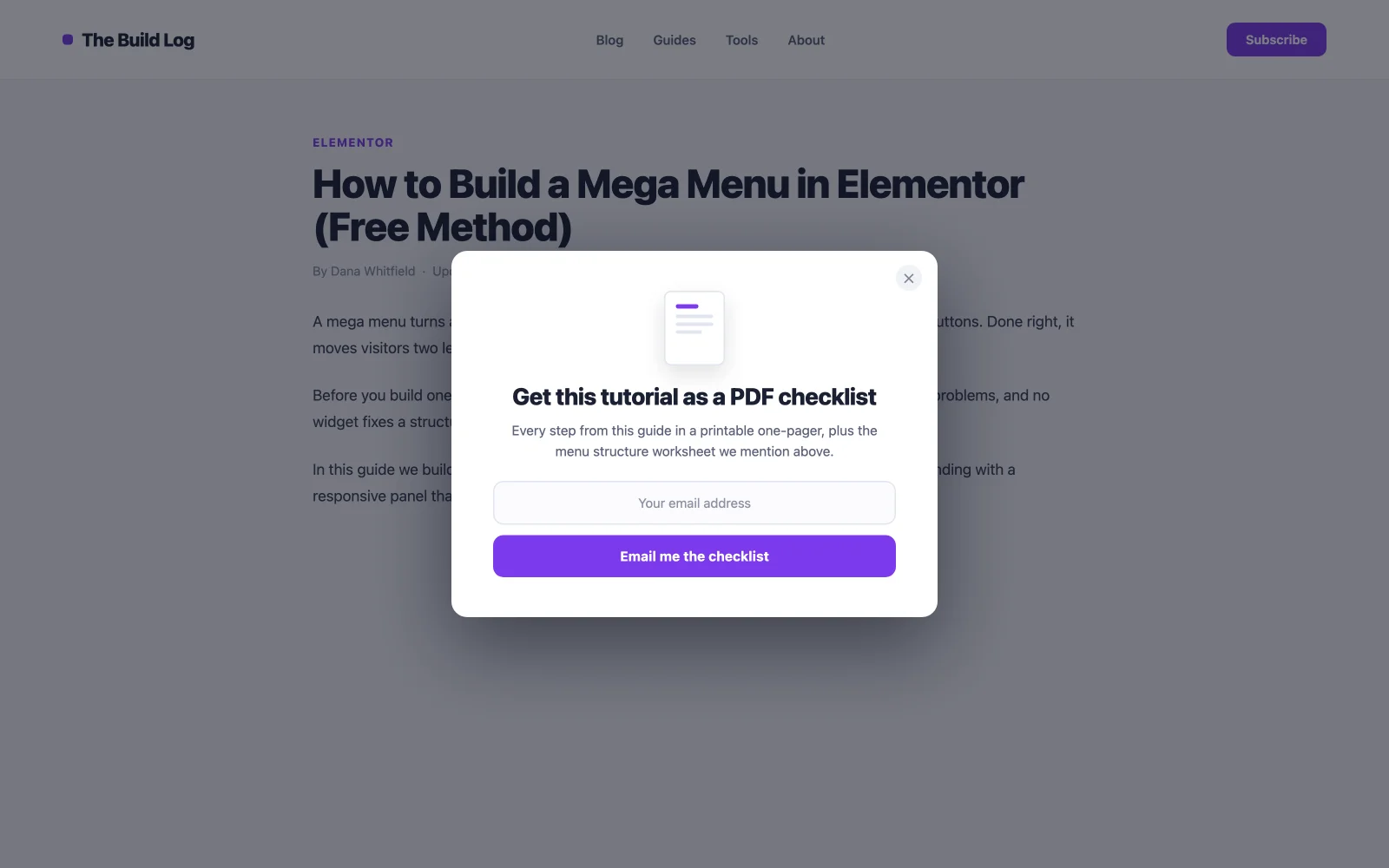
3. Post-specific content upgrade
The highest-converting lead popup on most blogs, because the offer matches the exact article: a swipe file on the copywriting post, a template on the how-to post. Relevance does the persuading. Target one single post with display conditions and trigger it at 80% scroll, when the reader has almost finished and trusts you most. Yes, it means making one asset per key post. That’s also why it works: nobody else bothers.

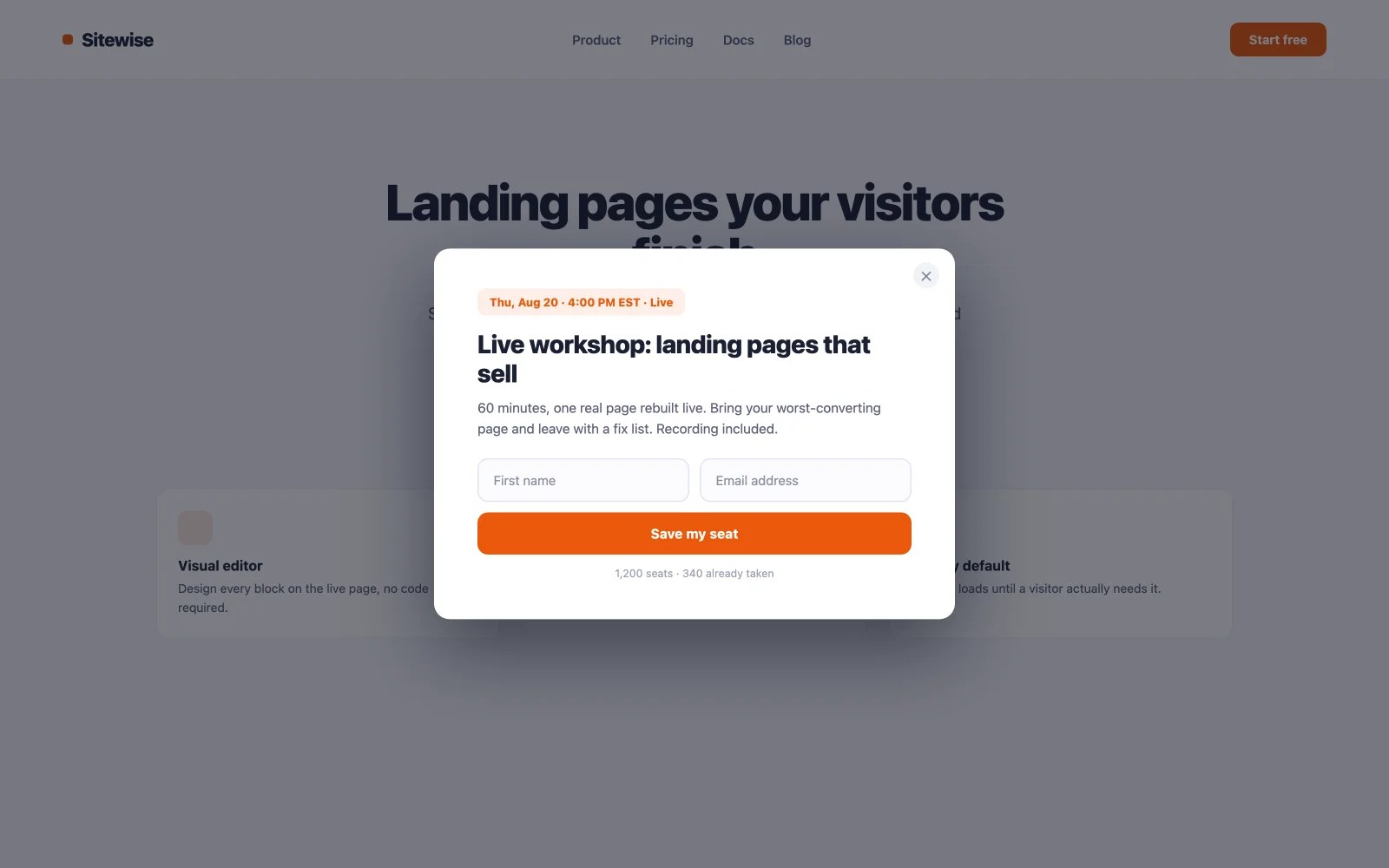
4. Webinar or event registration popup
Events carry a built-in deadline, and deadlines convert. Keep the form to name and email, show the date and time prominently, and make the button say “Save my seat” rather than “Submit.” Page load with a two to three second delay works here because the event is the site’s main call to action that week, which makes this the one case where interrupting early is justified.

5. Free trial or demo request popup
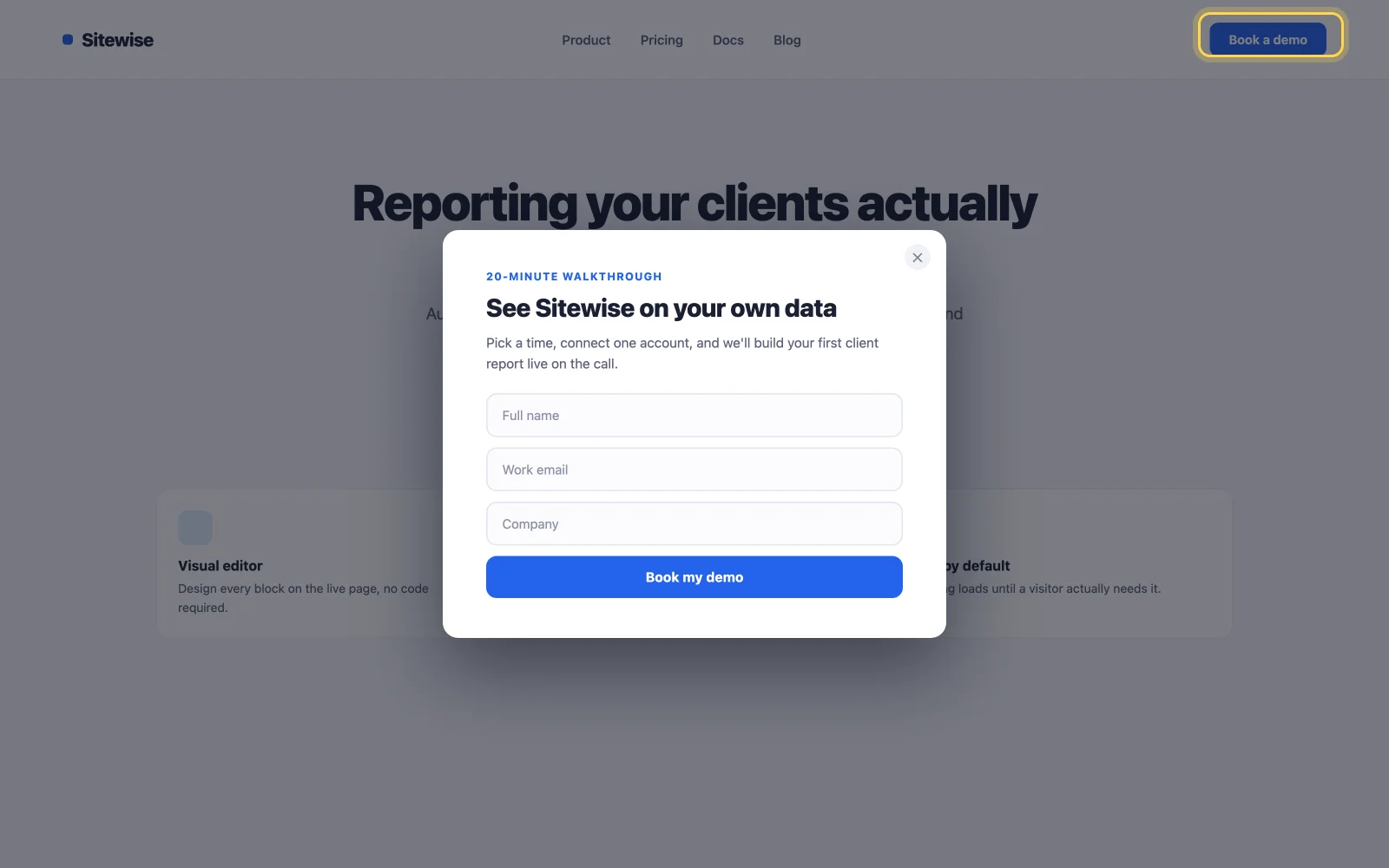
Don’t push a demo form at everyone. Put a “Book a demo” button in the header and open the form on click. Click-triggered popups convert at the highest rate of any trigger because the visitor asked for them. Every person who sees the form wanted to see it, so nobody gets annoyed and the leads come in warm.

6. Resource library unlock
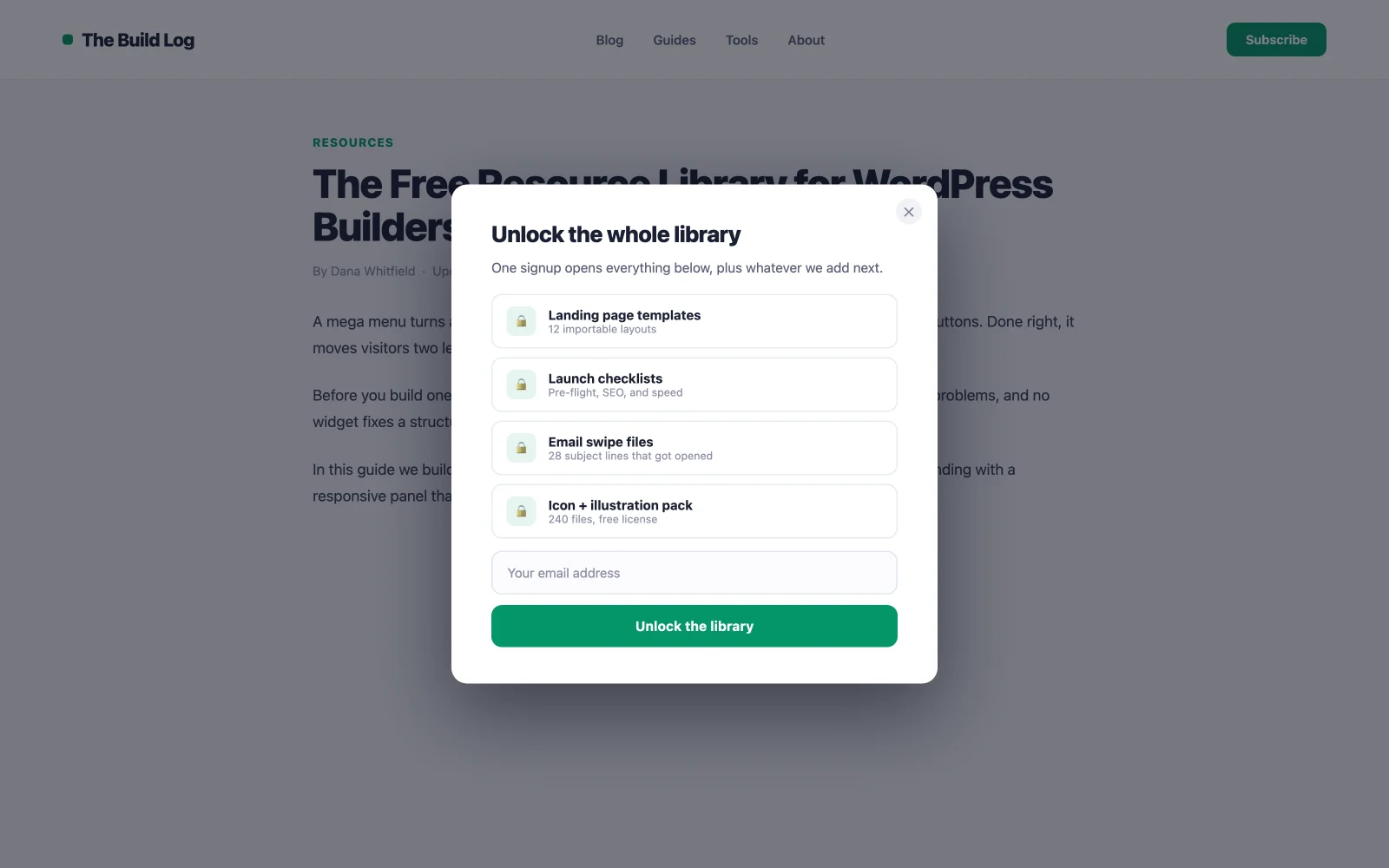
Gate a collection of guides, templates, or checklists behind one signup. The perceived value of “the whole library” beats any single download, so this earns emails a plain opt-in never would. Use a click trigger on the library page’s “Get access” button so the flow stays intentional, and deliver the unlock link by email to keep addresses honest.

7. Exit-intent lead magnet
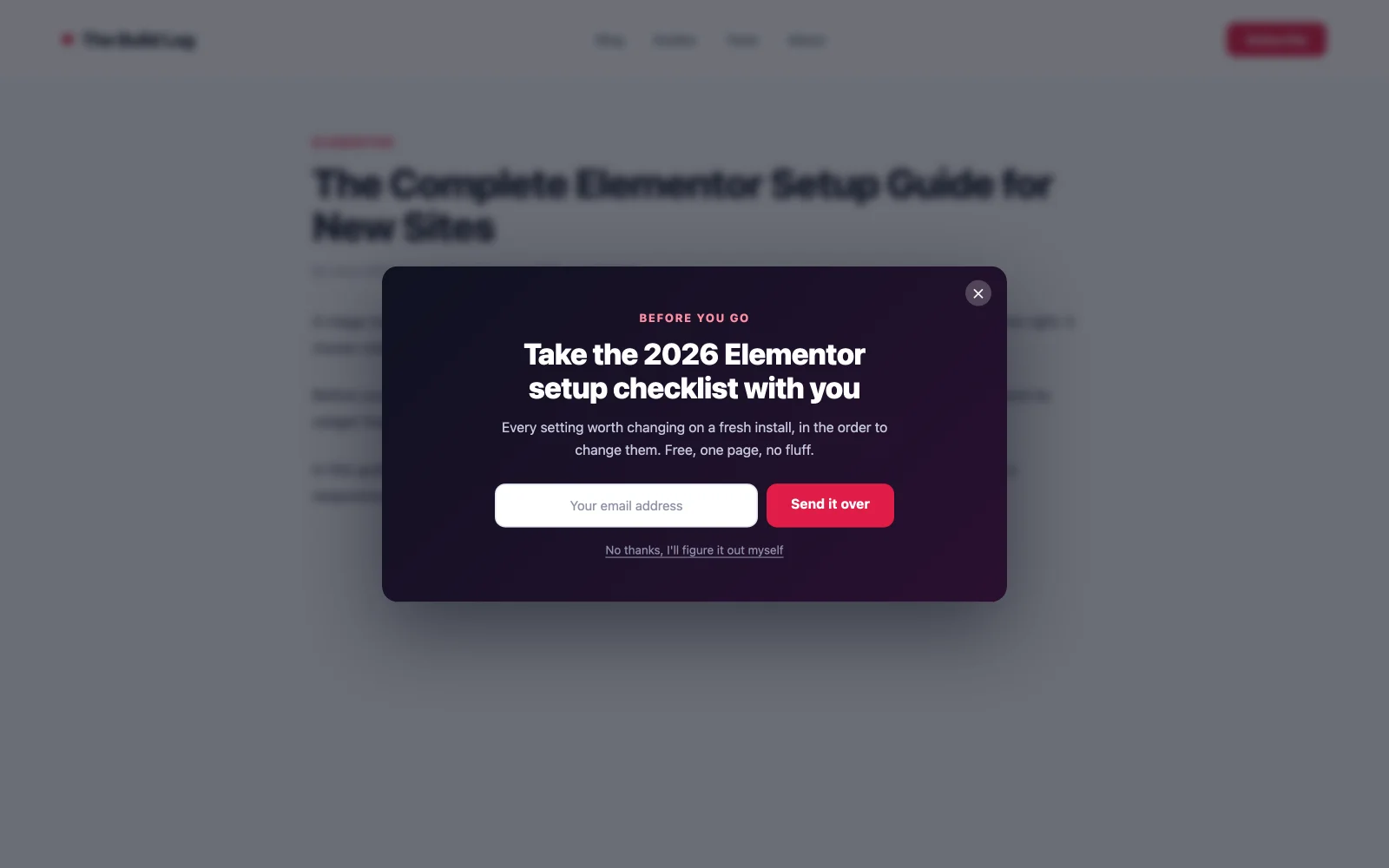
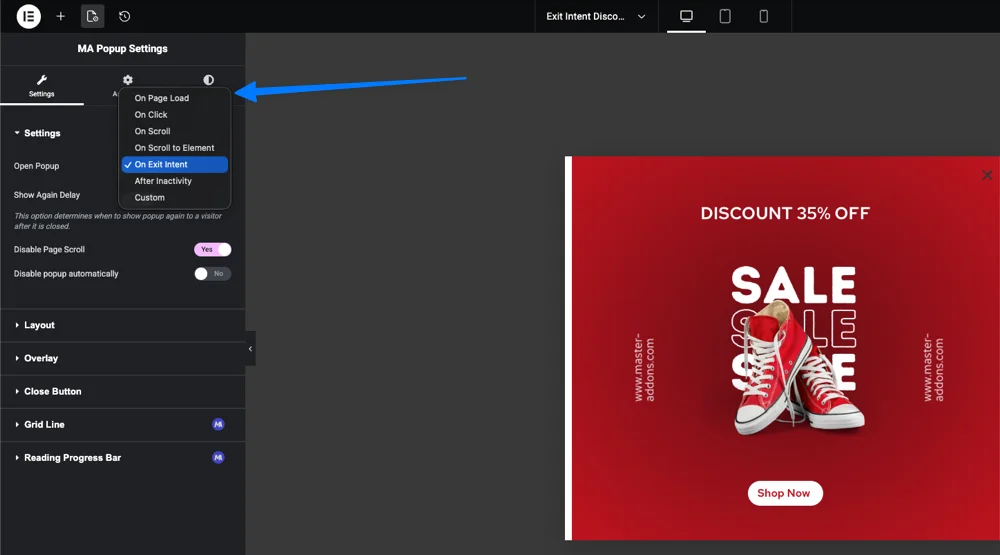
The safety net. When the cursor moves toward the tab bar, the exit-intent trigger fires a last offer, and because the visitor was leaving anyway, it can’t hurt the session it interrupts. Exit popups typically recover 10–15% of abandoning visitors, and tests of full-screen exit designs have produced up to 50% more signups than small modals. Lead with your strongest magnet here, not your newsletter.

Ecommerce and WooCommerce popup examples
Store popups earn their place when they lift average order value or rescue a sale. These seven fit any WooCommerce build. If you’re assembling the store itself, our roundup of the best Elementor addons for WooCommerce covers the widgets around them.
8. First-order discount popup
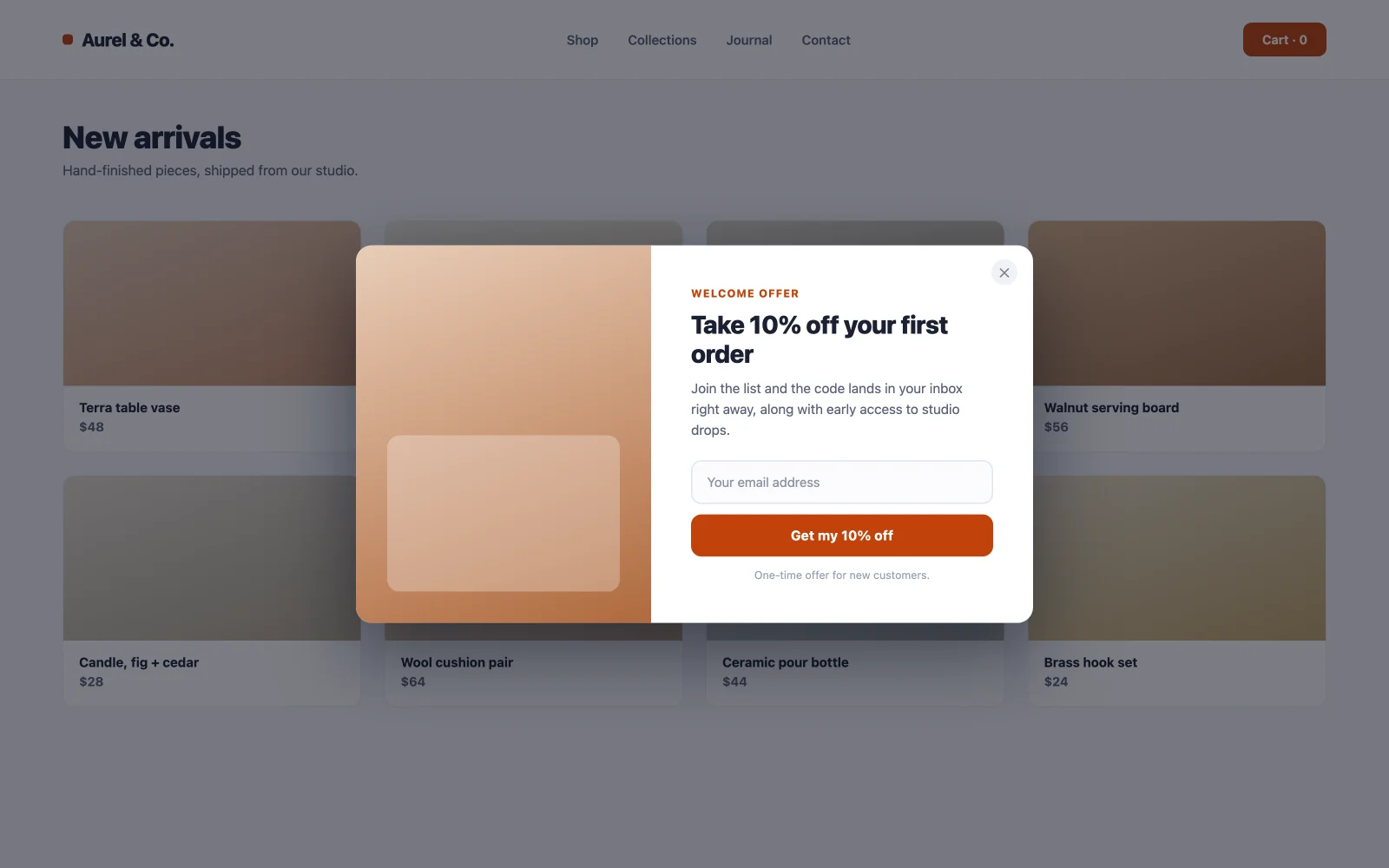
The workhorse of ecommerce list building: a percentage off the first order in exchange for an email. It converts because both sides win immediately: the shopper saves money on a purchase they were considering, you get a subscriber worth far more than the discount. Page load on home and category pages, always excluded from cart and checkout so you never discount someone who was paying full price. The MA popup library ships ready-made discount templates; import one, change the percentage, publish.

9. Free-shipping threshold nudge
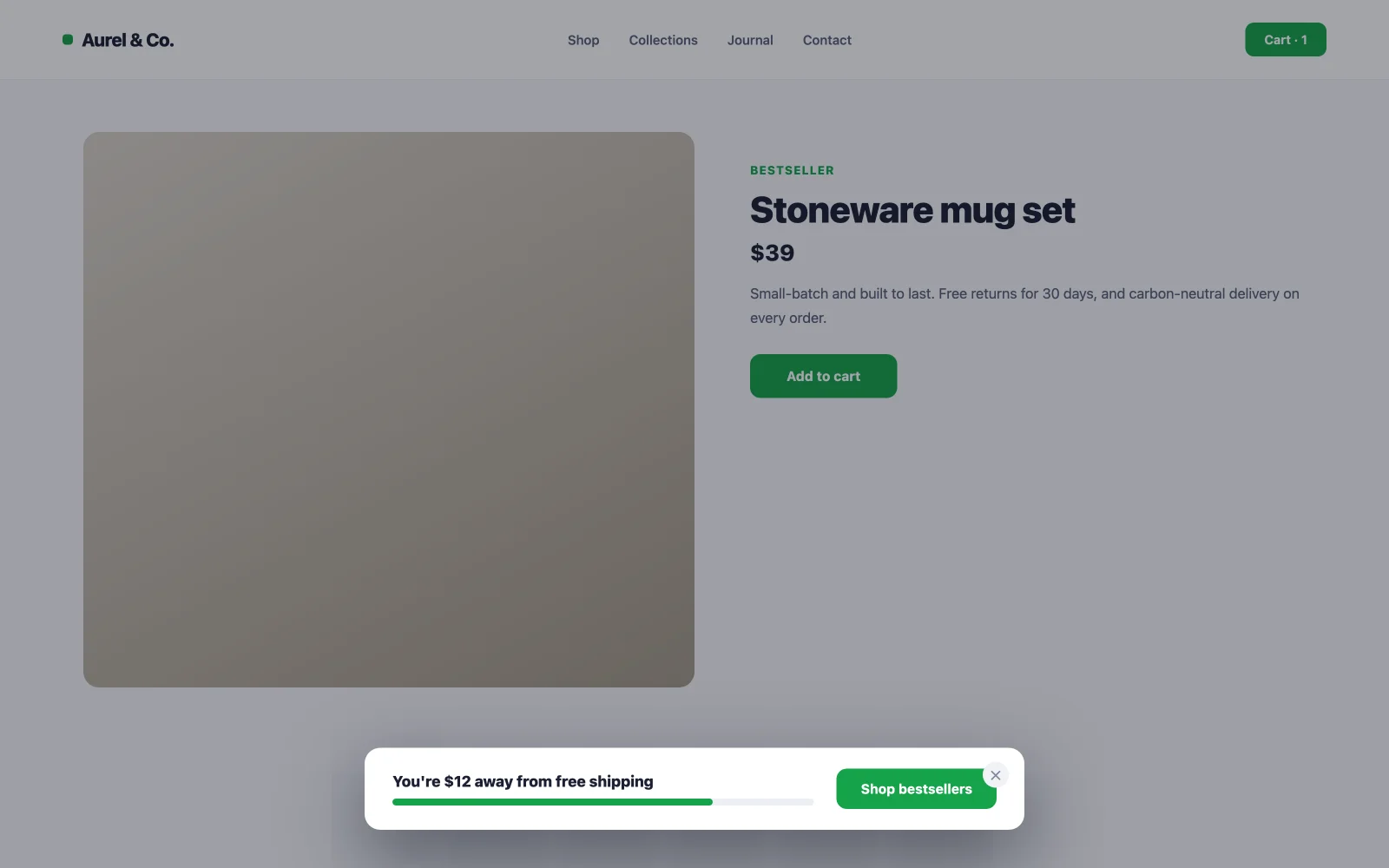
“You’re $12 away from free shipping” is an average-order-value machine: it reframes adding another item as saving money. Show it as a slim popup or bar on product pages with a scroll trigger, and link the button straight to a bestsellers collection priced near the gap. No email ask — this one’s job is a bigger cart, not a bigger list.

10. Cart-abandonment exit offer
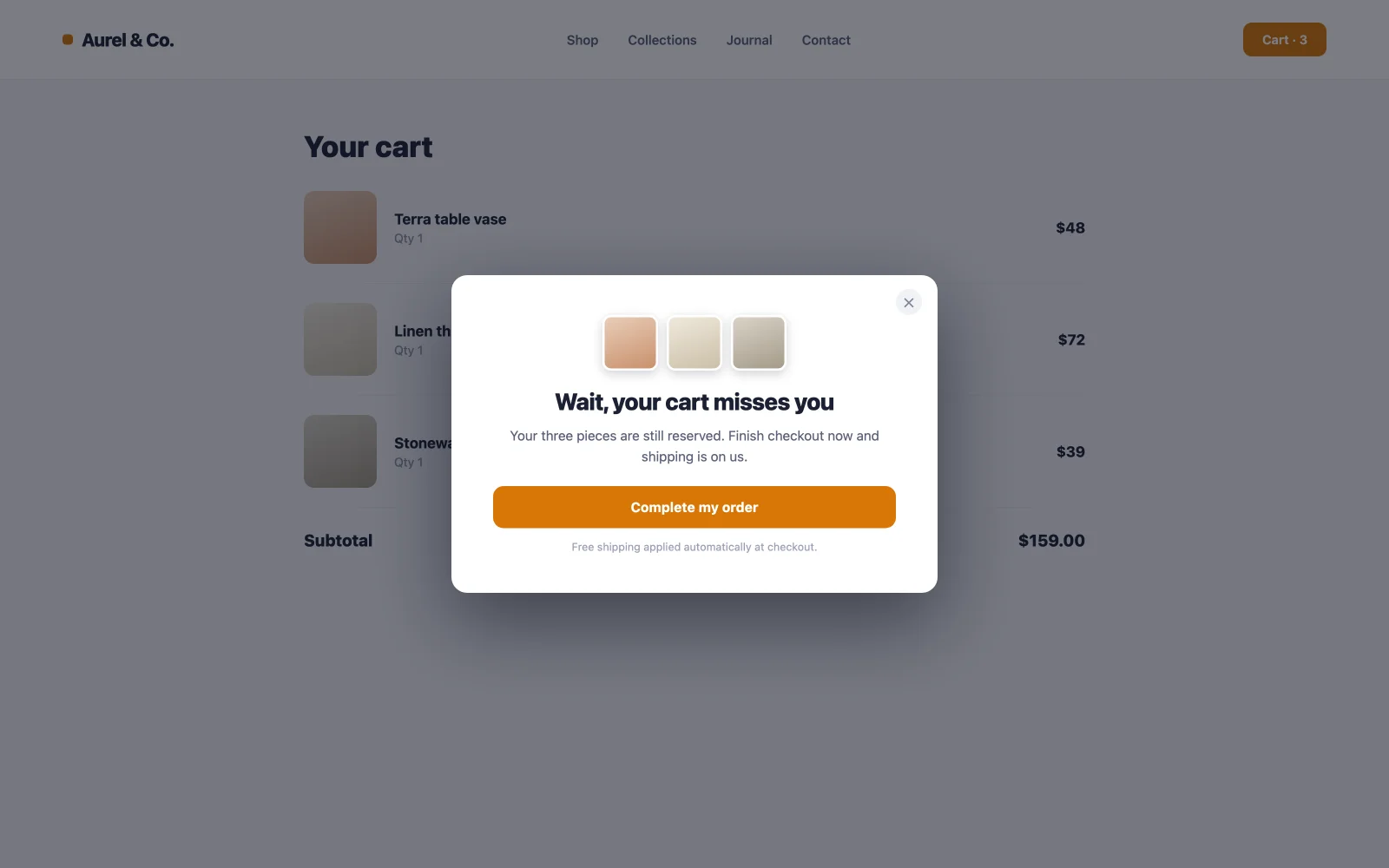
Around seven in ten carts get abandoned, which makes the cart page the highest-stakes real estate on your store. An exit-intent popup there (free shipping, 5% off, or just “your cart is saved” reassurance) intercepts the exact moment of hesitation. Target the cart page only. Fired site-wide, the same popup trains regulars to abandon on purpose and wait for the discount.

11. Flash sale countdown popup
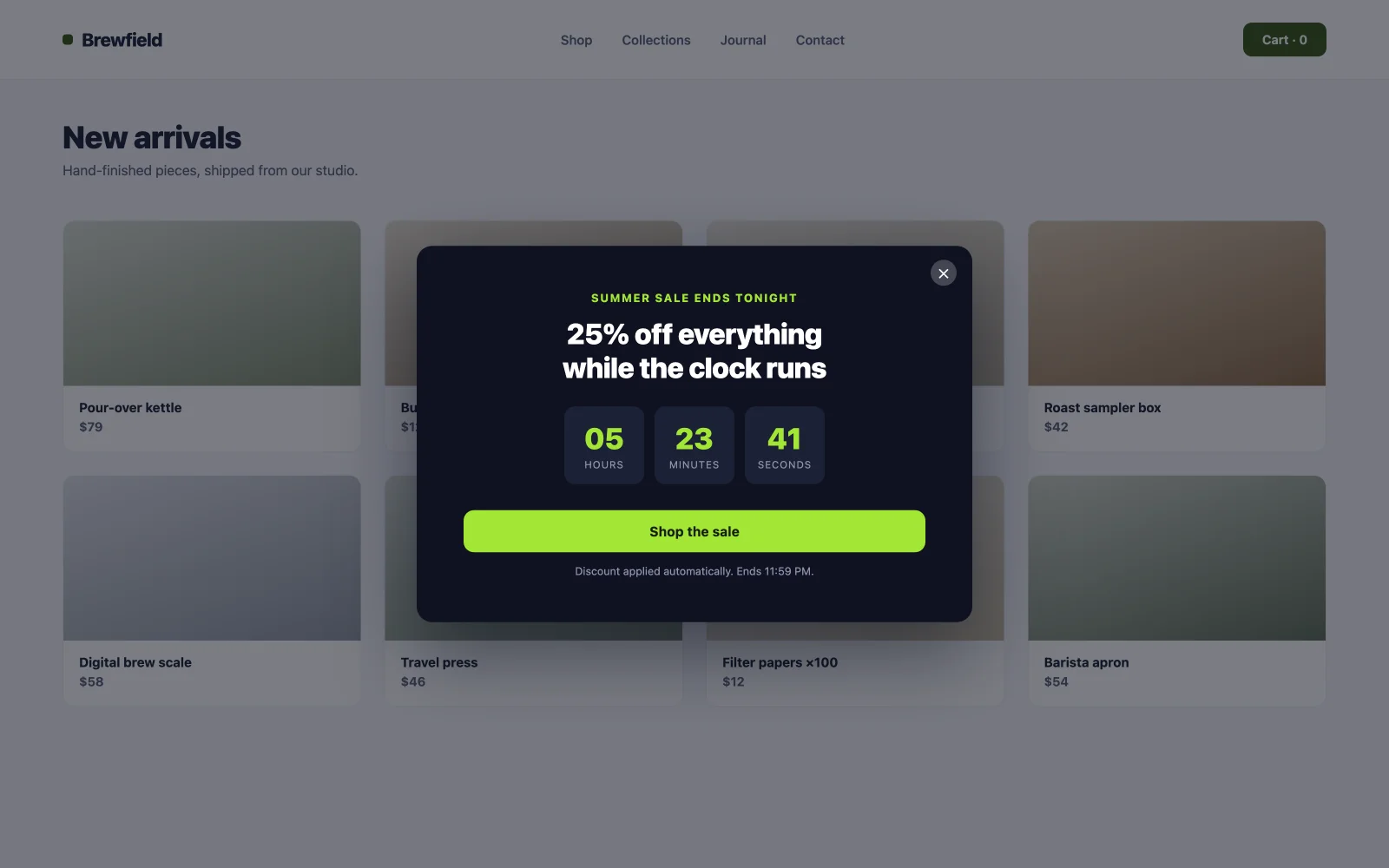
Urgency works when it’s real. A page-load popup with a live countdown timer and the sale’s end date compresses “I’ll think about it” into “decide now.” The rule that keeps it converting long-term: the timer must tell the truth. Retire the popup the minute the sale ends. An evergreen “ending soon” that never ends teaches visitors to ignore every future deadline you set.

12. Back-in-stock signup
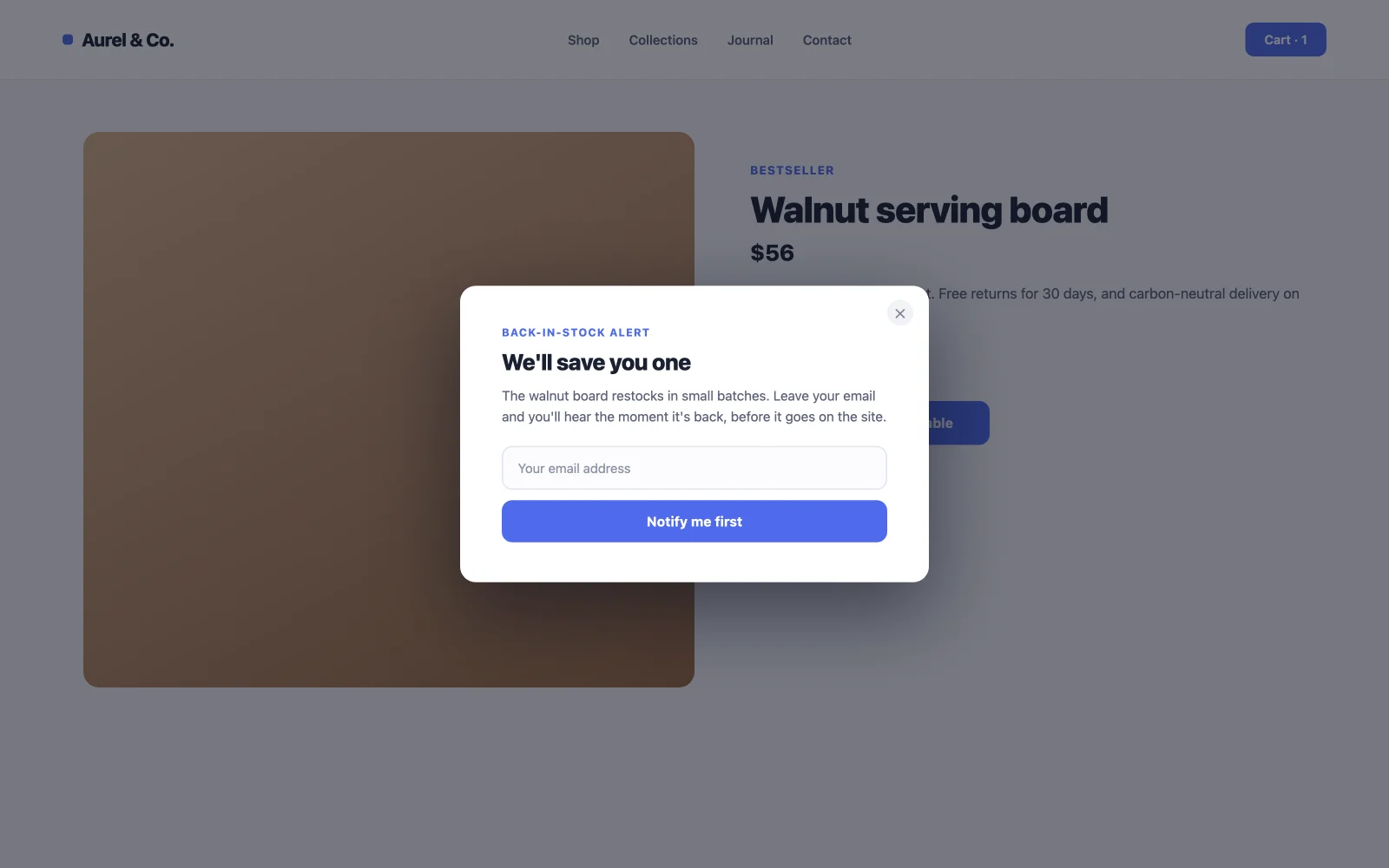
An out-of-stock page usually means a lost sale. A click-triggered “Notify me” popup converts that dead end into demand you can measure and a guaranteed-interested email list. These subscribers convert at unusually high rates when the restock email lands, because they asked for exactly this product. Add the trigger class to a button placed where Add to Cart normally sits.

13. Coupon reveal popup
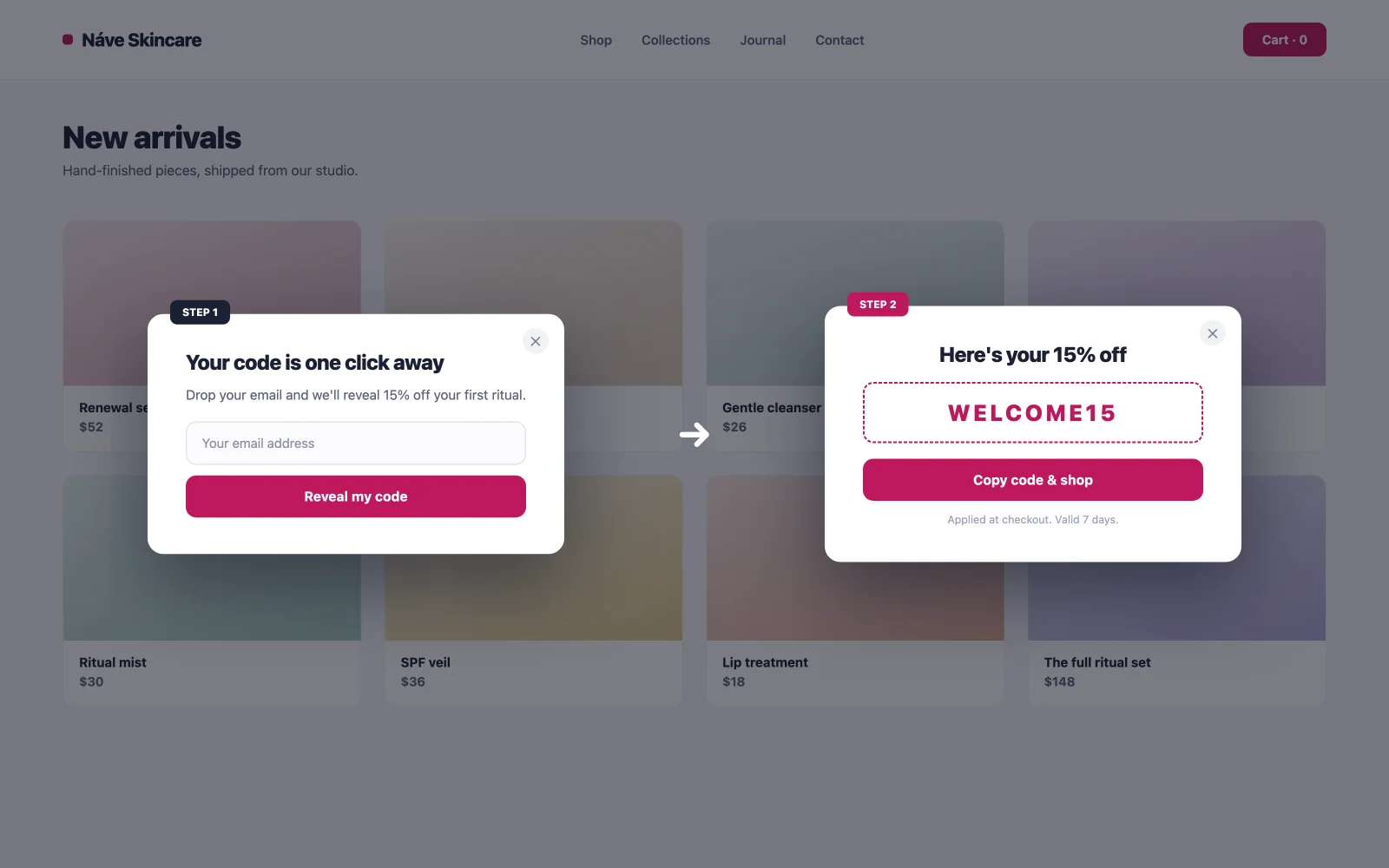
Two steps: the visitor opts in, then the code appears. Curiosity plus commitment: once someone clicks “Reveal my code,” the Zeigarnik effect nudges them to finish the signup and then justify it by using the code. One honest note: a spin-to-win wheel needs a separate gamification tool; the plain reveal is the free route, and it converts respectably without the casino aesthetics.

14. Category-specific recommendation popup
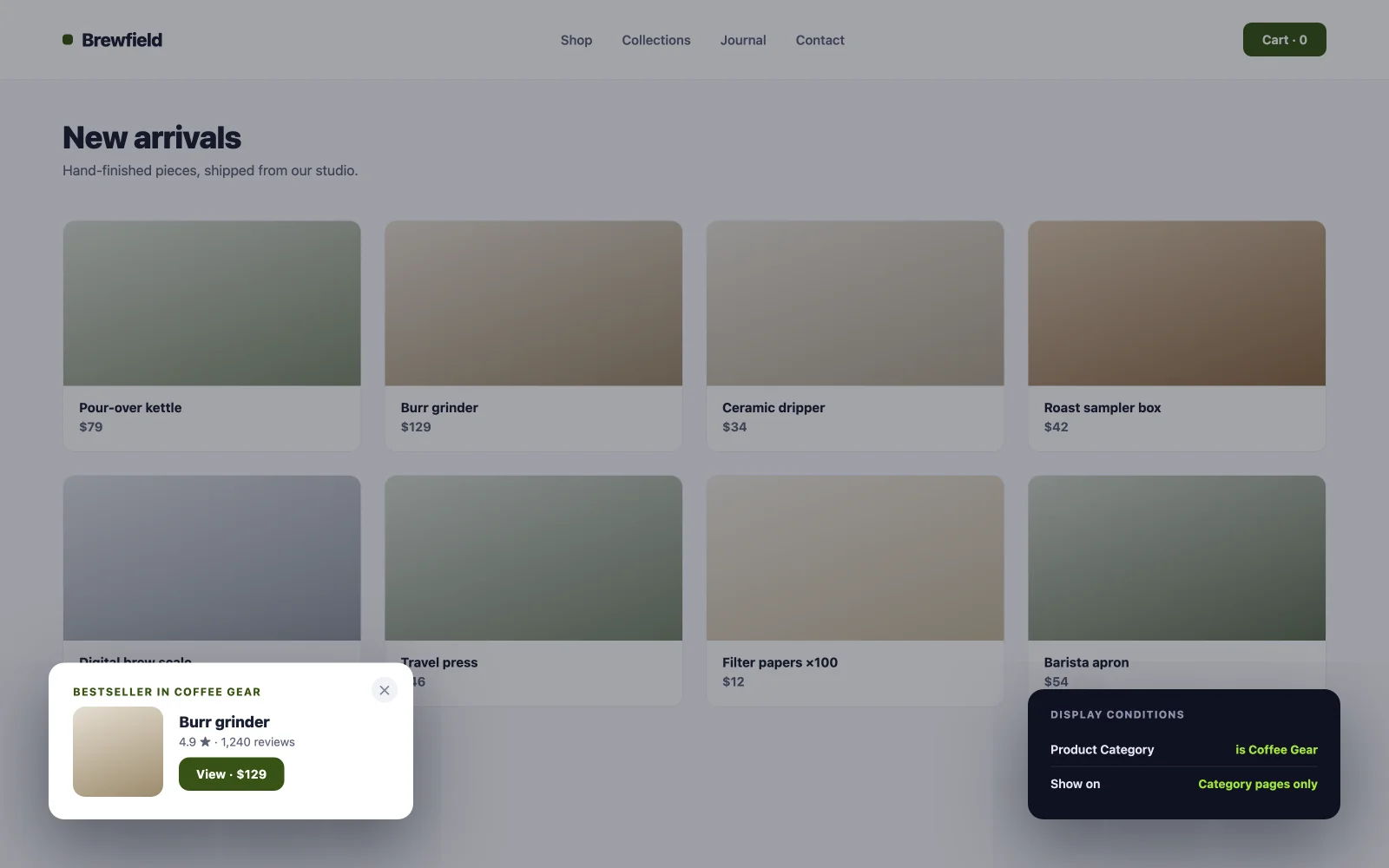
Suggest your coffee-gear bestseller only on the coffee category. Relevance is the whole trick: a generic “check out our bestsellers” popup is an ad, while a category-matched one feels like help from a shop assistant. The Popup Builder’s display conditions handle the per-category targeting, and the same Display Conditions extension brings identical page and role rules to any other element on the site.

Engagement and on-page popup examples
Not every popup asks for an email. These six help visitors do something on the page, or learn more without leaving it. Conversion here means engagement, a video played or a question answered.
15. Video lightbox popup
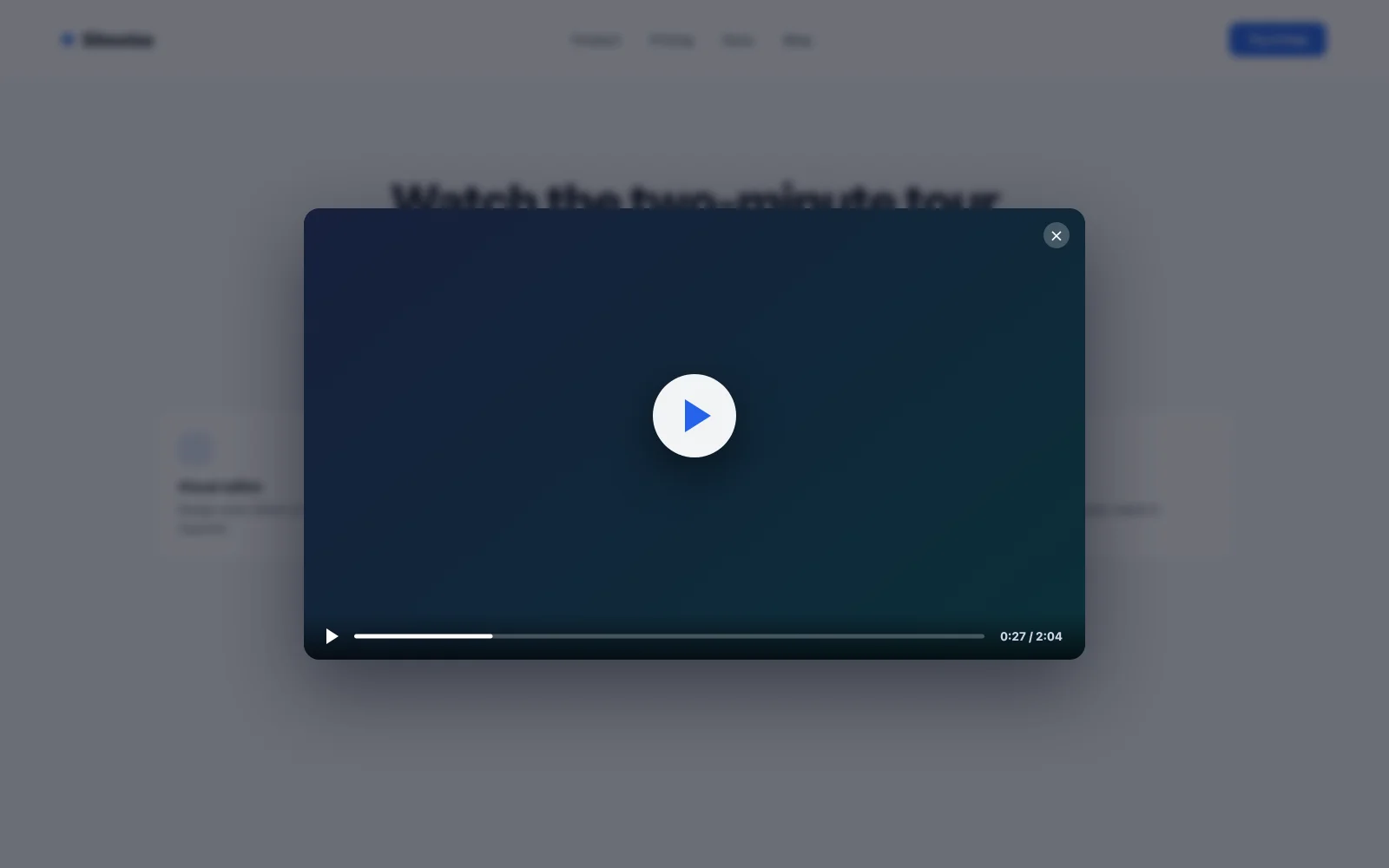
Embed a demo video directly on the page and it drags your load time down whether anyone watches or not. A click-triggered lightbox flips that: the page stays fast, and the video opens in a clean overlay for the visitors who choose it. A play-button thumbnail converts clicks better than a text link because it sets the expectation of exactly what happens next. The MA library includes video lightbox templates ready to import; swap the video URL and you’re done.

16. Image gallery lightbox
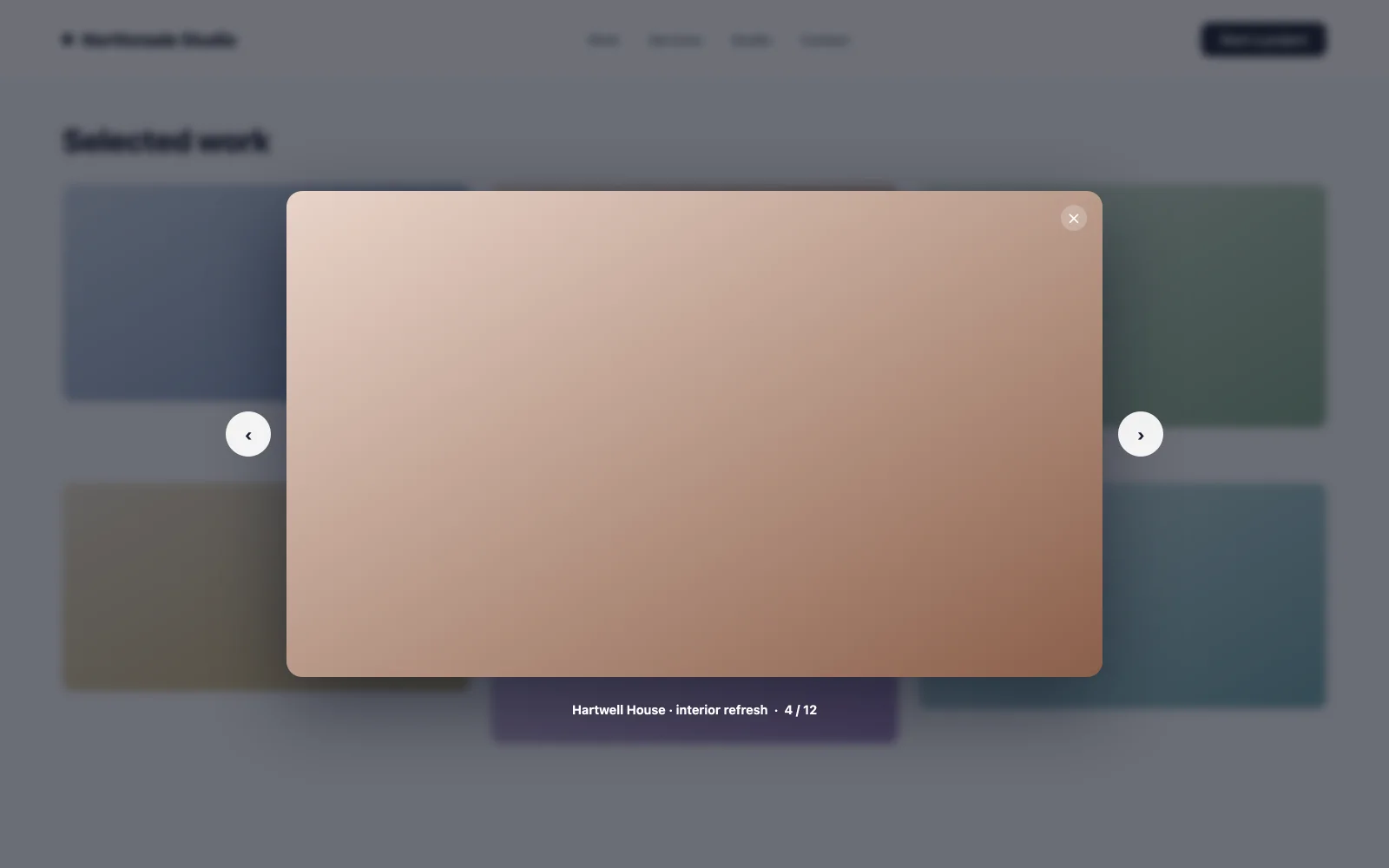
Thumbnails open full-size images in a modal. For portfolios and product close-ups this is the difference between a visitor squinting at a grid and actually inspecting the work. Time spent inspecting correlates with inquiries. Click trigger on each thumbnail, and keep the modal chrome minimal so the image does the selling.

17. New-feature announcement bar
A slim page-load bar at the top of the screen points to an update, a new page, or a launch without covering content. Because it doesn’t demand a decision, dismissal rates stay low and the message gets seen across sessions. Launching something bigger? Pair the bar with a proper Elementor coming soon page for the pre-launch window, then let the bar announce the release.

18. Feedback micro-survey popup
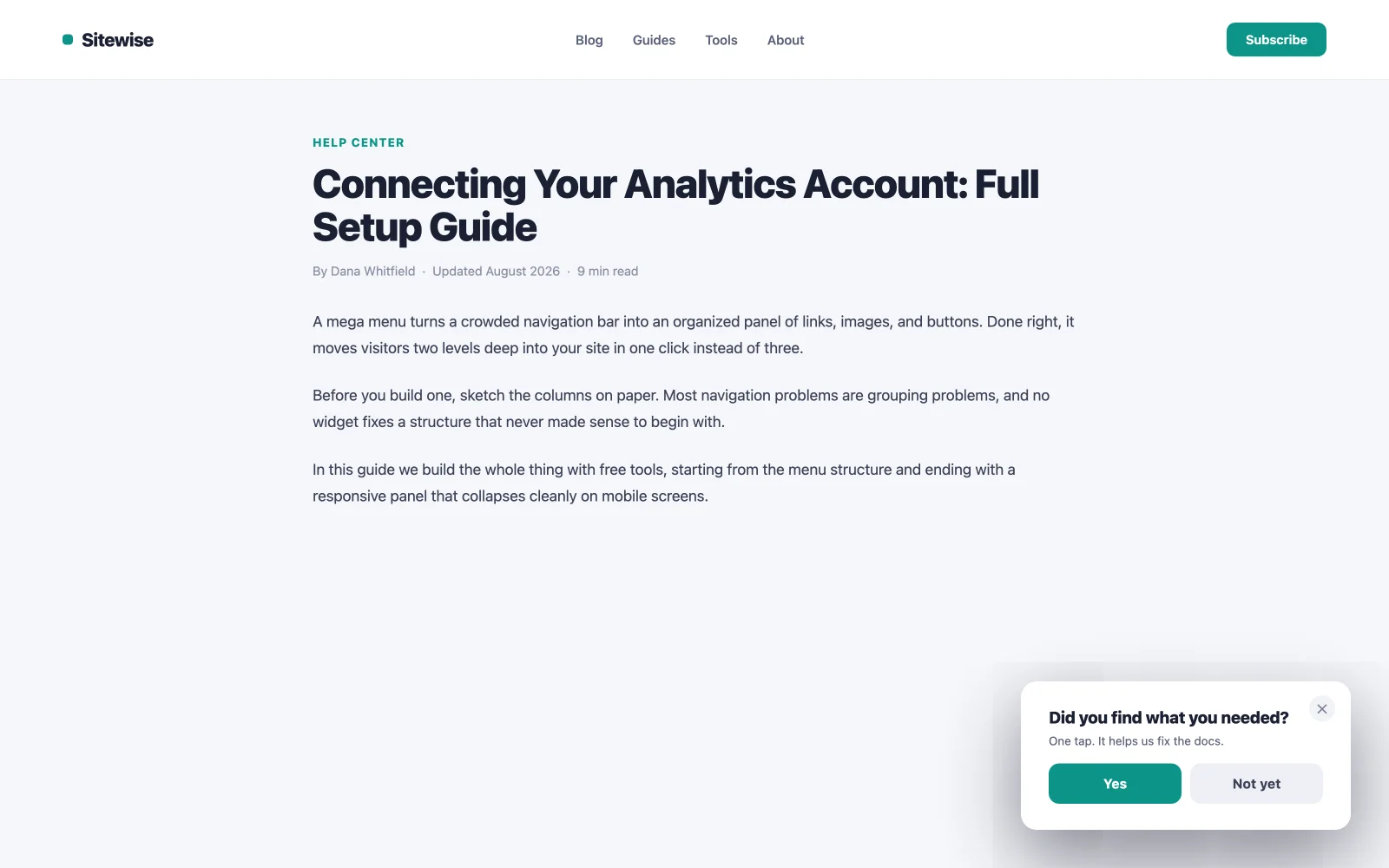
One question, two to five clickable answers, fired after inactivity. The timing is the insight: a visitor who paused is processing something, maybe confusion, maybe hesitation, and a single-question survey catches it while it’s happening. Keep it to one tap with no follow-up form, or response rates collapse.

19. Age or content gate
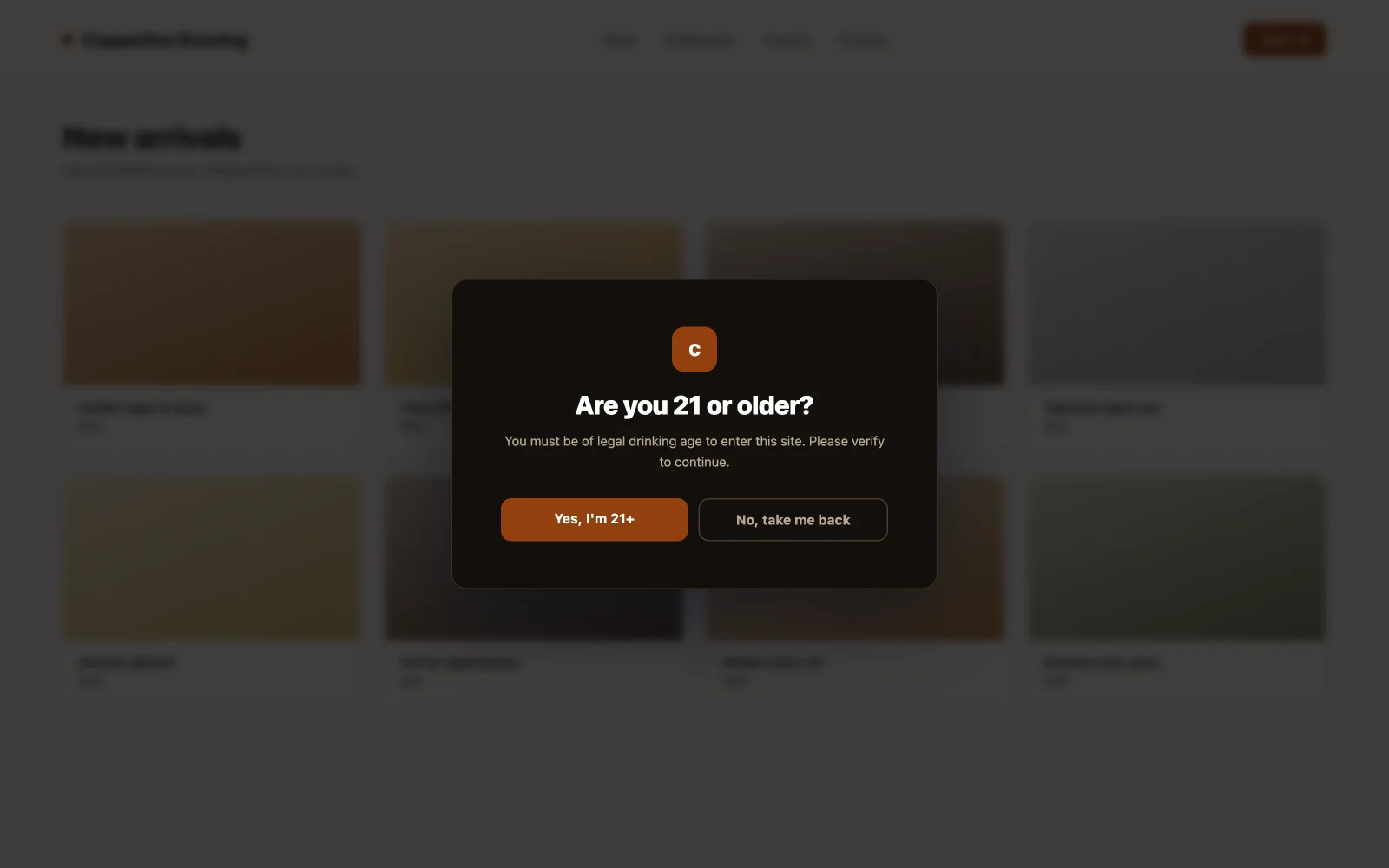
A full-screen page-load popup that blocks content until the visitor confirms their age. Required for alcohol, vaping, some health niches, and certain regulated content. Conversion here means compliance without losing the visitor: two clear buttons, brand styling so it doesn’t look like a legal ambush, and a redirect for the under-age path. Set it to fire once per session, not on every page view.

20. Click-to-open detail modal
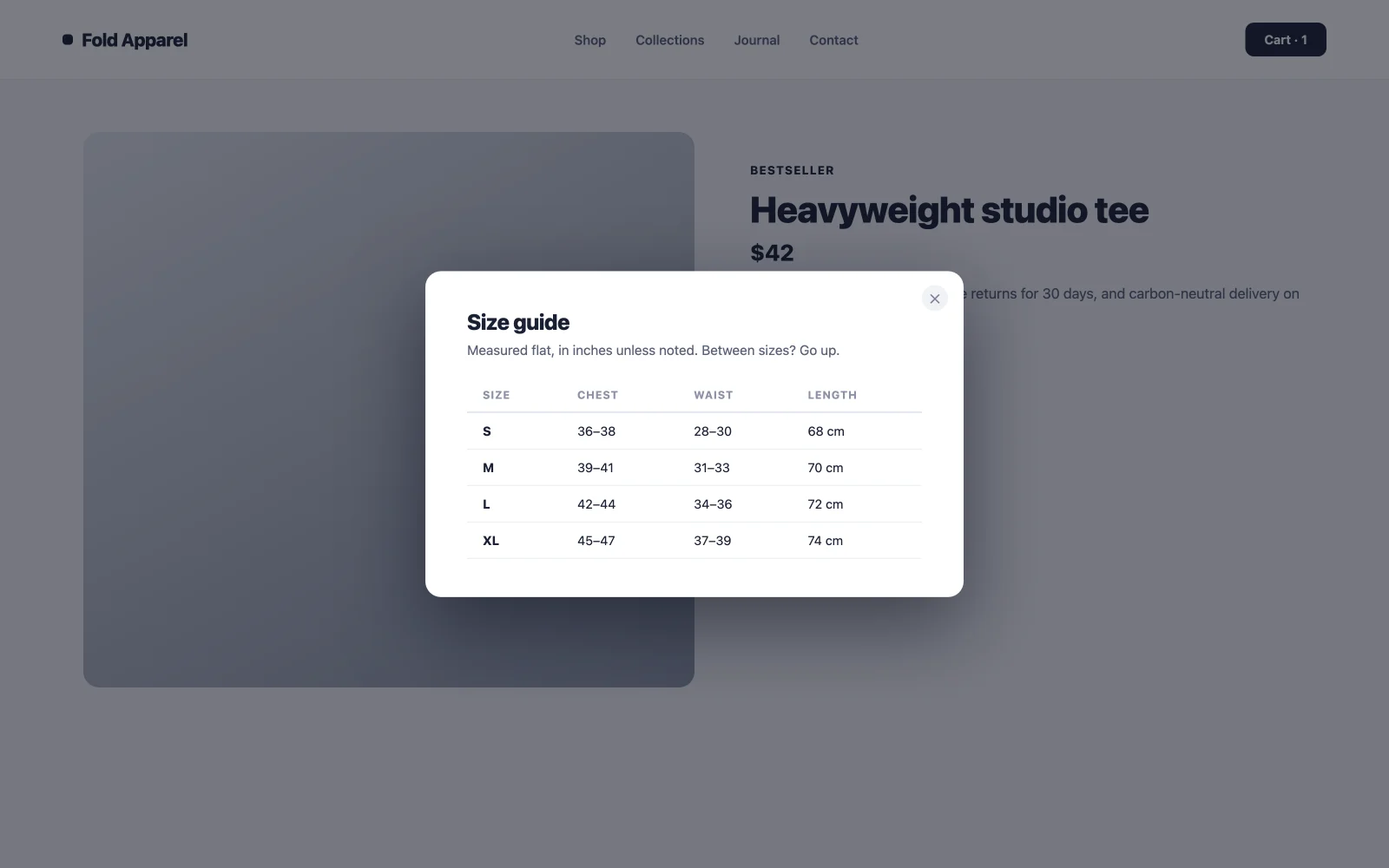
Pricing notes, spec sheets, shipping terms, size guides: content that matters to 10% of visitors and clutters the page for the other 90%. Put it behind a “View details” link that opens a modal. The layout stays clean, the detail-seekers get their answers without a page reload, and your main call to action keeps its focus.

Utility and compliance popup examples
These five handle the practical jobs every site eventually needs. They rarely sell anything, but done badly they cost you visitors, so they’re conversion work too.
21. Cookie consent notice
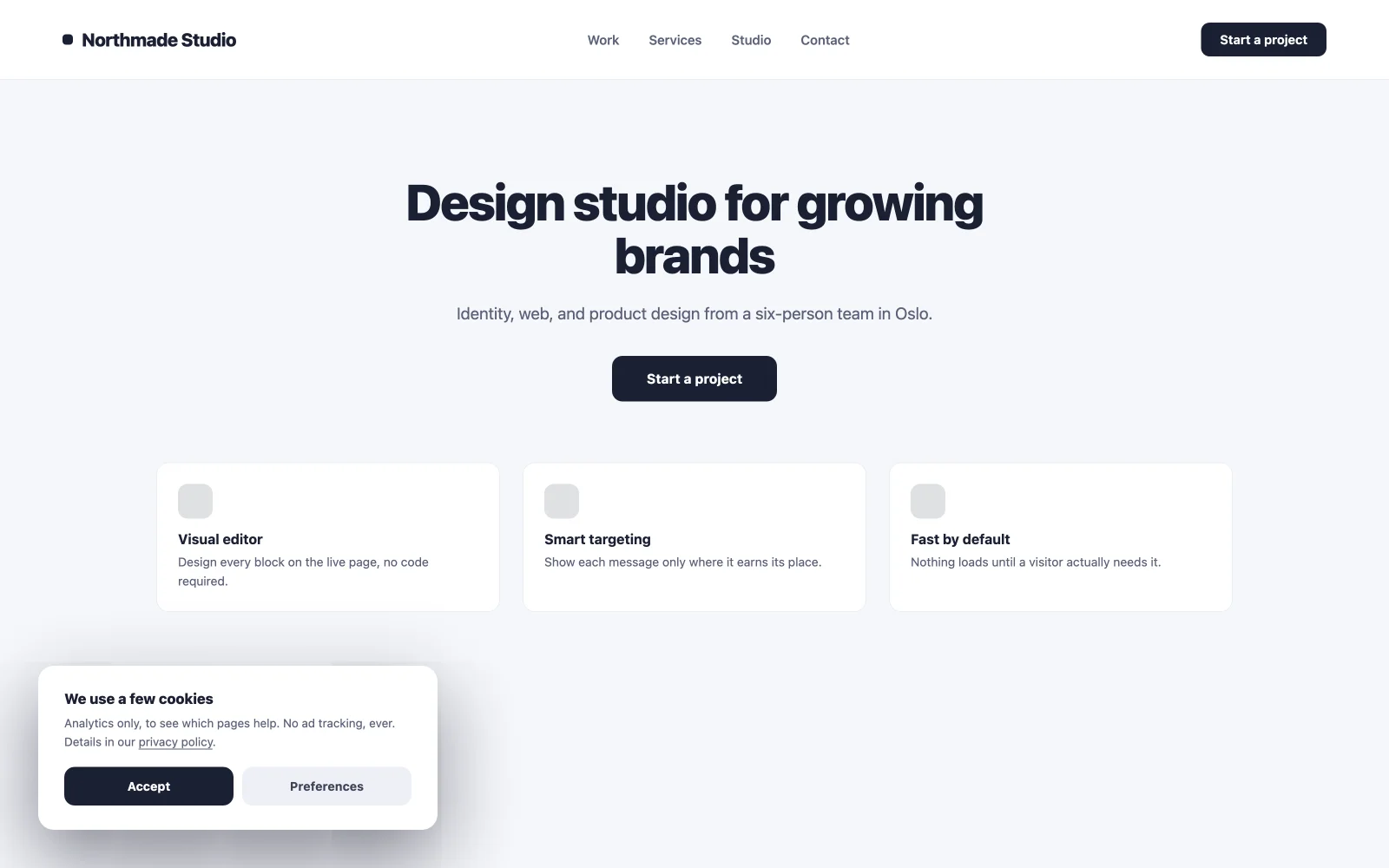
A small page-load bar that records consent and stays out of the way. Bottom of the screen, two buttons, no full-screen takeover. Consent walls that block the page push bounce rates up before a visitor reads a word. Style it to match the site so it reads as part of the design rather than a bolt-on legal widget.

22. Login or registration modal
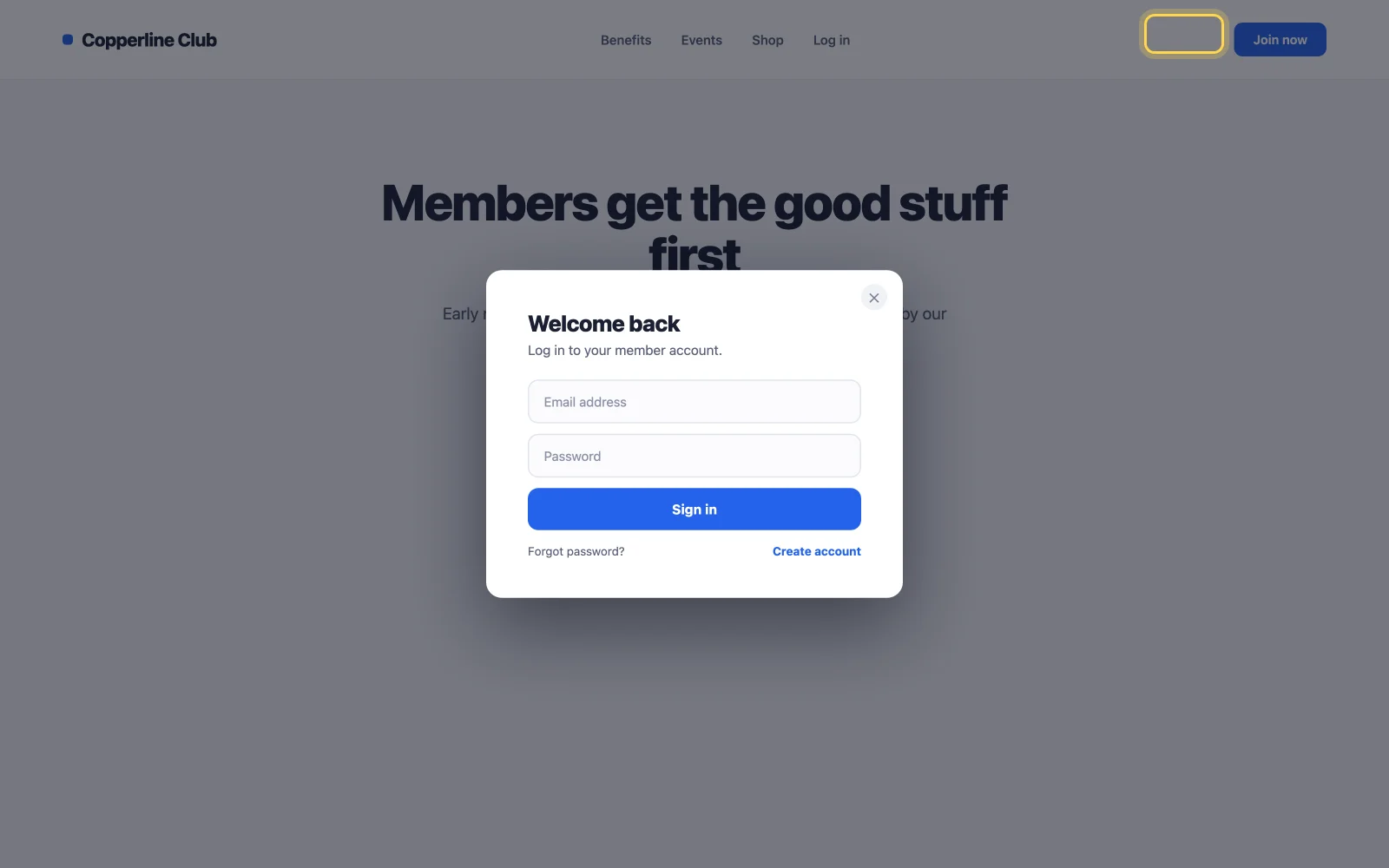
Open sign-in on click in a modal instead of routing to a separate login page. Fewer page loads means fewer drop-offs mid-flow, which matters most on membership sites and stores where login sits between the visitor and checkout. The library’s login templates come pre-styled; import, connect your form, done.

23. Location or currency selector
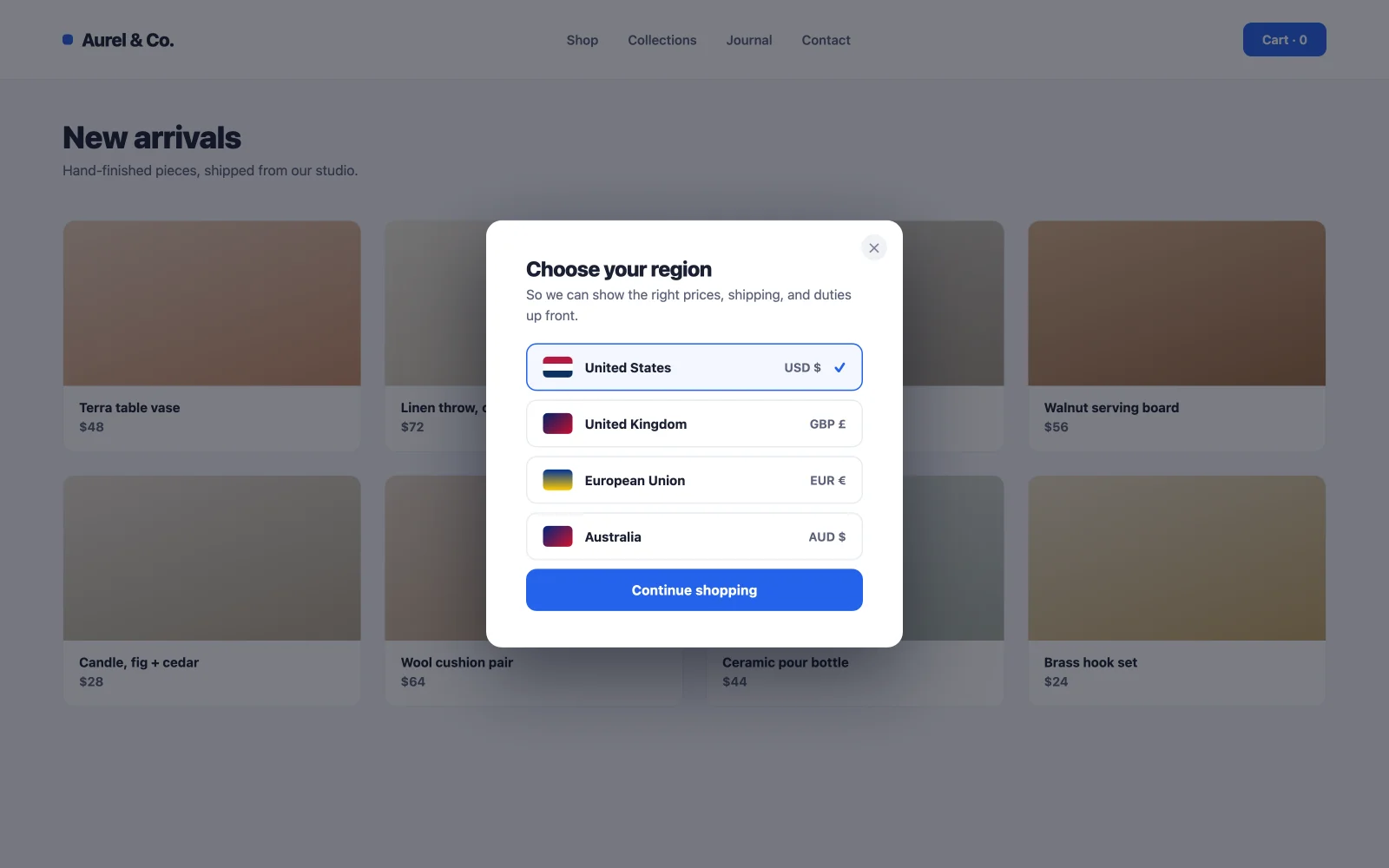
Ask first-time visitors to pick a region or currency on page load, then remember the choice. Showing the right prices and shipping terms up front prevents the nastiest conversion killer in international ecommerce: the surprise at checkout. Fire once for new visitors only; repeat visitors already answered.

24. Appointment or booking form popup
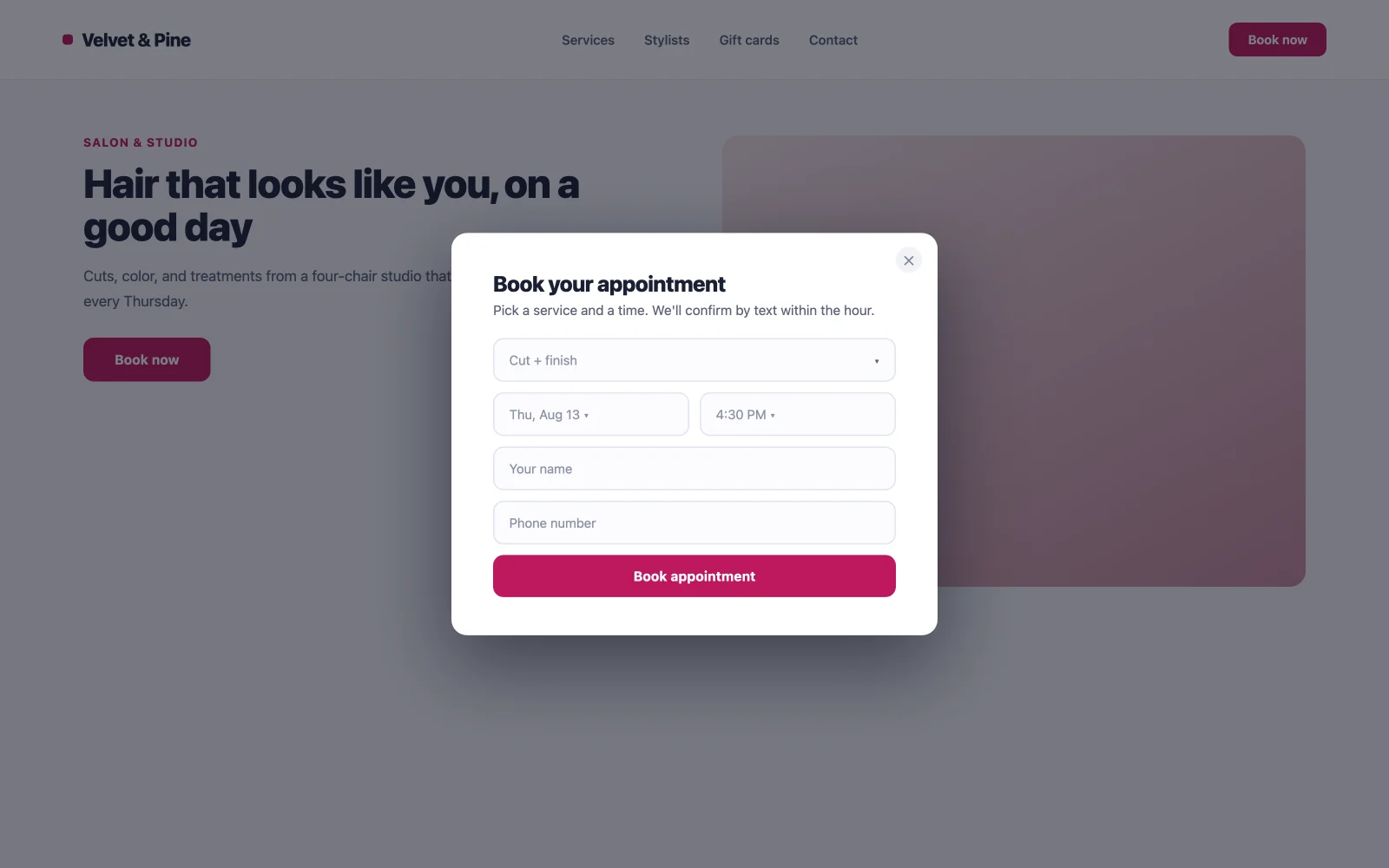
For clinics, salons, consultants, and anyone who sells time: a click-triggered popup holding the booking form means every “Book now” button across the site opens the same form, without maintaining a separate booking page per service. Fewer steps between intent and appointment, and one form to update when your availability changes.

25. Re-engagement nudge
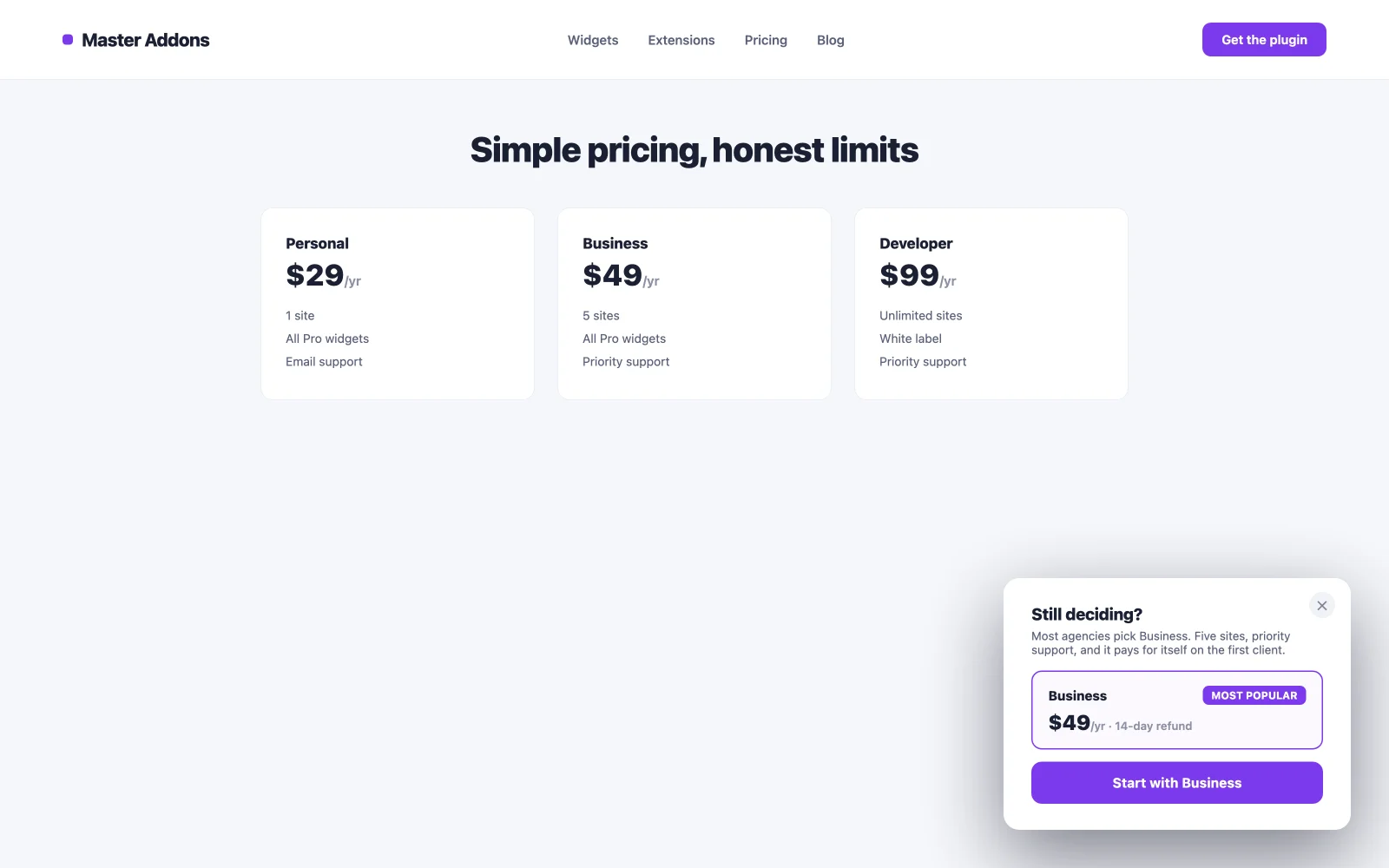
An after-inactivity message that brings back a distracted visitor before the tab gets closed. Different job than exit intent: exit catches an active decision to leave, inactivity catches attention that drifted to another window. A gentle “Still deciding? Here’s our most popular option” restarts the session more often than you’d expect, and it costs the engaged visitor nothing because they never see it.

Match each popup to the right trigger
The offer decides the trigger. Master Addons ships five, and picking the wrong one is the most common reason a good popup underperforms. This table maps triggers to the examples above.
| Trigger | Fires when | Best example fit | Watch out for |
|---|---|---|---|
| On Click | A visitor clicks a set element | Demo request (5), video lightbox (15), booking form (24) | Needs a button or link to attach to |
| On Scroll | The page is scrolled a set percent | Content upgrades (3), newsletter opt-ins (2) | Set it too low and it fires before interest exists |
| Page Load | After a delay you set | Sale banners (11), cookie notice (21), age gate (19) | Under two seconds tends to annoy |
| Exit Intent | The cursor moves to close the tab | Cart recovery (10), last-chance lead magnet (7) | Desktop signal, weaker on mobile |
| After Inactivity | Scrolling and movement stop | Feedback survey (18), re-engagement nudge (25) | Keep the wait long enough to feel natural |

How to build any of these popups free
The build is the same for all 25 examples. Install the free Master Addons plugin on top of free Elementor, open Master Addons → Popup Builder, and add a new popup.
- Start from the library, not a blank canvas. The template library holds 100+ popup designs: opt-ins, discount offers, video lightboxes, cookie notices, login forms. Find the one matching your example and it imports in one click, fully editable.
- Edit with normal Elementor widgets. Text, form, image, countdown: the popup canvas works exactly like a page.
- Pick the trigger from the table above. One toggle per trigger, with its delay, scroll percent, or CSS class setting.
- Set display conditions. Entire site, specific pages, or specific posts. This is the targeting step most people skip and then wonder why the popup annoys people or never shows.
The full walkthrough with screenshots is in our guide on how to add a popup in Elementor for free.
One honest limit: a popup builder captures leads and shows offers, but it isn’t an email platform or an A/B testing suite. If you need split testing and deep analytics, pair it with a dedicated tool; our comparison of the best popup builder plugins for WordPress maps that territory. For design inspiration beyond these 25, Elementor’s own popup examples are worth a scroll, and the free plugin is on the WordPress directory whenever you’re ready to build.
Frequently asked questions
How do I create pop-ups in Elementor?
Free Elementor has no built-in popup builder, so you add one with a plugin. Install the free Master Addons for Elementor plugin, go to Master Addons, Popup Builder, click Add New, design the popup with Elementor widgets, choose a trigger, set display conditions, and publish. The flow takes under ten minutes.
How can I create a popup in Elementor for free?
Use the free Master Addons Popup Builder. It runs on the free version of Elementor, includes five triggers and 100+ templates, and never asks for a Pro license to build, trigger, or target a popup. Elementor Pro is only needed if you want Elementor’s own native Popup Builder instead.
How do I trigger an Elementor popup on a button click?
Set the popup trigger to On Click and enter a CSS class such as open-popup. Then add that same class to the button widget under Advanced, CSS Classes. Every button with that class opens the popup, and the same method works for images, icons, and links.
Are there free Elementor popup templates?
Yes. The Master Addons popup library ships 100+ templates inside the free plugin, covering opt-ins, sale banners, video lightboxes, cookie notices, and login forms. Each imports in one click and stays fully editable in Elementor, with no trial limit or watermark.
Why is my Elementor popup not showing?
The usual cause is missing display conditions. A popup with no include rule never appears on the front end even when it looks right in the editor. Open the popup settings, add a display condition such as Entire Site or a specific page, save, and test in a normal browser tab rather than the editor preview.