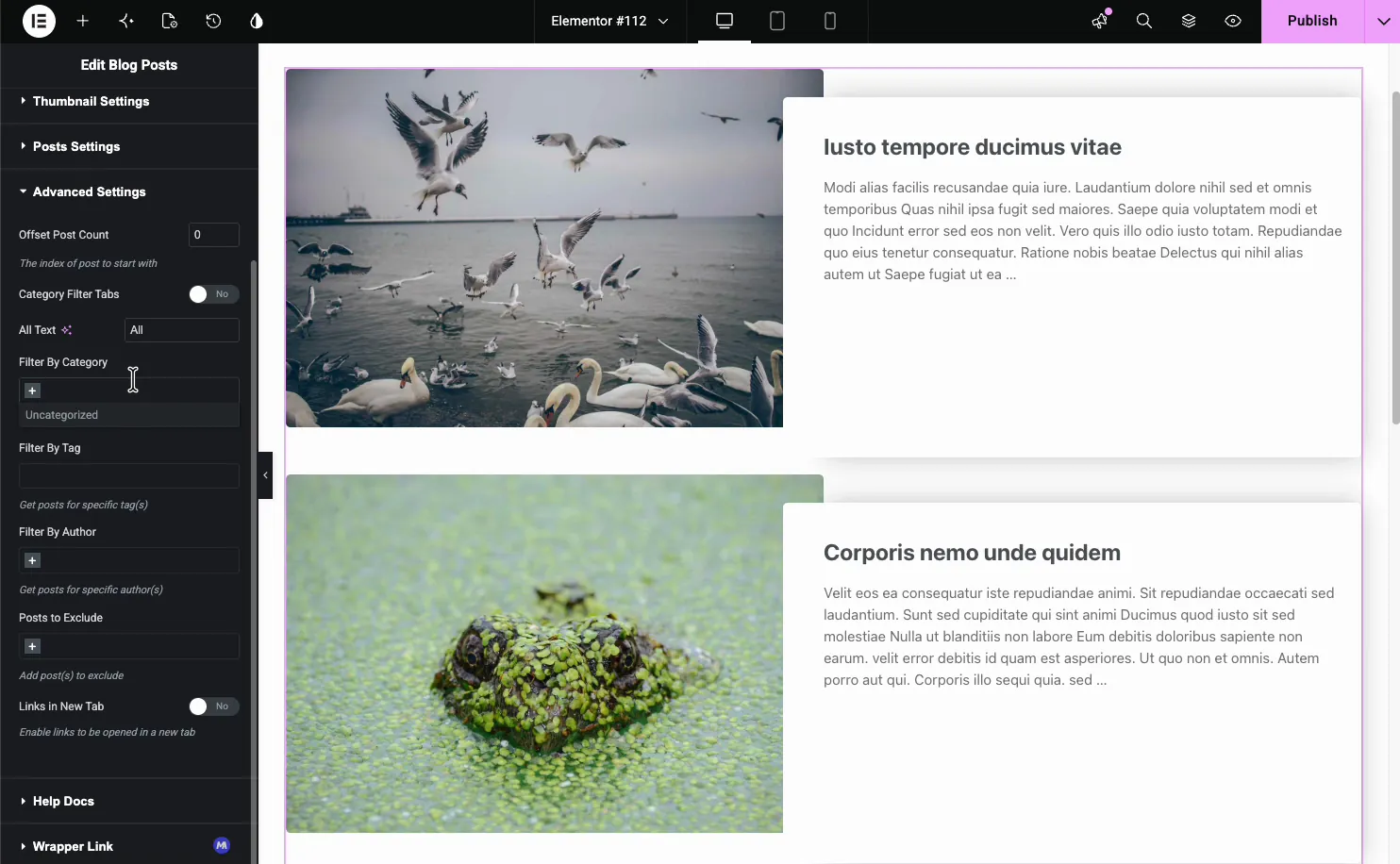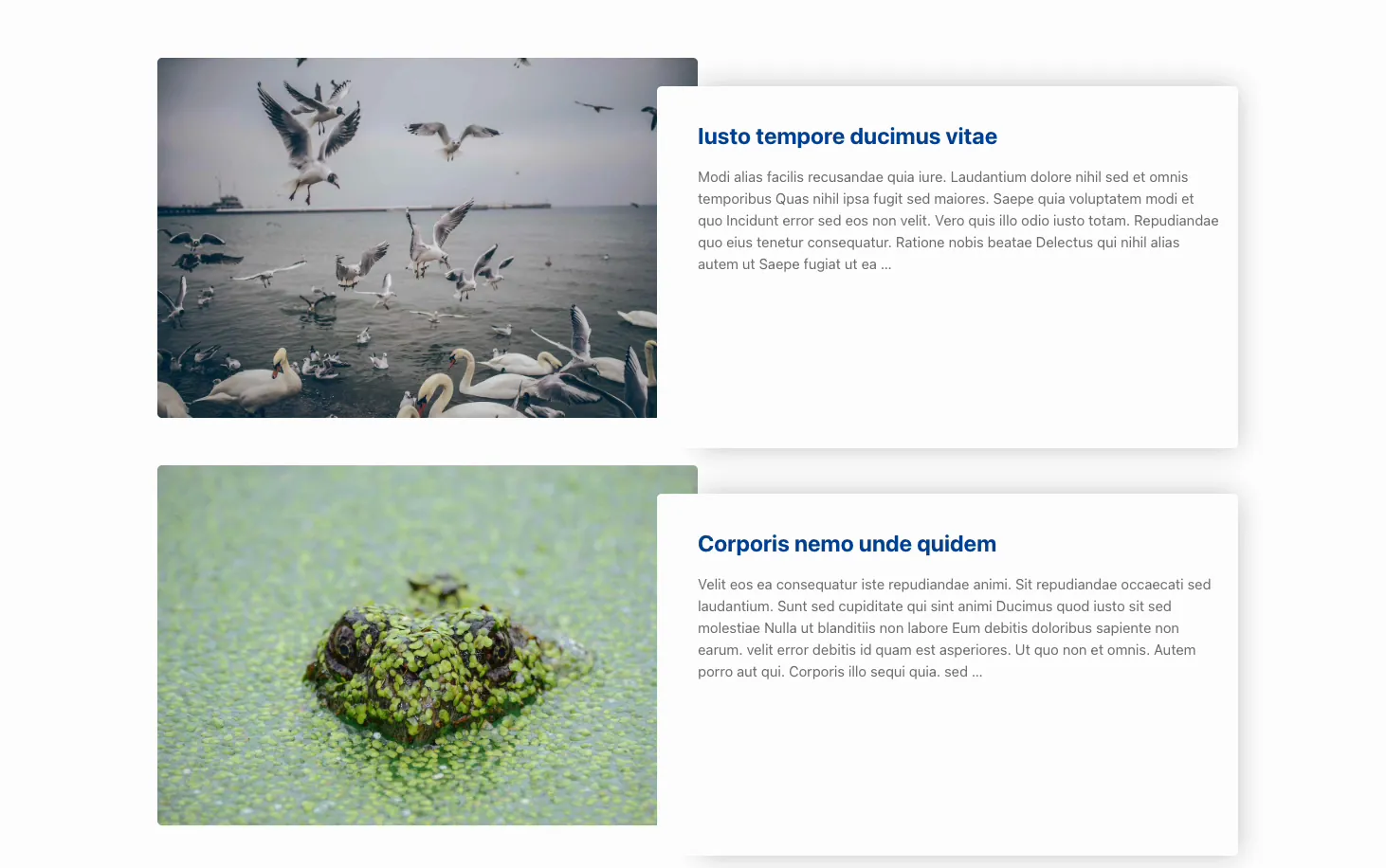
The Loop Carousel is Elementor Pro’s dynamic carousel. Instead of adding slides by hand, you build one slide as a template and point the widget at a query (posts, products, or any custom post type) and it fills itself. Add a post, the carousel updates. No editing required.
It arrived in Elementor 3.11 and it’s the Elementor carousel widget most people are actually looking for when they search for a post carousel or a product slider. It’s also Pro-only, with no free equivalent in Elementor core, so the second half of this post covers the free carousel widgets that get you close if you don’t have a licence.
Same engine, same Loop Item template, different presentation. The grid stacks rows vertically. The carousel puts the same items on a horizontal track.
Pick the carousel when the items are optional: a “you might also like” strip, related posts, featured products. Nobody has to see item seven for the page to make sense.
Pick the grid when the items are the page. An archive, a shop category, a blog index. Hiding two thirds of a category listing behind an arrow costs you conversions, because a shopper who has to click to see more products usually doesn’t.
The rule I’d give a client: if the section has a heading like “More from the blog,” carousel. If the heading is the page title, grid.
On older installs you may also need to enable it under Elementor → Settings → Features. It shipped behind an experiment flag and stayed there for a couple of releases before going stable.
Build the slide first, then the carousel. Doing it the other way round means designing inside a cramped preview.
Infinite loop needs enough items. Elementor clones slides to fake the wrap-around, and it needs at least twice your slides-per-view to do it invisibly. Four posts at three-per-view will visibly jump when it wraps. Either raise posts-per-page or turn the loop off.
Posts-per-page is a query limit, not a display limit. Set it to 6 and the carousel holds six items total, however many are visible. People set it to 3 to match slides-per-view and then wonder why there’s nothing to scroll to.
Edge gap changes the hint. A carousel that ends flush at the container edge looks finished. Add a small edge gap so the next slide peeks in and people know to swipe. It’s a few pixels and it measurably changes interaction rate.
Autoplay plus links is a bad pair. If your slides are clickable and the carousel moves on a timer, someone will reach for a card and click the one that replaced it. Pause-on-hover fixes the desktop case. On touch there’s no hover, so for clickable cards I’d turn autoplay off entirely.
Same process, one difference: set the source to Products and you get WooCommerce-specific query controls. Filter by category, tag, or attribute, sort by price, popularity or date, and exclude out-of-stock items.
The Loop Item template for products should carry price and an add-to-cart button as dynamic elements, not static text. Miss that and every card in the carousel shows the same price, which is exactly the kind of bug that survives to production because it looks fine in the editor preview.
Related products, recently viewed, and “complete the look” strips are all the same widget with a different query. And if you only need one product called out rather than a strip, the Featured Product widget does that without a query at all. It’s a Pro widget, and it’s the only WooCommerce product widget Master Addons ships.
Loop Carousel is Pro. If you’re on free Elementor, you’re not getting it, and no free addon reimplements the Loop Item template system.
What you can get for free is the outcome: a dynamic carousel that pulls posts or products and updates itself. Master Addons’ Blog widget has a carousel mode in the free plugin. Query by post type, category, tag or author, pick a layout, switch the display to carousel, and configure the same arrows, dots, autoplay and per-breakpoint controls.

The trade-off is honest: you don’t design the card. The Blog widget gives you layout presets and a Style tab rather than a blank Loop Item canvas. If you need pixel control over the slide, Elementor Pro’s approach is better. If you need “latest six posts in a slider that looks decent,” the free widget gets there faster.

Products are thinner, and it’s worth saying plainly: there is no free product carousel widget. A sliding, self-updating product strip needs Elementor Pro’s Loop Carousel, or a hand-filled layout like the one below. The product carousel guide works through both. And if your slides are fixed images rather than a query, the free Image Carousel widget is the shorter route, though at that point you’re building a slider, not a loop.
There’s a third free option worth knowing about. Master Addons ships 20 named carousel and slider designs as importable Widget Builder files, and 8 of them import free. They’re not query-driven, so you fill the items in by hand, but two sit close to what a Loop Carousel produces. Quadrant Paged Catalogue pages a grid of nine item boxes three at a time, each with an image, category, title and copy, which is the nearest free thing to a paged product loop. Ledger Index Slider puts a clickable index of entries beside a display plate, built for archives and lists of works. All 20 are collected on the carousel widgets hub.
Three cases, and I’ve watched all three go wrong on client sites.
Your archive page. A category listing in a carousel means Google’s crawler sees six products where you have sixty. The rest are in the DOM, but the signal to a user, and to anyone judging the page’s depth, is that this category is thin.
Above the fold on mobile. A dynamic carousel is a query, a template render, and a slider initialisation before anything paints. Put that at the top of a phone page and your largest contentful paint is a spinner.
Fewer than five items. A carousel with three slides is a grid that makes people work. Just show all three.
No. Loop Carousel requires Elementor Pro, and there’s no reduced free version. The free alternative is a query-driven carousel widget from an addon, and Master Addons’ Blog widget has a carousel mode in its free tier that pulls posts dynamically. For hand-filled layouts, 8 of Master Addons’ 20 importable carousel designs are also free.
They share the same Loop Item template and query controls. The Loop Grid arranges results in rows and columns; the Loop Carousel puts them on a horizontal sliding track with arrows and dots. Use the grid for archives and listings, the carousel for optional “related” or “featured” strips.
Build a Loop Item template in Theme Builder first, using dynamic tags for the image, title and excerpt. Publish it, then drag the Loop Carousel widget onto your page, select that template, set the query source and filters, and configure slides-per-view and autoplay under Carousel settings.
Usually the query. Check that the Loop Item template’s post type matches the widget’s query source, because a template built for Posts won’t render Products. Second most common cause is a taxonomy filter with no matching content. Third is posts-per-page set lower than you think.
Yes. Any registered public post type appears in the query source dropdown, and its custom fields are available as dynamic tags if you’re using ACF, Meta Box or Pods. Build the Loop Item template against that post type and the carousel handles the rest.
Set slides-per-view separately on each breakpoint using the device icons at the top of the setting. Three on desktop, two on tablet, one on mobile is the safe default. Also check the arrow size on mobile, because the desktop default is often too small to be a comfortable tap target.
If you have Pro, build the Loop Item template first and treat it as a design asset you’ll reuse across grids and carousels for the rest of the site. It’s the piece that pays back.
If you would rather build the card as a reusable widget than a template, that is what authoring your own widget is for, and the pricing page covers the tier it sits in.
If you don’t, start with the free query-driven widgets and see whether the layout presets get you close enough. Both paths are covered on the Elementor Carousel Widgets page, along with the rest of the carousel options. Still deciding on format? the slider plugin roundup settles which one your section actually needs.
Get all the premium widgets and templates you desire, built with clean code that keeps your site fast. Ditch the bloat, not the features.

110+ Premium Widgets & Lifetime Updates – Build Beyond Limits. An Exclusive Creation by Pixar Labs