
Key Takeaways An Elementor carousel lightbox is switched on in the Image Carousel widget by setting Link to Media File and Lightbox to Yes. The Elementor lightbox shows a slide counter, fullscreen, zoom, share and close buttons, with the image title under the photo. Colors and buttons for the Elementor lightbox are set once for the whole site …

Key Takeaways The Custom URL option in Elementor's Image Carousel is a single link field, so an Elementor image carousel custom link sends every slide to
Read More
Key Takeaways All 20 Elementor flip box examples here are live demo pages built with the Master Addons Flipbox widget, one widget per card. Each screenshot
Read More- ‹ Previous Post
- 1
- …
- 3
- 4
- 5
- 6
- 7
- …
- 86
- Next Post ›
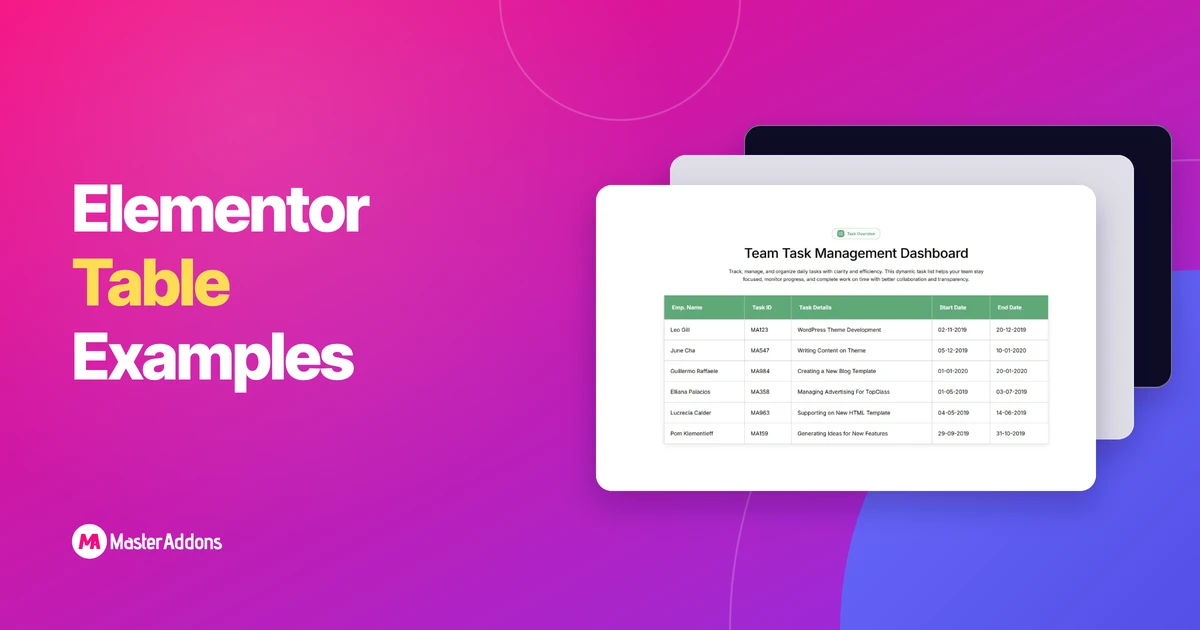
Key Takeaways All eight Elementor table examples in this post are live demos built with the Master Addons Dynamic Table widget, and each one has a
Read More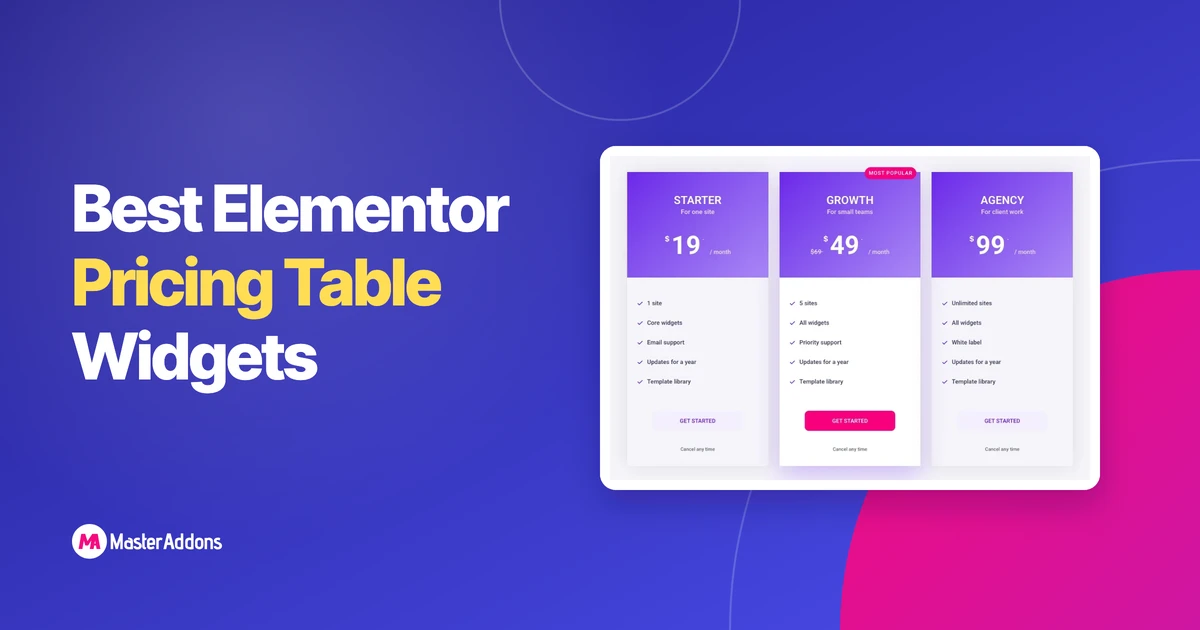
Key Takeaways Elementor Pro's Price Table widget is not in the lowest Pro tier; the Pro-vs-Free table lists it from the Advanced Solo plan up, and
Read More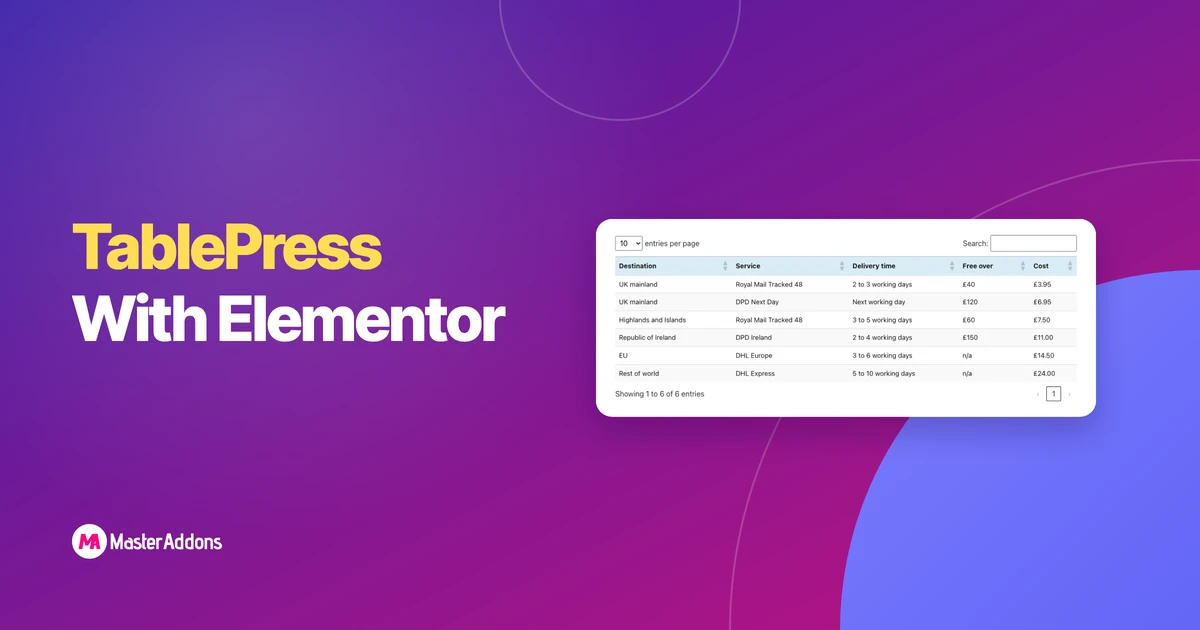
Key Takeaways TablePress works with Elementor in two ways: a widget named TablePress table that TablePress 3.4 adds to the Elementor panel, and the shortcode [table
Read More



Key Takeaways An Elementor carousel lightbox is switched on in the
Read More
Key Takeaways Elementor has no dedicated control to show or hide
Read More
Key Takeaways Elementor's Portfolio widget is on the Pro list. It
Read More
Key Takeaways These 10 content toggle examples for Elementor are live
Read More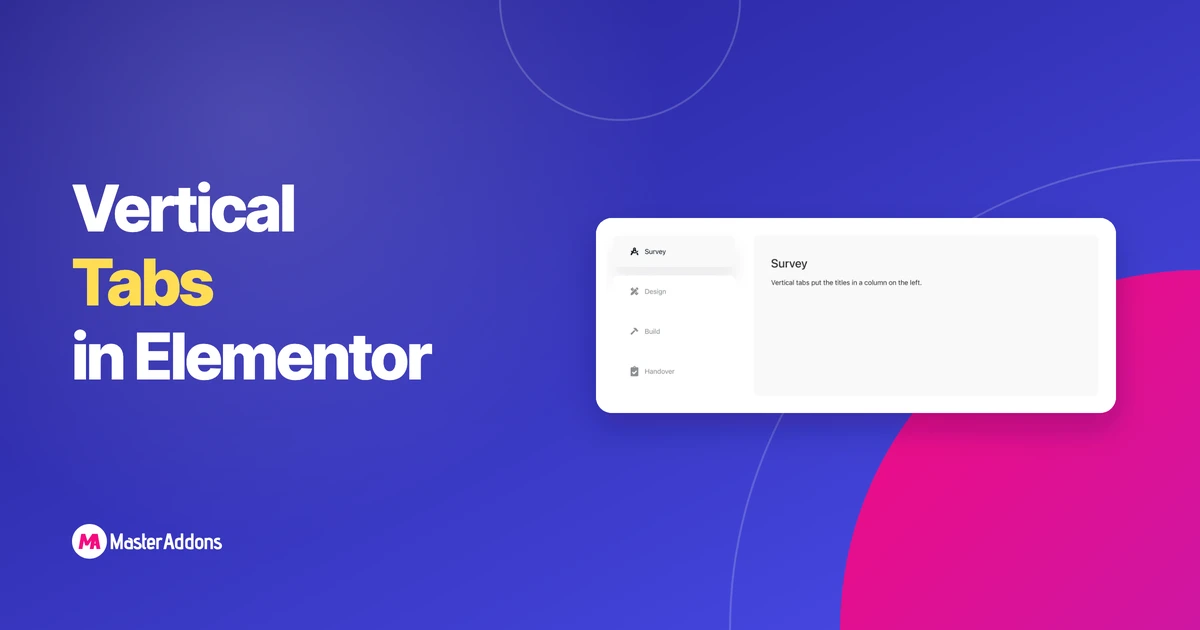
Key Takeaways Vertical tabs put the titles in a column on
Read More
Key Takeaways Elementor and Elementor Pro do not include a content
Read More
Key Takeaways Masonry means images keep their own proportions instead of
Read More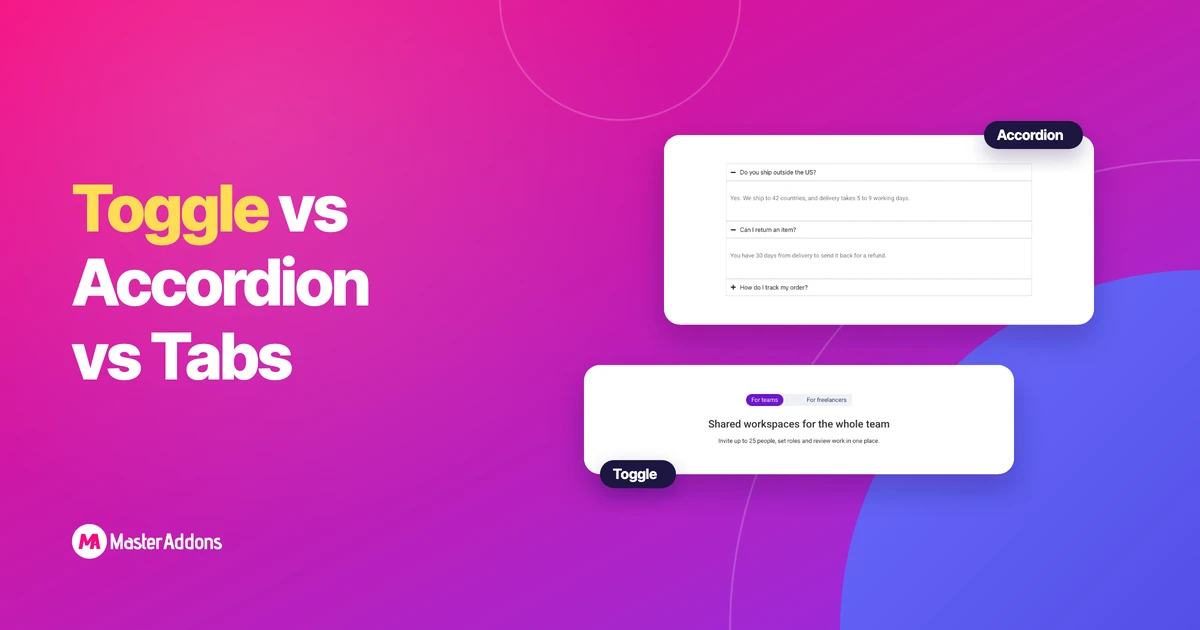
Key Takeaways In the Elementor toggle vs accordion comparison, the only
Read More
Key Takeaways Nested Tabs replaced the original Tabs widget. The old
Read More