
Key TakeawaysFor an Elementor sticky table of contents you need a sidebar column that is taller than the box and a sticky rule on the table of contents widget inside that column.The Master Addons Table of Contents widget has no sticky switch, so the box is made sticky with the rule selector { position: sticky; …

Key TakeawaysThe Custom URL option in Elementor's Image Carousel is a single link field, so an Elementor image carousel custom link sends every slide to
Read More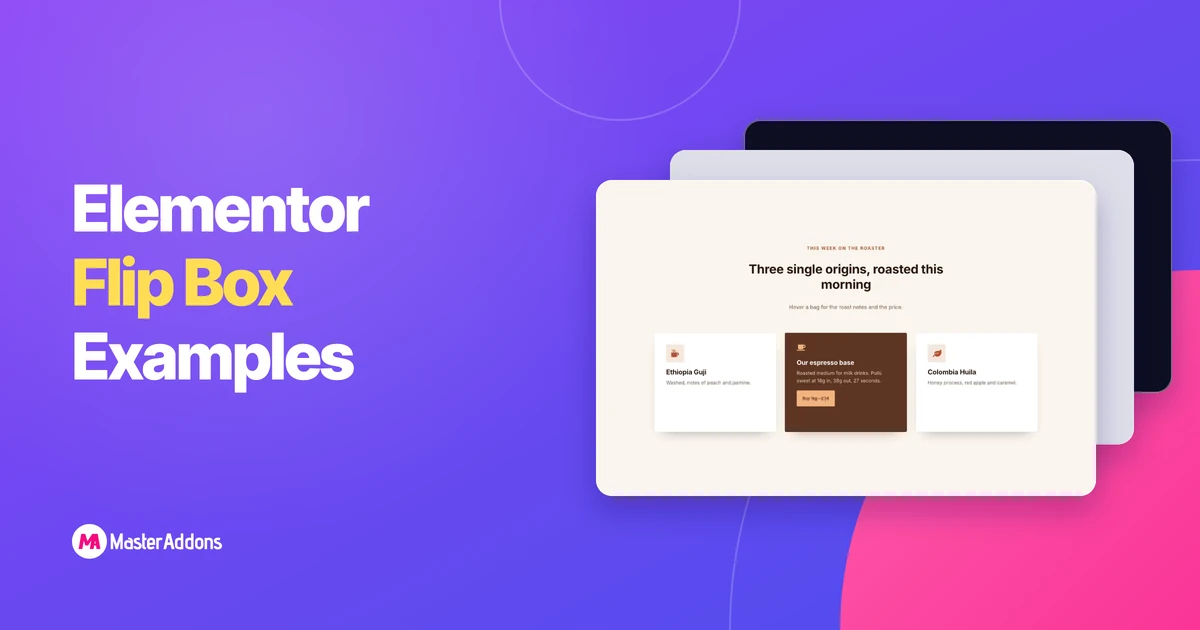
Key TakeawaysAll 20 Elementor flip box examples here are live demo pages built with the Master Addons Flipbox widget, one widget per card. Each screenshot
Read More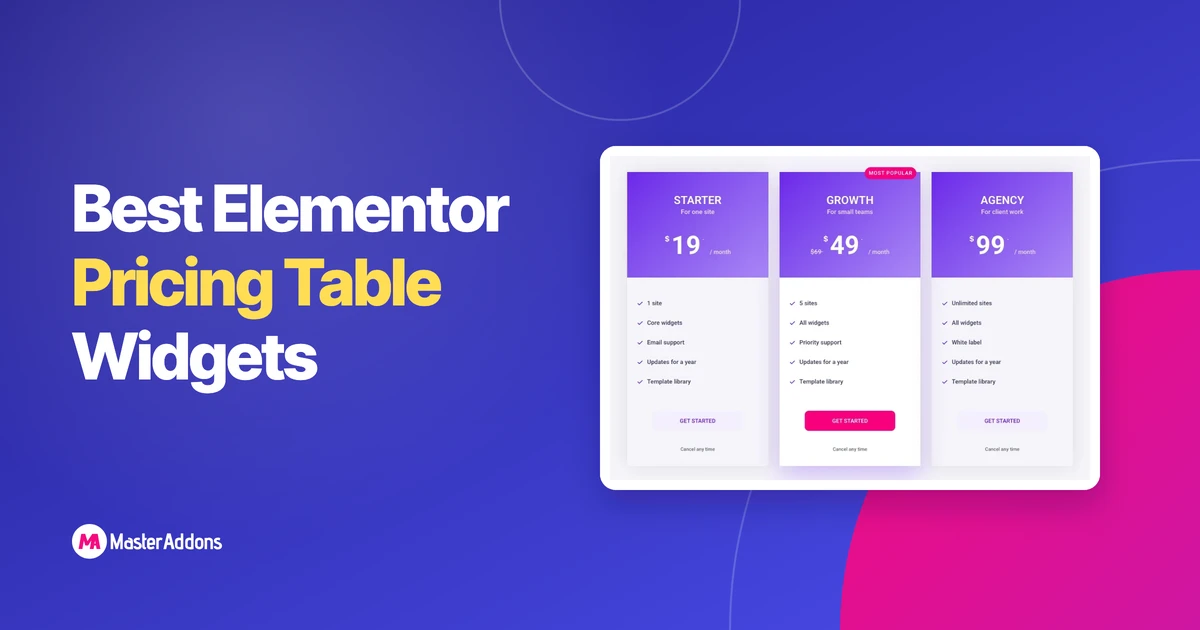
Key TakeawaysElementor Pro's Price Table widget is not in the lowest Pro tier; the Pro-vs-Free table lists it from the Advanced Solo plan up, and
Read More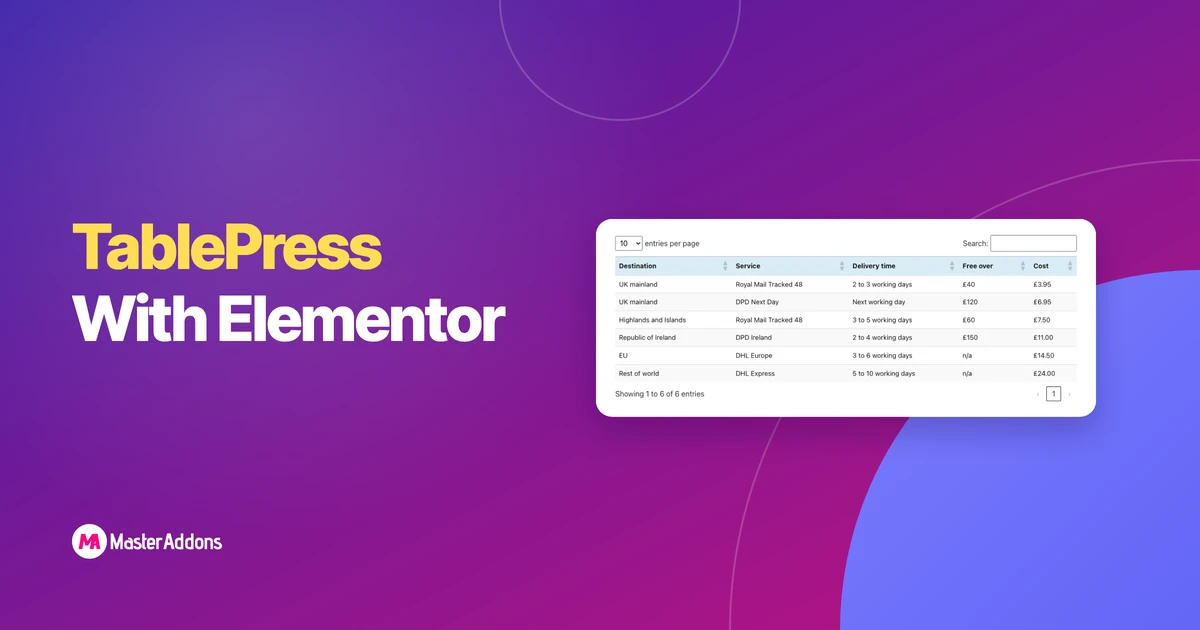
Key TakeawaysTablePress works with Elementor in two ways: a widget named TablePress table that TablePress 3.4 adds to the Elementor panel, and the shortcode [table
Read More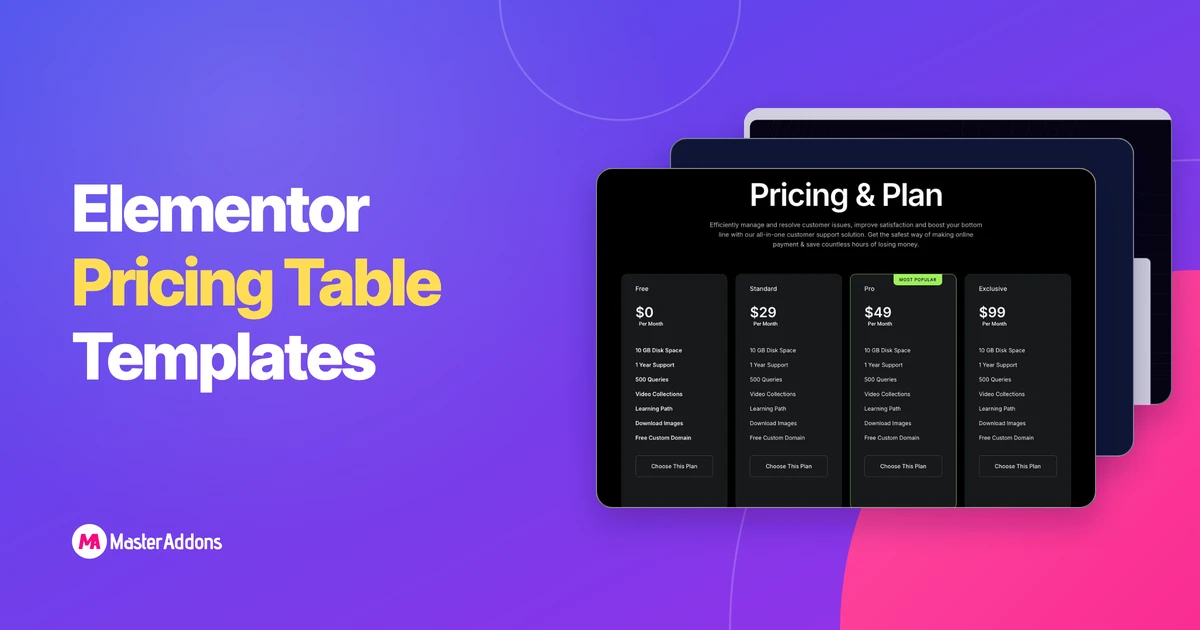
Key TakeawaysThe Master Addons Pricing Table widget ships five Elementor pricing table templates as a Layout dropdown: Default, Left Align Content, Rounded Table, Table with
Read More


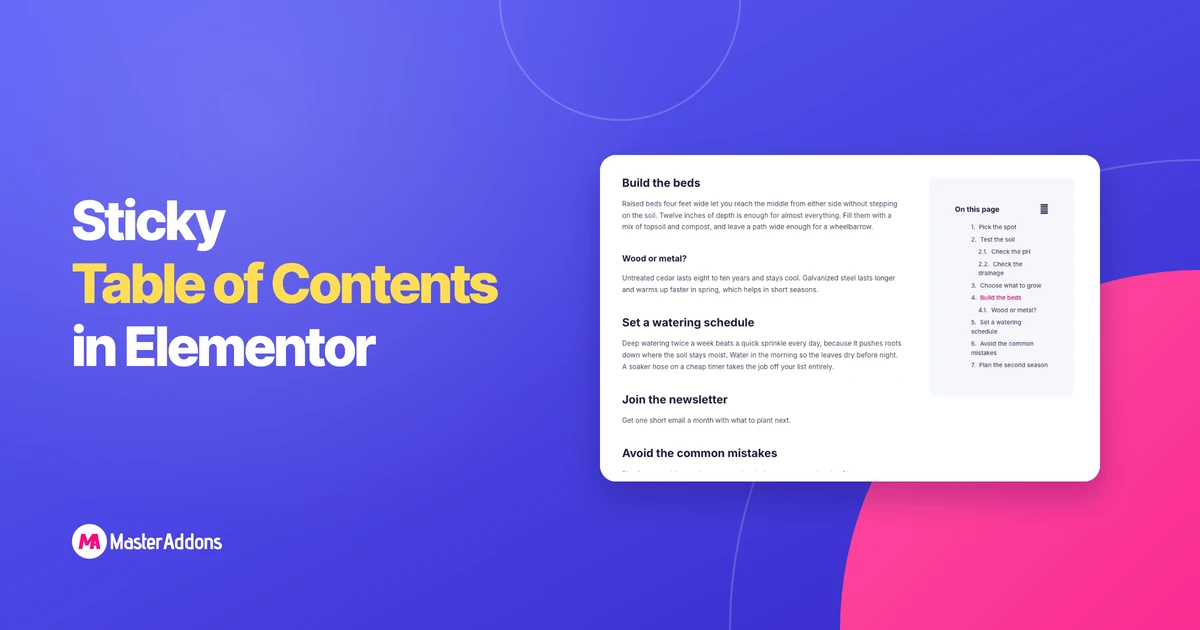
Key TakeawaysFor an Elementor sticky table of contents you need
Read More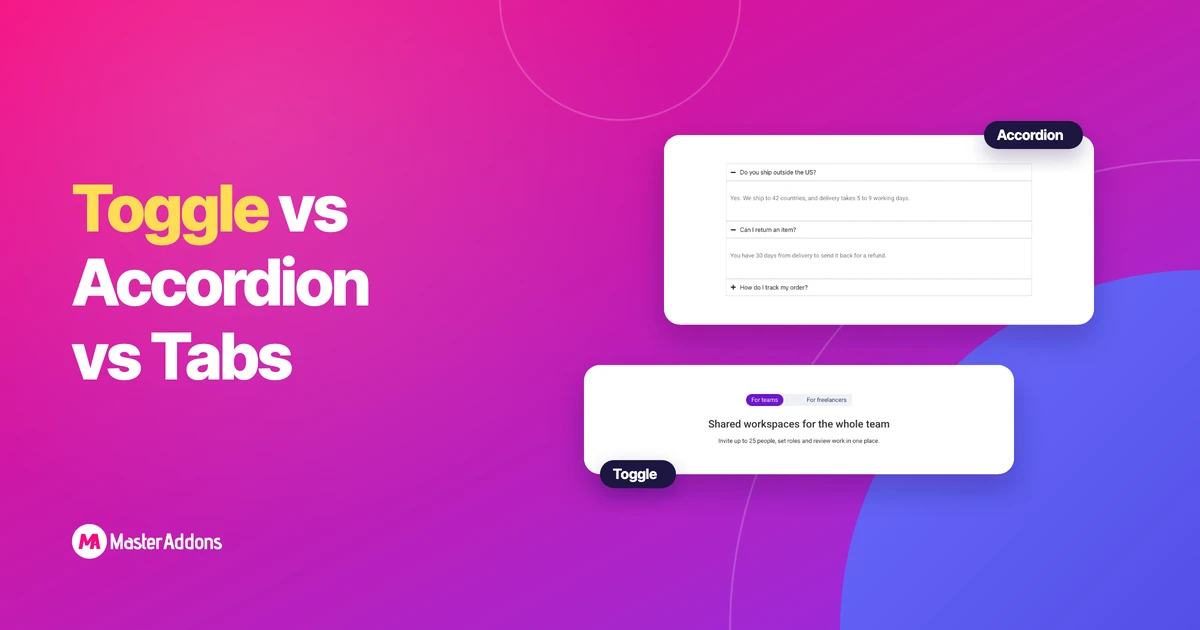
Key TakeawaysIn the Elementor toggle vs accordion comparison, the only
Read More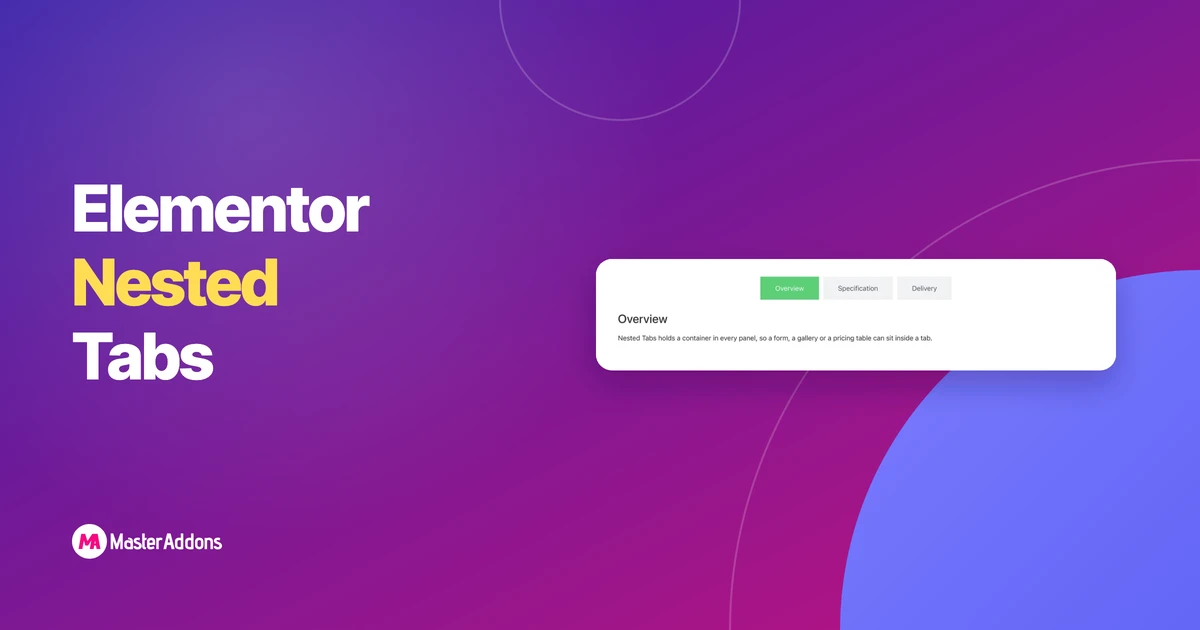
Key TakeawaysNested Tabs replaced the original Tabs widget. The old
Read More
Key TakeawaysAn Elementor pricing toggle is built from two parts:
Read More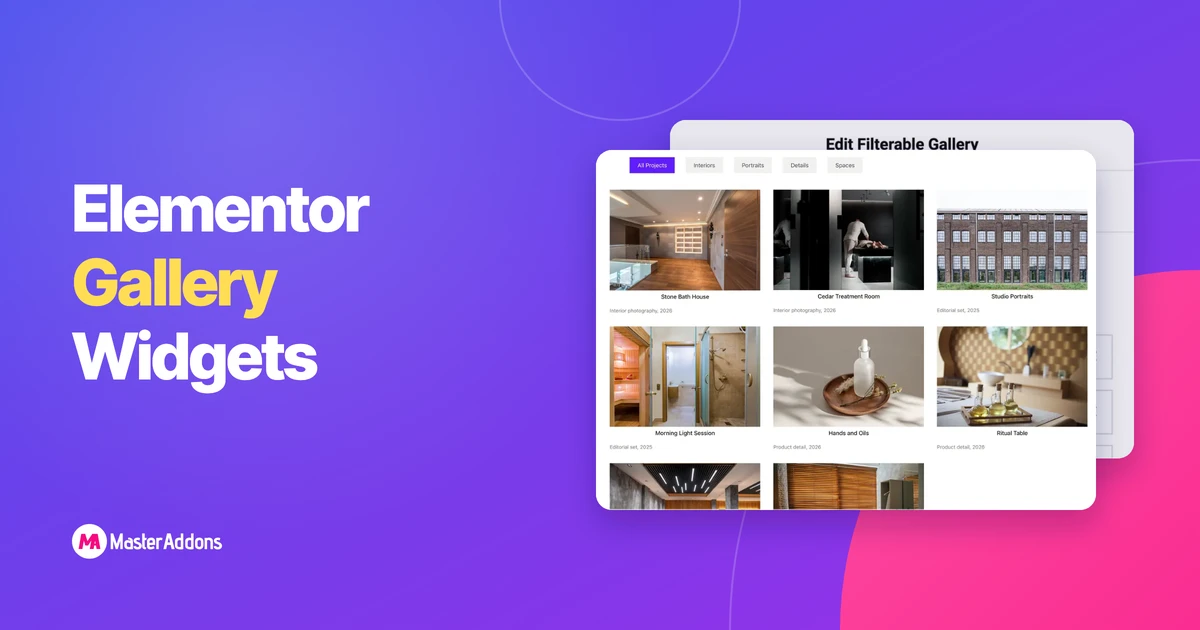
Key TakeawaysElementor ships two gallery widgets. Image Gallery is on
Read More
Key TakeawaysAn Elementor toggle button can mean three things: a
Read More
Key TakeawaysElementor has two tab widgets. The original one has
Read More
Key TakeawaysElementor has no roadmap widget, so an Elementor roadmap
Read More
Key TakeawaysElementor's free Image Gallery widget has no filter bar.
Read More