
Key TakeawaysAll 20 Elementor flip box examples here are live demo pages built with the Master Addons Flipbox widget, one widget per card. Each screenshot caption links to its demo, so you can hover the real thing.Three settings decide how a Flipbox card looks and moves: Design Variation in the Style Preset section, Animation Style …
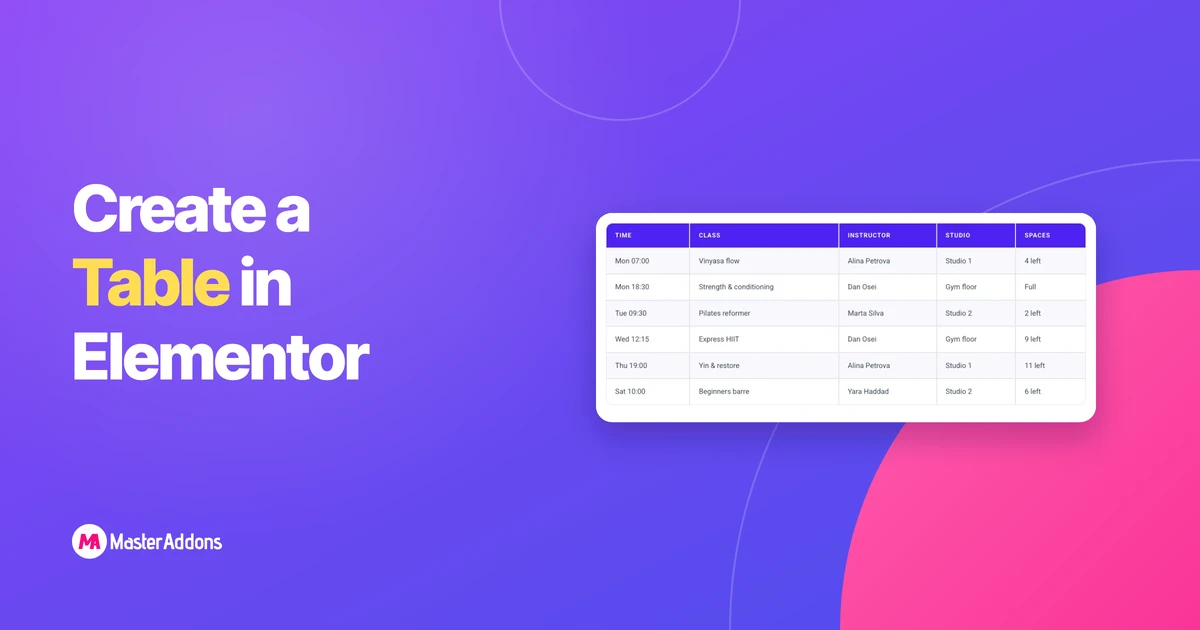
Key TakeawaysElementor has no table widget in the core plugin or in Elementor Pro, so a table in Elementor comes from HTML code, containers, a
Read More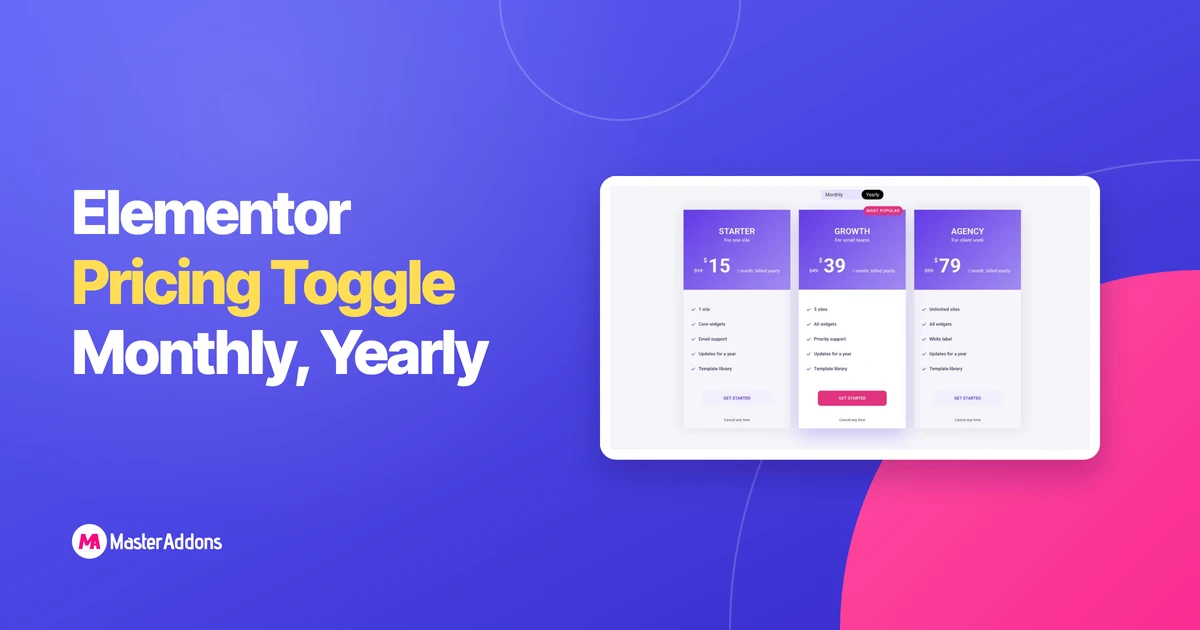
Key TakeawaysAn Elementor pricing table toggle needs two sets of cards, one with monthly prices and one with yearly prices, and a control that shows
Read More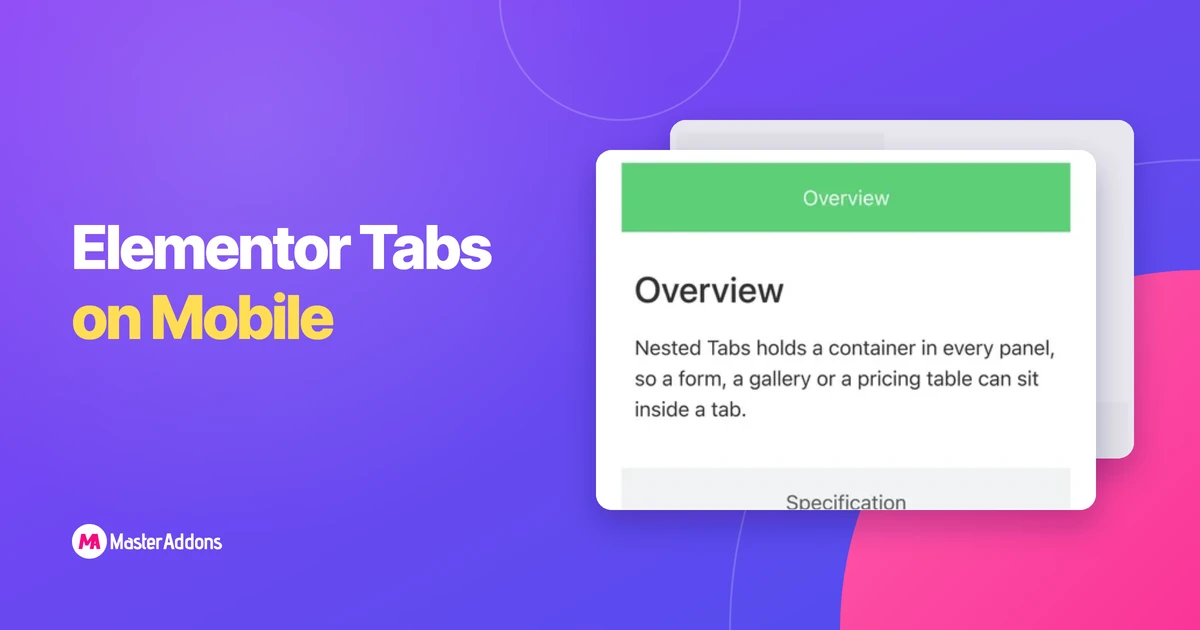
Key TakeawaysFour tab titles that fit a 1,200px desktop column have about 390px on a phone, so they wrap, squash or overflow.Elementor's Tabs widget has
Read More
Key TakeawaysElementor has no dedicated control to show or hide a section on click, so the three working methods are the Accordion widget, a content
Read More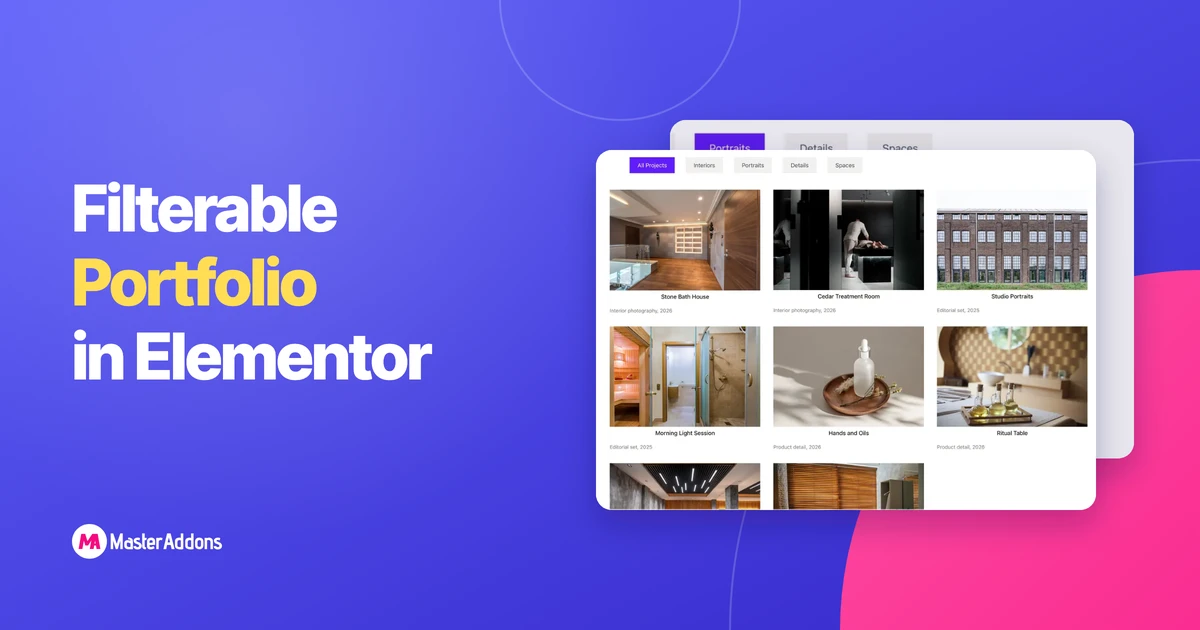
Key TakeawaysElementor's Portfolio widget is on the Pro list. It pulls from posts or a custom post type and builds the filter tabs from their
Read More


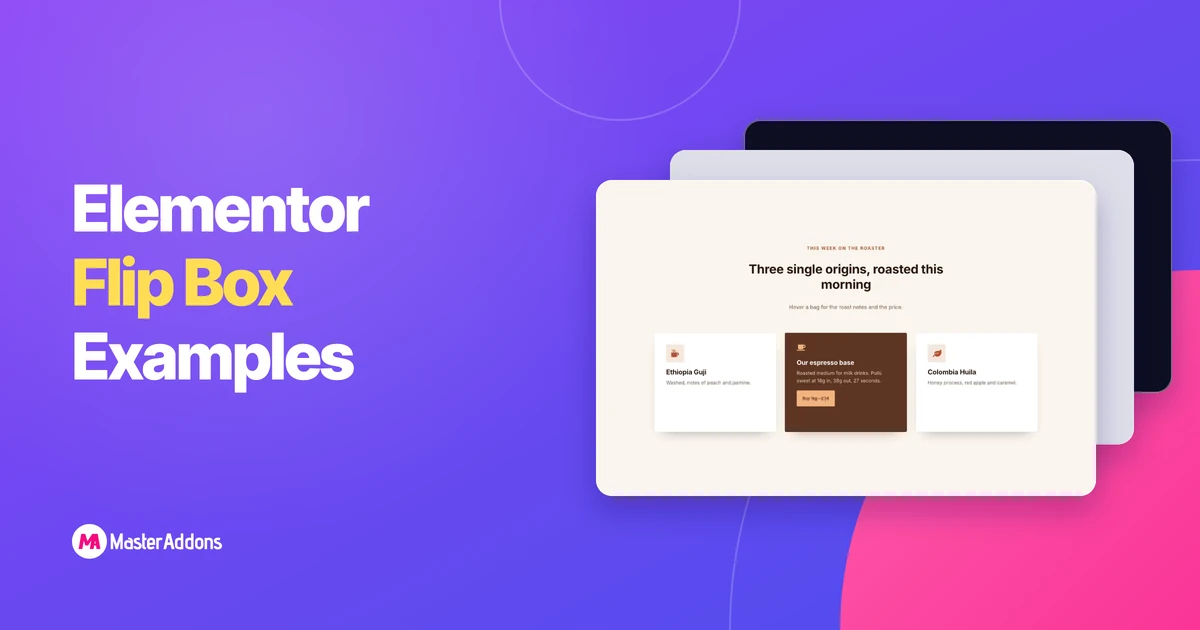
Key TakeawaysAll 20 Elementor flip box examples here are live
Read More
You found a template kit on Envato Elements, downloaded the
Read More
Most affiliate systems work fine when there are only a
Read More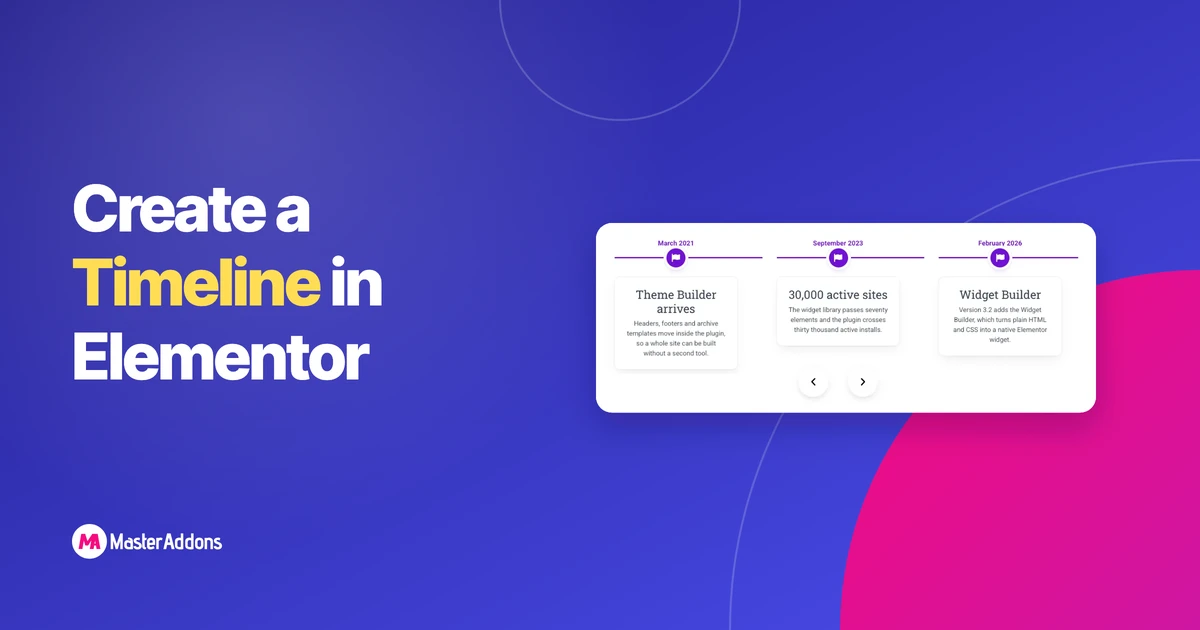
Can you make a timeline in Elementor without a plugin?Install
Read More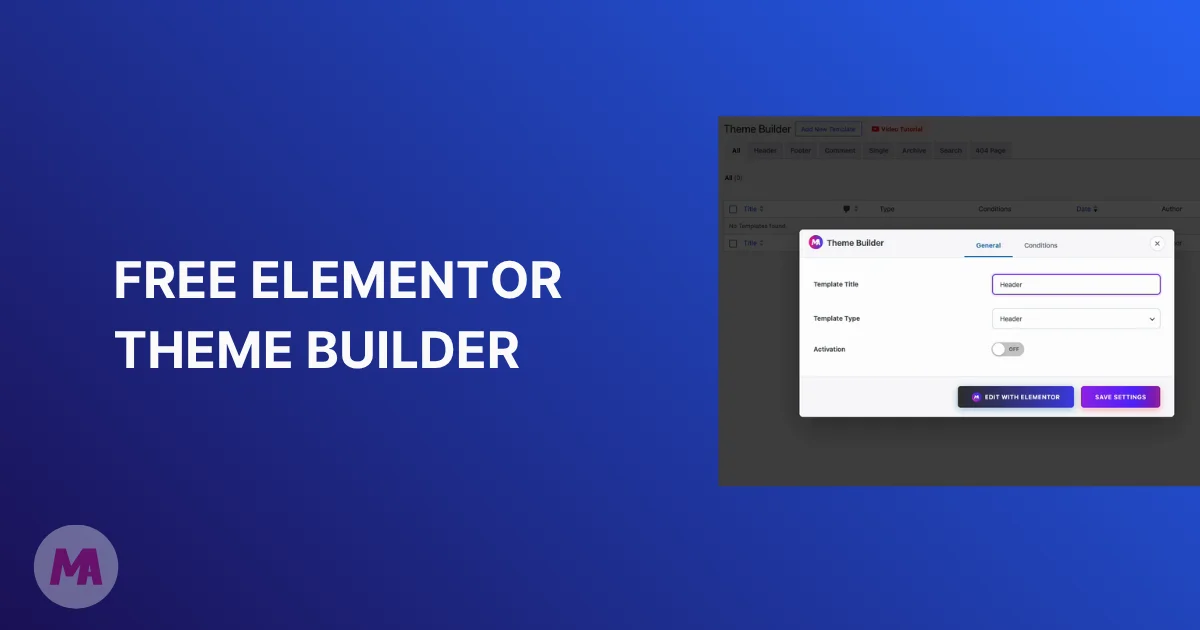
Every free Elementor user hits the same wall eventually. You
Read More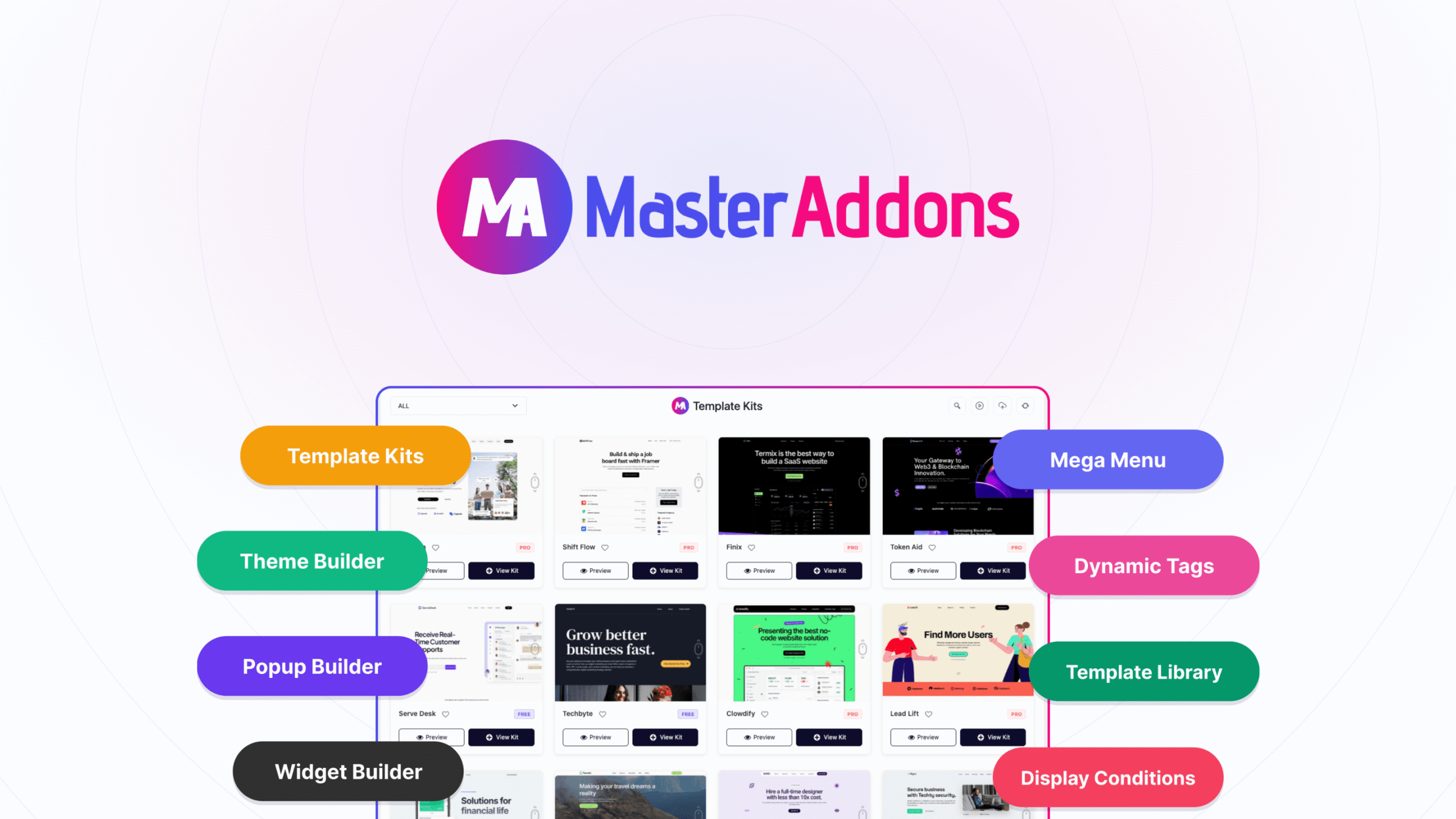
We’ve never put Master Addons on AppSumo before, so this
Read More
If you've been building websites with Elementor, you already know
Read More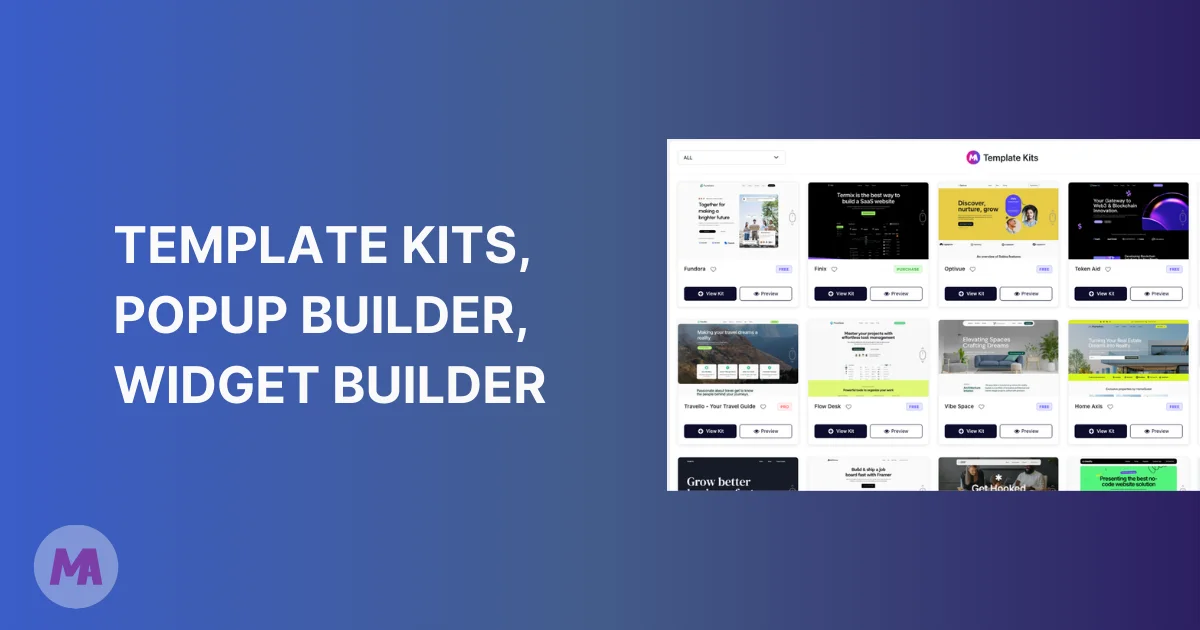
We don't say "massive update" lightly. Master Addons v3.0.0 is the result
Read More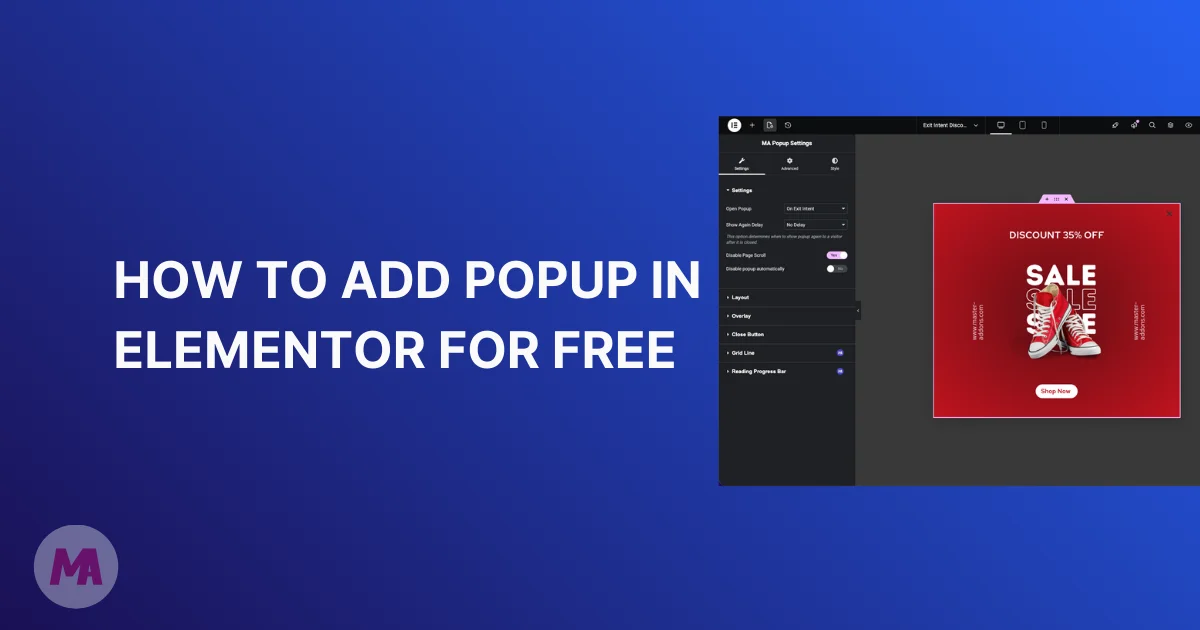
Does Elementor free have a popup builder?What the free popup
Read More