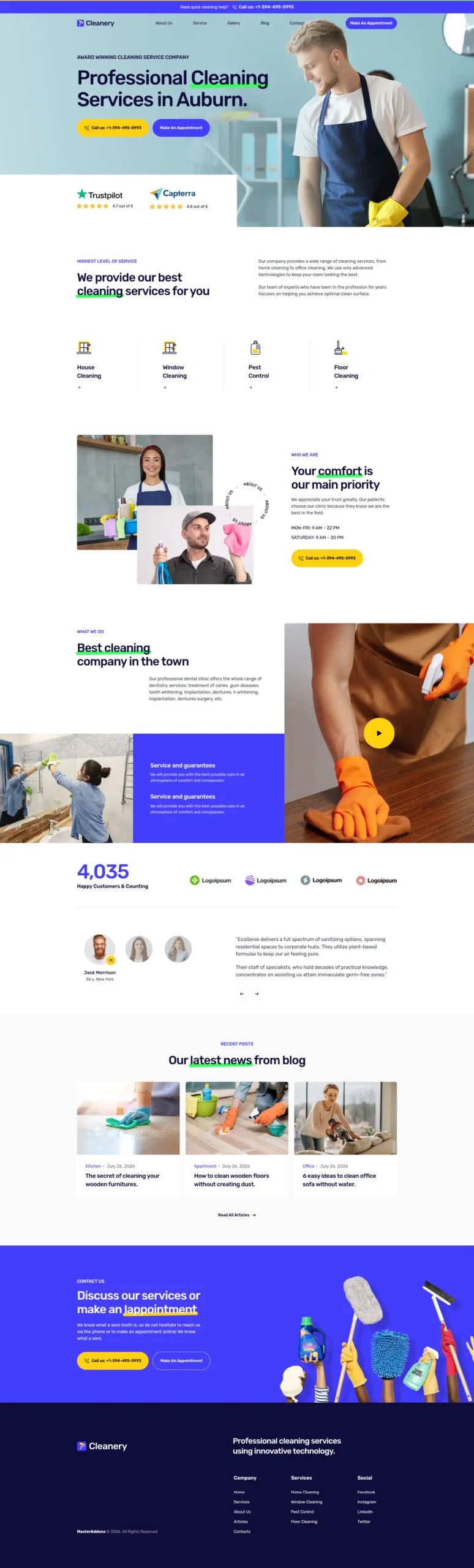
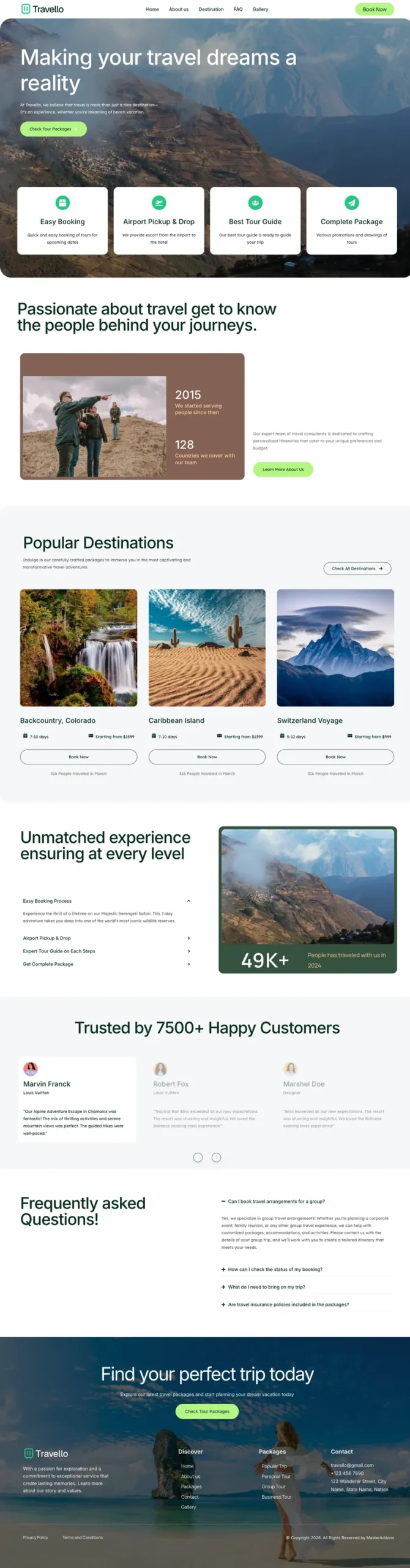
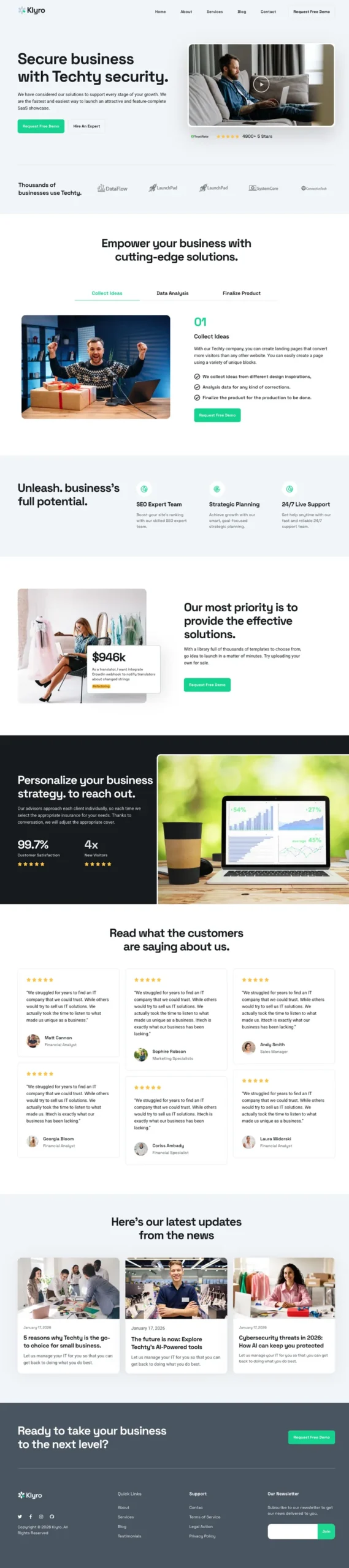
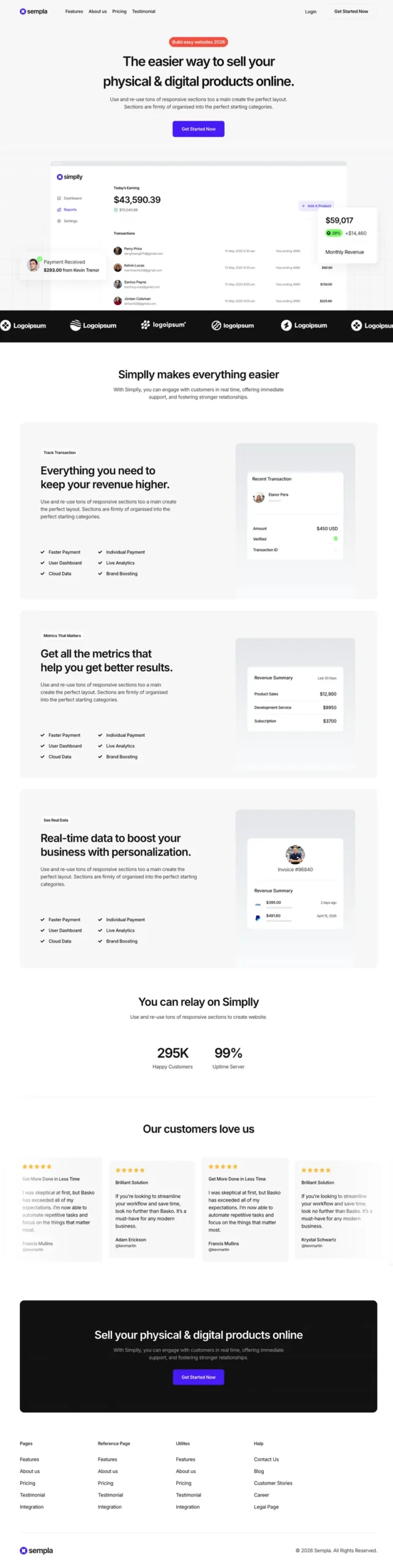
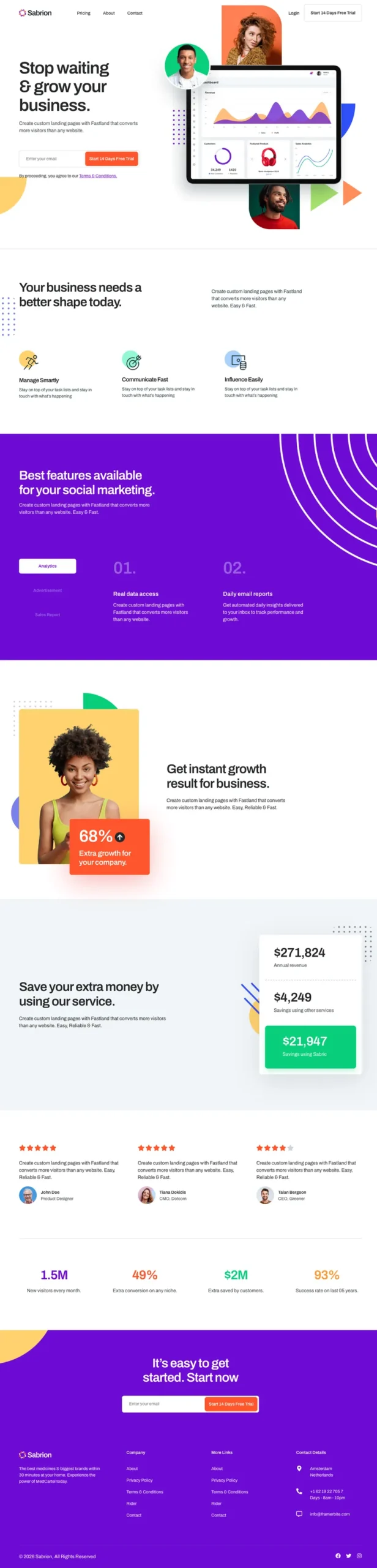
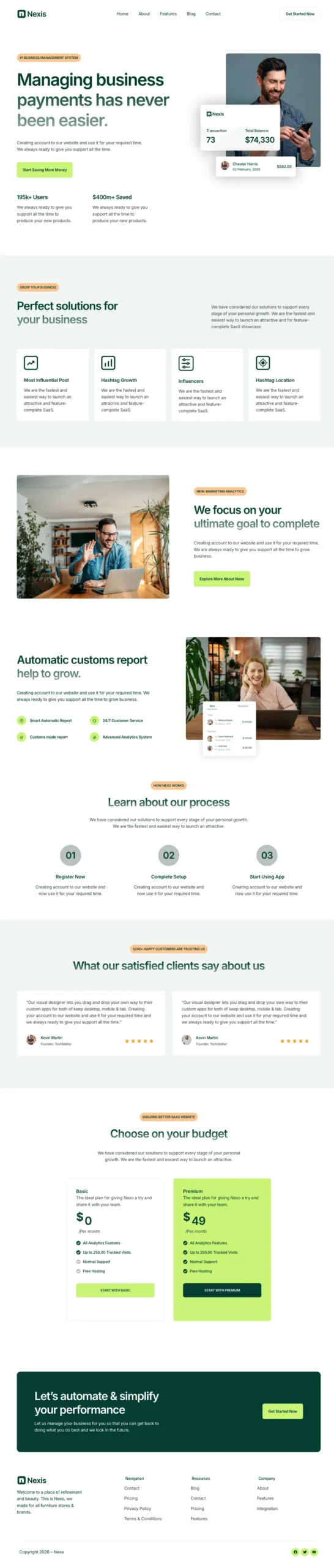
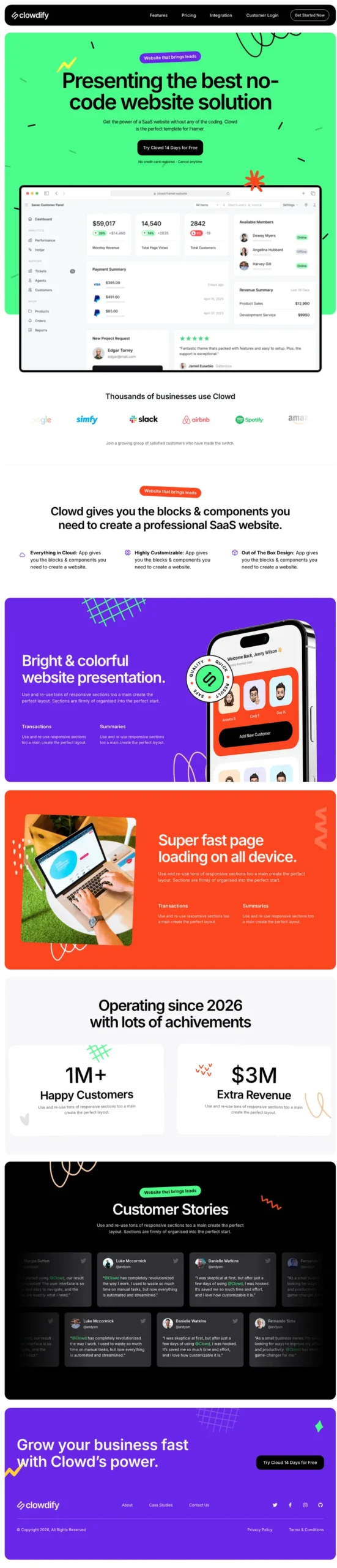
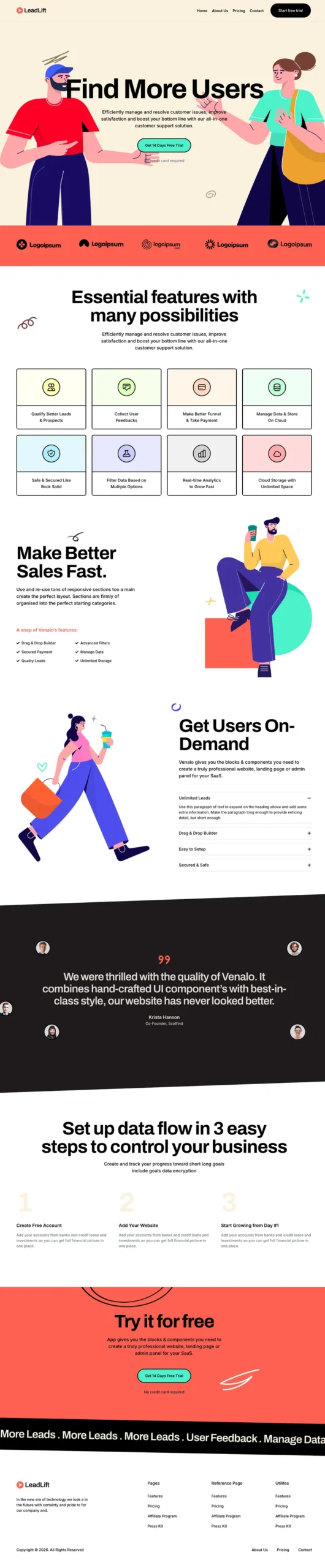
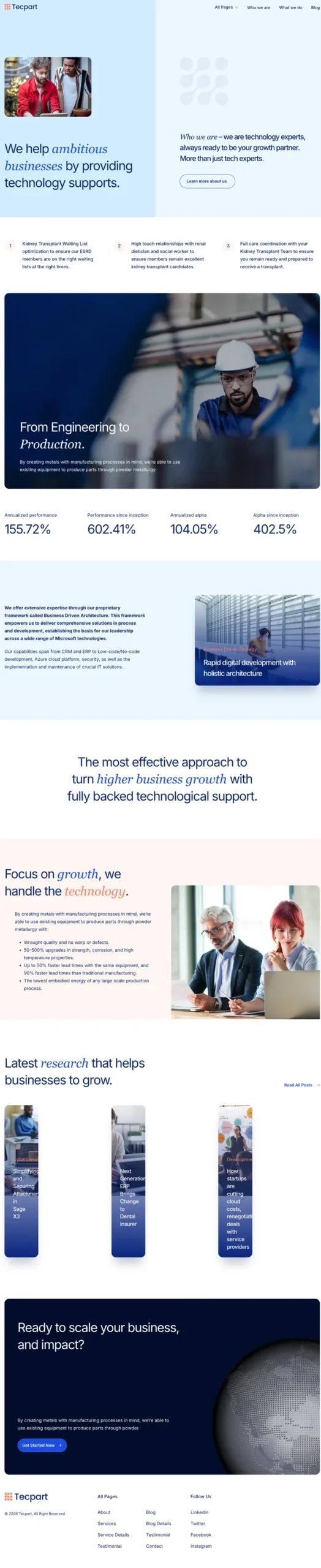
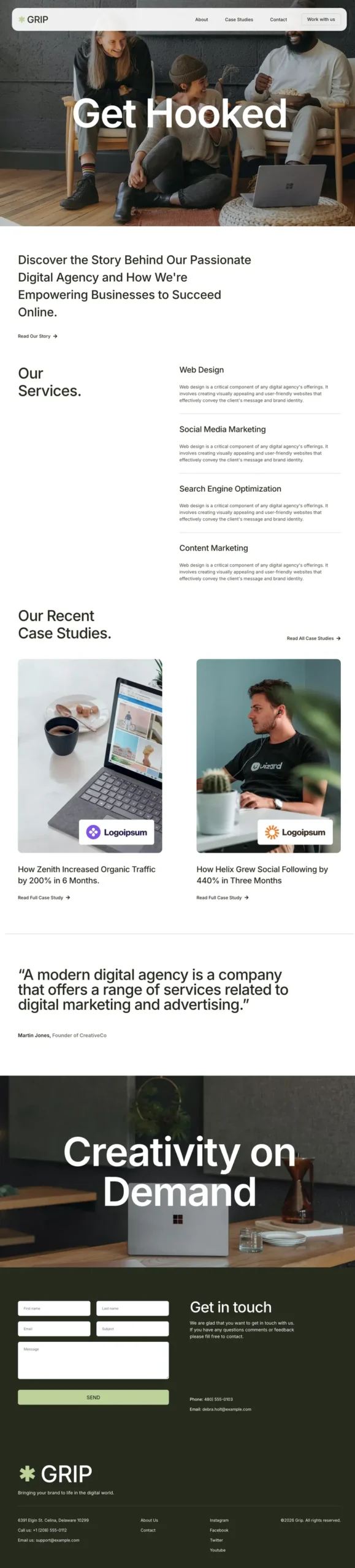
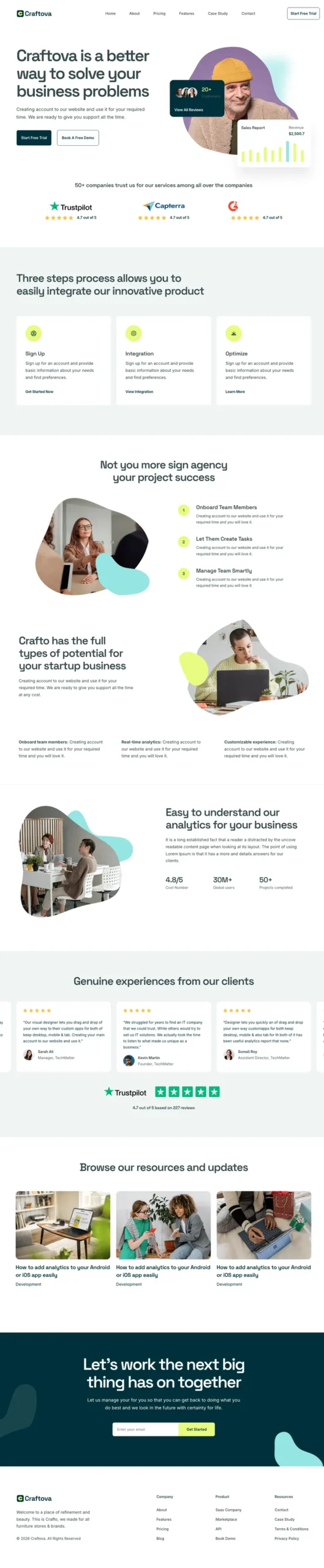
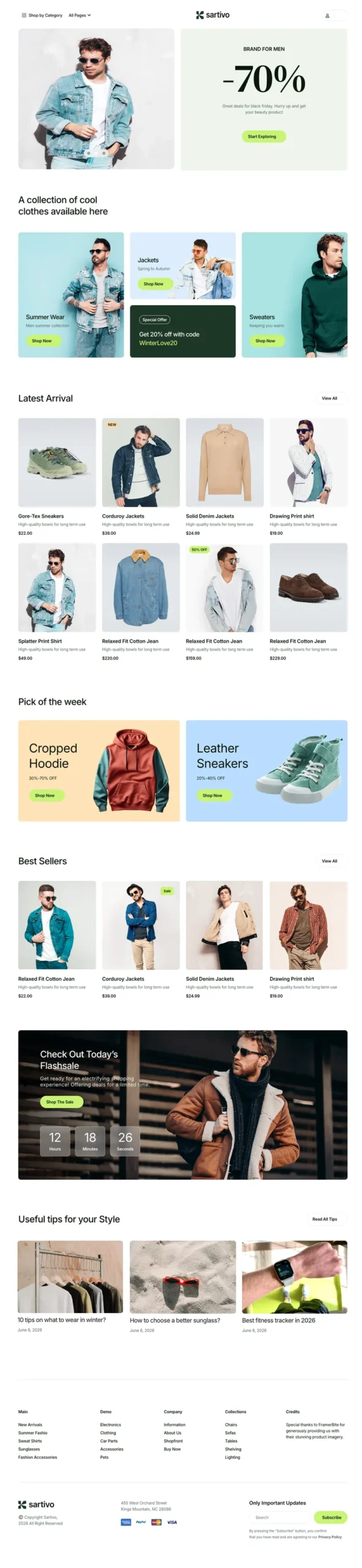
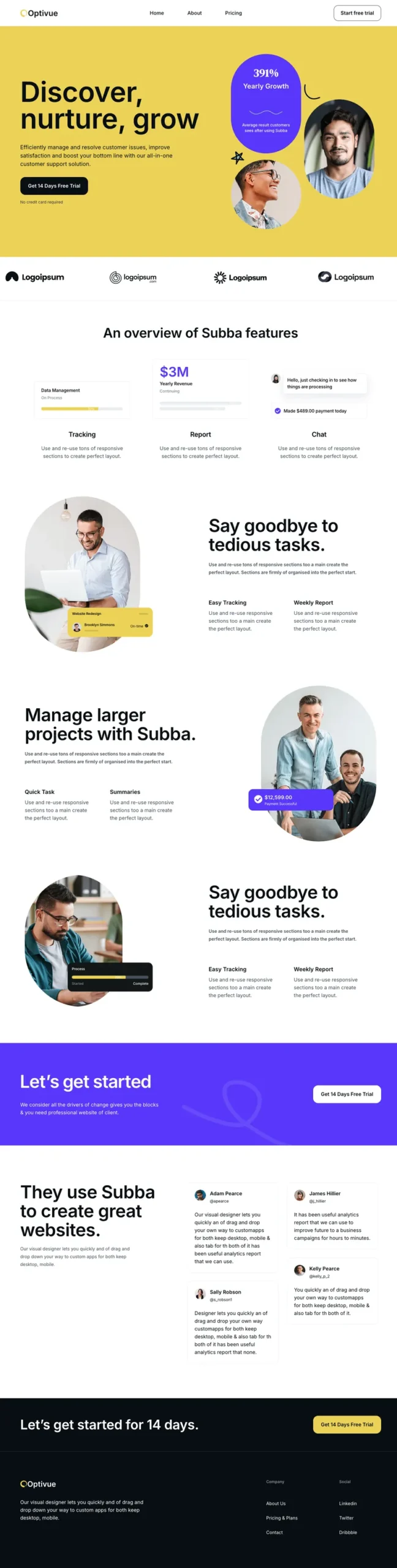
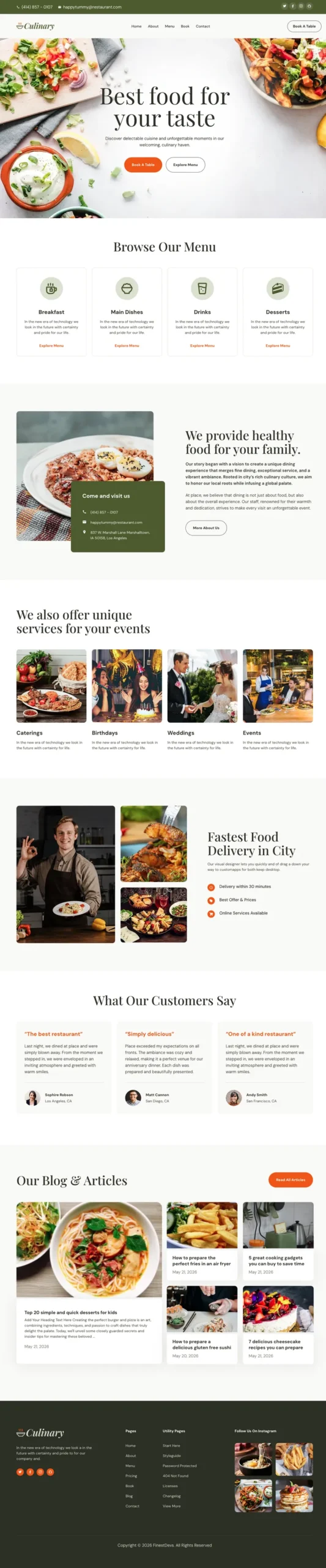
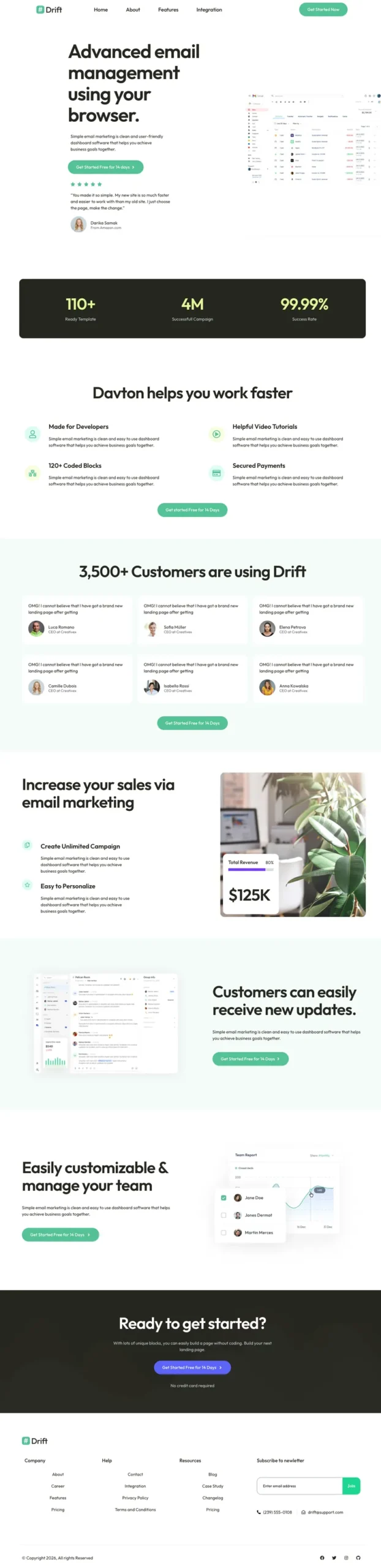
একটি এলিমেন্টর টেমপ্লেট কিট কি?
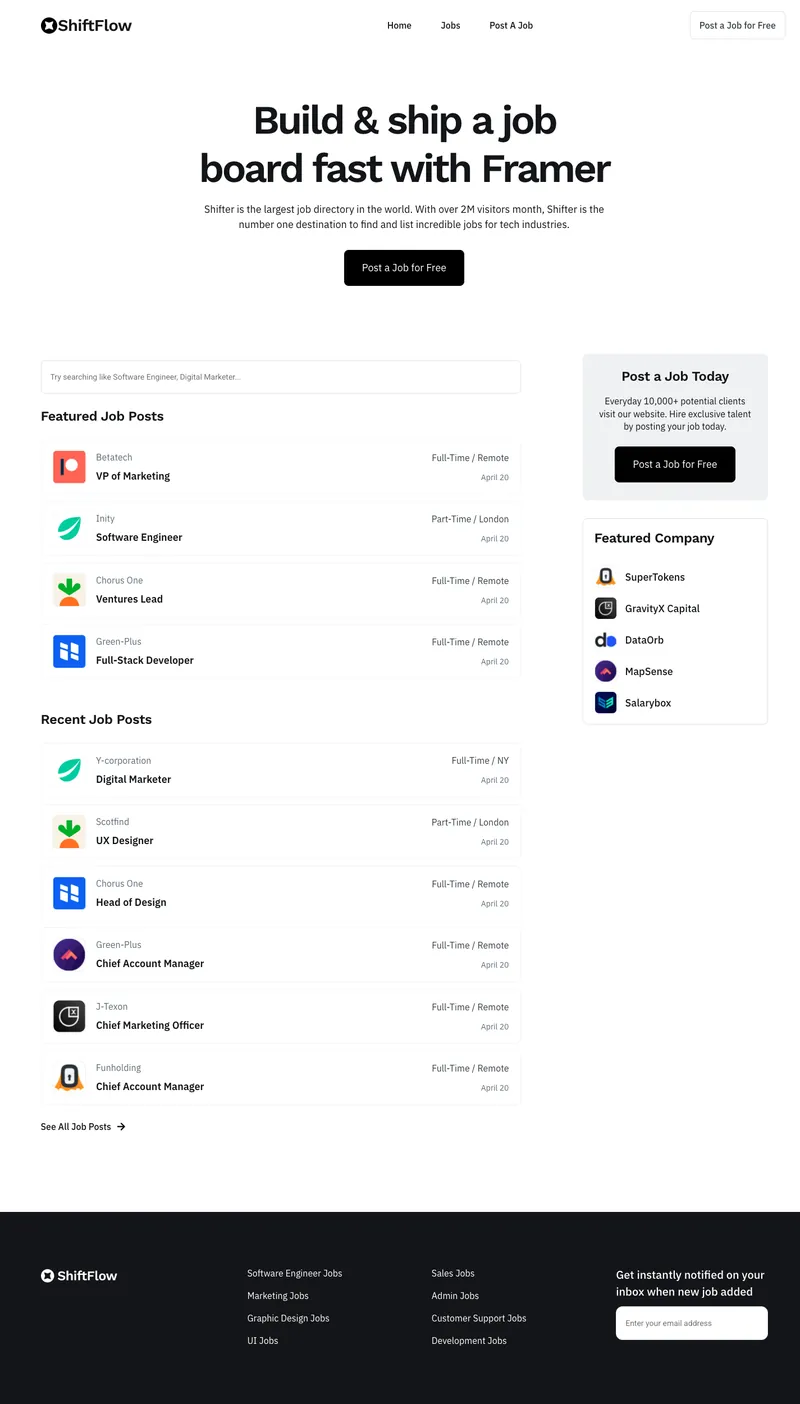
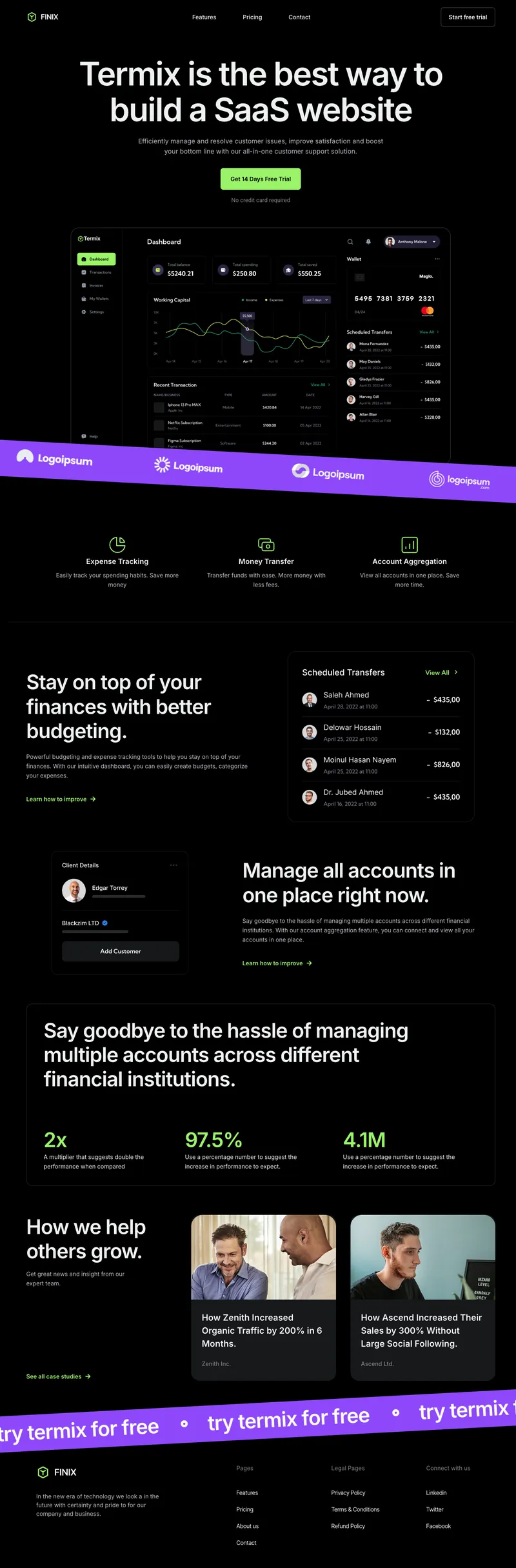
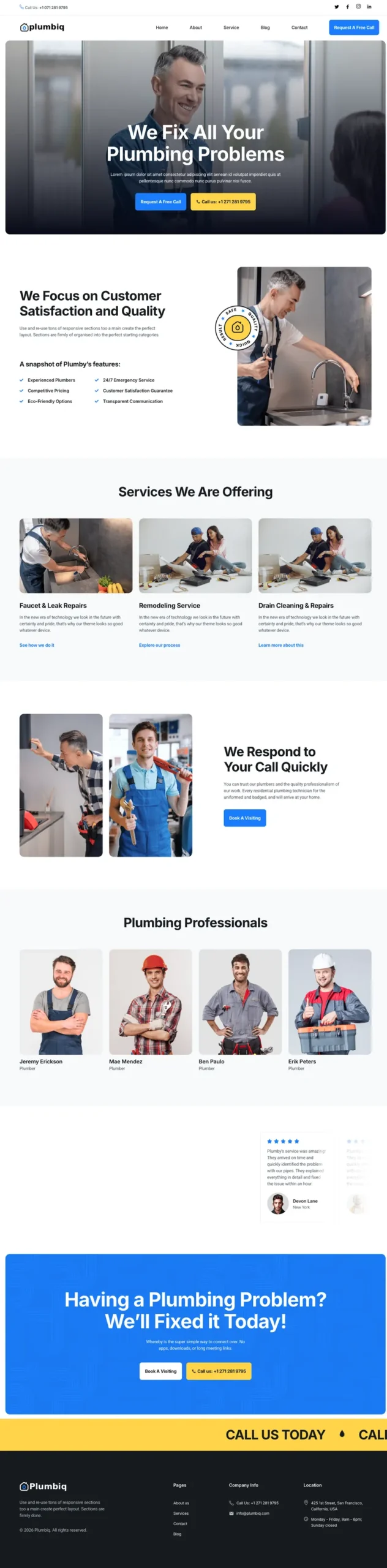
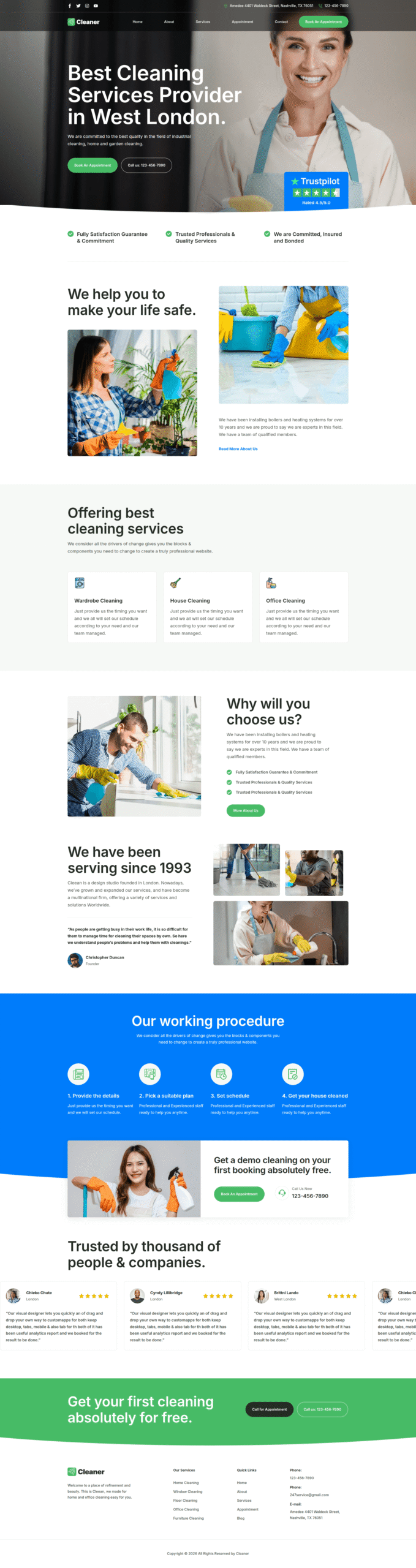
একটি এলিমেন্টর টেমপ্লেট কিট হল মিলিত এলিমেন্টর টেমপ্লেটগুলির একটি সেট যা একসাথে একটি সম্পূর্ণ ওয়েবসাইট তৈরি করে: হোমপেজ, অভ্যন্তরীণ পৃষ্ঠা, শিরোনাম, ফুটার এবং সাইটের রঙ এবং ফন্ট ধারণ করে একটি বিশ্বব্যাপী শৈলী ফাইল। আপনি ওয়ার্ডপ্রেসে কিটটি আমদানি করুন, ডেমো বিষয়বস্তু প্রতিস্থাপন করুন এবং প্রতিটি পৃষ্ঠা স্ক্র্যাচ থেকে ডিজাইন না করেই প্রকাশ করুন।
একটি একক এলিমেন্টর টেমপ্লেট আপনাকে একটি পৃষ্ঠা বা বিভাগ দেয়। একটি কিট আপনাকে পুরো সাইটটি একটি স্টাইলে দেয়, তাই সম্পর্কে পৃষ্ঠাটি হোমপেজের পাশের বলে মনে হচ্ছে। আপনি বিভিন্ন ডিজাইনারদের কাছ থেকে বিনামূল্যে টেমপ্লেট একসাথে সেলাই করে সেই ম্যাচটি পেতে সংগ্রাম করবেন।
একটি সাধারণ ওয়েবসাইট কিটের ভিতরে কী আছে
| কিটের অংশ | এটা কি করে |
|---|
| গ্লোবাল কিট শৈলী | সাইট-ব্যাপী রং, ফন্ট, বোতাম শৈলী এবং ফর্ম শৈলী সেট করে। এটি প্রথমে আমদানি করুন যাতে প্রতিটি পৃষ্ঠা এটি উত্তরাধিকার সূত্রে পায়। |
| হোমপেজ | কুলুঙ্গির জন্য প্রধান অবতরণ পৃষ্ঠা, সাধারণত কিটের সবচেয়ে ডিজাইন করা পৃষ্ঠা। |
| ভিতরের পাতা | সম্পর্কে, পরিষেবা, মূল্য, ব্লগ, ব্লগের বিবরণ, যোগাযোগ এবং একটি 404 পৃষ্ঠা, কিটের উপর নির্ভর করে। |
| হেডার এবং ফুটার | সাইট-ওয়াইড নেভিগেশন এবং ফুটার। প্রতিটি পৃষ্ঠায় দেখানোর জন্য তাদের একজন থিম বিল্ডার প্রয়োজন। স্বতন্ত্র দেখুন এলিমেন্টর হেডার টেমপ্লেট এবং ফুটার টেমপ্লেট. |
| বিভাগ এবং ব্লক | পুনঃব্যবহারযোগ্য অংশ (প্রশংসাপত্র, CTAs, FAQs) আপনি পরে নতুন পৃষ্ঠাগুলিতে ড্রপ করতে পারেন। |
| পপআপ এবং ফর্ম (কিছু কিট) | নিউজলেটার পপআপ, উদ্ধৃতি ফর্ম বা বুকিং ফর্ম মেলে স্টাইল করা। |
টেমপ্লেট কিট বনাম ওয়ার্ডপ্রেস থিম বনাম একক টেমপ্লেট
লোকেরা এই তিনটিকে সব সময় মিশ্রিত করে, এবং ভুলটি বাছাই করতে আপনার একটি বিকেল খরচ হতে পারে।
| | টেমপ্লেট কিট | ওয়ার্ডপ্রেস থিম | একক টেমপ্লেট |
|---|
| কভার | একটি সম্পূর্ণ ওয়েবসাইট ডিজাইন | সাইট ফ্রেমওয়ার্ক এবং শেল | এক পৃষ্ঠা বা বিভাগ |
| দিয়ে নির্মিত | এলিমেন্টর | পিএইচপি, থিম বিকল্প | এলিমেন্টর |
| দ্বারা এটি সম্পাদনা করুন | এলিমেন্টরে টেনে আনা এবং নামানো | কাস্টমাইজার, কোড বা থিম প্যানেল | এলিমেন্টরে টেনে আনা এবং নামানো |
| পরে থিম পরিবর্তন করা হচ্ছে | ডিজাইন বেঁচে থাকে (এটি এলিমেন্টরে থাকে) | নকশা হারিয়ে গেছে | ডিজাইন টিকে থাকে |
| এখনও একটি থিম প্রয়োজন? | হ্যাঁ, হ্যালো এলিমেন্টরের মতো হালকা | এটা থিম | হ্যাঁ |
আপনি এখনও একটি থিম প্রয়োজন। কিট যেমন একটি হালকা ওজনের উপরে বসে হ্যালো এলিমেন্টর এবং দর্শকরা যা দেখে প্রায় সবকিছু নিয়ন্ত্রণ করে। আপনার যদি শুধুমাত্র একটি ল্যান্ডিং পৃষ্ঠা বা একটি মূল্য বিভাগের প্রয়োজন হয়, মাস্টার অ্যাডঅন টেমপ্লেট লাইব্রেরি একক পৃষ্ঠা, বিভাগ, শিরোনাম, ফুটার এবং পপআপ রয়েছে যা আপনি নিজেরাই আমদানি করতে পারেন।
কিভাবে 5টি ধাপে একটি এলিমেন্টর টেমপ্লেট কিট আমদানি করবেন
এই পৃষ্ঠার যেকোনো কিটের জন্য এই প্রক্রিয়া। এটি প্রায় দশ মিনিট সময় নেয় এবং এর বেশিরভাগই অগ্রগতি বার দেখছে।
- এলিমেন্টর এবং মাস্টার অ্যাডঅন ইনস্টল করুন। উভয়ই WordPress।org-এ বিনামূল্যে। নীচে হ্যালো এলিমেন্টরের মতো একটি হালকা থিম সক্রিয় করুন৷।
- মাস্টার অ্যাডঅন → টেমপ্লেট কিট খুলুন। বিভাগ অনুসারে কিট লাইব্রেরি ব্রাউজ করুন এবং আপনি যে কিটটি চান তাতে ক্লিক করুন। প্রো কিটগুলির একটি সক্রিয় মাস্টার অ্যাডঅন প্রো লাইসেন্স প্রয়োজন।
- প্রথমে গ্লোবাল কিট স্টাইল আমদানি করুন, তারপর পৃষ্ঠাগুলি। স্টাইল মানে প্রথমে প্রতিটি আমদানি করা পৃষ্ঠা সঠিক রং এবং ফন্ট তুলে নেয়। পৃষ্ঠাগুলি তারপর একে একে আমদানি করে, ছবিগুলি অন্তর্ভুক্ত করে এবং একটি “MA আমদানি করা" ফিল্টার সহ পৃষ্ঠাগুলির অধীনে প্রদর্শিত হয়৷।
- থিম বিল্ডারে হেডার এবং ফুটার তৈরি করুন। একটি হেডার টেমপ্লেট তৈরি করুন, এলিমেন্টর লাইব্রেরি থেকে কিটের হেডার ঢোকান, পুরো সাইটে শর্ত সেট করুন এবং এটি চালু করুন। ফুটারের জন্য পুনরাবৃত্তি করুন।
- এলিমেন্টর পূর্ণ প্রস্থে পৃষ্ঠাগুলি সেট করুন এবং আপনার হোমপেজ চয়ন করুন। এলিমেন্টর ফুল প্রস্থ টেমপ্লেটে সমস্ত আমদানি করা পৃষ্ঠাগুলিকে বাল্ক-সম্পাদনা করুন, তারপর সেটিংস → রিডিং-এ যান এবং কিটের হোম পেজটি বেছে নিন।
ধাপ 4 হল সবচেয়ে বেশি টিউটোরিয়াল এড়িয়ে যাওয়া, এবং এই কারণেই “আমার হেডার আমদানির পরে অনুপস্থিত" হল সবচেয়ে সাধারণ কিট প্রশ্ন। দ্য মাস্টার অ্যাডঅন থিম বিল্ডার হেডার, ফুটার, একক পোস্ট, আর্কাইভ এবং 404 পৃষ্ঠাগুলি পরিচালনা করে এবং এটি বিনামূল্যে প্লাগইনে অন্তর্ভুক্ত করা হয়েছে। দ্য টেমপ্লেট কিট আমদানি ডকুমেন্টেশন প্রতিটি পর্দা দেখায়।
Envato উপাদান এবং ThemeForest কিটগুলিও আমদানি করুন৷
Envato তার অফিসিয়াল Envato Elements WordPress প্লাগইনটি আগস্ট 2025 এ বন্ধ করে দিয়েছে, যার ফলে অনেক লোক একটি কিট জিপ ধরে রেখেছে যেখানে এটি রাখার কোন সুস্পষ্ট জায়গা নেই। আপনি পরিবর্তে মাস্টার অ্যাডঅনগুলিতে এটি আপলোড করতে পারেন: যান মাস্টার অ্যাডঅন → টেমপ্লেট কিট, আপলোড আইকনে ক্লিক করুন, জিপটি আপনি যেভাবে ডাউনলোড করেছেন ঠিক সেভাবে ড্রপ করুন এবং আমদানিকারক কিটটি পড়ে এবং ভিতরে থাকা প্রতিটি টেমপ্লেট তালিকাভুক্ত করে।
দুটি টিপস: প্রথমে ফাইলটি আনজিপ করবেন না, এবং আপনি যদি Safari ব্যবহার করেন, তাহলে "Open safe files downloading পরে" বন্ধ করুন যাতে ব্রাউজার আপনার জন্য এটি আনজিপ না করে। সম্পূর্ণ ওয়াকথ্রু আমাদের গাইডে রয়েছে envato Elements টেমপ্লেট কিট আমদানি করা হচ্ছে। আপনি যদি আমদানি সরঞ্জামগুলির মধ্যে নির্বাচন করেন, আমাদের Envato উপাদান প্লাগইন বিকল্প পোস্ট তাদের তুলনা।
| টাস্ক | Envato এর টেমপ্লেট কিট আমদানি প্লাগইন | মাস্টার অ্যাডনস |
|---|
| Envato বা ThemeForest থেকে একটি কিট জিপ আমদানি করুন | হ্যাঁ | হ্যাঁ |
| অন্তর্নির্মিত কিট লাইব্রেরি | না | 30+ কিট |
| হেডার এবং ফুটার নির্মাতা | না (এলিমেন্টর প্রো দরকার) | হ্যাঁ, বিনামূল্যে থিম নির্মাতা |
| 404, সংরক্ষণাগার এবং একক পোস্ট টেমপ্লেট | না | হ্যাঁ |
| কিট কাস্টমাইজ করার জন্য অতিরিক্ত উইজেট | না | 80+ উইজেট এবং এক্সটেনশন |
বিনামূল্যে বনাম প্রো এলিমেন্টর টেমপ্লেট কিট
এই পৃষ্ঠার প্রতিটি কার্ডে একটি বিনামূল্যে বা PRO ব্যাজ রয়েছে, তাই আপনি এটি আমদানি করার আগে একটি কিটের একটি প্রো লাইসেন্স প্রয়োজন কিনা তা আপনি জানেন৷।
| বৈশিষ্ট্য | মাস্টার অ্যাডঅন বিনামূল্যে | মাস্টার অ্যাডনস প্রো |
|---|
| কিট বিনামূল্যে চিহ্নিত | হ্যাঁ | হ্যাঁ |
| কিটস চিহ্নিত PRO | না | হ্যাঁ, সম্পূর্ণ লাইব্রেরি |
| আপনার নিজের বা Envato কিট জিপ আপলোড করুন | হ্যাঁ | হ্যাঁ |
| হেডার এবং ফুটারের জন্য থিম বিল্ডার | হ্যাঁ | হ্যাঁ |
| কিছু কিটে ব্যবহৃত প্রিমিয়াম উইজেট | না | হ্যাঁ |
| ফেরত উইন্ডো | n/a | 14 দিনের মানি-ব্যাক গ্যারান্টি |
আপনার কি এলিমেন্টর প্রো দরকার? সাধারণত না। বেশিরভাগ কিট বিনামূল্যে এলিমেন্টরের জন্য তৈরি করা হয়, এবং প্রো বৈশিষ্ট্যটি লোকেরা সাধারণত থিম নির্মাতা চায় যা প্রতিটি পৃষ্ঠায় একটি কিটের হেডার এবং ফুটার রাখে। দ্য বিনামূল্যে মাস্টার অ্যাডঅন থিম নির্মাতা যে কাজ করে। একটি পৃথক কিটের নোট চেক করুন যদি এটি ফর্মের মতো এলিমেন্টর প্রো উইজেট ব্যবহার করে। পরিকল্পনা এবং আজীবন বিকল্প আছে মূল্য পৃষ্ঠা.
কিভাবে সঠিক টেমপ্লেট কিট নির্বাচন করবেন
- আপনার কুলুঙ্গি থেকে শুরু করুন। আপনার শিল্পের জন্য নির্মিত একটি কিটে ইতিমধ্যেই আপনার প্রয়োজনীয় পৃষ্ঠাগুলি রয়েছে, যেমন একটি রেস্তোরাঁর মেনু বা একটি জিমের জন্য একটি সময়সূচী৷ পরে অনুপস্থিত পৃষ্ঠাগুলি তৈরি করা কিটটি আপনাকে বাঁচানোর সময় খেতে পারে।
- পৃষ্ঠাগুলি গণনা করুন। একটি 4-পৃষ্ঠার কিট একটি ছোট স্থানীয় ব্যবসার জন্য উপযুক্ত। একটি এজেন্সি বা SaaS সাইটে সাধারণত 8 বা তার বেশি প্রয়োজন।
- আপনি যদি অনলাইনে পণ্য বিক্রি করেন, তাহলে WooCommerce শপ এবং পণ্যের পৃষ্ঠাগুলির সাথে যুক্ত করার জন্য ডিজাইন করা একটি ফ্যাশন বা ফুড কিট বেছে নিন।
- হেডারে শক্ত করে দেখুন। এটি পরে পুনরায় ডিজাইন করা সবচেয়ে কঠিন অংশ, তাই একটি কিট বেছে নিন যার হেডার (স্টিকি, মেগা মেনু বা সাধারণ নেভি) আপনি ইতিমধ্যেই পছন্দ করেন।
- ছবি প্রতিস্থাপন করার পরিকল্পনা করুন। ডেমো ইমেজ একটি তাজা কিট ধীর বোধ সবচেয়ে সাধারণ কারণ। লঞ্চের আগে তাদের প্রতিস্থাপন বা সংকুচিত করুন।
কেন একটি আমদানি করা কিট ডেমো (এবং ফিক্স) এর মতো দেখায় না
যদি আপনার সাইটটি ডেমোর কাছাকাছি দেখায় তবে একটু বন্ধ, কারণটি সাধারণত এর মধ্যে একটি:
ভুল রং বা ফন্ট
এলিমেন্টরের ডিফল্ট রং এবং ফন্ট কিটটিকে ওভাররাইড করছে। যাও এলিমেন্টর → সেটিংস → সাধারণ, টিক ডিফল্ট রং নিষ্ক্রিয় করুন এবং ডিফল্ট ফন্ট অক্ষম করুন, সংরক্ষণ করুন, এবং পৃষ্ঠাটি পুনরায় লোড করুন।
আপনার থিমের হেডার কিট হেডারের উপরে দেখায়
পৃষ্ঠাটি এখনও আপনার থিমের ডিফল্ট বিন্যাস ব্যবহার করে। এটিতে স্যুইচ করুন এলিমেন্টর সম্পূর্ণ প্রস্থ এবং নিশ্চিত করুন যে আপনার থিম বিল্ডার হেডার একটি সম্পূর্ণ সাইট অবস্থার সাথে সক্রিয় আছে।
অনুপস্থিত ছবি বা ভাঙা লেআউট
ছবি ডাউনলোডের সময় ধীর হোস্টিং সময় শেষ হতে পারে। সেই টেমপ্লেটটি পুনরায় আমদানি করুন। লেআউট বন্ধ থাকলে, প্রথমে গ্লোবাল কিট স্টাইল আমদানি করুন এবং তারপর পৃষ্ঠাটি পুনরায় আমদানি করুন যাতে এটি কিট সেটিংস উত্তরাধিকারসূত্রে পায়।
এলিমেন্টর টেমপ্লেট কিটস: প্রায়শই জিজ্ঞাসিত প্রশ্ন
একটি কিট দিয়ে শুরু করুন, একটি বিকেলে শেষ করুন
একটি এলিমেন্টর টেমপ্লেট কিট প্রতিটি পৃষ্ঠা, হেডার, ফুটার এবং স্টাইলিং একটি আমদানিতে নিয়ে আসে। উপরের আপনার বিভাগ থেকে একটি কিট চয়ন করুন, প্রথমে গ্লোবাল কিট শৈলী আমদানি করুন, থিম বিল্ডারে হেডার এবং ফুটার সেট আপ করুন এবং সামগ্রীতে আপনার সময় দিন। পরিবর্তে একটি একক পৃষ্ঠা প্রয়োজন? ব্রাউজ করুন টেমপ্লেট লাইব্রেরি, অথবা আপনার কিট সঙ্গে জোড়া পপআপ নির্মাতা সীসা ক্যাপচার জন্য।