Best Elementor Slider Plugins Compared

Featured image for the roundup Best Elementor Slider Plugins Compared, showing a full-bleed hero slide with navigation arrows, a slide counter and a page weight meter

“Slider plugin” covers two completely different products, and picking the wrong category costs more than picking the wrong plugin.

Sliders and carousels overlap enough that it is worth knowing which one you are actually building. The full carousel widget lineup covers the sideways-scrolling half, and the 3D carousel designs cover the depth-based ones.

One category is standalone slider builders like Slider Revolution and Smart Slider, with their own editors, their own animation timelines, and their own page-weight bill. The other is Elementor-native slider widgets that live inside the editor you’re already using.

Seven options across both categories, judged on what they can build and what they cost the page.

The short answer

PluginTypeBest forPage weight
Master AddonsElementor widgets + importsHero sliders inside ElementorLight
Elementor Pro (Media Carousel + Loop)NativeDynamic and media slidersLight
Smart Slider 3StandaloneLayered animated sliders on a budgetMedium
Slider RevolutionStandaloneElaborate animated heroesHeavy
MetaSliderStandaloneSimple image slideshowsLight
Unlimited ElementsElementor widgetUnusual slider stylesMedium
SoliloquyStandaloneStraightforward, fast image slidersLight

First: do you need a slider plugin at all?

Worth asking before you spend anything. If you want a full-screen hero with layered text animating in on a timeline, video backgrounds and a Ken Burns pan, that’s a slider builder and nothing else does it well.

If you want images sliding with arrows and dots, you don’t need one. Elementor’s free Image Carousel does that. Adding Slider Revolution for a photo strip is a lot of plugin for a small job, and you’ll feel it in your Core Web Vitals.

And if what you actually want is several items visible at once scrolling sideways, you want a carousel, not a slider. The difference, and why it changes the plugin you need.

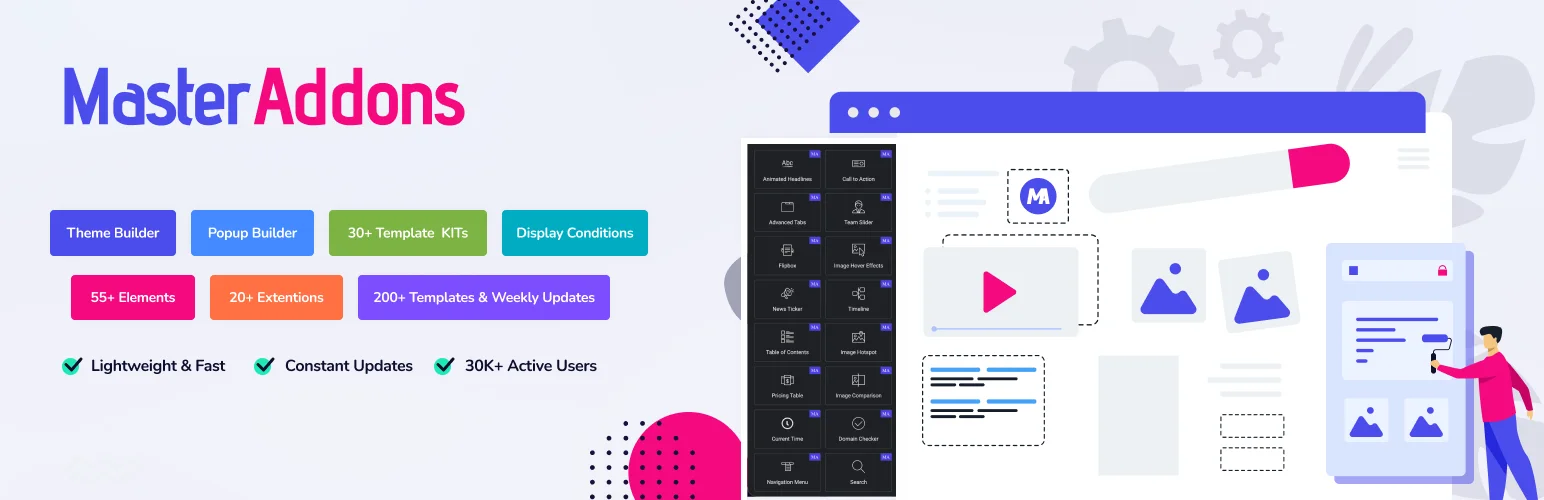
1. Master Addons: hero sliders without leaving Elementor

Master Addons for Elementor plugin banner listing theme builder, popup builder, template kits and 55+ elements
Master Addons: hero sliders via the free Plinth Hero import and the Background Slider extension.

Type: Elementor widgets plus importable Widget Builder designs.
Free tier: Image Carousel, Logo Slider, Team Slider, Timeline, Image Comparison, Blog in carousel mode, the Background Slider extension, and eight importable designs.

Worth being precise here, because the marketing on plugins like this usually isn’t: there is no single widget called “Slider.” The hero job is done two other ways, both free, and both stay inside the Elementor editor. There’s no second interface, and the output is a Swiper instance rather than a separate framework.

The first is the design imports. Twenty named slider and carousel designs, each with a live demo. Eight import on the free plugin through Master Addons → Widget Builder → Import Widget. Plinth Hero Slider is the full-bleed hero, with a caption plinth, dots, arrows, a slide counter and a link per slide, while Rostrum Quote Slider, Almanac Timeline Slider and Vitrine Plate Gallery cover quotes, timelines and thumbnail galleries. The other twelve, Meridian Coverflow and Halo Orbit among them, need Pro.

The second is the Background Slider extension, also free. It turns any container’s background into a slideshow, which handles the “hero with rotating background images” case without a slider widget at all. Often it’s the simpler answer.

On the paid side, Gallery Slider is the ready-made thumbnail-strip gallery and News Ticker is the scrolling headline strip. Neither is a hero slider.

Weak point: no layer-animation timeline. If you need text elements animating in on a staggered schedule with per-layer easing, this isn’t that. Smart Slider or Slider Revolution is.

Get it if: you want hero sliders and carousels from one plugin, in one editor, without a second asset pipeline. What’s in the free tier.

2. Elementor Pro: the native option

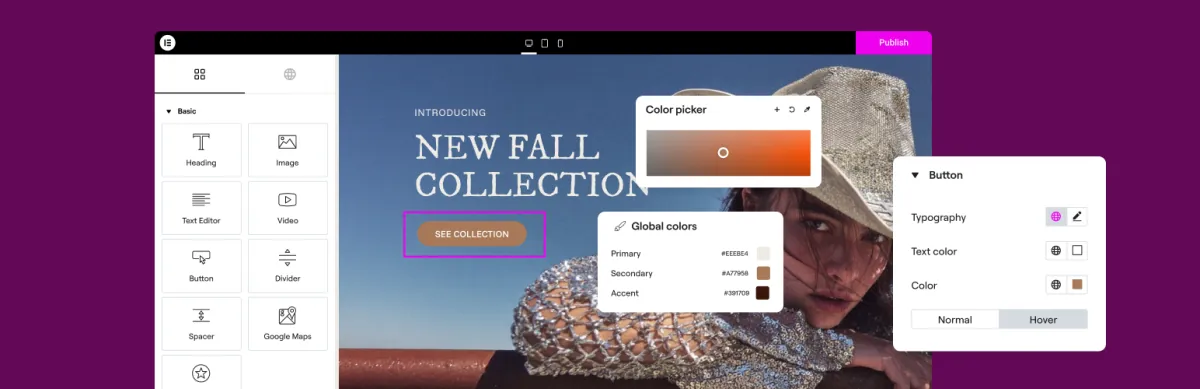
Elementor page builder plugin banner showing the Elementor editor with widget panel and colour controls
Elementor: no dedicated hero slider. Heroes get built from a container plus Motion Effects.

Type: native.
Free tier: Image Carousel, Basic Gallery.

Media Carousel handles images and video with a coverflow skin. Loop Carousel handles dynamic content from a query. Neither is a hero slider, and Elementor has no dedicated one. People build heroes from a container with a background and Motion Effects instead.

That approach is underrated. A container with a background image, an entrance animation and a scroll effect gets you most of what a “hero slider” delivers, at zero extra page weight, using the editor you already have. Before installing anything, try building it natively.

Get it if: you have Pro already. Try the native route before adding a plugin.

3. Smart Slider 3: the sensible standalone

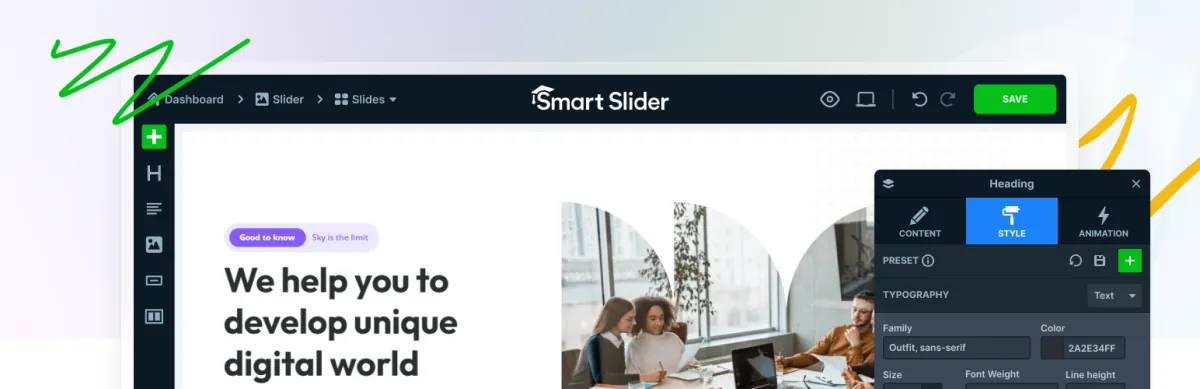
Smart Slider 3 plugin banner showing the standalone slider editor with heading style and animation panels
Smart Slider 3: layered slides and animation controls in the free tier, in its own editor.

Type: standalone builder.
Free tier: generous, covering layers, animations and responsive controls.

The best free standalone slider builder. You get layered slides, animation controls and responsive editing without paying, and it plugs into Elementor with a widget.

It’s noticeably lighter than Slider Revolution while doing most of the same things, which is the main reason to pick it.

Weak point: it’s a second editor. You leave Elementor, build the slider, come back and place it. For a single homepage hero that’s fine. For sliders on twelve pages it becomes a workflow tax.

Get it if: you need layered animated slides and don’t want the Slider Revolution weight or price.

4. Slider Revolution: powerful and heavy

Slider Revolution homepage hero reading Interaction plus motion simplified, above a row of cinematic slider templates
Slider Revolution: no WordPress.org listing, so this is the homepage hero at sliderrevolution.com.

Type: standalone builder.
Free tier: none.

The most capable slider on this list, and the heaviest. Layer timelines, particle effects, video backgrounds, 3D parallax, a large template library. If you’ve seen an elaborate animated hero on an agency site, there’s a fair chance this built it.

The page-weight reputation is earned. It loads a substantial framework, and on a shared host with a slow TTFB, a Slider Revolution hero above the fold will hurt your largest contentful paint.

Weak point: most sites never use a tenth of it, and pay the full weight regardless.

Get it if: the slider is genuinely the centrepiece of the site and you have the hosting to carry it.

5. MetaSlider: simple and fast

MetaSlider plugin banner reading Create Powerful Slideshows, with a slideshow shown on desktop, tablet and phone
MetaSlider: image slideshows and nothing else, which is why it stays light.

Type: standalone.
Free tier: yes, and it’s enough for basic slideshows.

MetaSlider does one thing: image slideshows. No layer timelines, no particles. Pick images, pick a transition, place the shortcode.

That narrowness is the feature. It’s light, it’s been around a long time, and it doesn’t try to be a design tool.

Weak point: if you need text over the images with any real control, you’ll outgrow it quickly.

Get it if: you want a plain image slideshow and nothing more.

6. Unlimited Elements: unusual slider styles

Unlimited Elements for Elementor plugin banner advertising 100+ free widgets, 30+ free templates and the Widget Creator
Unlimited Elements: vertical, split, coverflow and overlay sliders, many of them free.

Type: Elementor widget library.
Free tier: large.

Not a slider builder, but it has a lot of slider-shaped widgets: vertical sliders, split sliders, coverflow and overlay, many of them free. If you want a specific unusual style rather than a hero builder, look here first.

Weak point: variable design consistency across the library, and enough widgets that managing them is its own job.

7. Soliloquy: speed as the pitch

Soliloquy plugin banner captioned The Best Responsive WordPress Slider Plugin, showing the slider builder on a tablet and phone
Soliloquy: straightforward image and video sliders, pitched on speed.

Type: standalone.
Free tier: limited.

Positions itself on speed, and the claim holds up. It’s one of the lighter sliders available. Straightforward image and video sliders, minimal configuration.

Weak point: the free tier is thin and the interesting features are paid. At that price you’re comparing against Smart Slider’s free tier, which is hard.

Vertical sliders

Worth a separate note, because people search for it specifically and most plugins handle it badly. A vertical slider moves slides up and down instead of sideways. It works for full-screen section-by-section layouts and for narrow sidebar content. It fails on mobile more often than horizontal, because vertical swipe competes with page scroll. The browser doesn’t know whether you meant to advance the slider or scroll the page, and it guesses wrong.

If you build one, make sure it releases vertical scroll at the first and last slide, or people get trapped. Smart Slider and Slider Revolution both handle vertical properly. Most widget-based sliders treat it as an afterthought.

The page-weight question, straight

Sliders are the single most common cause of a bad largest contentful paint on a WordPress homepage. Not because sliding is expensive, but because of what’s inside:

  • Full-size images. A five-slide hero at 2MB each is 10MB before anything animates. Serve WebP at the actual display size.
  • All slides loading at once. Sliders render every slide. Lazy-load everything past the first.
  • Framework weight. Standalone builders load their own animation engine on top of everything else on the page.
  • Above-the-fold placement. The slider becomes your LCP element by definition. That’s fine if it’s a 150KB WebP; it isn’t if it’s a 2MB JPEG behind a 300KB framework.

The practical rule: whatever you choose, the first slide’s image is the thing to optimise. Everything else can lazy-load. That one image is your Core Web Vitals score.

Which to pick

Already using Elementor and want a hero: try a container with a background image and Motion Effects first. It costs nothing and it’s usually enough.

Need layered animated slides: Smart Slider 3. The free tier does most of it.

The slider is the site’s centrepiece: Slider Revolution, with a hosting budget to match.

Want sliders and carousels from one plugin without leaving Elementor: Master Addons. Six carousel and slider widgets plus the Background Slider extension free, eight importable designs including a full-bleed hero on the free plugin, and Gallery Slider on Pro.

Plain image slideshow: MetaSlider. Don’t overthink it.

Frequently asked questions

Does Elementor have a built-in slider?

Not a dedicated hero slider. Elementor free has an Image Carousel; Elementor Pro adds Media Carousel and Loop Carousel. For a full-width hero, most people build a container with a background image plus Motion Effects, or add a slider widget from an addon.

What’s the best free Elementor slider plugin?

Smart Slider 3 has the strongest free standalone tier: layers, animations and responsive controls without paying. If you’d rather stay inside Elementor, Master Addons and Unlimited Elements both include slider and carousel widgets in their free tiers. The free Master Addons plugin also imports eight named designs through Master Addons → Widget Builder → Import Widget, including Plinth Hero Slider for full-width heroes and Rostrum Quote Slider for testimonials.

Do slider plugins slow down WordPress?

Standalone builders like Slider Revolution add a real framework cost, and any slider adds image weight because all slides render at once. The biggest single factor is the first slide’s image, which becomes your largest contentful paint. Serve it as an optimised WebP at display size and lazy-load the rest.

What’s the difference between a slider and a carousel?

A slider shows one slide at a time, usually full width, and is typically a hero. A carousel shows several at once on a horizontal track. They need different plugins: slider builders for the first, widget libraries for the second.

Can I make a vertical slider in Elementor?

Yes, with a slider plugin that supports vertical mode. Smart Slider and Slider Revolution both do. Test carefully on mobile, because vertical swipe competes with page scroll, and make sure the slider releases scroll at the first and last slide so visitors aren’t trapped.

Should I use Slider Revolution with Elementor?

Only if you need what it does: layer timelines, particles, 3D parallax, video backgrounds. For a standard hero or a carousel it’s more plugin than the job needs, and the weight shows up in Core Web Vitals. Try the native Elementor route first.

Next

If what you’re building shows several items at once, you’re looking for a carousel and the tooling is different. The carousel plugin roundup covers that category properly.

Every slider and carousel widget in one place: Elementor Carousel Widgets. And when the shopping list goes beyond sliders, the 100 best Elementor addons roundup is the long view.

When you do reach for a licence, the Master Addons pricing page shows which tier each Pro design sits in.

Picture of Roy
Roy
I'm Roy, part of the Master Addons for Elementor team. I write the tutorials, record the videos, and keep the documentation current, so you always know how to use every feature. I also handle support, so if you hit a snag, I'm the person who helps you fix it. Real answers, from someone who uses these tools every day.

Leave a Reply

Your email address will not be published. Required fields are marked *

Master Addons mid-year reset promotion banner offering 40% off

Still On The Fence? We Get It.

Every Master Addons Pro license comes with a 14-day no-questions refund, lifetime updates, and priority support. Try it risk-free this Spring – 40% OFF with “RESET40″ coupon.

No thanks, I'll pay full price later