

Ключевые выводы
- Плагин ползунка Elementor - один из двух продуктов: автономный конструктор с собственным редактором и временной шкалой анимации, такой как Slider Revolution или Smart Slider 3, или виджет, основанный на Elementor, который живет в редакторе, который вы уже используете.
- Виджет Slides от Elementor Pro - это его ползунок-герой, с фоном, заголовком, текстом и кнопкой на слайд и эффектом Кена Бернса, а бесплатный Elementor закрывает вращающиеся фоны-герои с помощью контейнера типа фона Slideshow.
- Master Addons создает ползунки героев внутри Elementor посредством импорта Plinth Hero Slider и расширения Fackground Slider, а также предлагает 20 названных слайдеров и каруселей через Widget Builder, 12 из них в Pro.
- Slider Revolution не имеет бесплатного уровня и продает годовые лицензии по цене от 45 евро за один сайт с более чем 200 шаблонами и более чем 30 дополнениями, а также имеет самую тяжелую интерфейсную структуру в этом сравнении.
- Изображение первого слайда - самый большой содержательный элемент краски практически на каждой домашней странице слайдера, поэтому служить ему WebP в размере дисплея имеет большее значение, чем какой плагин его отображает.
“Slider plugin” охватывает два совершенно разных продукта, и выбор неправильной категории стоит дороже, чем выбор неправильного плагина.
Одна категория - это автономные строители слайдеров, такие как Slider Revolution и Smart Slider, со своими редакторами, собственными временными линиями анимации и собственным счетом веса страницы. Другой - это виджеты слайдеров, родные Elementor, которые живут внутри редактора, который вы уже используете. Семь вариантов в обеих категориях, оцениваемых по тому, что они могут построить и чего они стоят странице.The полная линейка карусельных виджетов охватывает половину с боковой прокруткой и 3D-конструкции каруселей накрыть глубинные.
Оглавление
Короткий ответ
| Плагин | Тип | Лучший для | Вес страницы |
|---|---|---|---|
| Мастер Аддоны | Виджеты Элементор + импорт | Ползунки героев внутри Элементора | Свет |
| Элементор Про (Слайды + Медиа-карусель + Петля) | Родной | Динамические и медиа ползунки | Свет |
| Умный слайдер 3 | Автономный | Многослойные анимированные слайдеры с ограниченным бюджетом | Средний |
| Революция слайдеров | Автономный | Проработанные анимационные герои | Тяжелый |
| МетаСлайдер | Автономный | Простые слайд-шоу изображений | Свет |
| Неограниченные элементы | Виджет Элементор | Необычные стили слайдеров | Средний |
| Монолог | Автономный | Прямые и быстрые ползунки изображений | Свет |
Первый: вам вообще нужен плагин слайдера?
Стоит спросить, прежде чем тратить что-либо. Если вам нужен полноэкранный герой с многослойным текстом, анимацией на временной шкале, видеофонах и сковороде Кена Бернса, это конструктор слайдеров, и ничто другое не делает этого хорошо.
Если вы хотите, чтобы изображения скользили со стрелками и точками, вам не нужен. Бесплатная карусель изображений Elementor делает это. Добавление Slider Revolution для фотоленты - это много плагинов для небольшой работы, и вы почувствуете это в своих основных веб-жизненных ресурсах.
И если на самом деле вам нужно, чтобы несколько предметов были видны одновременно и прокручивались вбок, вам нужна карусель, а не ползунок. Разница между ними это то, что меняет плагин, который вам нужен.
1. Главные дополнения: ползунки героев, не покидая Элементор
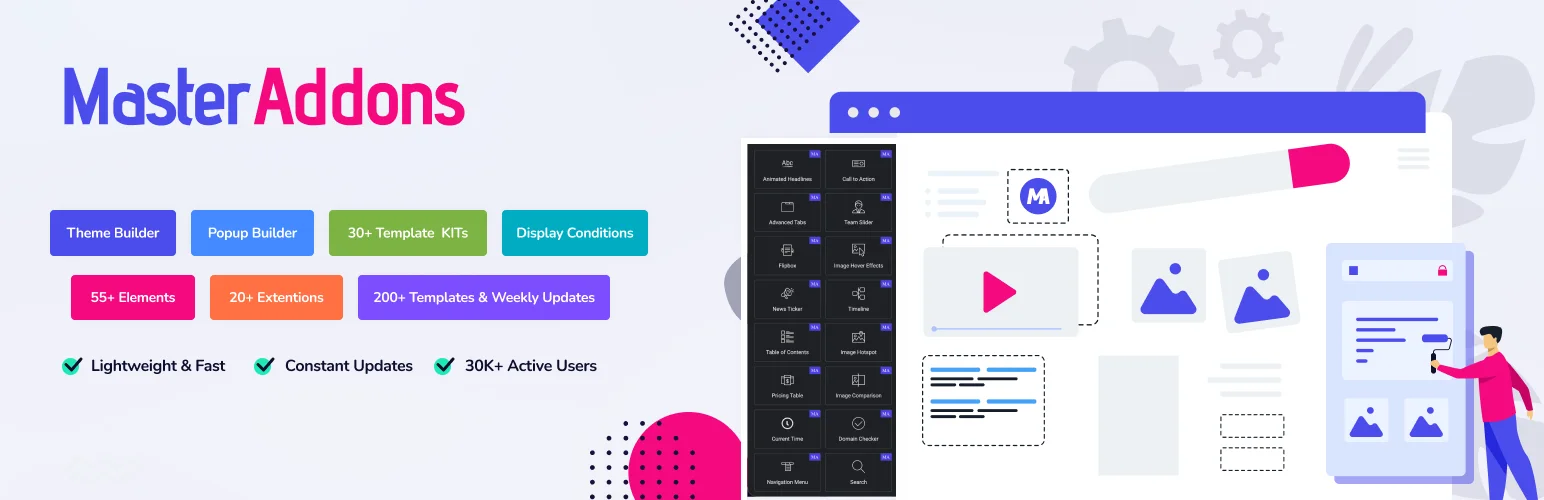
Тип: Виджеты Элементор плюс импортные Виджет Строитель конструкции.
Включено: Изображение Карусель, слайдер логотипа, командный слайдер, Хронология, Сравнение изображений, Блог в карусельном режиме, расширение Fackground Slider и восемь импортируемых дизайнов.
Стоит быть точным здесь, потому что маркетинг на плагинах, как это обычно не: нет ни одного виджета под названием “Slider.” Работа героя выполняется двумя другими способами, и оба остаются внутри редактора Elementor. второго интерфейса нет, и на выходе получается экземпляр Swiper, а не отдельный фреймворк.
Первый - импорт дизайна. Двадцать названных конструкций ползунков и каруселей, каждый с живой демо. восемь импортировать через Мастер Аддоны → Виджет Строитель → Импорт Виджет. Плинтус Герой Слайдер является полнокровным героем, с цоколем для субтитров, точками, стрелками, слайд счетчик и ссылку на слайд, в то время как Рострум Цитата Слайдер, Альманах Хронология Слайдер и Витрин Пластина Галерея кавер-кавычки, временные линии и миниатюры галереи. другие двенадцать, Меридиан Покров и Гало Орбита среди них, нуждаются в Pro.
Второе - это Фон Расширение слайдера. Он превращает фон любого контейнера в слайд-шоу, которое обрабатывает “hero с вращающимся фоновым изображением” случае вообще без слайдер-виджета. часто это более простой ответ.
На платной стороне Галерея Слайдер является готовой миниатюрной галереей, а Новости Тикер является прокручивающейся заголовком ленты. также не является героем слайдер.
Слабый момент: нет временной шкалы многослойной анимации. Если вам нужны текстовые элементы, анимирующие по шахматному графику с облегчением для каждого уровня, это не то. Smart Slider или Slider Revolution.
Получите, если: вам нужны ползунки и карусели героев из одного плагина, в одном редакторе, без второго конвейера активов. Что включает плагин.
2. Элементор Про: собственный вариант
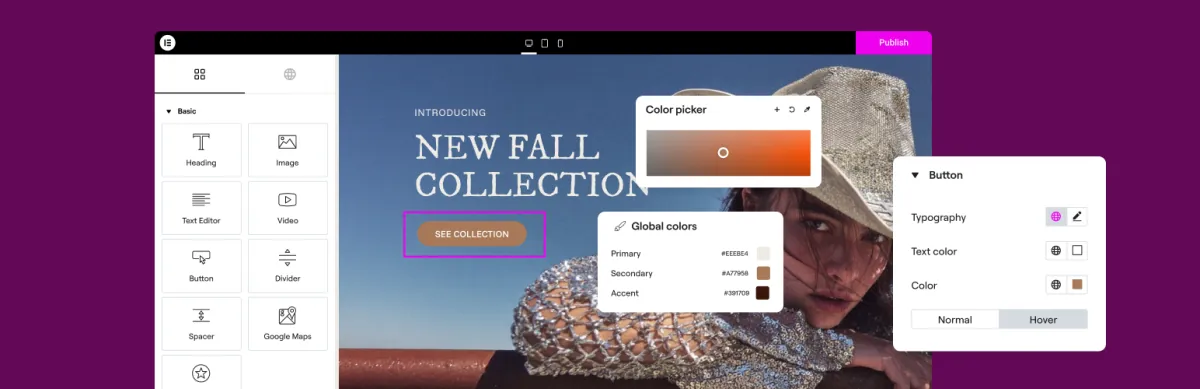
Тип: родной.
Свободный уровень: Изображение Карусель, Базовая галерея.
Media Carousel обрабатывает изображения и видео с помощью кожи с покровным потоком Петля Карусель обрабатывает динамический контент из запроса. слайдер героя - это виджет Слайды: полные слайды, каждый со своим фоном, заголовком, описанием и кнопкой, Ken Burns масштабирование и затухание или слайд-переходы. на бесплатном Elementor маршрут героя - контейнер с фоном Слайд-шоу, который также имеет Ken Burns и пять переходов, плюс Эффекты движения.
Этот контейнерный подход недооценен.Фон слайд-шоу, анимация входа и эффект прокрутки дают вам большую часть того, что дает слайдер-” “hero, при нулевом дополнительном весе страницы, используя уже имеющийся у вас редактор. Прежде чем что-либо устанавливать, попробуйте построить его изначально.
Получите, если: у вас уже есть Pro, и достаточно многоуровневого героя с одним текстовым блоком на слайд. Попробуйте собственный маршрут, прежде чем добавлять плагин.
3. Умный слайдер 3: разумный автономный
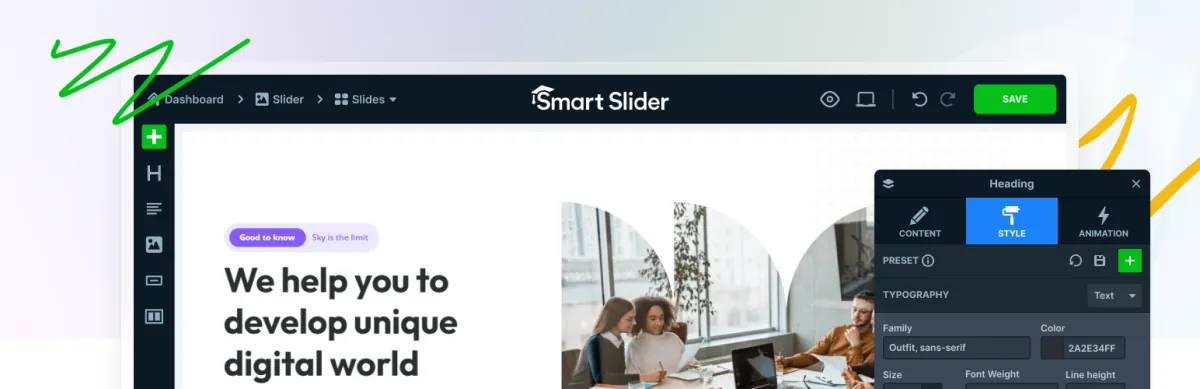
Тип: автономный строитель.
Свободный уровень: щедрый, покрывающий слои, анимация и отзывчивое управление.
Лучший бесплатный автономный конструктор слайдеров. вы получаете многослойные слайды, управление анимацией и отзывчивое редактирование без оплаты, и он подключается к Elementor с виджетом.
Он заметно легче, чем Slider Revolution, при этом делает большинство тех же вещей, что и является основной причиной его выбора.
Слабый момент: это второй редактор. вы покидаете Elementor, собираете ползунок, возвращаетесь и размещаете его. для одного героя домашней страницы это нормально. для ползунков на двенадцати страницах это становится налогом на рабочий процесс.
Получите, если: вам нужны многослойные анимированные слайды и вы не хотите вес или цена Slider Revolution.
4. Революция слайдеров: мощная и тяжелая
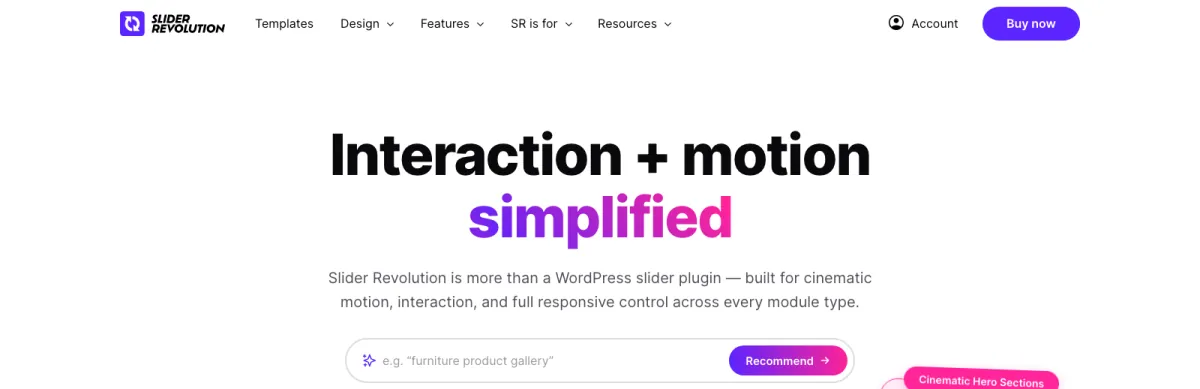
Тип: автономный строитель.
Свободный уровень: нет.
Самый способный слайдер в этом списке, и самый тяжелый.Слойные временные линии, эффекты частиц, видео фоны, 3D параллакс, большая библиотека шаблонов. если вы видели тщательно продуманного анимированного героя на сайте агентства, есть большая вероятность, что это построило его.
Зарабатывается репутация веса страницы. Он загружает существенную структуру, и на общем хосте с медленным TTFB герой Slider Revolution над складкой повредит вашу самую большую содержательную краску.
Слабый момент: большинство сайтов никогда не используют десятую часть этого количества и, несмотря ни на что, платят полный вес.
Получите, если: ползунок действительно является центральным элементом сайта, и у вас есть хостинг для его переноса.
5. МетаСлайдер: простой и быстрый

Тип: автономный.
Свободный уровень: да и на базовые слайд-шоу хватит.
MetaSlider делает одно: слайд-шоу изображений. Никаких временных линий слоев, никаких частиц. Выбирайте изображения, выбирайте переход, размещайте короткий код.
Та узость - фишка Легкая, давно уже, и не пытается быть инструментом дизайна.
Слабый момент: если нужен текст поверх изображений с каким-то реальным контролем, то быстро перерастешь.
Получите, если: вам нужно простое слайд-шоу с изображениями и ничего больше.
6. Неограниченные элементы: необычные стили слайдеров
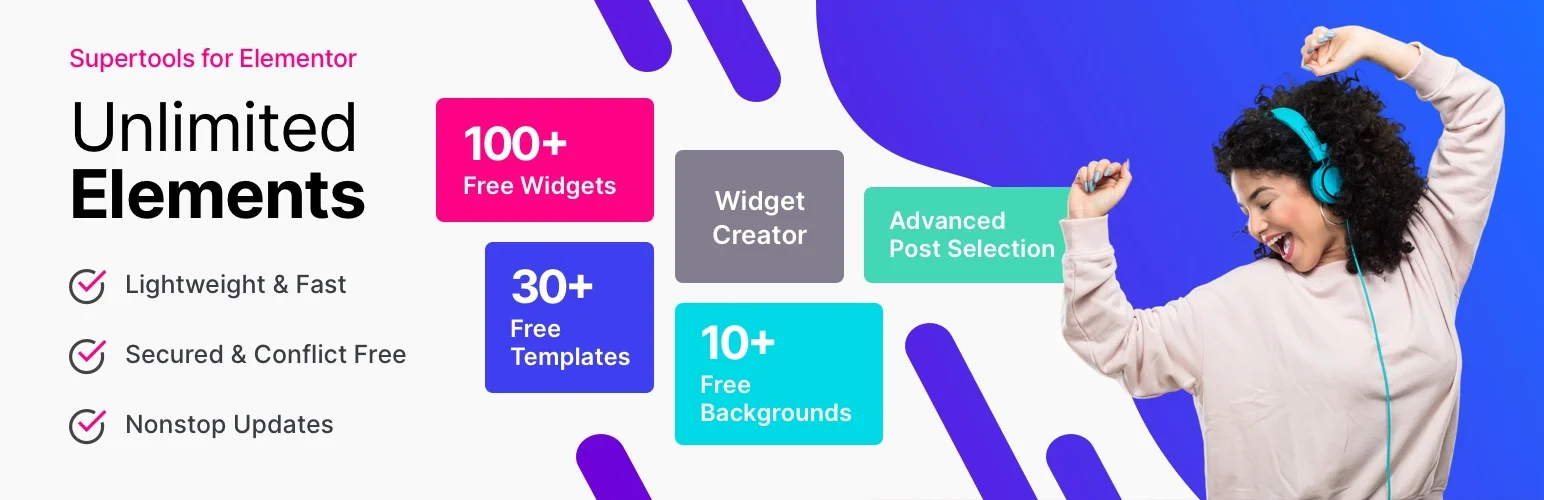
Тип: Библиотека виджетов Elementor.
Свободный уровень: большой.
Не строитель ползунков, но у него много виджетов в форме ползунков: вертикальные ползунки, разделенные ползунки, coverflow и overlay, многие из них бесплатны. если вам нужен конкретный необычный стиль, а не создатель героев, посмотрите сюда сначала.
Слабый момент: согласованность дизайна библиотеки переменная, и достаточно виджетов, чтобы управлять ими - это отдельная работа.
7. Монолог: скорость как высота звука

Тип: автономный.
Свободный уровень: ограниченный.
Позиционирует себя на скорость, и претензия выдерживает.Он из более легких ползунков доступных.Прямые ползунки изображения и видео, минимальная конфигурация.
Слабый момент: бесплатный ярус тонкий и интересные функции платные По такой цене вы сравниваете с бесплатным ярусом Smart Slider, что тяжело.
Вертикальные ползунки
Стоит отдельное примечание, потому что люди ищут его конкретно и большинство плагинов плохо с ним справляются Вертикальный ползунок перемещает слайды вверх и вниз вместо боков Он работает для полноэкранных макетов по разделам и для узкого содержимого боковой панели Он выходит из строя на мобильных чаще, чем горизонтально, потому что вертикальный свайп конкурирует со прокруткой страницы Браузер не знает, вы хотели продвинуть слайдер или прокрутить страницу, и он догадывается неправильно.
Если вы строите один, убедитесь, что он выпускает вертикальную прокрутку на первом и последнем слайде, или люди попадают в ловушку. Smart Slider и Slider Revolution оба обрабатывают вертикально правильно. большинство ползунков на основе виджетов относятся к этому как к второстепенной мысли. Если вертикальное движение предназначено для непрерывного, а не для скольжения за слайдом, то вместо этого это шатер, и шатерный гид охватывает построение одного вертикально.
Вопрос о весе страницы прямой
Слайдеры - единственная наиболее распространенная причина плохой самой большой содержательной краски на домашней странице WordPress. Не потому, что скольжение дорогое, а из-за того, что внутри:
- Полноразмерные изображения. Герой с пятью слайдами на 2Мб каждый имеет размер 10Мб, прежде чем что-либо оживит.Подавайте WebP в реальном размере дисплея.
- Все слайды загружаются одновременно. Слайдеры рендеринг каждого слайда. лениво-загрузить все мимо первого. Видео слайдеры это худший случай, потому что каждый закадровый слайд загружает игрока.
- Вес каркаса. Автономные строители загружают свой собственный анимационный движок поверх всего остального на странице.
- Размещение сверху. Ползунок становится вашим элементом LCP по определению.Вот и ладно, если это 150KB WebP; это не так, если это 2MB JPEG за 300KB фреймворком.
Практическое правило: что бы вы ни выбрали, изображение первого слайда - это то, что нужно оптимизировать. Все остальное можно лениво загрузить. Это одно изображение - ваш балл Core Web Vitals.
Который выбрать
Уже использую Элементор и хочу героя: попробуйте сначала контейнер с фоном Слайд-шоу, или виджет Слайды, если у вас есть Pro. ничего лишнего не стоит и обычно достаточно.
Нужны многослойные анимированные слайды: Smart Slider 3. Большую часть этого делает бесплатный уровень.
Ползунок является центральным элементом сайта: Slider Revolution с соответствующим бюджетом хостинга.
Хотите ползунки и карусели с одного плагина, не покидая Elementor: Мастер-аддоны. Шесть виджетов карусели и ползунка плюс расширение Background Slider, восемь импортных дизайнов, включая героя с полным кровотечением, и Галерея Слайдер на Про.
Слайд-шоу с простым изображением: МетаСлайдер. Не слишком думайте об этом.
Часто задаваемые вопросы
Есть ли у Elementor встроенный ползунок?
Да. Elementor бесплатно имеет карусель изображения и тип фона слайд-шоу для контейнеров. Elementor Pro добавляет виджет слайдов, слайдер героя с фоном, заголовком, текстом и кнопкой на слайд, плюс медиа-карусель и карусель петли. без Pro, построить контейнер с фоном слайд-шоу или импортировать дизайн героя из аддона.
Какой бесплатный плагин слайдера Elementor лучше всего?
У Smart Slider 3 самый сильный бесплатный автономный уровень: слои, анимации и отзывчивые элементы управления без оплаты. Если вы предпочитаете оставаться внутри Elementor, Master Addons и Unlimited Elements, добавьте в редактор слайдер и карусельные виджеты без Elementor Pro. Master Addons также импортирует восемь именованных дизайнов через Master Addons → Widget Builder → Import Widget, включая Plinth Hero Slider для героев во всю ширину и Rostrum Quote Slider для отзывов.
Замедляют ли плагины слайдеров WordPress?
Автономные строители, такие как Slider Revolution, добавляют реальную стоимость фреймворка, а любой слайдер добавляет вес изображения, потому что все слайды отображаются одновременно. Самым большим фактором является изображение первого слайда, которое становится вашей самой большой содержательной краской. Подавайте его как оптимизированный WebP в размере дисплея и лениво загружайте остальное.
Чем ползунок отличается от карусели?
Ползунок показывает по одному слайду за раз, обычно во всю ширину, и, как правило, является героем. карусель показывает несколько сразу на горизонтальной дорожке. им нужны разные плагины: строители ползунков для первого, библиотеки виджетов для второго.
Могу ли я сделать вертикальный ползунок в Элементоре?
Да, с плагином ползунка, который поддерживает вертикальный режим. Smart Slider и Slider Revolution оба делают. тщательно тестируйте на мобильном телефоне, потому что вертикальный свайп конкурирует со прокруткой страницы, и убедитесь, что ползунок отпускает прокрутку на первом и последнем слайде, чтобы посетители не оказались в ловушке.
Должен ли я использовать Slider Revolution с Elementor?
Только если вам нужно то, что он делает: временные линии слоя, частицы, 3D параллакс, видео фоны. для стандартного героя или карусели это больше плагин, чем нужно для работы, и вес отображается в Core Web Vitals. сначала попробуйте собственный маршрут Elementor.
Каждый ползунок и направляющая карусели Elementor в этой серии
Это сравнение и облава карусели являются двумя ступицами серии из 14 столбов. направляющие под каждой охватывают один ползун или карусельный тип, или одну повторяющуюся проблему, такую как конфликты со "Свайперами".
- Элементор Карусель против Слайдера: В чем разница?
- Бесплатные виджеты-карусели Элементор: что на самом деле бесплатно
- 20 шаблонов ползунков элементаров, 8 из них бесплатно: Coverflow, временная шкала, отзывы и многое другое
- Карусель с петлей Элементора: как она работает и когда ее использовать
- Слайдер Elementor Swiper: как он работает и как его исправить
- Как создать карусель изображений в Элементоре
- 3D-карусель Elementor: Покровный поток, переворот, дуга и орбита
- Как создать карусель с отзывами в Элементоре
- Как создать карусель с логотипом в Элементоре
- Карусель продуктов WooCommerce в Элементоре: три способа работы
- Видеокарусель и слайдер галереи Elementor
- Elementor Marquee: текст, логотипы и наклейки с бесконечной прокруткой
- 7 лучших карусельных плагинов Elementor по сравнению
Следующий
Если то, что вы строите, показывает сразу несколько предметов, вы ищете карусель, а оснастка другая. Обход плагина карусели охватывает эту категорию должным образом.
Каждый ползунок и карусельный виджет в одном месте: Виджеты карусели Элементор. А когда список покупок выходит за рамки слайдеров, 100 лучших аддонов Elementor облава - это длинный вид.
Когда вы действительно обращаетесь за лицензией, Страница цен на Master Addons показывает, на каком уровне находится каждый дизайн Pro.
