
Key TakeawaysAll 20 Elementor flip box examples here are live demo pages built with the Master Addons Flipbox widget, one widget per card. Each screenshot caption links to its demo, so you can hover the real thing.Three settings decide how a Flipbox card looks and moves: Design Variation in the Style Preset section, Animation Style …
Key TakeawaysAll 20 Elementor flip box examples here are live demo pages built with the Master Addons Flipbox widget, one widget per card. Each screenshot
Read More
Key TakeawaysAn Elementor image carousel shows slides at different heights when the images have different aspect ratios, because each image keeps its own shape at
Read More Key TakeawaysAll 20 Elementor flip box examples here are live demo pages built with the Master Addons Flipbox widget, one widget per card. Each screenshot
Read More Key TakeawaysAn Elementor image carousel shows slides at different heights when the images have different aspect ratios, because each image keeps its own shape at
Read More
Key TakeawaysFree Elementor has no countdown widget at all, so an Elementor countdown timer needs either Elementor Pro or an addon such as Master Addons
Read More


Key TakeawaysAll 20 Elementor flip box examples here are live
Read More Key TakeawaysAll 20 Elementor flip box examples here are live
Read More Key TakeawaysAn Elementor image carousel shows slides at different heights
Read More Key TakeawaysFree Elementor has no countdown widget at all, so
Read More
Key TakeawaysAll eight Elementor table examples in this post are
Read More
Key TakeawaysElementor Pro's Price Table widget is not in the
Read More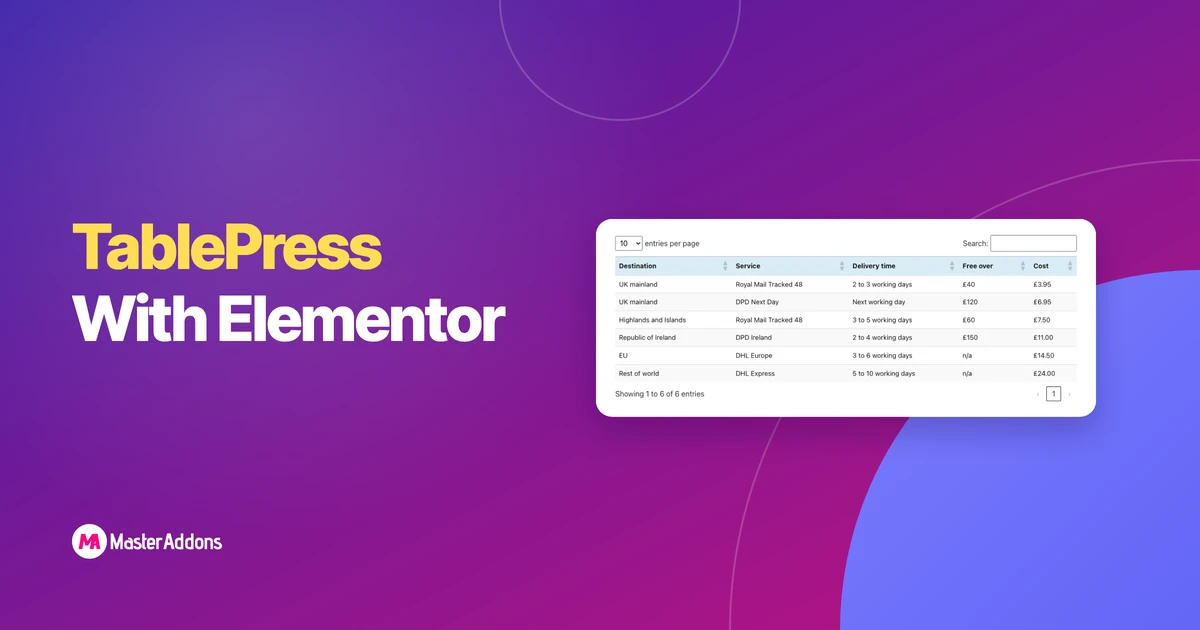
Key TakeawaysTablePress works with Elementor in two ways: a widget
Read More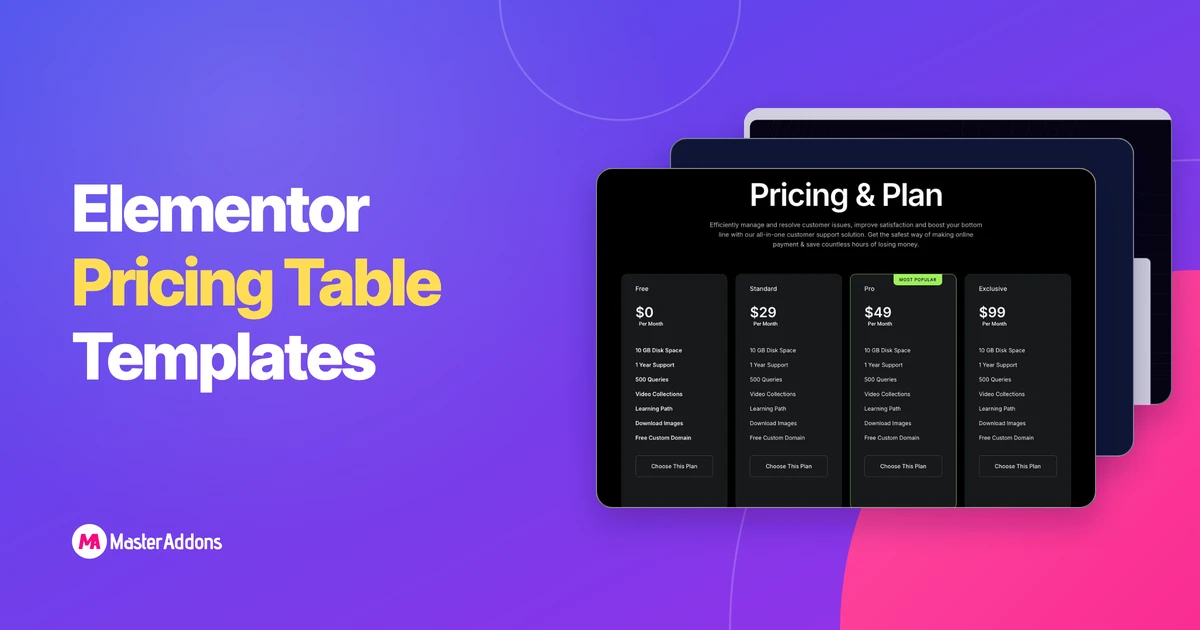
Key TakeawaysThe Master Addons Pricing Table widget ships five Elementor
Read More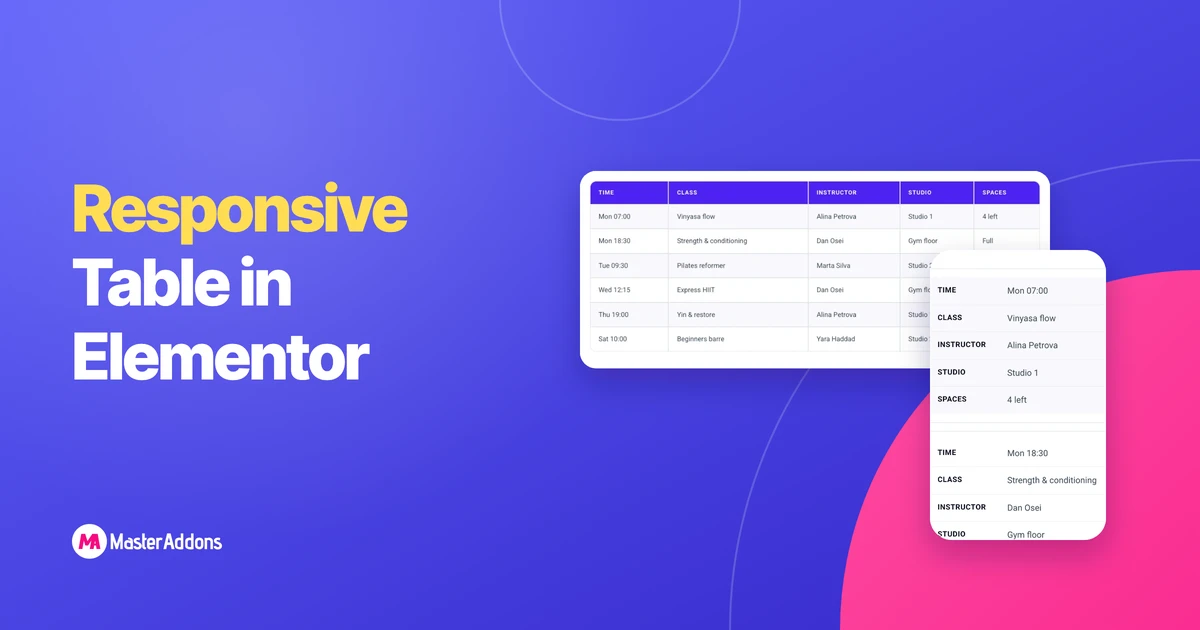
Key TakeawaysAn Elementor responsive table uses one of three patterns
Read More