
Key Takeaways Elementor has no dedicated control to show or hide a section on click, so the three working methods are the Accordion widget, a content
Read More..
Key Takeaways Elementor's Portfolio widget is on the Pro list. It pulls from posts or a custom post type and builds the filter tabs from their
Read More..
Key Takeaways These 10 content toggle examples for Elementor are live demos built with the Master Addons Toggle Content widget, and each one switches between two
Read More..
Key Takeaways Vertical tabs put the titles in a column on the left or right, with the panel beside them. They suit long titles and six
Read More..
Key Takeaways Elementor and Elementor Pro do not include a content switcher widget, so an Elementor content switcher always comes from an addon or from a
Read More..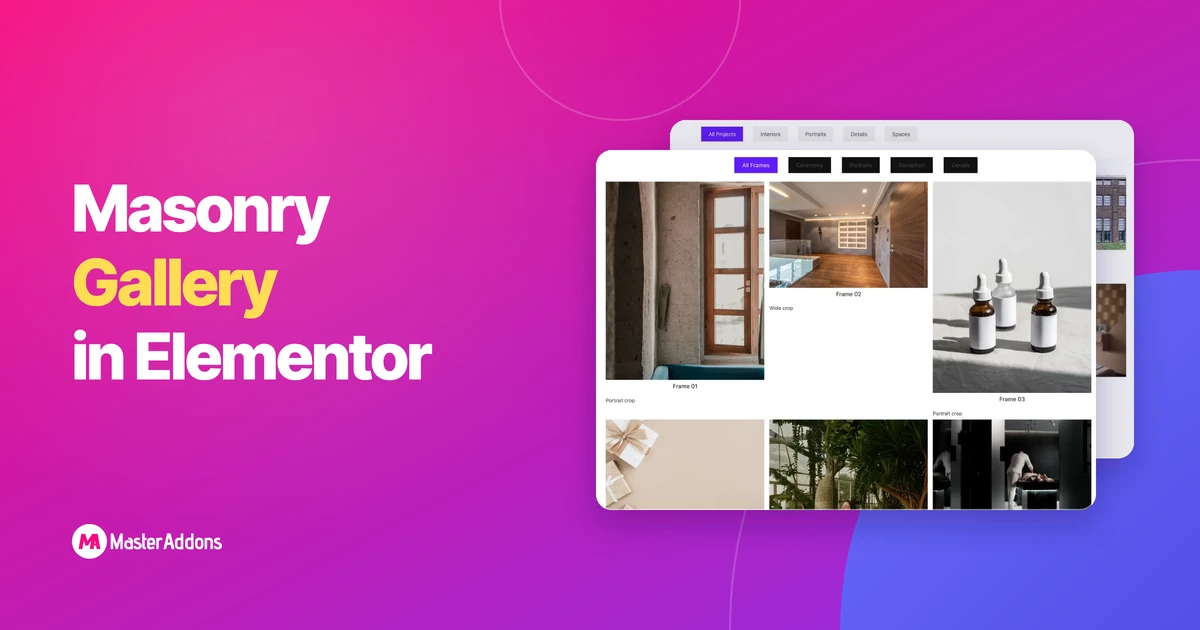
Key Takeaways Masonry means images keep their own proportions instead of being cropped to a uniform card, so a portrait photo stays tall. Elementor's free Image Gallery
Read More..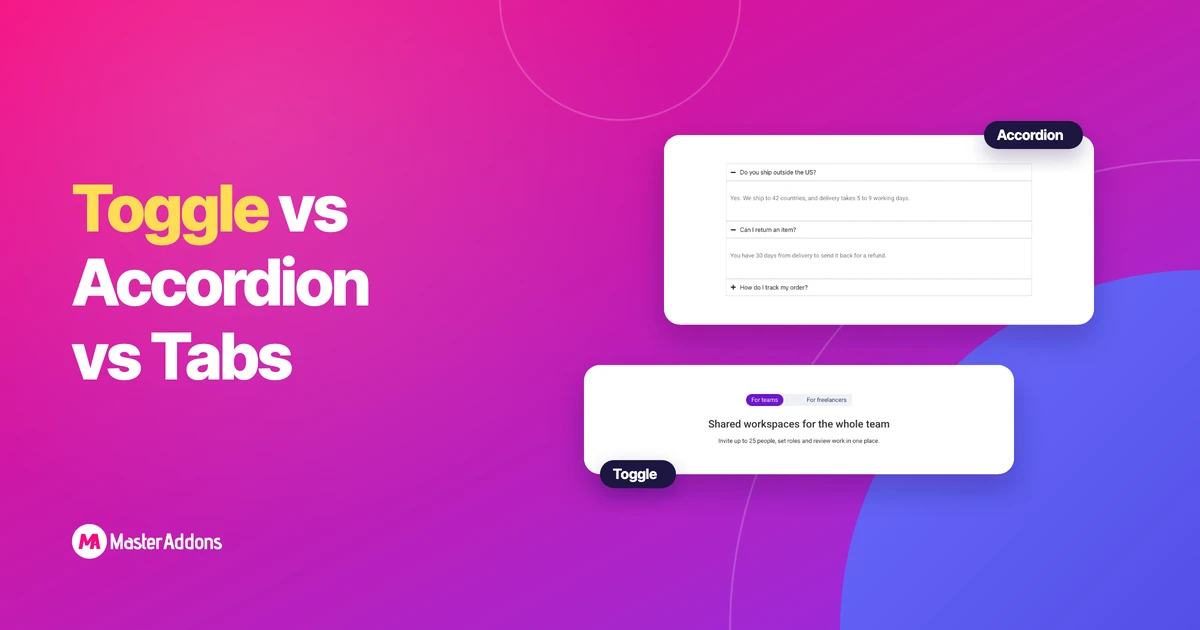
Key Takeaways In the Elementor toggle vs accordion comparison, the only functional difference is how many items stay open: an accordion keeps one item open, and
Read More..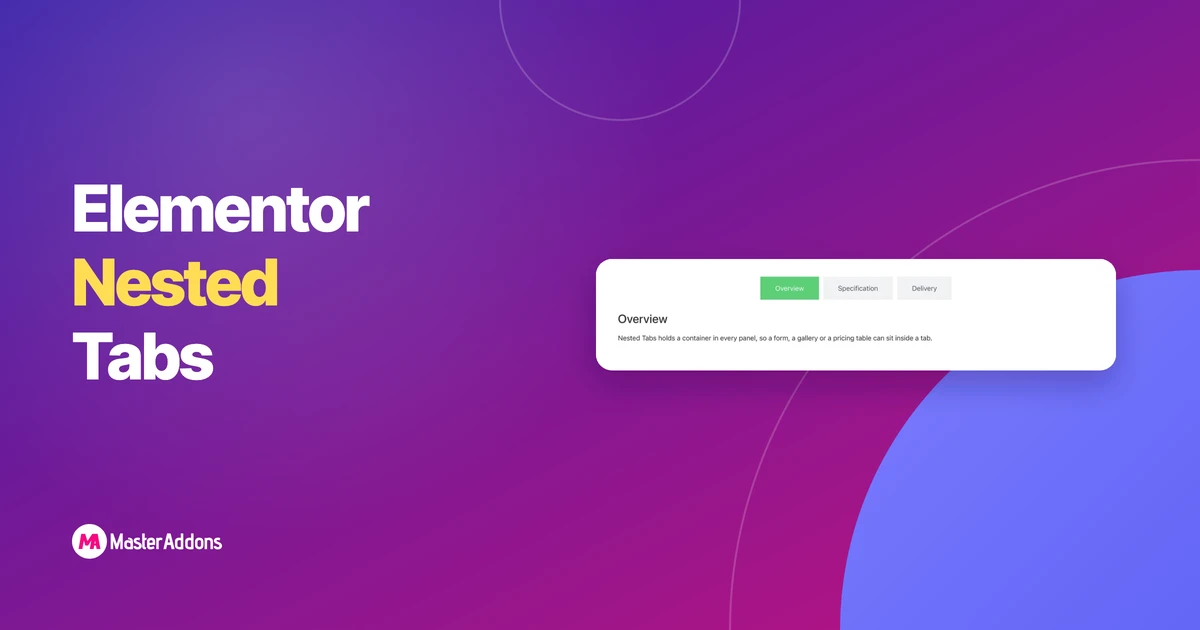
Key Takeaways Nested Tabs replaced the original Tabs widget. The old one has shown a deprecation notice in the panel since Elementor 3.8, and new tabs
Read More..
Key Takeaways An Elementor pricing toggle is built from two parts: two sets of pricing tables, one monthly and one yearly, and a switch widget that
Read More..