

Каждый Элементор аддон имеет карусельный виджет, поэтому их подсчет ничего не говорит вам. важно, есть ли у плагина конкретная карусель, которая вам нужна (логотипы, отзывы, продукты, динамические посты) в ярусе, за который вы готовы платить, не перетаскивая восемьдесят других виджетов на ваш сайт.
В семи ниже каждый оценивался по одним и тем же четырем вещам: сколько типов каруселей он охватывает, что действительно бесплатно, сколько стоит страница по весу и кому она подходит.
Если вы предпочитаете начать со списка виджетов, а не со списка плагинов, Руководство по виджетам каруселей Elementor охватывает каждый тип в одном месте, а четыре планировки, основанные на глубине, имеют собственную разбивку 3D-конструкции каруселей пост.
Короткий ответ
| Плагин | Бесплатные карусели | Лучший для |
|---|---|---|
| Элементор Про | Изображение Карусель только (бесплатно) | Динамические карусели для постов и продуктов через петлевую карусель |
| Мастер Аддоны | Изображение, Логотип, Команда, Карусель Блога, Хронология, до/после + 8 импортных дизайнов | Большинство типов каруселей бесплатны; 20 названных дизайнов каруселей |
| Неограниченные элементы | Большая бесплатная библиотека вкл. coverflow, логотип, отзыв | Сплошное разнообразие стилей каруселей |
| мощный | Ограниченный свободный уровень | Полированный логотип и карусели с отзывами |
| Основные дополнения | Некоторые карусели бесплатно | Сайты, на которых уже работает EA для других виджетов |
| ХэппиАддоны | Базовые карусели бесплатно | Дизайн-ориентированные сборки, надежное управление стилем |
| ЭлементыКит | Логотип клиента бесплатно | Комплект "все в одном", включая конструктор заголовков/подножек |
Как на самом деле выбирать
Пропустите маркетинг подсчета виджетов. Три вопроса решают это.
Что вы скользите? Изображения решены везде. логотипы, отзывы, члены команды и продукты WooCommerce - это места, где плагины различаются, и где свободные уровни различаются больше всего.
Это динамично? Карусель из тщательно подобранных изображений - одна из проблем Карусель, которая тянет последние шесть постов и обновляет себя, - это другая проблема, и гораздо меньше плагинов делают это хорошо.
У вас уже установлен аддон? Если Essential Addons или HappyAddons уже запускают ваш сайт по другим причинам, используйте его карусель. второй плагин-аддон для одного виджета - плохая сделка: вы загрузите целый второй конвейер активов для одной полосы логотипов.
1. Элементор Про: для динамических каруселей
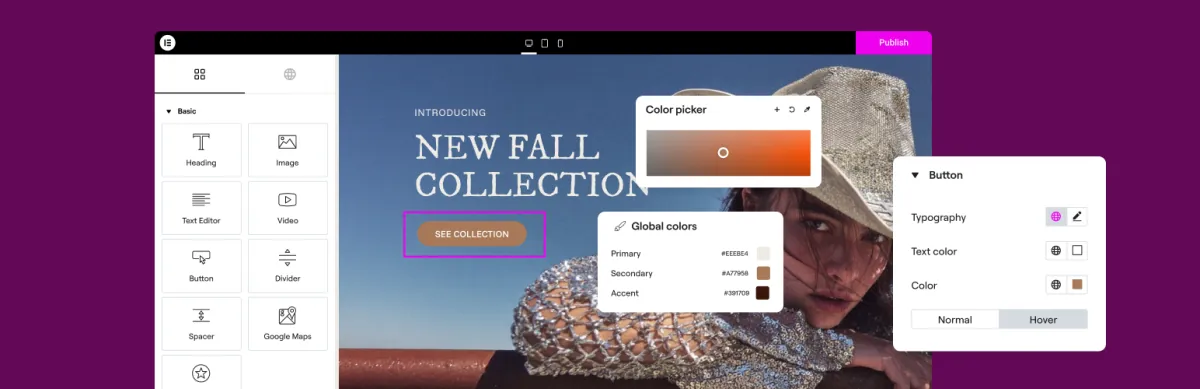
Свободный уровень: Изображение Карусель и базовая галерея.
Про добавляет: Медиа-карусель, Отзывы Карусель, Отзывы Карусель, Петлевая карусель.
Петля Карусель является причиной Elementor Pro принадлежит в этом списке Вы строите один слайд как шаблон и указываете его на запрос (сообщения, продукты, пользовательские типы сообщений) и он заполняет себя Ничто другое в этом списке не соответствует ему для контроля уровня шаблона над динамическим слайдом.
Остальные карусели "Элементора" ничем не примечательны. Media Carousel обрабатывает изображения и видео с обшивкой coverflow; Testimonial Carousel - грамотный ретранслятор. оба работают, и повод для покупки тоже.
Слабый момент: свободный ярус тонкий Одна карусель изображения без подписей и ограниченное отзывчивое управление Если вы на бесплатном Elementor и вам нужна полоска логотипа, один Elementor не сделает этого.
Получите, если: вам нужны динамические карусели с шаблонным управлением или у вас уже есть Pro для конструктора тем. Как работает Петлевая карусель.
2. Основные дополнения: большинство типов каруселей в свободном ярусе
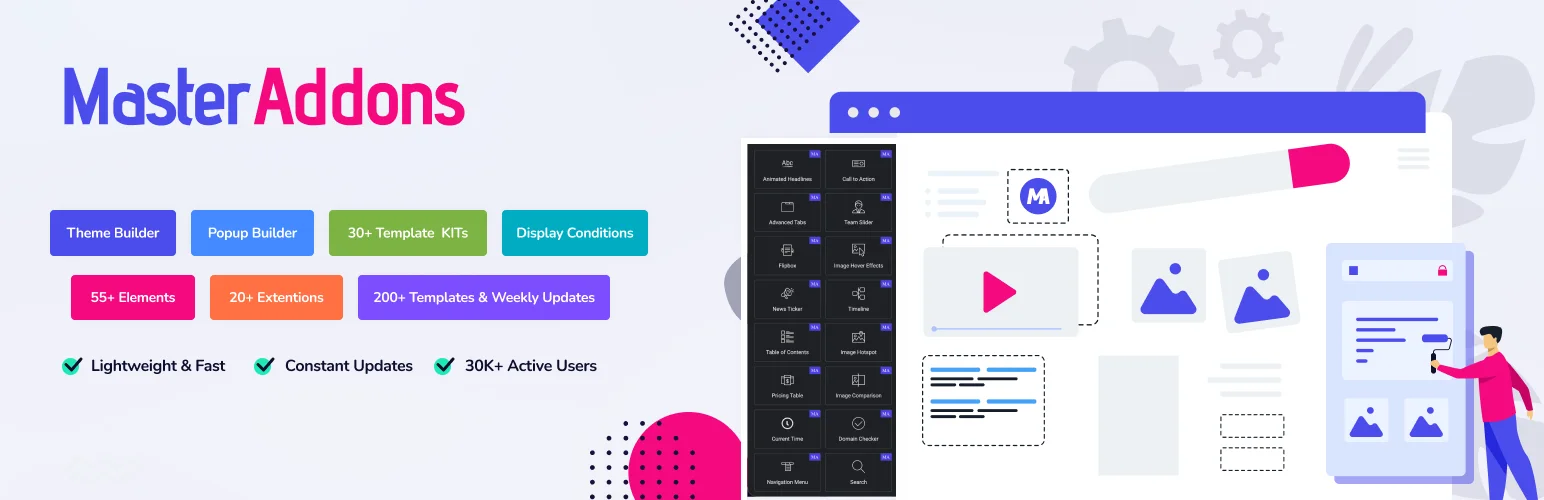
Бесплатно: Карусель изображений (с подписями, лайтбоксом и макетом покрытия), слайдер логотипа, командный слайдер, Блог в режиме карусели, Хронология, Сравнение изображенийи Фон Расширение слайдера, а также 8 из 20 названных конструкций каруселей, которые можно импортировать Виджет Строитель.
Про добавляет: Слайдер галереи с миниатюрами, тикером новостей, рекомендуемым продуктом и другими 12 дизайнами Widget Builder (Цены на Master Addons).
Полное раскрытие информации: это наш плагин, поэтому прочтите следующий абзац, зная об этом.
Режим карусели виджета Blog - это та часть, на которую стоит указать. Карусель, которая запрашивает посты и пополняет себя, - это виджет, за который люди в конечном итоге платят, поэтому Elementor держит его позади Pro, поскольку Loop Carousel и большинство аддонов тоже заделывают свою карусель для почты. Здесь он сидит на бесплатном уровне, рядом с логотипом и каруселями команды, которые также обычно оплачиваются. Что на самом деле включает в себя свободный уровень стоит проверить, прежде чем сравнивать лицензии.
Другое отличие в том двадцать названных дизайнов каруселей построен с Widget Builder, каждый с живой демо Восемь импортировать на бесплатном плагине, включая Plinth Hero Slider, Rostrum Quote Slider, Almanac Timeline Slider и Vitrine Plate Gallery.Остальные двенадцать, Meridian Coverflow и Halo Orbit среди них, нуждаются в Pro. Тот набор нацелен на агентства, которым нужна карусель, которая не похожа на любой другой сайт Elementor.
Слабый момент: названные конструкции не сидят в панели виджетов Вы импортируете каждый из них в виде файла JSON через Master Addons → Widget Builder → Импортируйте виджет до того, как он появится в Elementor. Минута на дизайн, но больше настройки, чем падение в стоковом виджете. бесплатный плагин импортирует восемь из двадцати, не все из них.
Второе слабое место: ни на одном уровне нет виджета карусели продукта WooCommerce. Рекомендуемый продукт размещает на странице один продукт; скользящий ряд продуктов означает карусель с петлей Elementor Pro или заполнение вручную бесплатного дизайна каталога Quadrant Paged. The руководство по карусели продукта проходит через оба.
Получите, если: вам нужны карусели с логотипом, командой и почтой без лицензии, или вам нужны конструкции каруселей, которые никто больше не использует. Все карусельные виджеты и дизайны.
3. Неограниченные элементы: самая широкая карусельная библиотека
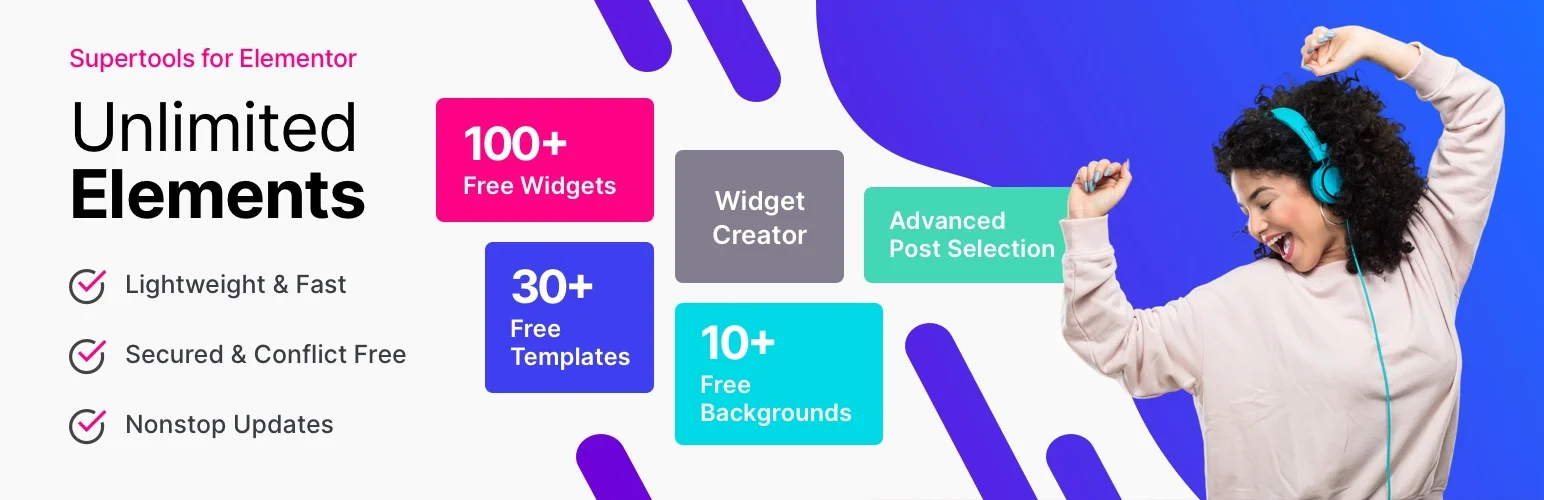
Бесплатно: большая библиотека виджетов, включающая карусель с закрывающим потоком, карусель с логотипом, карусель с отзывами, карусель с контентом и накладную карусель.
Про добавляет: больше виджетов, динамического контента и редактора виджетов.
Если ваше требование “a карусель, которая делает эту необычную вещь, возможно, есть у” Unlimited Elements. Покровный поток, наложение, карусель контента, карусель с петлями: они отправляют варианты, которыми никто больше не занимается, и многое из этого бесплатно.
Эта широта также является причиной того, что они владеют такой большой частью этой SERP. Ищите практически любой тип карусели, и одна из их страниц виджетов находится на первой странице.
Слабый момент: библиотека достаточно велика, чтобы поиск виджетов и управление ими становились отдельной задачей, а виджеты не все используют один язык дизайна, поэтому визуальная согласованность варьируется.
Получите, если: хочется максимального разнообразия каруселей в свободном ярусе и не жалко большой библиотеки.
4. PowerPack: полировать по количеству
Бесплатно: ограниченный набор виджетов.
Про добавляет: Карусель с логотипом, карусель с отзывами, карусель для членов команды, карусель для почты, карусели WooCommerce.
Карусели PowerPack входят в число лучших в этом списке. Карусель с логотипом имеет четыре эффекта зависания и правильные варианты нумерации страниц; Отзывная карусель обрабатывает длинные цитаты, не нарушая раскладку, что звучит банально и не является таковым.
Слабый момент: большинство каруселей - Pro. бесплатному ярусу не достанется полоска с логотипом.
Получите, если: все равно покупаешь лицензию и заботишься о том, чтобы закончить шире.
5. Основные дополнения: действующий президент
Бесплатно: несколько каруселей, включая варианты почты и отзывов.
Про добавляет: расширенные элементы управления запросами и больше макетов.
Самый установленный аддон Elementor, который имеет значение по практической причине: если вы унаследовали клиентский сайт, Essential Addons, вероятно, уже на нем. Использование его карусели не стоит вам ничего лишнего.
Слабый момент: установленная база - это не то же самое, что лучшее в классе. карусельные виджеты компетентны, а не различимы, а размер плагина означает управление активами имеет значение. выключите виджеты, которые вы не используете.
Получите, если: уже установлен Не добавляйте только для каруселей.
6. HappyAddons: для контроля дизайна
Бесплатно: основные карусельные виджеты.
Про добавляет: Отзывная карусель, карусель с логотипом и библиотека эффектов.
HappyAddons создан для людей, которые хотят контролировать каждую визуальную деталь, и вкладки "Стиль" отражают это, с более детальной типографикой, интервалом и контролем зависания, чем большинство других.
Слабый момент: глубина управления - это стоимость, а также выгода. если вы хотите, чтобы полоска логотипа была увеличена за три минуты, это множество вариантов замедляет вас.
Получите, если: ты дизайнер, который хочет контроля, а не предустановок.
7. ElementsKit: универсальный
Бесплатно: Карусель с логотипом клиента и некоторые другие.
Про добавляет: больше каруселей, а также конструктор заголовков/подножек, мегаменю и библиотека макета.
Виджет Логотип клиента быть свободным стоит знать Это одна из немногих бесплатных каруселей логотипа за пределами Master Addons и Unlimited Elements.
Слабый момент: это комплект, а не карусельный плагин. вы устанавливаете конструктор заголовков, мегаменю и библиотеку макетов, чтобы получить полосу логотипа. Если вы хотите все это, это хорошее значение. Если вам нужен только один виджет, это много плагинов.
Получите, если: вам нужен один плагин, охватывающий заголовки, меню и виджеты вместе.
То, о чем никто не упоминает: вес страницы
Каждый плагин здесь загружает CSS и JavaScript. разница в том, загружает ли он ресурсы для не используемых вами виджетов.
Современные аддоны выполняют выборочную загрузку, поэтому активы ставят в очередь только тогда, когда виджет находится на странице. Старшие загружают глобальный пакет независимо. На пятистраничном сайте брошюр никто не замечает. В магазине WooCommerce с медленным хостом глобальный пакет - это реальная стоимость Core Web Vitals.
Две вещи, которые нужно сделать, какой бы плагин вы ни выбрали:
- Выключите виджеты, которыми не пользуетесь. У большинства аддонов в настройках есть менеджер виджетов Отключение сорока виджетов, к которым вы никогда не прикоснетесь, занимает около пяти минут и стоит сделать, прежде чем настраивать что-либо еще.
- Не запускайте два плагина-аддона для каруселей. Две копии Swiper на одной странице вызывают конфликты версий, а день потратишь на баг, который бы предотвратил аудит плагина.
А как насчет Slider Revolution и Smart Slider?
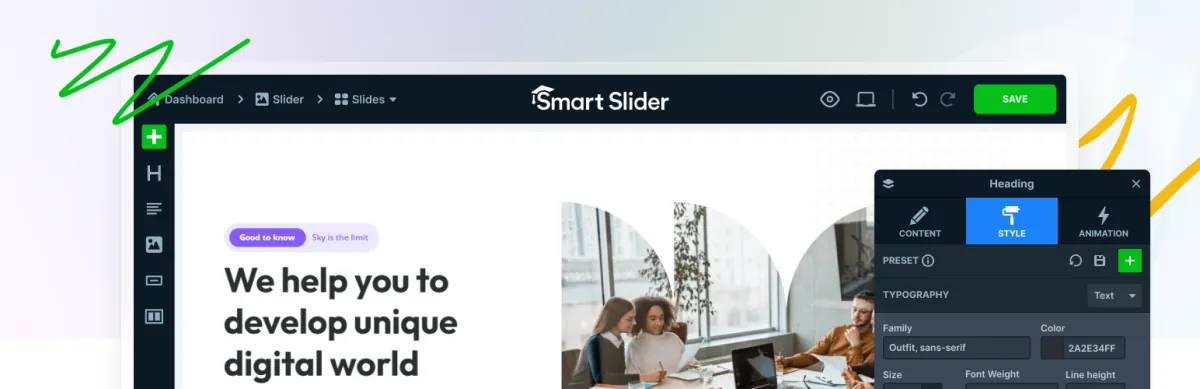
Это другая категория.Slider Revolution и Smart Slider 3 - это автономные строители слайдеров со своими редакторами. вы строите слайдер вне Elementor и размещаете его с виджетом или шорткодом. они мощны для тщательно продуманных анимированных героев и тяжелы с ним; Slider Revolution, в частности, несет в себе известную стоимость веса страницы.
Для карусели (логотипы, продукты, связанные посты, фотополоска) виджет Elementor-native - лучший инструмент. вы остаетесь в одном редакторе, и выход составляет долю веса. Обход плагина слайдера покрывает их должным образом.
Который выбрать
Бесплатный Элементор, нужен логотип или карусель для столба: Мастер-аддоны или неограниченные элементы. оба помещают их в свободный уровень.
Динамические карусели для столбов или продуктов с индивидуальным дизайном слайдов: Петлевая карусель Elementor Pro. Больше ничего не соответствует для управления шаблоном.
Уже установлен аддон: используйте его карусель Не добавляйте второй плагин для одного виджета.
Карусельные конструкции больше ни у кого нет: Мастер-аддоны. восемь из двадцати дизайнов Widget Builder импортируются на бесплатный плагин, остальные двенадцать - на Pro.
Максимальное разнообразие, минимальные затраты: Бесплатный уровень Unlimited Elements.
Часто задаваемые вопросы
Какой бесплатный карусельный плагин Elementor?
Мастер-аддоны и неограниченные элементы имеют самые сильные свободные карусельные ярусы.Мастер-аддоны включают изображение, логотип, команду и пост карусели бесплатно, плюс ползунок до/после и восемь импортируемых названных дизайнов, среди них слайдеры героя, цитаты, временной шкалы и миниатюрной галереи.Unlimited Elements включает в себя coverflow, логотип, отзыв и карусели контента. собственный бесплатный плагин Elementor имеет только базовую карусель изображения.
Есть ли у "Элементора" встроенная карусель?
Да. Image Carousel в бесплатном плагине, плюс Media Carousel, Testimonial Carousel и Loop Carousel в Elementor Pro. Бесплатная не имеет субтитров слайдов и ограниченного адаптивного управления, поэтому большинство сайтов добавляют аддон.
Карусельные плагины замедляют работу WordPress?
Могут, в основном, через глобальную загрузку активов, а не саму карусель.Выберите надстройку с выборочной загрузкой, отключите виджеты, которые не используете в менеджере виджетов плагина, и никогда не запускайте два карусельных надстройки на одном сайте.
Могу ли я использовать более одного плагина-аддона Elementor?
Технически да, и это вызывает проблемы. оба могут загрузить свою собственную копию Swiper, и какая бы загрузка ни была второй, она отменяет первую, разбивая виджеты, созданные против другой версии. Выберите один аддон для каруселей.
Какой плагин Elementor имеет бесплатную карусель продуктов WooCommerce?
Бесплатные - редкость, и стоит проверить, а не предполагать: карусели продуктов - это виджет, за который люди платят, поэтому большинство аддонов ставят их за Pro. Собственный маршрут Elementor - виджет Loop Carousel, которому нужен Elementor Pro. Master Addons не поставляет виджет карусели продуктов ни в одном ярусе: его виджет "Избранный продукт" показывает один продукт, а тщательно отобранный ряд продуктов можно построить с помощью бесплатного дизайна Quadrant Paged Catalogue.
Является ли Slider Revolution лучше виджета карусели Elementor?
Для тщательно продуманных анимированных слайдеров героев, он имеет возможности нет совпадений виджетов Для каруселей (логотипы, продукты, связанные посты) это неправильный инструмент: тяжелее, отдельный редактор, и больше, чем вам нужно Используйте собственный виджет Элементор для каруселей.
Следующий шаг
Установите бесплатный уровень и создайте необходимую карусель, прежде чем сравнивать лицензии. бесплатные версии работают с тем же двигателем Swiper и теми же основными настройками, поэтому то, что вы узнаете, переносится.
