
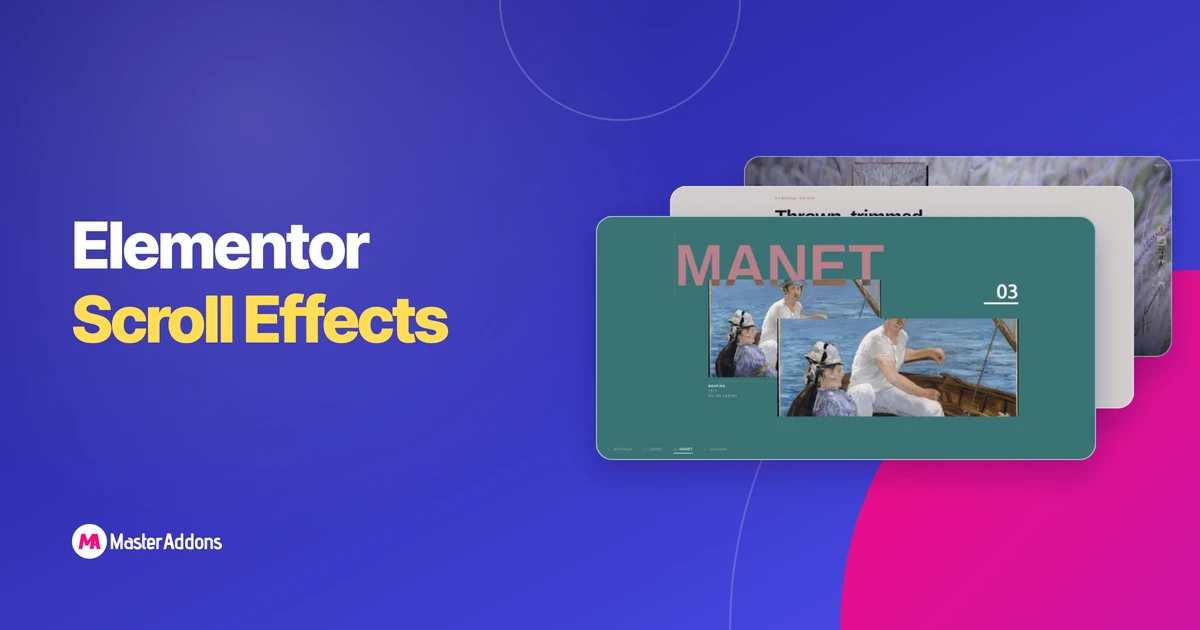
Key TakeawaysElementor scroll effects in the stock editor are six controls under Advanced > Motion Effects > Scrolling Effects (Vertical Scroll, Horizontal Scroll, Transparency, Blur, Rotate and Scale), and each one moves a single element.The Scrolling Effects controls are an Elementor Pro feature, and the free Elementor 4.3.2 plugin does not contain them.The 16 image …
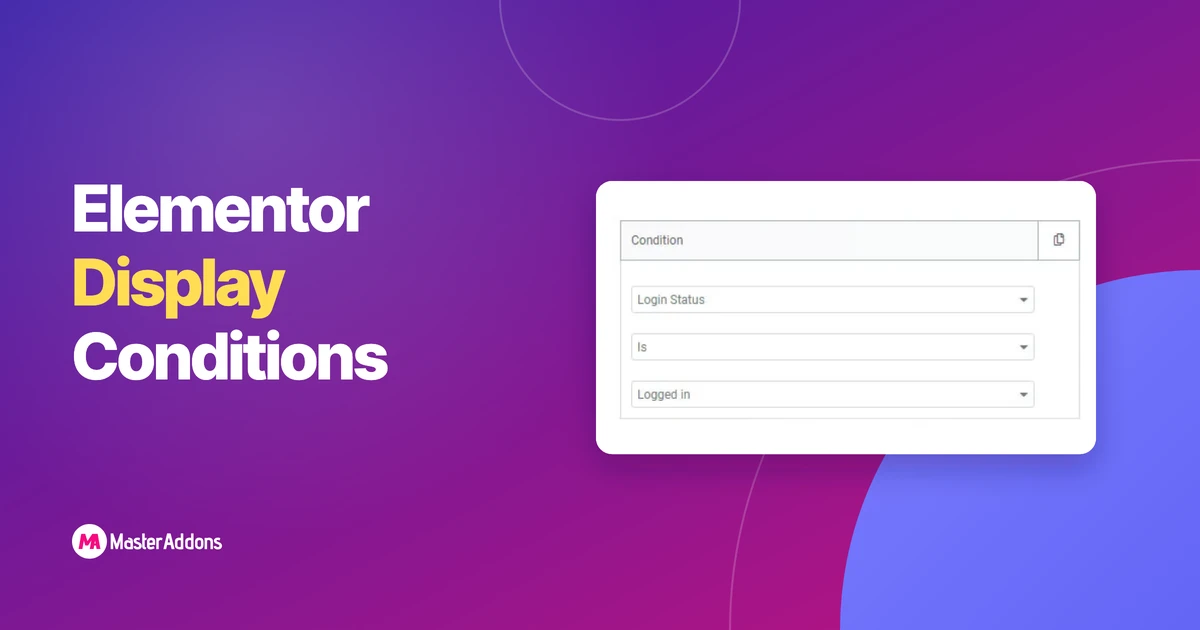
What Are Display Conditions in Elementor?Elementor Free vs Elementor ProThe Real Master Addons Free vs Pro SplitWhat Free Actually CoversWhere the Free Tier StopsOther Master
Read More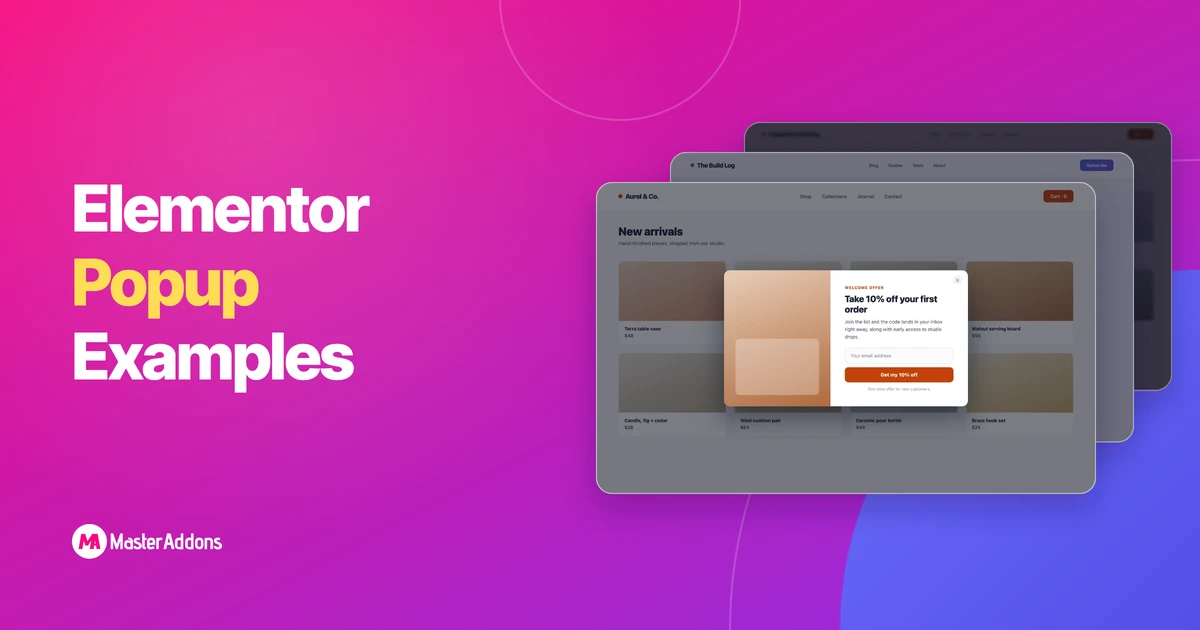
The best Elementor popup examples share three traits: one clear offer, a trigger that matches what the visitor is doing, and targeting that shows the
Read More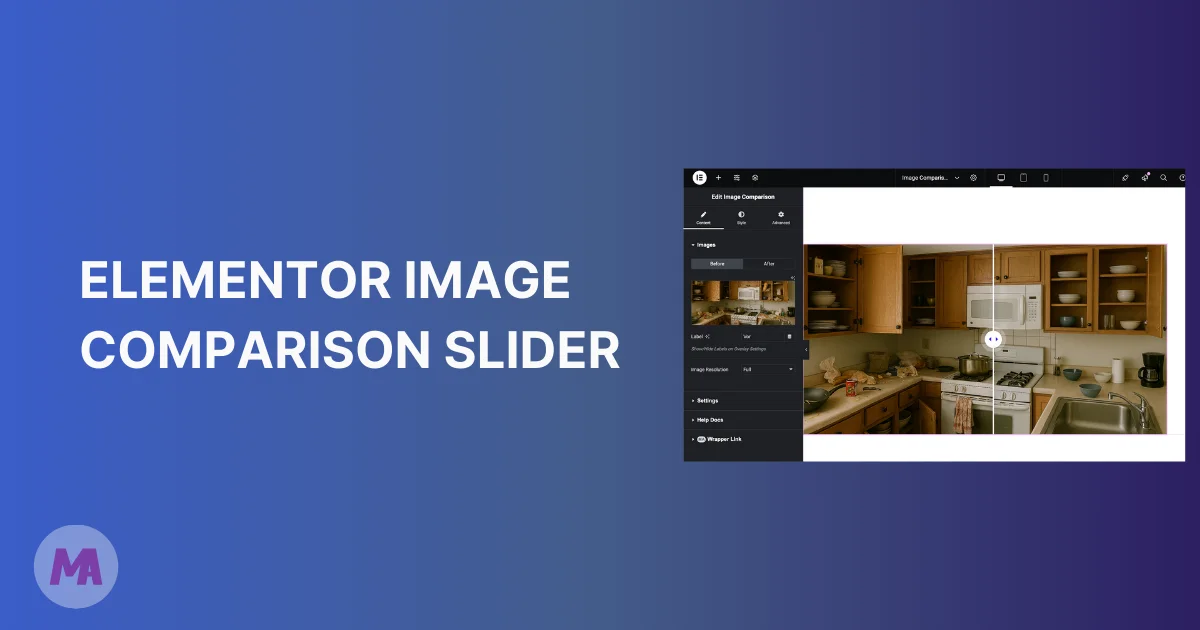
Static side-by-side images don't do your work justice. A photo edit, a home renovation, a product transformation, they all deserve better than two pictures sitting
Read More
Last updated: June 28, 2026 — written by Roy, Master Addons team.If you are running a WordPress site, chances are you have come across different
Read More
We’ve listened to you and made the Header & Footer builder better than before. This update provides you with more control over your site's header
Read More

Key TakeawaysElementor scroll effects in the stock editor are six
Read More