
حلت علامات التبويب المتداخلة الرئيسية محل أداة علامات التبويب الأصلية. لقد أظهر الإصدار القديم إشعارًا بالإهمال في اللوحة منذ Elementor 3.8، وعلامات التبويب الجديدة التي تقوم بسحبها هي الإصدار المتداخل. كل لوحة عبارة عن حاوية، لذا فإن النماذج والمعارض والشبكات الحلقية وجداول التسعير تعمل جميعها داخل علامة التبويب. يقوم عنصر التحكم في نقطة التوقف بتحويل الشريط إلى ...
تأثيرات التمرير لعنصر الوجبات السريعة الرئيسية في محرر المخزون هي ستة عناصر تحكم ضمن Advanced > Motion Effects > Scrolling Effects (التمرير العمودي، التمرير الأفقي، الشفافية، التمويه،
اقرأ المزيد
34 قوالب تذييل Elementor حسب نوع الموقعSaaS وبدء التشغيل قوالب تذييل Elementor قوالب تذييل Footer مع CTA أو النشرة الإخبارية قوالب تذييل الأعمال والخدمات المحلية المتجر والمدونة
اقرأ المزيد
الشاشة الاسمية هي المحتوى الذي يتم تمريره بشكل مستمر في اتجاه واحد ولا يتوقف أبدًا: لا توجد أسهم ولا نقاط ولا حدود شرائح. القديم <السرادق> علامة HTML
اقرأ المزيد
Swiper هي مكتبة JavaScript التي تعمل على تشغيل كل دائري في Elementor: Image Carousel، وMedia Carousel، وTestimonial Carousel، وLoop Carousel، وكل دائري Elementor تابع لجهة خارجية
اقرأ المزيد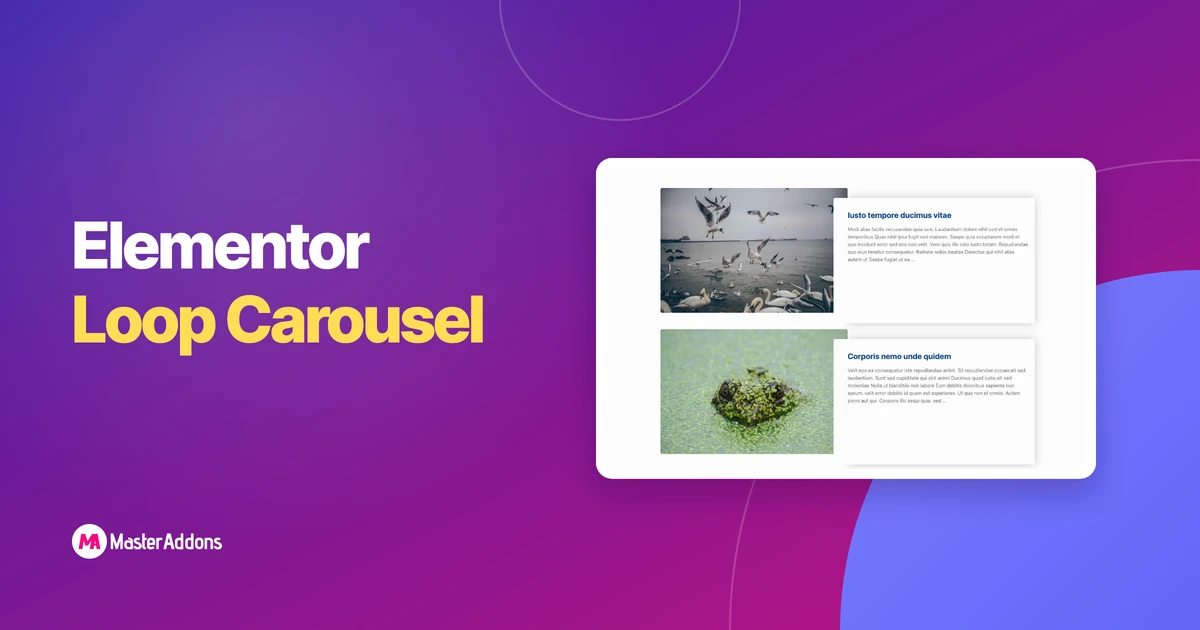
إن Loop Carousel هو دائري ديناميكي لـ Elementor Pro. بدلاً من إضافة شرائح يدويًا، يمكنك إنشاء شريحة واحدة كقالب وتوجيه عنصر واجهة المستخدم
اقرأ المزيد
أنت تقوم ببناء موقع جديد. المجال مدبب،
اقرأ المزيد
يقدم Master Addons 1.4.7 تحديثًا مستقرًا هائلاً لنا
اقرأ المزيد


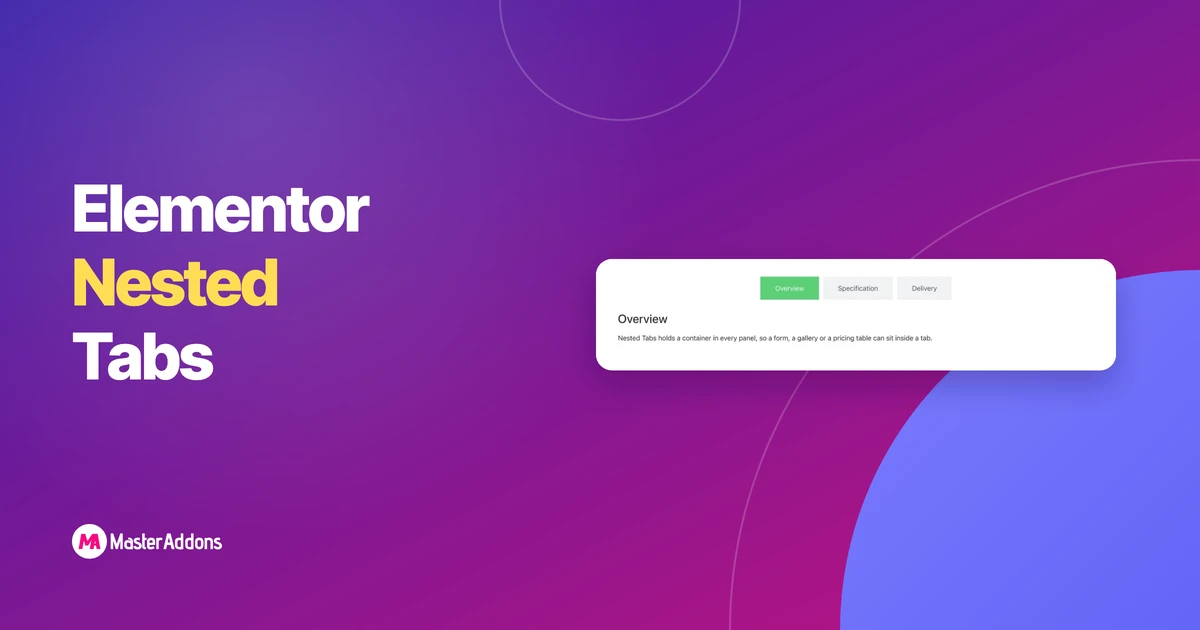
حلت علامات التبويب المتداخلة لـ Key Takeaways محل أداة علامات التبويب الأصلية. القديم
اقرأ المزيد
ابحث عن أفضل المكونات الإضافية لوضع صيانة WordPress للبناء
اقرأ المزيد
يمكن أن يكون ترحيل موقع الويب الخاص بك يدويًا أمرًا طويلًا جدًا
اقرأ المزيد
الوجبات السريعة الرئيسية جدول المحتويات السهل هو الجدول الأكثر تثبيتًا
اقرأ المزيد
في معظم صفحات WordPress، تكون الصور هي أثقل شيء
اقرأ المزيد
في الوقت الحاضر، المزيد والمزيد من صفحات الويب توفر للمشاهدين هذا الخيار
اقرأ المزيد
لا يزال البريد الإلكتروني هو القناة الوحيدة التي تمتلكها بالفعل. اجتماعي
اقرأ المزيد
توقف الوضع المظلم عن كونه جديدًا منذ فترة. القراء
اقرأ المزيد
بعد آخر تحديث لـ Elementor، يتم استخدام معظم سمات Elementor
اقرأ المزيد