
Principaux points à retenir Les six exemples sont des pages de démonstration en direct construites avec le même widget, de sorte que vous pouvez ouvrir chacune d'elles et cliquer vous-même sur les onglets Chacun utilise quatre catégories plus un onglet Tous, qui maintient la barre sur une seule ligne sur un ordinateur portable L'onglet Tous est renommé dans chaque conception : « Toutes les annonces », « Menu complet », « Tous les »...
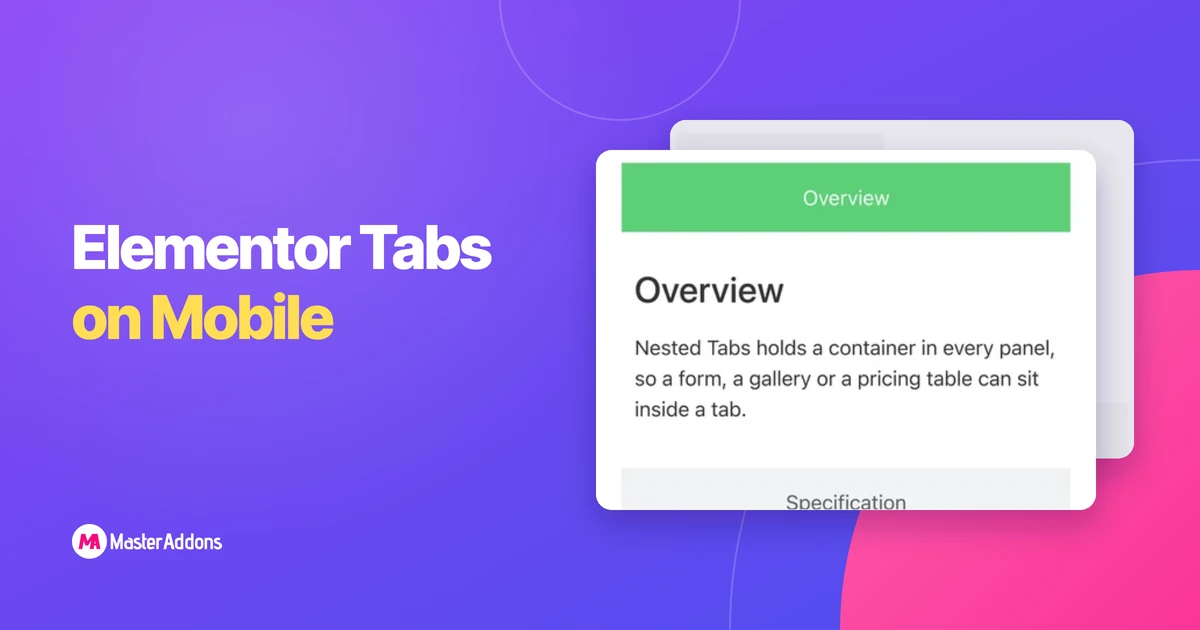
Principaux points à retenir Quatre titres à onglets qui correspondent à une colonne de bureau de 1 200 px ont environ 390 px sur un téléphone, donc ils enveloppent, écrasent ou débordent Le widget Elementor's Tabs a
Lire la suite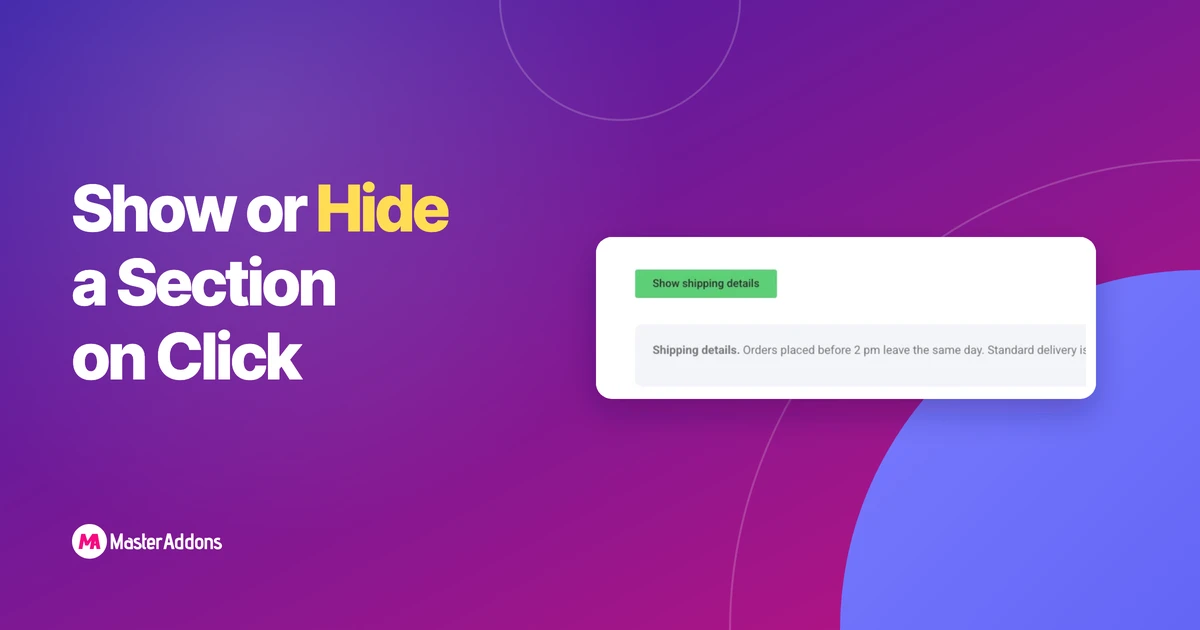
Key Takeaways Elementor n'a aucun contrôle dédié pour afficher ou masquer une section en cliquant, donc les trois méthodes de travail sont le widget Accordéon, un contenu
Lire la suite
Key Takeaways Le widget Portfolio d'Elementor est sur la liste Pro. Il tire des publications ou un type de publication personnalisé et construit les onglets de filtre à partir de leur
Lire la suite
Principaux points à retenir Ces 10 exemples de bascule de contenu pour Elementor sont des démos en direct construites avec le widget Master Addons Toggle Content, et chacune bascule entre deux
Lire la suite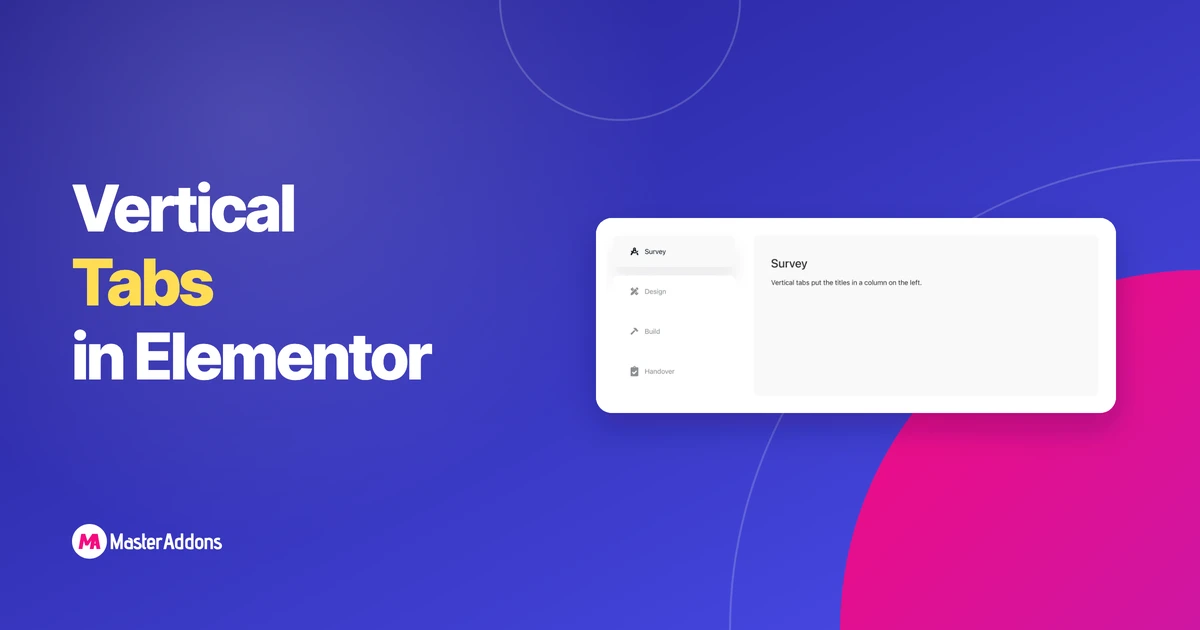
Key Takeaways Les onglets verticaux placent les titres dans une colonne à gauche ou à droite, avec le panneau à côté d'eux. Ils conviennent aux titres longs et six
Lire la suite
Création d'une animation d'image d'arrière-plan en mouvement à l'aide de la page Free Elementor
Lire la suite
WordPress enregistre automatiquement les feux toutes les 60 secondes Chaque fois qu'il s'exécute,
Lire la suite



Principaux points à retenir Les six exemples sont des pages de démonstration en direct créées avec
Lire la suite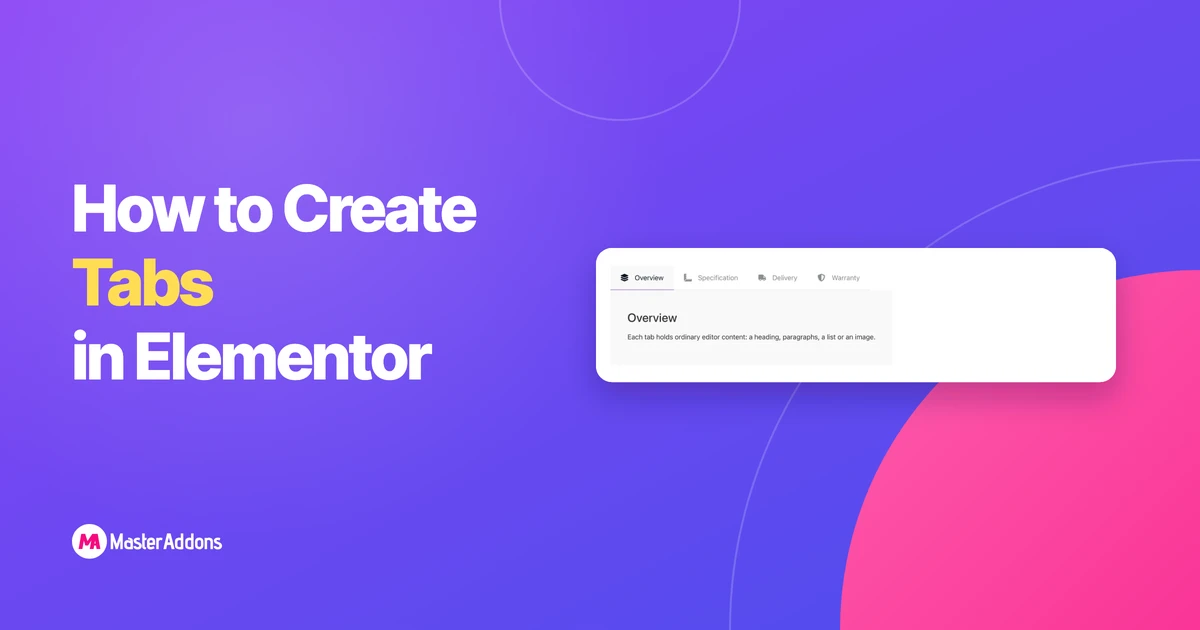
Key Takeaways Elementor a deux widgets d'onglets L'original a
Lire la suite
Key Takeaways Elementor n'a pas de widget de feuille de route, donc une feuille de route Elementor
Lire la suite
Le widget gratuit Image Gallery de Key Takeaways Elementor n'a pas de barre de filtre.
Lire la suite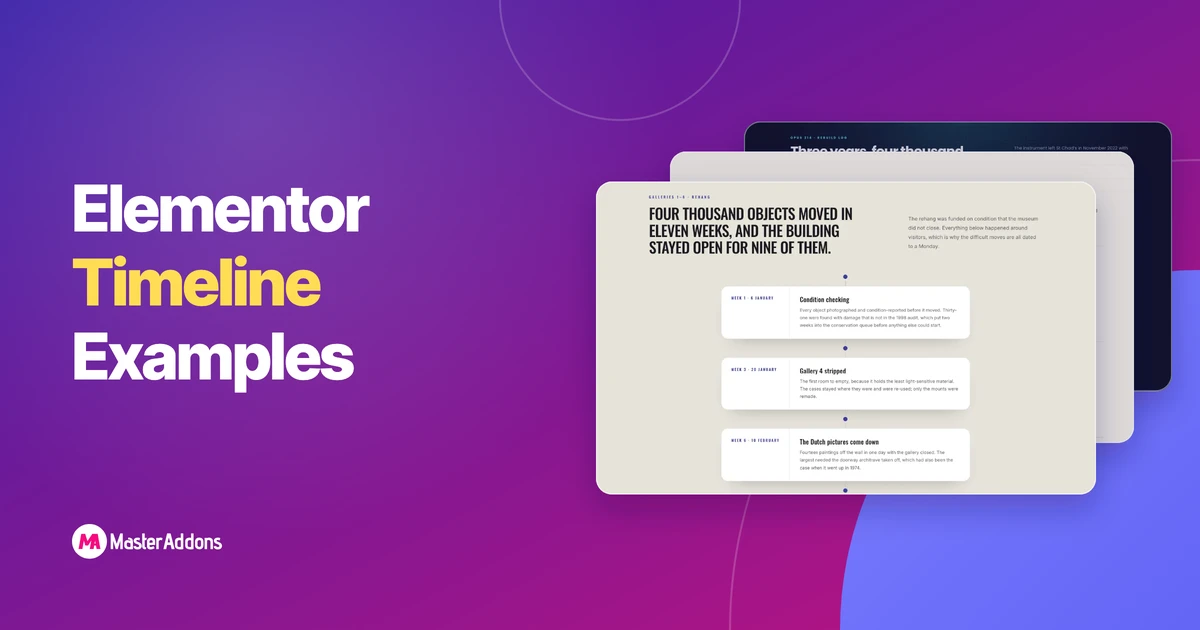
Principaux points à retenir Ces huit exemples de chronologie Elementor sont tous construits avec
Lire la suite
Principaux points à retenir Un calendrier de publication d'élémentor place les articles de blog publiés le long du blog
Lire la suite
Key Takeaways Elementor et Elementor Pro n'ont pas de widget de chronologie, donc
Lire la suite

Key Takeaways Elementor et Elementor Pro n'incluent pas de chronologie
Lire la suite