
Conclusiones clave Elementor y Elementor Pro no incluyen un widget de línea de tiempo, por lo que cada complemento de línea de tiempo de Elementor en esta comparación es un complemento de terceros. Timeline Widget para Elementor de Cool Plugins es el único complemento de propósito único de los ocho, con más de 70 000 instalaciones activas en WordPress.org y diseños verticales y horizontales en su versión gratuita. La línea de tiempo de complementos maestros ...
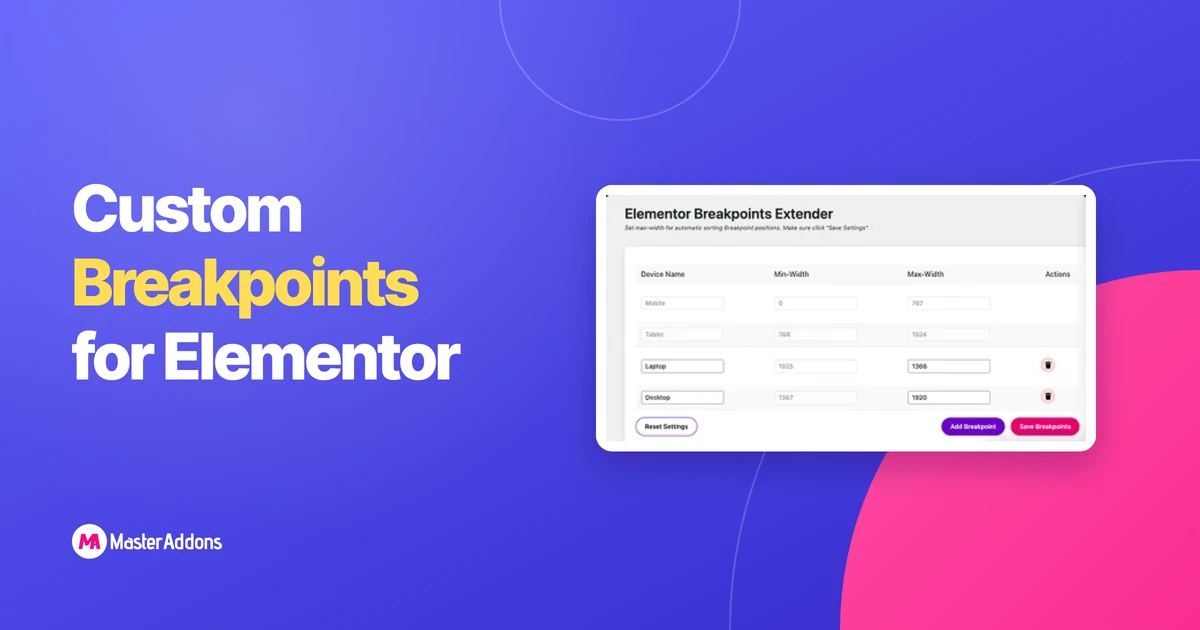
Qué puntos de interrupción Elementor gratis realmente te brindaCómo activar los puntos de interrupción adicionales de Elementor (gratis, sin complemento)Cómo agregar puntos de interrupción personalizados más allá de SevenFree vs Pro de Elementor: cómo
Leer más
Key Takeaways Essential Addons se ejecuta en más de 1 millón de instalaciones activas con un promedio de 4,9 estrellas, y la gente busca una alternativa de Essential Addons por tres razones: características
Leer más
Leer más: ¡Actualizaciones maestras de complementos v2-1-0! Gran actualización, grandes correcciones
Esta actualización se debía desde hacía mucho tiempo. Muchos de ustedes informaron problemas (botones no tienen estilo, íconos se portan mal, controles que parecían correctos en el editor pero se rompieron)
Leer más
Diseñar los diseños de sus propias páginas en WordPress puede ser un desafío para la mayoría. La mayoría de los temas le brindan algunas opciones de diseño.
Leer más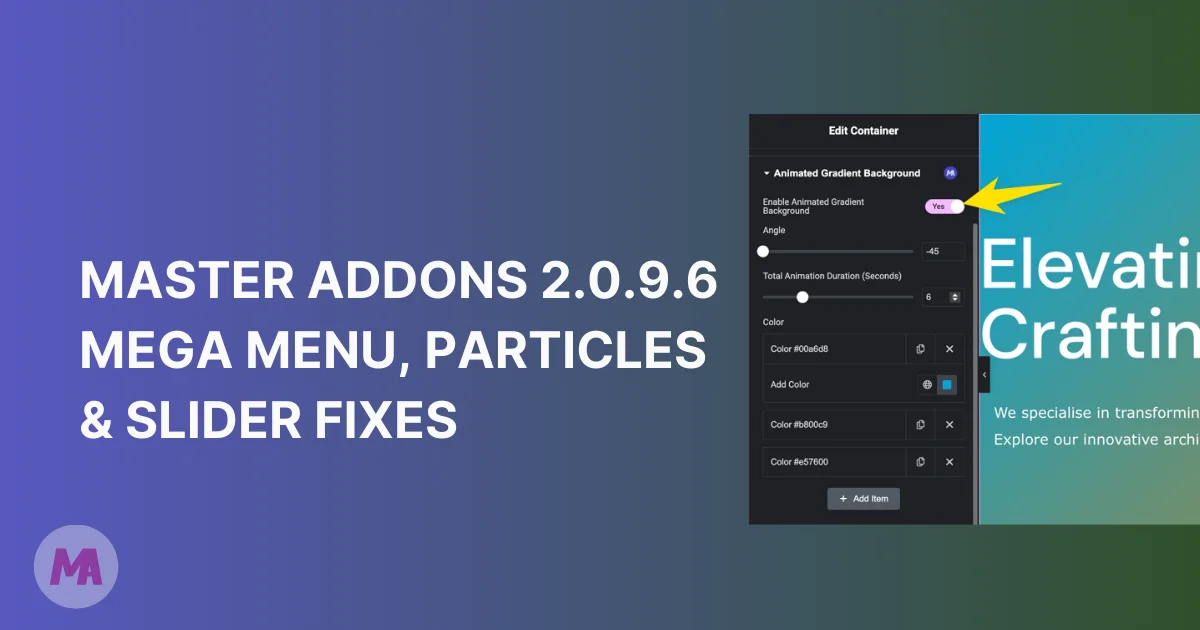
Nosotros, el equipo de Master Addons, siempre nos esforzamos por hacer que el complemento sea estable y útil para usted. Nos gustaría agradecerle por crear soporte
Leer más



Conclusiones clave Elementor y Elementor Pro no incluyen una línea de tiempo
Leer más